

Turn recordings into transcripts and summaries in minutes
Upload audio or video for multilingual transcription, AI notes, and action items
5 Best Audio-to-Text Software in 2026: Which One Turns Meetings into Searchable, Trackable Data?
Most people compare audio-to-text software by looking at price first, then monthly minutes. But after actually using a few, you'll find that the real deciding factors are three key points: whether the transcript can be organized afterward, whether meetings can be recorded without adding a bot, and whether the meeting data ends up scattered across personal devices or accumulates in a team space. This article skips vague definitions and starts directly from these three points, using Tinrec as a concrete example to show what an audio-to-text tool can actually do for you.
What Can Audio-to-Text Software Do for You?
Scenario 1: Get meeting notes 5 minutes after the meeting ends
Previously, after a two-hour meeting, you'd spend another hour re-listening to the recording and organizing notes. With Tinrec, the transcript is generated in real time during the meeting, and after the meeting, it automatically generates a summary, chapters, and action items—who's responsible for what and when it's due, all clearly listed. Meeting notes are no longer overtime work.
Scenario 2: Turn long interviews and class recordings into searchable data
Research interviews or class recordings often last one or two hours, and re-listening is extremely costly. Upload audio or video files to Tinrec, and after transcription, you can not only search for keywords but also ask questions directly about the content, such as "What were the interviewee's concerns about pricing?" saving time from repeatedly dragging the timeline.
Scenario 3: Keep up with cross-language meetings
In international team meetings, Tinrec supports real-time translation during recording. You can choose to view the original text, translation, or bilingual side-by-side, and review details afterward without struggling to memorize everything during the meeting.
Scenario 4: Make every meeting a shared team asset
If you've had ten meetings on the same project, the data shouldn't be scattered across ten people's devices. Tinrec's team space centralizes recordings, transcripts, summaries, and action items. New members can directly review past meetings instead of piecing together context from others' chat logs.
What Are the Core Capabilities of Audio-to-Text Software?
1. Real-time audio-to-text
Text appears as you record, not after recording finishes. With Tinrec, in-person meetings, interviews, or live notes can be transcribed in real time, so you can confirm on the spot whether any key points were missed.
2. Bot-free online meeting recording
The traditional approach is to add a meeting bot as a participant. Tinrec's desktop version instead captures the computer's system audio directly. When handling online meetings on Zoom, Google Meet, Microsoft Teams, Webex, etc., no extra bot account appears in the participant list. Note that this is user-initiated recording, not automatic joining of all calendar meetings.
3. Audio and video file transcription
Already-recorded meetings, interviews, and historical recordings can be uploaded and transcribed. It also supports importing some public video content via web links as a supplementary source. After transcription, the data stays in the same workspace for easy searching and organizing.
4. AI summary, chapters, and action item extraction
The transcript is just the raw material. Tinrec further breaks long meetings into chapters, organizes meeting topics and discussion points, and extracts action items from the conversation, so "what to do after the meeting" is clear at a glance.
5. AI Q&A and translation
After transcription, you can ask questions directly about the meeting content, such as "Who mentioned the budget in this meeting?" or "What were the client's main objections?" The system answers based on semantics. When cross-language is needed, you can view in original, translated, or bilingual format.
6. Export and post-meeting processing
Tinrec supports export in multiple formats and can bring results to Notion, Google Docs, OneNote, Dropbox, etc. for further use. Additionally, through Agent post-processing, meeting content can be turned into reports, tables, or documents, ready to be delivered as final output.
7. Team space and governance capabilities
The team version expands the tool from personal recording to a collaborative space, including creating multiple teams, inviting members via links, setting owners, admins, and regular members, assigning and reclaiming seats, centralized storage of meeting data, and viewing usage analytics, operation audits, and audio recycle bin.
Real-World Use Cases
Weekly and project meetings: Weekly project meetings are the easiest place to miss action items. Use Tinrec to transcribe while meeting, then directly view the summary and action item list afterward. Owners and deadlines are all in the same record. Before the next meeting, review the previous action items, and progress tracking doesn't rely on memory.
Stop organizing recordings by hand
Upload audio or video and automatically get a transcript, summary, and action items
Customer and requirements interviews: Customer requirements are often scattered throughout the conversation. Tinrec first produces a transcript, then uses AI Q&A to extract requirements, concerns, and commitments, so you don't need to re-listen to the entire recording when preparing a proposal afterward.
Classes and lectures: A two-hour class makes it hard to both listen and take notes. Use Tinrec to record and transcribe, then review after class by searching keywords or asking questions directly. The key points are more complete than handwritten notes.
Content creation and self-media: After recording interview-style shows or videos, the transcript can be rewritten into articles, social media posts, or subtitle materials. Tinrec exports the transcript directly into your existing workflow, making content reuse much more efficient.
5 Things to Consider When Buying Audio-to-Text Software
1. Organization capabilities after transcription
Anyone can provide a transcript; the difference is whether it's directly usable after transcription. Tinrec's approach is to connect summary, chapters, action items, and AI Q&A after transcription, giving you readable, queryable meeting data in one go, not just a long document you have to reread yourself.
2. How meetings should be recorded
If your meetings are online, first confirm whether the tool requires a bot to join. Tinrec's desktop version handles it by capturing system audio, so no bot appears in the participant list. If you care about participant perception or meeting room capacity limits, this difference is significant.
3. Language support and actual context
Chinese meetings, mixed Chinese-English discussions, and all-English business meetings have different needs. Tinrec covers Chinese, Traditional Chinese, and multilingual scenarios, and provides team hotword management to improve recognition of technical terms. However, note that any tool's accuracy is affected by recording quality, noise, accents, multiple simultaneous speakers, and technical terms. It's not recommended to treat official claimed numbers as guarantees.
4. Data ownership and team governance
Data in a personal account versus a team space are completely different things. Tinrec's team version distinguishes roles and seats: roles determine who can manage the team and settings, seats determine whether members can record, upload, edit, and export. Members without seats can still view, play, and read team data but cannot perform resource usage operations. Team data belongs to the team, and when members leave, handover is required. Also, currently it's team-level shared visibility, not file-level granular permissions.
5. Understand quotas and pricing clearly
Free quotas are usually only enough to experience the workflow. Tinrec's team version is priced per paid seat, with each seat providing 2,000 minutes of team shared import quota per month. Under an active team plan and active seat, real-time recording currently does not deduct minutes; file and web link imports consume the team shared quota. For prices and promotions, please refer to the official purchase page.
Frequently Asked Questions
Q1: Can audio-to-text software achieve 100% accuracy?
It's not recommended to expect that. Performance is best with clear recordings and single speakers, but noise, accents, and overlapping speakers all affect results. Tinrec's positioning is to greatly reduce manual transcription and organization costs. For important content, it's still recommended to verify with transcript timestamps and recording playback.
Q2: Do I need a bot to join my online meeting?
Not necessarily. Tinrec's desktop version directly captures computer system audio, so no extra bot joins the meeting. Recording is user-initiated, not automatic joining of all calendar meetings.
Q3: Is the free version enough?
It depends on usage frequency. For occasional transcription of a recording, you can use Tinrec's free version to experience the full workflow. For intensive meetings or interviews in a short period, consider a weekly pass. For steady weekly needs, the Pro monthly plan is more suitable. For long-term accumulation of recording data, the annual plan has a lower monthly cost.
Q4: What's the difference between the team version and personal version?
Personal version data is managed by a personal account. The team version is an independent team space where meeting data belongs to the team, and adds capabilities such as member invitations, role and seat management, shared benefits, usage analytics, operation audits, and audio recycle bin.
Q5: Can team members without a seat still see meeting data?
They can view, play, and read, but cannot upload, edit, import/export, or use team resources. These operations require a seat.
Q6: What should I pay attention to before recording?
Most regions have regulations regarding recording and transcription. Before recording, it's recommended to obtain consent from participants and handle meeting data in accordance with company or local regulations.
Conclusion
The real value of audio-to-text software is not turning sound into text, but making meeting content searchable, queryable, and actionable. If you have meetings every week and have to organize notes yourself, first confirm three things: whether it can directly give you summaries and action items after the meeting, whether it can record online meetings without adding a bot, and whether the data has a place to accumulate. Using Tinrec as an example, all three can be done in the same workflow. Individuals can start with the free version to experience the difference between transcription and organization. Teams that need to share meeting data can start with a team trial to confirm whether seat and quota configurations match actual usage patterns.
References
- Online AI voice, video, audio file auto-transcription - Free trial - cSubtitle
- SoundType AI Ultra-precise transcript, speech-to-text, AI dictation - Google Play App
- Audio to Text - Voice to Text Assistant - Free download and install on Windows | Microsoft Store
- Real-time voice-to-text APP recommendations 1. iPhone/iPad "Notes" APP - Supports real-time text conversion - Cost: Free - Supports Chinese, English
- No time limit! 3 free AI transcript tools, highly recommended! AI voice notes generate meeting minutes, presentations, mind maps | 104 Career Power
Turn every recording into actionable outcomes
Get 60 free transcription minutes when you sign in. No credit card required.
Related Reading
You might also like

2026 Video-to-Text Tools Comparison: Tinrec vs Notta for Chinese Meetings
We tested Tinrec and Notta for video-to-text transcription, Chinese meeting notes, and post-meeting organization. Learn how Tinrec's bot-free recording, AI Q&A, and team collaboration features can help you find the best transcription tool for Chinese teams.
How to Download YouTube Videos Without Watermark in 2026: 5-Step Guide
2026 updated guide on downloading YouTube videos without watermarks. This article addresses common misconceptions, outlines a 5-step process, tool selection, resolution and format options, and copyright considerations. It also explains how to use Tinrec to transcribe, summarize, and extract action items after downloading.

2026 Comparison of 4 Online Audio-to-Text Tools: Which Is Best for Chinese Meetings and Team Knowledge Retention?
A hands-on comparison of 4 online audio-to-text tools, covering Chinese recognition, post-meeting organization, data retention, and free quotas. It explains Tinrec's advantages for Chinese meetings and team collaboration, compares it with Notta, TurboScribe, and Granola, and includes buying advice to avoid pitfalls.

2026 Recording Summary AI Free Plans: 4 Top Tools Compared
Recording summary AI is not the same as a transcription tool. This guide reviews the free plans and limitations of 4 popular recording summary AI tools in 2026, comparing post-transcription summaries, action items, AI Q&A, team collaboration, and pricing. It also includes selection criteria and common pitfalls to help you decide which tool best fits your meeting needs.

Best Text-to-Speech Tools in 2026: 5 Tested, This Free One Wins
We compare five online text-to-speech tools—Luvvoice, TTSMaker, Ondoku, PiliApp, and MyEdit—across free limits, languages and voices, pacing controls, download options, and ease of use. Find the best fit for your needs, plus how to handle the reverse: turning recordings into text.
2026 Video Summarization Software Free Plans: 4 Options Compared
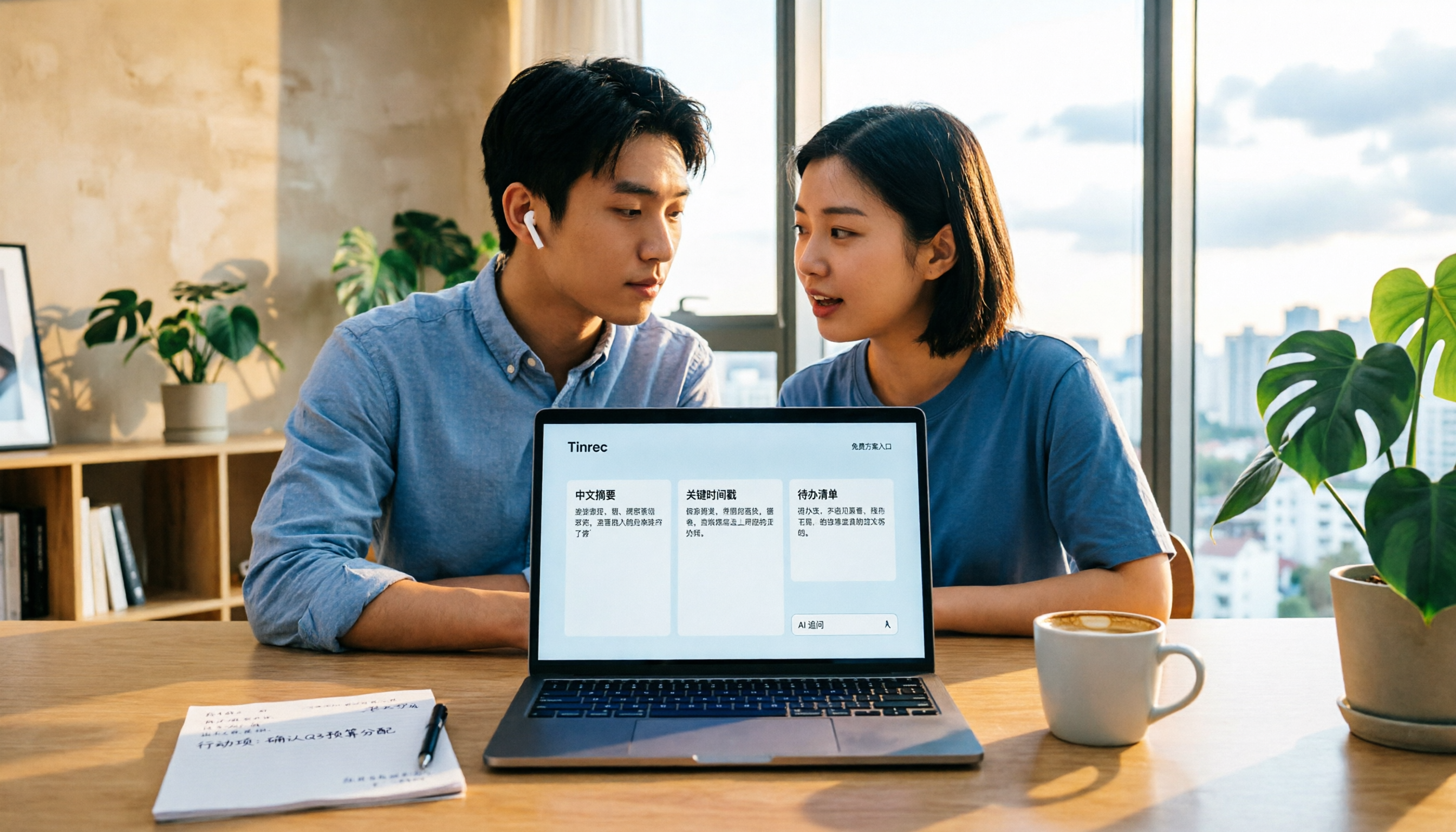
Videos too long to finish? Meeting recordings gathering dust? This article reviews the free plans of 4 video summarization software in 2026, comparing free quotas, Chinese recognition, summarization and AI follow-up questions, and team collaboration. It also includes 5 key buying factors and 4 common pitfalls to help you find the one that truly works for you.
2026 Video Download Link Extraction Tools Compared: Why You Usually Can't Grab the Video (It's the Wrong Link)
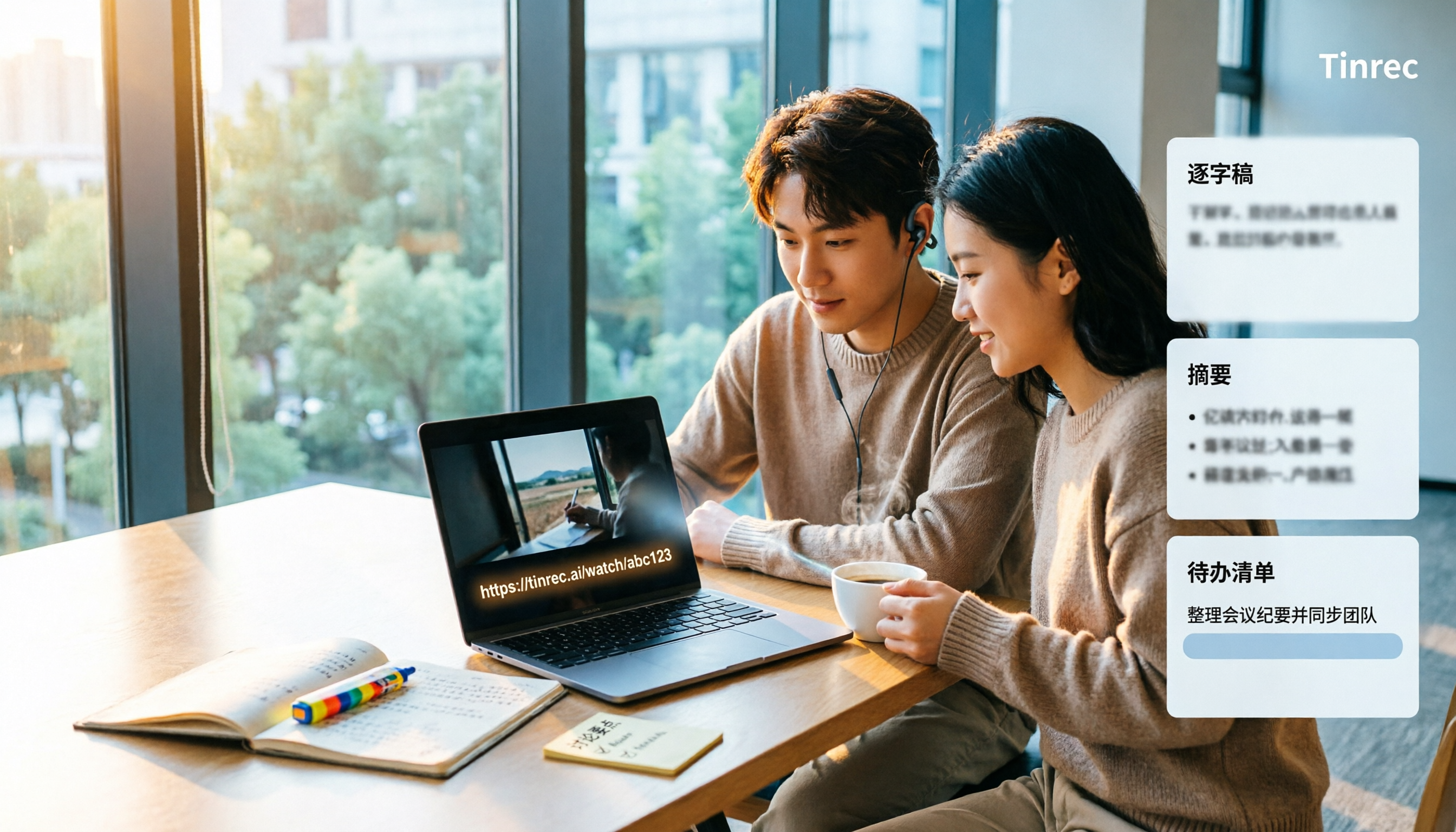
The biggest obstacle to extracting a video download link isn't the tool—it's which part of the URL you copied. This student-tested breakdown compares 4 tools and common pitfalls, and explains why turning a public video link into a transcript, summary, and action items often saves more time than saving an MP4.
2026 Video Summarization Software Free Plans: 5 Options Compared
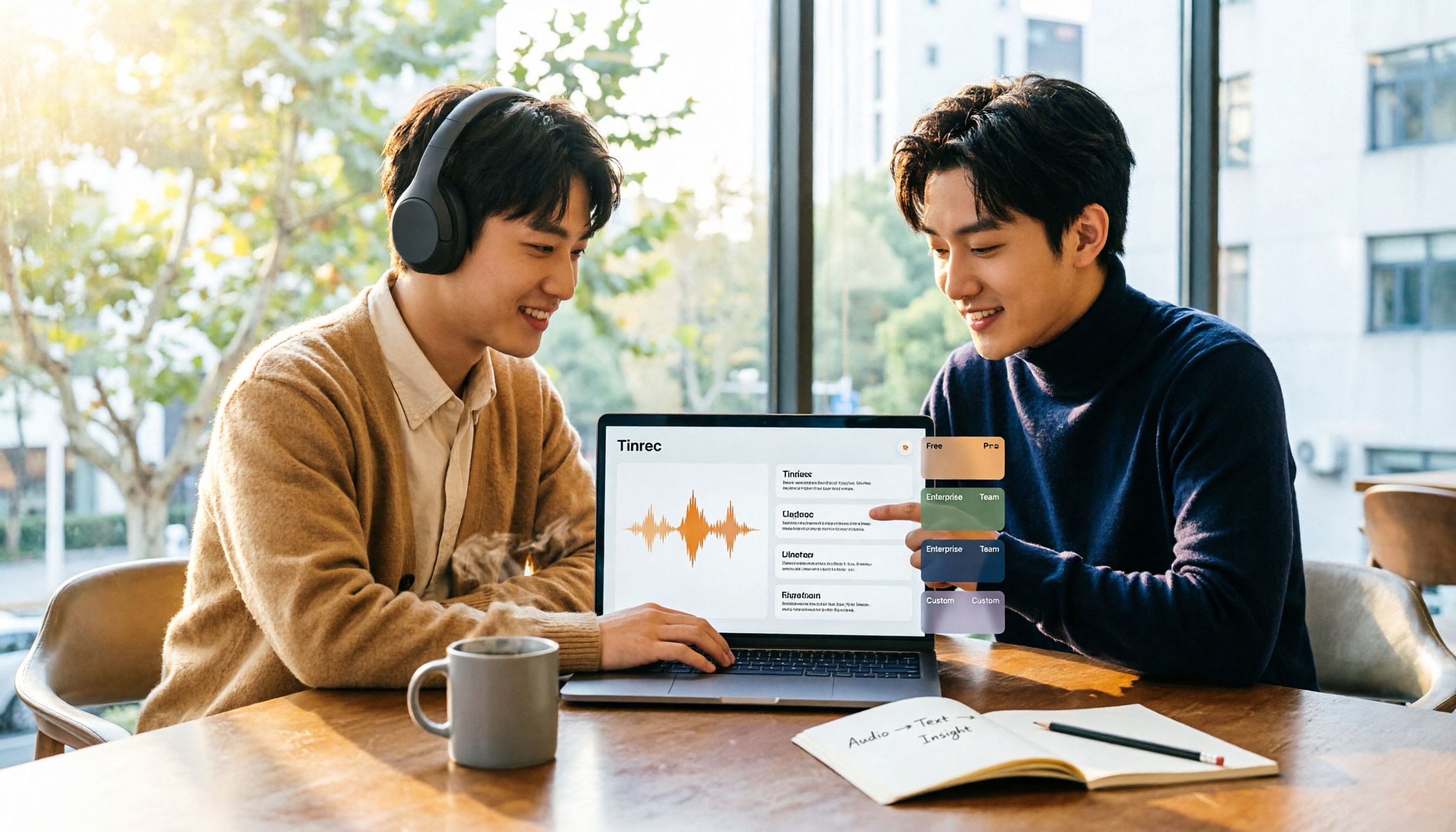
If you're looking for video summarization software, first decide whether you need a transcript or a workflow that turns video into usable data. Using Tinrec as an example, this article covers 2026 free plans and 5 upgrade options, breaking down core capabilities, real-world use cases, and 5 buying criteria to help you choose and know when to upgrade.

How to Choose an AI Meeting Notes Tool in 2026: 5 Steps to Find Your Perfect Fit
Which AI meeting notes tool is best? There's no one-size-fits-all answer—it depends on your meeting format and post-meeting needs. This article walks you through 5 decision steps to choose the right tool, using Tinrec as an example to demonstrate a complete workflow from live transcription, AI summaries, action item extraction, to team knowledge retention, including free and team plan details.