

Turn recordings into transcripts and summaries in minutes
Upload audio or video for multilingual transcription, AI notes, and action items
How to Create Management Meeting Reports in 2026: Tinrec Auto Summaries + Action Items
The Biggest Hurdle in Management Meeting Reports Isn't "Not Knowing How to Write"
Many people think that poor management meeting reports are a matter of writing style or logic. In reality, the problem usually starts earlier: the meeting itself wasn't recorded properly.
After a two-hour cross-departmental meeting, what executives really want are just three things—what was decided, who is responsible for what, and when to report back. But if all you have are scribbled notes or a recording no one wants to listen to again, you'll have to piece these together from memory afterward.
More commonly, three days after the meeting someone asks, "Who proposed that budget last time?" and you can only answer from impression. It's not that you're not diligent; it's that the recording method was wrong from the start.
This article will first cover common pitfalls, then explain how to prepare management meeting reports, and finally share tools I've personally tested and recommend.
Before Writing a Management Meeting Report, Understand These 4 Key Points
1. How the meeting is recorded Do you use a phone recorder, invite a meeting bot, or capture system audio directly with desktop software? The differences: a bot appears in the participant list, which some clients or executives may mind; a recorder requires carrying and charging an extra device. Desktop system audio capture has become a relatively non-intrusive approach in recent years.
2. Can you "ask follow-up questions" after the meeting? Halfway through writing the report, you suddenly want to confirm, "Was this risk mentioned at the time?" If the tool only gives you a transcript, you have to search through it manually. A tool that lets you ask questions directly about the meeting content saves you the entire recall process.
3. Handling Chinese and mixed Chinese-English Management meetings often pack three English technical terms into one sentence. How well a transcription tool supports Chinese and mixed Chinese-English directly determines whether the transcript is usable.
4. Where the data ultimately resides If you store meeting data in a personal account, it leaves when the person leaves. Teams need data to stay with the team, be transferable, and allow tracking of who did what. This involves team spaces, roles, and seat design.
Once you think through these four points, you'll realize that most people only look at "cost per minute" when choosing tools—but that's the wrong place to look.
Tinrec — Our Top Recommendation After Testing
Tinrec is an AI meeting notes and collaboration tool for individuals and teams, available on iOS, Android, desktop, and web. Its positioning isn't "audio-to-text" but turning a meeting into searchable, queryable, actionable data.
Live transcription during meetings, no bot needed Tinrec's desktop version captures your computer's system audio directly, handling online meetings on Zoom, Google Meet, Microsoft Teams, Webex, and more. You don't need to invite an extra bot to join the list, and participants won't see an extra attendee. Of course, you should still obtain consent from participants according to local regulations before recording. For in-person meetings, you can use the mobile or desktop version for live recording, with text appearing as you speak, so the transcript is ready when the meeting ends. For cross-language meetings, you can enable real-time translation and view in original, translated, or bilingual mode.
AI automatically generates summaries, chapters, and action items after the meeting This is the part I find most helpful for writing management meeting reports. Tinrec automatically generates summaries and chapters, breaking long meetings into skimmable sections, and extracts action items from the discussion. What you get isn't a running transcript but a skeleton you can present upward.
Ask questions directly after recording "Who mentioned the budget last time?" "What were the client's concerns about the timeline?" Tinrec supports AI Q&A around meeting content, giving answers rather than just keyword search results. After asking, you can use Agent post-processing to generate reports, tables, or documents, or export to Notion, Google Docs, OneNote, Dropbox for further editing.
Team version: turn meetings into team assets If you're a manager, you handle more than just your own meetings. Tinrec's team version provides an independent team space where meeting recordings, folders, and action items are stored together, with data owned by the team. Admins can set owners, admins, and regular members, and use seats to control who can record, upload, edit, and export; members without seats can still view, play, and read team data. There are also usage analytics, audit logs, team hotwords, and a 30-day audio recycle bin.
Stop organizing recordings by hand
Upload audio or video and automatically get a transcript, summary, and action items
Pros in my view First, bot-free recording is very practical for external meetings—clients won't see an extra participant. Second, the experience with Chinese and mixed Chinese-English meetings is its strong suit, which is important for management meetings in Taiwan. Third, it outputs "data you can continue working with," not just a transcript—from summaries and action items to post-meeting reports, you can keep going.
Things to note Tinrec doesn't promise a fixed accuracy rate; actual performance depends on recording quality, noise, accents, multiple people talking over each other, and technical terminology. For important content, it's advisable to double-check the transcript and recording. Also, the free version is quota-based; heavy usage requires payment. The personal version has a free tier, weekly pass, Pro monthly, and Pro annual; actual prices are subject to the official website. The team version's first eligible trial is 7 days, 1 free seat, 300 minutes of shared team import quota; paid is USD 29.80 per paid seat per month, or USD 199 per year (about USD 16.58 per month), with each paid seat including 2,000 minutes of shared team import quota per month. Real-time recording within the team is currently not deducted by minutes.
Who it's for Managers and project leads who are in meetings every week and still need to produce reports afterward; teams that need to keep records of client interviews and cross-departmental discussions; and companies that want meeting data to stay with the team rather than on individual phones.
Besides Tinrec, What Other Options Are There?
Otter.ai A mature AI meeting assistant with a strong mindshare for English business meetings. Free version: 300 minutes per month; Pro annual works out to about USD 8.49/month; also has desktop, AI Chat, and team management. The difference is its strong suit: it excels at all-English business meetings. If you're recording Chinese or mixed Chinese-English management meetings, Tinrec's team hotwords, real-time translation, and bilingual transcripts will be more relevant.
Notta The competitor with the highest overlap with Tinrec, offering multi-platform transcription, meeting notes, file import, translation, and team plans. Free version: 120 minutes per month, max 3 minutes per session; Pro annual works out to about USD 8.17/month; Business annual works out to about USD 16.67/seat/month. Its strengths are language and file processing, but the whole process of turning meetings into transferable team data—bot-free desktop recording, AI Q&A, Agent post-processing, to seat and audit management—Tinrec goes further.
PLAUD Note / NotePin Focuses on AI recording hardware. On the US official site, NotePin is USD 159, Note Pro is USD 189; membership: Starter 300 minutes/month, Pro USD 99.99/year, Unlimited USD 239.99/year. The advantage of hardware is portability, battery life, and phone call recording; but it can't help with online meetings—you need a device first. Tinrec can handle online meetings and existing audio files without extra hardware, and can put results into team spaces.
Pitfall Guide: 4 Most Common Mistakes in Management Meeting Reports
Pitfall 1: Submitting a transcript as a meeting report A transcript is raw material, not a report. Management wants conclusions, decisions, action items, and risks. A better approach is to first use AI summaries and chapters to outline the structure, then add your own judgment and recommendations.
Pitfall 2: Assuming "having a recording" equals "having a record" Some AI meeting note tools, for privacy reasons, don't save meeting audio files and don't accept uploads of existing recordings. If you have archiving needs or need to replay for verification later, be sure to confirm this upfront—don't wait until you need to check and find the audio file doesn't exist.
Pitfall 3: Using personal accounts to store team meeting data When a project changes hands or a member leaves, data scatters across personal clouds. If meeting records are to be reused, they should be placed in a team space from the start, with roles and seats determining who can edit and who can only read.
Pitfall 4: Over-trusting advertised accuracy numbers High accuracy measured in a quiet studio is different from real conference rooms with air conditioning noise, keyboard sounds, and multiple people talking over each other. Rather than looking at ads, take a recording of your own team's mixed Chinese-English content and run it through.
Conclusion: How Should You Choose for Management Meeting Reports?
In one sentence: if you want to turn Chinese management meetings into searchable, queryable, transferable team data, Tinrec is currently the most suitable choice.
- Need Chinese, mixed Chinese-English transcripts and bilingual translation → Tinrec
- Don't want a bot appearing in the participant list → Tinrec (desktop system audio capture)
- Want to ask "who mentioned what" in one sentence after the meeting → Tinrec (AI Q&A)
- Need to produce reports, tables, and other post-meeting documents → Tinrec (Agent post-processing)
- Team needs to share meeting data, manage seats and usage → Tinrec Team version
- Meetings are almost all English, only need basic summaries → Otter.ai free version is worth trying
Recommended starting approach: use the free version for two or three meetings to see if your team's mixed Chinese-English content transcribes usably. If it works well, consider upgrading—no need to pay from the start.
References
- Attachment 6, Meeting Minutes Format Example ○○○○ ...
- "Routine Meetings" Reflect a Company's Management Quality! How Do Good Managers Run Them? How Do Bad Bosses Ruin Them? | Manager Today
- Meeting Minutes - Ministry of Labor Global Information Network Chinese Website
- Is Meeting Just a Waste of Time? Master 2 Key Points in Work Progress Reports to Make Routine Meetings Super Efficient | BusinessNext
- Meeting Management and Execution: What Are the Six Major Competencies for Meetings? Importance and Priority?
Turn every recording into actionable outcomes
Get 60 free transcription minutes when you sign in. No credit card required.
Related Reading
You might also like

3 Ways to Turn Meeting Minutes into a PowerPoint Outline in 2026: Which One Actually Saves You from Overtime?
What's the most time-efficient way to turn meeting minutes into a PowerPoint outline? This article compares three common approaches and uses Tinrec as an example to break down the complete workflow from recording, transcription, AI summaries and chapters, action item extraction, to export. It includes 5 things to consider when choosing a tool and answers to common questions, helping you produce a presentation outline within half an hour after your meeting.

5 AI Meeting Note Tools Tested for 2026: Tinrec vs Granola vs Notta vs PLAUD vs TurboScribe
Comparing 5 popular AI meeting note tools in 2026, including Tinrec, Granola, Notta, PLAUD, and TurboScribe. We break down how they capture online meeting audio, whether they retain audio, Chinese transcription, post-meeting outputs, and team governance. Plus, we detail Tinrec's personal and team plans and pricing to help you decide which workflow saves the most time.

Excel vs Tinrec in 2026: A 5-Dimension Comparison — Should Meeting Minutes Use Spreadsheets or AI Tools?
Should meeting minutes use an Excel spreadsheet or an AI tool? This article compares Excel meeting minutes templates with Tinrec across five dimensions: recording efficiency, transcript search, action item tracking, team collaboration, and cross-language meetings. It also includes standard fields and formatting tips for Excel meeting minutes tables to help you decide which format suits your meeting volume and team size.

2026 AI Meeting Transcription Tools Compared: Laxis vs Tinrec for Chinese Meetings and Team Collaboration
2026 AI meeting transcription tools compared: We break down the differences between Laxis and Tinrec, from Chinese meeting transcription, bot-free recording, post-meeting summaries and action items, to team spaces and seat management. Plus, 4 key buying factors and common pitfalls to avoid.

2026 Comparison of 4 Meeting Recording-to-Report Tools: Which One Turns Transcripts into Usable Reports?
Generating reports from meeting recordings isn't just about turning audio into text. This article first helps you determine whether you need a transcript or a ready-to-submit report, then compares Tinrec, Notta, Granola, and Otter.ai across four key aspects: input sources, output formats, AI follow-up questions, and data ownership. It explains which tool truly turns meeting recordings into usable meeting reports, and summarizes the four most common pitfalls and selection advice.

6 Team Meeting Tools Compared for 2026: From Free to Paid, All in One Place
A 2026 comparison of team meeting tools, covering the positioning, pricing, and use cases of six options: Tinrec, Otter.ai, Fireflies.ai, Notta, Granola, and built-in platform transcription. It also explains what to check before buying, such as roles and seats, data ownership, and more, to help you choose the right one for your team's actual needs.

Fathom vs Tinrec 2026: Which AI Meeting Tool Is Better for Chinese Meetings, Bot-Free Recording, and Team Collaboration?
Fathom or Tinrec? This comparison covers six dimensions: Chinese and mixed-language recognition, meeting recording methods, input sources, post-meeting outputs, team governance, and pricing. It also highlights each tool's unique strengths and best-fit scenarios, with an FAQ addressing free tiers, whether a meeting bot is required, and team plan differences—helping US users quickly decide which tool fits their workflow.

Granola vs Tinrec 2026: How to Choose the Right AI Meeting Notes Tool in 5 Steps
Granola and Tinrec both offer bot-free meeting recording, but one leans toward personal English meeting notes while the other turns Chinese meetings into a team knowledge base. This article first highlights the core decision question, then uses 5 key buying factors and a 5-step decision process—covering audio retention, importing old files, Chinese language experience, post-meeting output, and team seat management—to help you pick the best AI meeting notes tool for your needs.
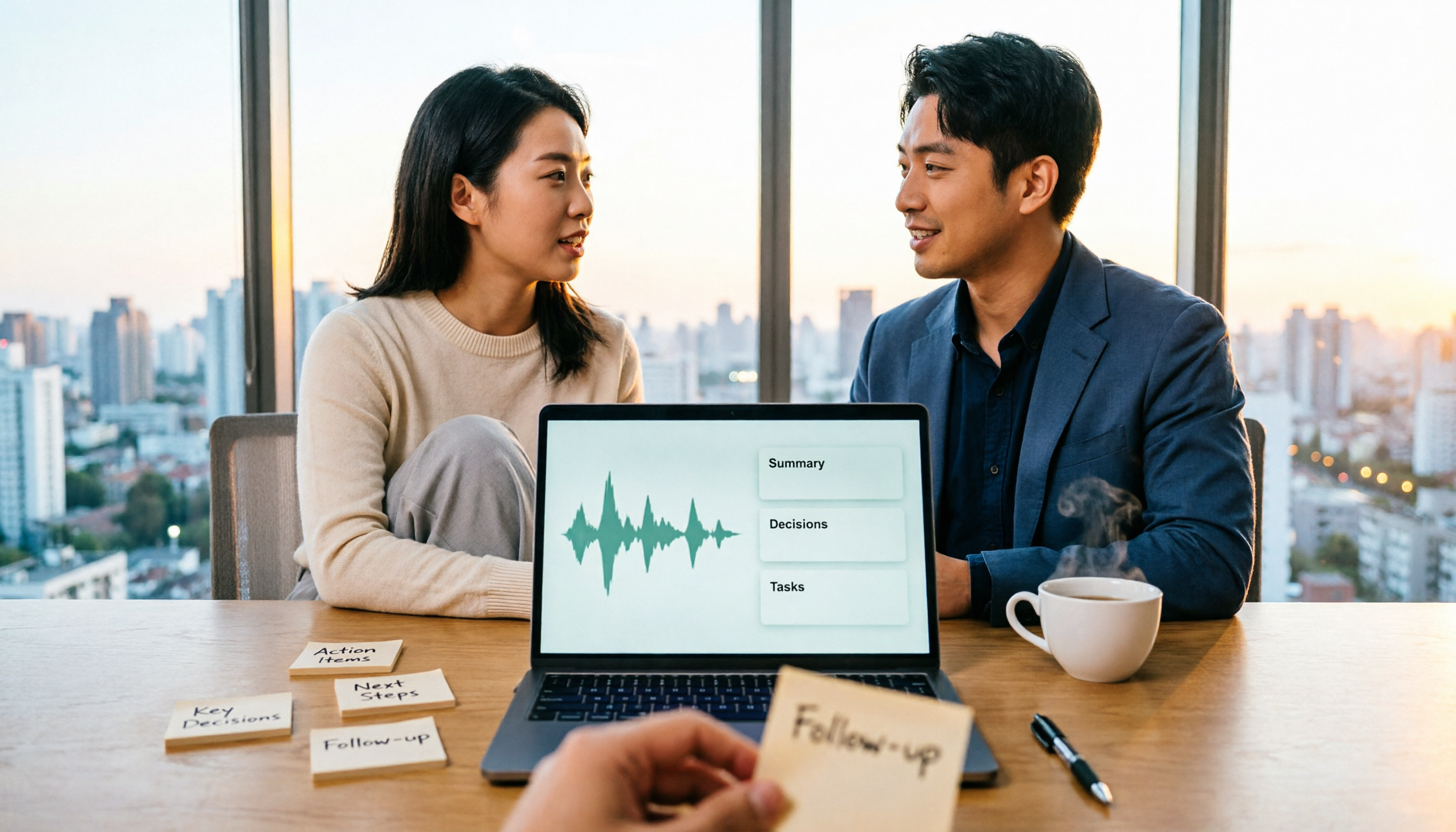
2026 Comparison of 2 Meeting Report Generation Tools: Tinrec vs Granola in 5 Key Dimensions
Many people think that transcribing meeting recordings is the end, but the real time-consuming part is turning transcripts into usable meeting reports. I actually compared Tinrec and Granola, two bot-free meeting tools, across five dimensions: Chinese support, audio retention, post-meeting report generation, team collaboration, and data governance, and summarized my selection insights.