

Turn recordings into transcripts and summaries in minutes
Upload audio or video for multilingual transcription, AI notes, and action items
6 Team Meeting Tools Compared for 2026: From Free to Paid, All in One Place
Why Teams Need to Carefully Choose a Meeting Tool
When many teams choose a meeting tool, the first question is often "Which one is free?" or "Which one do most people use?"—but both questions miss the point. Hybrid work is now the norm for most companies, and meeting participants may be in the office, at home, and at a coffee shop at the same time. What really sets tools apart is not "can it make calls," but what happens after the meeting: Who said that decision three months ago? Where was the client's request from last time recorded? How can new members catch up on the past six months of meeting context? This article reviews six common meeting tool options for teams, from free to paid and from pure video to AI meeting notes, to help you pick the right one for your team's actual situation.
Option 1 | Tinrec — Turn Meetings into Searchable, Collaborative Team Data
Tinrec is an AI meeting notes and collaboration tool for individuals and teams. Its positioning is not just recording or converting voice to text, but organizing meeting content into data you can keep working with.
- Bot-free recording of online meetings: The desktop version directly captures your computer's system audio, so you don't need to add an extra meeting bot to the meeting room. It can handle meeting audio played on your computer from Zoom, Google Meet, Microsoft Teams, Webex, and other platforms, and generate live transcripts. Recording is started manually by the user, not automatically joined to all meetings on your calendar.
- Transcription is just the beginning: Beyond transcripts, it also generates AI summaries, chapters, key points, and action items. You can continue asking AI questions about the meeting content, and use Agent post-processing to generate reports, tables, and documents, then export to existing workflows like Notion, Google Docs, OneNote, and Dropbox.
- Chinese and multilingual meetings: Covers Chinese, Traditional Chinese, and multilingual meeting scenarios, supports mixed Chinese-English content organization, live translation during recording, and bilingual viewing. Teams can also maintain a glossary to improve recognition of product names and proper nouns. Actual performance will be affected by recording quality, accents, noise, and overlapping speakers.
- From personal tool to team space: The team version provides an independent team space where meeting data belongs to the team rather than individual accounts. You can create multiple teams, invite members with a join link, and distinguish between owners, admins, and regular members. Roles determine who can manage the team and settings, while seats determine whether someone can record, upload, edit, and export—members who are active but have no seat can still view, play, and read team data. Admins can view usage trends, member rankings, and details, query and export audit logs, and handle accidentally deleted audio files through the audio recycle bin (retained for 30 days).
Plans and pricing: The personal version has a free plan to try basic quotas, plus weekly, Pro monthly, and Pro annual plans, depending on usage frequency. The team version offers a 7-day trial for first-time eligible users, 1 free seat, and 300 minutes of shared team import quota; team monthly is USD 29.80 per paid seat per month, and annual is USD 199 per paid seat per year (about USD 16.58 per month). Each paid seat provides 2,000 minutes of shared team import quota per month; under an active team plan and active seat, live recording currently does not deduct minutes, while file and web imports use the shared team quota.
Who it's for: Teams that need Chinese meeting notes, don't want a bot to join meetings, and want meeting data to stay with the team for long-term search, follow-up questions, and handoffs.
Option 2 | Otter.ai — A Mature Choice for English Business Meetings
Otter is a mature AI meeting assistant that covers meeting notes, live transcription, speaker identification, AI Chat, and team management for Zoom, Microsoft Teams, Google Meet, and other platforms, and also offers desktop capabilities. If your team's meetings are mainly in English and you want to use a meeting assistant that has been validated by many business users, Otter is an intuitive choice, but the Chinese meeting experience is not its focus. In terms of pricing, the Basic free plan includes 300 minutes per month; Pro annual billing is about USD 8.49 per user per month, including 1,200 minutes of in-app recording per month and 10 file imports; Business offers unlimited meetings and in-app recording, more imports, and management capabilities. Actual prices are subject to the official page. Suitable for teams that mainly hold English meetings and value a mature meeting assistant ecosystem.
Option 3 | Fireflies.ai — Strong in Meeting Automation and Team Analytics
Fireflies' strength is meeting automation: meeting bots, AI summaries, AskFred Q&A, team analytics, and many third-party integrations. It is suitable for sales and customer success teams that want to connect meeting notes to CRM or various workflows. Annual pricing is Free USD 0, Pro USD 10 per seat per month, Business USD 19 per seat per month, and Enterprise USD 39 per seat per month. Note that its "unlimited transcription" is still subject to storage space, file upload speed, and AI Credit rules, so it should not be understood as completely unlimited across all capabilities. Suitable for teams that need a high degree of automation and integration and can accept a meeting bot joining meetings.
Stop organizing recordings by hand
Upload audio or video and automatically get a transcript, summary, and action items
Option 4 | Notta — Multilingual Transcription and Meeting Notes
Notta covers multi-platform transcription, meeting notes, file import, translation, and team plans. It is an option with relatively high overlap with Tinrec, and its multilingual capabilities perform well. Official plans are Free with 120 minutes per month and a maximum of 3 minutes per content item; Pro annual billing is about USD 8.17 per month with 1,800 minutes per month; Business annual billing is about USD 16.67 per seat per month, offering unlimited transcription, role permissions, and usage reports. Suitable for teams with more mixed meeting languages that need multilingual transcription and translation.
Option 5 | Granola — Bot-free AI Meeting Notes
Granola also takes a bot-free approach, using the desktop device's system audio and microphone for live transcription, and combines it with notes the user writes themselves to generate meeting content that is closer to their own thinking. It supports viewing, copying, and searching live transcripts, but does not support uploading pre-recorded audio files and does not save meeting audio files. Pricing is Basic free, Business USD 14 per user per month, and Enterprise USD 35 per user per month. Suitable for users who are used to taking notes during meetings and do not need to keep audio files.
Option 6 | Zoom / Google Meet / Microsoft Teams Built-in Transcription — Start Here If You Don't Want to Install More Tools
If your team's meetings are almost always on a single platform, using the platform's built-in capabilities is the easiest first step. Google Meet is offered by Google Cloud, and anyone with a Google account can start a meeting. The free version supports up to 100 participants and meetings up to 60 minutes, while paid versions support up to 500 participants and meetings up to 24 hours, and integrate with Google Workspace's Gmail, Calendar, Docs, Sheets, Slides, and Drive. Microsoft Teams integrates chat, file sharing, note syncing, and meeting notes, and can integrate with OneDrive, so you can share slides and spreadsheets directly during meetings. It is especially convenient for companies already using Microsoft 365; however, Teams paired with Outlook has a higher barrier for users who are not used to it. If most meeting participants are in Taiwan, LINE is also a versatile option for impromptu interviews—almost everyone has an account and no extra setup is needed—but its overall features are relatively basic. The common limitation of these options is that cross-platform meetings end up scattered in different places, and post-meeting organization, follow-up questions, and team knowledge retention still need separate solutions.
With So Many Options, How Should You Choose?
- Want the most complete post-meeting processing (transcript + summary + action items + AI Q&A + export) → Tinrec, which turns meeting content directly into data you can keep working with.
- Need Chinese and mixed Chinese-English meetings, and want live translation and bilingual viewing during recording → Tinrec, which also supports team glossaries for technical terms.
- Don't want a meeting bot to appear in the participant list → Tinrec or Granola's desktop bot-free recording, with Tinrec also supporting file import and audio retention.
- Meetings are mainly in English and you want to use a mature English business meeting assistant → Otter.ai.
- Need to automatically connect meeting notes to CRM and multiple workflows → Fireflies.ai.
- Need multilingual transcription and translation → Notta.
- Want meeting data to belong to the team so members can hand off when they come and go → Tinrec team version, which manages usage eligibility with roles and seats, and tracks status with usage analytics and audit logs.
- Zero budget and just want to try it out → Start with built-in transcription in Zoom, Google Meet, or Microsoft Teams, or try Tinrec's free plan for basic quotas, and confirm your team really uses it before upgrading.
4 Things to Know Before Choosing a Team Meeting Tool
- Distinguish "roles" and "seats": Roles control who can manage the team, members, and settings; seats control whether someone can record, upload, edit, and export. Take Tinrec's team version as an example: active members without a seat can still view and read team data, but cannot perform resource usage operations—when purchasing, calculate the "number of people who will actually record and edit," not the total team size.
- Ask clearly about meeting data ownership: If data is stored in personal accounts, members take it with them when they leave. The right approach is to put it in a team space and, when members leave, are removed, or lose their seat, hand over their responsible resources to other active members so the meeting context is not broken.
- Understand the quota limits of free plans: Free versions usually have limits on minutes, single-session length, or number of files. For example, some tools limit the length of a single content item or calculate uploadable files per day. Estimate your team's actual monthly meeting hours first, then decide whether to upgrade.
- Confirm legality and consent before recording: Recording and transcription involve local regulations and participant willingness, especially for international meetings. For important information, it is also recommended to cross-check with transcript timestamps and recording playback rather than relying entirely on AI summaries.
Conclusion
The difference between team meeting tools is not who has slightly better call quality, but whether, after the meeting ends, the content can be found, understood, and handed off. If your team mainly holds meetings in Chinese, doesn't want a bot to join meetings, and wants transcripts, summaries, action items, and historical data to all settle in the same team space, Tinrec will be the one-stop choice closest to this workflow; if your needs are focused on English meetings, automation integrations, or multilingual transcription, Otter, Fireflies, and Notta each have their strengths. Start by fixing the part where your team most often goes wrong, which is usually more effective than replacing all tools at once.
References
- The 5 Most Recommended Online Meeting Software to Greatly Improve Remote Work Meeting Efficiency | On-line to Know
- Video Conferencing Software Recommendations: Google Meet, Microsoft Teams, Zoom Comparison
- 2026 Free Online Meeting Software and Video Software Recommendation List! What Are the Differences Between Teams, Zoom, and Google Meet? | Tasker Article Column
- 15 Best Team Collaboration Tools Every Team Needs in 2026
- How to Choose Online Meeting Software? Master the Features, Prices, and Use Cases of 5 Software Options at Once! - ALEN
Turn every recording into actionable outcomes
Get 60 free transcription minutes when you sign in. No credit card required.
Related Reading
You might also like

2026 Comparison of 4 Meeting Recording-to-Report Tools: Which One Turns Transcripts into Usable Reports?
Generating reports from meeting recordings isn't just about turning audio into text. This article first helps you determine whether you need a transcript or a ready-to-submit report, then compares Tinrec, Notta, Granola, and Otter.ai across four key aspects: input sources, output formats, AI follow-up questions, and data ownership. It explains which tool truly turns meeting recordings into usable meeting reports, and summarizes the four most common pitfalls and selection advice.

Fathom vs Tinrec 2026: Which AI Meeting Tool Is Better for Chinese Meetings, Bot-Free Recording, and Team Collaboration?
Fathom or Tinrec? This comparison covers six dimensions: Chinese and mixed-language recognition, meeting recording methods, input sources, post-meeting outputs, team governance, and pricing. It also highlights each tool's unique strengths and best-fit scenarios, with an FAQ addressing free tiers, whether a meeting bot is required, and team plan differences—helping US users quickly decide which tool fits their workflow.

Granola vs Tinrec 2026: How to Choose the Right AI Meeting Notes Tool in 5 Steps
Granola and Tinrec both offer bot-free meeting recording, but one leans toward personal English meeting notes while the other turns Chinese meetings into a team knowledge base. This article first highlights the core decision question, then uses 5 key buying factors and a 5-step decision process—covering audio retention, importing old files, Chinese language experience, post-meeting output, and team seat management—to help you pick the best AI meeting notes tool for your needs.

2026 Comparison of 2 Meeting Report Generation Tools: Tinrec vs Granola in 5 Key Dimensions
Many people think that transcribing meeting recordings is the end, but the real time-consuming part is turning transcripts into usable meeting reports. I actually compared Tinrec and Granola, two bot-free meeting tools, across five dimensions: Chinese support, audio retention, post-meeting report generation, team collaboration, and data governance, and summarized my selection insights.

Tinrec vs Otter.ai 2026: 5-Dimension Comparison for Chinese Meeting Collaboration
Compare Tinrec and Otter.ai across 5 dimensions: Chinese transcription, bot-free recording, audio storage, post-meeting AI organization, and team governance. Find the best meeting collaboration software for teams that meet in Chinese.
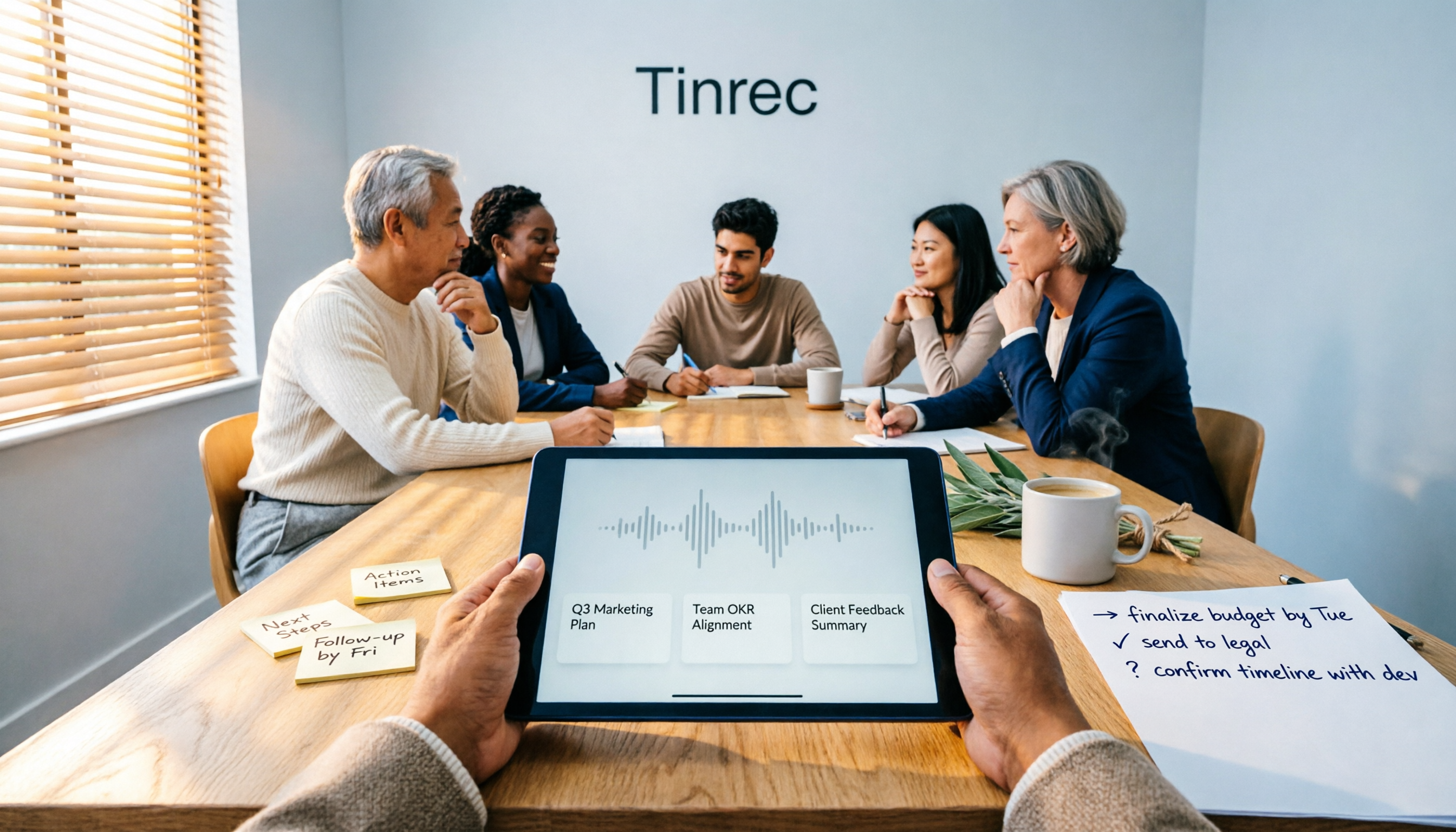
4 Meeting Note Tools Tested for 2026: Which One Turns Meetings into Work Reports?
Many people write meeting notes as verbatim transcripts and then rewrite a work report from memory afterward. This article starts with common pitfalls, outlines 4 key factors for choosing a tool that generates work reports from meeting notes, compares Tinrec, Otter.ai, Notta, and PLAUD, and includes a guide to avoid pitfalls plus selection advice.

2026 Comparison of 4 Meeting Minutes Excel Templates: Templates Are Just the Skeleton, Content Is the Real Cost
Downloaded a bunch of meeting minutes Excel templates but can't make them work? This article compares 4 common approaches, including free Excel templates, Google Sheets online versions, and AI meeting notes tools, explaining why 'typing what you hear into text' is the most time-consuming step, and shares how Tinrec's real-time recording test organized transcripts, summaries, and action items all at once.

5 Best Meeting AI Agent Tools in 2026: Real-World Comparison for Turning Meetings into Actionable Data
Meeting AI agent tools span four distinct categories: built-in platform transcription, meeting bots, bot-free desktop recording, and file transcription. This hands-on comparison covers Tinrec, Otter.ai, Granola, and Notta—their positioning, pricing, and limitations—with 4 key criteria to help you choose the right tool for Chinese-language meetings and team collaboration.
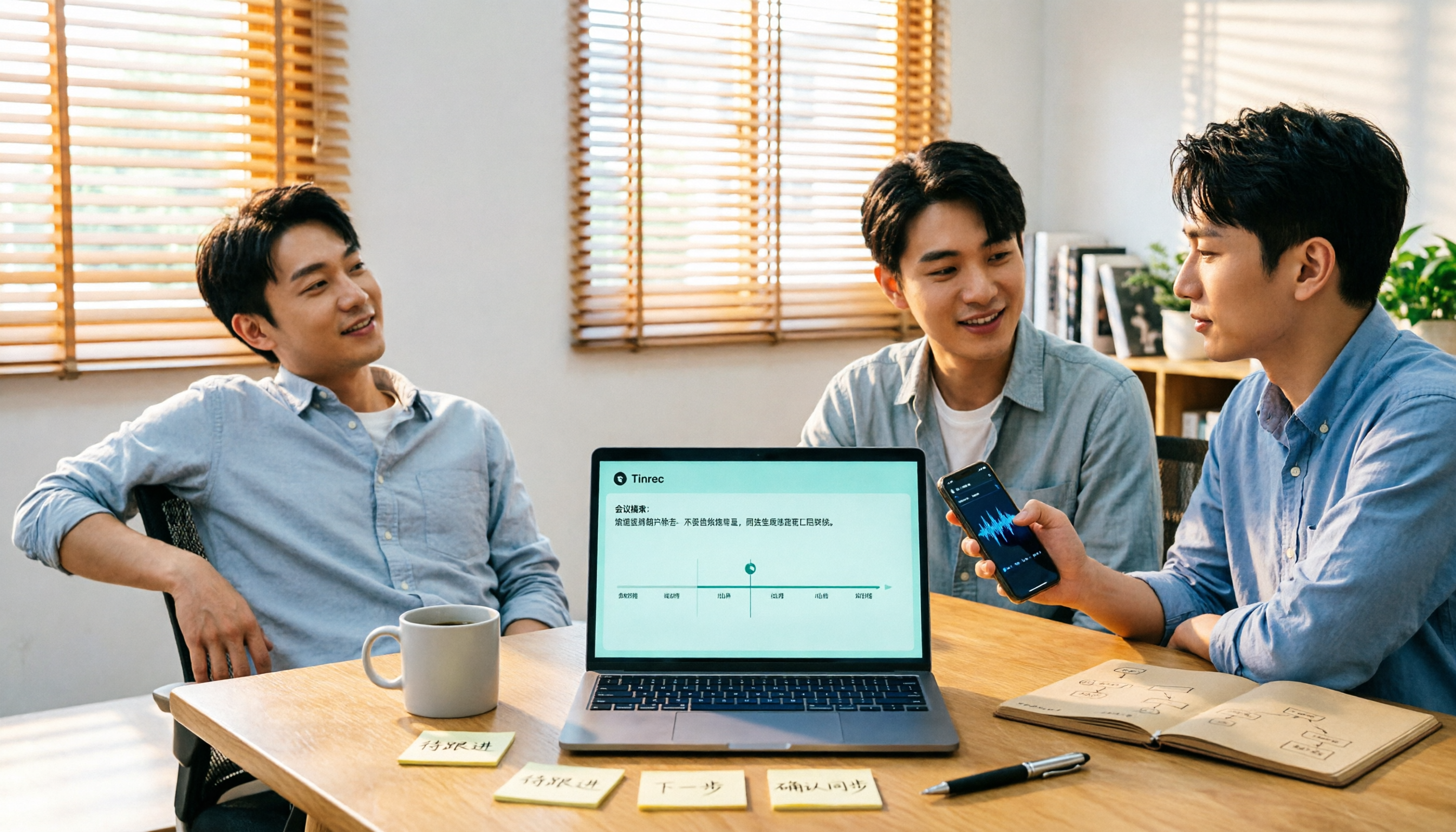
2026 AI Meeting Recorder Comparison: Which Free Version Is Enough?
The meeting ends, but the work begins. Based on real-world use, this guide covers 4 key factors for choosing an AI meeting recorder and compares 5 tools—Tinrec, Otter.ai, Notta, and PLAUD Note—on recording method, Chinese language support, post-meeting output, and pricing. Includes 3 common pitfalls to help you find the best fit for your workflow.