

Turn recordings into transcripts and summaries in minutes
Upload audio or video for multilingual transcription, AI notes, and action items
Fathom vs Tinrec 2026: Which AI Meeting Tool Is Better for Chinese Meetings, Bot-Free Recording, and Team Collaboration?
It's 9 PM on a Wednesday, and you've just wrapped up a 90-minute project meeting with a mix of Chinese and English. You hit stop recording, open the transcript, and realize the key decisions are scattered across 20,000 words—and you still have to dig them out line by line.
That's why most people start looking for AI meeting tools. One of the most frequently asked pairings from readers over the past year or two is Fathom and Tinrec.
Both tools can turn meetings into text and both pitch "no more manual note-taking," but they come from completely different starting points. Fathom grew out of English business meetings and CRM automation, while Tinrec started with Chinese meetings, phone recording, and team knowledge retention.
Below I compare them across six dimensions, then tell you directly which one to choose.
Fathom vs Tinrec | Quick Overview
Fathom is an AI meeting companion focused on meeting capture, summaries, and automation integrations. It supports Zoom, Google Meet, and Microsoft Teams, and can sync summaries and notes to CRMs like HubSpot, Salesforce, and Close.
Tinrec is an AI meeting notes and collaboration tool for individuals and teams. It handles live recording, online meetings, and audio files, with a focus on what comes after the transcript: summaries, action items, Q&A, and team spaces.
| Item | Fathom | Tinrec |
|---|---|---|
| Core positioning | AI meeting companion, meeting capture and automation integrations | AI meeting notes and team collaboration |
| Meeting capture | Supports bot and bot-free methods across Zoom, Meet, Teams | Desktop app captures system audio, no bot needed; also has mobile live recording |
| Key strengths | English business meetings, CRM sync, Slack/Notion/Asana/Zapier integrations, Ask Fathom, Trackers, AI Scorecards | Chinese and mixed Chinese-English meetings, post-transcript organization, multi-format export, team spaces and governance |
| Free plan | Free basic version available | Free version offers basic quota; also weekly pass, Pro monthly/yearly, and team plan |
| Best for | English-first sales and business teams | Those with mostly Chinese meetings, needing mobile and offline recording, and wanting to turn meetings into team knowledge |
Next, I'll look at Chinese recognition, recording methods, input sources, post-meeting outputs, team governance, and pricing.
Dimension 1 | Recognition and Summaries for Chinese and Mixed-Language Meetings
Fathom supports multiple languages, but based on public information and real-world usage, its home turf is still English business meetings, and its official features are built around English meeting automation and CRM write-back. If a meeting has a significant amount of Chinese, the experience will differ from a pure English meeting.
Tinrec, on the other hand, treats Chinese, Traditional Chinese, and multilingual meeting scenarios as its core. It supports mixed Chinese-English content organization, live translation, and original/translated/bilingual views. The team plan also lets you maintain a glossary so product names and project codes are recognized more smoothly.
I won't give fixed accuracy numbers here, because actual results are affected by recording quality, background noise, accents, and overlapping speakers—just like any tool.
→ This dimension: If Chinese or mixed-language meetings are a high proportion, Tinrec clearly wins.
Dimension 2 | Meeting Recording Methods: Should a Bot Join the Meeting?
Fathom offers both bot and bot-free capture methods, working across Zoom, Google Meet, and Microsoft Teams—convenient for teams used to automated workflows.
Tinrec's desktop app directly captures computer system audio. When the user starts recording, it can handle online meetings on Zoom, Google Meet, Microsoft Teams, Webex, and others without an extra bot joining as a participant.
Note that Tinrec is not currently a "bot that automatically joins all calendar meetings"—the user initiates recording.
→ This dimension: For pure online meetings, both can do it; but if you don't want a bot appearing in the participant list, Tinrec is more direct.
Dimension 3 | Input Sources: Beyond Online Meetings, Can It Handle Offline and Old Files?
Fathom's design focus is on online meeting capture and subsequent automation; handling non-meeting materials is not its main battlefield.
Tinrec's input sources are relatively broad: live recording for offline meetings and interviews, desktop app for online meetings, plus upload of existing audio and video files. The mobile app is good for on-the-go and class recording, and some web links can also be imported.
For people who often need to "catch up" on historical recordings, this difference is very noticeable.
→ This dimension: Tinrec wins.
Dimension 4 | Post-Meeting Outputs: What Else Do You Get After the Transcript?
Fathom goes deep on post-meeting. Ask Fathom can search across your entire meeting history for answers, Trackers alert you when key topics come up, and AI Scorecards evaluate call quality. Combined with CRM sync and Slack, Notion, Asana, and Zapier integrations, sales process automation is quite complete.
Tinrec's outputs are more like "data you can keep working with": transcripts, AI summaries, chapters and highlights, action items, mind maps, AI Q&A, and post-processing via Agent to generate reports, tables, and documents, with export to Notion, Google Docs, OneNote, Dropbox, and more.
Stop organizing recordings by hand
Upload audio or video and automatically get a transcript, summary, and action items
If your team relies heavily on CRM auto write-back, Fathom will be smoother. But if the focus is turning meeting content into reusable work products, Tinrec offers more options.
→ This dimension: In terms of breadth of output types, Tinrec wins (except for CRM automation).
Dimension 5 | Team Collaboration and Data Governance: Roles, Seats, and Usage
Fathom serves individuals and teams of all sizes. Its team side mainly revolves around sharing meeting records and automation integrations, and is very friendly to sales team collaboration workflows.
Tinrec's team plan is a separate team space, not multiple people sharing one personal account. Meeting data belongs to the team, and it provides member invitations, owner/admin/member roles, seat allocation, team shared import quota, usage trends and member details, team glossary, audit logs, and audio recycle bin.
One easily confused point: In Tinrec's team plan, "roles" and "seats" are separate. Roles determine who can manage the team and view audits; seats determine whether a member can record, upload, edit, and export. Active members without a seat can still view, play, and read team data.
Also, when a member leaves or is removed, team resources are not taken away by the individual—they need to be handed over to another active member.
→ This dimension: For teams needing to manage member seats, usage, and activity logs, Tinrec's governance granularity is clearer.
Dimension 6 | Platforms and Pricing: How to Choose
Fathom offers a free basic version, an entry option for budget-conscious English meeting users.
Tinrec's plan tiers are more granular, so you can pick by task: free version for occasional recording organization, weekly pass for short bursts of meetings or interviews, and Pro monthly or yearly for regular weekly use.
Based on current product configuration, the team plan is USD 29.80 per paid seat per month, or USD 199 per paid seat per year (about USD 16.58/month). The first eligible team trial is 7 days, 1 free seat, and 300 minutes of team shared import quota. Paid seats provide 2,000 minutes of team shared import quota per month. Under an active team plan and active seats, live recording is currently not deducted by minutes; file and web imports use the team shared quota.
Please refer to the official purchase page for prices, currencies, and promotions; benefits may change with versions.
→ This dimension: Both have free entry; Tinrec's plan tiers and team quota design are more flexible.
What Are Each Tool's Unique Strengths?
First, Tinrec's unique strengths—these are the ones I find hardest to replace:
Chinese and mixed Chinese-English meeting experience. From recognition to summaries to translation, it's designed for Chinese scenarios, and you can maintain a team glossary for technical terms—closer to the daily meetings of Chinese-speaking teams.
No bot needed, and you can record on mobile. The desktop app captures system audio, while the app handles offline meetings, classes, and on-site interviews—organizing online and offline with the same workflow.
Workflow after the transcript. Summaries, chapters, action items, mind maps, AI Q&A, then generate reports, tables, and documents, and finally export to your existing workflow.
Team knowledge retention and governance. Team space, roles, seats, usage analytics, audit logs, audio recycle bin, and resource handover keep meeting data from disappearing when people move on.
Now Fathom's unique strengths, mainly two:
CRM and workflow automation. Summaries and notes can automatically sync to HubSpot, Salesforce, and Close, and integrate with Slack, Notion, Asana, and Zapier—making sales team follow-up effortless.
Meeting intelligence and quality analysis. Ask Fathom can search across meeting history for answers, Trackers proactively alert you to key topics, and AI Scorecards help evaluate call quality.
Summary: Which One Should You Choose?
- If your meetings are mainly in Chinese or mixed Chinese-English → Tinrec
- If you don't want a bot joining meetings and also need to record offline interviews, classes, and on-site meetings → Tinrec
- If you want summaries, action items, AI Q&A, mind maps, and reports beyond the transcript → Tinrec
- If you need to manage team members, seats, usage, and activity logs → Tinrec team plan
- If your meetings are almost entirely in English and you rely heavily on CRM auto write-back → Fathom is a better fit
In one sentence: For most Chinese-speaking users, Tinrec is the more complete choice. I suggest starting with the free version, recording one of your own meetings, and seeing whether the Chinese recognition and summary organization meet your expectations.
FAQ
Q1: Is Tinrec's free version enough?
The free version provides a basic quota, suitable for occasionally organizing a recording or testing the waters. For actual available quota, please refer to the official page. My advice is to test with a real meeting and see whether the transcript and summary are helpful to you.
Q2: Does Tinrec need a meeting bot to join?
No. The desktop app directly captures computer system audio and can handle online meetings on Zoom, Google Meet, Microsoft Teams, Webex, and others, but you need to start recording manually—it does not automatically join all calendar meetings.
Q3: What is the Chinese recognition accuracy percentage?
I don't recommend looking at fixed numbers. Actual performance is affected by recording quality, background noise, accents, overlapping speakers, and technical terms. Test with your own team's meeting recordings, and for important content, cross-check with transcript timestamps and audio playback.
Q4: Does Tinrec have Fathom's CRM sync?
Tinrec currently does not focus on CRM auto write-back. Its approach is to organize customer communication into transcripts, summaries, and action items, then export them as usable materials for your existing workflow.
Q5: What's the difference between Tinrec's team plan and personal plan?
Personal plan data is managed under an individual account. The team plan provides a separate team space, meeting data belongs to the team, and it adds members, roles, seats, shared benefits, usage analytics, audit logs, and audio recycle bin.
Q6: What should I pay attention to before recording?
Laws on recording and transcription vary by region. Check local regulations first, get participant consent when necessary, and properly manage access permissions for team data.
References
- 2026's 6 Best AI Recording & Note-Taking Tools: Stop Losing Meeting Key Points and Struggling with Long Transcripts - Official Tinrec Blog
- 2026 Comparison of 3 Phone Recording-to-Text Apps: Why Tinrec Beats Notta for Call Log Management - Official Tinrec Blog
- 2026 Comparison of 4 Fireflies.ai Chinese Alternatives: Whose Chinese Meeting Organization Is Best? - Tinrec Official Blog
- Top 5 AI Meeting Assistants in 2026: Auto-Summarize Key Points and Action Items - Official Tinrec Blog
- Fathom Software Pricing, Alternatives & More 2026 | Capterra
Turn every recording into actionable outcomes
Get 60 free transcription minutes when you sign in. No credit card required.
Related Reading
You might also like

2026 Comparison of 4 Meeting Recording-to-Report Tools: Which One Turns Transcripts into Usable Reports?
Generating reports from meeting recordings isn't just about turning audio into text. This article first helps you determine whether you need a transcript or a ready-to-submit report, then compares Tinrec, Notta, Granola, and Otter.ai across four key aspects: input sources, output formats, AI follow-up questions, and data ownership. It explains which tool truly turns meeting recordings into usable meeting reports, and summarizes the four most common pitfalls and selection advice.

6 Team Meeting Tools Compared for 2026: From Free to Paid, All in One Place
A 2026 comparison of team meeting tools, covering the positioning, pricing, and use cases of six options: Tinrec, Otter.ai, Fireflies.ai, Notta, Granola, and built-in platform transcription. It also explains what to check before buying, such as roles and seats, data ownership, and more, to help you choose the right one for your team's actual needs.

Granola vs Tinrec 2026: How to Choose the Right AI Meeting Notes Tool in 5 Steps
Granola and Tinrec both offer bot-free meeting recording, but one leans toward personal English meeting notes while the other turns Chinese meetings into a team knowledge base. This article first highlights the core decision question, then uses 5 key buying factors and a 5-step decision process—covering audio retention, importing old files, Chinese language experience, post-meeting output, and team seat management—to help you pick the best AI meeting notes tool for your needs.

2026 Comparison of 2 Meeting Report Generation Tools: Tinrec vs Granola in 5 Key Dimensions
Many people think that transcribing meeting recordings is the end, but the real time-consuming part is turning transcripts into usable meeting reports. I actually compared Tinrec and Granola, two bot-free meeting tools, across five dimensions: Chinese support, audio retention, post-meeting report generation, team collaboration, and data governance, and summarized my selection insights.

Tinrec vs Otter.ai 2026: 5-Dimension Comparison for Chinese Meeting Collaboration
Compare Tinrec and Otter.ai across 5 dimensions: Chinese transcription, bot-free recording, audio storage, post-meeting AI organization, and team governance. Find the best meeting collaboration software for teams that meet in Chinese.
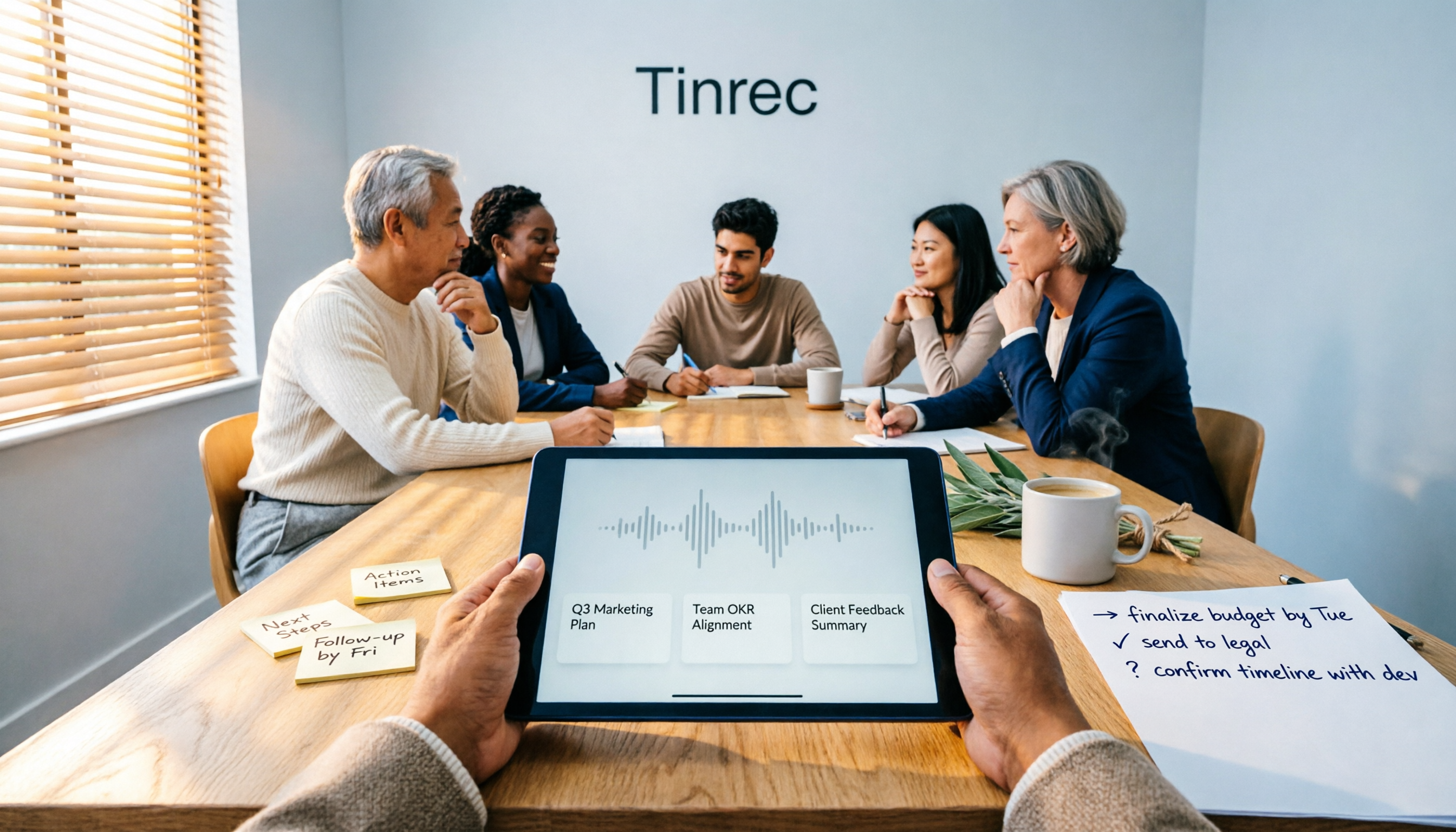
4 Meeting Note Tools Tested for 2026: Which One Turns Meetings into Work Reports?
Many people write meeting notes as verbatim transcripts and then rewrite a work report from memory afterward. This article starts with common pitfalls, outlines 4 key factors for choosing a tool that generates work reports from meeting notes, compares Tinrec, Otter.ai, Notta, and PLAUD, and includes a guide to avoid pitfalls plus selection advice.

2026 Comparison of 4 Meeting Minutes Excel Templates: Templates Are Just the Skeleton, Content Is the Real Cost
Downloaded a bunch of meeting minutes Excel templates but can't make them work? This article compares 4 common approaches, including free Excel templates, Google Sheets online versions, and AI meeting notes tools, explaining why 'typing what you hear into text' is the most time-consuming step, and shares how Tinrec's real-time recording test organized transcripts, summaries, and action items all at once.

5 Best Meeting AI Agent Tools in 2026: Real-World Comparison for Turning Meetings into Actionable Data
Meeting AI agent tools span four distinct categories: built-in platform transcription, meeting bots, bot-free desktop recording, and file transcription. This hands-on comparison covers Tinrec, Otter.ai, Granola, and Notta—their positioning, pricing, and limitations—with 4 key criteria to help you choose the right tool for Chinese-language meetings and team collaboration.
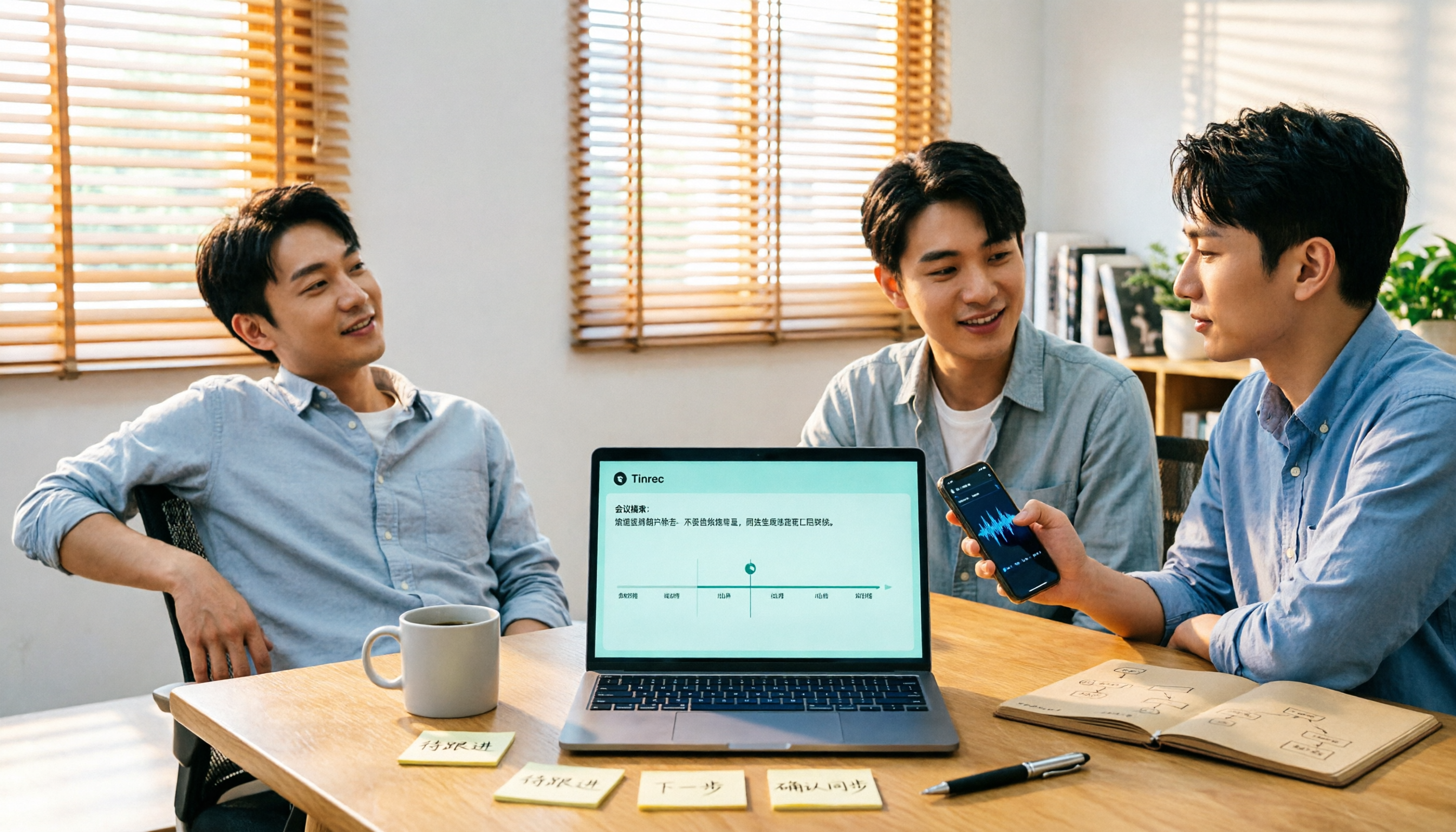
2026 AI Meeting Recorder Comparison: Which Free Version Is Enough?
The meeting ends, but the work begins. Based on real-world use, this guide covers 4 key factors for choosing an AI meeting recorder and compares 5 tools—Tinrec, Otter.ai, Notta, and PLAUD Note—on recording method, Chinese language support, post-meeting output, and pricing. Includes 3 common pitfalls to help you find the best fit for your workflow.