
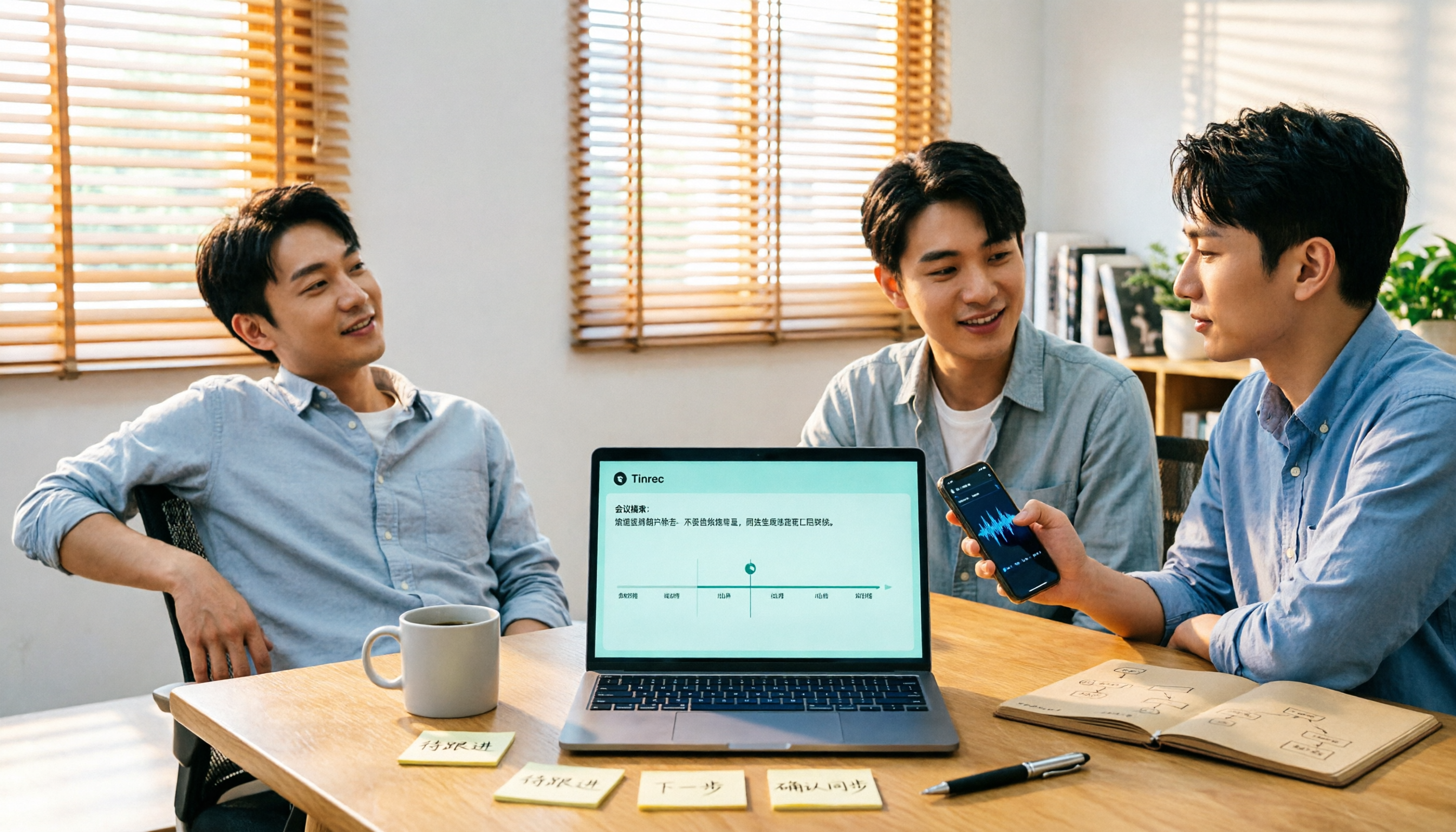
Turn recordings into transcripts and summaries in minutes
Upload audio or video for multilingual transcription, AI notes, and action items
Still Re-listening and Typing After Meetings? You Don't Need a Tool—You Need a Workflow That Closes the Loop
"I'll send you the meeting notes later"—every office worker has probably said this.
The trouble is, the meeting is just the beginning. After a 40-minute discussion, you have to re-listen, pick out key points, write them up, and list who's responsible for what. The real time sink isn't the meeting—it's the follow-up.
If the meeting includes mixed Chinese and English, or English from international colleagues, the cleanup time often doubles.
This article is based on my actual experience with several tools, organized to help you choose.
Before Choosing an AI Meeting Recorder, Understand These 4 Key Points
1. How does it "get into" your meeting?
There are two common approaches: a meeting bot that joins Zoom or Google Meet as a participant, or a desktop app that captures your computer's system audio. Bots are convenient, but some companies or clients may mind an extra "attendee." Desktop apps don't disturb anyone but require you to start them manually.
2. Does it understand Chinese?
Many English meeting tools exist, but Chinese, Taiwanese accents, and mixed Chinese-English are local pain points. Third-party reviews generally mention Chinese accuracy around 85–95%, but actual performance depends on recording quality, background noise, accents, and people talking over each other. So don't just look at advertised numbers.
3. What happens after transcription?
Tools that only give you a transcript still require you to read through 30 minutes of content. The difference lies in whether it can automatically generate summaries, chapters, action items, or even let you ask "What was the conclusion of this meeting?"
4. Who holds the data?
For personal use, it doesn't matter much. But if an entire department is meeting, whether meeting data belongs to the team and whether it's still accessible after a member leaves becomes a very real issue.
Tinrec — Our Top Recommendation After Testing
Tinrec is an AI meeting recorder and collaboration tool for individuals and teams, supporting iOS, Android, desktop, and web. It can handle online meetings, in-person meetings, existing audio files, and videos.
No extra bot in your meeting
Tinrec's desktop version captures your computer's system audio directly, working with Zoom, Google Meet, Microsoft Teams, Webex, and other platforms. You don't need to invite an extra meeting bot, making it less intrusive both internally and externally.
Note that it only records when you manually start it—it doesn't automatically join all meetings on your calendar, and it's not an official partner of these platforms.
After the meeting, you get more than a transcript
After recording, Tinrec generates a transcript, AI summary, chapters, and action items. For long meetings, you can quickly scan the structure for key points instead of reading from start to finish. You can also export to Notion, Google Docs, OneNote, Dropbox, and other tools for further editing.
Even better is AI Q&A: you can directly ask "What concerns did the client mention?" or "Who was responsible for the budget in the last meeting?" It doesn't just give you keyword search results—it answers based on semantics. This feature is uncommon among tools in the same price range.
Handles mixed Chinese and English
Tinrec supports Chinese, Traditional Chinese, and multilingual meeting scenarios, and can provide real-time translation during recording, viewable in original, translated, or bilingual mode. There's also a "team glossary" to maintain internal company terminology for better recognition of proper nouns.
A few limitations to be honest about
Actual transcription quality depends on the recording environment—background noise, overlapping speech, and accents all make a difference. For important content, it's best to cross-check with the transcript timestamps rather than relying entirely on AI.
Also, Tinrec is not primarily a batch transcription tool for uploading 50 large files at once. If you need bulk processing of many long files, that's where other tools excel.
Stop organizing recordings by hand
Upload audio or video and automatically get a transcript, summary, and action items
What problems does the team version solve?
In the personal version, data belongs to the individual account. The team version provides a separate team space where meeting data belongs to the team, with member, role, seat management, usage analytics, audit logs, and an audio recycle bin.
One easily confused point: roles determine who can manage the team, while seats determine who can record, upload, edit, and export. Members without a seat can still view, play, and read team data.
Pricing: Team monthly is USD 29.80 per paid seat per month; annual is USD 199 per paid seat per year (about USD 16.58 per month). Each paid seat provides 2,000 minutes of shared team import quota per month. Eligible new teams get a 7-day trial, 1 free seat, and 300 shared minutes. Actual amounts and benefits are subject to the official purchase page.
The personal version offers a free plan, weekly pass, Pro monthly, and Pro annual—choose based on your usage frequency.
Who is it for?
For those who need Chinese meeting notes, don't want a bot joining meetings, want to use AI to follow up on key points after the meeting, or want to turn meetings into team knowledge—Tinrec is the closest fit among these options.
Besides Tinrec, What Other Options Are There?
Otter.ai
A veteran AI meeting assistant with a strong reputation for English business meetings. Free Basic plan includes 300 minutes per month; Pro annual is about USD 8.49 per user per month. If your meetings are almost entirely in English, it's a good deal. But it doesn't support Chinese transcription and lacks Tinrec's team glossary and Chinese real-time translation. Prices subject to official page.
Notta
The most direct competitor to Tinrec, offering multi-platform transcription, meeting notes, file import, translation, and team plans. Free plan: 120 minutes per month, max 3 minutes per session; Pro annual about USD 8.17 per month. Its transcription and subtitle capabilities are good, but it lacks Tinrec's desktop bot-free recording and Agent post-processing. Prices subject to official page.
PLAUD Note / NotePin
A representative of AI recording hardware—you're buying a physical device for portable recording and phone call recording. NotePin starts at USD 159; Starter membership includes 300 minutes per month. It's suitable for scenarios requiring portable recording. If you mainly record online meetings and don't want to carry an extra device, Tinrec works via web, desktop, and mobile. Prices subject to official page.
Pitfall Guide: 3 Most Common Mistakes When Choosing an AI Meeting Recorder
Pitfall 1: Only looking at advertised accuracy.
"98% accuracy" is usually measured in a quiet environment. Real meeting rooms have air conditioning, keyboard sounds, and people talking over each other. It's better to test the free version with your own recording than to look at specs.
Pitfall 2: Thinking a transcript equals time saved.
A transcript is just raw material. What really saves time is summaries, chapters, action items, and AI Q&A. If you only use it for transcription, you're using only a third of its capabilities.
Pitfall 3: Using a personal account for team adoption.
Sharing one account among multiple people makes it impossible to manage seats, permissions, and usage. Data ownership becomes a hassle when a member leaves. Team and personal versions are fundamentally different—think clearly before purchasing.
Conclusion: Which One Should You Choose?
- Need Chinese/mixed Chinese-English meeting transcription → Tinrec
- Don't want a meeting bot joining → Tinrec (desktop captures system audio)
- Want to use AI to extract conclusions and action items after meetings → Tinrec (supports AI Q&A and Agent post-processing)
- Need to use on both phone and computer → Tinrec (iOS, Android, desktop, web)
- Want to turn meetings into shared team assets → Tinrec Team (team space, seats, usage, audit)
- Meetings almost entirely in English, limited budget → Otter.ai is a reasonable exception
Honestly, whether a tool works well—others' reviews can only help you eliminate clearly unsuitable options. We suggest running one or two real meetings with the free version to see if the transcript and summary are directly usable—you know best how much time it saves you.
Finally, recording and transcription involve personal data and local regulations. Remember to get consent from participants before recording.
References
- Meeting Ink - 2026 AI Meeting Recorder Test | 7 Speech-to-Text and Summary Speed Comparison | Meeting Ink - AI Meeting Recorder Assistant Automatic Transcription and Summary
- AI Meeting Notes Software Recommendations: 5 App Test Comparisons, Automatic Transcription Makes Meetings Easy!
- [AI Meeting Recorder Toolkit] How to Choose Enterprise AI Meeting Tools? 5 Key Factors: Features, Security, Integration
- How to Choose an AI Meeting Recorder? A Look at These 9 AI Meeting Tools!
- No Time Limit! 3 Free AI Transcription Tools, Highly Recommended! AI Voice Notes Generate Meeting Minutes, Presentations, Mind Maps | 104 Career Power
Turn every recording into actionable outcomes
Get 60 free transcription minutes when you sign in. No credit card required.
Related Reading
You might also like

2026 Comparison of 4 Meeting Recording-to-Report Tools: Which One Turns Transcripts into Usable Reports?
Generating reports from meeting recordings isn't just about turning audio into text. This article first helps you determine whether you need a transcript or a ready-to-submit report, then compares Tinrec, Notta, Granola, and Otter.ai across four key aspects: input sources, output formats, AI follow-up questions, and data ownership. It explains which tool truly turns meeting recordings into usable meeting reports, and summarizes the four most common pitfalls and selection advice.

6 Team Meeting Tools Compared for 2026: From Free to Paid, All in One Place
A 2026 comparison of team meeting tools, covering the positioning, pricing, and use cases of six options: Tinrec, Otter.ai, Fireflies.ai, Notta, Granola, and built-in platform transcription. It also explains what to check before buying, such as roles and seats, data ownership, and more, to help you choose the right one for your team's actual needs.

Fathom vs Tinrec 2026: Which AI Meeting Tool Is Better for Chinese Meetings, Bot-Free Recording, and Team Collaboration?
Fathom or Tinrec? This comparison covers six dimensions: Chinese and mixed-language recognition, meeting recording methods, input sources, post-meeting outputs, team governance, and pricing. It also highlights each tool's unique strengths and best-fit scenarios, with an FAQ addressing free tiers, whether a meeting bot is required, and team plan differences—helping US users quickly decide which tool fits their workflow.

Granola vs Tinrec 2026: How to Choose the Right AI Meeting Notes Tool in 5 Steps
Granola and Tinrec both offer bot-free meeting recording, but one leans toward personal English meeting notes while the other turns Chinese meetings into a team knowledge base. This article first highlights the core decision question, then uses 5 key buying factors and a 5-step decision process—covering audio retention, importing old files, Chinese language experience, post-meeting output, and team seat management—to help you pick the best AI meeting notes tool for your needs.

2026 Comparison of 2 Meeting Report Generation Tools: Tinrec vs Granola in 5 Key Dimensions
Many people think that transcribing meeting recordings is the end, but the real time-consuming part is turning transcripts into usable meeting reports. I actually compared Tinrec and Granola, two bot-free meeting tools, across five dimensions: Chinese support, audio retention, post-meeting report generation, team collaboration, and data governance, and summarized my selection insights.

Tinrec vs Otter.ai 2026: 5-Dimension Comparison for Chinese Meeting Collaboration
Compare Tinrec and Otter.ai across 5 dimensions: Chinese transcription, bot-free recording, audio storage, post-meeting AI organization, and team governance. Find the best meeting collaboration software for teams that meet in Chinese.
4 Meeting Note Tools Tested for 2026: Which One Turns Meetings into Work Reports?
Many people write meeting notes as verbatim transcripts and then rewrite a work report from memory afterward. This article starts with common pitfalls, outlines 4 key factors for choosing a tool that generates work reports from meeting notes, compares Tinrec, Otter.ai, Notta, and PLAUD, and includes a guide to avoid pitfalls plus selection advice.

2026 Comparison of 4 Meeting Minutes Excel Templates: Templates Are Just the Skeleton, Content Is the Real Cost
Downloaded a bunch of meeting minutes Excel templates but can't make them work? This article compares 4 common approaches, including free Excel templates, Google Sheets online versions, and AI meeting notes tools, explaining why 'typing what you hear into text' is the most time-consuming step, and shares how Tinrec's real-time recording test organized transcripts, summaries, and action items all at once.

5 Best Meeting AI Agent Tools in 2026: Real-World Comparison for Turning Meetings into Actionable Data
Meeting AI agent tools span four distinct categories: built-in platform transcription, meeting bots, bot-free desktop recording, and file transcription. This hands-on comparison covers Tinrec, Otter.ai, Granola, and Notta—their positioning, pricing, and limitations—with 4 key criteria to help you choose the right tool for Chinese-language meetings and team collaboration.