
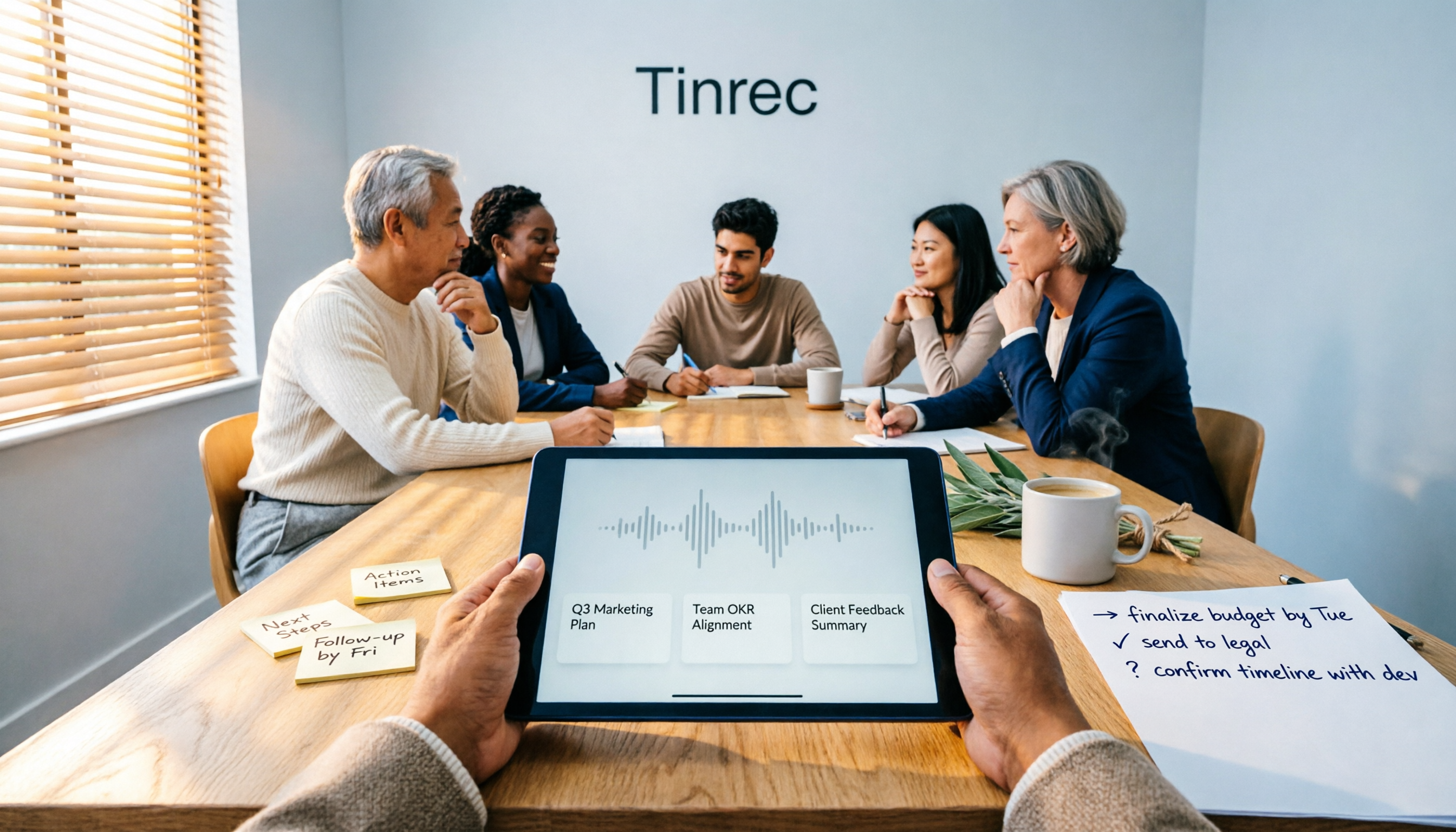
Turn recordings into transcripts and summaries in minutes
Upload audio or video for multilingual transcription, AI notes, and action items
Big Misunderstanding: Meeting Notes Are Not Transcripts, and Not a Report You Rewrite Afterward
Many people, when first asked to "take meeting notes," instinctively type everything word for word. A one-hour meeting turns into forty minutes of transcription, and then the manager flips two pages and puts it down: "So what's the conclusion? Who's doing what?"
Another common inefficient approach is treating meeting notes and work reports as two separate things. You take notes during the meeting on paper or in another tool, then after the meeting rewrite a weekly or project report from memory—doing the same day's content twice.
Even more troublesome is looking back for information. When you want to confirm "what was the budget cut conclusion last month," you realize you only wrote "discussed budget" and the numbers were never captured.
The problem is usually not that you type too slowly, but that the process is designed wrong: if there's no structure at the moment of recording, there's no material to work with afterward. A more reasonable approach is to let the tool extract the transcript, summary, decisions, and action items while recording, so you only need to verify and add a sentence—the skeleton of the report is already there.
To Make Meeting Notes Directly Produce a Work Report, First Look at These 4 Key Points
1. Is the input source broad enough?
A meeting might be in a physical conference room, a Zoom online meeting, or a recording file a colleague sends you afterward. If the tool can only handle one of these, you'll still have to piece things together manually. The ideal state: you can record in person in real time, online meetings don't require inviting an extra bot, and existing audio files can be uploaded for transcription.
2. Is the audio file kept?
If you only look at the transcript, you're passive when facing "who exactly said this" or "was this number misheard?" Keeping the original recording allows you to go back and verify, and the numbers in your work report will stand on solid ground.
3. Can you continue processing after the meeting?
The transcript is just raw material. What really saves time is the next part: automatic summaries, chapters, action items, and even directly generating reports, tables, and documents. If the tool only gives you a big block of text, you still have to copy and paste it into a report yourself.
4. Can the data be found and queried?
Three months later, when your manager asks "why did we choose plan A back then," you either remember or spend a long time searching. A tool that lets you ask questions directly about meeting content and search across meetings can turn meetings into a database, not just a pile of files sitting in the cloud.
Tinrec — The One That Turns Meetings Directly into Work Reports
Tinrec is an AI meeting notes and collaboration tool for individuals and teams, supporting iOS, Android, and web, with the desktop version being the main tool for handling online meetings.
Its biggest difference from pure recording or pure transcription tools is that it handles the entire "after the meeting" work.
During a meeting, you can open the Tinrec desktop version on your computer, and it will capture system audio to record online meetings on Zoom, Google Meet, Microsoft Teams, Webex, etc., without inviting an extra meeting bot. For offline meetings, use your phone or desktop version to record in real time, generating a transcript as you speak. After the meeting, AI has already organized the summary, chapters, key points, and action items—who is responsible for what and when it's due—much faster than recalling it yourself.
Even better is AI Q&A. After recording, you can directly ask it "what was the conclusion about the budget in this meeting" or "what concerns did the client mention," and it will answer based on semantics, not just throw a bunch of keywords at you. This feature is especially noticeable when writing work reports, because what the report often needs is not "what was said in the meeting" but "what was decided this time compared to last time."
If you need a formal document, Tinrec's Agent post-processing can generate reports, tables, and documents based on meeting content, and export them to Notion, Google Docs, OneNote, Dropbox, etc. for further editing. This means from recording to delivery, you don't have to retype anything in between.
A few advantages worth mentioning:
- No meeting bot needed: The desktop version directly captures system audio, so no unfamiliar account appears in the participant list—especially friendly for meetings with external clients.
- Chinese and multilingual meetings: Supports Chinese, Traditional Chinese, and multilingual transcription, and you can view the original text, translation, or bilingual content during recording. Teams can also maintain a hotword list to improve recognition of professional terminology.
- From individual to team accumulation: The team version provides an independent team space where meeting data belongs to the team. Members can share and view, and administrators can assign seats, view usage trends, and audit logs. When a member leaves, the data doesn't disappear with them, and accidentally deleted audio files can be restored from the recycle bin.
Stop organizing recordings by hand
Upload audio or video and automatically get a transcript, summary, and action items
Keep in mind that Tinrec currently does not publicly promise a fixed transcription accuracy rate; actual results will be affected by recording quality, noise, accents, multiple people talking over each other, and professional terminology. For important numbers, it's recommended to verify against the recording playback. Also, the free version is a trial quota; if you have a steady volume of meetings every week, you'll need to move to a paid plan.
In terms of pricing, the personal version has a free version, weekly card, Pro monthly, and Pro annual, suitable for different groups: for occasional transcription of a recording, the free version is enough; for short-term intensive meetings or interviews, consider the weekly card; for regular weekly use, Pro is suitable; for long-term accumulation of recording data, the annual card offers a lower average cost. The team version currently offers a 7-day trial for first-time eligible users, 1 free seat, and 300 minutes of team shared import quota; paid seats are USD 29.80 per paid seat per month, or USD 199 per paid seat per year (about USD 16.58 per month), with each paid seat providing 2,000 minutes of team shared import quota per month. Under the team plan, real-time recording is currently not deducted by minutes, while file and web link imports use the team shared quota. Actual prices, currencies, and benefits are subject to the official purchase page.
In short, if what you want is not just a transcript but material that can be directly turned into weekly reports, project reports, and client meeting notes, Tinrec currently has the most complete workflow.
Besides Tinrec, What Other Options Are There?
Otter.ai: A mature choice for English business meetings. Basic free plan includes 300 minutes per month; Pro annual billing is about USD 8.49 per user per month, including 1,200 minutes of in-app recording per month and 10 file imports. If your meetings are almost entirely in English and you don't need a Chinese interface, it's quite sufficient; but it doesn't focus on the Chinese meeting experience, and it lacks Tinrec's Agent post-processing workflow that regenerates meeting content into reports and tables.
Notta: High feature overlap, with multi-platform transcription, file import, translation, and team plans. Free version includes 120 minutes per month, with a maximum of 3 minutes per single item; Pro annual billing is about USD 8.17 per month. However, it still leans toward transcription and file processing; if you want bot-free recording of online meetings and then use AI Q&A to dig out meeting content, Tinrec's post-meeting workflow is smoother.
PLAUD Note / NotePin: Representatives of the hardware approach. NotePin is USD 159, Note Pro is USD 189, paired with Starter at 300 minutes per month or Pro annual at USD 99.99. Its value lies in portable recording, phone call recording, and long battery life; if you're often on the go and need a physical device, this type of product has its place. But online meetings and team data accumulation are not its strengths. Tinrec doesn't require buying an extra device to handle computer meetings and team sharing.
The above competitor prices and benefits are subject to official pages and may adjust over time.
Pitfall Guide: The 4 Most Common Mistakes When Turning Meeting Notes into Work Reports
Pitfall 1: Treating the transcript as meeting notes. The transcript is raw material, not a finished product. Real meeting notes need decisions, owners, and deadlines. Without these three things, you can't write the report. When choosing a tool, first see if it can automatically extract action items.
Pitfall 2: Only recording discussion, not numbers and decisions. "Discussed the budget" and "decided to cut next quarter's budget by 10%" are completely different in value. This is why you need to keep the recording and timestamps so you can verify afterward.
Pitfall 3: Data scattered across recorders, cloud, and paper. Every time you write a report, you have to play puzzle first. A better approach is to keep meeting data in one fixed place that can be searched and queried.
Pitfall 4: Only looking at free minutes, ignoring post-meeting processing capabilities. A large free quota doesn't mean time saved. A tool with 300 minutes per month that only gives you a transcript versus a tool with a smaller quota that can directly generate summaries and reports—the latter is often more cost-effective.
Also, when using it as a team, pay special attention to permission design. Roles manage governance (who can manage members and settings), while seats manage usage eligibility (whether one can record, upload, edit). Members who are active but have no seat can still view, play, and read team data, but cannot upload, edit, or import/export. Don't interpret "members can view" as "members can all edit."
Finally, a reminder: recording and transcription involve personal data and local regulations. Before the meeting, please confirm whether you need to obtain consent from participants.
Conclusion: Which One Should You Choose?
One-sentence conclusion: If you want meeting notes to directly become a work report, Tinrec is currently the path that saves the most steps.
- Need Chinese meetings and post-meeting report and table generation → Tinrec (Agent post-processing can directly produce reports, tables, and documents)
- Don't want an extra bot account for online meetings → Tinrec (desktop version captures system audio)
- Want to ask questions directly about historical meetings and quickly find conclusions → Tinrec (supports AI Q&A)
- Team needs to share meeting data, manage seats and usage → Tinrec team version
- Meetings are almost all in English, budget is zero → Otter.ai's free plan is worth considering
It's recommended to start with Tinrec's free version or team trial, run a complete process with a real meeting, and see if the generated summary, action items, and report draft match your usual delivery format. If it feels smooth, then consider upgrading.
References
- How to Take Meeting Minutes? A Complete Guide for Beginners in 2026 - Meta Note
- Meeting Minutes = Transcript? Professional Meeting Minutes Only Record 3 Key Points | Writing Tips, Templates at a Glance | 104 Workplace
- Meeting Minutes Writing 2026: Format Tutorial | Free Template + Download - ProjectManager
- Free Meeting Minutes Template (Word, Google Docs, PDF) | HiNoter Blog
- Chinese and English Meeting Minutes Template (2026) | Corporate, School, Institution Meeting Format, Examples, and AI Auto-Generation Tutorial | Subanana
Turn every recording into actionable outcomes
Get 60 free transcription minutes when you sign in. No credit card required.
Related Reading
You might also like

2026 Comparison of 4 Meeting Recording-to-Report Tools: Which One Turns Transcripts into Usable Reports?
Generating reports from meeting recordings isn't just about turning audio into text. This article first helps you determine whether you need a transcript or a ready-to-submit report, then compares Tinrec, Notta, Granola, and Otter.ai across four key aspects: input sources, output formats, AI follow-up questions, and data ownership. It explains which tool truly turns meeting recordings into usable meeting reports, and summarizes the four most common pitfalls and selection advice.

6 Team Meeting Tools Compared for 2026: From Free to Paid, All in One Place
A 2026 comparison of team meeting tools, covering the positioning, pricing, and use cases of six options: Tinrec, Otter.ai, Fireflies.ai, Notta, Granola, and built-in platform transcription. It also explains what to check before buying, such as roles and seats, data ownership, and more, to help you choose the right one for your team's actual needs.

Fathom vs Tinrec 2026: Which AI Meeting Tool Is Better for Chinese Meetings, Bot-Free Recording, and Team Collaboration?
Fathom or Tinrec? This comparison covers six dimensions: Chinese and mixed-language recognition, meeting recording methods, input sources, post-meeting outputs, team governance, and pricing. It also highlights each tool's unique strengths and best-fit scenarios, with an FAQ addressing free tiers, whether a meeting bot is required, and team plan differences—helping US users quickly decide which tool fits their workflow.

Granola vs Tinrec 2026: How to Choose the Right AI Meeting Notes Tool in 5 Steps
Granola and Tinrec both offer bot-free meeting recording, but one leans toward personal English meeting notes while the other turns Chinese meetings into a team knowledge base. This article first highlights the core decision question, then uses 5 key buying factors and a 5-step decision process—covering audio retention, importing old files, Chinese language experience, post-meeting output, and team seat management—to help you pick the best AI meeting notes tool for your needs.

2026 Comparison of 2 Meeting Report Generation Tools: Tinrec vs Granola in 5 Key Dimensions
Many people think that transcribing meeting recordings is the end, but the real time-consuming part is turning transcripts into usable meeting reports. I actually compared Tinrec and Granola, two bot-free meeting tools, across five dimensions: Chinese support, audio retention, post-meeting report generation, team collaboration, and data governance, and summarized my selection insights.

Tinrec vs Otter.ai 2026: 5-Dimension Comparison for Chinese Meeting Collaboration
Compare Tinrec and Otter.ai across 5 dimensions: Chinese transcription, bot-free recording, audio storage, post-meeting AI organization, and team governance. Find the best meeting collaboration software for teams that meet in Chinese.

2026 Comparison of 4 Meeting Minutes Excel Templates: Templates Are Just the Skeleton, Content Is the Real Cost
Downloaded a bunch of meeting minutes Excel templates but can't make them work? This article compares 4 common approaches, including free Excel templates, Google Sheets online versions, and AI meeting notes tools, explaining why 'typing what you hear into text' is the most time-consuming step, and shares how Tinrec's real-time recording test organized transcripts, summaries, and action items all at once.

5 Best Meeting AI Agent Tools in 2026: Real-World Comparison for Turning Meetings into Actionable Data
Meeting AI agent tools span four distinct categories: built-in platform transcription, meeting bots, bot-free desktop recording, and file transcription. This hands-on comparison covers Tinrec, Otter.ai, Granola, and Notta—their positioning, pricing, and limitations—with 4 key criteria to help you choose the right tool for Chinese-language meetings and team collaboration.
2026 AI Meeting Recorder Comparison: Which Free Version Is Enough?
The meeting ends, but the work begins. Based on real-world use, this guide covers 4 key factors for choosing an AI meeting recorder and compares 5 tools—Tinrec, Otter.ai, Notta, and PLAUD Note—on recording method, Chinese language support, post-meeting output, and pricing. Includes 3 common pitfalls to help you find the best fit for your workflow.