

Turn recordings into transcripts and summaries in minutes
Upload audio or video for multilingual transcription, AI notes, and action items
"The Meeting Just Ended, but the Notes Are Just Beginning" — Are Free AI Meeting Agents Really Enough?
It's 2 p.m. on a Wednesday, and you're in a 40-minute cross-departmental meeting. You're listening while typing, and by the time the slide deck reaches page three, your manager is already on the fifth decision. When the meeting ends, your notebook is left with nothing but scattered keywords.
So you start looking for tools. You search "free AI meeting agent," and the first few results hit you with an upgrade prompt after just 3 minutes of free transcription. Some free tiers look generous, but they only handle uploaded audio files—useless for online meetings.
This article rounds up 4 common AI meeting tools and lays out the real limits of their free versions, how meetings get recorded, and what you actually walk away with after the meeting.
Before Choosing a Free AI Meeting Agent, Understand These 5 Key Points
How free limits are calculated. Don't just look at the word "free." Check three things: total monthly minutes, maximum length per upload, and whether the quota is per person or shared across a team. A plan that only allows 3 minutes per upload is nearly useless for a 40-minute meeting.
How the meeting gets recorded. There are roughly three approaches: a meeting bot that joins as a participant, desktop software that captures your computer's system audio, and phone or hardware recording. Bots are convenient but show up in the participant list. Desktop capture grabs system audio directly without adding an extra participant—something you notice especially during external meetings.
What you get after transcription. A tool that only gives you a transcript is just handing the organizing work right back to you. Tools with summaries, chapters, action items, and AI Q&A are the ones that actually turn a meeting into reusable data.
Real-world performance with Chinese and mixed Chinese-English. Take official accuracy claims with a grain of salt—those are usually measured in quiet environments. Real meetings have air conditioning hum, keyboard clatter, and overlapping speakers. The best test is to try your own recording.
Where your data ends up. Meeting data under a personal account follows the individual. Data in a team workspace belongs to the team, so it's less likely to vanish entirely when members change.
Tinrec — Our Top Recommendation After Testing
Tinrec is an AI meeting notes and collaboration tool for individuals and teams, available on web, desktop, and mobile. It doesn't just turn audio into text—it organizes meetings into searchable, summarizable, queryable, and exportable data.
Record online meetings without a meeting bot. The desktop version captures your computer's system audio directly, handling meetings on Zoom, Google Meet, Microsoft Teams, Webex, and other platforms without an extra bot joining the participant list. Open Tinrec before the meeting and start recording, and the transcript generates in sync. Note that you need to initiate this yourself—Tinrec is not currently a bot that automatically joins calendar meetings.
Ask it questions after the meeting instead of scrolling through the transcript. After the meeting, Tinrec produces a summary, chapters, and key points, and pulls action items out of the discussion. Even better is the AI Q&A—you can directly ask "Who mentioned the budget in the last meeting?" or "What did the client say about the delivery date?" and it answers based on the meeting content rather than dumping a list of keyword matches. You can also generate reports, tables, and documents from the same data, or export to Notion, Google Docs, OneNote, or Dropbox for further work.
For mixed Chinese-English meetings, it can translate while recording. During recording, you can switch between original text, translation, or bilingual display, so cross-language meetings don't have to wait until afterward. The team plan also offers team hotwords, letting you add internal product names, abbreviations, and technical terms to improve recognition.
The team plan turns meetings into a team asset. Team spaces centrally store audio, folders, TODOs, and related meeting data, so new members can review past meetings. It's important to distinguish between "roles" and "seats": roles determine who can manage the team, members, and auditing; seats determine who can record, upload, edit, and export. Members who are active but have no seat can still view, play, and read team data. Admins can also view usage trends, member rankings, and audit logs, and recover accidentally deleted recordings from the audio recycle bin before permanent cleanup (currently retained for 30 days).
Stop organizing recordings by hand
Upload audio or video and automatically get a transcript, summary, and action items
Free version and paid plans. The free version offers a basic quota to try recording, importing, summaries, and transcription—good for testing the waters. If you have a short-term burst of meetings or interviews, consider a weekly pass; for regular weekly use, the Pro monthly plan is a better fit; if you need to accumulate recording data long-term, the annual plan has a lower effective monthly cost. The team plan's first trial is 7 days, 1 free seat, and 300 minutes of shared team import quota; paid seats are USD 29.80 per month, or USD 199 annually (about USD 16.58/month), with each paid seat providing 2,000 minutes of shared team import quota per month. Live recording under an active team plan and seat is currently not deducted by the minute. Actual prices and benefits are subject to the official purchase page.
Limitations to keep in mind. Tinrec does not recommend promising a fixed accuracy rate—actual results depend on recording quality, noise, accents, overlapping speakers, and technical terminology. For important content, go back and verify against the transcript and recording. The free quota is naturally not enough for heavy users, which is why multiple plans are offered.
Overall, if you need Chinese meeting transcription, don't want a bot joining your meetings, and want to pick up work directly through Q&A and action items afterward, Tinrec is currently the closest fit for that need.
Besides Tinrec, What Other Free Options Are There?
Granola. It also takes a bot-free approach, using desktop system audio and microphone for real-time transcription. The Basic plan is free, and Business is USD 14 per user per month. It supports viewing, copying, and searching live transcripts, but does not support uploading pre-recorded audio files or retaining meeting audio. If you like taking your own notes during meetings, it's a pleasant experience; but if you need to import existing recordings, keep audio files, or build a team knowledge base, Tinrec is a better fit.
Notta. It performs well in multilingual transcription and meeting integrations. The free version offers 120 minutes per month with a maximum of 3 minutes per upload, and the Pro annual plan works out to about USD 8.17 per month (1,800 minutes per month). It's plenty for short audio files, subtitles, and translation needs. However, the free version's per-upload limit is tight for full meetings, and bot-free desktop recording, AI Q&A, and agent post-processing are areas where Tinrec is more complete.
Otter.ai. If your meetings are mainly in English, Otter is a mature choice. Basic is free with 300 minutes per month, and Pro annually is about USD 8.49 per user per month, including 1,200 minutes of in-app recording and 10 file imports per month. This is one of the few alternatives in this article recommended for a specific group. But its strength is English business meetings—Chinese and mixed Chinese-English are not its home turf. If you need Chinese meeting notes and team data accumulation, Tinrec is the smoother path.
Pitfalls Guide: The 4 Most Common Mistakes When Choosing a Free AI Meeting Agent
Pitfall 1: Only looking at total monthly minutes and ignoring the per-upload limit. Some plans say 120 minutes per month but cap each upload at 3 minutes—you'd have to split one meeting into a dozen uploads, and the effort of organizing files exceeds the time saved. Check both numbers before choosing.
Pitfall 2: Only comparing transcription minutes and ignoring how quotas are shared. For team use, is the quota calculated per person or shared across the team? Does importing files deduct extra? These terms differ by a word but make a huge difference in actual usability.
Pitfall 3: Treating an AI meeting tool as just a transcript generator. If all you get after recording is text, you're only using a third of its capability. Summaries, action items, Q&A, and exports are where the real time savings are—asking "What were the conclusions and who's responsible?" right after recording is much faster than manually scrolling through a 40-minute transcript.
Pitfall 4: Forgetting recording consent. Before you hit record, inform participants and get their consent, especially for client meetings and international meetings. No matter how good the tool is, this step is non-negotiable.
Summary: Starting Free, Which One Should You Actually Choose?
In one sentence: for Chinese meetings, not wanting a bot to join, and needing to keep working with the content afterward, Tinrec is the smoothest choice in this comparison.
- Need Chinese and mixed Chinese-English meeting transcription → Tinrec (can use team hotwords for technical terms)
- Don't want a bot appearing in the participant list → Tinrec (desktop version captures system audio directly)
- Want to use AI to find key points and track action items right after recording → Tinrec (AI Q&A and agent post-processing)
- Need to use it on both phone and computer → Tinrec (web, desktop, and mobile)
- Team needs to share meeting data and manage seats → Tinrec team plan (members, roles, seats, usage, auditing)
- Mainly recording English meetings, zero budget → Otter.ai (the only exception recommended in this article)
We suggest running your usual meeting workflow through the free version first to see the transcript quality and how post-meeting organization feels, then decide whether to upgrade. After all, the best test of whether a tool works is your own meeting recordings.
Data Sources
- No Time Limit! 3 Free AI Transcription Tools, Highly Recommended! (104 Career Force)
- Make the Most of AI in Meetings and Video Conferences (Google Workspace)
- Meeting.ai: Agent for Work (Google Play)
- The Most Recommended AI Meeting Notes Tool of 2026, the Must-Have for Time-Saving Meetings! (CyberLink)
- AI Meeting Notes – Smart Meeting Notes and Summaries (MaiAgent)
- Otter.ai, Notta, Granola official pricing pages
References
- No Time Limit! 3 Free AI Transcription Tools, Highly Recommended! AI Voice Notes Generate Meeting Minutes, Presentations, Mind Maps | 104 Career Force
- Make the Most of AI in Meetings and Video Conferences | Google Workspace
- Meeting.ai: Agent for Work - Google Play App
- The Most Recommended AI Meeting Notes Tool of 2026, the Must-Have for Time-Saving Meetings!
- AI Meeting Notes - Smart Meeting Notes and Summaries | MaiAgent
Turn every recording into actionable outcomes
Get 60 free transcription minutes when you sign in. No credit card required.
Related Reading
You might also like

AI Meeting Agents in 2026: Bot-Free Recording + Auto Summaries and Action Items
AI meeting agents don't just start recording on their own. This guide breaks down three common misconceptions, four key factors to consider when choosing one, and hands-on testing of Tinrec's bot-free desktop recording, summaries, action items, and post-meeting AI Q&A. It also briefly reviews Otter.ai, Notta, and Granola for different use cases, with tips to avoid pitfalls and selection advice.

2026 AI Meeting Assistant Comparison: Meeting Agent vs AI Meeting Assistant — 5 Dimensions to Choose Right
Meeting agents and AI meeting assistants are often confused, but they have different design approaches. This article compares Tinrec and Otter.ai across 5 dimensions: meeting capture, Chinese language experience, post-meeting organization, AI Q&A, and team governance, to help you determine which tool fits your workflow.

Tinrec vs Otter.ai 2026: 5-Dimension Comparison — Which AI Meeting Assistant Is Better for Chinese Meetings?
How to choose a meeting AI solution? This article compares Tinrec and Otter.ai across 5 dimensions: Chinese recognition, bot-free recording, post-meeting organization, team collaboration, and pricing, to help you find the best meeting AI tool for teams that need Chinese-language support.

5 AI Meeting Assistants Tested in 2026: Which One Actually Turns Meetings into Usable Data?
Meeting notes shouldn't just be a recording. This article starts with common misconceptions, then shares hands-on observations and buying tips for 5 AI meeting assistants, explaining how Tinrec stands out with bot-free recording, Chinese transcription, AI Q&A, and team knowledge retention.

3 AI Meeting Agents Tested in 2026: Which One Actually Delivers a Ready-to-Use Report?
AI meeting agents don't just turn audio into text—they can also generate summaries, action items, and deliverable meeting reports. Using Tinrec as an example, this article explains the practical uses of AI meeting agents for report generation, core capabilities, four application scenarios, and 5 key considerations when choosing a tool, plus answers to common questions.

2026 AI Meeting Agent Comparison: Which Tool Best Handles Post-Meeting Q&A and Team Knowledge Retention?
From the perspective of a mid-level manager with 15 meetings a week, we tested and compared 4 AI meeting agents, covering how meetings are recorded, whether you can ask follow-up questions and retain knowledge after the meeting, and how team seats and quotas work. We also honestly explain Tinrec's suitable use cases and limitations.

2026 Meeting Notes Tools Comparison: Personal Notes vs Shared Cloud vs Team Workspace
Should meeting notes stay in personal notebooks or move to a team workspace? This article examines four key factors—data ownership, roles and seats, quota calculation, and post-meeting usability—to compare Tinrec's personal and team versions, and evaluates the team capabilities of Notta, Otter.ai, and Granola to help you decide if an upgrade is worthwhile.

3 AI Meeting Notes Solutions Compared for 2026: How to Choose a Notion AI Alternative
Juggling over a dozen meetings a week and still stuck transcribing notes and action items afterward? This article compares Notion AI meeting notes alternatives from the perspective of a mid-level manager's hands-on testing, using Tinrec as an example to explore bot-free recording, real-time transcription, AI summaries, action item extraction, and team collaboration workflows—helping you pick a meeting notes tool that truly saves time.
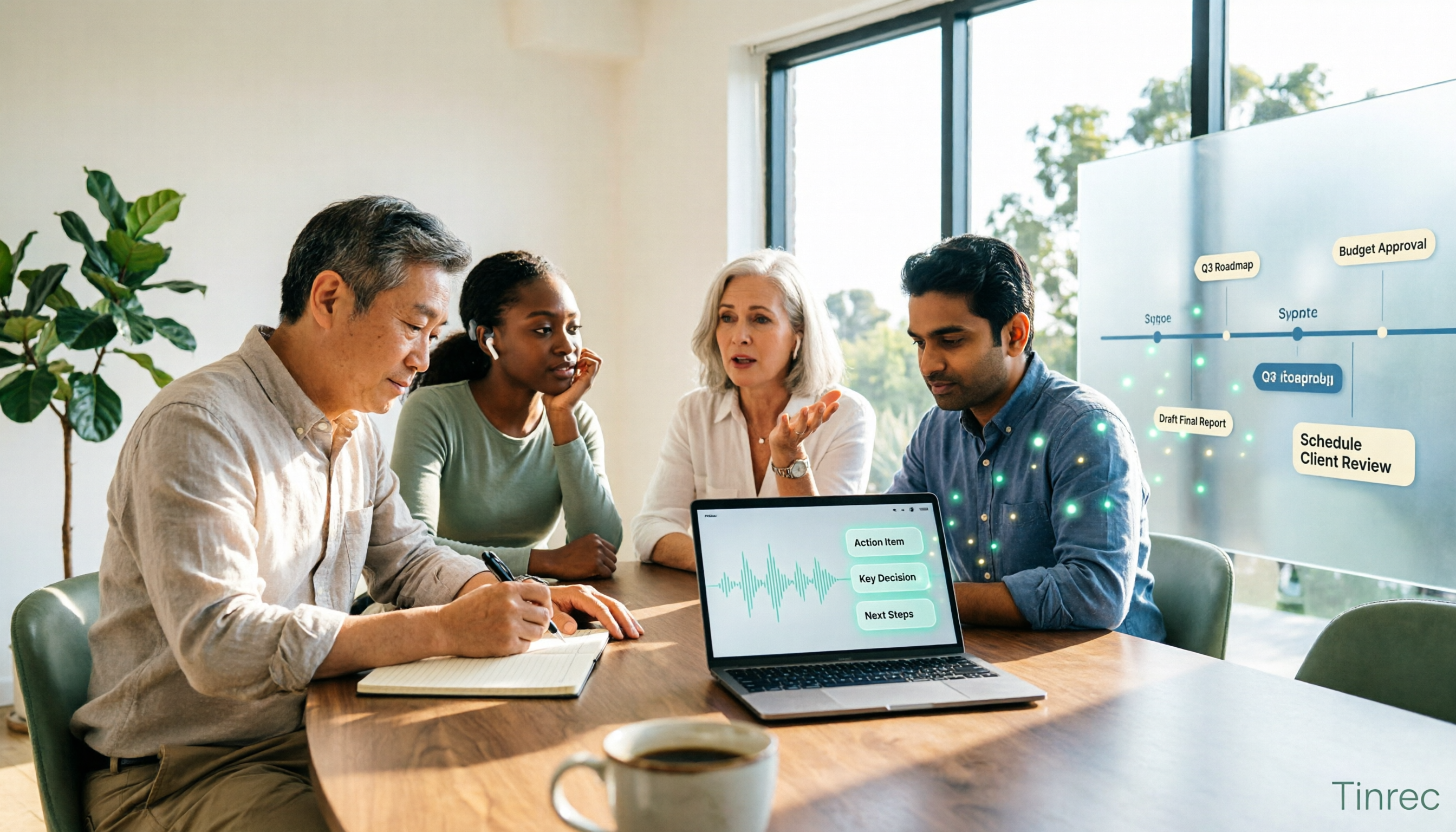
2026 Comparison of 4 Meeting Data Governance Tools: Which One Turns Meeting Data into a Team Asset?
How to choose a meeting data governance tool in 2026? We tested them hands-on, comparing meeting data ownership, post-meeting organization workflows, bot-free recording methods, and team governance capabilities. We break down the differences between Tinrec, Otter.ai, Granola, and PLAUD to help you find the one that truly turns meeting data into a lasting asset.