
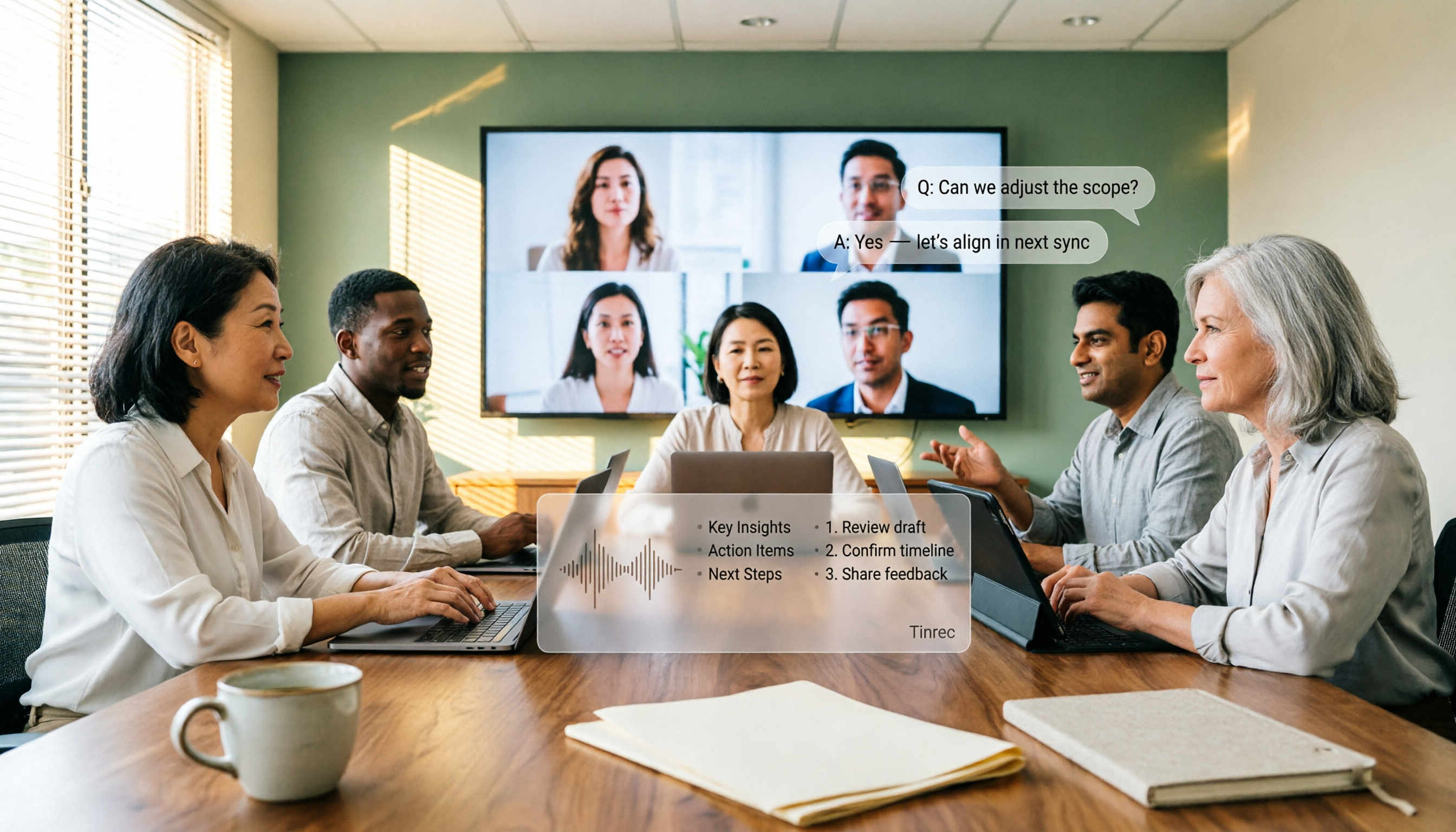
Turn recordings into transcripts and summaries in minutes
Upload audio or video for multilingual transcription, AI notes, and action items
AI Meeting Agents in 2026: Bot-Free Recording + Auto Summaries and Action Items
"Just let AI handle the meeting notes"—that's the first pitfall
When many people first hear about AI meeting agents, they imagine this: the meeting starts, and it automatically starts taking notes; the meeting ends, and a summary pops up on its own.
In reality, that's not how it works. Most tools on the market require you to actively start recording, and meeting platforms don't automatically send audio to third parties. If you treat it like autonomous driving, you'll be disappointed in the first week.
The second common misconception is treating the transcript as the meeting record. A 60-minute meeting can easily produce tens of thousands of words in a transcript, and honestly, no one will read it a second time. What really saves time is the summary, chapters, action items, and whether you can directly ask it when you need to confirm a detail.
The third pitfall is inviting a meeting bot to join. For internal meetings, it's fine, but for client meetings or cross-company meetings, when the other party sees an unfamiliar account join, their first question is usually "Who is this?"
A more reasonable approach is to first clarify three things: how the meeting is recorded, what comes after the transcript, and who ultimately stores the data. Let's break it down in that order below.
Before choosing an AI meeting agent, understand these 4 key points
1. How the meeting is "heard" One way is to send a meeting bot as a participant, which has the advantage of being cross-platform but the disadvantage of being visible to others. The other way is for a desktop version to directly capture the computer's system audio, without disturbing anyone in the meeting room. Tinrec takes the second approach, suitable for client meetings that need low-profile recording.
2. What comes after the transcript A tool that only provides a transcript is essentially handing the organizing work right back to you. What you should look at is whether it can automatically generate summaries, chapters, and action items, whether it can answer follow-up questions about the meeting content, and whether it can export to existing workflows like Notion or Google Docs.
3. Real-world performance with Chinese and mixed Chinese-English Take the accuracy numbers on official websites with a grain of salt; they are usually measured in quiet environments. Real meetings have air conditioning noise, keyboard sounds, multiple people talking over each other, and plenty of project acronyms. It's best to test with your own meeting recording; the differences will really show under such conditions. Tinrec also offers team hotwords, so you can add your company's internal acronyms in advance.
4. Who ultimately stores the data Data under a personal account follows the person, and when they leave, it scatters. A team space keeps meeting data within the team, allowing handover when members change. For teams of three or more, this is more important than a few hundred extra minutes of quota.
Tinrec hands-on: turning meetings into searchable, queryable data
Tinrec is an AI meeting recording and collaboration tool for individuals and teams, supporting iOS, Android, and web versions. The desktop version can handle audio from online meetings played on a computer, such as Zoom, Google Meet, Microsoft Teams, and Webex.
When the meeting starts, open the desktop version and start recording. It will generate a transcript as it listens, without inviting any bot to join, and no one in the meeting room will see an unfamiliar account. When the meeting ends, the summary, chapters, and action items are already organized—who is responsible for what, what to discuss next time, all at a glance.
Even better is the post-meeting AI Q&A. After recording, you can directly ask it "What was the budget cap discussed last time?" or "What were the three concerns the client mentioned?" It will find answers from the meeting content instead of throwing a string of keywords at you to sift through. This is where I think it stands out most from similar tools: most tools stop after the transcript is done, but Tinrec starts from there.
For the hands-on part, I tested with a mixed Chinese-English project meeting recording (laptop built-in microphone, open office, with air conditioning background noise). The transcript kept up with the speaking pace. Proper nouns and custom acronyms were initially misrecognized, but after adding team hotwords, there was noticeable improvement. For sections where multiple people talked over each other, I still had to click back to the timeline to verify with the original audio—this is the same for all tools, so don't expect miracles.
Stop organizing recordings by hand
Upload audio or video and automatically get a transcript, summary, and action items
Three points that make me willing to keep using it:
- No need to re-listen after the meeting: summaries, chapters, and action items are directly usable, compressing meeting notes from two hours to a dozen minutes.
- No bot: no awkwardness in client meetings or cross-department meetings.
- Can continue processing: results can be exported to Notion, Google Docs, OneNote, Dropbox, and you can use Agent to generate reports, tables, and meeting minutes.
Note that it requires you to press record yourself; it doesn't automatically join all meetings on your calendar. Also, importing files and web links consumes quota; the free version has a basic quota. If you have a high volume of meetings, you'll still need to evaluate paid plans.
The team version centralizes meeting data into an independent team space: you can create multiple teams, invite members via link, set owners/admins/regular members, assign or revoke seats, and view usage trends and audit logs. Roles determine who can manage the team, seats determine who can record, upload, and edit—active members without a seat can still view and read team data. In terms of pricing, the first eligible team trial is 7 days, with 1 free seat and 300 minutes of team shared import quota; monthly payment is USD 29.80 per paid seat per month, annual payment is USD 199 per paid seat per year (about USD 16.58 per month), and each paid seat provides 2,000 minutes of team shared import quota per month. Actual prices and benefits are subject to the official purchase page.
If you often need to organize Chinese meetings, want to use AI to find key points directly after the meeting, or don't want to let a bot join client meetings anymore, Tinrec is the one I'd ask you to try first.
Besides Tinrec, what other options are there?
Otter.ai: A veteran choice for English business meetings, with a free version offering 300 minutes per month, and mature workflows and team features. If your meetings are almost entirely in English, it will be smoother than Tinrec. However, its Chinese meetings and mixed Chinese-English organization are relatively not its strong suit; if you mainly have Chinese meetings and want data to settle in a team space, Tinrec's alignment is clearer.
Notta: It does multilingual transcription and subtitles well, with the highest overlap with Tinrec. Its strengths are file transcription and translation; Tinrec starts processing from the meeting scene, including bot-free desktop recording, post-meeting AI Q&A, and team data management. Both are worth trying; the difference is whether you prefer "file processing" or "meeting workflow."
Granola: Also a bot-free meeting note tool, focusing on combining your handwritten notes with AI, suitable for people who like to type during meetings. Note that it does not support uploading pre-recorded audio files, nor does it retain meeting audio; if you need post-meeting playback for verification, or want to organize existing recording files, Tinrec is more suitable.
Pitfall guide: the 4 most common mistakes when adopting AI meeting agents
Pitfall 1: Only looking at the list of supported platforms, without asking how the meeting is recorded. No matter how long the list is, if the method is sending a bot to join the meeting, client meetings will still be awkward. First confirm whether there is a recording method that doesn't disturb participants.
Pitfall 2: Treating the transcript as the end goal. Only using transcription means using only one-third of the tool's capabilities. If you don't use summaries, action items, and Q&A, you'll still have to write the meeting notes yourself.
Pitfall 3: Mistaking "members can view" for "members can edit." In team tools, roles and seats are two different things: roles govern management, seats govern usage eligibility. Before buying, ask clearly whether people without seats can upload, edit, and export, to avoid discovering after purchase that permissions are different from what you imagined.
Pitfall 4: Ignoring audio retention and compliance. Before recording, you should inform participants and obtain consent, and also confirm the retention period and deletion process for audio files. For example, Tinrec's team version has an audio recycle bin, so accidental deletions can be restored before permanent cleanup begins; but such mechanisms vary by vendor and plan, so don't assume they always exist.
Conclusion: Which one should you choose?
In one sentence: for recording Chinese meetings without letting a bot into the meeting room, Tinrec is my current top choice.
- Don't want an extra account in client meetings → Tinrec (desktop version captures system audio)
- Mainly Chinese or mixed Chinese-English meetings → Tinrec (team hotwords can correct proper nouns)
- Want to ask AI directly "What's the conclusion?" after recording → Tinrec (AI Q&A is its core differentiator)
- Teams of three or more need to accumulate meeting data → Tinrec team version (team space, seats, usage, audit)
- Meetings almost entirely in English, limited budget → Otter.ai's free quota can be used first
I suggest starting with the free version for two or three meetings, using your own recordings to verify transcription quality, and considering paid plans only if it feels smooth. No need to buy from the start.
References
- Meeting Ink - AI Meeting Notes Assistant Automatic Transcription and Summary
- Using AI in meetings and video conferences | Google Workspace
- AI Meeting Notes - Smart Meeting Notes and Summaries | MaiAgent
- AI Meeting Notes Generator
- Tactiq: AI Meeting Notes Tool for Google Meet, Zoom, and MS Teams - Chrome Web Store
Turn every recording into actionable outcomes
Get 60 free transcription minutes when you sign in. No credit card required.
Related Reading
You might also like

4 AI Meeting Agents Compared in 2026: Which One Actually Produces an Action Plan?
The end goal of meeting notes isn't a transcript—it's an action plan with owners and deadlines. This comparison of Tinrec, Otter.ai, Granola, and Notta breaks down how each AI meeting tool generates action plans, records meetings, supports post-meeting follow-up questions, and handles team data ownership. It also includes buying criteria, pitfalls to avoid, and pricing to help you pick the one that truly turns discussion into next steps.

5 AI Meeting Assistant Use Cases Tested for 2026: From Recording to Action Items in One Go
How do AI meeting assistants work? This article breaks down 5 practical use cases, 6 core capabilities, and 6 key purchasing considerations, using Tinrec as an example to explain the complete workflow from live transcription, bot-free meeting recording, AI summaries and action item extraction, AI Q&A, to team spaces—helping you understand where your money goes before buying a meeting assistant.
AI Meeting Agent vs. AI Meeting Assistant: 5-Dimension Comparison and How Tinrec Fits In (2026)
What's the real difference between an AI meeting assistant and an AI meeting agent? This article breaks down the two across 5 dimensions: deliverables, post-meeting workflow, context continuity, Chinese language performance, and data ownership. It also explains how Tinrec uses bot-free recording as a foundation and agent post-processing to turn meetings into deliverable data.
4 AI Meeting Agents Tested for 2026: Which Handles Chinese Meetings and Bot-Free Recording Best?
How to choose an AI meeting agent in 2026? This article compares Tinrec, Otter.ai, Granola, and PLAUD, covering bot-free recording, Chinese and mixed Chinese-English transcription, post-meeting summaries and action items, AI Q&A, team spaces, free tiers, and pricing, to provide the most practical buying tips and pitfalls for the workplace.

2026 AI Meeting Notes Comparison: Tinrec vs Otter.ai for Chinese-Speaking Teams
How do you choose an AI meeting notes tool? This article compares Tinrec and Otter.ai across five dimensions: whether a meeting bot is required, Chinese and multilingual experience, post-meeting output, input sources, and team seat governance, with clear recommendations for different scenarios.

2026 AI Meeting Assistant Comparison: Meeting Agent vs AI Meeting Assistant — 5 Dimensions to Choose Right
Meeting agents and AI meeting assistants are often confused, but they have different design approaches. This article compares Tinrec and Otter.ai across 5 dimensions: meeting capture, Chinese language experience, post-meeting organization, AI Q&A, and team governance, to help you determine which tool fits your workflow.
Tinrec vs Otter.ai 2026: 5-Dimension Comparison — Which AI Meeting Assistant Is Better for Chinese Meetings?
How to choose a meeting AI solution? This article compares Tinrec and Otter.ai across 5 dimensions: Chinese recognition, bot-free recording, post-meeting organization, team collaboration, and pricing, to help you find the best meeting AI tool for teams that need Chinese-language support.

5 AI Meeting Assistants Tested in 2026: Which One Actually Turns Meetings into Usable Data?
Meeting notes shouldn't just be a recording. This article starts with common misconceptions, then shares hands-on observations and buying tips for 5 AI meeting assistants, explaining how Tinrec stands out with bot-free recording, Chinese transcription, AI Q&A, and team knowledge retention.

3 AI Meeting Agents Tested in 2026: Which One Actually Delivers a Ready-to-Use Report?
AI meeting agents don't just turn audio into text—they can also generate summaries, action items, and deliverable meeting reports. Using Tinrec as an example, this article explains the practical uses of AI meeting agents for report generation, core capabilities, four application scenarios, and 5 key considerations when choosing a tool, plus answers to common questions.