
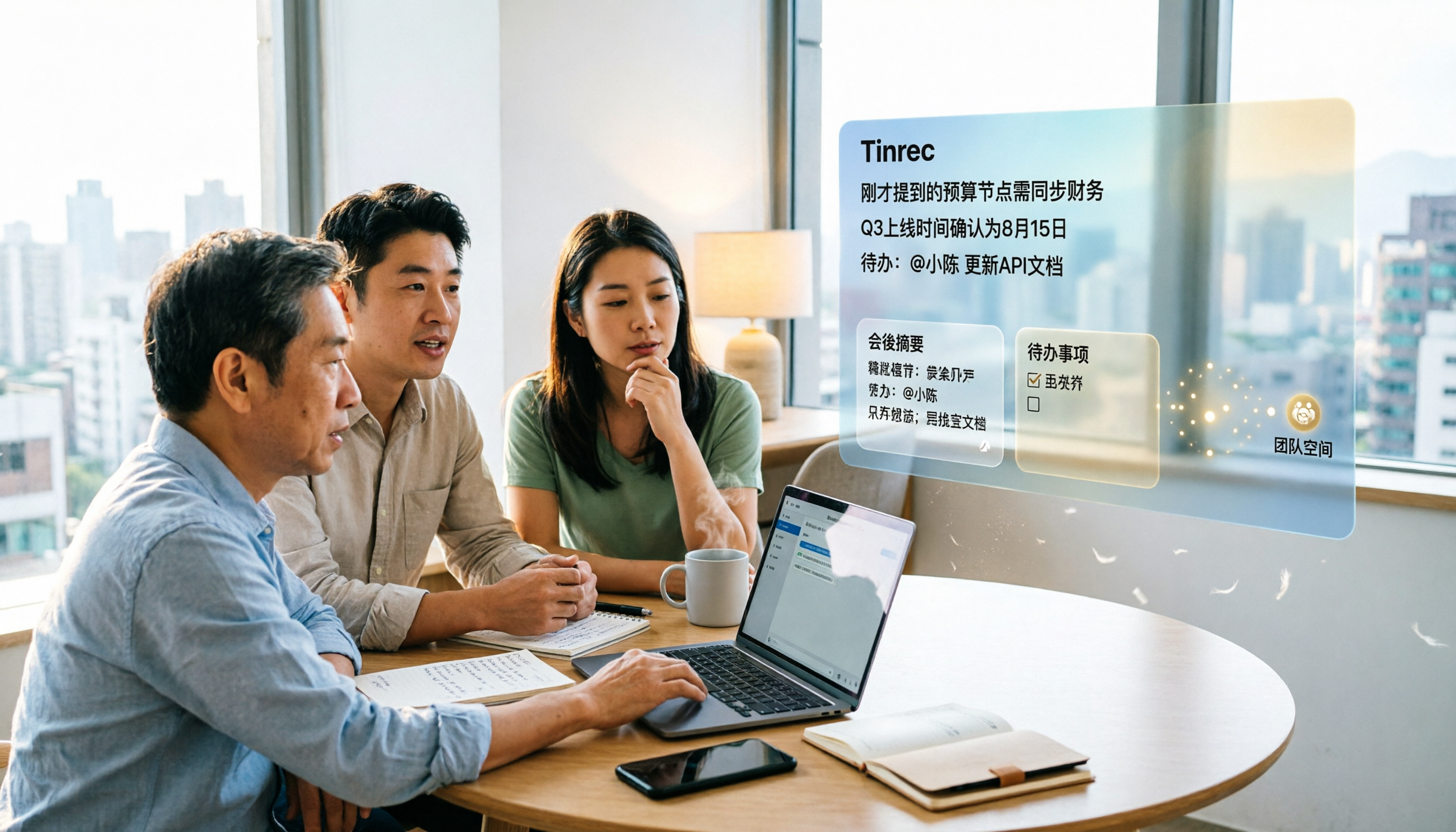
Turn recordings into transcripts and summaries in minutes
Upload audio or video for multilingual transcription, AI notes, and action items
The meeting is over, but the real work begins—does this sound like your daily life?
It's 3 PM on Thursday, and you just wrapped up a 90-minute cross-departmental meeting. Your throat is dry and your head is spinning. Just as you're about to grab a glass of water, your manager messages the group: "Who's responsible for the timeline we just discussed?"
You remember someone mentioned it, but you can't recall who or at what minute.
To make matters worse, there was a colleague who spoke quickly and mixed Chinese and English. Even if you recorded it, digging out the answer from 90 minutes would take another half hour.
This isn't a bad memory—it's that most people simply don't have a way to "keep" meetings.
In this article, I've compiled four of the most talked-about AI meeting agents in 2026, including observations from hands-on trials, differences in free tiers, and several easy-to-fall-into pitfalls.
Before Choosing an AI Meeting Agent, Understand These 5 Key Points
1. Recording method: Do you need a "meeting bot" to join? A common approach is to send a meeting bot to join as a "participant." The advantage is full automation, but the downside is an unfamiliar account appears on the list, which some clients or external parties may mind. Another approach is desktop capture of system audio, so no extra participant appears in the meeting.
2. A transcript alone isn't enough—look at "post-meeting output" A transcript is the baseline. What really saves time is summaries, chapters, action items, and the ability to ask questions directly about the meeting content. When choosing a tool, look at what it gives you after the meeting, not just how many words it transcribes.
3. Recognition experience with Chinese and mixed Chinese-English Meetings in Taiwan rarely use a single language throughout. Chinese, English, product codes, and client abbreviations all mix together, which is a much bigger challenge for transcription tools than all-English meetings. It's best to test with a recording of your own, not just rely on the official accuracy claims.
4. Personal use or team collaboration? If you're the only one organizing, a personal plan is enough. But if meeting data is shared across the department, such as project weekly meetings or client interviews, you need to check whether the tool has team spaces, member roles, and seat designs. These two things are separate in team editions.
5. Is the free tier enough for you? Most tools have free plans, but the limits and restrictions vary. Light users who have two or three meetings a week will find it sufficient; if you have client interviews every day, you'll need to calculate the unit price of paid plans.
Tinrec—The One I Open Most After Testing
Tinrec is an AI meeting notes and collaboration tool for individuals and teams, supporting web, desktop, and mobile. It focuses on turning meeting recordings into searchable, summarizable, queryable, and exportable data.
Record online meetings without a meeting bot Tinrec's desktop version directly captures system audio, handling online meetings like Zoom, Google Meet, Microsoft Teams, and Webex without sending a separate bot account to join. This is practical for those who frequently meet with external clients—no unfamiliar name suddenly appears on the participant list. Note that it's not designed to "automatically join all calendar meetings"; you actively open Tinrec to start recording.
Post-meeting organization is its main stage After the meeting, Tinrec produces a transcript, AI summary, chapters, and key points, and automatically organizes action items. My most-used feature is AI Q&A: after recording, I directly ask it "What was the conclusion of this meeting?" or "Who mentioned the budget?" It answers based on semantic understanding, not just a string of keyword search results. It can also generate mind maps, reports, tables, and documents, essentially preparing the first draft of post-meeting writing.
Cross-device and output that fits your existing workflow Besides desktop, you can use your phone to record offline meetings and interviews on the fly, and existing audio or video files can be uploaded for transcription. For cross-language meetings, there's real-time translation, with options to switch between original, translated, or bilingual view. The organized results can be exported to Notion, Google Docs, OneNote, Dropbox, and other tools for further processing, without copying and pasting between formats.
Team spaces for collaborative use If your entire department needs to use it, Tinrec has a separate team edition. It's not "multiple people sharing one personal account" but a team space: meeting data belongs to the team, and new members can view historical data after joining. "Roles" determine who can manage the team and members, while "seats" determine who can record, upload, edit, and export—these two concepts are separate, which is the most commonly misunderstood part of the team edition. Administrators can view usage trends, member rankings, and details, and query and export audit logs; deleted audio goes to the recycle bin and is currently retained for 30 days, during which it can be recovered, and the team can maintain its own hotwords.
Stop organizing recordings by hand
Upload audio or video and automatically get a transcript, summary, and action items
In terms of pricing, the team monthly plan is USD 29.80 per paid seat per month, and the annual plan is USD 199 per paid seat per year (about USD 16.58 per month). Each paid seat provides 2,000 minutes of team shared import quota per month; under an active team plan and seat, real-time recording is currently not deducted by minutes. Eligible teams can try for 7 days for the first time, including 1 free seat and 300 minutes of shared import quota. Actual amounts and promotions are subject to the official purchase page.
Three reasons I'm willing to keep using it First, bot-free recording avoids awkwardness when meeting with external parties. Second, post-meeting output is very complete—summaries, chapters, action items, and Q&A all flow together, not just a transcript. Third, it's designed primarily for Chinese meetings and can maintain your own product names and client abbreviations with team hotwords, and team data isn't tied to an individual's personal account.
Limitations to be honest about The free version offers basic quota to experience recording, import, summary, and transcription, but if you have more than one meeting a day, you'll need to evaluate a paid plan. Also, Tinrec currently focuses on "team-level sharing" for team permissions, where all active members can read team data, not file-level granular permissions. Finally, any AI transcription is affected by recording quality, accents, and multiple people talking over each other; for important content, it's recommended to cross-check with transcript timestamps and audio playback.
Who it's for If you often have Chinese or mixed Chinese-English meetings, don't want a meeting bot to join, want to ask AI directly for key points after the meeting, or need meeting data to stay with the team rather than an individual's account—Tinrec is currently the smoothest path.
Besides Tinrec, What Other Options Are There?
The following three each have their strengths; if you have specific needs, you can include them in your comparison. Prices are from official pages at the time of writing; please confirm again before ordering.
Otter.ai Otter.ai is a veteran AI meeting assistant with a strong market presence for English business meetings. The free version offers 300 minutes per month, and the Pro plan is about USD 8.49 per user per month on an annual basis, including 1,200 minutes of in-app recording and 10 file imports per month. It also has desktop capabilities. However, if your meetings are mainly in Chinese, or you want to keep data in a team space for long-term accumulation, Tinrec's organization workflow will be more aligned with your needs.
Granola Granola also uses a bot-free approach to capture system audio, and its feature is combining your handwritten notes with AI-generated content. Basic is free, and Business is USD 14 per user per month. Note that it does not support uploading existing audio files and does not retain meeting audio. If you need to listen back to the original audio for verification, or want to organize old interview recordings together, this will be a blocker, whereas Tinrec supports file import and retains audio.
PLAUD Note / NotePin PLAUD takes a hardware route. NotePin is officially priced at USD 159, Note Pro at USD 189, with membership plans separate. The advantage is portability and recording physical occasions. But hardware costs extra, and when you return to the computer to organize online meetings, you still need software; if most meetings happen on Zoom, Meet, or Teams, Tinrec doesn't require buying an extra device and works on desktop, web, and mobile.
Pitfall Guide: The 4 Most Common Mistakes When Choosing an AI Meeting Agent
Pitfall 1: Only looking at official accuracy numbers Many tools claim high accuracy, but that's usually measured in a quiet environment. Real meeting rooms have air conditioning noise, keyboard sounds, and multiple people talking over each other, so performance will differ significantly. It's best to test the free version with a recording of your own, not just ads.
Pitfall 2: Thinking you must use a meeting bot Meeting bots are convenient, but some clients don't like an unfamiliar account on the list. Desktop capture of system audio doesn't add a participant, and Tinrec's desktop version takes this approach. If you often meet with people outside your company, this difference is noticeable.
Pitfall 3: Ignoring "whether audio is retained" and "whether old files can be imported" Some tools don't keep audio after transcription and don't accept your existing recordings. When you need to listen back to a sentence or organize interviews from three years ago, you'll find it impossible. Be sure to confirm these two things when choosing.
Pitfall 4: Confusing "roles" and "seats" in the team edition In the team edition, roles govern who can manage the team and members, while seats govern who can record, upload, edit, and export. Members without a seat can still view, play, and read team data, but cannot perform resource-using operations. Before purchasing, think clearly about which each person needs. By the way, buying a tool but only using it as a voice recorder is a waste—AI Q&A, action items, and export are where real time savings happen.
Conclusion: Which One Should You Choose?
To sum up in one sentence: for the common Chinese and mixed Chinese-English meetings in the workplace, Tinrec is the closest to the needs among these four.
- Meetings mainly in Chinese or mixed Chinese-English, and you want to use AI to find key points directly after → Tinrec
- Don't want a meeting bot to join, but need to handle Zoom, Meet, Teams → Tinrec (desktop captures system audio)
- Need to organize old interviews and historical recordings together → Tinrec (supports file import, retains audio)
- Department needs to share meeting data and view usage and audits → Tinrec team edition
- Budget is 0, and meetings are almost all English → Otter.ai free version can hold you over
It's recommended to start with the free version and try it with a recording of one of your own meetings. If you find the summaries and Q&A really save time, then consider upgrading—there's no need to pay upfront.
Finally, before recording, please check local regulations and obtain consent from participants when necessary.
References
- 2026 Generative AI Conference · Agent First
- 2026 AI Agent New Work Revolution Forum & AI & Beyond Conference
- [2026 AI TAIWAN Future Commerce Expo AI Stage] AI Innovative Technology Application Seminar | EventGo - Taiwan Event Discovery Platform
- Full Agenda · 2026 Generative AI Conference · Agent First
- 2026 Generative AI Conference
Turn every recording into actionable outcomes
Get 60 free transcription minutes when you sign in. No credit card required.
Related Reading
You might also like

How to Use AI Meeting Assistant Software in 2026: 5 Steps from Recording to AI Meeting Summary
How do you choose AI meeting assistant software? This article compares two bot-free meeting tools, Tinrec and Granola, across five dimensions: meeting capture, Chinese language support, recording retention, post-meeting outputs, and team collaboration. It also includes a 5-step walkthrough from recording to AI summary and answers 6 common questions to help you decide which tool better fits your team.

Tinrec vs Otter.ai 2026: 5-Dimension Comparison for Enterprise Meeting Data Management
How to choose an enterprise meeting data management tool? This article compares Tinrec and Otter.ai across five dimensions—Chinese meeting support, bot-free recording, post-meeting organization, team permissions, and pricing—to help you find the right meeting data management solution for your team.
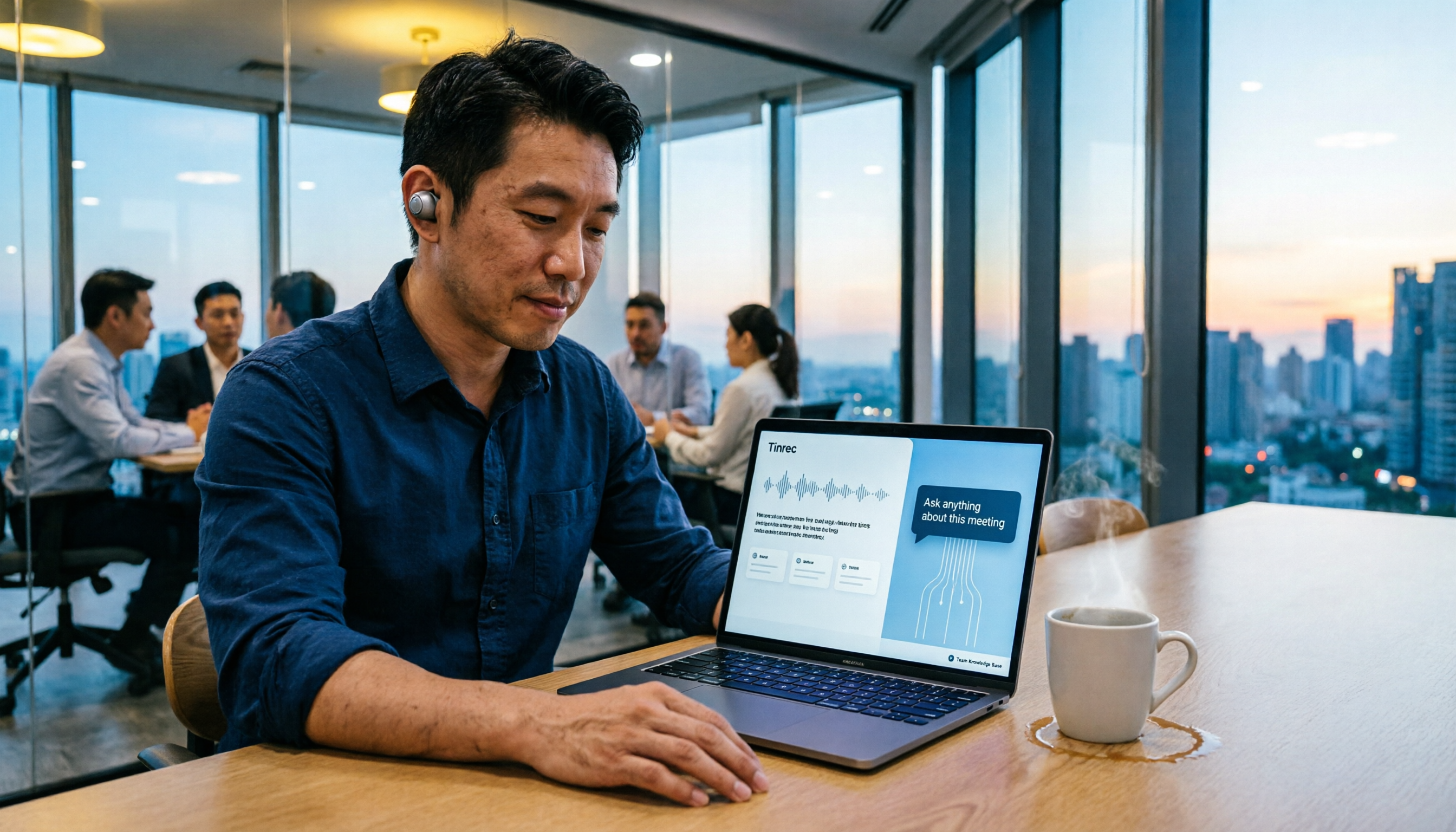
5 Smart Meeting Agents Tested in 2026: Which One Actually Saves You Post-Meeting Cleanup Time?
Fifteen meetings a week means post-meeting cleanup is a nightmare. This article tests five smart meeting agents from a mid-level manager's perspective, comparing meeting capture methods, post-meeting workflows, Chinese-language experience, and team collaboration. I switched from meeting bots to bot-free desktop recording and ultimately stuck with Tinrec because its AI Q&A, action item extraction, and team knowledge retention genuinely save post-meeting time.

2026 Best AI Meeting Assistants Compared: Which Excels at Chinese Meeting Notes and AI Q&A?
What is an AI meeting assistant and how does it differ from a voice recorder or transcription tool? This article defines AI meeting assistants and outlines selection criteria, then compares four AI meeting tools: Tinrec, Otter.ai, Granola, and Notta. It analyzes bot-free meeting recording, Chinese meeting notes, AI Q&A, and team knowledge retention, with practical tips and recommendations.

How to Choose an Enterprise Meeting AI Agent in 2026: 5 Steps from Meeting Recording to Team Database
An enterprise meeting AI agent isn't just about throwing a meeting bot into a call. This article starts with three common misconceptions, outlines 5 key points to consider when choosing an enterprise meeting AI agent, shares hands-on experience with Tinrec's bot-free recording, AI summaries and action items, meeting Q&A, and team governance capabilities, and briefly reviews Otter.ai, Fireflies.ai, and Granola for their suitable use cases and pitfalls to avoid.

4 AI Meeting Agents Compared in 2026: Which One Actually Produces an Action Plan?
The end goal of meeting notes isn't a transcript—it's an action plan with owners and deadlines. This comparison of Tinrec, Otter.ai, Granola, and Notta breaks down how each AI meeting tool generates action plans, records meetings, supports post-meeting follow-up questions, and handles team data ownership. It also includes buying criteria, pitfalls to avoid, and pricing to help you pick the one that truly turns discussion into next steps.

5 AI Meeting Assistant Use Cases Tested for 2026: From Recording to Action Items in One Go
How do AI meeting assistants work? This article breaks down 5 practical use cases, 6 core capabilities, and 6 key purchasing considerations, using Tinrec as an example to explain the complete workflow from live transcription, bot-free meeting recording, AI summaries and action item extraction, AI Q&A, to team spaces—helping you understand where your money goes before buying a meeting assistant.
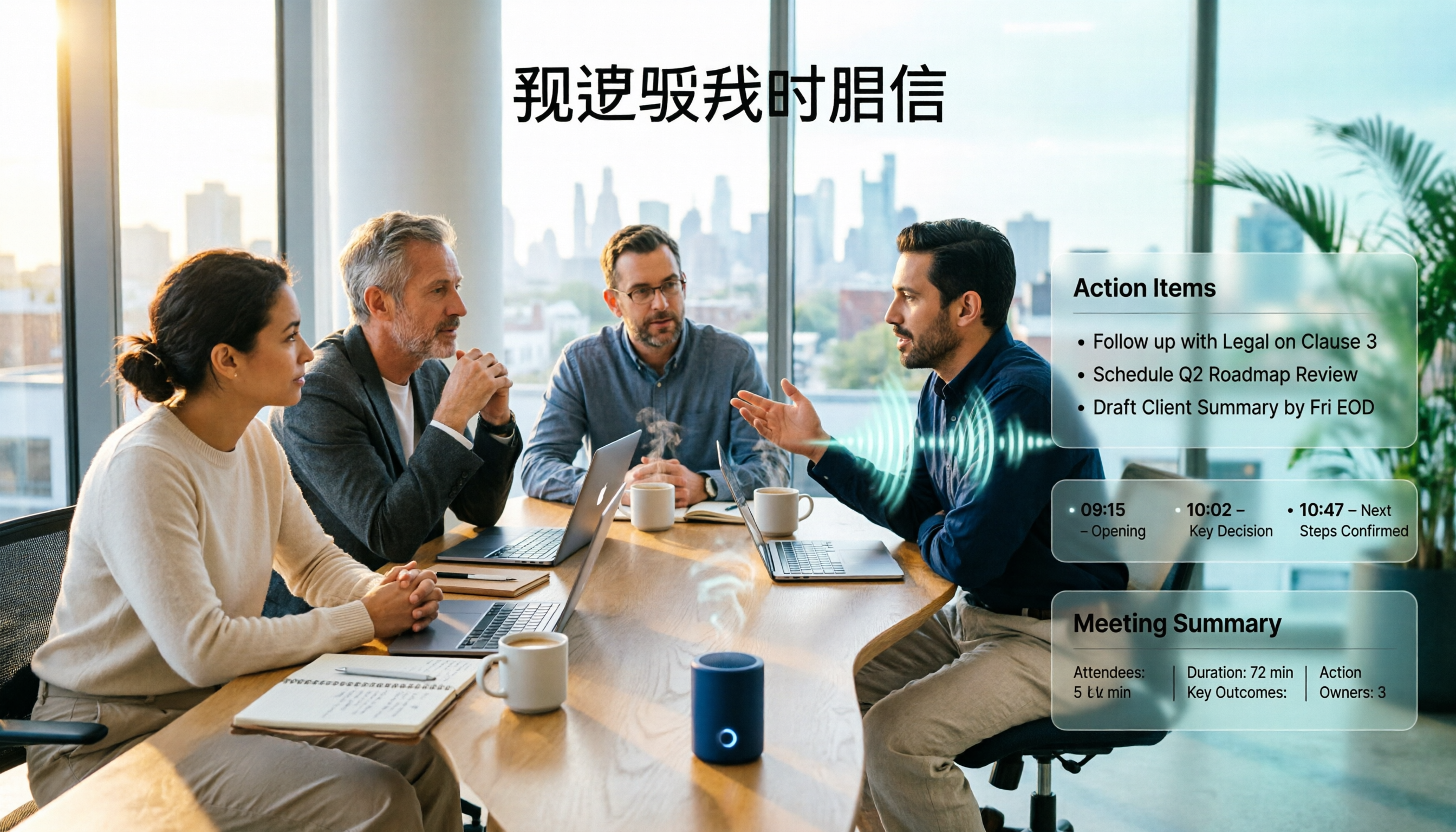
AI Meeting Agent vs. AI Meeting Assistant: 5-Dimension Comparison and How Tinrec Fits In (2026)
What's the real difference between an AI meeting assistant and an AI meeting agent? This article breaks down the two across 5 dimensions: deliverables, post-meeting workflow, context continuity, Chinese language performance, and data ownership. It also explains how Tinrec uses bot-free recording as a foundation and agent post-processing to turn meetings into deliverable data.

2026 AI Meeting Notes Comparison: Tinrec vs Otter.ai for Chinese-Speaking Teams
How do you choose an AI meeting notes tool? This article compares Tinrec and Otter.ai across five dimensions: whether a meeting bot is required, Chinese and multilingual experience, post-meeting output, input sources, and team seat governance, with clear recommendations for different scenarios.