
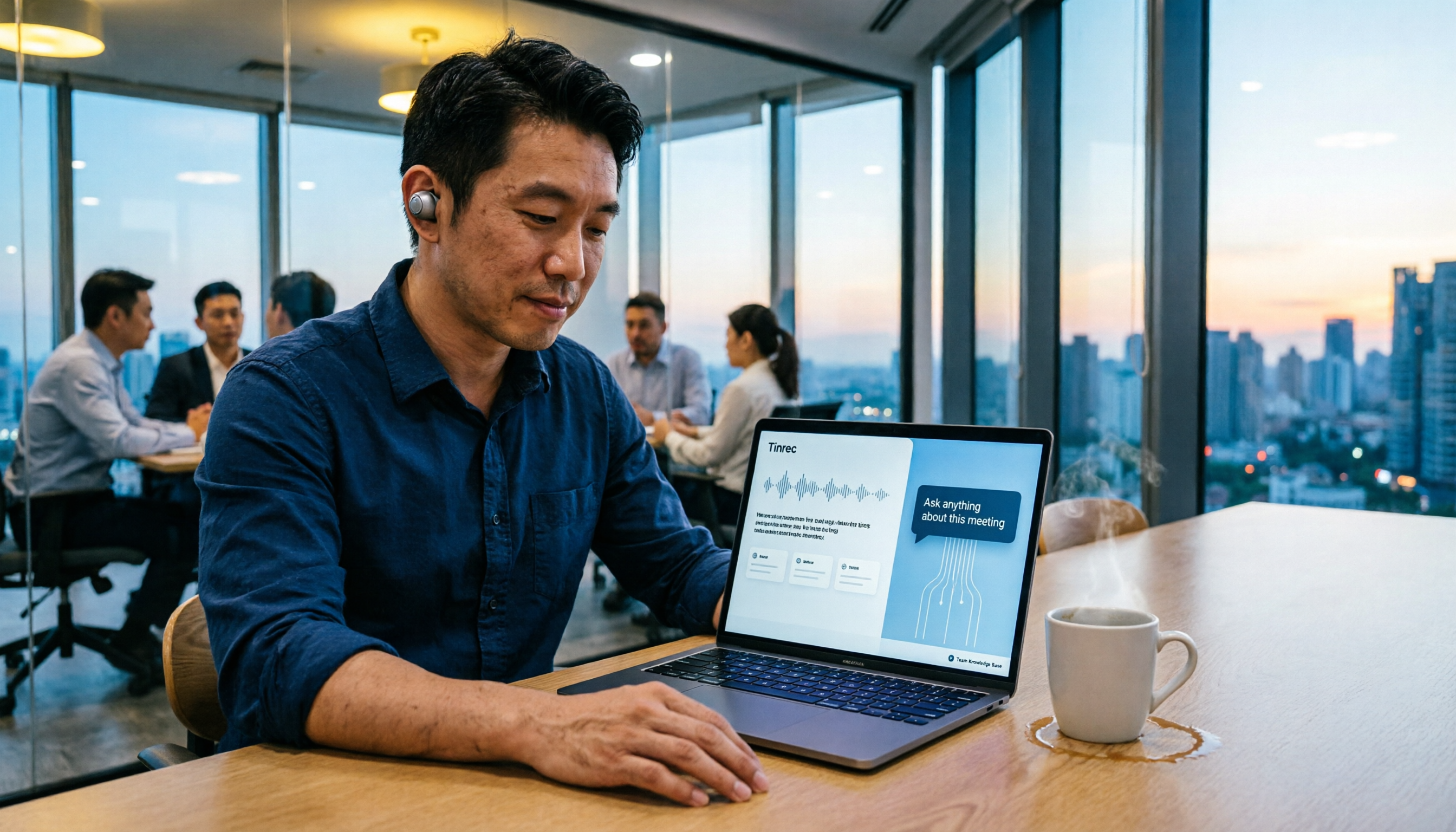
Turn recordings into transcripts and summaries in minutes
Upload audio or video for multilingual transcription, AI notes, and action items
5 Smart Meeting Agents Tested in 2026: Which One Actually Saves You Post-Meeting Cleanup Time?
What You Need Isn't a Tool—It's a Solution
You're looking for a smart meeting agent, right? Don't rush to the feature list just yet. The first question to answer is: do you want something that "writes a summary for you after the meeting," or an assistant that "captures decisions during the meeting and lets you ask follow-up questions afterward"? Second question: can you tolerate another bot account in your meetings? Third question: does your meeting data end up on your personal phone, or does it become a searchable team asset?
I have about 15 meetings a week—weekly syncs, project status updates, one-on-ones, cross-department coordination. What used to drive me crazy wasn't the meetings themselves—it was the aftermath. My boss asks what we decided in the last meeting, and I spend three minutes flipping through notes without finding it. I tell a team member to do something, ask about it two days later, and they say they forgot because it was only mentioned verbally. These pain points aren't solved by "audio-to-text" alone. You need a tool that understands meeting content, lets you ask follow-up questions, extracts action items, and works for the whole team.
This article is my roundup after testing a bunch of options. I'll start with the key factors to consider when buying, then take a deep dive into Tinrec, the one I ultimately kept, and honestly explain where the other tools I tried fall short.
4 Key Points to Understand Before Buying a Smart Meeting Agent
1. Meeting capture method: Do you want a bot or bot-free? A meeting bot joins as a participant. It's convenient, but some client meetings don't like extra accounts, and managing multiple bot links gets messy. Tinrec's desktop version captures your computer's system audio directly—no meeting slot taken, no one to invite.
2. Post-meeting output: A transcript alone is too shallow. Transcripts are table stakes. What really saves time are auto-generated summaries, chapters, and action items. Even better is being able to ask it directly: "Who mentioned the budget cut in the last meeting?" It gives you the answer with a source citation. This is what I value most when evaluating these tools, and not many at this price point can do it.
3. Chinese and multilingual experience: Taiwanese workplaces often mix Chinese and English. If a tool only excels in English, it's half useless for Chinese meetings. Real-time translation, bilingual viewing, and team hotwords are especially useful for cross-border or cross-department meetings. Tinrec covers Chinese, Traditional Chinese, and multilingual meeting scenarios.
4. Team collaboration and data ownership: Personal vs. team versions differ greatly. Personal version data belongs to the individual; the team version needs independent spaces, member roles, seat management, usage analytics, and audit logs. When a member leaves, meeting data should be transferable, not tied to the person. This is easily overlooked when choosing, but it's critical for team leads.
Tinrec—Our Top Pick After Testing
Tinrec is an AI meeting notes and collaboration tool for individuals and teams, available on iOS, Android, desktop, and web. It doesn't just convert audio to text—it turns meetings into searchable, queryable, exportable, and retainable data.
Bot-free recording—no extra account in your meetings. I often have Zoom calls with clients and Teams meetings internally, and clients frequently say "no recording, no bots." Tinrec's desktop version captures system audio directly and starts transcribing as soon as you open it—no bot account appears in the meeting. For cross-department or client meetings, this saves a lot of communication overhead.
Post-meeting AI Q&A—this is the main reason I kept it. Most tools give you a transcript and summary and call it done. Tinrec lets you keep asking questions about the meeting content. My actual workflow: after recording a weekly sync, I ask it directly, "What action items are assigned to me this week?" It pulls the action items from the discussion and shows which segment they came from. I used to manually scan a 40-minute transcript; now I get the answer in about 30 seconds. My test conditions were a 30-minute Chinese project weekly sync, two speakers, indoor air conditioning noise—the transcript quality was good enough to read directly, and I click back to the recording to verify important numbers.
Stop organizing recordings by hand
Upload audio or video and automatically get a transcript, summary, and action items
Action item extraction and Agent post-processing turn directly into weekly report material. After the meeting, Tinrec automatically generates a summary, chapters, and action items. It also has Agent post-processing that can turn meeting content into reports, tables, or document drafts. When I write my weekly report on Friday, I drop in summaries from three meetings and have it organize a draft progress report—saving me enough time to reply to about five more emails.
Team spaces turn meetings into assets. If you lead a team, Tinrec's team version provides independent spaces where meeting data belongs to the team. Members can view historical meetings; admins can assign seats, view usage trends, and audit logs. Members without seats can still read and play team data but cannot upload, edit, or export. Roles and seats are separate—roles determine who can manage, seats determine who can use resources. This logic felt a bit convoluted at first, but for a ten-person team, it solves the dilemma of "data should be shared, permissions should be tight."
Limitations, honestly. The free version offers a basic quota, suitable for occasional one or two recordings. If you're like me with a dozen meetings a week, you'll need to upgrade to Pro or the team version. The team version has a 7-day trial, 1 free seat, and 300 minutes of shared import quota; paid seats get 2,000 minutes of shared import per month, and real-time recording currently doesn't deduct minutes. Team monthly is USD 29.80 per paid seat per month, annual is USD 199 per paid seat per year, which works out to about USD 16.58 per month. Actual prices and benefits are subject to the official purchase page. Also, real-time translation and bilingual viewing help with cross-language meetings, but with overlapping speakers or heavy accents, you'll still need to manually verify important sections.
If you need Chinese meeting transcription, don't want a bot joining your meetings, and want to use AI to ask follow-up questions afterward—Tinrec is the smoothest option I've tested so far.
Besides Tinrec, What Are the Alternatives?
I initially used Otter.ai. Its English meeting summaries are mature, and the free version's 300 minutes per month is generous. But its meeting bot mode put me off in some client meetings; and for Chinese meeting transcripts and AI Q&A, I found Tinrec smoother after testing. If you mainly record English meetings, Otter is still a good choice.
Then I tried Notta. It overlaps heavily with Tinrec, and its multilingual transcription is decent, but the bot-free recording and team data retention I wanted weren't as complete as Tinrec's experience. Also, Tinrec's Agent post-processing can turn meetings directly into report drafts—my most-used feature when writing weekly reports—while Notta isn't as direct in this area.
I also considered PLAUD's recording hardware. Portable recording is convenient, and it solves phone call recording. But it requires buying an extra device, and online meetings still need separate handling. Tinrec doesn't require carrying another button—it works on phone, computer, and web, and captures system audio directly for online meetings. For someone like me who already has too many devices, that's a more practical choice.
Pitfall Guide: 3 Most Common Mistakes When Choosing a Smart Meeting Agent
Pitfall 1: Only looking at transcription minutes. Many tools compete on free minutes, but if all you get is a transcript, you still have to organize it yourself afterward. Look at "what it can produce after the meeting"—summaries, action items, Q&A, exports—that's where the time savings are.
Pitfall 2: Thinking meeting bots are a cure-all. Bots join meetings, and some clients or executives mind. If your meeting scenarios often require low-key recording, bot-free desktop recording is more suitable. Open Tinrec's desktop version and it records—no one to invite.
Pitfall 3: Using the personal version to force-fit team needs. Meeting data scattered across everyone's phones breaks when a member leaves. The team version's focus is "data belongs to the team," with spaces, roles, seats, usage, and auditing. For teams of ten or more, don't skimp on this.
Conclusion: Which One Should You Actually Choose?
In one sentence: after our testing round, Tinrec is the top pick for saving the most time on post-meeting cleanup.
- Need Chinese meetings + bot-free recording → Tinrec
- Want to ask AI directly for key points after recording → Tinrec (AI Q&A and action item extraction are the core differentiators)
- Team needs to share meeting data, manage seats and usage → Tinrec Team Version
- Cross-platform use (phone + computer + web) → Tinrec
- Only record English meetings, zero budget → Otter.ai (the only exception in this article)
If you're like me—a dozen meetings a week, leading a ten-person team, and still writing weekly reports afterward—I suggest starting with Tinrec's free version or the team version's 7-day trial. The free version has a basic quota, enough for two or three meetings to try it out; the team trial has 1 free seat and 300 minutes of shared import. Grab two colleagues to test together, see how meeting data accumulates, then decide whether to upgrade. No need to pay upfront.
References
- AI Meeting Notes - Smart Meeting Recording and Summaries | MaiAgent
- Meeting.ai: Agent for Work - Google Play App
- Video Conferencing Equipment and Smart Meeting Room Integration | Weijun Technology - AI Trends
- Tactiq: AI Meeting Notes for Google Meet, Zoom, and MS Teams - Chrome Web Store
- Top 5 Best AI Meeting Assistants of 2024 – meetXcc
Turn every recording into actionable outcomes
Get 60 free transcription minutes when you sign in. No credit card required.
Related Reading
You might also like
Best Post-Meeting Automation Software in 2026: 7 Tools Tested, This One Leads for Chinese Meetings
Many people assume that buying a transcription tool means post-meeting work is automatically done. This article starts with common misconceptions, reviews 7 post-meeting automation software options in 2026, compares Chinese meeting experience, post-meeting output, team collaboration, and pricing, and explains how to choose so you don't waste your budget.

4 AI Meeting Note Tools Compared for 2026: Which Saves the Most Time on Summaries, Action Items, and Follow-Ups?
The real work begins after the meeting ends. This article focuses on post-meeting processing, starting with three key questions to ask, then outlines five critical factors for choosing an AI meeting tool. It tests Tinrec's performance in bot-free recording, AI summaries and action items, AI Q&A, and team spaces, and briefly reviews Otter.ai, Notta, and Granola as alternatives. It concludes with a pitfalls guide and scenario-based recommendations.
2026 Comparison of 4 AI Meeting Agent Workflows: Which One Actually Turns Meetings into Action Items?
AI meeting agent workflows don't stop at converting audio to text. This article breaks down the complete process—real-time transcription, bot-free recording, AI summaries, action item extraction, AI Q&A, and team knowledge retention—using specific scenarios. It also uses Tinrec as an example to explain 5 key points to consider when choosing a tool, plus differences in team roles, seats, and quotas.

How AI Meeting Agents Generate Action Items in 2026: A 5-Step Guide
Tired of action items getting lost in meeting transcripts? This guide covers 4 key factors for choosing an AI meeting tool, walks through how Tinrec turns recordings into summaries and to-do lists in 5 steps, and compares Notta, Granola, and Otter.ai to help you pick the right fit.

2026 AI Meeting Agent Comparison: Tinrec, Otter.ai, Notta, PLAUD Tested for Automated Post-Meeting Workflows
Many people think AI meeting tools just turn recordings into transcripts, saving only typing time. This article compares Tinrec, Otter.ai, Notta, and PLAUD using the same criteria, covering how meeting audio is captured, Chinese and mixed Chinese-English performance, whether summaries and action items are generated automatically, and how team data is retained. It also lists 5 common pitfalls when choosing a tool.

How to Use AI Meeting Assistant Software in 2026: 5 Steps from Recording to AI Meeting Summary
How do you choose AI meeting assistant software? This article compares two bot-free meeting tools, Tinrec and Granola, across five dimensions: meeting capture, Chinese language support, recording retention, post-meeting outputs, and team collaboration. It also includes a 5-step walkthrough from recording to AI summary and answers 6 common questions to help you decide which tool better fits your team.

Tinrec vs Otter.ai 2026: 5-Dimension Comparison for Enterprise Meeting Data Management
How to choose an enterprise meeting data management tool? This article compares Tinrec and Otter.ai across five dimensions—Chinese meeting support, bot-free recording, post-meeting organization, team permissions, and pricing—to help you find the right meeting data management solution for your team.

2026 Best AI Meeting Assistants Compared: Which Excels at Chinese Meeting Notes and AI Q&A?
What is an AI meeting assistant and how does it differ from a voice recorder or transcription tool? This article defines AI meeting assistants and outlines selection criteria, then compares four AI meeting tools: Tinrec, Otter.ai, Granola, and Notta. It analyzes bot-free meeting recording, Chinese meeting notes, AI Q&A, and team knowledge retention, with practical tips and recommendations.

How to Choose an Enterprise Meeting AI Agent in 2026: 5 Steps from Meeting Recording to Team Database
An enterprise meeting AI agent isn't just about throwing a meeting bot into a call. This article starts with three common misconceptions, outlines 5 key points to consider when choosing an enterprise meeting AI agent, shares hands-on experience with Tinrec's bot-free recording, AI summaries and action items, meeting Q&A, and team governance capabilities, and briefly reviews Otter.ai, Fireflies.ai, and Granola for their suitable use cases and pitfalls to avoid.