

Turn recordings into transcripts and summaries in minutes
Upload audio or video for multilingual transcription, AI notes, and action items
How to Choose an Enterprise Meeting AI Agent in 2026: 5 Steps from Meeting Recording to Team Database
Three Common Misconceptions About Meeting Notes—What You're Missing Isn't a Transcription Tool, It's Meeting Data Your Team Can Use
Many people think that adopting an "enterprise meeting AI agent" means throwing a meeting bot into an online meeting, letting it automatically record and spit out a transcript, and that's the end of it.
In reality, this is the first misconception.
Misconception 1: Having a transcript means having a record. A transcript only answers "what was said in the meeting," not "so who's going to do what next." After the meeting, everyone still has to dig through 40 minutes of text to find conclusions.
Misconception 2: Keeping meeting data in personal accounts. This time A is responsible for taking notes, but next month A transfers departments, and the entire project's discussion context disappears with them. Whether meeting data belongs to individuals or the team is a pain point many companies only discover after adoption.
Misconception 3: Only looking at "how accurate the transcription is." Without export, search, or the ability to query meeting content, the transcript just becomes another text file on the hard drive.
If you've encountered these situations, this article is for you. Below, we'll first cover 5 key points for choosing an enterprise meeting AI agent, then share the one I've actually used and recommend most.
Before Choosing an Enterprise Meeting AI Agent, Understand These 5 Key Points
1. How meetings are recorded: bot or bot-free The bot approach is to "create an extra account to join the meeting." The advantage is automation, but the downside is that when clients or external partners are present, it's not always convenient to have a bot attend. Another approach is desktop software that directly captures the computer's system audio without adding any participants. Internal enterprise meetings usually prefer the latter.
2. What is produced after transcription A tool that only gives you a transcript is essentially handing the organizing work right back to you. The metrics to look at are: Does it automatically generate summaries, chapters, and action items? Can you ask questions directly about the meeting content?
3. Performance with Chinese and mixed Chinese-English Meetings in Taiwan are rarely pure Chinese or pure English; more often it's "let's sync on this case next week." We recommend testing with a real recording from your own company, not just the official demo audio.
4. Data ownership and team governance Does meeting data belong to individuals or the team? Can it be handed over when a member leaves? Are there roles, seats, usage, and audit logs that can be managed? These points aren't obvious in a five-person team, but they become painful as the organization scales.
5. Will audio be retained, and can it be exported Some tools only keep text and not recordings, so you can't verify a specific sentence later. Also, confirm whether you can export to your existing workflow; otherwise, the data is locked inside the tool.
Tinrec—Our Top Choice After Using It
Tinrec is an AI meeting notes and collaboration tool for individuals and teams, with the core purpose of turning meetings into searchable, collaborative, and actionable team data.
Bot-free recording of online meetings Tinrec's desktop version directly captures the computer's system audio and can handle meetings on Zoom, Google Meet, Microsoft Teams, Webex, and similar platforms without inviting any meeting bot. For those who frequently meet with external clients, this is very practical.
More than just a transcript After the meeting, the system organizes summaries, chapters, and key points, and extracts action items from the discussion. Transcripts, summaries, and action items are all kept in one place, so you don't need to create another document and paste them yourself.
You can keep asking it after recording This is the most useful part in my opinion. After recording, you can directly ask questions about the meeting content, such as "Who mentioned the budget in the last meeting?" It will give you answers based on semantics, not just a list of keyword search results. You can also generate reports, tables, or documents from meeting results, and even export to Notion, Google Docs, OneNote, Dropbox, and other tools for further processing.
Stop organizing recordings by hand
Upload audio or video and automatically get a transcript, summary, and action items
Team version: Turn meetings into team assets The team version is not "multiple people sharing one personal account" but an independent team space. Meeting data belongs to the team; members can view and play back even without a seat, but only those with a seat can record, upload, edit, and export. Administrators can manage roles and seats, view usage trends and details, use team hotwords, query and export audit logs, and handle accidentally deleted recordings via the audio recycle bin. When a member leaves or is removed, their team resources can be handed over to others.
Pricing and limitations, listed honestly The team version offers a 7-day trial for first-time eligible users, including 1 free seat and 300 minutes of team shared import quota; monthly payment is USD 29.80 per paid seat per month, annual payment is USD 199 per paid seat per year, equivalent to about USD 16.58 per month, with each paid seat providing 2,000 minutes of team shared import quota per month. Under an active plan and seat, live recording currently does not deduct minutes. Actual prices, currencies, and promotions are subject to the official purchase page.
Points to note:
- The personal free version and entry-level plans have limited quotas; heavy meeting users will need to pay.
- Recording requires the user to actively start it; it is not currently a meeting bot that "automatically joins all calendar meetings."
- The team version focuses on team-level sharing, not file-level granular permissions.
- It's reasonable that the official doesn't provide a fixed accuracy rate—actual recognition performance is affected by recording quality, ambient noise, accents, overlapping speakers, and technical terminology.
Who it's for If your meetings are primarily in Chinese or mixed Chinese-English, you don't want an extra bot in the meeting, and what you need after the meeting are directly usable summaries and action items, Tinrec is currently the closest fit.
Besides Tinrec, What Other Options Are There?
Otter.ai: A mature AI meeting assistant with a strong mindshare for English business meetings, free version offers 300 minutes per month. However, Chinese meetings are not its focus, and governance features like team hotwords and audit logs are not highlighted. If your meetings are almost entirely in English, it's worth evaluating; if primarily Chinese, Tinrec will be a closer fit.
Fireflies.ai: Strong in meeting automation and sales analytics, mainly relies on a meeting bot joining as a participant and integrates with many third-party tools. Annual Pro is USD 10 per seat per month, Business is USD 19 per seat per month. If it's not convenient for clients to have a bot attend, Tinrec's desktop bot-free recording is more practical.
Granola: Also takes a bot-free approach, using desktop system audio plus your own notes to generate meeting content. Business is USD 14 per user per month. Note that it does not save meeting audio and does not support uploading pre-recorded audio or video files. If you need to retain recordings and organize historical meeting files, Tinrec is more complete in this regard.
Pitfall Guide: The 4 Most Common Mistakes When Choosing an Enterprise Meeting AI Agent
Pitfall 1: Thinking that buying a tool means having a team knowledge base. The tool only solves "recording"; someone needs to be responsible for consolidating the data. When choosing, you should confirm: Can meetings be centrally stored in a team space? Can data be handed over when a member leaves?
Pitfall 2: Only comparing transcription minutes. Minutes are just the entry fee. What really sets tools apart is whether they can directly produce action items and reports after the meeting, and whether they can export to your existing workflow.
Pitfall 3: Confusing "roles" and "seats." Roles determine who can manage the team; seats determine who can record, upload, and export. Members without a seat can view but not use. Before purchasing, calculate clearly "how many seats are needed," not "how many people will use it."
Pitfall 4: Ignoring recording retention and compliance. Some tools only keep text and not audio, making later verification impossible. Also, please comply with local regulations regarding recording and transcription, and obtain participant consent when necessary.
Conclusion: Which One Should You Choose?
- Need meeting notes in Chinese/mixed Chinese-English, and don't want a bot joining the meeting → Tinrec (desktop version captures system audio)
- Want to directly get summaries and action items after the meeting, and be able to ask questions about the content → Tinrec
- Want the whole team to share meeting data and manage members and usage → Tinrec Team Version
- Want to put mobile, computer, online and offline meetings in one place → Tinrec (desktop + mobile + web)
- Zero budget, and meetings are almost entirely in English → Otter.ai free version (a rare exception in this article)
Overall, what an enterprise meeting AI agent really solves is not "slow typing" but "after the meeting ends, is the data still there and can it be used?" We recommend running one or two real meetings with the free version first, and considering an upgrade only if it works for you—no need to pay from the start.
References
- AI Meeting Notes Generator
- What is a Smart Meeting Room? A Guide to Benefits, Feature Suggestions, and Application Examples - DC Sales Portal
- Integration Planning for Small, Medium, and Large Meeting Equipment / Digital Smart Technology Meeting Room Construction / Smooth Video Presentation Interaction Meeting Lab / Environmental Control System - Cloud Accurate Technology
- Integration Planning for Small, Medium, and Large Meeting Equipment / Digital Smart Meeting Room / Cloud Video Sharing Meeting Meeting Lab / Environmental Control System - Cloud Accurate Technology
- Leveraging AI in Meetings and Video Conferences | Google Workspace
Turn every recording into actionable outcomes
Get 60 free transcription minutes when you sign in. No credit card required.
Related Reading
You might also like

Best Post-Meeting Automation Software in 2026: 7 Tools Tested, This One Leads for Chinese Meetings
Many people assume that buying a transcription tool means post-meeting work is automatically done. This article starts with common misconceptions, reviews 7 post-meeting automation software options in 2026, compares Chinese meeting experience, post-meeting output, team collaboration, and pricing, and explains how to choose so you don't waste your budget.

4 AI Meeting Note Tools Compared for 2026: Which Saves the Most Time on Summaries, Action Items, and Follow-Ups?
The real work begins after the meeting ends. This article focuses on post-meeting processing, starting with three key questions to ask, then outlines five critical factors for choosing an AI meeting tool. It tests Tinrec's performance in bot-free recording, AI summaries and action items, AI Q&A, and team spaces, and briefly reviews Otter.ai, Notta, and Granola as alternatives. It concludes with a pitfalls guide and scenario-based recommendations.
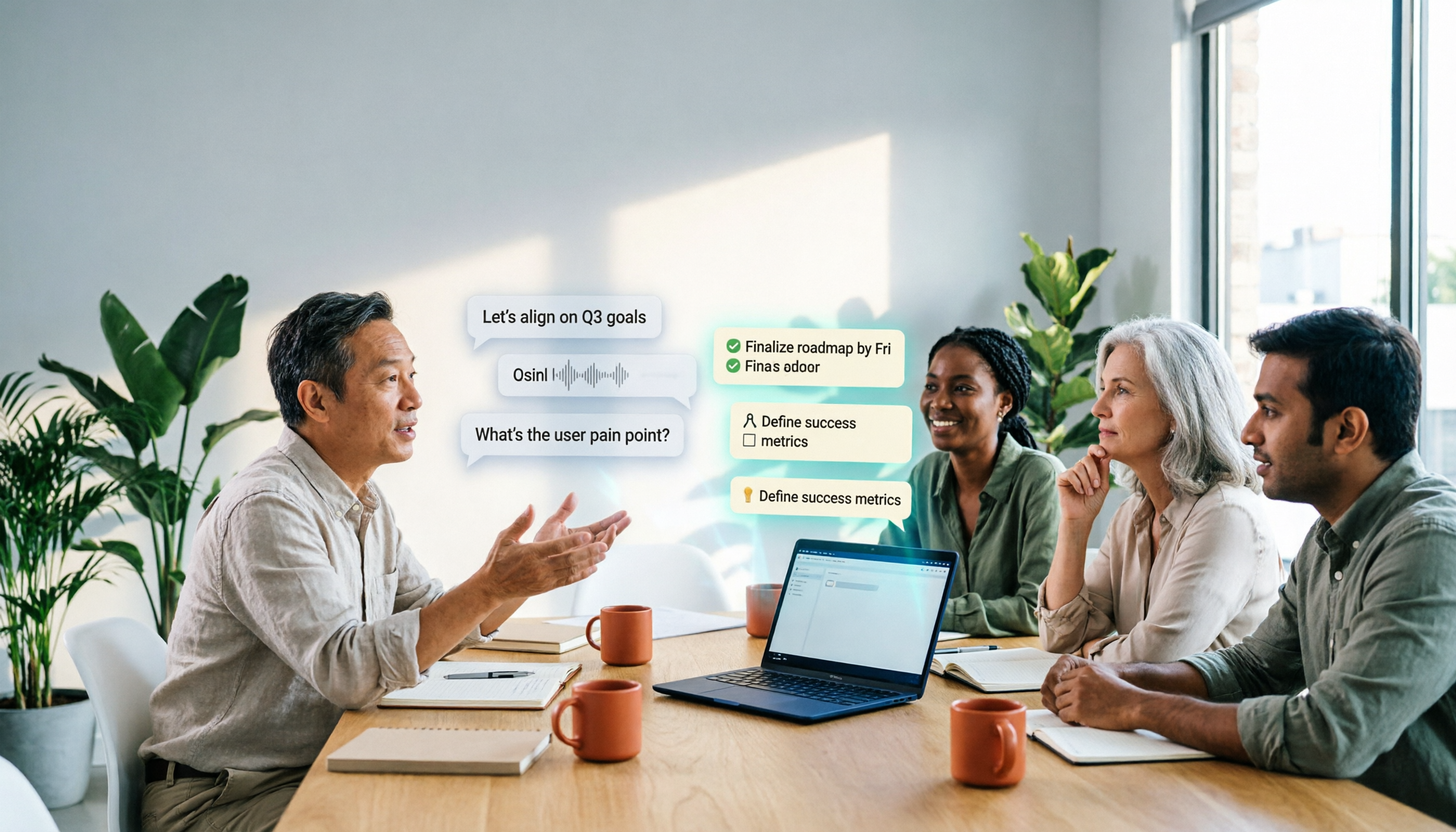
2026 Comparison of 4 AI Meeting Agent Workflows: Which One Actually Turns Meetings into Action Items?
AI meeting agent workflows don't stop at converting audio to text. This article breaks down the complete process—real-time transcription, bot-free recording, AI summaries, action item extraction, AI Q&A, and team knowledge retention—using specific scenarios. It also uses Tinrec as an example to explain 5 key points to consider when choosing a tool, plus differences in team roles, seats, and quotas.

How AI Meeting Agents Generate Action Items in 2026: A 5-Step Guide
Tired of action items getting lost in meeting transcripts? This guide covers 4 key factors for choosing an AI meeting tool, walks through how Tinrec turns recordings into summaries and to-do lists in 5 steps, and compares Notta, Granola, and Otter.ai to help you pick the right fit.

2026 AI Meeting Agent Comparison: Tinrec, Otter.ai, Notta, PLAUD Tested for Automated Post-Meeting Workflows
Many people think AI meeting tools just turn recordings into transcripts, saving only typing time. This article compares Tinrec, Otter.ai, Notta, and PLAUD using the same criteria, covering how meeting audio is captured, Chinese and mixed Chinese-English performance, whether summaries and action items are generated automatically, and how team data is retained. It also lists 5 common pitfalls when choosing a tool.

How to Use AI Meeting Assistant Software in 2026: 5 Steps from Recording to AI Meeting Summary
How do you choose AI meeting assistant software? This article compares two bot-free meeting tools, Tinrec and Granola, across five dimensions: meeting capture, Chinese language support, recording retention, post-meeting outputs, and team collaboration. It also includes a 5-step walkthrough from recording to AI summary and answers 6 common questions to help you decide which tool better fits your team.
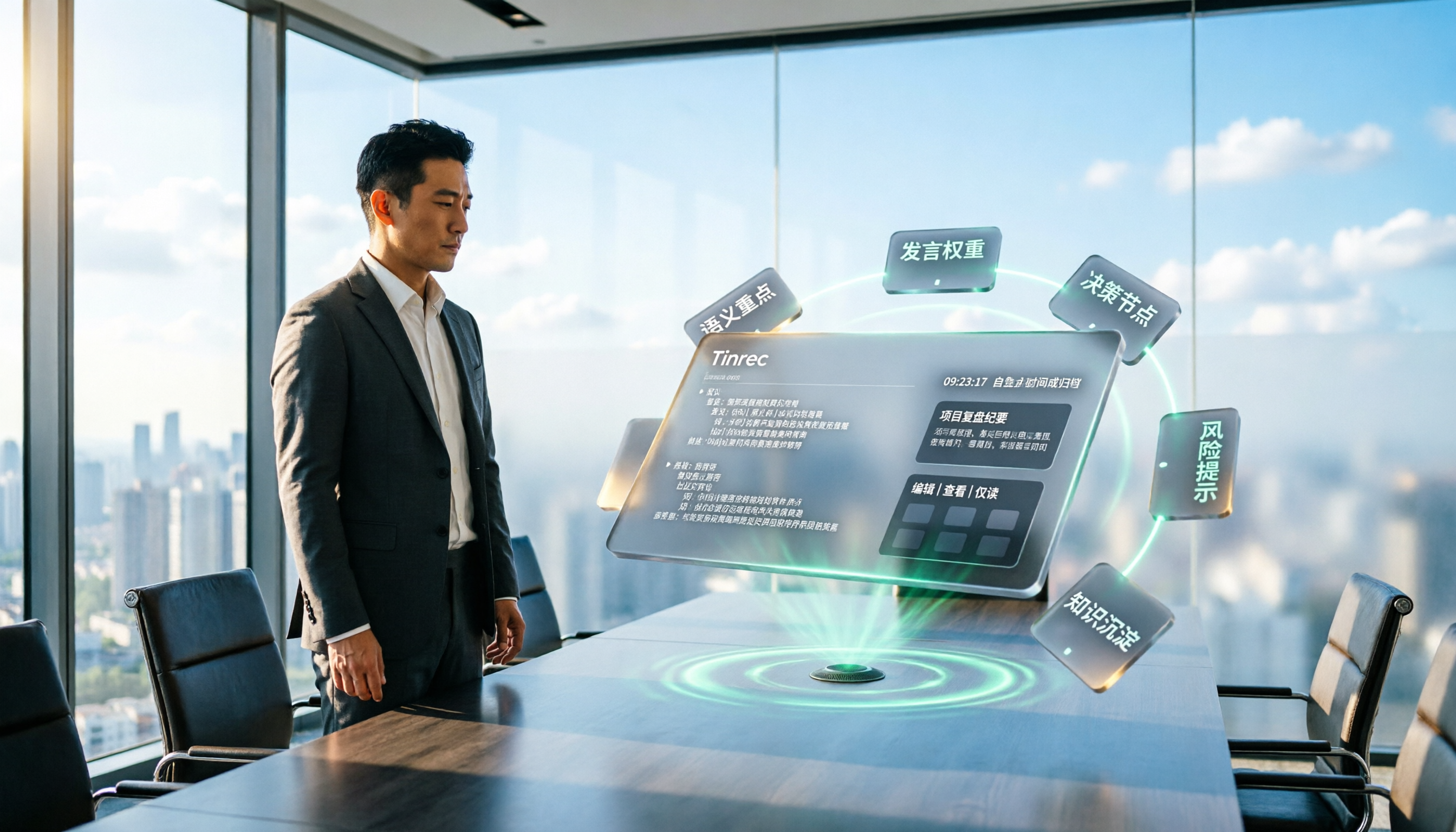
Tinrec vs Otter.ai 2026: 5-Dimension Comparison for Enterprise Meeting Data Management
How to choose an enterprise meeting data management tool? This article compares Tinrec and Otter.ai across five dimensions—Chinese meeting support, bot-free recording, post-meeting organization, team permissions, and pricing—to help you find the right meeting data management solution for your team.
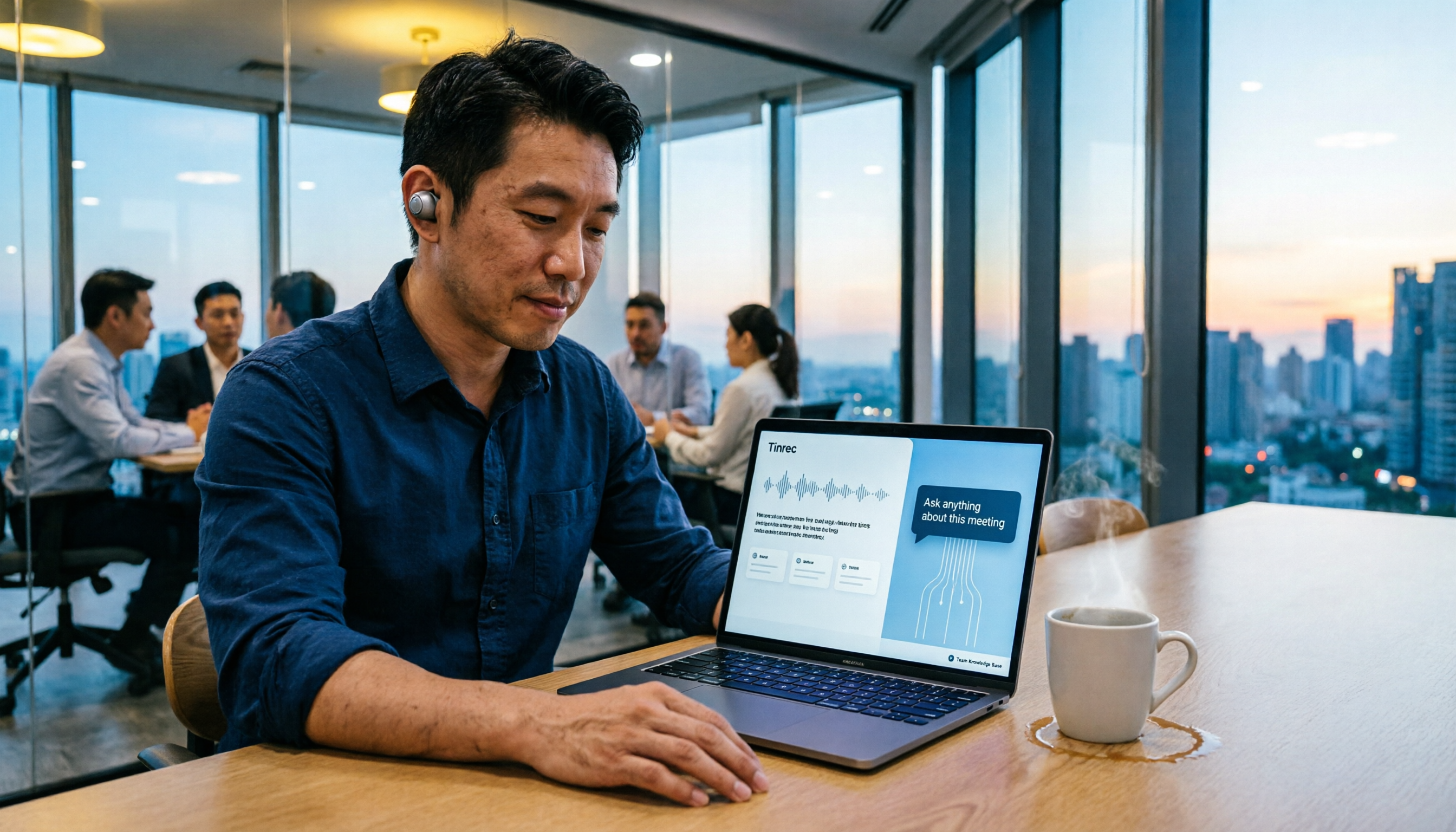
5 Smart Meeting Agents Tested in 2026: Which One Actually Saves You Post-Meeting Cleanup Time?
Fifteen meetings a week means post-meeting cleanup is a nightmare. This article tests five smart meeting agents from a mid-level manager's perspective, comparing meeting capture methods, post-meeting workflows, Chinese-language experience, and team collaboration. I switched from meeting bots to bot-free desktop recording and ultimately stuck with Tinrec because its AI Q&A, action item extraction, and team knowledge retention genuinely save post-meeting time.

2026 Best AI Meeting Assistants Compared: Which Excels at Chinese Meeting Notes and AI Q&A?
What is an AI meeting assistant and how does it differ from a voice recorder or transcription tool? This article defines AI meeting assistants and outlines selection criteria, then compares four AI meeting tools: Tinrec, Otter.ai, Granola, and Notta. It analyzes bot-free meeting recording, Chinese meeting notes, AI Q&A, and team knowledge retention, with practical tips and recommendations.