
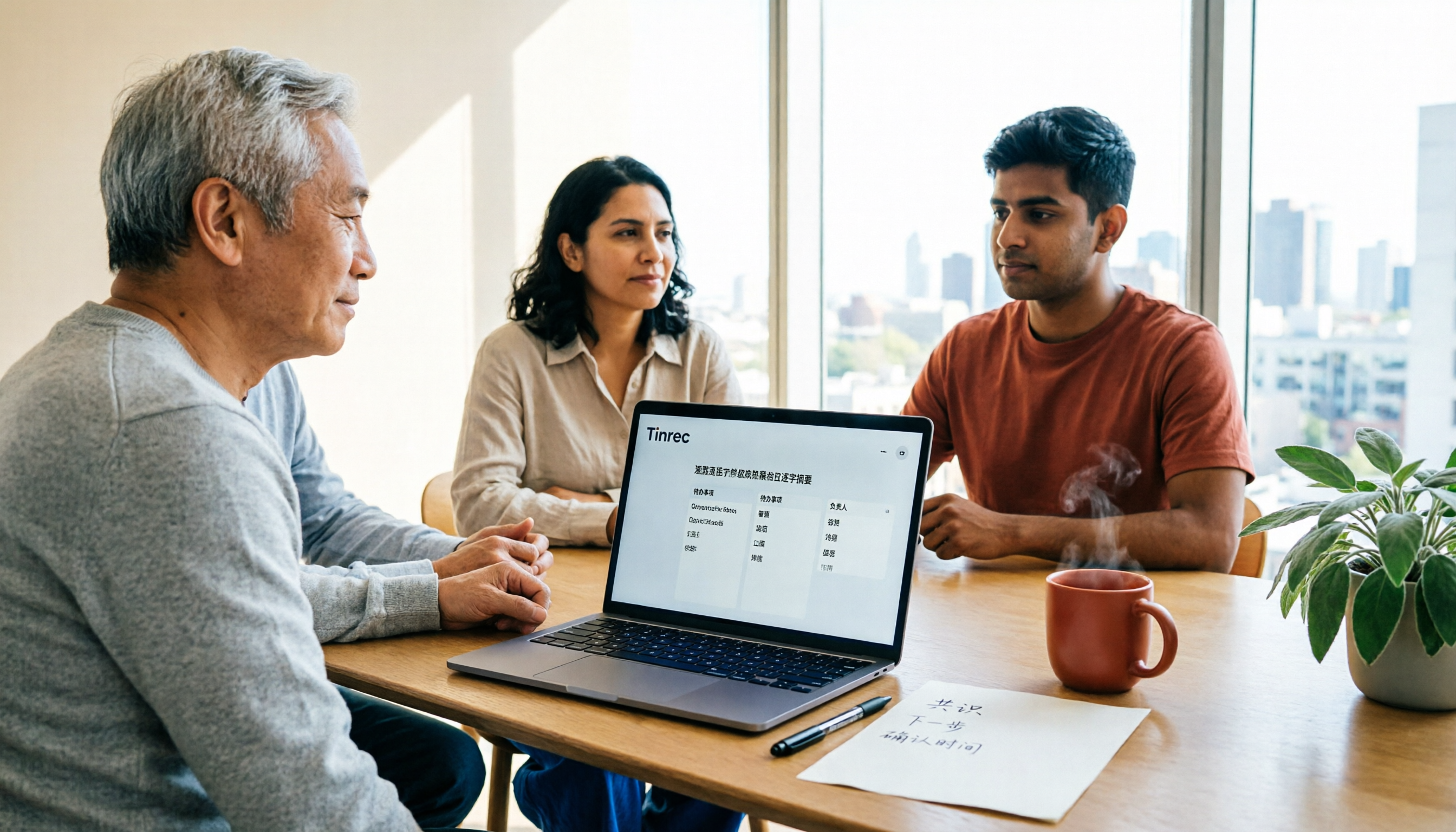
Turn recordings into transcripts and summaries in minutes
Upload audio or video for multilingual transcription, AI notes, and action items
Why Do You Need Post-Meeting Automation Software?
Many people think that "buying a transcription tool means post-meeting work is automatically done." In reality, a transcript is just raw material—after a meeting ends, what really eats up time is re-listening to recordings, pulling out key points, writing minutes, following up on action items, and syncing conclusions to people who weren't in the room. A 60-minute meeting often takes another 30 to 60 minutes to organize afterward.
This is the gap that "post-meeting automation" is meant to fill: not turning sound into text, but turning meetings into data you can act on directly. This article reviews 7 solutions commonly used by teams, covering Chinese meeting experience, post-meeting output, and team collaboration all at once.
Tinrec | The Most Complete AI Meeting Notes and Post-Meeting Collaboration Tool
Positioning: Turn meetings into searchable, collaborative, actionable team data.
Desktop bot-free recording for online meetings: No need to invite a meeting bot into the room. Open the Tinrec desktop app to capture your computer's system audio, handle meetings on Zoom, Google Meet, Microsoft Teams, Webex, and more, and generate live transcripts—without adding a stranger's account to the participant list.
More than just a transcript after the meeting: Automatically generates AI summaries, chapters, key points, action items, and mind maps. You can also ask AI questions about the meeting content (for example, "What objections did the client raise this time?"), then use Agent post-processing to generate reports, tables, and documents.
Output you can take with you: Supports multi-format export and can bring results into existing workflows like Notion, Google Docs, OneNote, and Dropbox.
The team plan turns meetings into assets: Independent team space, member and seat management, usage analytics, audit logs, team hotwords, and a 30-day audio recycle bin. Members without a seat can still view, play, and read team data, but cannot upload, edit, or export.
Pricing: The personal plan has a free version to try basic quotas, plus a weekly card, Pro monthly, and Pro annual. The team plan offers a 7-day trial for first-time eligible users (1 free seat, 300 minutes of shared team import quota). Team monthly is USD 29.80 per paid seat per month; annual is USD 199 per paid seat per year (about USD 16.58 per month). Each paid seat provides 2,000 minutes of shared team import quota per month. Under an active plan, live recording currently does not deduct additional minutes. Pricing and promotions are subject to the official purchase page.
Who it's for: Individuals and teams whose meetings are mainly in Chinese, who don't want a bot joining the meeting, and who want post-meeting data to settle directly into a team space.
Otter.ai | A Mature English AI Meeting Assistant
One-line positioning: One of the most mature meeting assistants for English business meetings. The difference from Tinrec is that Chinese meeting experience and bot-free desktop recording are not its main focus.
Highlights: Meeting notes for Zoom, Microsoft Teams, and Google Meet, speaker identification, AI Chat, and team management.
Pricing: Basic is free with 300 minutes per month; Pro annual works out to USD 8.49 per user per month, including 1,200 minutes of in-app recording per month and 10 file imports; Business offers unlimited meetings and in-app recording plus more management capabilities. Subject to the official pricing page.
Who it's for: Teams that mainly hold English meetings and need a mature meeting automation workflow.
Fireflies.ai | Meeting Automation and Team Analytics
One-line positioning: Its strengths are meeting bot automation, summaries, AskFred queries, and extensive integrations. Compared with Tinrec, it leans more toward sales analytics and meeting automation workflows.
Highlights: Meeting bot auto-join, AI summaries, team analytics, and rich third-party integrations.
Pricing: Free USD 0; Pro USD 10 per seat per month; Business USD 19 per seat per month; Enterprise USD 39 per seat per month. Its "unlimited transcription" is still subject to rules around storage, file upload rates, and AI Credits.
Who it's for: Sales teams with high meeting volume that need call analytics and integration capabilities.
Stop organizing recordings by hand
Upload audio or video and automatically get a transcript, summary, and action items
Notta | Multilingual Transcription and File Import
One-line positioning: A tool oriented toward multi-platform transcription and translation. Like Tinrec, it covers meeting notes and team plans, but leans more toward transcription itself.
Highlights: Multilingual transcription, meeting notes, file import and translation; Business provides role permissions and usage reports.
Pricing: Free is 120 minutes per month, with a maximum of 3 minutes per item; Pro annual works out to USD 8.17 per month, with 1,800 minutes per month; Business annual works out to USD 16.67 per seat per month.
Who it's for: Individuals or small groups that need cross-language file transcription and have a clear budget.
Granola | Bot-Free AI Meeting Notes
One-line positioning: It also captures device audio without a bot, but places more emphasis on "user notes + AI enhancement." The difference from Tinrec is that it does not support uploading pre-recorded audio files and does not save meeting audio files.
Highlights: Real-time transcription of desktop system audio, transcript viewing and search, and cross-meeting context.
Pricing: Basic is free; Business USD 14 per user per month; Enterprise USD 35 per user per month.
Who it's for: English meeting users who are used to taking notes during meetings and don't care about audio file storage.
PLAUD Note / NotePin | AI Recording Hardware
One-line positioning: What you're buying is a standalone device and a portable recording experience, taking a different path from software-based Tinrec.
Highlights: Portable recording, phone call recording, long battery life—suitable for in-person visits and phone communication.
Pricing: NotePin USD 159, Note Pro USD 189; Starter membership is 300 minutes per month, Pro is USD 99.99 per year with 1,200 minutes per month, Unlimited is USD 239.99 per year.
Who it's for: People who are often on the go and need hardware for quick recording.
TurboScribe | Cost-Effective File Transcription
One-line positioning: A pure file transcription path, suitable for organizing existing recordings afterward. It does not handle live meeting workflows.
Highlights: Long files, batch uploads, subtitles, and translation; the paid version supports a single file up to 10 hours or 5 GB and can upload 50 files at once.
Pricing: Free is 3 files per day, with a maximum of 30 minutes per file; Unlimited annual is USD 120 (works out to USD 10 per month).
Who it's for: Individuals or small teams that mostly have existing audio files and don't need live meeting features.
With So Many Options, How Should You Choose?
- Want Chinese meetings, no bot in the meeting room, and automatic post-meeting summaries/action items/Q&A → Tinrec (one of the few options on this list that has all three)
- Need to settle meeting data for the whole team and manage members, seats, and usage → Tinrec team plan
- Meetings often mix Chinese and English, and you need bilingual transcripts or live translation during recording → Tinrec
- Mainly English business meetings and need mature meeting automation → Otter.ai or Fireflies.ai
- Mainly organizing existing recording files afterward with a limited budget → TurboScribe or Notta free version
- Need portable hardware recording and often visit client sites → PLAUD Note / NotePin
- Only want occasional use and have zero budget → Notta free version or TurboScribe free version (note the per-item length limits)
4 Things to Know Before Using Post-Meeting Automation Software
- Get consent before recording: Laws vary by region. Before recording and transcribing, you should inform participants and obtain their consent.
- Quota calculations vary a lot: Some count by minutes, some by number of files. Take the Tinrec team plan as an example: it uses shared team import minutes. Under an active plan, live recording currently does not deduct additional minutes; only file and web imports consume the shared quota, and it does not fall back on individual member quotas—be sure to clarify this before purchasing.
- "Members can view" does not mean "members can edit": The Tinrec team plan is mainly team-level sharing. Roles determine governance permissions, while seats determine whether someone can record, upload, and export. Members without a seat can still read team data.
- Don't expect 100% accuracy: Audio quality, accents, overlapping speakers, and technical terminology all affect results. Tinrec can use team hotwords to improve recognition of technical terms, but for important content, it's still recommended to verify against transcript timestamps and recording playback.
Conclusion
Post-meeting automation is not just turning recordings into text—it's turning meetings into data that can be searched, questioned, and assigned. If your meetings are mainly in Chinese, you don't want a meeting bot in the room, and you want summaries and action items directly after the meeting, Tinrec is the most complete option on this list. Start with the free quota on a real meeting workflow, then evaluate the team plan's seat count and shared import quota—that's more reliable than buying the largest plan all at once.
References
- Top 12 Workflow Automation Tools Guide
- 8 Best AI Workflow Automation Tools in 2026 (Tested Comparison) | Kuse Blog
- Automation Tool Recommendations: Zapier, Make, or n8n? Complete Beginner Comparison Table
- Top 10 Process Automation Tools: Upgrade Your Workflow
- Workflow Automation Tools Build Smarter Systems
Turn every recording into actionable outcomes
Get 60 free transcription minutes when you sign in. No credit card required.
Related Reading
You might also like

How to Use AI Meeting Agents in 2026: Bot-Free Recording + AI Q&A to Capture Key Points
AI meeting agents aren't just about sending an AI into your meeting to type notes. This article starts with common misconceptions, outlines 4 key points to understand before choosing an AI meeting agent, compares Tinrec, Otter.ai, Notta, and Granola in real tests, and adds a pitfalls guide and FAQs to help you find a workflow that truly saves post-meeting organization time.

4 Post-Meeting Automation Tools Tested for 2026: Which AI Meeting Notes Actually Save You Time After the Call?
Post-meeting automation isn't just about turning meetings into transcripts. This article starts from the question of which part of your time you want to save, explains 4 key factors for choosing a tool, then compares Tinrec, Otter.ai, Notta, and Granola in post-meeting workflows, and covers the 3 most common implementation mistakes plus scenario-based recommendations.

2026 Comparison of 4 Meeting Follow-Up Automation Tools: After the Transcript, Who Actually Tracks Action Items to Completion?
Writing meeting notes doesn't mean the work is done. This article starts with the most common post-meeting pitfalls and compares 4 tools on their actual differences in summaries, action item extraction, recording retention, export, and team collaboration. It explains why Tinrec is better suited for Chinese-language meetings and team knowledge retention, and includes a pitfalls checklist and selection advice.
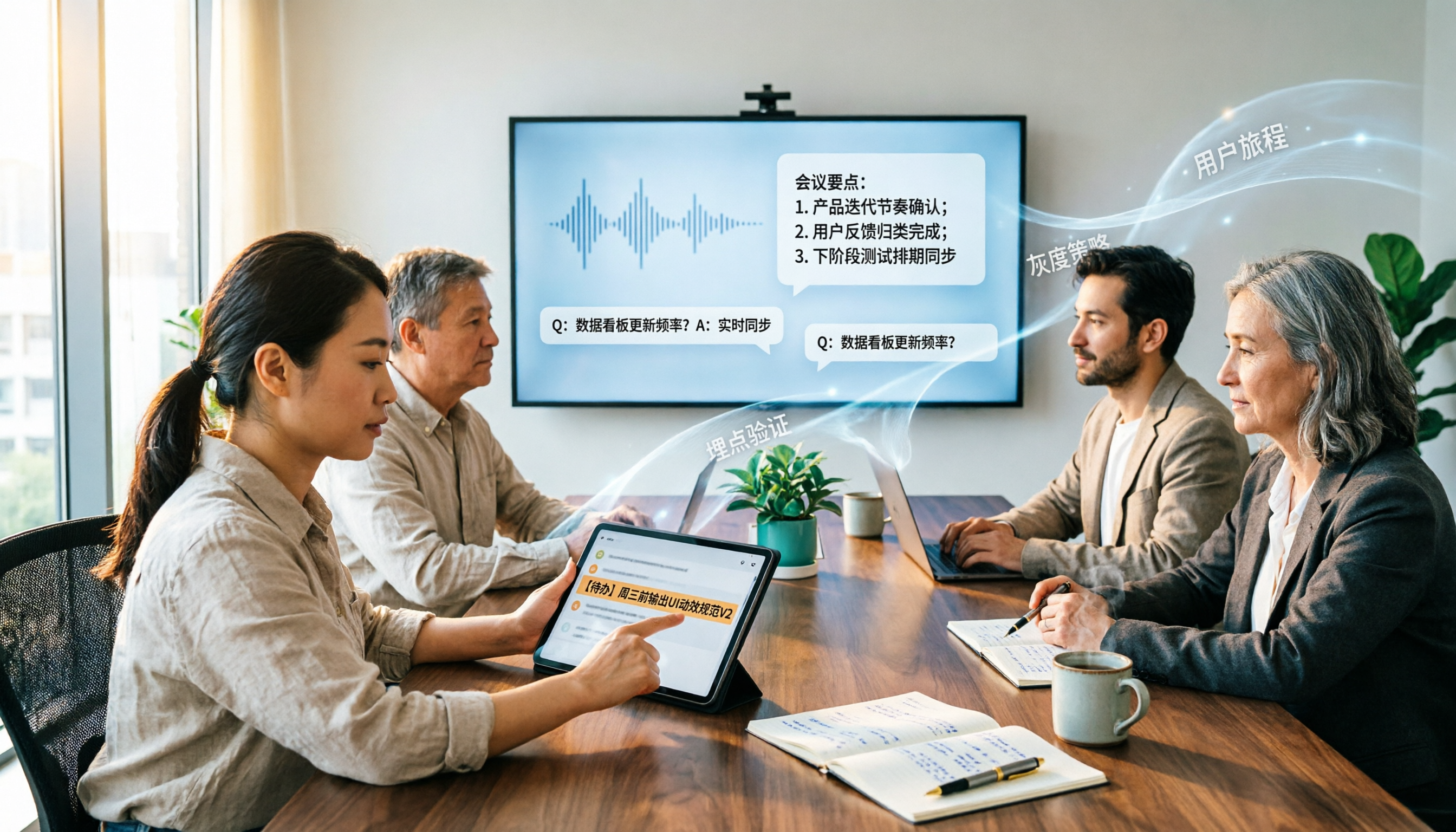
2026 Enterprise AI Meeting Assistant Comparison: How to Choose for Chinese Meeting Notes and Team Knowledge Retention
How should enterprises choose an AI meeting assistant? This article starts from the decision point of 'who ultimately owns the meeting records,' covering what enterprise AI meeting assistants can do, core capabilities, practical use cases, and 5 purchasing considerations. It uses Tinrec as an example to demonstrate a complete workflow from bot-free online meeting recording, AI summaries and Q&A, action item extraction, to team space governance.

2026 Meeting AI Agent Guide: Tinrec Bot-Free Recording + AI To-Do Organization
How to choose a 2026 meeting AI agent? This article compares Tinrec and Notta across key dimensions: bot-free recording of online meetings, input sources, post-meeting summaries and to-do organization, team spaces, seats, usage, and auditing. It also answers 6 common questions to help you decide which tool better fits your meeting scenario.

4 AI Meeting Note Tools Compared for 2026: Which Saves the Most Time on Summaries, Action Items, and Follow-Ups?
The real work begins after the meeting ends. This article focuses on post-meeting processing, starting with three key questions to ask, then outlines five critical factors for choosing an AI meeting tool. It tests Tinrec's performance in bot-free recording, AI summaries and action items, AI Q&A, and team spaces, and briefly reviews Otter.ai, Notta, and Granola as alternatives. It concludes with a pitfalls guide and scenario-based recommendations.

2026 Comparison of 4 AI Meeting Agent Workflows: Which One Actually Turns Meetings into Action Items?
AI meeting agent workflows don't stop at converting audio to text. This article breaks down the complete process—real-time transcription, bot-free recording, AI summaries, action item extraction, AI Q&A, and team knowledge retention—using specific scenarios. It also uses Tinrec as an example to explain 5 key points to consider when choosing a tool, plus differences in team roles, seats, and quotas.

How AI Meeting Agents Generate Action Items in 2026: A 5-Step Guide
Tired of action items getting lost in meeting transcripts? This guide covers 4 key factors for choosing an AI meeting tool, walks through how Tinrec turns recordings into summaries and to-do lists in 5 steps, and compares Notta, Granola, and Otter.ai to help you pick the right fit.

2026 AI Meeting Agent Comparison: Tinrec, Otter.ai, Notta, PLAUD Tested for Automated Post-Meeting Workflows
Many people think AI meeting tools just turn recordings into transcripts, saving only typing time. This article compares Tinrec, Otter.ai, Notta, and PLAUD using the same criteria, covering how meeting audio is captured, Chinese and mixed Chinese-English performance, whether summaries and action items are generated automatically, and how team data is retained. It also lists 5 common pitfalls when choosing a tool.