

Turn recordings into transcripts and summaries in minutes
Upload audio or video for multilingual transcription, AI notes, and action items
How to Choose a 2026 Meeting AI Agent? Tinrec vs Notta: A Five-Dimension Comparison
When many people hear "meeting AI agent," their first reaction is to look for a bot that automatically joins meetings. This is actually the most common misconception.
A meeting bot is just one approach. It takes up a spot on the meeting roster, and in client meetings or external presentations, you often have to explain "what is that account?"
A more reasonable order of evaluation should be: first, how it captures audio; second, what it gives you after transcription; and finally, whether the team can use it together.
This time, I'm taking Tinrec and Notta—two tools often compared together—and walking through them in that same order.
Tinrec vs Notta | Quick Overview
Tinrec is an AI meeting notes and collaboration tool for individuals and teams, positioned to turn meetings into searchable, collaborative, actionable team data.
Notta leans toward a general transcription tool with multi-platform transcription, meeting notes, file import, translation, and team plans. The overlap between the two is significant.
| Item | Tinrec | Notta |
|---|---|---|
| One-line positioning | AI meeting notes and team collaboration | Transcription, translation, and file processing |
| Online meeting capture | Desktop app captures system audio, no bot joins | Meeting bot, desktop app, or upload |
| Paid plan pricing | Team plan USD 29.80/paid seat/month; annual USD 199/paid seat/year | Pro annual equivalent USD 8.17/month; Business annual equivalent USD 16.67/seat/month |
Below we compare five dimensions: recording method, input sources, post-meeting workflow, team governance, and Chinese-language experience.
Note that prices and benefits on both sides may change. Before purchasing, please refer to the official purchase pages.
Dimension 1 | Meeting Recording Method: Do You Need to Add a Bot to the Meeting?
When Notta handles online meetings, a common approach is to have a meeting bot join as a participant. You can also use the desktop app or upload files. It's convenient, but it does add an extra entry to the meeting roster.
Tinrec's desktop app directly captures the computer's system audio. Users open Tinrec themselves to start recording, without inviting an extra bot to join. It can handle audio played on the computer from Zoom, Google Meet, Microsoft Teams, Webex, and other meetings.
Note that this does not mean "automatically joining all calendar meetings," nor does it mean Tinrec has official partnerships with these platforms.
→ This dimension: If you want a clean participant list and don't want an extra account in the meeting, Tinrec's approach is more convenient.
Dimension 2 | Input Sources: Is Online Meeting Support Enough?
Notta's strength lies in file transcription and some meeting scenarios. Subtitles, translation, and batch processing are all done well.
Tinrec's input sources are more varied: real-time recording, computer online meetings, audio and video files, mobile recording, and some web link imports. Offline interviews, voice recordings made on the phone, and old historical recordings can all go into the same place.
→ This dimension: For those with scattered sources who need centralized management, Tinrec has a slight edge.
Dimension 3 | What Do You Get After Transcription?
Notta's output focuses on subtitles, translation, and summaries, suitable for scenarios delivering transcripts and subtitles.
Tinrec takes the route of "transcription that's still usable afterward." In addition to transcripts, it automatically generates summaries, chapters, key points, and to-dos. It also has mind maps, allows AI Q&A around meeting content, and uses an Agent for post-processing to generate reports, tables, and documents. It can also export to Notion, Google Docs, OneNote, Dropbox, and other tools for further processing.
→ This dimension: For those who need to deliver post-meeting outputs, Tinrec clearly wins.
Dimension 4 | Team Collaboration and Data Retention
Notta's team capabilities are concentrated in the Business plan, offering role permissions and usage reports.
Tinrec's team plan is an independent team space: data belongs to the team. You can invite members, set owners/admins/regular members, assign or revoke seats, centrally store recordings, folders, and to-dos, view usage trends, member rankings, and details, maintain team hotwords, query and export audit logs, and even recover accidentally deleted audio files from the audio recycle bin.
Stop organizing recordings by hand
Upload audio or video and automatically get a transcript, summary, and action items
When a member leaves, is removed, or loses their seat, their team resources can be handed over to other active members, so they don't disappear with the individual.
Two concepts that are often confused need to be clarified first: roles determine who can manage the team, members, auditing, and settings; seats determine whether one can record, upload, edit, import, and export.
Members without a seat can still view, play, and read team data, but cannot edit. Currently, it's team-level sharing, not file-level granular permissions. This point should be clearly stated in external communications.
→ This dimension: Tinrec wins.
Dimension 5 | Chinese Meetings and Multilingual Experience
Notta performs maturely in multilingual support, which is why many people choose it.
Tinrec can focus on Chinese and Traditional Chinese meeting transcription, mixed Chinese-English content organization, real-time translation, and bilingual viewing. The team plan also allows maintaining hotwords to improve recognition of internal company terminology and product names.
Actual results will be affected by recording quality, background noise, accents, overlapping speakers, and specialized terminology. It's not advisable to expect a fixed accuracy rate.
→ This dimension: Tie, each has its strengths.
What Are the Unique Advantages of Each?
Tinrec's unique advantages:
- Bot-free desktop recording: Open the desktop app to record online meetings and generate real-time transcripts without adding an extra account to the meeting.
- Complete post-meeting workflow: From summaries, chapters, to-dos, mind maps, AI Q&A to Agent-generated reports and tables, all in one line.
- Many team governance items: Seat management, usage analysis, audit logs, audio recycle bin, and resource handover when members change.
- Chinese scenario focus: Chinese and Traditional Chinese meetings, mixed Chinese-English, real-time translation, and team hotwords all have corresponding features.
Notta's unique advantages:
- Multilingual transcription and subtitles are strengths. Cross-language content delivery needs can be prioritized.
- Free plan offers 120 minutes per month, with a maximum of 3 minutes per item. For those who want to first check the transcription style, the barrier is lower.
Summary: Which One Should You Choose?
- If you don't want a bot appearing on the meeting roster → Tinrec (desktop app captures system audio)
- If you want summaries, to-dos, and AI follow-up questions after the transcript → Tinrec (Notta focuses on subtitles, translation, and summaries)
- If you need team space, seats, usage, and auditing → Tinrec (the team plan puts governance capabilities in one space)
- If you value the organization experience for Chinese and mixed Chinese-English meetings → Tinrec (can be paired with team hotwords)
- If your needs are mainly multilingual subtitles and large-scale file transcription, and you want to keep the budget low → Notta is an option to consider
In one sentence: For most Taiwan teams that need to "keep meetings and still use them later," Tinrec is a more complete choice.
It's recommended to start with the free quota and run a real meeting recording from your own company to see if the transcript, summary, and to-dos meet your expectations.
Frequently Asked Questions
Q1: How is Tinrec different from regular recording software?
Regular recording software is responsible for recording audio. Tinrec goes further by transcribing to text, organizing summaries, chapters, key points, and to-dos, and also supports AI Q&A, translation, export, and placing data into a team space.
Q2: Will the meeting AI agent automatically join my meetings?
Tinrec's desktop app captures computer system audio. Users need to open Tinrec themselves to start recording, without an extra bot joining the meeting. Currently, it should not be understood as automatically joining all calendar meetings.
Q3: Does Tinrec have a free plan? How is pricing calculated?
The personal plan has a free version to experience recording, import, summaries, and transcription. There are also weekly cards and Pro monthly and annual cards, suitable for different usage frequencies. The team plan is currently USD 29.80/paid seat/month, annual USD 199/paid seat/year. The first eligible team trial is 7 days, 1 free seat, and 300 minutes of team shared import quota. Actual prices and promotions are subject to the official purchase page.
Q4: Can team members without a seat still see data?
Yes. Active members without a seat can still view, play, and read team data. To record, upload, edit, import, or export, a seat is required.
Q5: Can team audio files be recovered after deletion?
After audio files enter the team recycle bin, they can be restored before permanent cleanup begins. The current retention period is 30 days. To-dos are not within the scope of the team recycle bin.
Q6: Can Chinese transcription guarantee accuracy?
It's not advisable to make such a promise. Tinrec can reduce the cost of manual note-taking and organization, but results will be affected by recording quality, noise, accents, and overlapping speakers. For important content, it's recommended to verify against transcript timestamps and recording playback.
Finally, a reminder: recording and transcription involve personal data and local regulations. Remember to obtain consent from participants before recording.
References
- [DIGITIMES 2026 Smart Living Forum] Global Smart Living · Collaborative Empathy for the Future
- IEK Industry Intelligence Network | Insight into Major Exhibitions: CES 2026 Key Trends Seminar
- Free Registration! All in AI | Business Next 2026 AI Live Forum
- iEvent - Institute for Information Industry
- Ministry of Economic Affairs Joins Global Partners to Build a New Semiconductor Landscape in the AI Era
Turn every recording into actionable outcomes
Get 60 free transcription minutes when you sign in. No credit card required.
Related Reading
You might also like

How to Use AI Meeting Agents in 2026: Bot-Free Recording + AI Q&A to Capture Key Points
AI meeting agents aren't just about sending an AI into your meeting to type notes. This article starts with common misconceptions, outlines 4 key points to understand before choosing an AI meeting agent, compares Tinrec, Otter.ai, Notta, and Granola in real tests, and adds a pitfalls guide and FAQs to help you find a workflow that truly saves post-meeting organization time.

4 Post-Meeting Automation Tools Tested for 2026: Which AI Meeting Notes Actually Save You Time After the Call?
Post-meeting automation isn't just about turning meetings into transcripts. This article starts from the question of which part of your time you want to save, explains 4 key factors for choosing a tool, then compares Tinrec, Otter.ai, Notta, and Granola in post-meeting workflows, and covers the 3 most common implementation mistakes plus scenario-based recommendations.

2026 Comparison of 4 Meeting Follow-Up Automation Tools: After the Transcript, Who Actually Tracks Action Items to Completion?
Writing meeting notes doesn't mean the work is done. This article starts with the most common post-meeting pitfalls and compares 4 tools on their actual differences in summaries, action item extraction, recording retention, export, and team collaboration. It explains why Tinrec is better suited for Chinese-language meetings and team knowledge retention, and includes a pitfalls checklist and selection advice.
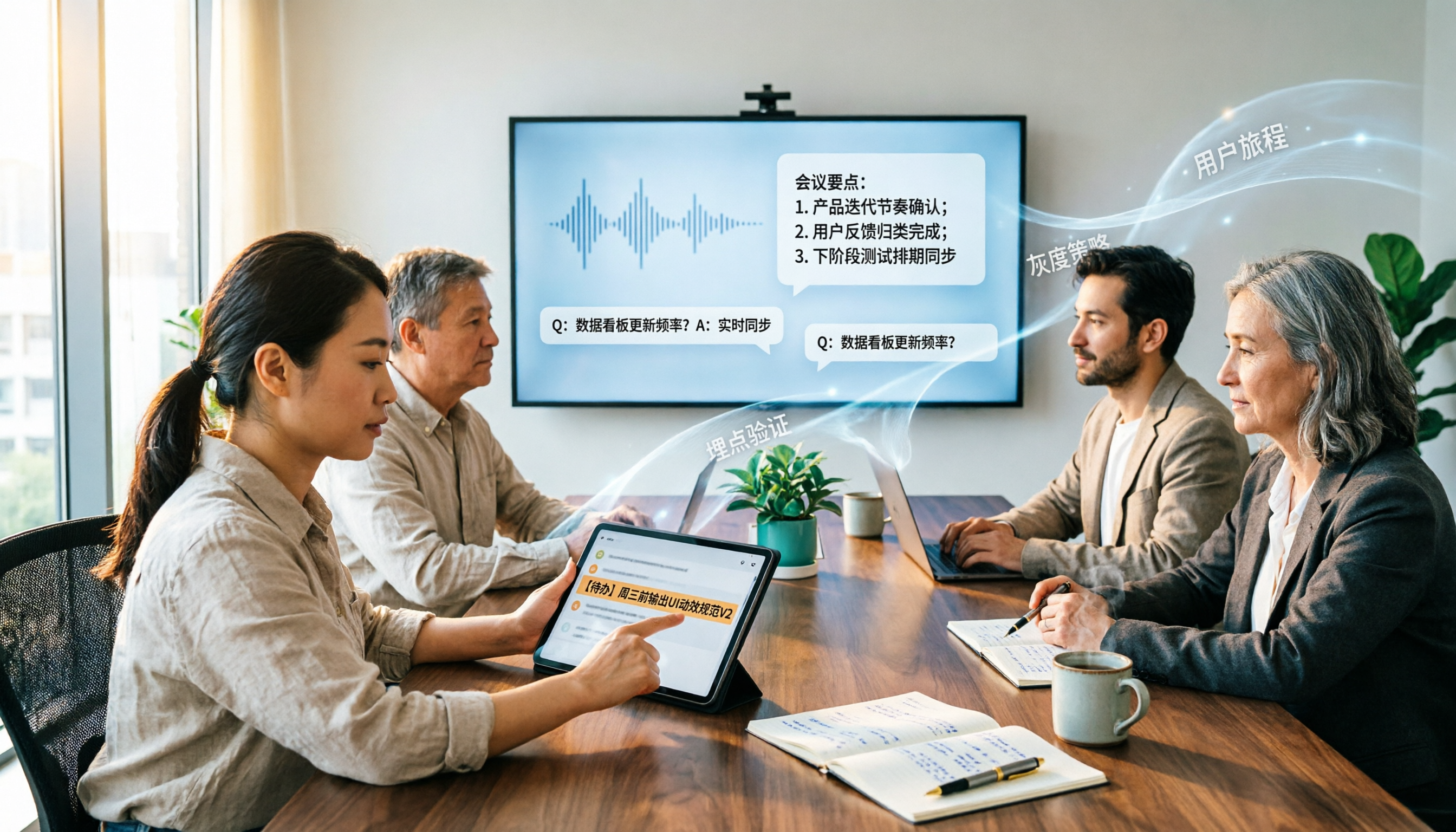
2026 Enterprise AI Meeting Assistant Comparison: How to Choose for Chinese Meeting Notes and Team Knowledge Retention
How should enterprises choose an AI meeting assistant? This article starts from the decision point of 'who ultimately owns the meeting records,' covering what enterprise AI meeting assistants can do, core capabilities, practical use cases, and 5 purchasing considerations. It uses Tinrec as an example to demonstrate a complete workflow from bot-free online meeting recording, AI summaries and Q&A, action item extraction, to team space governance.

Best Post-Meeting Automation Software in 2026: 7 Tools Tested, This One Leads for Chinese Meetings
Many people assume that buying a transcription tool means post-meeting work is automatically done. This article starts with common misconceptions, reviews 7 post-meeting automation software options in 2026, compares Chinese meeting experience, post-meeting output, team collaboration, and pricing, and explains how to choose so you don't waste your budget.

4 AI Meeting Note Tools Compared for 2026: Which Saves the Most Time on Summaries, Action Items, and Follow-Ups?
The real work begins after the meeting ends. This article focuses on post-meeting processing, starting with three key questions to ask, then outlines five critical factors for choosing an AI meeting tool. It tests Tinrec's performance in bot-free recording, AI summaries and action items, AI Q&A, and team spaces, and briefly reviews Otter.ai, Notta, and Granola as alternatives. It concludes with a pitfalls guide and scenario-based recommendations.

2026 Comparison of 4 AI Meeting Agent Workflows: Which One Actually Turns Meetings into Action Items?
AI meeting agent workflows don't stop at converting audio to text. This article breaks down the complete process—real-time transcription, bot-free recording, AI summaries, action item extraction, AI Q&A, and team knowledge retention—using specific scenarios. It also uses Tinrec as an example to explain 5 key points to consider when choosing a tool, plus differences in team roles, seats, and quotas.

How AI Meeting Agents Generate Action Items in 2026: A 5-Step Guide
Tired of action items getting lost in meeting transcripts? This guide covers 4 key factors for choosing an AI meeting tool, walks through how Tinrec turns recordings into summaries and to-do lists in 5 steps, and compares Notta, Granola, and Otter.ai to help you pick the right fit.

2026 AI Meeting Agent Comparison: Tinrec, Otter.ai, Notta, PLAUD Tested for Automated Post-Meeting Workflows
Many people think AI meeting tools just turn recordings into transcripts, saving only typing time. This article compares Tinrec, Otter.ai, Notta, and PLAUD using the same criteria, covering how meeting audio is captured, Chinese and mixed Chinese-English performance, whether summaries and action items are generated automatically, and how team data is retained. It also lists 5 common pitfalls when choosing a tool.