

Turn recordings into transcripts and summaries in minutes
Upload audio or video for multilingual transcription, AI notes, and action items
How AI Meeting Agents Generate Action Items in 2026: A 5-Step Guide
Still Doing Overtime After Meetings to Clean Up Notes? You Don't Need Another Tool—You Need a Solution
The weekly meeting wraps up, your manager casually says, "Can you follow up on this project?" and "Who's handling that deck?" The tone is light, but the responsibility is heavy. Two hours later, you open the recording and realize you've listened three times and still can't answer: who, does what, by when.
It gets worse with meetings that mix English and another language. "Send this version of the design to the PM and sync before next Wednesday"—when that becomes a transcript, it's just chaos converted to text. It's still far from an actionable to-do list.
If you attend five meetings a week and have to produce notes plus action items after each one, the problem was never whether you recorded it. The real question is: at the moment the meeting ends, is there a process that turns discussion directly into action? This article is for you.
Before You Buy an AI Meeting Agent, Understand These 4 Key Factors
1. Can action items be assigned to specific people? Many tools give you a summary, but a summary isn't an action item. "Discuss the budget next week" is a summary. "Alex sends the quote to the client by Wednesday" is an action item. When evaluating tools, check whether the output list includes an owner and a deadline—that's the most practical filter.
2. Can transcription handle your real meetings? Don't just look at the advertised accuracy rate. A quiet studio and a real conference room are two different things: air conditioning hum, keyboard clatter, people talking over each other, and mid-sentence language switches. Test with your own recording, not the marketing numbers.
3. Does it require a bot to join the meeting? Some tools rely on a meeting bot joining the room, but many companies' IT policies don't allow external accounts. Another approach is capturing system audio directly from a desktop app—no extra participant in the room.
4. Is your data retained and queryable? If you read the transcript and toss it, you haven't organized anything. Confirm: Are recordings kept? Can you ask questions directly about the meeting content? Can you export to Notion or Google Docs to keep working? For teams, check who has permission to use it versus who can only view.
Tinrec—Our Top Pick After Hands-On Testing
In one sentence: Tinrec is an AI meeting notes and collaboration tool for individuals and teams, available on mobile app, desktop, and web.
During the meeting: live transcription as you record For in-person meetings, use the app to record in real time and get a synchronized transcript. For online meetings, use the desktop version to capture system audio—works with Zoom, Google Meet, Microsoft Teams, and Webex, without inviting a meeting bot into the room. For multilingual meetings, you can view the original text, translation, or bilingual side-by-side while recording.
After the meeting: summary, chapters, and action items all at once This is where it differs most from basic transcription tools. As soon as the meeting ends, AI organizes a summary and chapters by meaning, and extracts action items from the discussion. When vague phrases like "follow up on this" come up, it tries to reconstruct them into concrete tasks instead of handing them back to you as-is.
Post-meeting follow-up: asking is faster than scrolling through the transcript After recording, you can ask questions directly about the meeting content—for example, "What were the client's concerns about pricing?" or "What launch date did we decide on last time?" It's not keyword search; it understands the meaning and gives you an answer. You can then generate reports, tables, and documents, or export to Notion, Google Docs, OneNote, Dropbox, and other tools for further work.
Team scenarios: turn meetings into team assets For shared use, the team plan provides a dedicated team space: meeting recordings, transcripts, and action items are stored centrally, so new members can see historical data when they join. Admins can manage members, roles, and seats, and view usage trends and activity logs. When a member leaves or loses a seat, the data doesn't leave with them. Here's the distinction: roles determine who can manage the team, while seats determine who can record, upload, edit, and export. Members without a seat can still view, play, and read team data, but cannot edit.
Stop organizing recordings by hand
Upload audio or video and automatically get a transcript, summary, and action items
The actual workflow breaks down into 5 steps:
- Create a recording, or import an existing audio or video file
- Capture system audio on desktop, or record live on your phone
- Generate a transcript as you record, with optional live translation
- After the meeting, let AI produce a summary, chapters, and action items
- Use AI Q&A to fill in details, then export action items and reports into your existing workflow
Pricing (based on official published rates): The personal plan has a free tier for basic usage, plus a weekly pass, Pro monthly, and Pro annual to suit different usage frequencies. The team plan is USD 29.80 per paid seat per month, or USD 199 per paid seat per year (about USD 16.58 per month), with each paid seat providing 2,000 minutes of shared team import quota per month. The first eligible team trial is 7 days, 1 free seat, and 300 minutes of shared import quota. Under an active team plan and seat, live recording currently does not deduct minutes; file and web imports use the shared team quota and don't consume a member's personal quota.
Limitations, stated clearly: It's not a bot that automatically joins every meeting on your calendar—you need to initiate recording. Once the free quota runs out, you'll need to consider a paid plan. And like all speech-to-text tools, accuracy depends on recording quality, accents, overlapping speech, and technical jargon. For important content, cross-check the transcript timestamps against the recording.
Who it's for: People whose meetings are primarily in Chinese or mixed Chinese-English, who don't want an extra bot in the room, who need to deliver action items and reports right after the meeting, and who want to keep meeting notes as team knowledge.
Besides Tinrec, What Are the Alternatives?
Notta: The closest competitor in feature overlap, with multi-platform transcription, file import, and translation. Free plan: 120 minutes per month, max 3 minutes per session; Pro annual works out to about USD 8.17 per month with 1,800 minutes per month. If you just need to convert audio files to text, it's sufficient. But action item extraction, AI follow-up questions, and team knowledge retention are where Tinrec pulls ahead.
Granola: Another bot-free AI meeting notes tool. Basic is free, Business is USD 14 per user per month. However, it doesn't support uploading pre-recorded audio files and doesn't save meeting audio—if you need to add old recordings or listen back to the original audio later, Tinrec's approach is a better fit.
Otter.ai: A mature choice for English business meetings. Basic is free with 300 minutes per month; Pro annual works out to about USD 8.49 per user per month. If your meetings are primarily in English and you only need English transcripts and summaries, it's a great value. But Chinese and mixed Chinese-English organization isn't its strong suit.
Pitfall Guide: The 3 Most Common Mistakes When Choosing an AI Meeting Agent
Pitfall 1: Treating "having a transcript" as "having something to do." A 90-minute transcript won't move your project forward. What you should really evaluate is the action item list: Is there an owner? Is there a deadline? Does it map to a concrete deliverable?
Pitfall 2: Only looking at the advertised accuracy rate. That number usually comes from testing in ideal conditions. Instead, take your own toughest meeting recording and try it—especially one with multiple people talking over each other, mixed languages, and background noise.
Pitfall 3: Using a personal account to handle team needs. Sharing one account looks like it saves money, but in practice you'll run into unclear data ownership, quota conflicts, and broken access when someone leaves. What a team needs is a space where you can manage seats, check usage, and review activity logs—not a shared login.
One more reminder: recording involves personal data and local regulations. Notify participants and get consent before recording—that's a basic practice beyond any tool.
Summary: Which One Should You Choose?
- Need action items from Chinese or mixed Chinese-English meetings → Tinrec, which produces owners and tasks right after the meeting
- Don't want a meeting bot joining → Tinrec desktop version, just capture system audio
- Want meeting notes to become team knowledge, with seat and usage management → Tinrec team plan
- All-English meetings, only need transcripts and summaries → Otter.ai
- Just occasionally want to convert long audio files to text → A pure transcription tool like Notta
One last honest note: don't pick the most expensive tool—pick the one you'll actually open every day. Start with Tinrec's free plan, run a real meeting recording through the 5 steps above, and see if the action items it produces are the kind you can actually execute. If they are, it's worth upgrading.
References
- No Time Limit! 3 Free AI Transcription Tools, Highly Recommended! AI Voice Notes Generate Meeting Minutes, Presentations, Mind Maps | 104 Career Power
- How to Use AI for Meeting Minutes? How to Organize Meeting Transcripts? | AI Speech-to-Transcript Tutorial | 104 Career Power
- Business Weekly - 6-Step AI Meeting Notes Organization: Use a Fixed Template to Turn Discussions into Clear Action Items - Business Weekly
- AI Meeting Notes Software Recommendations: 5 Major Apps Tested and Compared, Automatic Transcription Makes Meetings a Breeze!
- Meeting Minutes Are a Hassle? ChatGPT + Whisper Gets It Done in One Go! Automatic Transcription, Summarization, and Sending All Possible | BusinessNext
Turn every recording into actionable outcomes
Get 60 free transcription minutes when you sign in. No credit card required.
Related Reading
You might also like

How to Use AI Meeting Agents in 2026: Bot-Free Recording + AI Q&A to Capture Key Points
AI meeting agents aren't just about sending an AI into your meeting to type notes. This article starts with common misconceptions, outlines 4 key points to understand before choosing an AI meeting agent, compares Tinrec, Otter.ai, Notta, and Granola in real tests, and adds a pitfalls guide and FAQs to help you find a workflow that truly saves post-meeting organization time.

4 Post-Meeting Automation Tools Tested for 2026: Which AI Meeting Notes Actually Save You Time After the Call?
Post-meeting automation isn't just about turning meetings into transcripts. This article starts from the question of which part of your time you want to save, explains 4 key factors for choosing a tool, then compares Tinrec, Otter.ai, Notta, and Granola in post-meeting workflows, and covers the 3 most common implementation mistakes plus scenario-based recommendations.

2026 Comparison of 4 Meeting Follow-Up Automation Tools: After the Transcript, Who Actually Tracks Action Items to Completion?
Writing meeting notes doesn't mean the work is done. This article starts with the most common post-meeting pitfalls and compares 4 tools on their actual differences in summaries, action item extraction, recording retention, export, and team collaboration. It explains why Tinrec is better suited for Chinese-language meetings and team knowledge retention, and includes a pitfalls checklist and selection advice.
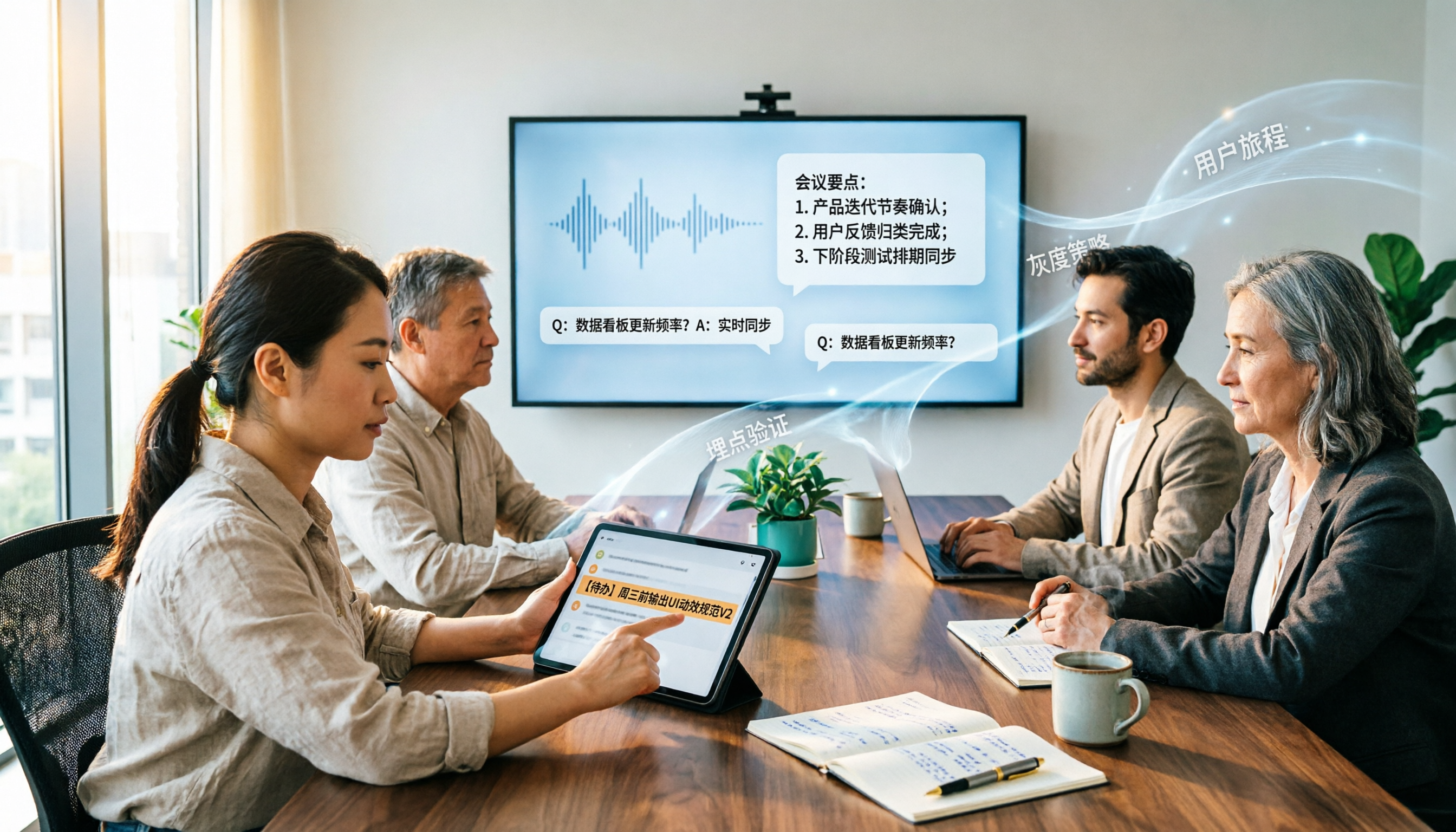
2026 Enterprise AI Meeting Assistant Comparison: How to Choose for Chinese Meeting Notes and Team Knowledge Retention
How should enterprises choose an AI meeting assistant? This article starts from the decision point of 'who ultimately owns the meeting records,' covering what enterprise AI meeting assistants can do, core capabilities, practical use cases, and 5 purchasing considerations. It uses Tinrec as an example to demonstrate a complete workflow from bot-free online meeting recording, AI summaries and Q&A, action item extraction, to team space governance.

2026 Meeting AI Agent Guide: Tinrec Bot-Free Recording + AI To-Do Organization
How to choose a 2026 meeting AI agent? This article compares Tinrec and Notta across key dimensions: bot-free recording of online meetings, input sources, post-meeting summaries and to-do organization, team spaces, seats, usage, and auditing. It also answers 6 common questions to help you decide which tool better fits your meeting scenario.

Best Post-Meeting Automation Software in 2026: 7 Tools Tested, This One Leads for Chinese Meetings
Many people assume that buying a transcription tool means post-meeting work is automatically done. This article starts with common misconceptions, reviews 7 post-meeting automation software options in 2026, compares Chinese meeting experience, post-meeting output, team collaboration, and pricing, and explains how to choose so you don't waste your budget.

4 AI Meeting Note Tools Compared for 2026: Which Saves the Most Time on Summaries, Action Items, and Follow-Ups?
The real work begins after the meeting ends. This article focuses on post-meeting processing, starting with three key questions to ask, then outlines five critical factors for choosing an AI meeting tool. It tests Tinrec's performance in bot-free recording, AI summaries and action items, AI Q&A, and team spaces, and briefly reviews Otter.ai, Notta, and Granola as alternatives. It concludes with a pitfalls guide and scenario-based recommendations.
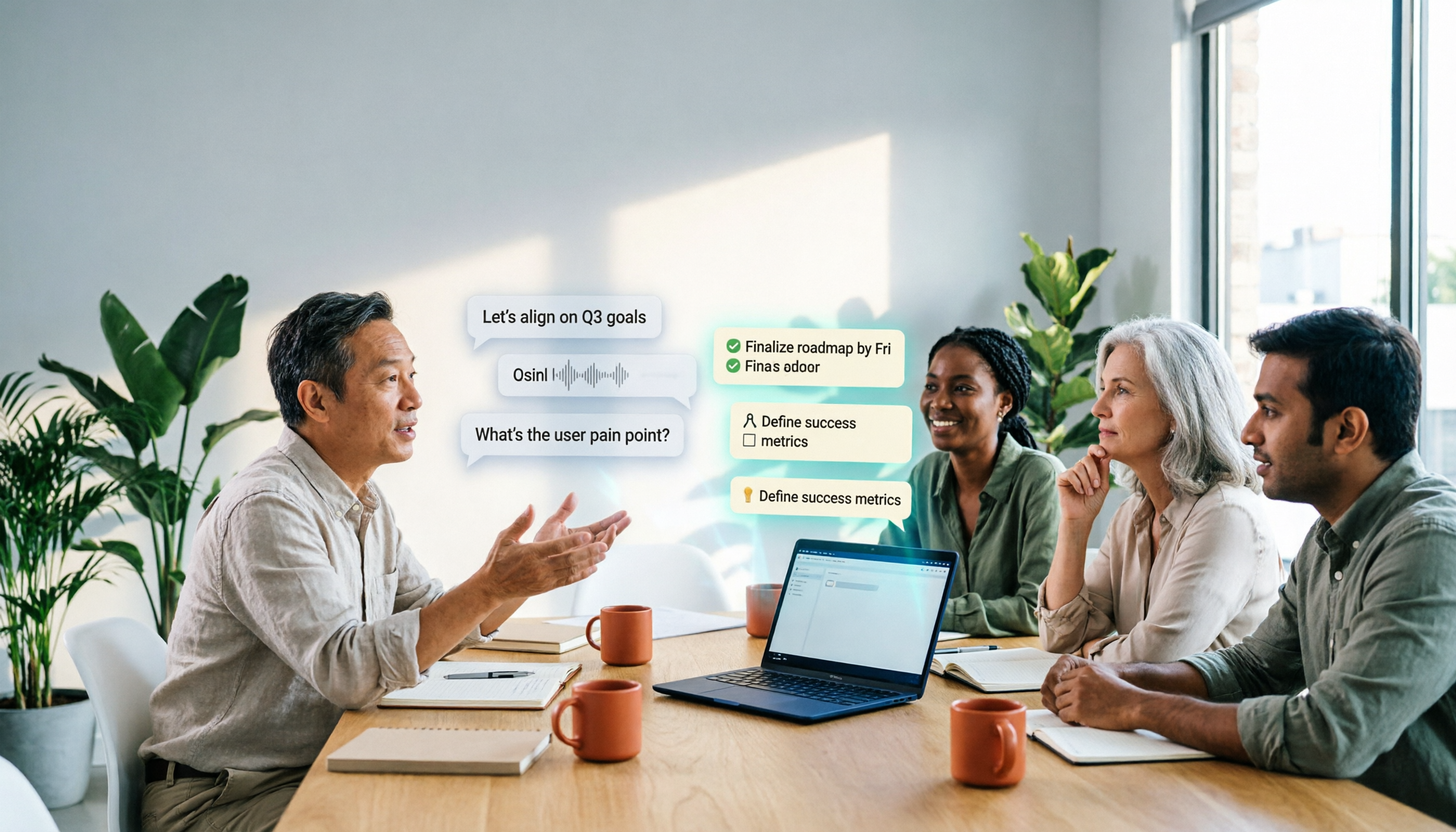
2026 Comparison of 4 AI Meeting Agent Workflows: Which One Actually Turns Meetings into Action Items?
AI meeting agent workflows don't stop at converting audio to text. This article breaks down the complete process—real-time transcription, bot-free recording, AI summaries, action item extraction, AI Q&A, and team knowledge retention—using specific scenarios. It also uses Tinrec as an example to explain 5 key points to consider when choosing a tool, plus differences in team roles, seats, and quotas.

2026 AI Meeting Agent Comparison: Tinrec, Otter.ai, Notta, PLAUD Tested for Automated Post-Meeting Workflows
Many people think AI meeting tools just turn recordings into transcripts, saving only typing time. This article compares Tinrec, Otter.ai, Notta, and PLAUD using the same criteria, covering how meeting audio is captured, Chinese and mixed Chinese-English performance, whether summaries and action items are generated automatically, and how team data is retained. It also lists 5 common pitfalls when choosing a tool.