

Turn recordings into transcripts and summaries in minutes
Upload audio or video for multilingual transcription, AI notes, and action items
For post-meeting automation, the question isn't which tool transcribes most accurately—it's which part of your time should be saved
Most people looking for post-meeting automation tools start with the same question: "Which one has the highest transcription accuracy?"
After trying a round of them myself, I actually think accuracy isn't the first question you should ask.
What you really need to figure out first is: which part of your time do you want to save?
Post-meeting work can usually be broken into three stages. The first is "turning what was said into text"—listening to the recording and typing up notes. The second is "turning text into something deliverable"—organizing it into a summary, bullet points, or a report. The third is "assigning the conclusions"—who's responsible for what, when it's due, and how to follow up.
If a tool only automates the first stage, you get a transcript, and you still have to do the second and third stages yourself.
That's why many people install a transcription tool and still feel like they haven't saved much time.
If you've experienced these situations—recordings sitting on your phone after a meeting with no one listening, a 30-page transcript you don't know where to start with, meeting conclusions scattered in chat with no one following up—then this article is for you.
Before choosing a post-meeting automation tool, understand these 4 key points
1. Does it handle "during the meeting" or "after the meeting"?
Some tools are strong during recording, others after. For post-meeting automation, the latter is the main battlefield. Whether it can automatically generate summaries, action items, and deliverable documents affects your off-work time more than how clearly it records.
2. Does the recording method interrupt the meeting flow?
One approach sends a "meeting bot" to join the meeting room as a participant; the other captures system audio directly from the desktop. The former often prompts attendees to ask "who is that account?", while the latter doesn't need an extra participant. This is especially noticeable in external meetings.
3. Does it output text, or data you can continue working with?
A transcript is just raw material. Whether it can automatically produce summaries, chapters, action items, mind maps, whether you can ask questions directly about the meeting content, and whether you can export to tools like Notion or Google Docs for further use—these determine how much time you actually save.
4. Does the data stay in a personal account or a team space?
Data in a personal account follows the person. Data in a team space belongs to the team, can be handed over when members change, and administrators can view usage and activity logs. If your meeting content is a company asset, think about this in advance.
Tinrec—our top recommendation after testing
Tinrec is an AI meeting notes and collaboration tool for individuals and teams, supporting iOS, Android, desktop, and web. Its focus isn't "turning meetings into text" but turning meetings into data you can keep using.
Record online meetings without a meeting bot
Tinrec's desktop version captures system audio directly, so when handling online meetings on Zoom, Google Meet, Microsoft Teams, Webex, etc., you don't need to invite an extra bot account into the meeting room. Transcription is generated while recording, and for cross-language meetings you can enable real-time translation to view in original, translated, or bilingual mode.
Note that it's started manually by the user, not automatically joining every meeting on your calendar—keep this distinction in mind when choosing.
After the meeting, half the organizing work is already done
After recording, Tinrec automatically generates summaries, chapters, and highlights, breaking long meetings into easy-to-browse sections and extracting action items from the discussion. Mind maps are useful for quickly understanding relationships between topics.
Even better is AI Q&A: you can directly ask "who mentioned the budget in the last meeting" or "what were the client's concerns about pricing"—it doesn't just give you keyword search results but answers based on the meeting content. This "ask the meeting" use case is where it differs most noticeably from ordinary transcription tools.
Output that fits into your existing workflow
Meeting results support multiple export formats and can be taken to Notion, Google Docs, OneNote, Dropbox, etc. for further editing. When you need deliverable documents, you can use Agent post-processing to directly generate reports, tables, and meeting minutes based on the meeting content—essentially saving the post-meeting writing work too.
Stop organizing recordings by hand
Upload audio or video and automatically get a transcript, summary, and action items
Team version: turn meetings into team assets
The team version isn't "multiple people sharing one account" but an independent team space. Meeting data belongs to the team, new members can view historical meetings, and data isn't taken away when members leave.
The team version also distinguishes "roles" and "seats": roles determine who can manage the team, members, and audit logs; seats determine whether members can record, upload, edit, and export. Members without seats can still view, play, and read team data. Other features include usage analytics, audit logs, audio recycle bin, and team hotwords. Note that currently sharing is at the team level, not file-level granular permissions.
Pricing and limitations (listed honestly)
The personal version has a free tier to try, a weekly pass for short-term high-frequency use, and Pro monthly and annual plans for long-term use. The team version offers a 7-day trial for first-time eligible users, 1 free seat, and 300 minutes of team shared import quota; monthly billing is USD 29.80 per paid seat per month, annual billing is USD 199 per paid seat per year (about USD 16.58 per month), with each paid seat providing 2,000 minutes of team shared import quota per month. Real-time recording under an active team plan currently doesn't deduct minutes. Pricing and benefits are subject to the official purchase page.
The free version has a basic quota, and heavy users need to pay; team version file and web imports use the team shared quota and won't be supplemented by members' personal quotas. Also, it's not recommended to treat it as a tool that "guarantees 100% accuracy"—recording quality, background noise, accents, and multiple people talking over each other all affect results, and important content should still be checked against the transcript and recording.
Who is it for?
If you have meetings every week, need Chinese and mixed Chinese-English meeting notes, want to use AI to find key points right after recording, or want meeting data to stay with the team rather than on personal phones, Tinrec is currently the most hassle-free choice.
Besides Tinrec, what other options are there?
Otter.ai
A mature English meeting assistant. Basic free version offers 300 minutes per month; Pro annual billing works out to about USD 8.49 per user per month, including 1,200 minutes of in-app recording and 10 file imports per month. If almost all your meetings are in English, it's a great value. But Chinese meeting experience and post-meeting output (e.g., using Agent to generate reports, multi-format export) aren't its strengths—Tinrec is more complete in this area.
Notta
The competitor with the most overlap with Tinrec, offering multi-platform transcription, file import, translation, and team plans. Free version offers 120 minutes per month, max 3 minutes per session; Pro annual billing works out to about USD 8.17 per month, 1,800 minutes per month; Business annual billing works out to about USD 16.67 per seat per month. Its transcription and subtitle capabilities are good, but it lacks Tinrec's desktop bot-free system audio capture and Agent post-processing for generating reports and documents.
Granola
A bot-free AI meeting notes tool emphasizing "your handwritten notes plus AI enhancement." Basic is free, Business is USD 14 per user per month, Enterprise is USD 35 per user per month. It doesn't support uploading pre-recorded audio files and doesn't save meeting audio—if you want to go back and check what someone actually said, there's no recording to listen to. Tinrec keeps recordings and also supports importing existing audio and video files.
Pitfall guide: the 3 most common mistakes when adopting post-meeting automation
Pitfall 1: Only comparing "minutes per month"
Minutes are a quota, not output. I've seen many tools offer generous minutes but only give you a transcript, leaving summaries and action items to you. First confirm whether it can turn meetings into summaries, action items, and deliverable documents, then compare minutes.
Pitfall 2: Ignoring whether audio is retained
Some tools keep only text, not recordings. When you have doubts about a transcript and want to know exactly what was said, without a recording you can't check. When choosing, confirm the audio retention and recycle bin mechanisms.
Pitfall 3: Treating the transcript as the endpoint
Just copying the transcript into a document means using only one-third of the tool's capability. Instead of manually flipping through 30 pages of transcript to find conclusions, ask AI directly "what were the conclusions of this meeting"—it's much faster.
Conclusion: which one should you choose?
To sum up in one sentence: if what you care about is the post-meeting organizing time, Tinrec is currently the most complete at connecting "recording, transcription, organizing, follow-up questions, export, and team retention."
Scenario-based recommendations:
- Chinese or mixed Chinese-English meetings, want to save post-meeting organizing time → Tinrec
- Almost all English meetings, budget priority → Otter.ai
- Need large-scale file transcription, subtitles, and translation → Notta
- Only want meeting notes, don't care about keeping recordings → Granola
- Team wants centralized meeting data management and handover when members change → Tinrec team version
If you're not sure which to choose, I'd suggest running your own meeting workflow once with the free version: record a meeting, check if the summary is accurate, ask it a question, export a file. After these four steps, you'll know clearly whether it suits you.
References
Turn every recording into actionable outcomes
Get 60 free transcription minutes when you sign in. No credit card required.
Related Reading
You might also like

How to Use AI Meeting Agents in 2026: Bot-Free Recording + AI Q&A to Capture Key Points
AI meeting agents aren't just about sending an AI into your meeting to type notes. This article starts with common misconceptions, outlines 4 key points to understand before choosing an AI meeting agent, compares Tinrec, Otter.ai, Notta, and Granola in real tests, and adds a pitfalls guide and FAQs to help you find a workflow that truly saves post-meeting organization time.

2026 Comparison of 4 Meeting Follow-Up Automation Tools: After the Transcript, Who Actually Tracks Action Items to Completion?
Writing meeting notes doesn't mean the work is done. This article starts with the most common post-meeting pitfalls and compares 4 tools on their actual differences in summaries, action item extraction, recording retention, export, and team collaboration. It explains why Tinrec is better suited for Chinese-language meetings and team knowledge retention, and includes a pitfalls checklist and selection advice.
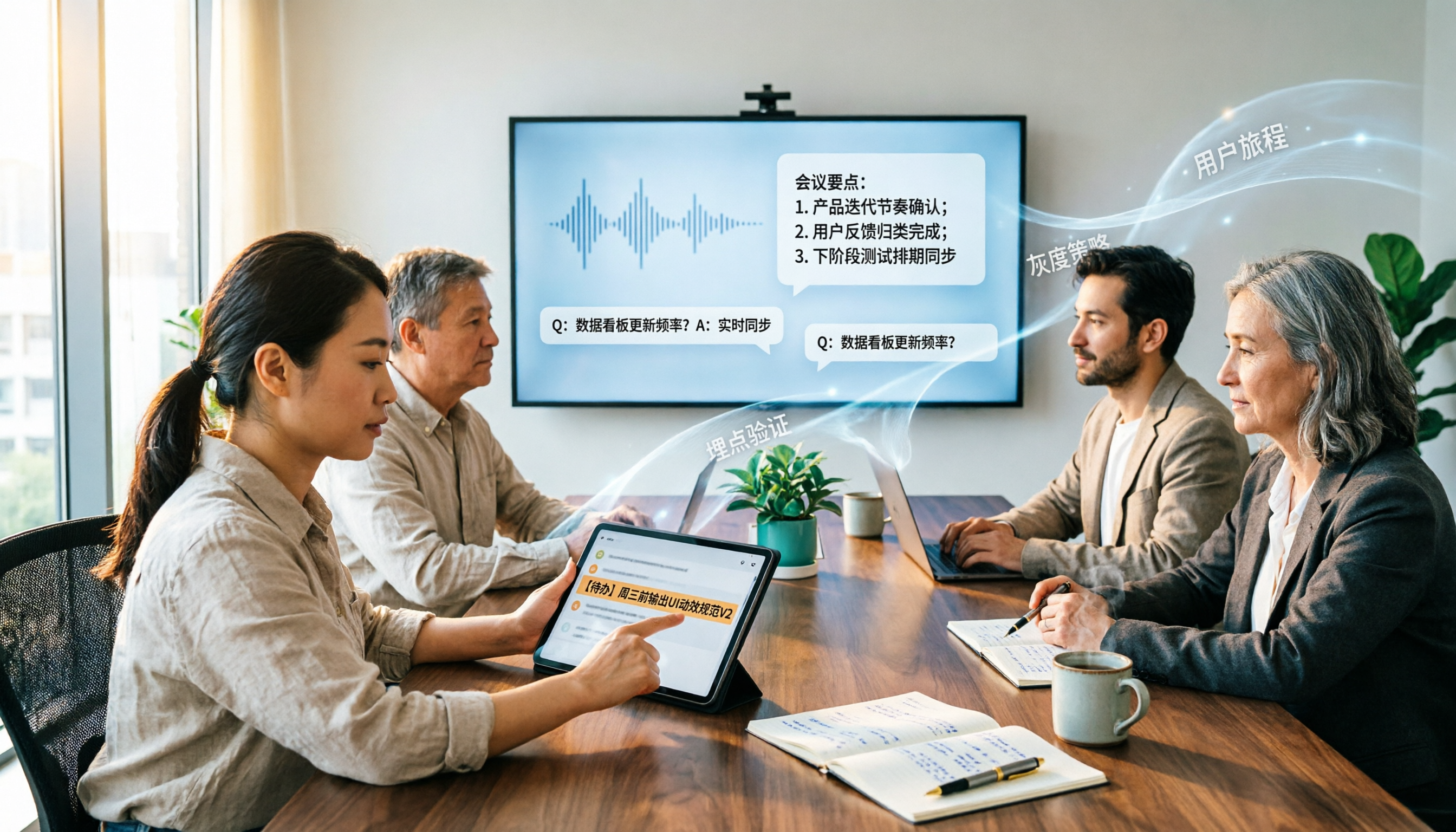
2026 Enterprise AI Meeting Assistant Comparison: How to Choose for Chinese Meeting Notes and Team Knowledge Retention
How should enterprises choose an AI meeting assistant? This article starts from the decision point of 'who ultimately owns the meeting records,' covering what enterprise AI meeting assistants can do, core capabilities, practical use cases, and 5 purchasing considerations. It uses Tinrec as an example to demonstrate a complete workflow from bot-free online meeting recording, AI summaries and Q&A, action item extraction, to team space governance.

2026 Meeting AI Agent Guide: Tinrec Bot-Free Recording + AI To-Do Organization
How to choose a 2026 meeting AI agent? This article compares Tinrec and Notta across key dimensions: bot-free recording of online meetings, input sources, post-meeting summaries and to-do organization, team spaces, seats, usage, and auditing. It also answers 6 common questions to help you decide which tool better fits your meeting scenario.
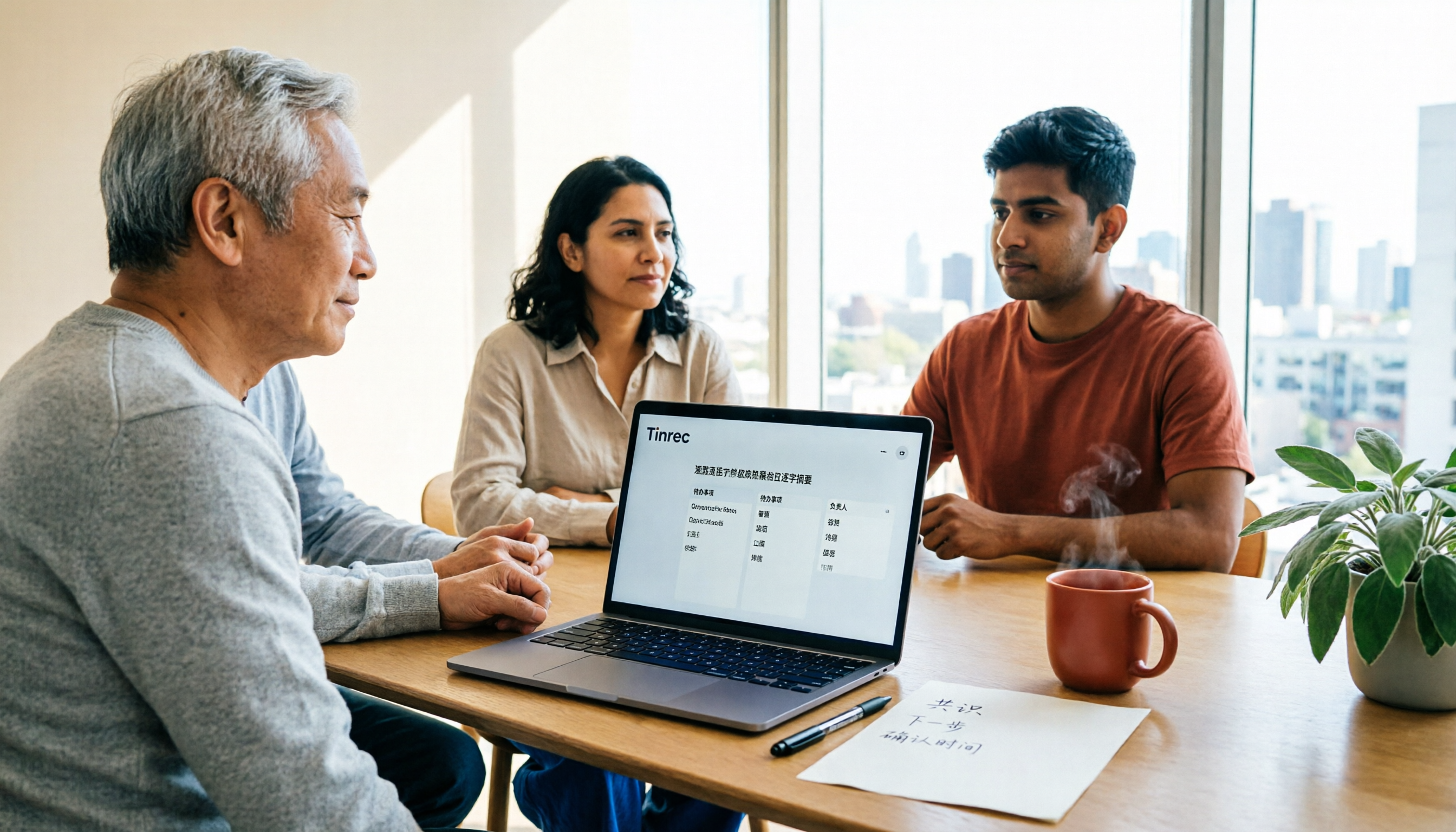
Best Post-Meeting Automation Software in 2026: 7 Tools Tested, This One Leads for Chinese Meetings
Many people assume that buying a transcription tool means post-meeting work is automatically done. This article starts with common misconceptions, reviews 7 post-meeting automation software options in 2026, compares Chinese meeting experience, post-meeting output, team collaboration, and pricing, and explains how to choose so you don't waste your budget.

4 AI Meeting Note Tools Compared for 2026: Which Saves the Most Time on Summaries, Action Items, and Follow-Ups?
The real work begins after the meeting ends. This article focuses on post-meeting processing, starting with three key questions to ask, then outlines five critical factors for choosing an AI meeting tool. It tests Tinrec's performance in bot-free recording, AI summaries and action items, AI Q&A, and team spaces, and briefly reviews Otter.ai, Notta, and Granola as alternatives. It concludes with a pitfalls guide and scenario-based recommendations.
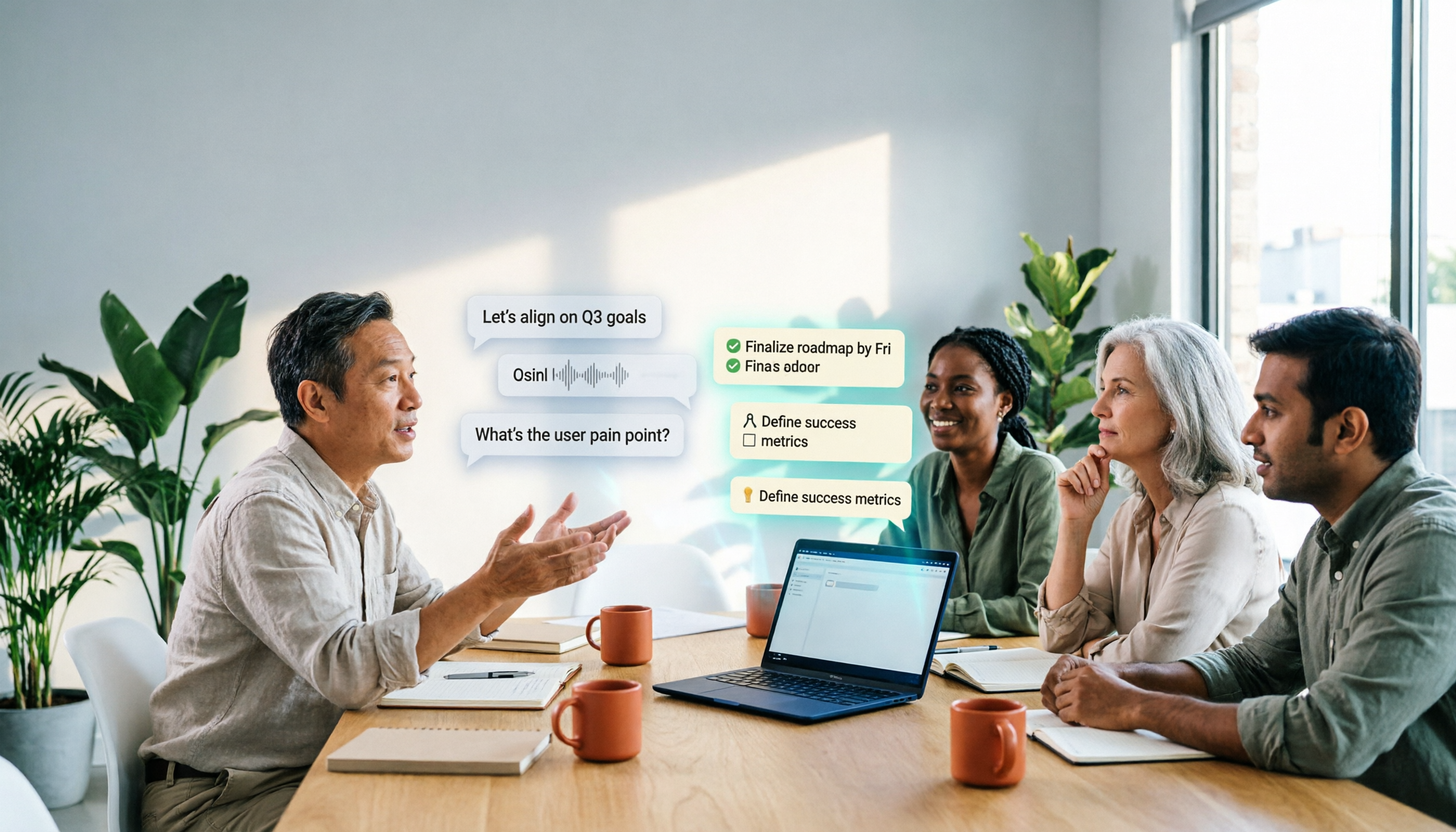
2026 Comparison of 4 AI Meeting Agent Workflows: Which One Actually Turns Meetings into Action Items?
AI meeting agent workflows don't stop at converting audio to text. This article breaks down the complete process—real-time transcription, bot-free recording, AI summaries, action item extraction, AI Q&A, and team knowledge retention—using specific scenarios. It also uses Tinrec as an example to explain 5 key points to consider when choosing a tool, plus differences in team roles, seats, and quotas.

How AI Meeting Agents Generate Action Items in 2026: A 5-Step Guide
Tired of action items getting lost in meeting transcripts? This guide covers 4 key factors for choosing an AI meeting tool, walks through how Tinrec turns recordings into summaries and to-do lists in 5 steps, and compares Notta, Granola, and Otter.ai to help you pick the right fit.

2026 AI Meeting Agent Comparison: Tinrec, Otter.ai, Notta, PLAUD Tested for Automated Post-Meeting Workflows
Many people think AI meeting tools just turn recordings into transcripts, saving only typing time. This article compares Tinrec, Otter.ai, Notta, and PLAUD using the same criteria, covering how meeting audio is captured, Chinese and mixed Chinese-English performance, whether summaries and action items are generated automatically, and how team data is retained. It also lists 5 common pitfalls when choosing a tool.