

Turn recordings into transcripts and summaries in minutes
Upload audio or video for multilingual transcription, AI notes, and action items
2026 Best AI Meeting Assistants Compared: Which Excels at Chinese Meeting Notes and AI Q&A?
What Is an AI Meeting Assistant? First, Understand How It Differs from a Voice Recorder or Transcription Tool
What is an AI meeting assistant? Should you use one? In a nutshell: it's an AI tool that understands your meeting and helps you wrap it up—and the real differentiator is what it can do after the meeting ends. A voice recorder captures audio; a transcription tool converts it to text; an AI meeting assistant goes further: it generates summaries, chapters, action items, and even lets you ask questions about the meeting content afterward.
Why does this matter? Consider a few scenarios.
After a two-hour meeting, your boss asks, "Who said the specs needed to change?" You open the transcript and scroll for ten minutes without finding that line.
Cross-language meetings are even trickier. With discussions mixing Chinese and English, you then need to prepare summaries in two languages for colleagues in different regions—just cross-referencing eats up half an afternoon.
As for weekly project meetings, decisions end up scattered across whiteboards, personal notes, and group chats. Three months later, no one remembers why that decision was made.
The root cause of these problems is usually not "not recording enough," but that after recording, no one turns it into usable data. This is exactly why AI meeting assistants have emerged rapidly in recent years.
5 Key Points to Understand Before Choosing an AI Meeting Assistant
1. Does it only record, or does it help you wrap up? Some tools have "AI" in their name but only give you a transcript and a generic summary. The real differentiator is the post-meeting phase: can it automatically extract action items, can you ask follow-up questions, can it produce a document ready to share? When choosing, focus on what it can do after the meeting ends.
2. How is the meeting recorded? There are two common approaches. One is a meeting bot that joins online meetings as a participant; the other is a desktop app that directly captures system audio. Bots are convenient but appear on the participant list, which can be a concern for external client meetings. System audio capture doesn't require an extra account in the meeting room, making it more discreet for those who care about meeting atmosphere.
3. How well does it handle Chinese and multiple languages? Meetings in Taiwan are rarely pure Chinese or pure English; they often mix both plus product codes. Beyond transcription, check for real-time translation, bilingual display, and the ability to customize team-specific terminology.
4. Where does the data end up? Personal accounts and team spaces are two different things. If meeting notes only live on someone's phone, that history disappears when they leave. Team plans typically use "roles" to determine who can manage and "seats" to determine who can record and edit—these two concepts are easily confused.
5. How are quotas calculated? Many tools pool "live recording" and "file import" together, while others separate them. For team plans, check whether quotas are per-person or shared across the team. Before paying, think about how many meetings you have per week and how many existing recordings you need to process.
Tinrec – Our Top Pick After Testing
Tinrec is an AI meeting notes and collaboration tool for individuals and teams, available on web, desktop, and mobile. Its biggest difference from ordinary recording software is that it connects the entire post-recording workflow.
The first scenario is online meetings. Tinrec's desktop app directly captures system audio, so it works with Zoom, Google Meet, Microsoft Teams, and Webex without inviting a meeting bot. That means no unfamiliar account appears on the participant list, the meeting proceeds as usual, and a transcript is generated simultaneously. For those who frequently have client meetings, this is a very practical difference.
The second scenario is post-meeting organization. After the meeting, Tinrec automatically generates summaries, chapters, key points, and action items, and can even turn long meetings into mind maps. You don't have to read the entire transcript from start to finish; you can review the summary first and then go back for details.
The third—and most significant differentiator from similar tools—is AI Q&A. After recording, you can directly ask, "In last week's meeting, what were the client's concerns about pricing?" It can answer based on a single meeting or even multiple meetings, rather than just giving you a list of keyword search results. Most tools in the same price range haven't achieved this yet.
There's also Agent post-processing. You can ask it to generate reports, tables, or formal meeting minutes based on the meeting content, and then export to Notion, Google Docs, OneNote, or Dropbox for further use. This means no manual transfer from recording to delivery.
Stop organizing recordings by hand
Upload audio or video and automatically get a transcript, summary, and action items
A few advantages I think are worth mentioning:
- No extra hardware needed; works on web, desktop, and mobile, covering both online and offline meetings.
- Supports real-time translation, allowing you to read in original, translated, or bilingual mode—especially useful for meetings mixing Chinese and English.
- The team plan stores meeting data in a team space, with management of members, seats, usage, and activity logs. Data belongs to the team, not individuals.
As for pricing, the personal plan offers a free version, weekly pass, Pro monthly, and Pro annual, so you can choose based on usage frequency. The team plan is USD 29.80 per paid seat per month, or USD 199 per paid seat per year (about USD 16.58 per month). Eligible teams can try 7 days free with 1 free seat and 300 minutes of shared team import quota; paid seats provide 2,000 minutes of shared team import quota per month, and live recording under an active team plan and active seat is currently not deducted by the minute. Please refer to the official purchase page for final pricing, currency, and benefits.
Limitations should also be clear. The free personal plan provides basic quota, suitable for trying out; if you have many meetings or interviews weekly, you'll need to upgrade. Also, the team plan currently focuses on team-level sharing; active members can view, play, and read team data, but there is no fine-grained file-level permission design.
One more reminder: Tinrec does not officially provide a fixed accuracy rate; actual performance depends on recording quality, ambient noise, accents, simultaneous speakers, and specialized terminology. For important decisions, it's recommended to cross-check with transcript timestamps and audio playback.
Who is it for? If you need to record online meetings without a bot, want to use AI to extract key points afterward, and want to keep this data for the whole team, Tinrec is currently the closest fit.
Besides Tinrec, What Other Options Are There?
Otter.ai: A veteran AI meeting assistant for English business meetings, with a Basic free plan of 300 minutes per month. Its English meeting experience is mature, but Chinese meeting experience is not its focus. If you mainly have Chinese meetings and need an Agent to produce reports and tables afterward, Tinrec offers greater completeness.
Granola: An AI meeting notes tool that also captures desktop audio without a bot. The Business plan is USD 14 per user per month, emphasizing "user notes + AI enhancement." Note that it does not support uploading pre-recorded audio files and does not save meeting audio; if you need to keep recordings or organize existing audio and video files, Tinrec covers this more comprehensively.
Notta: A multi-platform transcription tool with significant overlap with Tinrec, also offering meeting notes, file import, and translation. The free plan offers 120 minutes per month, up to 3 minutes per session; Pro annual is about USD 8.17 per month. If your focus is bot-free online meeting recording plus team space, AI Q&A, and Agent post-processing, Tinrec is a better fit.
Pitfall Guide: 4 Most Common Mistakes When Choosing an AI Meeting Assistant
Pitfall 1: Treating "transcript" as the whole of an AI meeting assistant. A transcript is just raw material. If a tool gives you a transcript and nothing else, you've only saved typing time—you still have to organize, find key points, and write action items yourself. Ask yourself: what else can it do for me after the meeting?
Pitfall 2: Ignoring how a meeting bot joining affects perception. A bot joining internal meetings is usually fine, but for external client meetings, interviews, or legal discussions, an extra account on the participant list can be objectionable. If you often have such meetings, prioritize a solution that captures system audio directly from the desktop.
Pitfall 3: Only looking at "how many free minutes" without checking how quotas are divided. Many tools separate live recording and file import quotas, and some separate personal and shared team quotas. Looking at a single number can lead to situations where "the minutes look plentiful, but the feature you need isn't covered." Before paying, confirm which quota your main use case falls under.
Pitfall 4: Sharing a single personal account across the team. This is the most common and most expensive mistake. Data tied to a personal account leaves with the member when they leave. For team plans, check: who owns the data, whether there are roles and seats, whether resources can be transferred when members change, and whether usage and activity logs are available. For example, Tinrec's team plan makes team resources belong to the team; when a member leaves, is removed, or loses their seat, they need to hand over their data to other active members.
Conclusion: Which One Should You Choose?
In one sentence: if you want a tool that helps you "wrap up" meetings, not just give you a transcript, Tinrec is the top recommendation here.
By scenario:
- Need Chinese meeting notes and often mix Chinese and English → Tinrec (supports real-time translation and bilingual display)
- Don't want a meeting bot joining online meetings → Tinrec (desktop captures system audio)
- Want to use AI to extract key points and action items afterward → Tinrec (supports cross-meeting AI Q&A)
- Need to organize existing audio and video files → Tinrec (supports file import transcription)
- Want to keep meeting data for the whole team → Tinrec team plan (team space, roles and seats, usage and activity logs)
- Zero budget, only record English meetings → Consider Otter.ai's free plan; this is one of the few exceptions in this article
I suggest trying Tinrec's free version first, throwing in one or two real meetings to feel the difference of not having to organize afterward. If it feels good, then consider upgrading—no need to pay upfront.
References
- Meeting.ai: Agent for Work - Google Play App
- AI Meeting Notes Generator
- What Is a Smart Meeting Room? Benefits, Feature Suggestions, and Application Examples - DC Sales Portal
- AI Meeting Notes - Smart Meeting Notes and Summaries | MaiAgent
- Using AI in Meetings and Video Conferences | Google Workspace
Turn every recording into actionable outcomes
Get 60 free transcription minutes when you sign in. No credit card required.
Related Reading
You might also like

Best Post-Meeting Automation Software in 2026: 7 Tools Tested, This One Leads for Chinese Meetings
Many people assume that buying a transcription tool means post-meeting work is automatically done. This article starts with common misconceptions, reviews 7 post-meeting automation software options in 2026, compares Chinese meeting experience, post-meeting output, team collaboration, and pricing, and explains how to choose so you don't waste your budget.

4 AI Meeting Note Tools Compared for 2026: Which Saves the Most Time on Summaries, Action Items, and Follow-Ups?
The real work begins after the meeting ends. This article focuses on post-meeting processing, starting with three key questions to ask, then outlines five critical factors for choosing an AI meeting tool. It tests Tinrec's performance in bot-free recording, AI summaries and action items, AI Q&A, and team spaces, and briefly reviews Otter.ai, Notta, and Granola as alternatives. It concludes with a pitfalls guide and scenario-based recommendations.

2026 Comparison of 4 AI Meeting Agent Workflows: Which One Actually Turns Meetings into Action Items?
AI meeting agent workflows don't stop at converting audio to text. This article breaks down the complete process—real-time transcription, bot-free recording, AI summaries, action item extraction, AI Q&A, and team knowledge retention—using specific scenarios. It also uses Tinrec as an example to explain 5 key points to consider when choosing a tool, plus differences in team roles, seats, and quotas.

How AI Meeting Agents Generate Action Items in 2026: A 5-Step Guide
Tired of action items getting lost in meeting transcripts? This guide covers 4 key factors for choosing an AI meeting tool, walks through how Tinrec turns recordings into summaries and to-do lists in 5 steps, and compares Notta, Granola, and Otter.ai to help you pick the right fit.

2026 AI Meeting Agent Comparison: Tinrec, Otter.ai, Notta, PLAUD Tested for Automated Post-Meeting Workflows
Many people think AI meeting tools just turn recordings into transcripts, saving only typing time. This article compares Tinrec, Otter.ai, Notta, and PLAUD using the same criteria, covering how meeting audio is captured, Chinese and mixed Chinese-English performance, whether summaries and action items are generated automatically, and how team data is retained. It also lists 5 common pitfalls when choosing a tool.

How to Use AI Meeting Assistant Software in 2026: 5 Steps from Recording to AI Meeting Summary
How do you choose AI meeting assistant software? This article compares two bot-free meeting tools, Tinrec and Granola, across five dimensions: meeting capture, Chinese language support, recording retention, post-meeting outputs, and team collaboration. It also includes a 5-step walkthrough from recording to AI summary and answers 6 common questions to help you decide which tool better fits your team.

Tinrec vs Otter.ai 2026: 5-Dimension Comparison for Enterprise Meeting Data Management
How to choose an enterprise meeting data management tool? This article compares Tinrec and Otter.ai across five dimensions—Chinese meeting support, bot-free recording, post-meeting organization, team permissions, and pricing—to help you find the right meeting data management solution for your team.
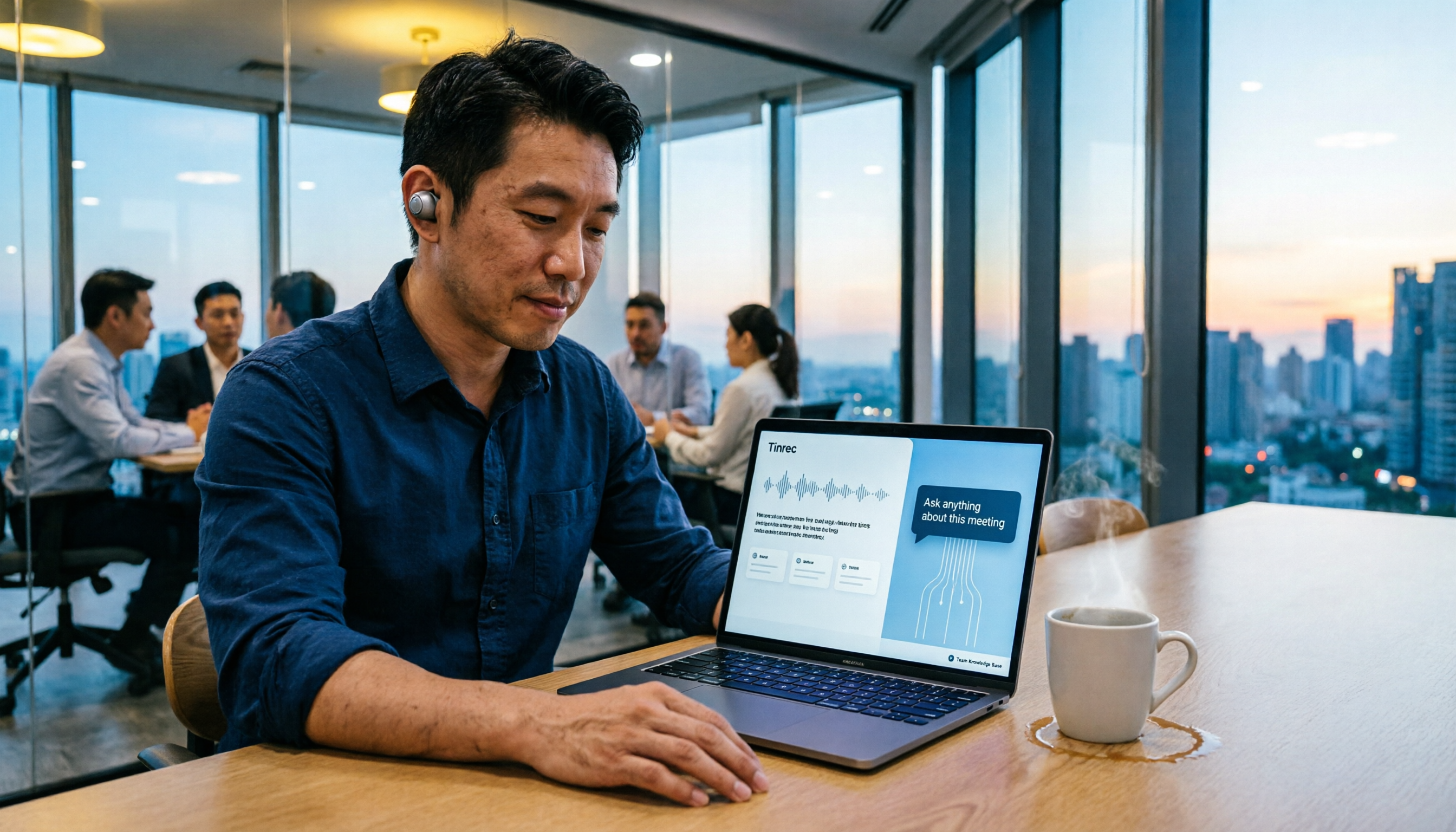
5 Smart Meeting Agents Tested in 2026: Which One Actually Saves You Post-Meeting Cleanup Time?
Fifteen meetings a week means post-meeting cleanup is a nightmare. This article tests five smart meeting agents from a mid-level manager's perspective, comparing meeting capture methods, post-meeting workflows, Chinese-language experience, and team collaboration. I switched from meeting bots to bot-free desktop recording and ultimately stuck with Tinrec because its AI Q&A, action item extraction, and team knowledge retention genuinely save post-meeting time.

How to Choose an Enterprise Meeting AI Agent in 2026: 5 Steps from Meeting Recording to Team Database
An enterprise meeting AI agent isn't just about throwing a meeting bot into a call. This article starts with three common misconceptions, outlines 5 key points to consider when choosing an enterprise meeting AI agent, shares hands-on experience with Tinrec's bot-free recording, AI summaries and action items, meeting Q&A, and team governance capabilities, and briefly reviews Otter.ai, Fireflies.ai, and Granola for their suitable use cases and pitfalls to avoid.