
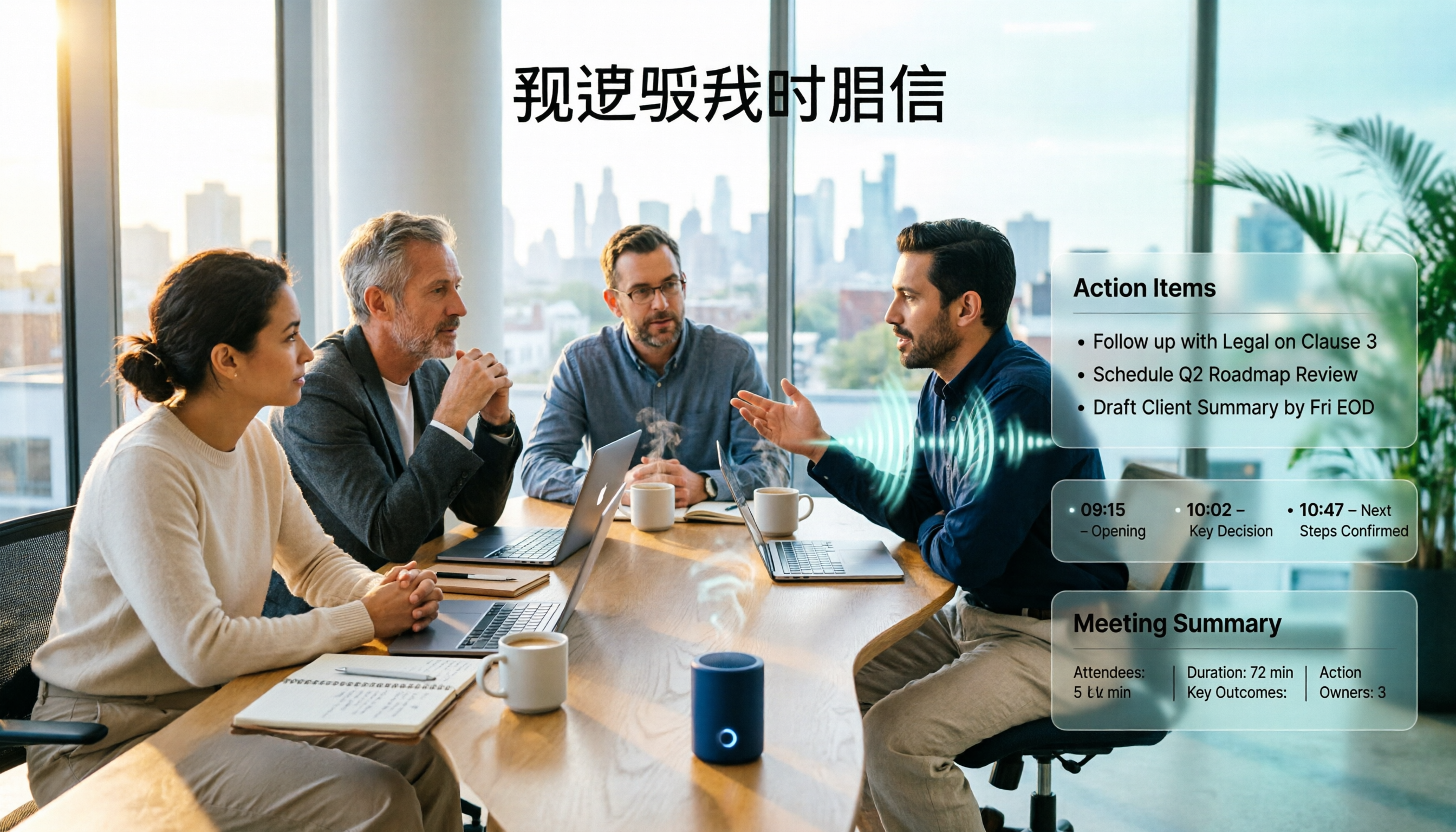
Turn recordings into transcripts and summaries in minutes
Upload audio or video for multilingual transcription, AI notes, and action items
Do You Need a Meeting Assistant or a Meeting Agent?
"I just want to get the meeting written down" and "I want things to be almost ready to hand off when the meeting ends"—these two statements correspond to two different types of tools.
People who search for "difference between AI meeting agent and AI meeting assistant" usually get stuck on the same question: should I put in a bit more effort to pick an agent-type tool, or just find a good, affordable meeting assistant first?
When I test tools myself, I always look at one thing first: does it produce "raw material" or "a finished product you can hand off"?
This article uses 5 dimensions to break down the differences between the two types of tools, and also explains where Tinrec stands on this spectrum.
First, Let's Define: What's the Difference Between an AI Meeting Assistant and an AI Meeting Agent?
The core task of an AI Meeting Assistant is to "write down the meeting": recording, transcription, speaker identification, AI summary, key points, action items. Its value lies in freeing people from typing.
An AI Meeting Agent goes a step further. It doesn't just want to know "what was said in this meeting," but also "what needs to be delivered next." Manus, mentioned in the source content, follows this approach: after reading the transcript and cross-referencing the project documents you provide, it directly drafts what you need next.
Remember the difference in one sentence: an assistant helps you keep a record, an agent helps you turn that record into the next step.
Note that this is not an either-or opposition. Many tools on the market do both, the difference is only in proportion.
5 Dimensions to See How AI Meeting Agents and Meeting Assistants Differ
Dimension 1: Is the Output a Transcript or a Deliverable Document?
Transcripts are the baseline, but having a transcript doesn't mean the meeting is over. For most meeting assistants, the endpoint is "a summary." The weekly report, proposal, or client reply that follows still has to be written by you.
In addition to transcripts, summaries, and chapters, Tinrec has built-in agent post-processing that can generate reports, tables, and documents based on meeting content.
If every meeting you have is followed by something you need to deliver, this gap will be very obvious.
Dimension 2: Who Does the Post-Meeting Step—You or the Tool?
The common workflow is like this: copy the transcript, paste it into another AI, re-explain the context, and rewrite it into the format you need. After a few back-and-forths, half an hour is gone.
Tinrec puts summaries, chapters, to-dos, and follow-up documents in the same workflow, so you can go straight from recording to the next step without moving between multiple tools.
Simply put, an assistant saves you "typing," an agent saves you "reorganizing."
Dimension 3: Does It Only Look at This One Meeting, or Can It Continue the Context from Previous Meetings?
A summary of a single meeting becomes an island two weeks later. When you want to find "who promised to handle what last time," you often have to search through several places.
Tinrec's team space stores meeting data centrally, so new members can also look up historical meetings; AI Q&A builds on this existing data for follow-up questions.
Also worth mentioning is audio retention. Some meeting note tools don't save meeting audio, so when you want to verify details later, you lose a reference point.
Dimension 4: Actual Performance in Chinese Meetings
Meetings in Taiwan are rarely pure Chinese; they usually mix in English phrases like "this pipeline needs a follow-up," which is a real test for transcription models.
Tinrec covers Chinese, Traditional Chinese, and multilingual meetings, supports mixed Chinese-English content organization, real-time translation, and bilingual viewing; the team version also allows maintaining team hotwords, feeding company-specific product names and project codes into the system.
One reminder: actual performance is affected by recording quality, noise, accents, overlapping speakers, and technical terminology. No tool can guarantee a fixed accuracy rate. For important content, it's recommended to go back and check the transcript timestamps.
Dimension 5: Who Ultimately Owns This Data?
The biggest problem with personal tools is that data follows the account. When a person leaves, six months of meeting records disappear with them.
Tinrec's team version stores audio, folders, to-dos, and meeting data centrally in the team space, and uses "roles" and "seats" to distinguish who can manage and who can use.
When a member exits, is removed, or loses their seat, their team resources need to be handed over to other active members, so data isn't simply taken away.
Overview of Tinrec's Core Features
Bot-free online meeting recording: The desktop version directly captures the computer's system audio to handle Zoom, Google Meet, Microsoft Teams, Webex, and other meetings without inviting a bot into the meeting room. For participants, the meeting screen is much cleaner.
Real-time recording to text and real-time translation: Transcribes while recording, so text appears as the meeting progresses; for cross-language meetings, you can switch between original text, translation, or bilingual view without waiting until the meeting ends.
AI summary, chapters, and to-dos: Long meetings are automatically split into chapters, with key points and action items organized together, so you don't have to listen from the beginning when reviewing.
Stop organizing recordings by hand
Upload audio or video and automatically get a transcript, summary, and action items
AI Q&A: This is my most-used feature. After recording, you can directly ask "what's the conclusion" or "who's responsible for which item," and it will answer based on the meeting content without manually flipping through dozens of pages of transcripts.
Agent post-processing and multi-format export: Can further generate reports, tables, and documents, and export results to Notion, Google Docs, OneNote, Dropbox, and other tools, connecting back to your original workflow.
Team space and governance: Includes member and seat management, usage analytics, audit logs, audio recycle bin, and team hotwords, suitable for departments and project teams that need to share meeting data.
Practical Use Cases
Weekly meetings and project weekly reports: Use the desktop version for bot-free recording during the meeting, then directly use the summary and to-dos as a draft for the weekly report, saving time on reorganization.
Customer interviews and sales follow-ups: After converting interview recordings to transcripts, use AI Q&A to extract customer pain points and commitments, then export as material for follow-up communication. Note that Tinrec does not promise a complete CRM automation process; customer data still needs to be entered into your system by you.
Cross-language meetings: For English or mixed-language meetings, turn on real-time translation with bilingual transcripts, and post-meeting review is much faster.
Team knowledge handover: Centralize past meetings in the team space, so new members can directly look up historical context without asking colleagues one by one.
Things to Look Out For When Choosing an AI Meeting Tool
Whether to let a bot join the meeting: Bots appear on the participant list, which may not be convenient for some clients or external meetings. Check whether the tool supports capturing system audio directly from the desktop.
Whether audio is retained: Tools that only keep text and not audio make it harder to verify tone and details later, which is especially important in interview and research scenarios.
Whether it only gives you a transcript: A transcript is just the starting point. Summaries, to-dos, Q&A, and export options determine how much time you still need to spend processing.
How team data is managed: If meeting data is to be shared by multiple people, be sure to check the role, seat, and permission design. Tinrec currently uses team-level sharing, role-based governance, and seat-based usage eligibility; it is not a file-level granular permission system.
How quotas are calculated: The personal version offers different quotas by plan, while the team version uses shared import minutes. Actual benefits are subject to the official purchase page.
Tinrec's Plans and Pricing
The personal version is divided into several types based on usage pace: for occasional recording organization, the free version is enough to try; for short-term intensive meetings, courses, or interviews, consider a weekly pass; for steady weekly needs, the Pro monthly plan is more suitable; for long-term accumulation of recording data, the annual plan has a lower monthly equivalent.
The team version is an independent collaboration space, not multiple people sharing a personal account. The first eligible team trial is 7 days, including 1 free seat and 300 minutes of team shared import quota.
Paid plans are currently USD 29.80 per paid seat per month, or USD 199 per paid seat per year, equivalent to about USD 16.58 per month. Each paid seat provides 2,000 minutes of team shared import quota per month; under an active team plan and active seat, real-time recording is currently not deducted by minutes.
Prices, currencies, and promotional content are subject to the official purchase page.
Summary: Is Tinrec Worth a Try?
If all you want is "someone to type up the meeting for me," many tools on the market can do that, so just pick a cheap one.
But if you care about: recording online meetings without inviting a bot, smoothly organizing Chinese and mixed Chinese-English content, being able to directly generate reports or tables after recording, and having meeting data ultimately stored in the team rather than someone's account—then Tinrec is one of the few choices that covers both the "assistant" and "agent" stages.
I suggest starting with the free version and running a test with your own meeting recording to see if the transcript quality and AI Q&A responses meet your expectations. That's more direct than reading any review.
Frequently Asked Questions
Q1: Is Tinrec an AI meeting assistant or an AI meeting agent?
Both. It has complete meeting assistant capabilities (transcripts, speaker identification, summaries, chapters, to-dos) and also provides agent post-processing to generate reports, tables, and documents based on meeting content.
Q2: Can I record Zoom, Meet, Teams without a bot?
Yes. Tinrec's desktop version handles online meetings on these platforms by capturing the computer's system audio, without an additional bot joining as a participant. However, the user must actively open Tinrec to start recording; it is not currently a mode that automatically joins all calendar meetings.
Q3: Is the free version enough?
For light use, you can start with the free version to try recording, importing, summaries, and transcription. If you have steady weekly needs, Pro will be smoother; for short-term intensive use, consider a weekly pass.
Q4: What's the difference between "roles" and "seats" in the team version?
Roles determine who can manage the team, members, and team settings; seats determine whether members can record, upload, edit, import, and export. Active members without a seat can still view, play, and read team data, but cannot perform resource usage operations.
Q5: Is accuracy guaranteed?
No tool can guarantee a fixed number. Actual performance is affected by recording quality, noise, accents, overlapping speakers, and technical terminology. For important content, it's recommended to verify with transcript timestamps and audio playback.
Q6: Can accidentally deleted audio in the team be recovered?
Yes. After audio enters the team recycle bin, it can be restored before permanent cleanup begins. The current retention period for the recycle bin is 30 days; to-dos are not within the scope of the recycle bin. Also note that recording and transcription should comply with local regulations, and obtain participant consent when necessary.
References
Turn every recording into actionable outcomes
Get 60 free transcription minutes when you sign in. No credit card required.
Related Reading
You might also like

How to Use AI Meeting Assistant Software in 2026: 5 Steps from Recording to AI Meeting Summary
How do you choose AI meeting assistant software? This article compares two bot-free meeting tools, Tinrec and Granola, across five dimensions: meeting capture, Chinese language support, recording retention, post-meeting outputs, and team collaboration. It also includes a 5-step walkthrough from recording to AI summary and answers 6 common questions to help you decide which tool better fits your team.

Tinrec vs Otter.ai 2026: 5-Dimension Comparison for Enterprise Meeting Data Management
How to choose an enterprise meeting data management tool? This article compares Tinrec and Otter.ai across five dimensions—Chinese meeting support, bot-free recording, post-meeting organization, team permissions, and pricing—to help you find the right meeting data management solution for your team.
5 Smart Meeting Agents Tested in 2026: Which One Actually Saves You Post-Meeting Cleanup Time?
Fifteen meetings a week means post-meeting cleanup is a nightmare. This article tests five smart meeting agents from a mid-level manager's perspective, comparing meeting capture methods, post-meeting workflows, Chinese-language experience, and team collaboration. I switched from meeting bots to bot-free desktop recording and ultimately stuck with Tinrec because its AI Q&A, action item extraction, and team knowledge retention genuinely save post-meeting time.

2026 Best AI Meeting Assistants Compared: Which Excels at Chinese Meeting Notes and AI Q&A?
What is an AI meeting assistant and how does it differ from a voice recorder or transcription tool? This article defines AI meeting assistants and outlines selection criteria, then compares four AI meeting tools: Tinrec, Otter.ai, Granola, and Notta. It analyzes bot-free meeting recording, Chinese meeting notes, AI Q&A, and team knowledge retention, with practical tips and recommendations.

How to Choose an Enterprise Meeting AI Agent in 2026: 5 Steps from Meeting Recording to Team Database
An enterprise meeting AI agent isn't just about throwing a meeting bot into a call. This article starts with three common misconceptions, outlines 5 key points to consider when choosing an enterprise meeting AI agent, shares hands-on experience with Tinrec's bot-free recording, AI summaries and action items, meeting Q&A, and team governance capabilities, and briefly reviews Otter.ai, Fireflies.ai, and Granola for their suitable use cases and pitfalls to avoid.

4 AI Meeting Agents Compared in 2026: Which One Actually Produces an Action Plan?
The end goal of meeting notes isn't a transcript—it's an action plan with owners and deadlines. This comparison of Tinrec, Otter.ai, Granola, and Notta breaks down how each AI meeting tool generates action plans, records meetings, supports post-meeting follow-up questions, and handles team data ownership. It also includes buying criteria, pitfalls to avoid, and pricing to help you pick the one that truly turns discussion into next steps.

5 AI Meeting Assistant Use Cases Tested for 2026: From Recording to Action Items in One Go
How do AI meeting assistants work? This article breaks down 5 practical use cases, 6 core capabilities, and 6 key purchasing considerations, using Tinrec as an example to explain the complete workflow from live transcription, bot-free meeting recording, AI summaries and action item extraction, AI Q&A, to team spaces—helping you understand where your money goes before buying a meeting assistant.
4 AI Meeting Agents Tested for 2026: Which Handles Chinese Meetings and Bot-Free Recording Best?
How to choose an AI meeting agent in 2026? This article compares Tinrec, Otter.ai, Granola, and PLAUD, covering bot-free recording, Chinese and mixed Chinese-English transcription, post-meeting summaries and action items, AI Q&A, team spaces, free tiers, and pricing, to provide the most practical buying tips and pitfalls for the workplace.

2026 AI Meeting Notes Comparison: Tinrec vs Otter.ai for Chinese-Speaking Teams
How do you choose an AI meeting notes tool? This article compares Tinrec and Otter.ai across five dimensions: whether a meeting bot is required, Chinese and multilingual experience, post-meeting output, input sources, and team seat governance, with clear recommendations for different scenarios.