

Turn recordings into transcripts and summaries in minutes
Upload audio or video for multilingual transcription, AI notes, and action items
5 AI Meeting Assistant Use Cases Tested for 2026: From Recording to Action Items in One Go
It's 4:30 PM on a Wednesday, and a two-hour cross-department meeting just ended. Your manager drops a message in the group chat: "Who's going to organize today's decisions and action items?" You look back at that 1-hour 47-minute recording and you already know—you're working late tonight.
This is where most people's interest in "AI meeting assistants" begins: not to find out how technically impressive they are, but to confirm whether they can actually pull you out of the cycle of re-listening to recordings. The answer is yes, but you have to use them correctly. Below, using tools like Tinrec as an example, we break down five practical use cases, core capabilities, and key purchasing considerations.
What Can an AI Meeting Assistant Do for You?
Scenario 1: Get meeting notes 5 minutes after the meeting In the past, after a two-hour meeting, you might spend another hour organizing. Now, as the meeting ends, AI has already generated the summary, conclusions, and action items. Take Tinrec for example: it automatically organizes the meeting topic, key discussion points, action items, and responsible parties. You can open it and use it right away without listening from the beginning.
Scenario 2: See live transcription during the meeting and fix issues on the spot The worst part of a meeting isn't missing a record—it's "I didn't catch that part clearly, and I can't ask about it later." Tinrec supports live transcription while recording, so during the meeting you can confirm key numbers and dates in real time. If you have questions, ask immediately—much more effective than guessing afterward.
Scenario 3: No bot needed for online meetings Many people worry about "not wanting a meeting bot hanging on the participant list." Tinrec's desktop version directly captures your computer's system audio to handle online meetings on Zoom, Google Meet, Microsoft Teams, Webex, etc., without adding an extra participant. The screen stays clean, and clients won't find it intrusive.
Scenario 4: Turn past meetings into a searchable database What was decided in that meeting three months ago? Previously, you'd have to dig through transcripts or ask colleagues. Tinrec's AI Q&A lets you ask questions directly about meeting content, such as "What were the client's concerns about the quote?" or "Who was responsible for following up on this last time?" It answers semantically rather than giving you a keyword-match result.
Scenario 5: Continue producing work outputs from transcripts Meeting notes aren't the end. Tinrec can further generate meeting minutes, reports, tables, and documents, or export to common tools like Notion, Google Docs, OneNote, Dropbox, directly integrating with your existing workflow.
What Are the Core Capabilities of an AI Meeting Assistant?
1. Live recording to text Text appears as you record, not after. This is especially useful for in-person meetings, interviews, and classes because you can see the content taking shape during the process, rather than discovering recording quality issues afterward.
2. Bot-free online meeting recording Tinrec's desktop version records online meetings by capturing the device's system audio. Note that this means the user must actively open Tinrec to start recording. It is not a mechanism that "automatically joins all your calendar meetings," nor does it imply official partnerships with any video platform.
3. AI summaries, chapters, and mind maps The most time-consuming part of long meetings is grasping the structure. Tinrec breaks content into chapters, highlights key points, and can generate mind maps, so you can see at a glance which main threads were discussed and which ones remain unresolved.
4. Action item extraction Vague phrases like "Can you follow up on this case?" are the hardest part of meeting notes. Tinrec tries to identify actionable tasks and responsible parties from the discussion; in practice, we still recommend a manual review because AI may misinterpret tone or references.
5. AI Q&A and live translation After transcription, you can ask follow-up questions about a single meeting or across meetings. For cross-language meetings, you can view the original text, translation, or bilingual content during recording, reducing the time spent finding someone to translate afterward.
6. Multi-format export and post-processing Tinrec supports exporting results in common formats or to third-party tools. It can also use Agent post-processing to generate reports, tables, and documents, turning "records" into "things you can directly hand over."
Practical Use Cases
Team weekly and project meetings Regular weekly progress meetings are ideal for AI meeting assistants. The benefit of using Tinrec is that data is centralized in one place. New members can review past meetings without relying on colleagues' word-of-mouth to piece together project context.
Customer interviews and sales communications The value of customer interviews lies in details: needs, concerns, commitments. Tinrec can fully capture transcripts, then use AI Q&A to extract pain points and objections mentioned by customers, significantly improving the accuracy of follow-up emails. For sales and customer success teams, this is far more practical than a simple recording file.
Stop organizing recordings by hand
Upload audio or video and automatically get a transcript, summary, and action items
Courses, lectures, and internal training This type of content is usually long and messy but has high reuse value later. After transcribing and summarizing with Tinrec, you can directly search for key passages, turning recordings into searchable teaching materials.
Personal knowledge management If long-term accumulated recordings just sit on your phone, they're as good as nonexistent. Tinrec lets you turn this content into searchable, queryable data. When needed, just ask directly instead of trying to remember "I think I heard this in some meeting."
Teams needing governance capabilities If meeting data needs to be shared among multiple people, you'll need team version capabilities. Tinrec's team version provides an independent team space where data belongs to the team. Admins can manage members, roles, and seats, view usage trends and details, query and export audit logs, and use the audio recycle bin to handle accidental deletions. Note that the team version currently focuses on team-level sharing, with role-based control for governance and seat-based control for usage—it is not file-level granular permission settings.
6 Things to Note When Choosing an AI Meeting Assistant Tool
1. How is the meeting recorded? Does it send a bot to join the meeting, or use desktop capture of system audio? The experience differs greatly. Tinrec takes the bot-free route, suitable for situations where you don't want an external account appearing on the participant list.
2. What can you do after transcription? Transcription is just the first step. After transcription, Tinrec provides summaries, chapters, action items, AI Q&A, mind maps, and Agent post-processing—that's where the time savings come from. Looking only at "cost per minute" can easily lead you to buy a tool that doesn't fit your needs.
3. Handling Chinese and mixed Chinese-English Meetings in Taiwan often mix Chinese with English proper nouns. Tinrec covers Chinese, Traditional Chinese, and multilingual scenarios, and offers a team hotword feature to make recognition of company-specific terms more stable. Actual performance is still affected by recording quality, accents, environmental noise, and overlapping speech. We recommend testing with your own meeting recording for the most accurate assessment.
4. Are audio files retained? Who owns the data? This is often overlooked. Tinrec retains audio files, and team version data belongs to the team. When a member leaves, is removed, or loses their seat, team resources need to be handed over to other active members and cannot be taken away by individuals.
5. How are members, seats, and usage managed? For team purchases, distinguish between roles and seats: roles determine who can manage the team and settings; seats determine who can record, upload, edit, and export. Tinrec's active members without a seat can still view, play, and read team data but cannot perform resource usage operations. This is crucial when estimating how many seats to buy.
6. How are quotas and pricing calculated? Tinrec's personal version ranges from a free version, weekly pass, to Pro monthly/annual plans, chosen by usage frequency. The team version currently offers a 7-day trial, 1 free seat, and 300 minutes of team shared import quota. Paid seats are USD 29.80/month or USD 199/year (about USD 16.58/month). Each paid seat provides 2,000 minutes of team shared import quota per month. Under an active team plan, live recording is currently not deducted by the minute; file and web imports use the team shared quota. Actual prices, currencies, and promotions are subject to the official purchase page.
Frequently Asked Questions
What's the difference between an AI meeting assistant and a regular voice recorder? A voice recorder only handles "recording." An AI meeting assistant transcribes the recording, then organizes summaries, chapters, key points, and action items. It can also do Q&A, translation, and export—handling the entire post-meeting workflow, not just a single step.
Do I need to add a bot to the meeting? Not necessarily. With Tinrec, for example, the desktop version directly captures computer system audio to record online meetings without an extra participant. However, the user must actively start recording—this is different from "automatically joining all meetings."
Is the free version enough? If you only occasionally organize a recording, Tinrec's free version provides basic quota to experience the workflow. For short-term intensive meetings or interviews, a weekly pass is more suitable. For steady weekly usage, Pro monthly or annual plans are more cost-effective.
What's the difference between team and personal versions? Personal version data is managed by the individual account. Tinrec's team version is an independent team space with additional member invitations, role and seat management, shared benefits, usage analytics, audit logs, and audio recycle bin—suitable for departments or project teams that need to collectively accumulate meeting data.
Can it guarantee 100% accuracy? We don't recommend expecting that. AI meeting assistants can greatly reduce manual recording and organizing costs, but errors can still occur with accents, noise, multiple people speaking simultaneously, or obscure proper nouns. For important content, we recommend cross-checking with transcript timestamps and recording playback.
Do I need consent to record? Yes. Recording and transcription involve others' voices and meeting content. You should comply with local regulations and obtain consent from participants when required.
Conclusion
The real value of an AI meeting assistant isn't saving typing time—it's shortening the distance between "meeting ended" and "things start moving." Rather than writing down every word, focus on post-meeting assignments and follow-up actions.
If you have more than three meetings per week, start with Tinrec's free version basic quota and try it with a real meeting: view live transcription during the meeting, get summaries and action items after. Feel what it's like to have AI organize your meeting notes. If it works well, then evaluate weekly passes, Pro, or team version based on your usage frequency and team size.
References
- Make the most of AI in meetings and video calls | Google Workspace
- AI Meeting Notes Generator
- Taking meeting minutes is a hassle? ChatGPT+Whisper does it all at once! Auto transcription, summary, and sending | BusinessNext
- How to use AI for meeting minutes? How to organize meeting transcripts? | AI voice-to-transcript tutorial | 104 Career Force
- Organizing meeting minutes is painful? 5 NotebookLM "AI note transformation" tricks, accurate translation even with mixed Chinese-English and proper nouns | BusinessNext
Turn every recording into actionable outcomes
Get 60 free transcription minutes when you sign in. No credit card required.
Related Reading
You might also like

How to Use AI Meeting Assistant Software in 2026: 5 Steps from Recording to AI Meeting Summary
How do you choose AI meeting assistant software? This article compares two bot-free meeting tools, Tinrec and Granola, across five dimensions: meeting capture, Chinese language support, recording retention, post-meeting outputs, and team collaboration. It also includes a 5-step walkthrough from recording to AI summary and answers 6 common questions to help you decide which tool better fits your team.

Tinrec vs Otter.ai 2026: 5-Dimension Comparison for Enterprise Meeting Data Management
How to choose an enterprise meeting data management tool? This article compares Tinrec and Otter.ai across five dimensions—Chinese meeting support, bot-free recording, post-meeting organization, team permissions, and pricing—to help you find the right meeting data management solution for your team.
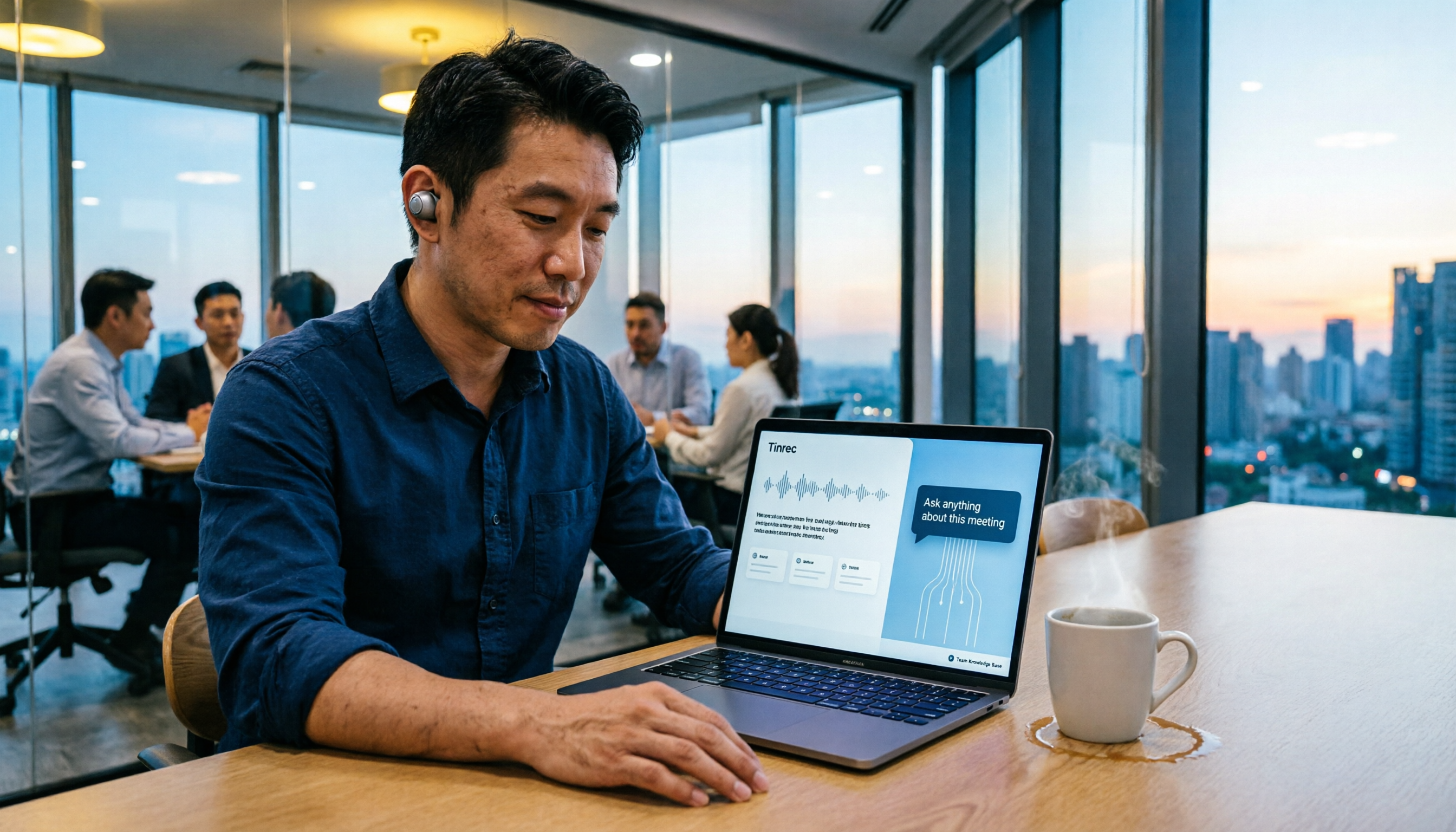
5 Smart Meeting Agents Tested in 2026: Which One Actually Saves You Post-Meeting Cleanup Time?
Fifteen meetings a week means post-meeting cleanup is a nightmare. This article tests five smart meeting agents from a mid-level manager's perspective, comparing meeting capture methods, post-meeting workflows, Chinese-language experience, and team collaboration. I switched from meeting bots to bot-free desktop recording and ultimately stuck with Tinrec because its AI Q&A, action item extraction, and team knowledge retention genuinely save post-meeting time.

2026 Best AI Meeting Assistants Compared: Which Excels at Chinese Meeting Notes and AI Q&A?
What is an AI meeting assistant and how does it differ from a voice recorder or transcription tool? This article defines AI meeting assistants and outlines selection criteria, then compares four AI meeting tools: Tinrec, Otter.ai, Granola, and Notta. It analyzes bot-free meeting recording, Chinese meeting notes, AI Q&A, and team knowledge retention, with practical tips and recommendations.

How to Choose an Enterprise Meeting AI Agent in 2026: 5 Steps from Meeting Recording to Team Database
An enterprise meeting AI agent isn't just about throwing a meeting bot into a call. This article starts with three common misconceptions, outlines 5 key points to consider when choosing an enterprise meeting AI agent, shares hands-on experience with Tinrec's bot-free recording, AI summaries and action items, meeting Q&A, and team governance capabilities, and briefly reviews Otter.ai, Fireflies.ai, and Granola for their suitable use cases and pitfalls to avoid.

4 AI Meeting Agents Compared in 2026: Which One Actually Produces an Action Plan?
The end goal of meeting notes isn't a transcript—it's an action plan with owners and deadlines. This comparison of Tinrec, Otter.ai, Granola, and Notta breaks down how each AI meeting tool generates action plans, records meetings, supports post-meeting follow-up questions, and handles team data ownership. It also includes buying criteria, pitfalls to avoid, and pricing to help you pick the one that truly turns discussion into next steps.
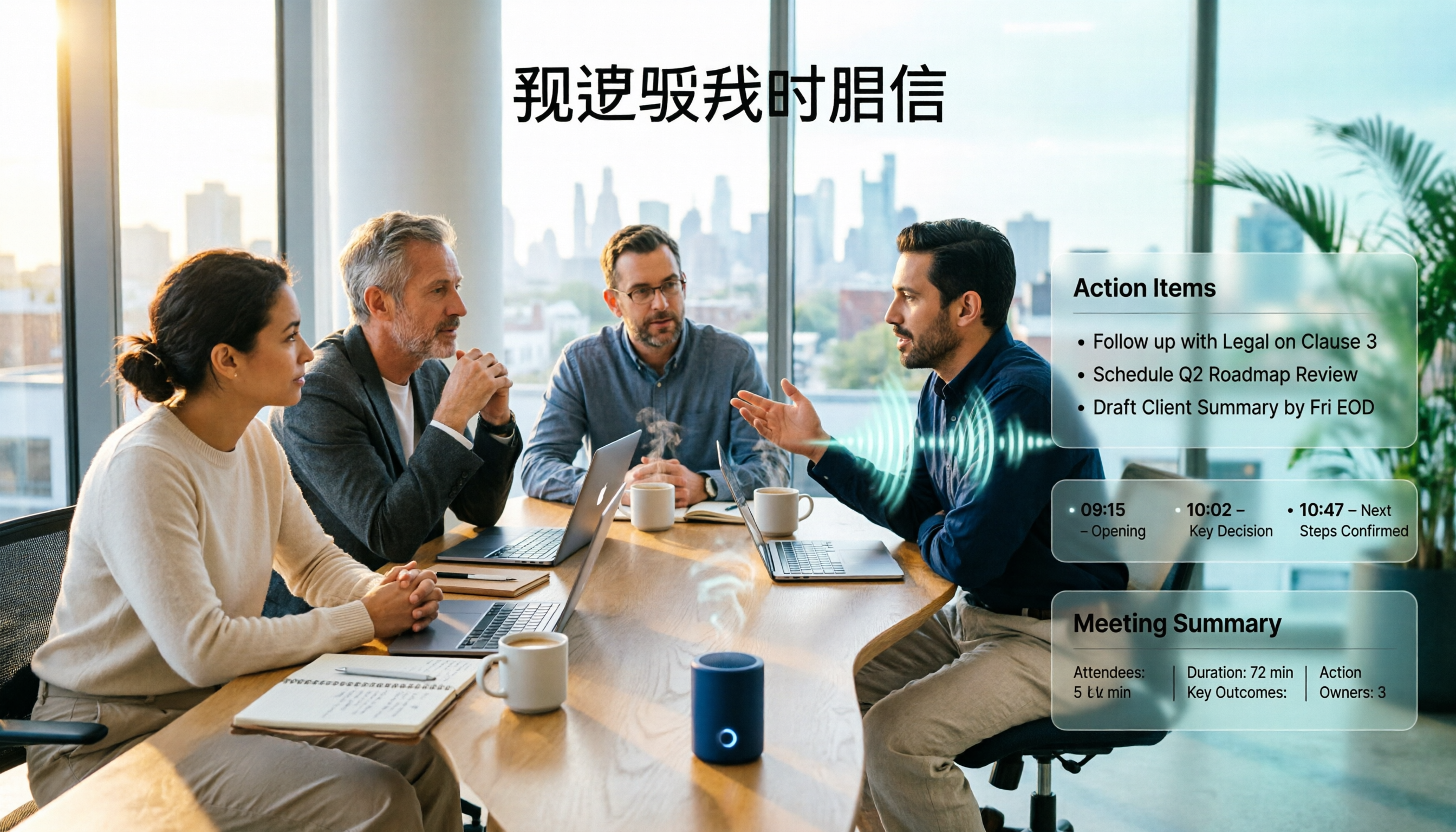
AI Meeting Agent vs. AI Meeting Assistant: 5-Dimension Comparison and How Tinrec Fits In (2026)
What's the real difference between an AI meeting assistant and an AI meeting agent? This article breaks down the two across 5 dimensions: deliverables, post-meeting workflow, context continuity, Chinese language performance, and data ownership. It also explains how Tinrec uses bot-free recording as a foundation and agent post-processing to turn meetings into deliverable data.
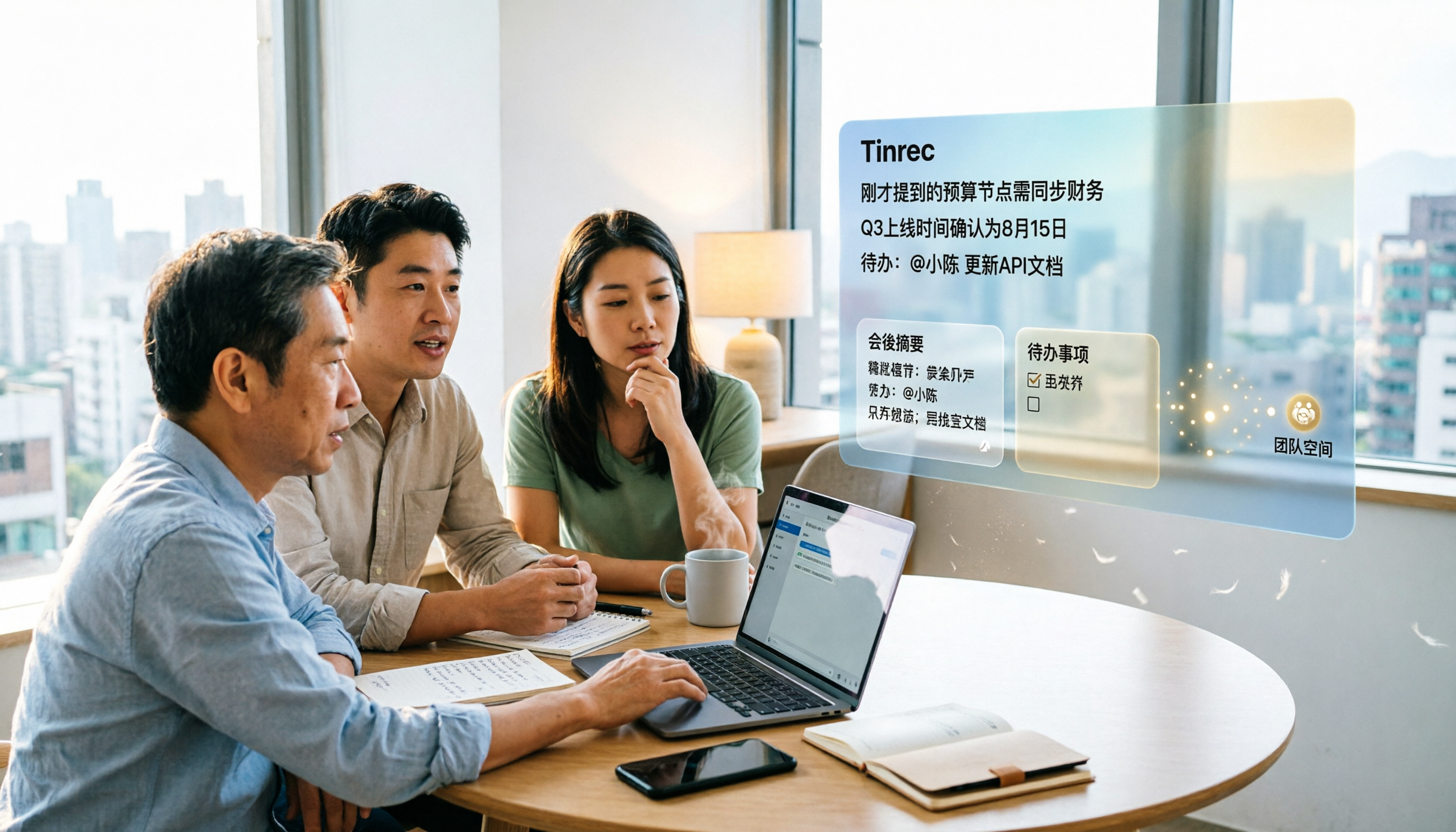
4 AI Meeting Agents Tested for 2026: Which Handles Chinese Meetings and Bot-Free Recording Best?
How to choose an AI meeting agent in 2026? This article compares Tinrec, Otter.ai, Granola, and PLAUD, covering bot-free recording, Chinese and mixed Chinese-English transcription, post-meeting summaries and action items, AI Q&A, team spaces, free tiers, and pricing, to provide the most practical buying tips and pitfalls for the workplace.

2026 AI Meeting Notes Comparison: Tinrec vs Otter.ai for Chinese-Speaking Teams
How do you choose an AI meeting notes tool? This article compares Tinrec and Otter.ai across five dimensions: whether a meeting bot is required, Chinese and multilingual experience, post-meeting output, input sources, and team seat governance, with clear recommendations for different scenarios.