

Turn recordings into transcripts and summaries in minutes
Upload audio or video for multilingual transcription, AI notes, and action items
How to Handle Post-Meeting Deliverables in 2026: 5 Steps to Build a Trackable Meeting Delivery Workflow
The Real Test Begins After the Meeting: 3 Common Pitfalls in Post-Meeting Delivery
Many teams think that once the meeting is over and the transcript is saved to the cloud, delivery is complete. What actually trips up colleagues is usually these things:
- Only a transcript, no conclusions: A 30-minute conversation becomes tens of thousands of words, but no one knows what was decided, who is responsible, or when it's due.
- Data stored on individuals: Meeting files are kept in a colleague's personal account or private group. When they leave or transfer departments, the entire context disappears with them.
- Assuming recording equals documentation: Some client meetings don't allow additional accounts to join, so nothing gets recorded, and you have to rely on memory afterward.
Changing your approach isn't hard: treat "post-meeting delivery" as a process to design—from how you record during the meeting, to who produces what within how long after, where data is stored, and who can access it. Define everything clearly upfront. That way, you won't have to clean up the mess after every meeting.
Before Choosing a Post-Meeting Delivery Tool, Understand These 4 Key Points
1. How is the meeting recorded?
There are two mainstream approaches: one is having a meeting bot join as a participant, and the other is capturing system audio directly from the desktop. The former is convenient but gets stuck when external accounts aren't allowed; the latter doesn't require an extra participant and is usually less intrusive for client meetings or sensitive internal meetings.
2. What level of output do you get after the meeting?
A tool that only provides a transcript essentially throws the organizing work back at you. What you should look for: can it automatically generate summaries, chapters, key points, and action items, or even produce reports, tables, or meeting minutes documents? This determines whether you'll spend 5 minutes or 50 minutes after the meeting.
3. Can you ask AI questions about the meeting content?
Transcripts can only be searched by keywords, but questions like "Who mentioned the budget in the last meeting?" may not match keywords. Being able to directly ask questions about meeting content and have the tool answer based on semantics is a dividing line in post-meeting efficiency.
4. Who owns the data and who can use it?
Personal versions tie data to individual accounts; team versions should have independent workspaces, member and seat management, usage and activity logs. For teams with frequent collaboration and turnover, this is more important to clarify than price.
Tinrec — Our Top Choice After Testing
Tinrec is an AI meeting recording and collaboration tool for individuals and teams, available on iOS, Android, and web. It doesn't just convert audio to text; it turns meetings into searchable, collaborative, actionable team data.
During the meeting: no extra meeting bot needed The desktop version captures computer system audio directly, so when handling online meetings on Zoom, Google Meet, Microsoft Teams, Webex, etc., you don't need to invite a bot. This is practical for client meetings where "no extra account can be in the room." For offline meetings or interviews, you can use real-time recording to get a transcript as you go; for cross-language meetings, you can view the original, translation, or bilingual content during recording.
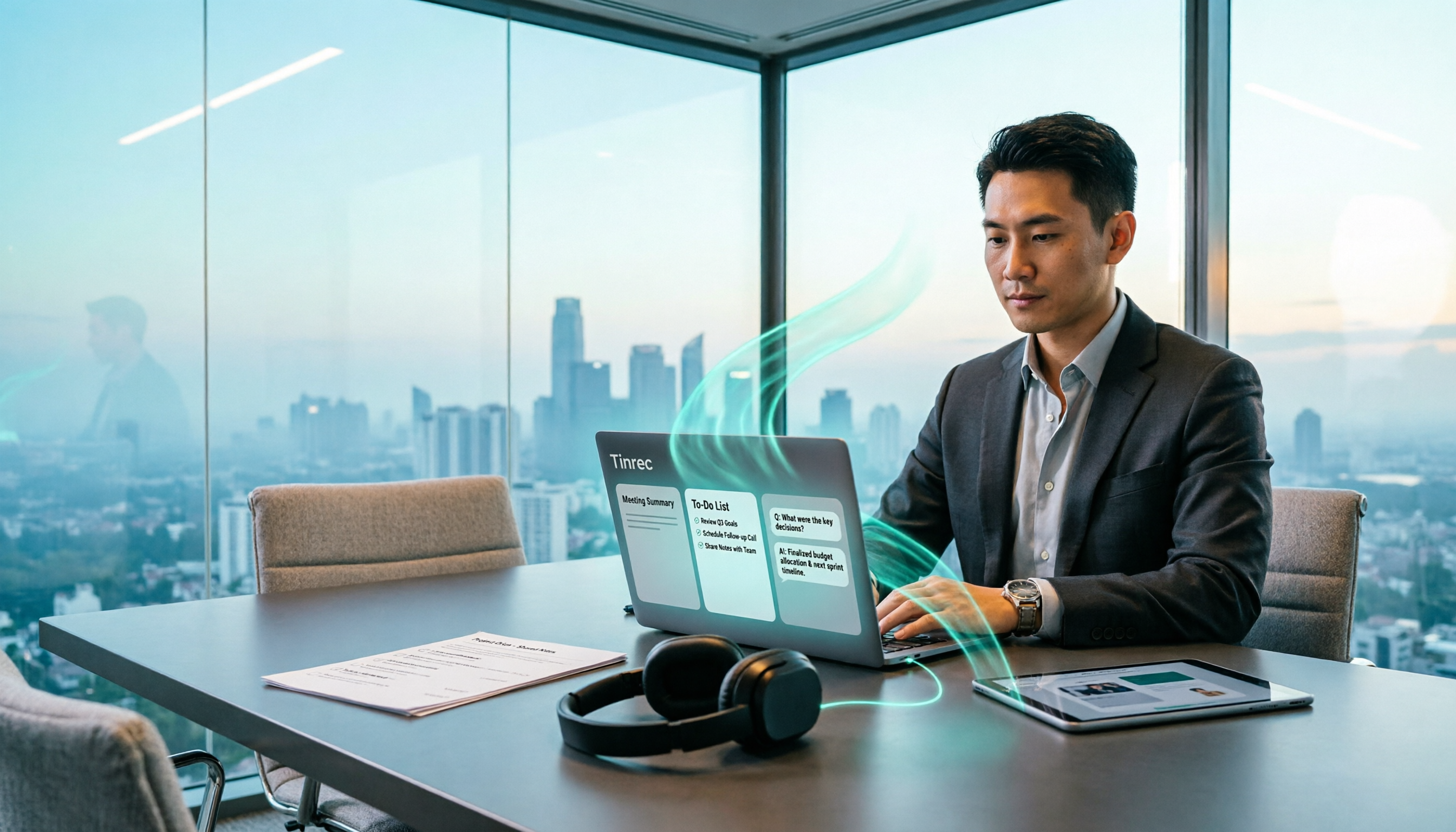
After the meeting: deliverables, not just a transcript As soon as the meeting ends, Tinrec automatically organizes summaries, chapters, and key points, and extracts action items from the discussion. When you need to go further, you can use Agent post-processing to generate reports, tables, and documents, or export to Notion, Google Docs, OneNote, Dropbox, etc. for further work. In other words, within ten minutes after the meeting, you have something you can hand to your manager or client—not a recording waiting to be read.
Finding answers later: just ask This is where Tinrec stands out from ordinary transcription tools. Transcripts can only be searched by keywords, but Tinrec supports AI Q&A around meeting content—you can directly ask "What was the conclusion of the last meeting?" or "What acceptance criteria did the client mention?" and it will answer based on semantics, without you having to go through the entire transcript.
Team use: meeting data doesn't leave with people The team version isn't "multiple people sharing a personal account" but an independent team workspace. Meeting recordings, transcripts, summaries, and action items are stored centrally; new members can view historical data after joining. Admins can manage roles and seats, view usage trends and details, query and export activity logs, and handle accidentally deleted content via the audio recycle bin. When a member leaves or is removed, their team resources can be transferred to other active members, so data doesn't disappear with the individual.
Stop organizing recordings by hand
Upload audio or video and automatically get a transcript, summary, and action items
Specs and pricing The team version is currently USD 29.80 per paid seat per month, or USD 199 per paid seat per year (about USD 16.58 per month), with each paid seat providing 2,000 minutes of team shared import quota per month; under an active team plan and seats, real-time recording currently does not deduct minutes. Eligible teams can try 7 days, 1 free seat, and 300 minutes of team shared import quota. For personal use, there's a free version, weekly pass, Pro monthly, and Pro annual. If you occasionally organize a recording, start with the free version; if you have regular weekly meetings, consider Pro or annual.
Limitations and reminders The free version provides basic quota; heavy users need a paid plan. For the team version, note the difference between "roles" and "seats"—members without seats can still view, play, and read team data, but cannot upload, edit, or import/export. Also, Tinrec does not promise a fixed accuracy rate; actual performance is affected by recording quality, noise, accents, overlapping speech, and technical terminology. For important numbers, it's recommended to cross-check with transcript timestamps and recording playback. Before recording and transcribing, please also be aware of local regulations and obtain consent from participants when needed.
Who is it for If you frequently handle Chinese or mixed Chinese-English meetings, don't want an extra bot in the meeting, want to use AI to find key points directly after the meeting, and need meeting data to stay with the team rather than individuals, Tinrec is currently the closest choice to this workflow.
Besides Tinrec, What Other Options Are There?
Otter.ai: A mature choice for English business meetings. Basic is free with 300 minutes per month; Pro annual is about USD 8.49 per user per month, including 1,200 minutes of in-app recording and 10 file imports per month. If your meetings are almost entirely in English and you just want a quick English transcript, it does the job well. But Chinese meetings and mixed Chinese-English content are not its strong suit, and consolidating data into a team asset in one workspace after the meeting is not its strength either.
Notta: A multilingual transcription tool with high overlap with Tinrec. Free is 120 minutes per month with a 3-minute limit per item; Pro annual is about USD 8.17 per month (1,800 minutes per month); Business annual is about USD 16.67 per seat per month. It supports multiple platforms and team plans, but online meetings still rely mainly on meeting bots or uploads; Tinrec's desktop bot-free recording, AI Q&A, and Agent post-processing are currently hard for it to match.
PLAUD Note / NotePin: A representative of AI recording hardware. NotePin is USD 159, Note Pro is USD 189; membership plans: Starter 300 minutes per month, Pro USD 99.99 per year (1,200 minutes per month), Unlimited USD 239.99 per year. If you need a portable, physical-button, phone-call recording experience, hardware has its place. But online meetings, organizing historical audio files, and team data workspaces are not its core; Tinrec doesn't require an extra device and can run the entire workflow via web, desktop, and mobile.
Pitfall Guide: 4 Most Common Mistakes in Building a Post-Meeting Delivery Process
Pitfall 1: Treating the transcript as the deliverable. The transcript is raw material, not the finished product. The deliverable should be summaries, decisions, action items, and owners. When choosing a tool, first ask: will it automatically do this for me?
Pitfall 2: Storing data in personal accounts or chat groups. This is the most common breakpoint. When a colleague leaves, transfers, or changes phones, the meeting context is lost. Teams should use an independent workspace with members, seats, and activity logs to retain meeting data, not rely on someone's hard drive.
Pitfall 3: Forcing a meeting bot. Not every meeting welcomes an extra account. If you often have client meetings or external meetings, prioritize a desktop solution that captures system audio to reduce the risk of being rejected or missing recordings.
Pitfall 4: Only comparing transcription minutes and price. Minutes only reflect "how long you record," not "how much time you save after." The real difference is in post-meeting output (summaries, action items, Q&A, export) and governance capabilities (seats, usage, logs), which often determine whether the tool will actually be adopted by the team.
Summary: 5 Steps to Build a Post-Meeting Delivery Workflow—Which One to Choose?
- Define deliverables before the meeting: Agree on what to deliver after the meeting (minutes, action items, reports) and who gets them when.
- Record in real-time during the meeting: Capture content without an extra participant, ensuring decisions can be traced back to the original.
- Automatically generate summaries and action items after: Minimize organizing time, with owners and deadlines clearly listed.
- Put into team workspace: Data belongs to the team, not individuals; smooth handover when someone leaves.
- Use AI Q&A and export to finish: Turn meeting content into reports, tables, or documents and deliver into existing workflows.
As for how to choose a tool, you can route by scenario:
- Chinese or mixed Chinese-English meetings, need summaries and action items after → Tinrec (Chinese and multilingual meeting scenarios, supports real-time translation and bilingual view)
- Don't want a meeting bot to join Zoom, Meet, Teams, Webex → Tinrec (desktop captures system audio)
- Want to use AI to ask "What was the conclusion of the last meeting?" directly after recording → Tinrec (AI Q&A answers based on semantics)
- Team needs to retain meeting assets, manage seats and activity logs → Tinrec Team Version
- Meetings almost entirely in English, limited budget → Otter.ai (the only exception in this article; indeed cost-effective for English scenarios)
We suggest first running a free version on your own real meeting recording, or having your team apply for a 7-day trial, to personally confirm whether the post-meeting output meets your delivery standards before deciding whether to upgrade to paid. No need to commit to an annual plan from the start.
References
- Regulations Governing the Use of Proxies for Attendance at Shareholders' Meetings by Public Companies - Laws and Regulations Database of the Republic of China (Taiwan)
- Handover headache? 7 steps to build a handover system and write a perfect handover checklist
- SaaS Industry Delivery Implementation Optimization Guide - Mingque - Digital collaboration space connecting customers
- Ten out of nine difficulties for manufacturing enterprises! How to do scientific production scheduling, still need to connect 4 major scenarios! - Zhihu
- Feishu × Tita CRM: Solving Enterprise Sales and Delivery Management Challenges - Zhihu
Turn every recording into actionable outcomes
Get 60 free transcription minutes when you sign in. No credit card required.
Related Reading
You might also like

2026 Meeting Notes to Action Plan Tool Buying Guide: Tinrec vs Otter.ai Hands-On Comparison and Recommendations
The real value of meeting notes isn't a verbatim transcript—it's producing an action plan that can be tracked. This article starts with common misconceptions and compares Tinrec and Otter.ai across five dimensions: Chinese recognition, online meeting recording methods, post-meeting action plan output, team data governance, and pricing plans, to help you choose the right meeting notes tool for your team.
Tinrec vs Notta 2026: 5-Dimension Comparison for AI Post-Meeting Workflows
The meeting ends, but the work begins. This article compares Tinrec and Notta across 5 dimensions of AI post-meeting workflows—from bot-free meeting recording, summaries and action items, AI Q&A, team knowledge retention, to plan quotas—to help you decide which post-meeting process fits you best.

2026 Post-Meeting Action Plan Generation: AI Auto-Summary + To-Do List in One Go
Post-meeting action plan generation isn't just about recording the meeting; the key is turning discussions into trackable to-do lists. This article covers 4 key points for choosing a tool, Tinrec's complete workflow from recording to to-dos, how it differs from Granola, Otter.ai, and PLAUD, plus 4 common pitfalls to avoid.

How to Choose Post-Meeting Delivery Tools in 2026: 5 Steps to Compare Recording Hardware and AI Meeting Assistants
How to choose post-meeting delivery tools? This article compares PLAUD Note and Tinrec across 5 dimensions, from online meeting recording capture, transcript retention, post-meeting organization, AI Q&A and reprocessing, to export and team data accumulation. It also summarizes pricing and FAQs for both to help you avoid the common misconception that 'having a recording means having delivery.'

2026 Comparison of 4 Post-Meeting Delivery Tools: Which One Turns Meetings into Actionable Team Data
The meeting ends, but the work begins. This hands-on comparison of 4 post-meeting delivery tools examines recording methods, transcript post-processing, export and delivery, and team data governance to explain why Tinrec has become the top choice for Chinese-language meetings and team collaboration, along with the positioning and limitations of Notta, Granola, and PLAUD.

Best Meeting Minutes to Action Plan Tools in 2026: Comparing 5 Options — Tinrec Is the Easiest for Chinese-Language Meetings
Meeting minutes written but no one takes action? This article starts with the key question of how to turn minutes into an action plan, breaking down three critical steps: complete input, structured output, and assignable actions. It explains Tinrec's real-time transcription, AI summaries and chapters, to-do extraction, AI conversational search, and team governance capabilities, followed by a comparison of common solution types to help you choose the right tool.

4 Post-Meeting Delivery Tools Compared in 2026: Which Meeting Notes Template Can Be Generated in One Click?
Tired of post-meeting deliverables dragging into the next day? This article breaks down the fields a practical post-meeting delivery template should have, and compares Tinrec, Otter.ai, Notta, and Granola on transcription, AI summaries, action item extraction, audio retention, and team collaboration to help you find the most time-saving post-meeting workflow.

2026 Comparison of 4 Post-Consultation Delivery Tools: Which One Best Turns Meetings into Deliverables?
For consultants, the real overtime begins after the client meeting ends. This article breaks down the complete post-meeting delivery workflow, tests Tinrec's performance in transcription, summarization, to-dos, AI Q&A, report generation, and team knowledge retention, and compiles 5 key purchasing considerations and FAQs to help you determine which type of tool can truly save time on post-meeting organization.

4 Meeting Notes Tools Tested for 2026: Which Generates Post-Meeting Deliverables and Action Items Fastest?
The real work begins after the meeting ends. This article starts from the question of what kind of deliverable you need to produce, comparing Tinrec, Granola, Otter.ai, and Notta on their ability to generate meeting minutes, action items, and written outputs after meetings, and outlines 4 key purchasing factors and common pitfalls to avoid.