
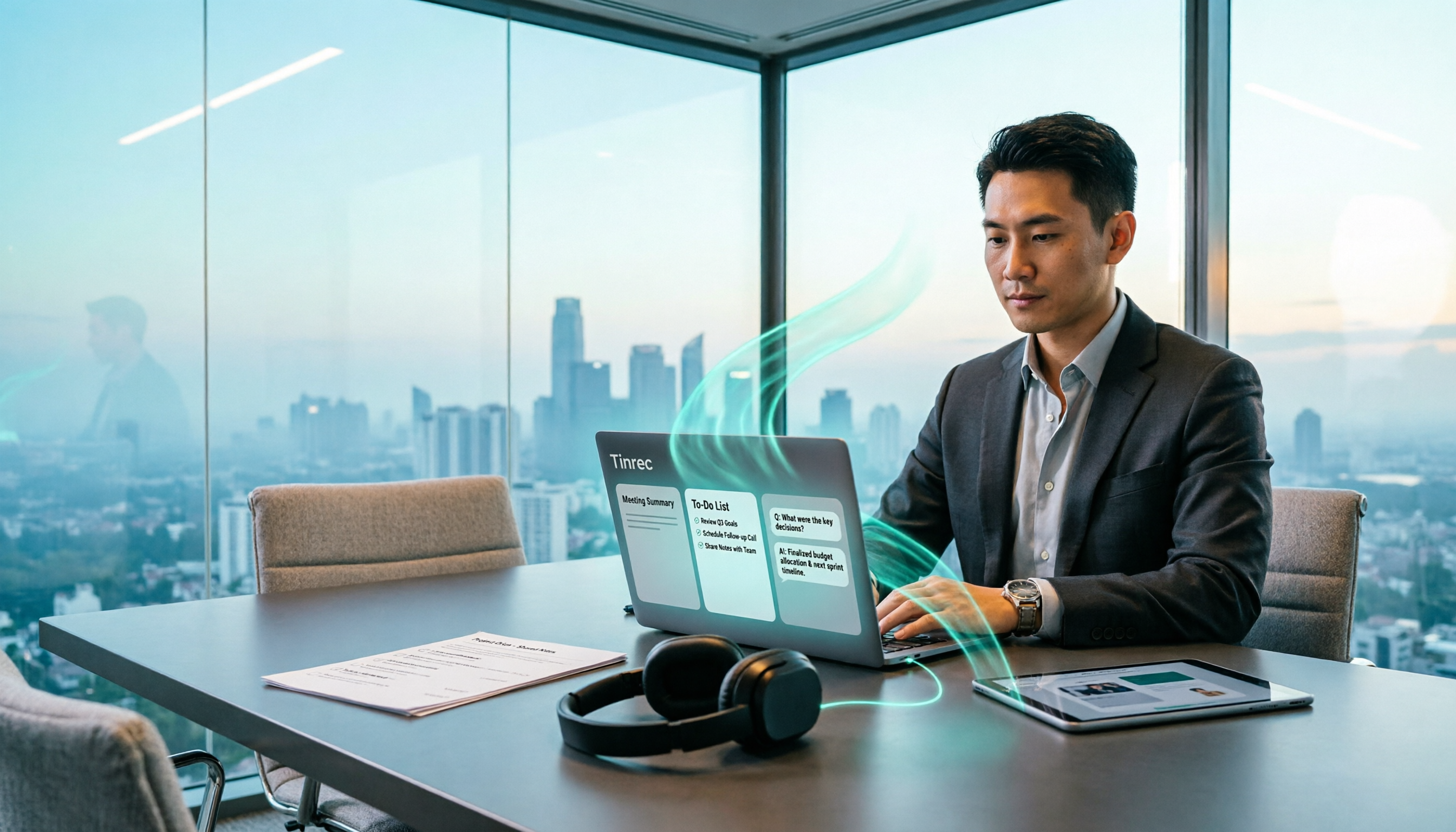
Turn recordings into transcripts and summaries in minutes
Upload audio or video for multilingual transcription, AI notes, and action items
The meeting just ended, and your manager is already asking in the group chat: "When will I get today's decisions and action items?" If you repeat this cycle every week, the problem usually isn't that you're not fast enough—it's that you're spending time re-listening to recordings, flipping through notes, and reorganizing everything. These tasks can actually be handled by a workflow that picks up automatically.
The core of an AI post-meeting workflow is designing "recording → transcript → key points → action items → delivery" as a fixed process, and Tinrec is a tool built around this exact workflow. Below, we compare it with Notta across 5 dimensions.
Why are people looking for Notta alternatives?
Notta is a familiar transcription tool for many, supporting multiple platforms, meeting notes, document import, translation, and team plans. It's quite practical for quickly turning audio files into text.
However, after using it for a while, some people run into a few issues: the free plan offers 120 minutes per month with a maximum of 3 minutes per recording, which gets used up quickly for those with weekly meetings. Also, once the transcript is generated, if you want to further ask "what exactly was decided in this meeting" or "who is responsible for which item," you have to manually organize it again. If you have similar needs, Tinrec is worth checking out.
Tinrec vs Notta: What's different in the core experience?
1. Meeting capture method: Do you need an extra account in the meeting room?
The meeting capture method determines whether you can do one less thing. Tinrec's desktop version directly captures your computer's system audio, so when handling online meetings on Zoom, Google Meet, Microsoft Teams, Webex, etc., you don't need to add an extra meeting bot to the room, nor do participants see an unfamiliar account. This is especially practical for external client meetings—no need to explain who that account is. Note that Tinrec is designed for user-initiated recording, not automatically joining all calendar meetings.
2. After the transcript: How far can post-meeting outputs go?
The transcript is just the starting point. After transcription, Tinrec automatically generates summaries, chapters, and key points, and extracts action items from the discussion. It also supports AI conversational queries about the meeting content, or using an Agent for post-processing to generate reports, tables, and documents. In other words, the deliverable you need after the meeting can be completed within the same tool, without opening three windows to piece things together.
3. Team knowledge retention: Who owns the data?
If meeting data is scattered across personal accounts, it's lost when someone leaves. Tinrec's team plan provides a separate team space where Audio, Folder, TODO, and related meeting data belong to the team, with management of members, roles, and seats. Members without a seat can still view, play, and read team data; only with a seat can they record, upload, edit, and export.
4. Input sources and cross-platform coverage
Tinrec covers live recording, computer online meetings, audio/video files, and mobile recording, and allows viewing the original text, translation, or bilingual content during recording. Whether it's capturing audio in a meeting room on the fly or organizing old interview files from three months ago, everything can be brought into the same workflow.
5. Quotas and plan design
Tinrec's personal plan includes a free version, weekly pass, Pro monthly, and annual plans—choose based on your usage frequency. The team plan offers a 7-day trial for first-time eligible users, 1 free seat, and 300 minutes of shared import quota; team monthly is USD 29.80 per paid seat per month, annual is USD 199 per paid seat per year (about USD 16.58 per month), with each paid seat providing 2,000 minutes of shared import quota per month. Live recording under active team plans and seats is currently not deducted by minutes. Actual prices and benefits are subject to the official purchase page.
Stop organizing recordings by hand
Upload audio or video and automatically get a transcript, summary, and action items
Tinrec's core features at a glance
Live audio to text: Open Tinrec to record, and text is generated simultaneously. You can check for missed key points during the meeting, and the transcript is ready when the meeting ends.
Bot-free online meeting recording: The desktop version captures system audio to record Zoom, Meet, Teams, Webex meetings without adding extra participants—ideal for situations with external clients present.
Summaries, chapters, and action item extraction: Long meetings are automatically broken into browsable structures, and action items from discussions are organized, saving time from re-listening segment by segment after the meeting.
AI conversational queries: After recording, directly ask "What were the decisions?" or "Who is responsible for what?" The system provides answers based on semantic understanding, so you don't have to manually go through the entire transcript.
Agent post-processing and multi-format export: Generate reports, tables, and meeting minutes, and export to Notion, Google Docs, OneNote, Dropbox, etc., to fit back into your existing workflow.
Team space: Centrally store team meeting data, with member and seat management, usage analytics, audit logs, team hotwords, and audio recycle bin.
Real-world use cases
Weekly routine meetings: Directly produce decisions and action item lists after the meeting, compressing "post-meeting organization" into a few minutes—no more scrambling to finish notes in the afternoon.
Client interviews and requirements communication: Transcripts preserve original statements, summaries capture requirements, objections, and commitments, providing a basis for follow-up progress tracking.
Cross-language meetings: View original text, translation, or bilingual content simultaneously during recording, reducing back-and-forth communication costs.
Personal knowledge retention: Import course, lecture, and inspiration recordings to search and query, so old data no longer just sits in folders.
Points to consider when choosing an audio-to-text tool
1. Whether an extra bot is needed in meetings: If you often have external meetings, consider a solution that captures system audio directly on desktop—cleaner screen and no need to explain to the other party.
2. What you get beyond the transcript: Summaries, chapters, action items, Q&A, and export capabilities are key to how much time you save after meetings.
3. Team data ownership and handover: Confirm whether meeting data belongs to the team or individuals, and how resources are handed over when members change.
4. How quotas are calculated: Pay attention to whether live recording and document import are calculated separately, and the difference between shared and personal quotas.
5. Chinese and multilingual scenarios: For actual performance in Chinese, mixed Chinese-English, and multilingual meetings, test with your own recordings. Actual results are affected by recording quality, noise, accents, overlapping speakers, and technical terminology.
6. Export and integration with existing tools: Whether results can be brought into presentations, documents, or project management tools directly affects how many times you have to manually move things after meetings.
Conclusion: Is Tinrec worth a try?
If you're looking for a tool that's "ready to use right after recording," Tinrec's three advantages are worth noting: bot-free recording of online meetings on desktop, automatic summaries and action items after transcription, and a searchable team space for meeting data. It's especially suitable for professionals with weekly meetings who need to produce records and track action items, as well as departments and project teams that want to keep meeting assets within the team rather than personal accounts.
We suggest starting with Tinrec's free version, running a complete workflow with a real meeting recording of your own, and then deciding whether to upgrade—this is more direct than reading any review. Finally, remember that recording and transcription should comply with local regulations, and obtain consent from participants when necessary.
(Competitor prices and benefits are subject to official pages; product features, plans, and quotas are subject to Tinrec's current product page.)
References
- What is a Workflow? 2026 Latest AI Workflow Complete Guide | Enterprise Automation Solutions
- AI Workflow Automation: Stop Asking AI One Sentence at a Time, Design Repetitive Work into Self-Running Processes - www.kvalley.biz
- What is an AI Workflow? Understand the Seven Components and Find Your AI Collaboration Style
- What is an AI Workflow? A Beginner's Guide for Office Workers to Improve Efficiency - NotebookLM Learning | 104 Learning
- What is an AI Workflow? 3 Design Logics That Non-Engineers Can Master - Pongo Design
Turn every recording into actionable outcomes
Get 60 free transcription minutes when you sign in. No credit card required.
Related Reading
You might also like

Meeting Minutes vs. Action Plans: 3 Key Differences and Tool Recommendations for 2026
What's the difference between meeting minutes and action plans? This article explains the purposes of both through 3 key differences, and tests tools like Tinrec, Otter.ai, Granola, and Notta to show how AI meeting note tools can handle both minutes and action tracking, so meetings don't end up forgotten.
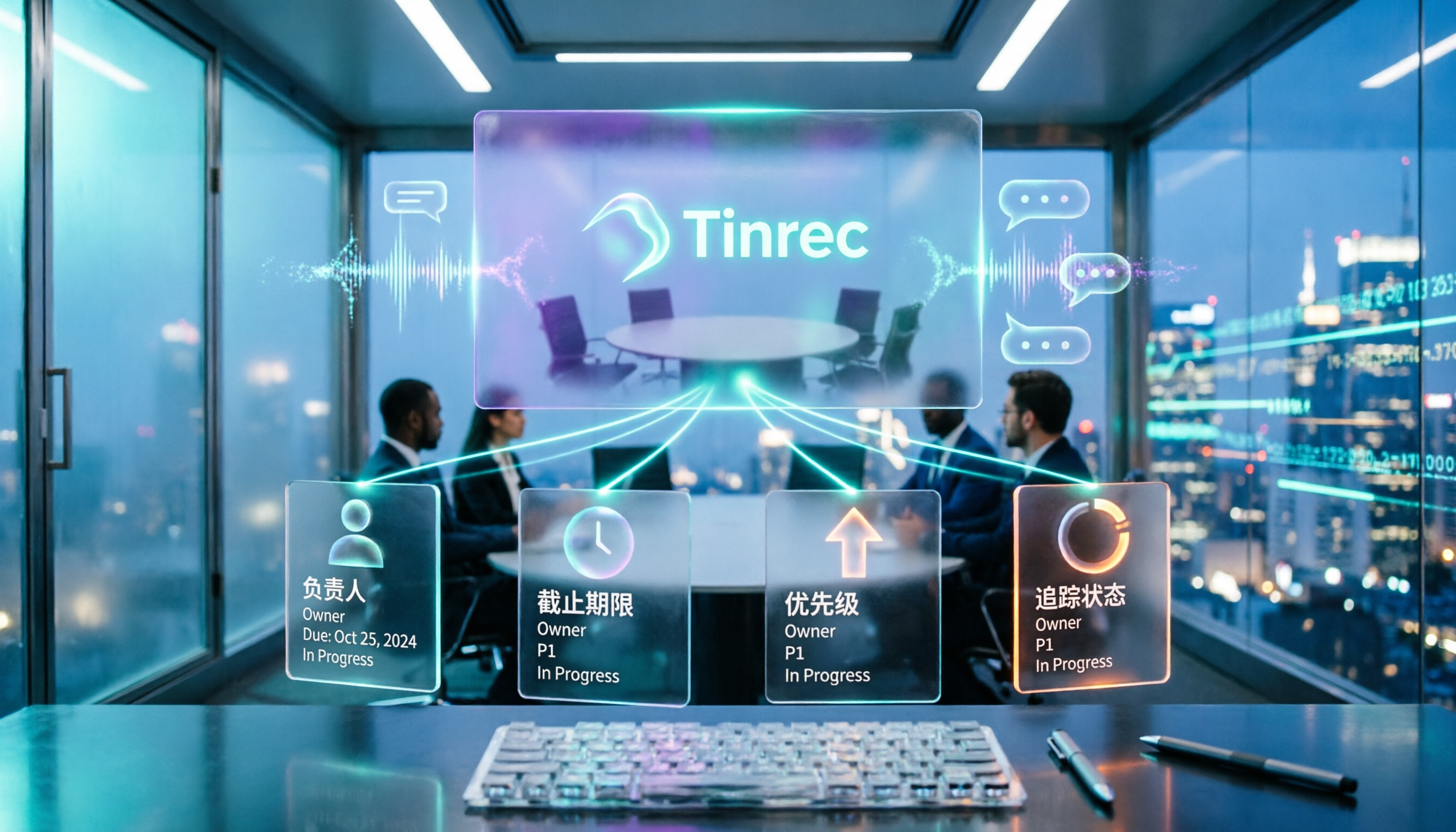
5 Meeting Action Plan Templates Tested and Compared in 2026: Which One Actually Turns Decisions into To-Dos?
When meetings end and no one takes action, the problem usually isn't the meeting itself—it's the lack of a trackable action plan afterward. This article breaks down the 4 key fields a meeting action plan template should have and compares tools like Tinrec, Otter.ai, Notta, and Granola to show which combination truly turns discussions into to-dos with owners and deadlines.
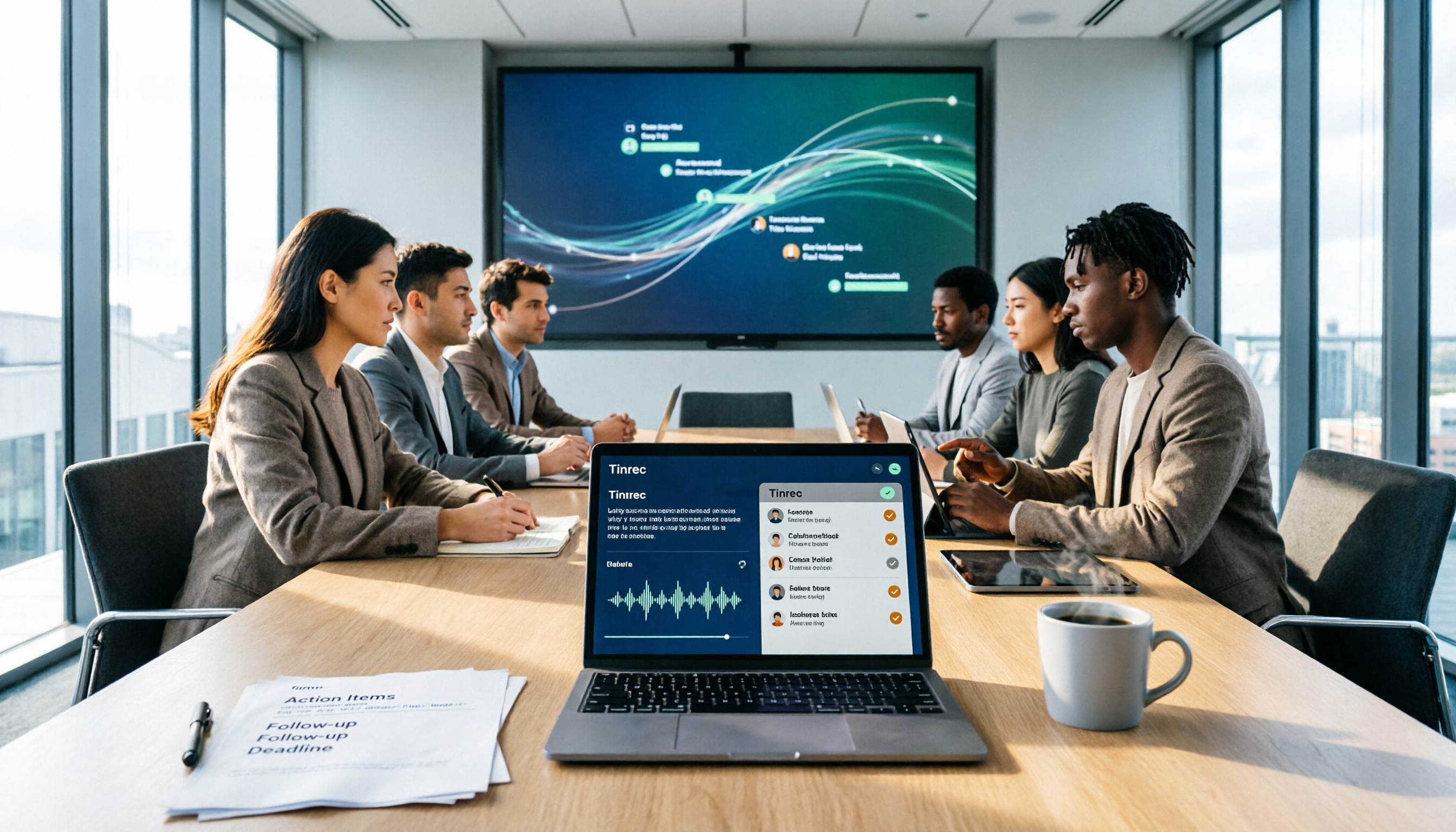
6 Best AI Meeting Action Plan Tools in 2026: From Transcripts to To-Do Tracking
Meeting over but no one remembers who's doing what? This guide compares 6 AI tools that turn meeting recordings into action plans, covering transcripts, summaries, to-dos, and team tracking—plus ready-to-use prompt templates and selection tips.

2026 AI Meeting Tools Comparison: Which Delivers the Most Complete Post-Meeting Materials?
The real work begins after the meeting ends. This article focuses on 'post-meeting deliverables' as the decision point, comparing Tinrec and Granola—two tools that don't use meeting bots—across 5 dimensions to help you determine which one truly turns meetings into shareable minutes, action items, and reports.

2026 Top 4 Sales Post-Meeting Delivery Tools Compared: Which Meeting Notes Can You Actually Hand Off?
Sales post-meeting delivery isn't just dropping a recording into a group chat. This article starts with the most common pitfalls, explains the 4 key points to consider when choosing a sales post-meeting delivery tool, and compares Tinrec, Otter.ai, Granola, and PLAUD Note in real tests on Chinese meetings, bot-free recording, post-meeting summaries, and team data retention—helping you find a tool that truly turns meetings into handoff-ready data.

2026 Meeting Notes to Action Plan Tool Buying Guide: Tinrec vs Otter.ai Hands-On Comparison and Recommendations
The real value of meeting notes isn't a verbatim transcript—it's producing an action plan that can be tracked. This article starts with common misconceptions and compares Tinrec and Otter.ai across five dimensions: Chinese recognition, online meeting recording methods, post-meeting action plan output, team data governance, and pricing plans, to help you choose the right meeting notes tool for your team.

2026 Post-Meeting Action Plan Generation: AI Auto-Summary + To-Do List in One Go
Post-meeting action plan generation isn't just about recording the meeting; the key is turning discussions into trackable to-do lists. This article covers 4 key points for choosing a tool, Tinrec's complete workflow from recording to to-dos, how it differs from Granola, Otter.ai, and PLAUD, plus 4 common pitfalls to avoid.
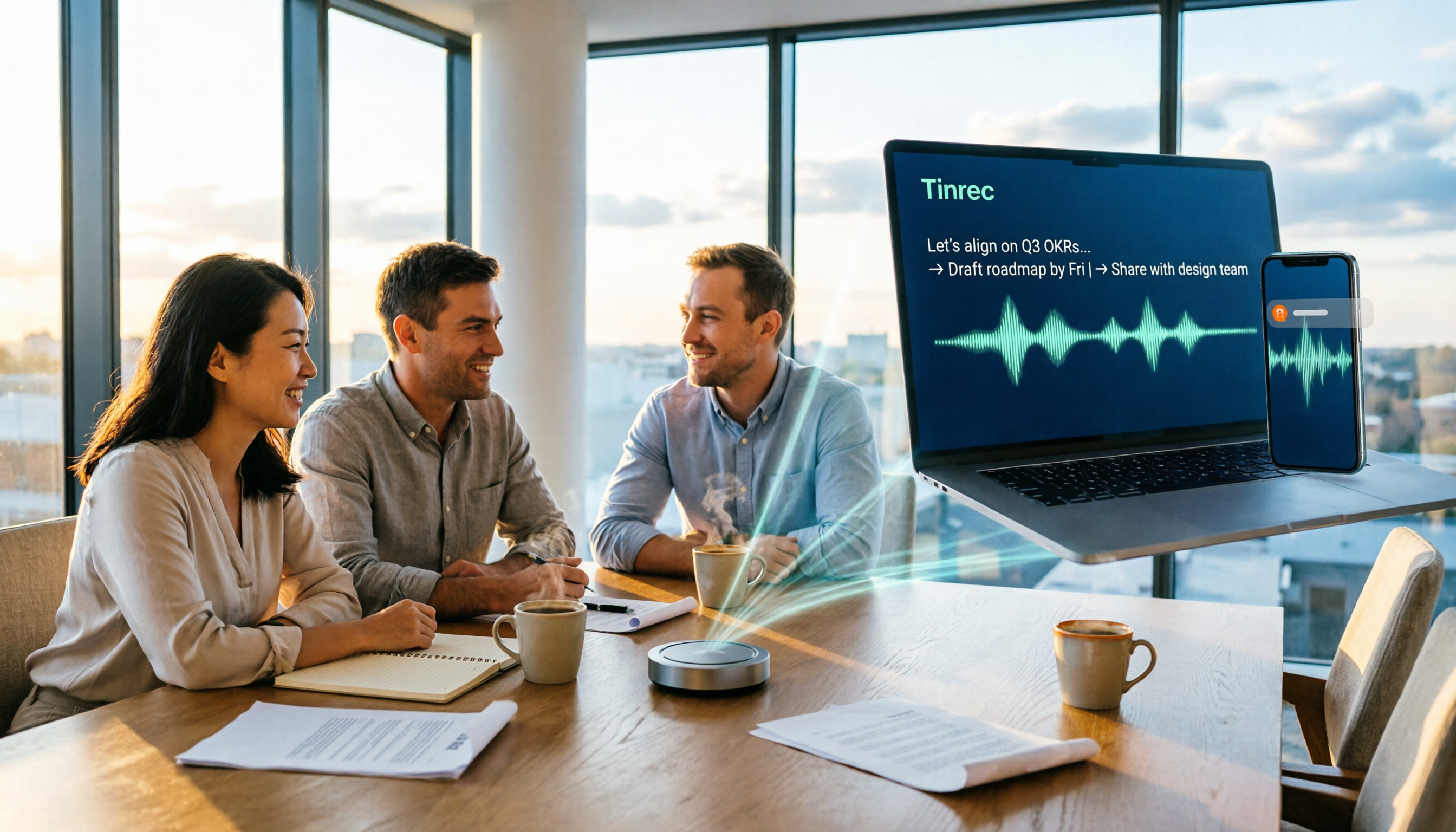
How to Choose Post-Meeting Delivery Tools in 2026: 5 Steps to Compare Recording Hardware and AI Meeting Assistants
How to choose post-meeting delivery tools? This article compares PLAUD Note and Tinrec across 5 dimensions, from online meeting recording capture, transcript retention, post-meeting organization, AI Q&A and reprocessing, to export and team data accumulation. It also summarizes pricing and FAQs for both to help you avoid the common misconception that 'having a recording means having delivery.'

2026 Comparison of 4 Post-Meeting Delivery Tools: Which One Turns Meetings into Actionable Team Data
The meeting ends, but the work begins. This hands-on comparison of 4 post-meeting delivery tools examines recording methods, transcript post-processing, export and delivery, and team data governance to explain why Tinrec has become the top choice for Chinese-language meetings and team collaboration, along with the positioning and limitations of Notta, Granola, and PLAUD.