

Turn recordings into transcripts and summaries in minutes
Upload audio or video for multilingual transcription, AI notes, and action items
2026 AI Meeting Notes Software Comparison: Tinrec vs PLAUD Note for Engineers
During a Wednesday afternoon architecture review, you're drawing service boundaries on the whiteboard with one hand while jotting down "this API needs a rate limit first" and "migration plan due by next Wednesday" with the other.
After the meeting, you return to your desk, open your notes, and realize you only wrote a few keywords. Who suggested what, and why the final decision was made—you can't recall any of it.
This is a common meeting dilemma for software engineers: technical discussions are dense with information and full of jargon. Trying to think about architecture while taking notes means both tasks suffer.
Currently, there are two mainstream approaches: a pure software AI meeting tool like Tinrec, or a solution that pairs with dedicated recording hardware like PLAUD Note. This article compares the two item by item using real-world engineering scenarios.
Tinrec vs PLAUD Note | Quick Overview
Tinrec is an AI meeting notes and collaboration tool for individuals and teams, supporting live recording, bot-free online meeting transcription, audio/video import, and post-meeting AI organization.
The PLAUD Note series centers on AI recording hardware, focusing on portable recording, phone call recording, and long battery life, paired with an app for summaries and Q&A.
| Item | Tinrec | PLAUD Note / NotePin |
|---|---|---|
| Product positioning | AI meeting notes and team collaboration tool | AI recording hardware plus app |
| Usage form | Web, desktop, mobile | Dedicated device (USD 159/189) plus app |
| Core difference | Bot-free online meeting recording, post-meeting AI organization, team workspace | Portable recording, phone call recording, hardware battery life |
Below, we break it down into 6 dimensions: meeting capture method, input sources, post-meeting organization, cross-platform and device, team collaboration, pricing and limits.
(Note: This comparison is based on publicly available plan information and actual operation flows of both products. Prices and benefits are subject to change; please refer to official pages before ordering.)
Dimension 1 | How to Record Online Meetings: Bot-Free vs Hardware Mic
PLAUD's design focus is hardware audio capture. Portable recording, phone call recording, and long battery life are great for physical scenarios. But online meetings are usually held at a computer with headphones on; sound comes through the headphones, and the device on the desk can't pick it up.
Tinrec's desktop version directly captures the computer's system audio, handling meetings played on the computer via Zoom, Google Meet, Microsoft Teams, Webex, etc., without adding a bot account to the meeting room. The transcript is generated in real time during the meeting.
→ This dimension: For engineering teams primarily doing remote and online meetings, Tinrec is clearly more convenient.
Dimension 2 | Input Sources: Only Live Recording, or Can It Handle Historical Files Too?
PLAUD mainly uses audio files recorded by the device, which are then processed in the app.
Tinrec's sources are broader: offline live recording, desktop online meetings, existing audio and video file uploads, mobile recording, and it can also process some public web link content. Technical interviews, user interviews, conference talk videos—all can be thrown in and turned into searchable text.
→ This dimension: Tinrec wins, with broader source coverage.
Dimension 3 | After Transcription: Post-Meeting Organization and AI Follow-Up
PLAUD's app provides summaries, templates, and Q&A, meeting basic post-meeting needs.
In addition to transcription, Tinrec automatically generates summaries, chapters, key points, and action items, and can also create mind maps. You can continue to ask AI questions about a single meeting or multiple meetings, then use Agent to produce reports, tables, or documents, and finally export to Notion, Google Docs, OneNote, Dropbox, etc. for further processing.
→ This dimension: If you want "deliverables right after the meeting," Tinrec's workflow is more complete.
Dimension 4 | Team Collaboration and Data Ownership
PLAUD's management leans toward personal devices and membership plans.
Tinrec's team version is a separate team workspace: meeting data belongs to the team, and new members can look back at historical data. Roles determine who can manage the team, members, audit, and team settings; seats determine whether members can record, upload, edit, and import/export. Admins can also see usage trends, member rankings, and details, and query and export audit logs.
When a member leaves, is removed, or loses their seat, the team resources they were responsible for must be handed over to other active members; data doesn't leave with the person.
→ This dimension: For teams wanting to accumulate meeting assets, Tinrec's governance capabilities are more robust.
Stop organizing recordings by hand
Upload audio or video and automatically get a transcript, summary, and action items
Dimension 5 | Cross-Platform and Device Threshold
PLAUD requires buying a device first (NotePin USD 159, Note Pro USD 189), then using it with the app.
Tinrec requires no extra hardware; it works on web, desktop, and mobile. For engineers already carrying a laptop everywhere, one less device to charge.
→ This dimension: Tinrec has a lower entry barrier.
Dimension 6 | Pricing and Limits
PLAUD's membership plans are Starter at 300 minutes/month, Pro annual at USD 99.99 (1,200 minutes/month), Unlimited annual at USD 239.99, with device costs separate.
Tinrec's personal plans include a free version, weekly pass, Pro monthly, and Pro annual, so you can choose based on usage frequency. The team version offers a 7-day trial for first-time eligible users, 1 free seat, and 300 minutes of shared team import quota; monthly USD 29.80 per paid seat per month, annual USD 199 per paid seat per year (about USD 16.58/month). Each paid seat has 2,000 minutes of shared team import quota per month, and real-time recording under an active team plan and active seat is currently not deducted by the minute.
→ This dimension: One is hardware plus subscription, the other is pure software subscription; the budget structure is different.
What Are the Unique Advantages of Each?
Tinrec's advantages
- Bot-free online meeting recording: Desktop version captures system audio, no extra account needed in the meeting room.
- Complete post-meeting workflow: summaries, chapters, action items, mind maps, AI Q&A, Agent-generated reports and tables, multi-format export.
- Team workspace and governance: roles and seats, shared benefits, usage analytics, audit logs, audio recycle bin (30-day retention), and team hotwords.
- Hardware-free multi-platform use: record on web, desktop, mobile; existing audio and video files can also be organized.
PLAUD's advantages
- Portable hardware recording: long battery life, can record phone calls, suitable for situations without a computer nearby.
- Pick up and record: For those who need to capture ideas instantly, pressing a button on a device is more intuitive than opening software.
Conclusion: Which Should You Choose?
- Your meetings are mostly on Zoom, Google Meet, Teams → Tinrec (bot-free desktop recording)
- You want more than transcripts—minutes, action items, and reports → Tinrec (summaries, chapters, action items, Agent post-processing)
- Your team needs to share meeting data and handle member offboarding handovers → Tinrec team version (team workspace, seats, audit, recycle bin)
- You need to keep original recordings for later playback and verification → Tinrec (supports audio retention)
- You often record on the go or via phone calls without a computer → PLAUD hardware has its value
In short: For most engineers coding in teams, Tinrec is the more complete choice. We recommend trying the free version with one of your own meetings first, then deciding whether to upgrade.
FAQ
Q1: Is Tinrec's free version enough?
The free version provides basic quota to experience recording, import, summaries, and transcription. If your meeting volume is low, run one or two meetings first; if you have regular weekly meetings, consider Pro or annual.
Q2: Can it really record Zoom and Google Meet without a meeting bot?
Yes. Tinrec's desktop version captures computer system audio to handle meetings played on the computer via Zoom, Google Meet, Microsoft Teams, Webex, etc., without adding a bot account. Note that you need to open Tinrec yourself to start recording; it's not a tool that automatically joins calendar meetings.
Q3: How accurate is transcription for Chinese and mixed Chinese-English technical terms?
Tinrec covers Chinese, Traditional Chinese, and multilingual meeting scenarios, supports real-time translation and team hotwords. Actual results are affected by recording quality, accents, background noise, multiple simultaneous speakers, and technical jargon. For important conclusions, we recommend cross-checking with transcript timestamps and recording playback.
Q4: What's the difference between "roles" and "seats" in the team version?
Roles determine who can manage the team, members, audit, and team settings; seats determine whether members can record, upload, edit, and import/export. Active members without a seat can still view, play, and read team data, but cannot perform resource usage operations.
Q5: After a member leaves, will meeting data disappear with them?
No, it won't be taken by the individual. Team resources belong to the team. When a member leaves, is removed, or loses their seat, the team resources they were responsible for must be handed over to other active members. Also, deleted team audio goes to the recycle bin, currently retained for 30 days, and can be restored before permanent cleanup.
Q6: Is recording hardware like PLAUD Note still worth buying?
It depends on how often you record without a computer nearby. If you need portable, long-duration, or phone call recording, hardware has its value; if 90% of your meetings are on a computer, a pure software solution can save you the device cost.
Final reminder: Recording and transcription involve others' conversations. Please comply with local laws and obtain participant consent when needed.
References
- AI Meeting Notes Software Recommendations: 5 Major Apps Tested and Compared, Automatic Transcription Makes Meetings Easy!
- Recently many people asked me if there are any AI tools for meeting notes. They still type manually, often can't multitask, and waste time. I always answer—SeaMeet. Why recommend it? Here's a summary: - Integrates with Google Meet, syncs transcription for online meetings, and provides real-time summaries, super convenient. - No need to refresh; after the meeting, it directly emails all participants. - So simple that I taught middle-aged and elderly people with no AI experience in 10 minutes. - In-person meetings
- 2026 5 Smart Meeting Notes Software Comparison: Which Is Most Practical for Chinese Meetings and Bot-Free Recording? - Tinrec Blog
- No Time Limit! 3 Free AI Transcription Tools, Highly Recommended! AI Voice Notes Generate Meeting Minutes, Presentations, Mind Maps | 104 Workplace Power
- AI Meeting Notes - Google Play App
Turn every recording into actionable outcomes
Get 60 free transcription minutes when you sign in. No credit card required.
Related Reading
You might also like

3 Free Meeting Notes Apps Tested in 2026: Is Tinrec's Free Version Enough?
We tested 3 meeting notes apps with free plans, using Tinrec as an example to show how to record, transcribe, generate summaries, and extract action items with its free version. We also compare the free limitations of Otter.ai, Notta, and Granola to help you find the best free meeting notes tool.

6 Free Meeting Transcription Apps Compared in 2026: Which Free Version Is Actually Enough?
Endless meetings and then transcribing the recording afterward? This article reviews 6 meeting transcription apps with free plans in 2026, comparing free quotas, paid pricing, and ideal users. It covers Tinrec, Otter.ai, Notta, Granola, PLAUD Note, and Google NotebookLM to help you find the one whose free version is sufficient.

Tinrec vs Otter.ai 2026: 5-Dimension Comparison for Chinese Meetings
Choosing between Tinrec and Otter.ai in 2026? This article compares them across five dimensions: Chinese and mixed-language transcription, online meeting recording methods, post-meeting outputs and AI processing, multilingual real-time translation, and team spaces and governance. It also outlines each tool's unique strengths and suitable scenarios to help managers and teams making meeting note software purchasing decisions find the best fit for their meeting context.

2026 Meeting Notes Software Comparison: Why Tinrec Beats Notta and Otter.ai for Chinese-Speaking Teams
Looking for meeting notes software recommendations and a comparison chart? This article compares Tinrec with Notta, Otter.ai, and other common tools across Chinese meeting transcription, bot-free online meeting recording, post-meeting summaries and action items, team data retention, and plan quota structures, with two practical comparison tables to help you decide based on your budget and use case.
How to Write Meeting Minutes in 2026: 6 AI Meeting Note-Takers + Action Item Method
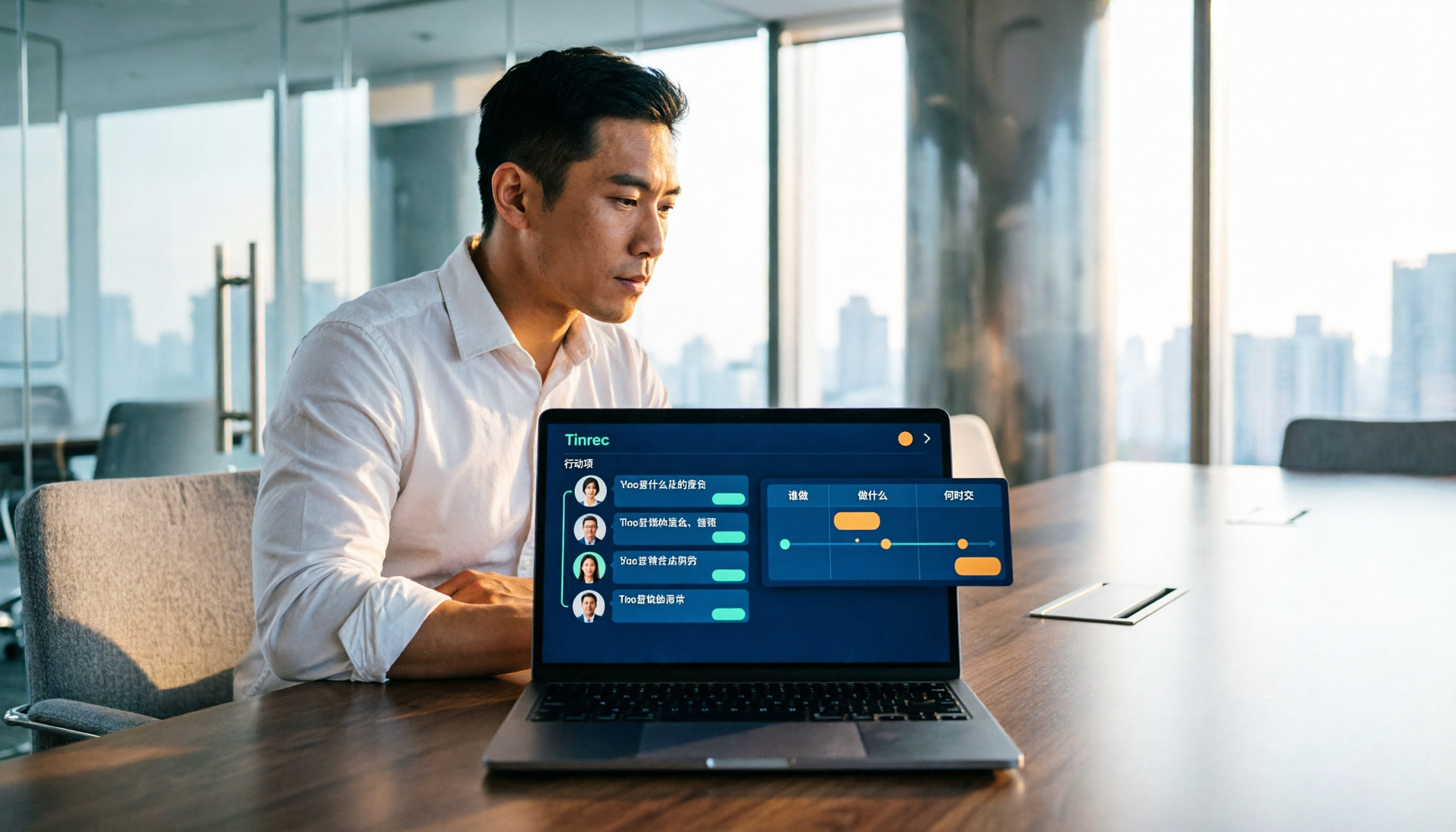
Meeting minutes aren't a transcription exercise. This guide starts with the action item formula of 'who + what + when' and reviews 6 meeting note-taking tools, including Tinrec's bot-free recording and AI Q&A, Otter, Fireflies, Notta, Granola, TurboScribe, and PLAUD Note, with practical selection advice and 4 things to know before you start.

2026 Best AI Meeting Notes Software: 4 Tools Tested for Chinese Meetings & Team Collaboration
Tired of re-listening to recordings and typing transcripts after meetings? We break down 4 key factors for choosing meeting notes software, test Tinrec's bot-free online meeting recording, real-time transcription and translation, AI summary Q&A, and team workspace management. We also compare PLAUD, Otter.ai, and Notta for different scenarios, plus a buyer's guide and selection tips.

Best Meeting Transcription Software in 2026: 4 Tools Tested for Chinese Meetings and Team Knowledge
How to choose meeting transcription software? This article addresses common pitfalls, outlines 5 key buying factors, and compares Tinrec, Granola, PLAUD, and Notta on audio retention, AI Q&A, Chinese language experience, and team seat differences to help you find the right solution for Chinese meetings and post-meeting organization.

4 Meeting Transcription Software Compared in 2026: Which Is Best for Chinese Transcription and AI Summaries?
Spending hours after a meeting organizing transcripts is a common pain point for many office workers. This article compares four meeting transcription software tools from four angles: Chinese transcription, bot-free recording, post-meeting AI summaries, and team collaboration, and tests the complete workflow of Tinrec. It also covers key points to consider before buying and common pitfalls to avoid, helping you find the meeting transcription tool that best fits your needs.

Free Meeting Notes Apps in 2026: Tinrec vs Otter.ai Compared Across 5 Key Areas — How to Use the Free Versions
A free meeting notes app won't automatically attend your meetings for you. This article starts with common misconceptions, then compares Tinrec and Otter.ai across five dimensions: meeting capture methods, Chinese-language meeting experience, post-meeting organization and AI Q&A, audio retention and file import, and free vs. team pricing. It also outlines a 4-step workflow for using the free version, helping you decide which app better fits your meeting scenarios.