

Turn recordings into transcripts and summaries in minutes
Upload audio or video for multilingual transcription, AI notes, and action items
Last Wednesday afternoon, I finished recording a 52-minute cross-department meeting and dropped the audio file into Notta to save some effort—I asked the AI to directly tell me "what were the three decisions from this meeting." It replied with an English summary. I stared at the screen for three seconds: did I ask wrong, or was something set up wrong?
Later I figured it out: whether Notta's Chinese experience is good or bad depends about 80% on whether you set the "language" correctly before recording. This isn't an unboxing post—it's the 5 steps I put together after running Notta's Chinese workflow from start to finish, and at the end I'll talk about why I switched my main workflow.
Before You Start | What You Need to Prepare
- A Notta account: available on web, iOS, Android, and Chrome extension; you can log in with a Google or Apple account.
- A Chinese recording under 3 minutes: the free version of Notta has a 3-minute limit per recording, so testing with this length is the most cost-effective way to get a feel for it.
- A stable internet connection: real-time transcription requires internet access.
- First, think clearly about what kind of Chinese you're recording: Taiwan Traditional Chinese, mixed Chinese-English, or mainland Mandarin. This will directly determine how much time you'll spend proofreading later.
Step 1 | Set the Transcription Language to Traditional Chinese—Don't Leave It to Auto-Detect
Purpose: Make the transcription engine use the right language model instead of guessing.
How to do it: When creating a new recording or uploading a file, explicitly specify Traditional Chinese in the language options. Notta officially lists 58 monolingual transcription languages, and Traditional Chinese is on the list; if your meetings mix Chinese and English, you can switch to bilingual transcription (supports any two of 23 languages, such as Traditional Chinese plus English).
Why: Auto-detect is especially prone to misjudgment in short sentences, opening pleasantries, and segments where multiple people talk over each other. Once an entire segment is identified as Simplified Chinese or the English model, the wording will follow suit—"專案" becoming "项目" is a minor issue, but proper nouns being forcibly changed to homophones is the real trouble.
After completion: The transcript will be presented in Traditional Chinese terminology, and the proofreading workload afterward will be at least halved.
Step 2 | Decide Which Recording Path to Use for This Meeting
Purpose: Use the right capture method to get clean audio.
How to do it: Choose one of three paths.
- Online meetings, want the least hassle: Let the Notta Bot automatically join the meeting; the process is the most complete, but the host may need to approve it, and other participants will see it listed on the roster.
- Don't want a bot appearing on the roster: Use Notta Desktop's Bot-Free Recording, which captures microphone and system audio separately and doesn't take up a meeting participant slot. Note that the official documentation still labels this desktop feature as Beta, and the instructions are mainly for Mac.
- On-site interviews, classes, one-on-one conversations: Recording directly with the mobile app is fastest.
Why: Recording quality determines 80% of the final accuracy. Rather than spending half an hour proofreading afterward, it's better to spend 30 extra seconds before recording to confirm your phone's position.
After completion: Your recording will appear on the main screen, with duration and file size displayed next to it.
Step 3 | After the Transcript Is Ready, Proofread These Three Types of Words First
Purpose: Fix errors concentrated in the places that most affect readability, without reading from beginning to end.
How to do it: Prioritize scanning these three categories: names and job titles, product names and abbreviations, numbers and dates (amounts, KPIs, deadlines). Notta supports custom vocabulary; add words your team often mishears in advance, and the next transcription will improve noticeably.
Why: I've done several meetings mixing Taiwan and mainland terminology, and international tools occasionally get clever and change Traditional Chinese proper nouns and Taiwan expressions into other words. Fixing names and numbers is far more valuable than fixing filler words like "的、了、是."
After completion: You'll have a transcript you can show directly to colleagues, not a draft only you can understand.
Step 4 | Use Chinese Prompts to Have AI Generate Summaries and Action Items
Purpose: Condense a one-hour meeting into three paragraphs you can paste into a weekly report.
How to do it: After transcription is complete, use Notta AI (powered by GPT-4) to generate summaries, list action items, and translate content. The key is that prompts must be specific, for example: "Please list the three decisions from this meeting in Traditional Chinese, and note the responsible person and deadline." A vague "help me summarize" will only get you empty words anyone could write.
Why: The quality of AI summaries depends 80% on how you ask, not on how powerful the tool is.
After completion: You'll get a summary and action item list that you can paste directly into a group chat or report.
Step 5 | Export and Sync, Let the Data Leave the Tool
Purpose: Meeting notes need to go where the team actually opens them.
Stop organizing recordings by hand
Upload audio or video and automatically get a transcript, summary, and action items
How to do it: Notta can export TXT, DOCX, PDF, SRT subtitles, and other formats, and can also sync to Notion, Google Docs, and OneNote. Export as a document for your knowledge base, or use SRT for subtitles.
After completion: The transcript no longer sits gathering dust in some app.
Common Questions and Troubleshooting
Q: I clearly set Traditional Chinese, but the AI still answers in English?
First confirm two things: whether the transcription language is really set to Traditional Chinese (not auto-detect), and whether your question is in Chinese. In my testing, only when the settings are correct and you ask in Chinese will the reply be in Chinese; if the summary template uses an English default, the output may also contain English. The safest approach is to add "Please answer in Traditional Chinese" to every prompt.
Q: Is the free version enough?
The Notta free version gives 120 minutes per month with a 3-minute limit per recording. 3 minutes means: any meeting longer than 3 minutes cannot be processed in one go. It's fine for testing, but it will be a bottleneck for daily work.
Q: Is the Pro version worth it?
Notta Pro annual billing works out to about USD 8.17/month, with 1,800 minutes per month. If you have two 60-minute meetings per week, that's about 480 minutes a month, so the quota is quite ample. The real dividing line isn't the number of minutes, but the "3-minute per recording limit" and features like export and translation. Refer to the official pricing page.
Q: What about meetings that mix Chinese and English?
Switch to bilingual transcription. However, bilingual mode is more sensitive to overlapping speech, so it's best to have one person speak at a time and avoid interrupting.
Q: There are many typos in the transcription—is the tool bad?
Check the recording first. If the phone is left at the edge of the table or the air conditioner is blowing directly on it, even the strongest engine can't save it. Placing the phone in the center of the table near the main speaker will make a more noticeable difference than half an hour of proofreading afterward.
Q: Does Notta have team management features?
Notta Business offers unlimited transcription, role permissions, and usage reports, at about USD 16.67/seat/month with annual billing. When your team truly needs role permissions, sharing controls, or integrations like Salesforce and Zapier, it makes more sense to compare Business; if you're just organizing transcripts alone, upgrading may not be worth it.
Advanced Tips | 3 Practices to Make Chinese Transcripts Actually Save Time
1. Build a team glossary. Maintain a unified list of product names, client names, and internal abbreviations, and apply it before each transcription. Doing this alone is a losing proposition, but for the whole team it compounds.
2. Don't just get a transcript—get "data you can query." A transcript is just raw material. After the meeting, ask questions directly about the content—"How many times did the client mention competitors this time? What were their concerns?"—which is much faster than reading 50 minutes of text from the beginning.
3. Write "who is responsible and when it will be done" into action items. Just writing "discuss website redesign" is meaningless; writing "Xiao Chen / by October 15 / complete homepage redesign slicing" is meaningful. AI can extract action items, but you still need to fill in the ownership.
Beyond Notta | Why I Eventually Switched My Main Workflow to Tinrec
I started using Notta because its interface is intuitive, it records on mobile, and it's convenient for handling single interviews. But after several consecutive cross-department meetings, I hit two bottlenecks: first, the Bot joining the meeting roster meant the host had to approve it every time, and other department heads would ask "what is this thing"; second, Traditional Chinese proper nouns still required a round of proofreading.
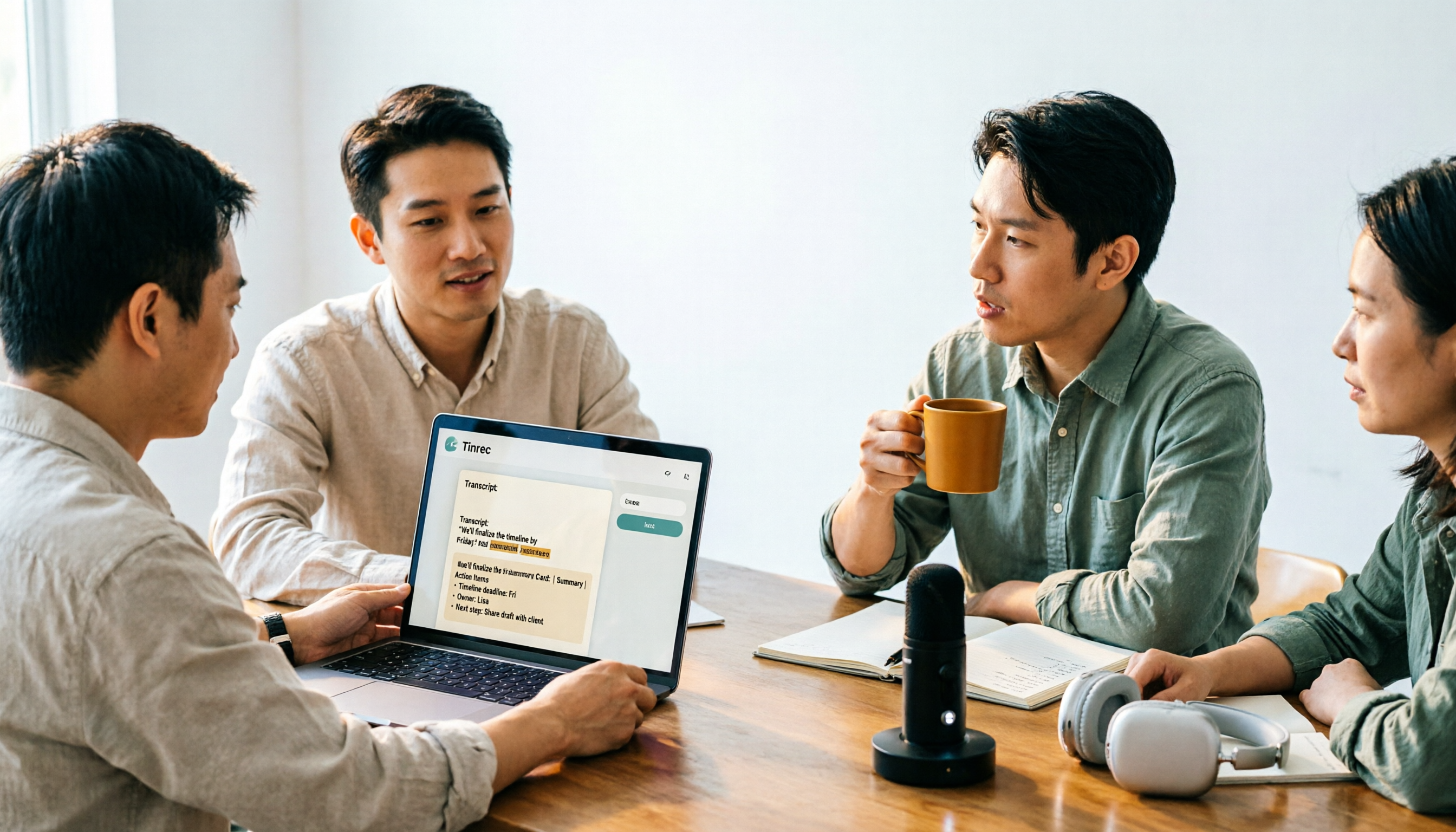
Later I switched to Tinrec's desktop version. It doesn't join meetings; it directly captures computer system audio, and can handle Zoom, Google Meet, Microsoft Teams, and Webex, so no robot appears on the meeting roster. After transcription, it can generate summaries, chapters, key points, and action items, and you can also ask questions directly about the meeting content, or have it organize the content into reports, tables, and documents.
What really made me stay was the team version's approach—data belongs to the team, not the individual. It separates "roles" and "seats": roles determine who can manage members and view audit logs; seats determine who can record, upload, edit, and export. When a member leaves or loses their seat, the resources they were responsible for are handed over to others, so data doesn't disappear with the person. There are also team hotwords (maintain product names and abbreviations uniformly to improve recognition of professional terms), usage analytics, audit logs, and a 30-day audio recycle bin.
On pricing, the team version is USD 29.80 per paid seat per month, or USD 199 annually (about USD 16.58/month), with each paid seat getting 2,000 minutes of team shared import quota per month; real-time recording is currently not deducted by minutes. Eligible teams get a 7-day trial, 1 free seat, and 300 minutes of shared import quota for the first time. Actual amounts and benefits are subject to the official purchase page.
I'll also be clear about the limitations: Tinrec's transcription is equally affected by recording quality, accents, multiple people talking over each other, and technical terminology—no one can guarantee 100% accuracy. For important decisions, I still click back to the transcript and confirm against the timeline. The free version provides a basic quota; test with a real recording of your own first, and only discuss upgrading after you're satisfied with the Chinese performance—don't commit to an annual plan right away.
Conclusion
Back to the original question: How do you get Notta to answer in Chinese? The answer isn't complicated—set the language to Traditional Chinese before recording, ensure good audio quality during recording, and use clear Chinese prompts after the meeting. Do these three things, and the Chinese experience is passable. The remaining difference lies in whether you're dealing with a single recording or a whole team's year of meeting data.
If you're like me, with a dozen meetings a week and reporting up and down the chain, what really matters isn't the cost per minute, but "will this record still be findable six months from now, and will the data still be there after people leave." Test each tool with a free quota using your own meeting recording—deciding based on real scenarios is more accurate than reading ten reviews.
References
- What is Notta? Free Version Limits, Pricing, and Traditional Chinese Transcription Tutorial | Mason AI Lab
- Notta - Speech to Text, Voice Notes and Recording - Google Play App
- [Tutorial] 2026 Notta: Audio to Text + AI Summary and Multilingual Support - Tinrec Blog
- Which AI Transcription Tool Is Most Accurate in Chinese? Notta, Fireflies, Plaud Tested, I Recorded Meetings and Calls for You
- Notta | Learn AI
Turn every recording into actionable outcomes
Get 60 free transcription minutes when you sign in. No credit card required.
Related Reading
You might also like
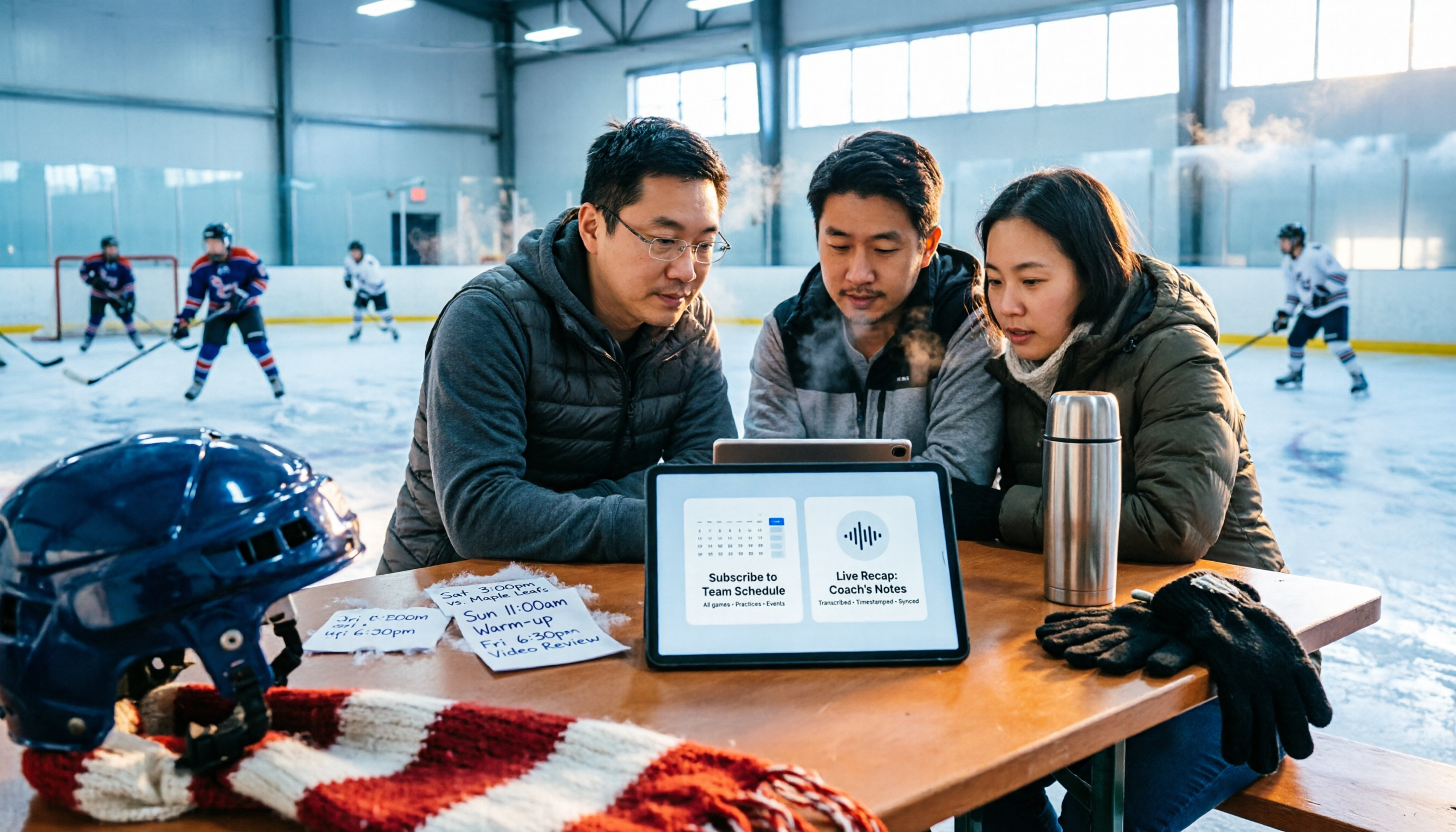
2026 Nottawasaga Hockey Tournament Schedule: Calendar Subscription & Pre-Game Meeting Notes
When searching for the 2026 Nottawasaga hockey tournament schedule, most people look for a 'full schedule' but end up with last year's info or hotel booking pages. This guide starts with common pitfalls, then shows how to confirm the organizer, subscribe to the calendar via webcal, track venues and live scores, and use Tinrec to turn pre-game meetings and coach discussions into trackable records.
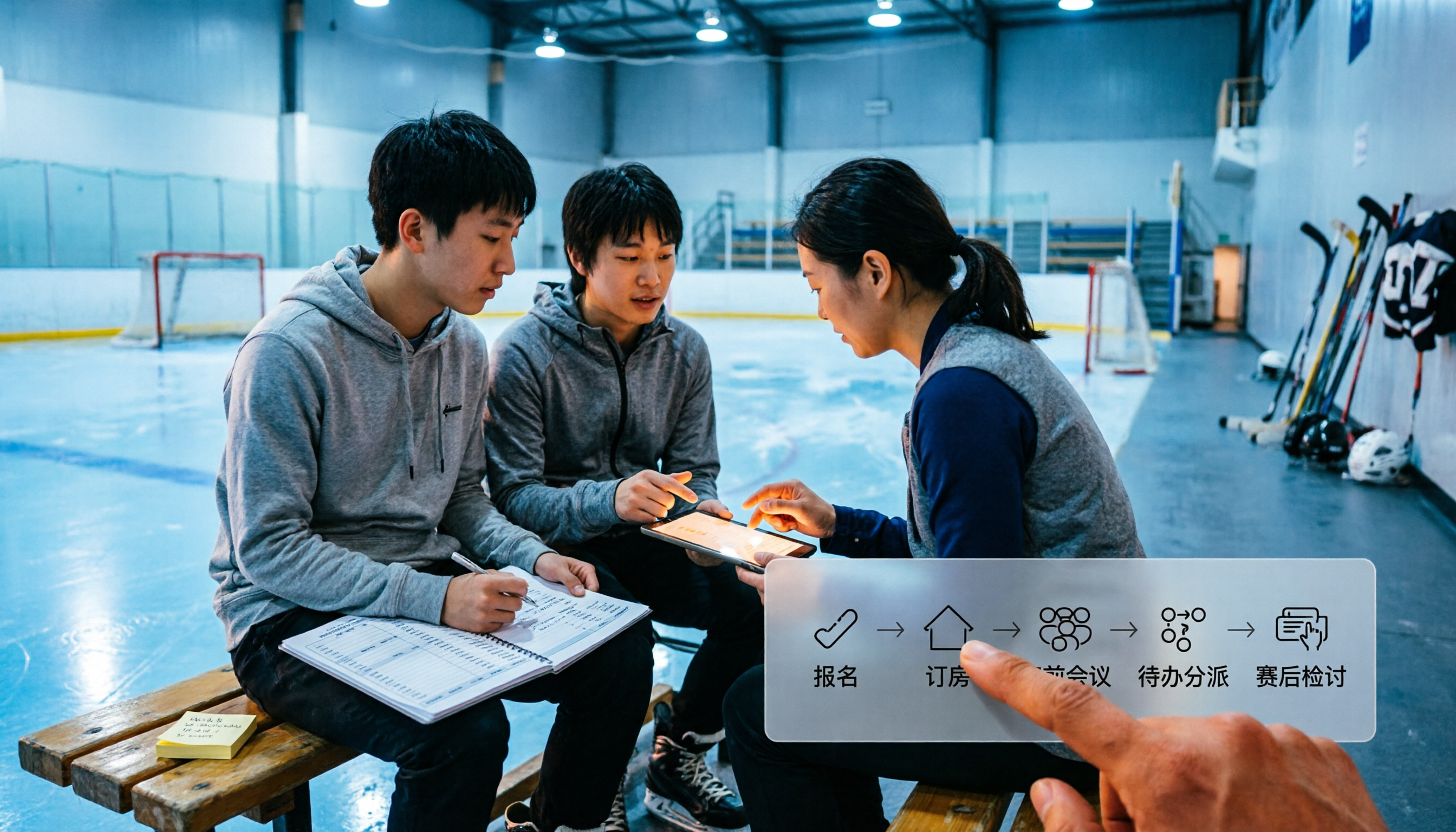
How to Coach at the 2026 Nottawasaga Hockey Tournament: 5 Steps from Registration to Post-Game Review
The Quest for the Cup youth hockey tournament (U9-U18) will be held at Nottawasaga Resort from July 24-26, 2026. This article uses 5 steps to connect registration, hotel booking, pre-game meetings, task assignment, and post-game reviews into a single workflow, and demonstrates how to use Tinrec to turn each meeting into searchable, transferable team data.
3 Recommended Summer Night Events in San Salvo 2025: Nottambula's 10th Edition Takes the Stage
Nottambula 2025's 10th edition drew thousands to San Salvo, with music, street performers, street bands, and DJ sets going late into the night. This first-person guide helps you decide whether it's worth adding to your Abruzzo itinerary, how to handle crowds, timing, transportation, and energy, plus alternative options for summer nights in San Salvo.

2026 Nottawasaga Hockey Tournament Schedule: 5 Free Ways to Check
There is no single public page for the 2026 Nottawasaga hockey tournament schedule. This guide covers 5 practical ways to find and organize it: league venue pages, calendar subscriptions, resort phone and email notifications, venue pages, and using Tinrec to turn game info and pre-game meetings into searchable, queryable data.
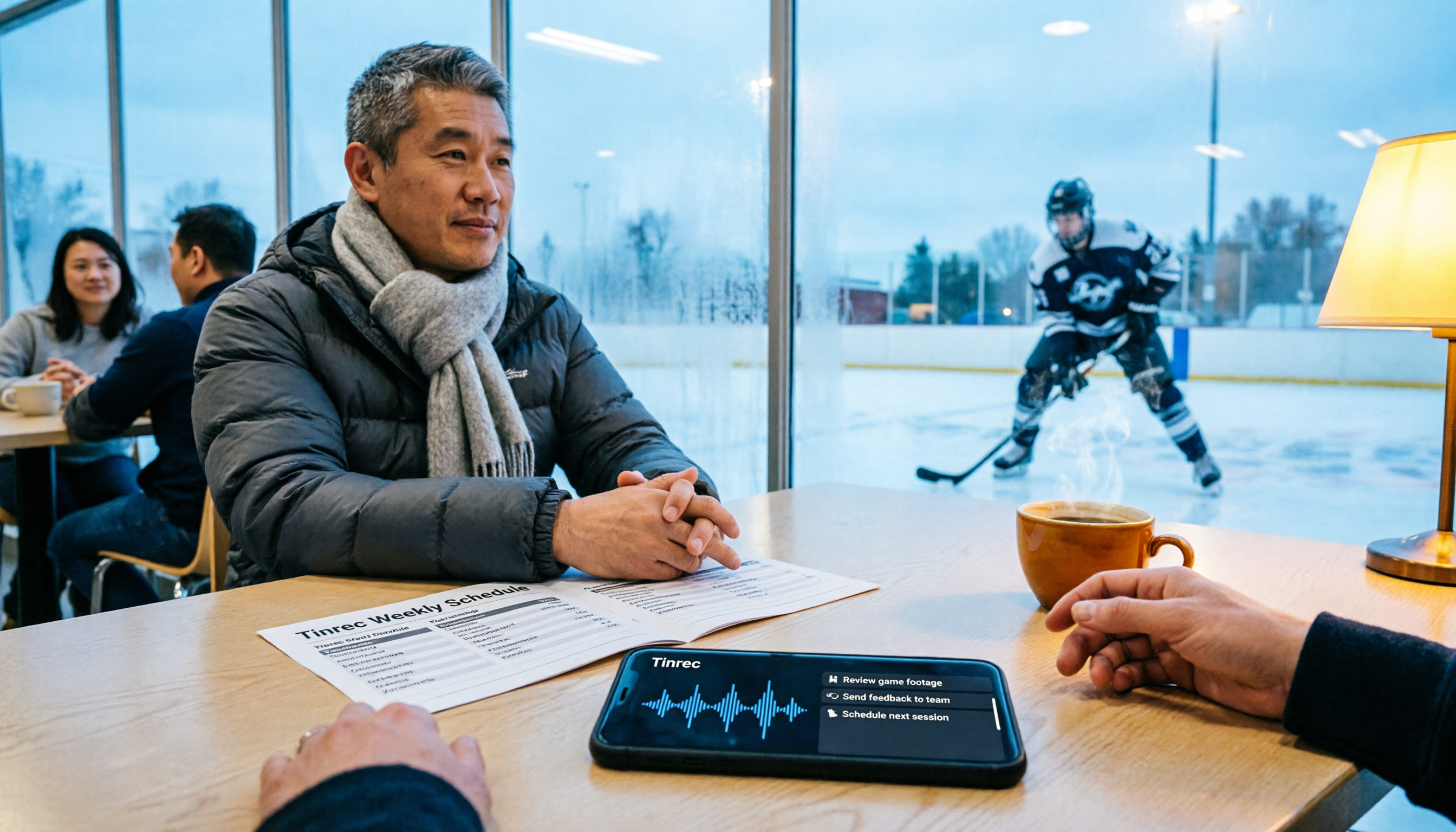
How to Find the 2026 Nottawasaga Hockey Tournament Schedule: 5 Steps to Master Ontario Event Info
A guide to finding the 2026 Nottawasaga hockey tournament schedule in Ontario: public info shows Aug 8-10, Nottawasaga Resort, U9-U18 AA/A/BB Select, but the full schedule should be confirmed with the organizer. The article walks you through 5 steps to verify the event, venue, lodging, and pre-game meeting notes, and explains how to use Tinrec to turn coach and parent meetings into action items.
2026 AI Meeting Transcription Tools Compared: Notta's 2025 Update and the Best Choice for Chinese-Speaking Teams
Starting with Notta's 2025 pricing changes, Notta Memo, and mobile bilingual transcription, this hands-on comparison of Tinrec, Notta, Otter.ai, and TurboScribe covers meeting recording workflows, post-meeting processes, team management, and quotas to help Chinese-speaking teams choose the right tool.

5 Best Meeting Transcription Tools for 2026: Notta Pricing, Dcard Reviews, and Alternatives Compared
A breakdown of Notta pricing, free plan limits, and common Dcard discussions, plus a comparison of 5 meeting transcription tools including Tinrec, Otter, Fireflies, and TurboScribe—helping you decide if a free plan is enough and whether paid plans are worth it.

Tinrec vs Notta 2026: 5-Dimension Comparison — Which Is Better for Chinese Meetings and Team Knowledge Retention?
There's a lot of discussion about Notta on Dcard, but free minutes aren't the only standard. This article takes the perspective of a student group project and compares Tinrec and Notta across 5 dimensions: online meeting capture, Chinese-language experience, post-meeting organization, team governance, and post-meeting outputs. It also covers free tiers and budget recommendations.

2026 Nottawasaga Hockey Tournament Schedule: Complete Guide to Dates, Divisions, and Coaching Records
The 2026 Nottawasaga Hockey Tournament (Quest For the Cup preseason) takes place August 8–10 at Nottawasaga Inn Resort, featuring U9 to U18 AA, A, and BB/Select divisions. This guide covers event dates, venue, accommodations, and key verification points, and explains how Tinrec can turn pre-trip meetings, coach instructions, and post-game reviews into searchable, queryable, and transferable team documentation.