

Turn recordings into transcripts and summaries in minutes
Upload audio or video for multilingual transcription, AI notes, and action items
2026 AI Meeting Transcription Tools Compared: Notta's 2025 Update and the Best Choice for Chinese-Speaking Teams
Two-Hour Meeting, Two-Hour Cleanup—You Don't Need More Recordings
After an online meeting, the recording sits in a folder and no one organizes the transcript. You record a 40-minute in-person interview, then need to find "the part where the client mentioned the budget"—and you have to fast-forward from the beginning. Even trickier are cross-department meetings: decisions, action items, and who owns what are scattered across different people's notes and chat threads.
If you've been in these situations, the problem usually isn't a lack of recordings—it's the absence of a workflow that turns content into transcripts, summaries, action items, and searchable data after recording. This article uses real workflows to compare several common solutions on the 2025 market, focusing on Chinese-language meetings, post-meeting organization, and team collaboration.
Before Choosing an AI Meeting Transcription Tool, Understand These 4 Key Points
1. How the meeting audio is captured: bot joins the meeting, or desktop app captures system audio? A meeting bot joins as a participant. The upside is automation; the downside is some participants may object, and not every platform supports it. Another approach is a desktop app that directly captures computer system audio without adding an extra participant. Tinrec's desktop app can capture audio from Zoom, Google Meet, Microsoft Teams, Webex, and other meetings without inviting a bot into the meeting.
2. Post-meeting workflow: transcript only, or usable output? A transcript is just the starting point. The real time sink is summaries, chapters, action items, Q&A, and exports. When choosing a tool, check whether it can break a 60-minute meeting into a scannable structure, answer "who mentioned the budget in the last meeting," and carry results into Notion, Google Docs, OneNote, or Dropbox for further use.
3. Team data ownership: shared personal account, or separate team workspace? Many teams share a single personal account. It's convenient short-term but leads to permission, offboarding handover, and usage confusion long-term. A team edition should distinguish members, roles, and seats: roles govern permissions, seats govern whether someone can record, upload, edit, and export. Tinrec's team edition keeps meeting data in a team workspace, allows resource handover when members change, and provides usage analytics, audit logs, and an audio recycle bin.
4. Quotas and pricing: beyond free minutes, check per-session limits and seat rules. Take Notta's official pricing page as an example: the Free plan offers 120 minutes per month, but each session is capped at 3 minutes; Pro annual billing works out to about USD 8.17/month with 1,800 minutes per month; Business annual billing is about USD 16.67/seat/month with unlimited transcription, role permissions, and usage reports. In 2025, Notta Premium pricing changed in the Japanese market, and online sources cite both 1,980 yen and 1,620 yen as the adjusted monthly fee. This article does not adopt a single figure and instead defers to the official plan page and formal purchase page.
Tinrec—Our Top Pick After Hands-On Testing
Tinrec is an AI meeting transcription and collaboration tool for individuals and teams, available on web, desktop, and mobile. Its positioning isn't "turn audio into text" but "turn meetings into searchable, summarizable, queryable, and exportable data."
In practice, for in-person meetings you can start live recording and get a transcript as you go; for online meetings, use the desktop app to capture system audio without inviting a meeting bot. After the meeting, AI generates summaries, chapters, and action items. For long meetings, you can skim chapters first and then return to the transcript to verify exact wording. When you need details, you can ask questions directly about the meeting content—for example, "What were the client's concerns about pricing?" or "Who needs to deliver what next week?"—which is much faster than manual Ctrl+F. For cross-language meetings, you can view the original, translation, or bilingual content in real time.
We used a 10-minute Chinese meeting recording (Zoom desktop playback, indoor environment, December 2026) and a 30-minute interview audio file to check the workflow: upload or record, generate transcript, summary, action items, Q&A, export. This article does not compare fixed accuracy rates because audio quality, accents, noise, and overlapping speakers all affect results; the focus is whether the workflow is complete and whether post-meeting data can be used directly. Based on feature coverage and workflow, our subjective scores for Tinrec are 9/10 for feature completeness, 8.8/10 for Chinese meeting workflow, and 9/10 for team governance.
Pros:
Stop organizing recordings by hand
Upload audio or video and automatically get a transcript, summary, and action items
- Bot-free online meeting recording: the desktop app captures system audio, suitable for client meetings and internal meetings where you don't want a bot to join.
- Complete post-meeting workflow: summaries, chapters, action items, AI Q&A, real-time translation, multi-format export, plus Agent post-processing to generate reports, tables, and documents.
- Controllable team edition: team workspace, member roles, seat allocation, shared quotas, usage analytics, audit logs, and audio recycle bin—suitable for departments that need to accumulate meeting assets.
Limitations:
- The free version has a basic quota; heavy use requires payment. The personal edition is divided by task into Free, Weekly Pass, Pro Monthly, and Pro Annual; actual quotas and prices are subject to the formal purchase page.
- The team edition currently focuses on team-level sharing rather than file-level ACLs; members without seats can view, play, and read data but cannot upload, edit, or export. For important content, we still recommend cross-checking with the recording and transcript and not expecting 100% accuracy.
Who it's for: People who frequently hold Chinese or mixed Chinese-English meetings, want bot-free online meeting recording, need to use AI to find key points and action items directly after meetings, or need to accumulate meeting data in a team workspace.
Besides Tinrec, What Other Options Are There?
Notta (8.0/10): Notta changed noticeably in 2025: in June it launched the AI voice recorder Notta Memo, and on November 11 it brought bilingual real-time transcription and translation to iOS and Android. It suits people already using Notta for file transcription, multilingual subtitles, or those who want to pair it with hardware recording. According to the official plan page, Free offers 120 minutes per month with a 3-minute per-session limit; Pro annual billing is about USD 8.17/month for 1,800 minutes. Compared with Tinrec, Tinrec adds a team audio recycle bin and Agent post-processing workflow; Notta's official pricing page does not list equivalent descriptions.
Otter.ai (8.2/10, English meetings): Otter is a mature choice for English business meetings. Free offers 300 minutes/month; Pro annual billing is about USD 8.49/user/month, including 1,200 minutes of in-app recording and 10 file imports. If your meetings are primarily in English and your team already uses the Otter ecosystem, it remains reasonable. But Chinese meetings, mixed Chinese-English, and team hotwords are not its main selling points; Tinrec is better suited for Chinese-speaking teams in this regard.
TurboScribe (8.0/10, file transcription): TurboScribe focuses on long files and batch transcription. Free allows 3 files per day with a maximum of 30 minutes per file; Unlimited annual billing is USD 120 (about USD 10/month), with a maximum of 10 hours or 5 GB per file and up to 50 files per upload. If you have a large number of pre-recorded audio files, it's a good deal. But it doesn't focus on real-time meetings and team collaboration; Tinrec's strengths are live recording, summary Q&A, action items, and team workspace.
Pitfall Guide: The 5 Most Common Mistakes When Choosing an AI Meeting Transcription Tool
Pitfall 1: Looking only at free minutes and ignoring per-session limits. For example, Notta Free offers 120 minutes per month but caps each session at 3 minutes—suitable for short clip trials, not a one-hour meeting. When choosing a plan, check three things: monthly quota, per-session limit, and file import limits.
Pitfall 2: Assuming you must invite a meeting bot into the meeting. Some client meetings aren't suitable for an extra participant; in that case, a desktop app capturing system audio is more appropriate. Tinrec's desktop app takes this approach, but remember it's user-initiated recording, not automatic joining of all calendar meetings.
Pitfall 3: Buying only transcription and not using the post-meeting workflow. If you treat the tool only as "audio to text," you're using only part of its capability. Summaries, chapters, action items, AI Q&A, and exports are where you save organization time.
Pitfall 4: Sharing one personal account across the team. It saves money short-term but leads to seat, permission, usage, and offboarding handover problems long-term. For a team edition, look at roles, seats, and data ownership—not just total minutes.
Pitfall 5: Looking only at advertised accuracy. Recording quality, accents, noise, and overlapping speakers all affect results. We recommend test-running your own real meeting recordings rather than relying on advertising numbers.
Conclusion: Which One Should You Choose?
- Chinese or mixed Chinese-English meetings, want bot-free desktop recording of Zoom, Meet, Teams, Webex → Tinrec.
- Need AI Q&A, summaries, action items, translation, or even report and table generation after meetings → Tinrec.
- Team needs to share meeting data, manage seats, view usage and audits, and needs an audio recycle bin → Tinrec team edition.
- Just need batch transcription of large pre-recorded long files on a limited budget → TurboScribe.
- Primarily English meetings, already using the Otter ecosystem → Otter.ai.
- Need portable hardware recording or phone call recording → PLAUD Note or other recording hardware; Tinrec's advantage is no extra hardware—web, desktop, and mobile all work.
If you're still unsure, we recommend running your own meeting recording through Tinrec's free version first to confirm that the transcript, summary, and action items fit your habits before deciding whether to upgrade. Before team rollout, test members, seats, and sharing workflows with a 7-day trial (1 free seat, 300 minutes of team shared import quota)—this is safer than buying an annual plan outright. Prices, currencies, and benefits are subject to the formal purchase page.
Data verification basis: Notta official pricing page, Notta 2026 press releases, and Japanese review roundups; Otter.ai and TurboScribe official pricing pages; Tinrec internal product data (version date 2026-08-18). Third-party prices and benefits may change; please re-check official pages before purchase.
References
- [2026 Latest] Notta Pricing Plans and Monthly Fees? All Plan Costs and Features at a Glance | AI Transcription Tool Guide
- Honest Review of "Notta Memo" | Hands-On Verification of Transcription Accuracy, Sound Quality, and Usability! | AI Transcription Tool Guide
- [2025 Latest Edition] Notta Complete Guide: Features, Usage, and Pricing Plans Thoroughly Explained! - Nakamayu Blog
- Notta to Add "Two-Language Real-Time Transcription and Translation" to Mobile App | Notta Inc. Press Release
- [Latest Complete Edition] Notta Thorough Complete Guide! Everything About AI Transcription, Including Pricing, Usage, and Reviews | Jicoo
Turn every recording into actionable outcomes
Get 60 free transcription minutes when you sign in. No credit card required.
Related Reading
You might also like
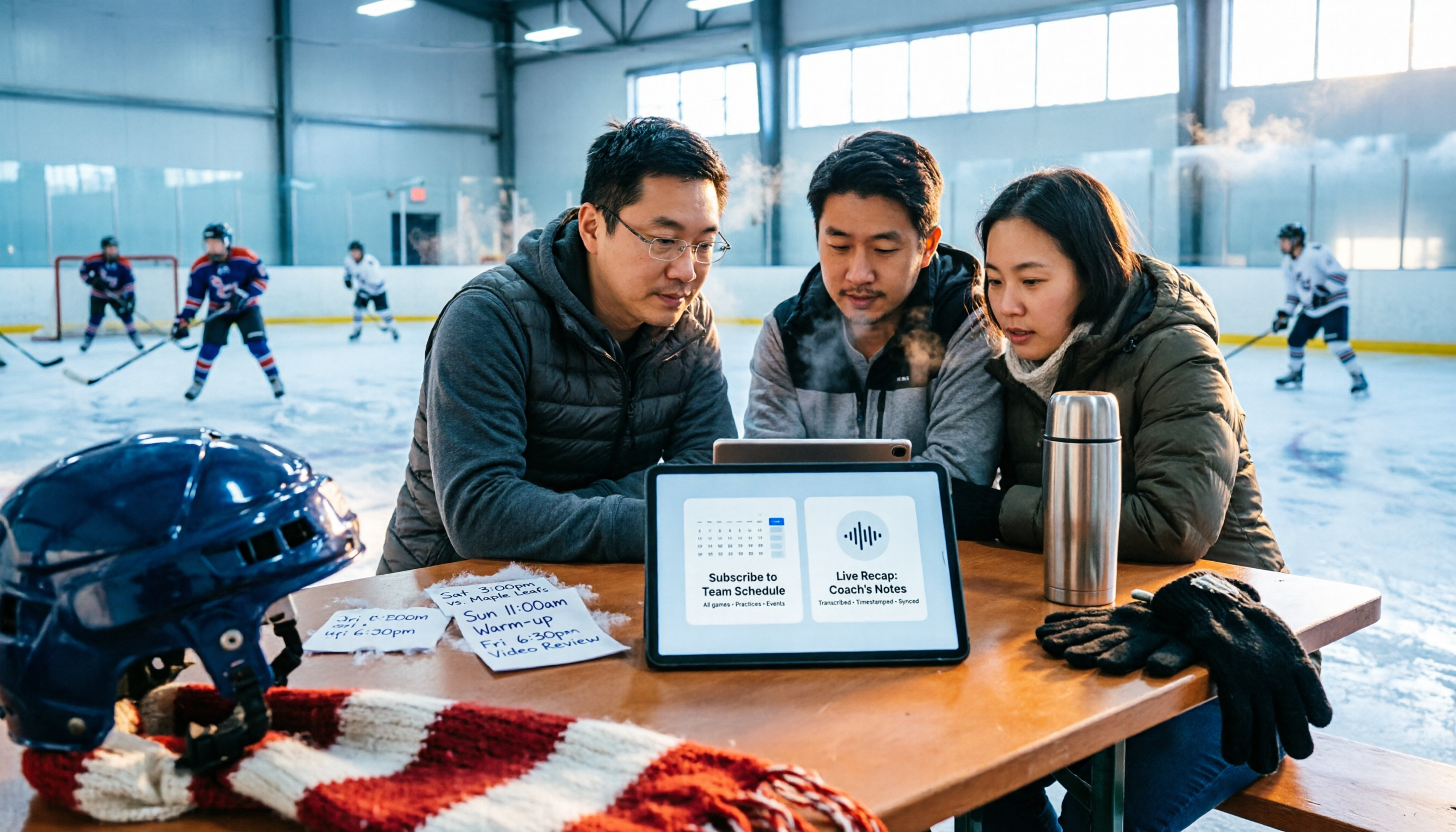
2026 Nottawasaga Hockey Tournament Schedule: Calendar Subscription & Pre-Game Meeting Notes
When searching for the 2026 Nottawasaga hockey tournament schedule, most people look for a 'full schedule' but end up with last year's info or hotel booking pages. This guide starts with common pitfalls, then shows how to confirm the organizer, subscribe to the calendar via webcal, track venues and live scores, and use Tinrec to turn pre-game meetings and coach discussions into trackable records.
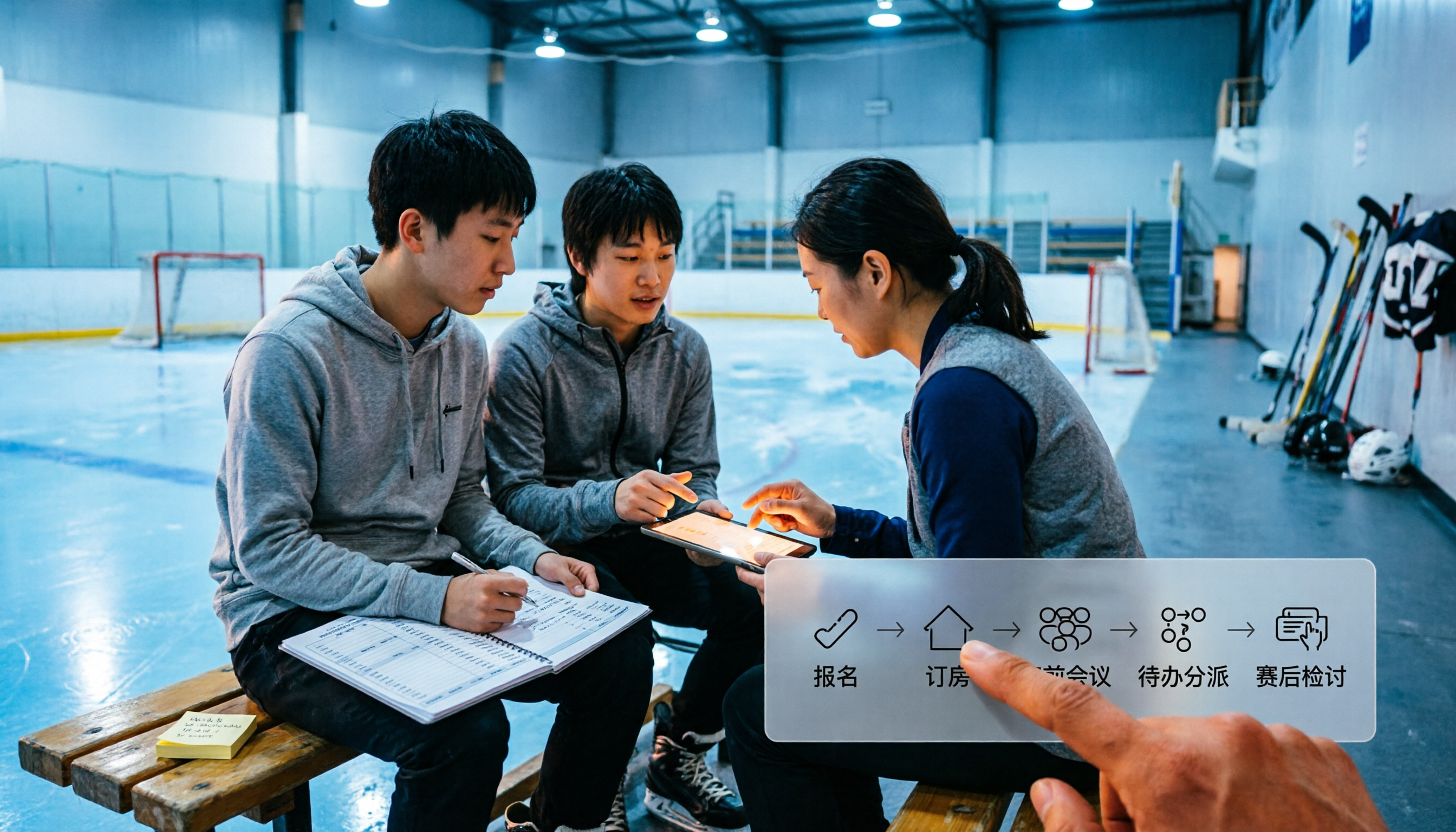
How to Coach at the 2026 Nottawasaga Hockey Tournament: 5 Steps from Registration to Post-Game Review
The Quest for the Cup youth hockey tournament (U9-U18) will be held at Nottawasaga Resort from July 24-26, 2026. This article uses 5 steps to connect registration, hotel booking, pre-game meetings, task assignment, and post-game reviews into a single workflow, and demonstrates how to use Tinrec to turn each meeting into searchable, transferable team data.
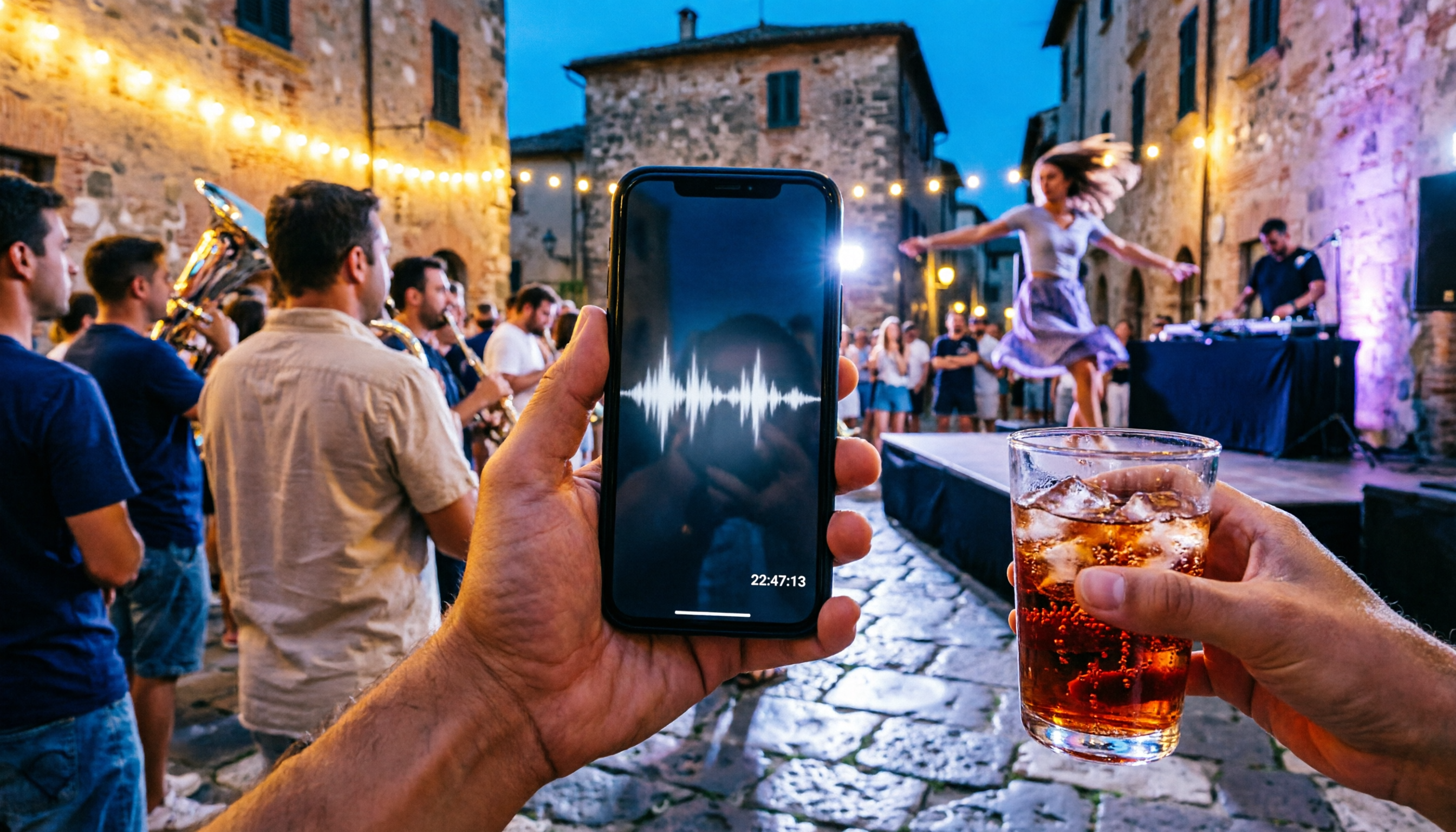
3 Recommended Summer Night Events in San Salvo 2025: Nottambula's 10th Edition Takes the Stage
Nottambula 2025's 10th edition drew thousands to San Salvo, with music, street performers, street bands, and DJ sets going late into the night. This first-person guide helps you decide whether it's worth adding to your Abruzzo itinerary, how to handle crowds, timing, transportation, and energy, plus alternative options for summer nights in San Salvo.

2026 Nottawasaga Hockey Tournament Schedule: 5 Free Ways to Check
There is no single public page for the 2026 Nottawasaga hockey tournament schedule. This guide covers 5 practical ways to find and organize it: league venue pages, calendar subscriptions, resort phone and email notifications, venue pages, and using Tinrec to turn game info and pre-game meetings into searchable, queryable data.

How to Find the 2026 Nottawasaga Hockey Tournament Schedule: 5 Steps to Master Ontario Event Info
A guide to finding the 2026 Nottawasaga hockey tournament schedule in Ontario: public info shows Aug 8-10, Nottawasaga Resort, U9-U18 AA/A/BB Select, but the full schedule should be confirmed with the organizer. The article walks you through 5 steps to verify the event, venue, lodging, and pre-game meeting notes, and explains how to use Tinrec to turn coach and parent meetings into action items.

5 Best Meeting Transcription Tools for 2026: Notta Pricing, Dcard Reviews, and Alternatives Compared
A breakdown of Notta pricing, free plan limits, and common Dcard discussions, plus a comparison of 5 meeting transcription tools including Tinrec, Otter, Fireflies, and TurboScribe—helping you decide if a free plan is enough and whether paid plans are worth it.

Tinrec vs Notta 2026: 5-Dimension Comparison — Which Is Better for Chinese Meetings and Team Knowledge Retention?
There's a lot of discussion about Notta on Dcard, but free minutes aren't the only standard. This article takes the perspective of a student group project and compares Tinrec and Notta across 5 dimensions: online meeting capture, Chinese-language experience, post-meeting organization, team governance, and post-meeting outputs. It also covers free tiers and budget recommendations.

2026 Nottawasaga Hockey Tournament Schedule: Complete Guide to Dates, Divisions, and Coaching Records
The 2026 Nottawasaga Hockey Tournament (Quest For the Cup preseason) takes place August 8–10 at Nottawasaga Inn Resort, featuring U9 to U18 AA, A, and BB/Select divisions. This guide covers event dates, venue, accommodations, and key verification points, and explains how Tinrec can turn pre-trip meetings, coach instructions, and post-game reviews into searchable, queryable, and transferable team documentation.

How to Use Notta for Chinese in 2026: Traditional Chinese Transcription Settings + 5-Step AI Summary Guide
A hands-on 5-step walkthrough of Notta's Chinese transcription workflow: language settings, recording method selection, transcript proofreading, generating summaries with Chinese prompts, and exporting for team use. Plus practical workarounds for the free plan's 3-minute limit and why I eventually switched my main workflow to Tinrec, with real-world team pricing tested.