

Turn recordings into transcripts and summaries in minutes
Upload audio or video for multilingual transcription, AI notes, and action items
2026 Comparison of 2 Meeting Transcription Tools: Otter Chinese Version vs. Tinrec — Which Is Better for Chinese Meetings?
Halfway through an online meeting, the speaker switches from English back to Chinese, and the slides are still full of English technical terms. After such a meeting, most people do not lack a recording—the recording is just sitting on their phone, and no one wants to open it and listen again.
Many people search for "Otter Chinese version," but what they really want to ask is three things: Can Otter produce Chinese transcripts? Can the interface be switched to Chinese? If not, is there a better option for Chinese meetings?
First, the conclusion: Otter has deep experience in English business meetings, but if your day-to-day meetings are mixed Chinese-English and you need to keep meeting materials within the team for continued use, Tinrec's overall workflow is closer to the habits of teams in Taiwan.
Quick Overview of Otter and Tinrec
Otter.ai is a mature AI meeting assistant whose core features are online meeting notes, speaker identification, AI summaries, and team management, with years of experience in English business scenarios.
Tinrec positions itself as an "AI meeting transcription and collaboration tool." In addition to transcription, it also handles summaries, chapters, action items, translation, AI Q&A, and team knowledge retention.
| Item | Otter.ai | Tinrec |
|---|---|---|
| Core positioning | AI meeting assistant | AI meeting transcription and team collaboration |
| Primary language scenarios | Centered on English business meetings | Chinese, Traditional Chinese, mixed Chinese-English, and multilingual meetings |
| Meeting capture methods | Meeting bot, desktop app, and other methods | Desktop version captures system audio without a bot |
| Free quota | Basic: 300 minutes per month | Free version offers a basic quota for trial |
| Team capabilities | Mature team and enterprise management | Team spaces, roles, seats, usage, and audit |
Next, I will compare them one by one across six dimensions: Chinese transcription, recording methods, real-time translation, post-meeting organization, team collaboration, and pricing quotas.
Dimension 1 | Chinese Transcription and Mixed Chinese-English
Otter's strength lies in English meeting transcripts and speaker identification, and its long-accumulated scenarios are also concentrated in English business communication. To use it smoothly in Chinese meetings, you usually need to first confirm language-related settings, and sentence segmentation and technical terms are more likely to show discrepancies when Chinese and English are mixed.
Tinrec, on the other hand, is designed with Chinese, Traditional Chinese, and mixed Chinese-English meetings as its primary scenarios, and additionally provides team hotwords so that internal terms such as product names and department codes can be maintained in advance.
Actual recognition performance is still affected by recording quality, accent, background noise, overlapping speech, and technical terminology; neither side should promise a fixed accuracy rate. It is best to test with a recording of one of your own meetings.
→ This dimension: For teams whose meetings are mainly in Chinese, Tinrec is closer to their needs.
Dimension 2 | Meeting Recording Methods: Do You Need to Invite a Bot into the Meeting Room?
Otter supports adding a meeting bot and also provides desktop capabilities. The advantage of a bot joining is a high degree of automation; the disadvantage is that an extra participant appears on the meeting list, and when meeting with external clients, you often need to explain it first.
Tinrec's desktop version directly captures computer system audio. When handling online meetings such as Zoom, Google Meet, Microsoft Teams, and Webex, it does not require an additional bot to join as a participant. Note that this does not mean it automatically joins all calendar meetings; users still need to actively open Tinrec to start recording.
→ This dimension: For those with many external meetings who do not want an extra bot name on the list, Tinrec is more convenient.
Dimension 3 | Real-Time Translation and Bilingual View
Otter has translation-related capabilities, but its overall operating logic is still centered on English meetings.
Tinrec allows switching between original text, translation, or bilingual view during recording, which lowers the comprehension cost for cross-language meetings, communication with foreign companies, or listening to English courses.
→ This dimension: For meetings where two languages alternate, Tinrec's bilingual view is more intuitive.
Dimension 4 | Post-Meeting Organization: Summaries, Chapters, Action Items, and AI Q&A
Otter provides summaries, action items, and AI Chat; this part is quite mature and is also why it has been adopted for years.
Stop organizing recordings by hand
Upload audio or video and automatically get a transcript, summary, and action items
Tinrec follows the same path but extends further: beyond transcripts, it also has summaries, chapters, key points, action items, and mind maps. You can continue asking questions about the meeting content, and use Agent post-processing to generate reports, tables, and documents, then export to tools such as Notion, Google Docs, OneNote, and Dropbox.
→ This dimension: Both can organize meetings, but Tinrec is more complete in the step of "directly producing work output after organization."
Dimension 5 | Historical Data and Team Collaboration
Otter's team and enterprise capabilities are mature, suitable for organizations already using English meeting workflows.
Tinrec's team edition is an independent team space, not multiple people sharing a personal account. Meeting data belongs to the team; you can create multiple team spaces, invite members via join links, set owners/admins/regular members, and allocate or revoke seats. Admins can also view usage trends, member rankings, maintain team hotwords, query and export audit logs, and recover accidentally deleted audio from the recycle bin.
There is a commonly misunderstood point here: roles and seats are two different things. Roles determine who can manage the team, while seats determine whether one can record, upload, edit, and export. Members without seats can still view, play, and read team data.
→ This dimension: For those who need Chinese meetings plus team governance, Tinrec's design is closer to the concept of "company assets."
Dimension 6 | Free Quota and Pricing
Otter's official pricing page shows: Basic free version 300 minutes per month; Pro annual billing is approximately USD 8.49/user/month, including 1,200 minutes of in-app recording per month and 10 file imports; Business offers unlimited meetings and in-app recording plus more management capabilities. Actual prices may be affected by promotions; refer to the official website.
Tinrec's personal edition is divided by usage rhythm into a free version, weekly card, Pro monthly card, and Pro annual card. For occasional transcription of a recording, the free version is enough. The team edition currently offers a 7-day trial for first-time eligible teams, 1 free seat, and 300 minutes of team shared import quota; monthly billing is USD 29.80/paid seat/month, annual billing is USD 199/paid seat/year, equivalent to about USD 16.58/month, with each paid seat providing 2,000 minutes of team shared import quota per month. Under an active team plan and active seats, real-time recording is currently not deducted by minutes. Prices and promotions are still subject to the official purchase page.
→ This dimension: Simply comparing free minutes is not the point; the point is whether your meetings involve more real-time recording or more file imports.
What Unique Advantages Does Each Have?
Tinrec's unique advantages:
- Chinese, Traditional Chinese, and mixed Chinese-English meetings as primary scenarios, with team hotword management for technical terms.
- Desktop version records without a bot, so no need to explain an extra participant in external meetings.
- After the meeting, you can continue using AI Q&A and Agent to generate reports and tables, and export to existing workflows.
- The team edition has spaces, roles, seats, usage, audit, and recycle bin, so data is not taken away when members leave.
Otter's unique advantages:
- Deep experience in English business meeting scenarios, with high acceptance among multinational teams.
- Mature meeting automation and integration ecosystem, suitable for organizations whose existing workflows are already built around Otter.
Conclusion: Which One Should You Choose?
• If your meetings are mainly in Chinese or mixed Chinese-English → Tinrec
• If you do not want a meeting bot to appear on the participant list → Tinrec desktop version
• If you need to directly produce minutes, reports, and tables after the meeting and export them → Tinrec
• If meeting data needs to stay with the team and you also need seat and usage management → Tinrec team edition
• If your team's meetings are almost entirely in English and you are already used to a meeting bot joining automatically → Otter will be smoother
In one sentence: Otter is a mature English meeting assistant, but the "Otter Chinese version" itself is not a separately branded product. What you really need to solve is Chinese meeting transcription and subsequent use. For most teams in Taiwan, Tinrec is a more complete choice. It is recommended to first use the free quota to test with a recording of your own meeting.
Finally, a reminder: recording and transcription involve personal data. Before the meeting, remember to obtain participants' consent in accordance with local regulations.
Frequently Asked Questions
Q1: Does Otter have a so-called "Chinese version"?
A: In most cases, it is not a separate Chinese app to download, but adjusting language and translation-related settings within the same Otter service. Its interface and operating experience are still centered on English business meetings.
Q2: Can Otter transcribe Chinese?
A: Otter has multilingual and translation-related capabilities, but actual Chinese recognition performance is affected by recording quality, accent, and the degree of mixed Chinese-English. It is recommended to test with your own meeting recordings.
Q3: Is Tinrec's free version enough?
A: If you only occasionally transcribe a recording or want to try the workflow first, the free version's basic quota is enough; for short-term intensive meetings, consider the weekly card, and for regular weekly use, Pro is suitable.
Q4: Does Tinrec require a meeting bot to join?
A: No. The desktop version directly captures computer system audio, so when handling meetings on Zoom, Meet, Teams, Webex, etc., there will not be an extra bot participant. However, you need to open Tinrec yourself to start recording.
Q5: How should the accuracy of Chinese meeting transcription be evaluated?
A: No tool should promise a fixed accuracy rate. Actual performance depends on recording quality, noise, accent, overlapping speech, and technical terminology. For important content, it is recommended to verify against transcript timestamps and recording playback.
Q6: Which one should be chosen for multiple team members?
A: If you only need multiple people to view transcripts, both can do it. If you need team spaces, role and seat management, usage analysis, and operation logs, Tinrec's team edition governance design is more complete.
References
Turn every recording into actionable outcomes
Get 60 free transcription minutes when you sign in. No credit card required.
Related Reading
You might also like

Otter.ai Chinese Review 2026: Traditional Chinese Limitations & Alternative Tools
Is Otter.ai Chinese version actually usable? This article examines three common misconceptions, explains that Otter officially lists only Simplified Chinese and that Otter Chat translation is not the same as transcription, and outlines four key factors for choosing a Chinese meeting tool, testing advice, pitfalls to avoid, and actual pricing. It also compares Tinrec, Otter.ai, Notta, and Granola for different use cases.

4 Meeting Transcription Tools Tested for 2026: Otter Means an Animal, But Which Tool Handles Chinese Meetings?
Otter means a water-loving mammal, but most people searching for it actually want Otter.ai, the meeting transcription tool. This article first clarifies the meaning and pronunciation of 'otter,' then compares Tinrec, Otter.ai, Notta, and TurboScribe for Chinese and Cantonese meetings—covering capture methods, post-meeting organization, and team collaboration—and highlights common pitfalls when choosing a tool.

How to Use Good Tape in 2025: 5-Step Guide to Transcribe Audio to Text
Good Tape is an AI transcription tool built by Danish news organization Zetland. It supports over 40 languages and can output timecoded transcripts and .srt subtitle files. This guide walks you through the 5 steps from uploading audio to exporting the final transcript, while also covering pricing, data retention policies, and limitations. It compares Tinrec, Notta, and TurboScribe to help you decide which tool fits your workflow.

4 Otter Chinese Tools Tested for 2026: How to Download and Which Handles Traditional Chinese Best
People searching for "how to download Otter Chinese" often fall into three traps: assuming there's a separate Chinese app, downloading APKs from third-party sites, and thinking Chinese works perfectly once installed. This article clarifies Otter.ai's official download channels and Simplified Chinese limitations, then compares Tinrec, Otter.ai, Notta, and TurboScribe across four buying criteria to help you find a solution that truly handles Traditional Chinese meeting notes.
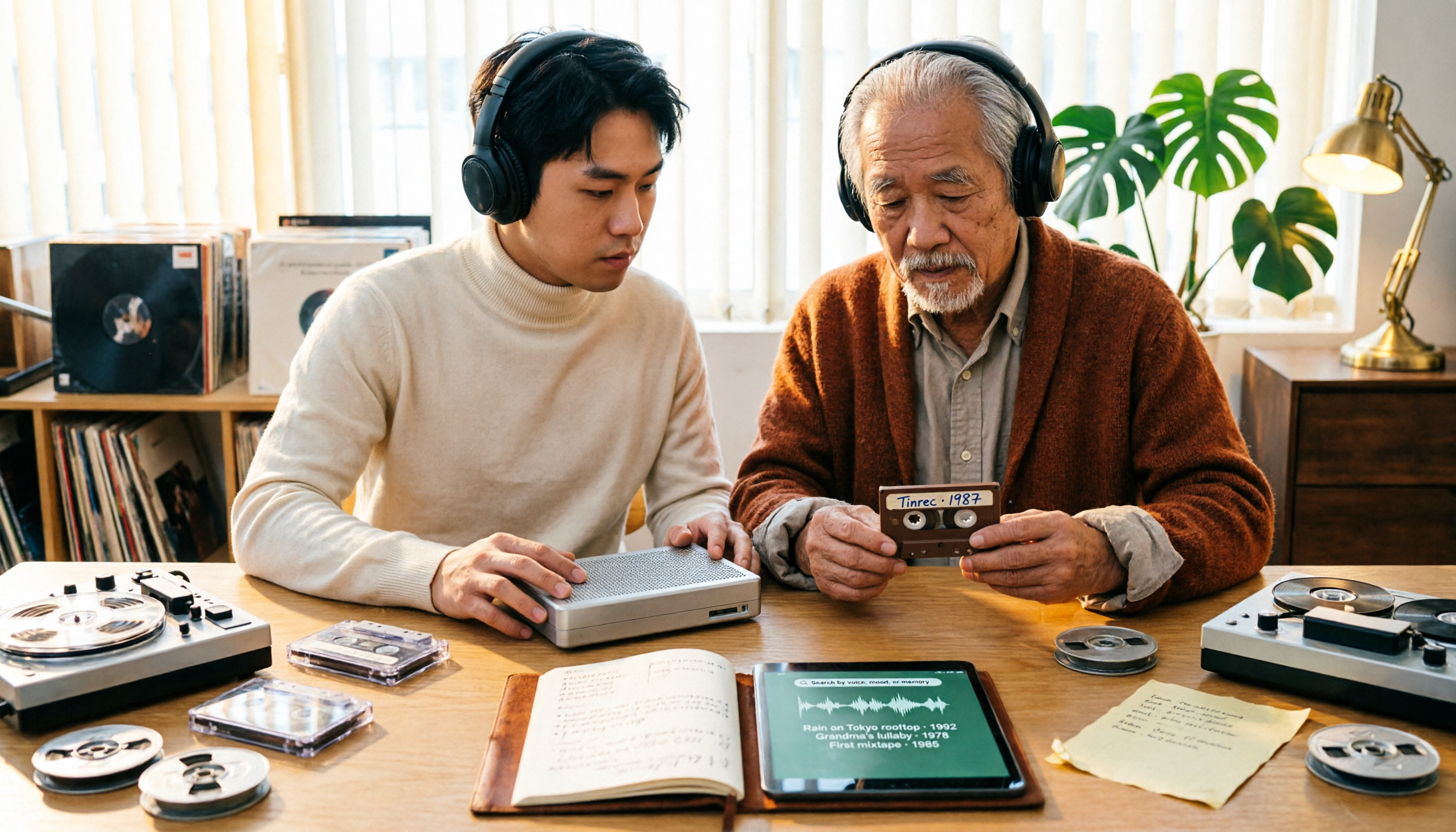
2026 Tapes Buying Guide: Reel-to-Reel, Cassette, and Live Recordings Compared
People searching for '2026 good tapes' fall into three groups: audiophiles looking for reel-to-reel tapes, music fans seeking cassette releases, and collectors hunting for live bootleg recordings. This guide breaks down the buying criteria for each type, then covers the most overlooked step—how to turn recordings into searchable, queryable data—and compares Tinrec, Granola, TurboScribe, and Otter.ai.

3 Meeting Transcription Tools Tested: How to Use Otter in Chinese and Which Understands Chinese Meetings Best?
People searching for 'otter Chinese' have two different needs: the literal meaning of the animal, and whether Otter.ai can handle Chinese meetings. This article clarifies common misconceptions and compares Otter.ai, Notta, TurboScribe, and Tinrec across four dimensions: Chinese recognition, meeting capture methods, post-meeting outputs, and team governance, to help you decide which tool truly suits Chinese meetings.
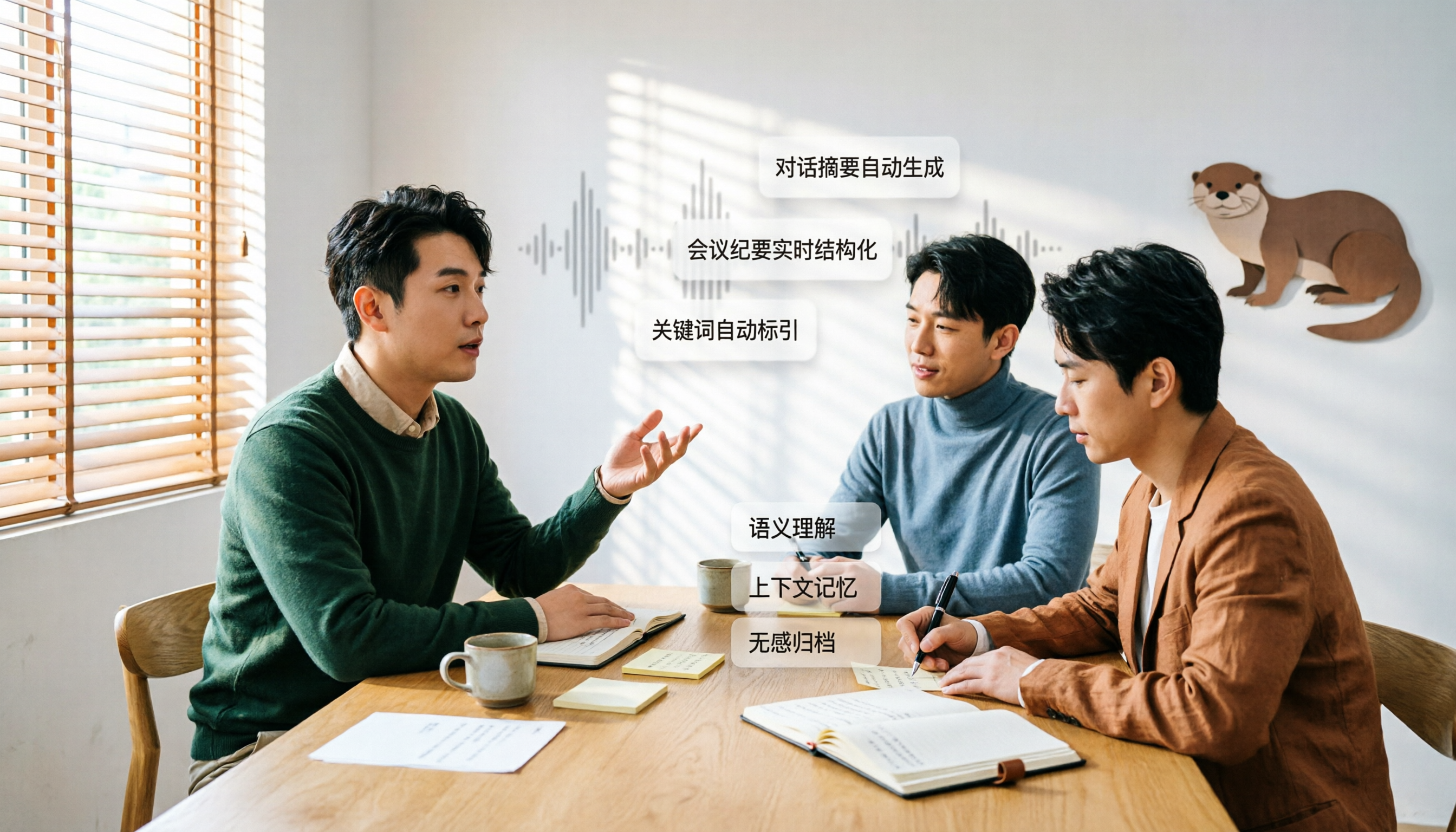
Otter in Chinese: Translation Guide, Meanings & 3 Practical Use Cases (2026)
Searching for 'otter in Chinese' returns multiple meanings: otter (水獺), sea otter (海獺), otter fur (水獺皮), and even the brand name Otter.ai. This guide clarifies the translations first, then explains what Chinese-speaking users should know if they're looking for the meeting tool Otter, and how Tinrec performs for Chinese meetings, bot-free recording, and team knowledge retention.

3 Meeting Transcription Apps Tested in 2026: Otter's Chinese Support and Download Options Explained
People searching for 'Otter Chinese how to download' often hit the same wall: the app downloads fine, but it can't produce usable Chinese meeting transcripts. This article first clarifies Otter.ai's download channels and official language support, then compares Tinrec, Otter.ai, Notta, and Granola using 4 key buying criteria, and finally gives clear recommendations based on different scenarios.

2026 Comparison of 3 Audio-to-Text Tools: Good Tape vs. Tinrec — Which Saves More Time on Chinese Transcripts?
People searching for Good Tape usually want more than just converting audio to text. This article compares two approaches—file transcription and meeting organization—and contrasts Good Tape, Tinrec, and Notta on Chinese transcripts, post-meeting summaries, action items, and team collaboration. It also covers quotas, pricing, and data storage considerations to help you choose the tool that fits your workflow.