

Turn recordings into transcripts and summaries in minutes
Upload audio or video for multilingual transcription, AI notes, and action items
Why Most People Get Client Visit Notes Wrong
I've seen many sales teams' visit notes, and the problem usually isn't that they didn't take notes—it's that they noted things at the wrong time.
The most common approach is this: after the visit, walking out of the client's office, back in the car or on the subway, while memory is still fresh, you open a phone memo or CRM and add a few lines. Sounds reasonable, but the reality is—you're writing down 'what you remember,' not 'what the client said.'
The budget range the client casually mentioned, the person who's actually the bottleneck in the procurement process, the hesitation in their voice when they said 'we'll look into this further'—these details are probably half gone during the 40-minute drive back to the office.
Another common misconception is treating visit notes as a 'report for the boss.' As a result, the content is bland and has all the required fields, but it loses the context that's truly needed for the next visit.
A more reasonable approach is to move the recording action to the moment of the visit: while you're talking, the content is being transcribed; by the end of the visit, the summary and action items are already there. You only need a few minutes to review, not half an hour to recall.
That's also the topic of this article: how to choose a client visit recording platform, and the differences between several common tools in real visit scenarios in 2026.
How to Choose a Client Visit Recording Platform? 5 Evaluation Dimensions
1. Can You Start Recording 'Seamlessly' at the Visit?
Client visits don't happen in a conference room on Zoom. You might be in the client's meeting room, on a factory floor, in a café, or even chatting while standing at the door.
So the first thing to look at is how many steps it takes from 'thinking about recording' to 'starting to record.' If you have to set up equipment, connect Bluetooth, and open a folder first, you'll look flustered in front of the client.
2. Recognition Performance for Chinese and Mixed Chinese-English
Business conversations in Taiwan are rarely pure Chinese. 'Let's review this spec next week,' 'The budget is around 2 million, but it depends on the CFO's sign-off'—such sentences are very common.
When choosing a tool, you can directly test it with a real recording of your own visit; that's more accurate than looking at any spec sheet. Also remember that transcription quality is affected by recording quality, ambient noise, accents, and multiple people speaking at once. No tool can guarantee a fixed accuracy rate.
3. After the Visit, Do You Get a Transcript or 'Something Usable'?
If you only have a transcript, it means you still have to read through an hour-long conversation again.
Ideally, beyond the transcript, the tool automatically generates a summary, chapters, key points, and action items. What sales visits need most are action items—who promised what, when to give a quote, who should attend next time.
4. Where the Data Ultimately Lives
This point doesn't matter for personal use, but it becomes painful when scaled to a team.
If each salesperson's visit recordings sit on their own phone, then when there's staff turnover, handover, or a manager wants to review a key visit from three months ago, the data essentially doesn't exist.
5. Can It Integrate into Your Existing Workflow?
Visit notes aren't the end point. They usually need to become background material for a quote, a CRM note, or the proposal outline for the next visit. So it's worth checking the export formats and which tools you can export to.
2026 Comparison of 5 Client Visit Recording Platforms
Let's first talk about positioning differences, because these tools aren't actually the same type of product.
Tinrec is positioned as an AI meeting notes and team collaboration tool. The desktop version directly captures computer system audio, so no extra bot needs to join when recording online meetings; the mobile app can record and transcribe in real time, suitable for offline visits. After transcription, it generates summaries, chapters, and action items, and supports AI Q&A, multi-format export, and team spaces.
Otter.ai is a mature AI meeting assistant, well-known for English business meetings. The Basic free plan offers 300 minutes per month (according to the official pricing page). If most of your clients communicate in English and meetings are online, it's a very intuitive choice.
Fireflies.ai excels in meeting automation, meeting bots, and extensive third-party integrations. Annual Pro is USD 10/seat/month (according to the official pricing page). Suitable for sales teams with highly automated processes.
Notta overlaps significantly with Tinrec, covering multi-platform transcription, meeting notes, file import, and translation. The free plan offers 120 minutes per month, with a maximum of 3 minutes per single item (according to the official pricing page).
Granola is a bot-free AI meeting notes tool that emphasizes 'user handwritten notes + AI enhancement,' but does not support uploading pre-recorded audio files and does not save meeting audio (according to official documentation). Suitable for people who prefer typing while listening.
Stop organizing recordings by hand
Upload audio or video and automatically get a transcript, summary, and action items
In Visit Scenarios, I Pay Special Attention to These Aspects
Recording Entry Point for Offline Visits
Tinrec's mobile app can transcribe while recording, with text appearing on screen simultaneously. During visits, I place it on the table; what the client sees is 'someone taking notes,' which actually makes them feel the conversation is valued.
Note that it's best to get the other party's consent before recording and comply with local regulations. This is not just a compliance issue but also a trust issue.
Handling Mixed Chinese-English
Tinrec supports Chinese, Traditional Chinese, and multilingual meeting scenarios, and offers a team hotwords feature where you can maintain internal product codes and proper nouns to reduce recognition gaps.
Actual performance is still affected by recording quality. For important numbers, it's recommended to cross-check with the transcript timestamps and recording.
Post-Visit Action Items Are the Real Value
This is the part I find most useful. After the visit, Tinrec extracts action items from the conversation. You no longer need to recall 'did the client want us to provide samples first or a quote first?'
Even better is AI Q&A—just ask 'What was the client's budget cap?' or 'What concerns did the client raise during this visit?' and it answers based on the content, without manually flipping through twenty pages of transcript.
Cross-Platform Is More Important Than You Think
Client visits often involve offline discussions followed by online follow-ups. Tinrec's desktop version can directly capture computer system audio, handling meetings on Zoom, Google Meet, Microsoft Teams, Webex, etc., without inviting an extra bot to join.
Note that this does not mean 'automatically joining all calendar meetings,' nor is it an official partnership with these platforms. In practice, the user actively opens Tinrec to start recording.
Personal or Team Plan? Depends on Who Will Use Your Visit Notes
Many people get stuck on this question. My advice is to decide based on 'who needs to see the data.'
Only for yourself: Start with the free plan. Tinrec's free plan provides a basic quota to experience recording, import, summaries, and transcription. If you only occasionally organize a visit recording, that's enough. For short-term intensive visits or interviews, consider a weekly pass; for steady weekly needs, the Pro monthly or annual plan is more suitable.
For the team: Then you can't rely on personal accounts alone. Tinrec's team plan is a separate team space, focusing on several things:
- Meeting data belongs to the team, not the individual uploader
- You can create multiple team spaces and invite members via join links
- Roles (who can manage the team) and seats (who can record, upload, edit, export) are separate concepts
- Members without a seat can still view, play, and read team data, but cannot perform uploads, edits, exports, etc.
- Provides usage analytics, audit logs, team hotwords, and audio recycle bin
When a member leaves or is removed, their team resources need to be handed over to other active members—this is especially critical for sales teams, so client data doesn't leave with the person.
Current internal product configuration: first eligible team trial for 7 days, 1 free seat, 300 minutes of team shared import quota; team monthly USD 29.80/paid seat/month, annual USD 199/paid seat/year; paid seats provide 2,000 minutes of team shared import quota per month. Under an active team plan, real-time recording currently does not deduct minutes; file and web imports use the team shared quota.
Please refer to the official purchase page for prices, currencies, and promotional details.
Also to clarify: Tinrec's team plan is currently primarily team-level sharing, with roles controlling governance and seats controlling usage eligibility; it is not a file-level granular permission system. Confirm this meets your management needs before choosing.
FAQ
Q: What's the difference between a client visit recording platform and a CRM?
A CRM manages the overall progress of customer relationships, while a visit recording platform manages 'the content of this conversation.' The two can complement each other: after organizing visit content into transcripts, summaries, and action items, you can export to Notion, Google Docs, OneNote, Dropbox, etc. for further use. Tinrec should not be understood as a complete CRM automation system.
Q: Will clients be uncomfortable if I record during a visit?
In practice, explaining the purpose first (e.g., 'I'll record this so I don't miss details when confirming later') usually has decent acceptance. But be sure to comply with local regulations and obtain consent when needed.
Q: Is Chinese recognition accurate?
Tinrec covers Chinese, Traditional Chinese, and multilingual scenarios, and supports real-time translation and bilingual viewing. However, any tool's performance is affected by recording quality, noise, accents, overlapping speech, and technical terminology. It's recommended to test with your own actual recordings. For important information, still cross-check with the original text and recording playback.
Q: Can deleted visit recordings be recovered?
The team plan provides an audio recycle bin, which can be restored before permanent cleanup begins; the current retention period is 30 days. Note that action items are not covered by the recycle bin.
Q: Is the free plan enough?
If you only occasionally organize one or two visit recordings, the free plan is a good start. When you find yourself using it every week and needing to accumulate historical data, upgrading will make more sense.
Q: If a team member leaves, will their recorded visit data disappear?
No, it won't be taken away by the individual. Team resources belong to the team. When a member leaves, is removed, or loses their seat, their team resources need to be handed over to other active members. This is exactly the biggest difference between a team plan and shared personal accounts.
Conclusion: When Would I Recommend Tinrec for Visit Notes
If you meet these conditions, Tinrec is worth a try:
First, your visit scenarios are half offline and half online, and you need one tool to handle both. Second, client communication is mainly in Chinese or mixed Chinese-English. Third, you want more than a transcript—you want summaries, action items, and follow-up Q&A ready by the end of the visit. Fourth, the team needs to retain this data rather than having it scattered across individual phones.
Start with the free plan and test it on your next visit—that's more direct than reading any review.
References
Turn every recording into actionable outcomes
Get 60 free transcription minutes when you sign in. No credit card required.
Related Reading
You might also like
5 iPhone LINE Call Recording Methods Tested for 2026: Which One Actually Captures Both Sides?
Want to record LINE calls on iPhone? Methods range from using another phone to iOS 26 native capture, but recordings often end up with only one side or silence. This article compares 5 common methods, explains 4 key points to check before buying, how to use Tinrec (my top pick after testing), the positioning of 3 alternatives, and 4 common pitfalls.

2026 Comparison of 2 Transcription Tools: Yating vs. Tinrec — Which Is Better?
Which is better, Yating or Tinrec? This hands-on comparison covers 5 dimensions: speaker diarization, post-meeting organization, meeting recording methods, free quotas, and team collaboration. We also summarize each tool's unique strengths and ideal use cases to help you decide which one to use.

2026 Comparison of 3 Client Visit Record Tools: From Manual Forms to AI-Generated Visit Reports
Should you use cloud forms, transcription tools, or AI meeting notes for client visit records? This article starts with the most time-consuming task after a sales visit—documentation—and compares 101Form/101EIP cloud forms, Notta, Otter.ai, and Tinrec in terms of field design, audio-to-transcript conversion, AI summaries, and team knowledge retention. It also outlines 4 key purchasing criteria and 4 common mistakes to help you choose the right tool within your budget.

2026 Comparison of 3 Client Visit Recording Methods: Online Forms, Audio Transcription, or AI Meeting Tools—Which Saves the Most Time?
After a client visit, do you have to wait until you're back at the office to fill in the details? This article compares two approaches: an online client visit record form (using a form platform like 101Form as an example) and Tinrec audio recording. It examines six dimensions—recording in the moment, content completeness, post-meeting action items, historical search, team collaboration, and cost—to help you determine which one truly fits your visit rhythm.
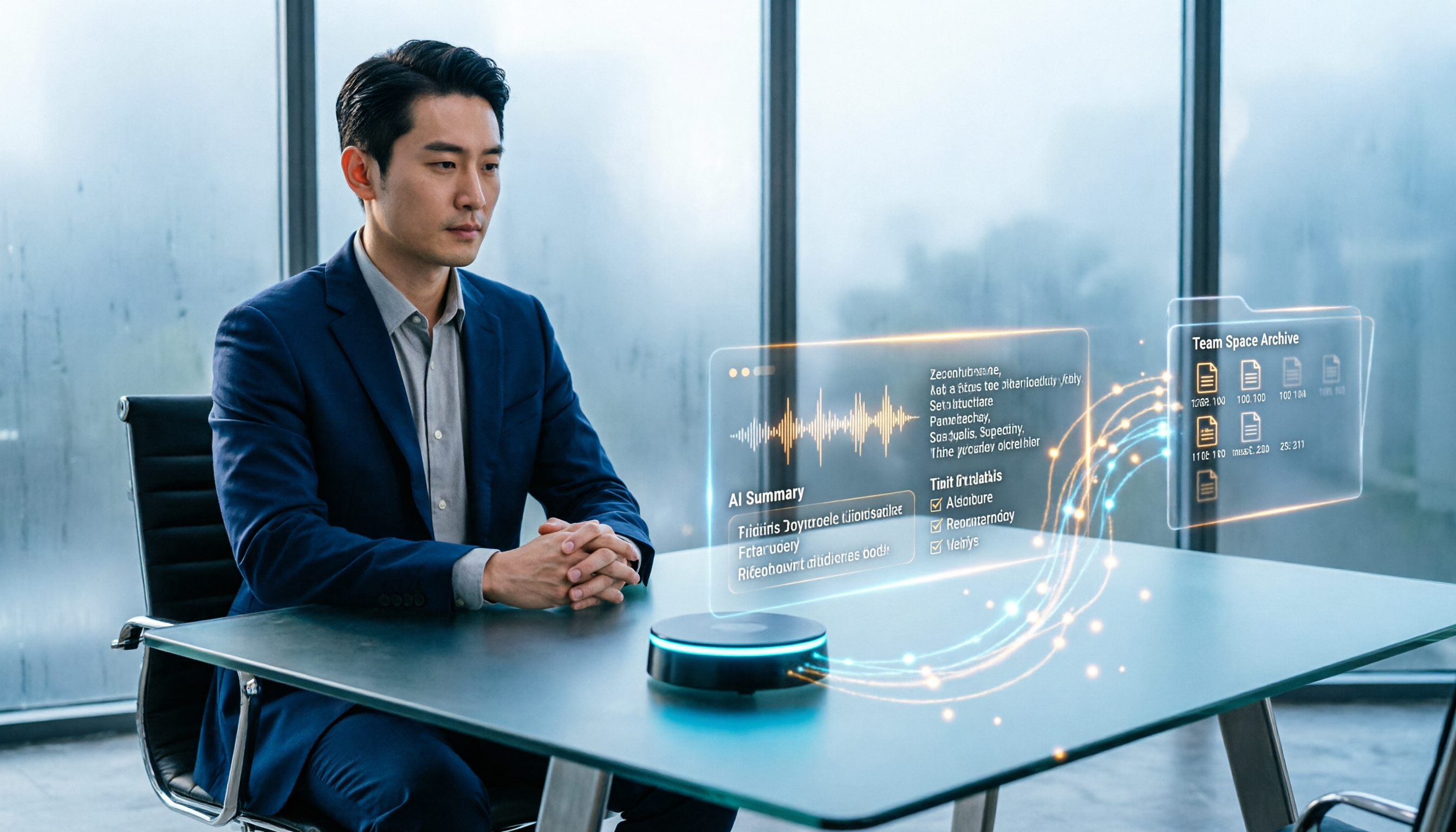
How to Create Customer Visit Records Online in 2026: Record, Transcribe, and AI Summarize Action Items
Still writing customer visit records after you get back in the car and forgetting all the details? This guide walks through the complete workflow using Tinrec: record during the visit, transcribe in real time, generate AI summaries and action items, and export to your team space—5 steps to turn every visit into a trackable record.

How to Organize Client Visit Notes in 2026: 5 Steps from Recording to Team Database
Client visit notes aren't done just because you recorded them. This article breaks down the 5-step process from recording, transcription, and summary to-dos to a team database, and compares Tinrec, Granola, Notta, and PLAUD in client visit scenarios to help you choose the right tool and method.

2026 Complete Guide to Client Visit Recording Software: Costs, Features, and 3 Tools Tested
How to calculate the cost of client visit recording software without wasting money? This guide starts with the three most common pitfalls, breaks down the differences between free quotas, per-seat pricing, and annual discounts, tests Tinrec's performance in mobile recording, bot-free online meeting recording, and post-meeting AI Q&A, and compares the pricing and use cases of Notta, Granola, and PLAUD.

Tinrec vs Traditional Online Forms in 2026: 5-Dimension Comparison for Client Visit Records
Should client visit records be captured with online form fields or with a recording tool that preserves exact quotes? This article compares Tinrec and traditional electronic forms across 5 dimensions—searchability, post-meeting action, team knowledge retention, cost, and more—plus a pitfalls guide and selection advice to help you make a purchasing decision.

Yating Transcript vs Tinrec: 5-Dimension Comparison for 2026
Yating Transcript or Tinrec? This comparison covers Chinese and Taiwanese accent recognition, how to record online meetings, what you get after transcription, free quotas and pricing, and team collaboration across five dimensions to help you decide whether to stick with Yating or switch to Tinrec, which turns meetings into minutes and action items.