
Turn recordings into transcripts and summaries in minutes
Upload audio or video for multilingual transcription, AI notes, and action items
5 iPhone LINE Call Recording Methods Tested for 2026: Which One Actually Captures Both Sides?
Why Your LINE Call Recordings Often Have No Sound
"Two-hour call, then two more hours listening to it again"—that's the daily grind for many office workers.
What's worse is when you finally record a call, only to find your own voice or complete silence.
I've seen three common approaches, each with its own pitfalls.
The first is using another phone to record nearby. Meeting rooms have air conditioning noise and keyboard clicks; you have to turn up the volume to hear clearly, and the farther the voices, the lower the transcription accuracy.
The second is buying a voice recorder or magnetic recorder. It works, but costs extra money, requires carrying extra gear, and if you forget it, it's useless.
The third is using screen recording. Many people only realize after recording that the audio source wasn't set to the microphone, resulting in a silent video—this is the most frustrating because you didn't even know it wasn't recording.
The problem usually isn't clumsiness; it's choosing the wrong method from the start.
4 Key Points to Understand Before Recording LINE Calls on iPhone
1. Can iPhone Natively Record LINE Calls?
This is the most confusing question this year.
One camp says that after iOS 26, "native capture" can handle voice from third-party communication apps; another camp's tests indicate that iPhone's built-in call recording still mainly targets regular phone calls, and third-party apps may not be captured.
My advice is simple: don't rely on online reposts; make a 30-second test call yourself to confirm. If it captures both sides, then use it for important content.
Also, even if it records, you'll likely need to use speakerphone for clear audio; during recording, try to prevent the screen from sleeping to avoid the system interrupting the process to save power.
2. Does It Capture Both Sides?
This is the first threshold for judging a method.
Recording via speakerphone captures "sound in the air," including ambient noise, echo, and overlapping speech.
Capturing system audio directly takes the device's audio output, which is much cleaner, but depends on whether the tool supports it.
Before buying a solution, ask clearly which type it captures.
3. Can You Use the Recording Directly Afterward?
Honestly, a 60-minute recording has very low information density.
To find a key conclusion, you have to fast-forward and re-listen; to organize action items, you have to take manual notes. The recording itself isn't the end goal.
So when I evaluate a solution now, I first check if it offers transcription, summaries, action item extraction, and ideally lets me ask questions directly about the content.
4. Personal Occasional Use or Team Sharing?
Recording once in a while versus recording regularly every week and sharing with colleagues are two different things.
If you need multiple people to share meeting data, check if it has team spaces, role and seat management, and usage statistics.
Using a personal tool to meet team needs usually ends up with everyone passing files around.
Tinrec (秒聽錄音) — My Top Pick After Testing
Tinrec (秒聽錄音) is an AI meeting notes and collaboration tool for individuals and teams, supporting iOS, Android, and web, with a desktop version that can directly handle online meetings on computers.
What first impressed me: no extra hardware needed, and no meeting bot to invite into the room.
It captures text during the call. Switch LINE call to speakerphone, start real-time recording on Tinrec on your phone, and get live transcription as you talk. No need to re-listen to the whole call afterward; just read the text.
Computer calls are even easier. If you're using LINE on a computer, Tinrec desktop captures the device's system audio to record online meetings, without needing an extra bot to join. The same method works for Zoom, Google Meet, Microsoft Teams, Webex, and other platforms. Note that recording is initiated manually by the user, not automatically joining every meeting on your calendar.
The real time-saver is after the meeting. After recording, the system automatically generates summaries, chapters, and action items; you can also continue asking questions about the meeting, such as "What was the client's budget cap?" or "Who is responsible for next week's proposal?" It answers based on semantics, not just a bunch of keywords. This is rare in this price range.
Stop organizing recordings by hand
Upload audio or video and automatically get a transcript, summary, and action items
The same content can be converted into reports, tables, and documents, or exported to Notion, Google Docs, OneNote, Dropbox for further processing.
Team features are also complete. The team version is a separate team space, not multiple people sharing one account. You can create multiple teams, invite members via link, set owners/admins/regular members, and assign or revoke seats. Team data belongs to the team; when a member leaves, resources must be transferred to other active members, not taken personally. Admins can also see usage trends, member rankings, audit logs, and an audio recycle bin (currently retained for 30 days, allowing recovery of accidentally deleted files). Additionally, team hotwords can maintain company terminology, which helps recognition.
Pricing as listed: Team monthly USD 29.80 per paid seat per month; annual USD 199 per paid seat per year, about USD 16.58 per month. Eligible teams get a 7-day trial, 1 free seat, and 300 minutes of shared team import quota; paid seats include 2,000 minutes of shared import quota per seat per month. Real-time recording currently does not deduct minutes under an active plan; file and web imports use the shared team quota. Personal plans include a free version, weekly card, Pro monthly, and annual card—choose based on usage frequency.
Limitations to note: The free version has basic quota; heavy users will need to pay. Also, I won't guarantee a fixed accuracy rate—actual performance depends on recording quality, accent, ambient noise, overlapping speech, and technical terms. For important amounts, dates, and names, always verify against the original.
Who it's for: People who frequently need to turn calls or meetings into searchable data, want to use AI to find key points after meetings, or need to preserve meetings for their team.
What Other Options Are There Besides Tinrec?
Notta: Comprehensive multilingual transcription and translation. Free version offers 120 minutes per month, max 3 minutes per session; Pro annual is about USD 8.17 per month with 1,800 minutes per month. If your main need is "quickly convert existing audio files to text," it's sufficient; but for asking follow-up questions about meeting content or turning data into a collaborative team space, Tinrec is more complete.
PLAUD Note / NotePin: Hardware-focused representatives. NotePin priced at USD 159, Note Pro at USD 189; memberships range from 300 minutes per month to unlimited at USD 239.99 per year. Suitable for people who often record on the go and don't mind carrying an extra device; if you don't want another device and want to handle online meetings on a computer, Tinrec's pure software multi-platform approach is easier.
Otter.ai: A veteran choice for English business meetings. Basic free offers 300 minutes per month; Pro annual is about USD 8.49 per user per month, including 1,200 minutes and 10 file imports. If 90% of your content is in English, it's a good deal; but for Chinese meetings and Traditional Chinese contexts, Tinrec's experience is closer to the needs of Taiwanese users.
Pitfall Guide: 4 Most Common Mistakes When Recording LINE Calls
Pitfall 1: Testing only once before going live. System version, device model, and audio source settings all affect results. Before an important meeting, make a 30-second test call to confirm both sides are captured.
Pitfall 2: Assuming screen recording always captures sound. If the audio source isn't set to "Microphone" or "Microphone and System Audio," you'll get a silent movie. Play back 5 seconds after recording to confirm.
Pitfall 3: Treating the recording file as meeting notes. Recording isn't the same as organizing. Instead of storing a bunch of files nobody re-listens to, choose a tool that automatically generates summaries and action items, turning recordings into usable data.
Pitfall 4: Ignoring notification and legal requirements. Let the other party know before recording, and obtain consent when necessary—this is not just courtesy but also a legal requirement in many regions.
Conclusion: Which One Should You Use?
To sum up: if the purpose of recording is "to use it after the meeting," Tinrec is my top recommendation as a starting point; if you just occasionally want to save an audio file, iPhone's built-in or screen recording is enough.
Suggested breakdown:
- Want transcription + summary + action items all in one → Tinrec
- Need to record LINE, Zoom, Meet, Teams on a computer → Tinrec desktop (no bot joining)
- Need team sharing of meeting data, seat and usage management → Tinrec team version
- Have a bunch of old audio files to batch convert to text → Tools like Notta or TurboScribe are more suitable
- Often record on the go and want a standalone device → PLAUD series
- Content is almost entirely English meetings → Otter.ai
My advice is to first use the free quota on a real call. After recording, open the transcript and ask it "What was decided in this call?"—you'll know you can't go back to manual organizing.
References
Turn every recording into actionable outcomes
Get 60 free transcription minutes when you sign in. No credit card required.
Related Reading
You might also like

2026 Comparison of 2 Transcription Tools: Yating vs. Tinrec — Which Is Better?
Which is better, Yating or Tinrec? This hands-on comparison covers 5 dimensions: speaker diarization, post-meeting organization, meeting recording methods, free quotas, and team collaboration. We also summarize each tool's unique strengths and ideal use cases to help you decide which one to use.

2026 Comparison of 5 Client Visit Recording Platforms: Which One Turns Visit Notes into Trackable Team Data?
The most common mistake in client visit notes is writing them from memory in the car on the way back to the office. This article starts from real sales visit scenarios, outlines 5 evaluation dimensions, and compares Tinrec, Otter.ai, Fireflies.ai, Notta, and Granola on visit note-taking. It also explains how to choose between personal and team plans.

2026 Comparison of 3 Client Visit Record Tools: From Manual Forms to AI-Generated Visit Reports
Should you use cloud forms, transcription tools, or AI meeting notes for client visit records? This article starts with the most time-consuming task after a sales visit—documentation—and compares 101Form/101EIP cloud forms, Notta, Otter.ai, and Tinrec in terms of field design, audio-to-transcript conversion, AI summaries, and team knowledge retention. It also outlines 4 key purchasing criteria and 4 common mistakes to help you choose the right tool within your budget.

2026 Comparison of 3 Client Visit Recording Methods: Online Forms, Audio Transcription, or AI Meeting Tools—Which Saves the Most Time?
After a client visit, do you have to wait until you're back at the office to fill in the details? This article compares two approaches: an online client visit record form (using a form platform like 101Form as an example) and Tinrec audio recording. It examines six dimensions—recording in the moment, content completeness, post-meeting action items, historical search, team collaboration, and cost—to help you determine which one truly fits your visit rhythm.
How to Create Customer Visit Records Online in 2026: Record, Transcribe, and AI Summarize Action Items
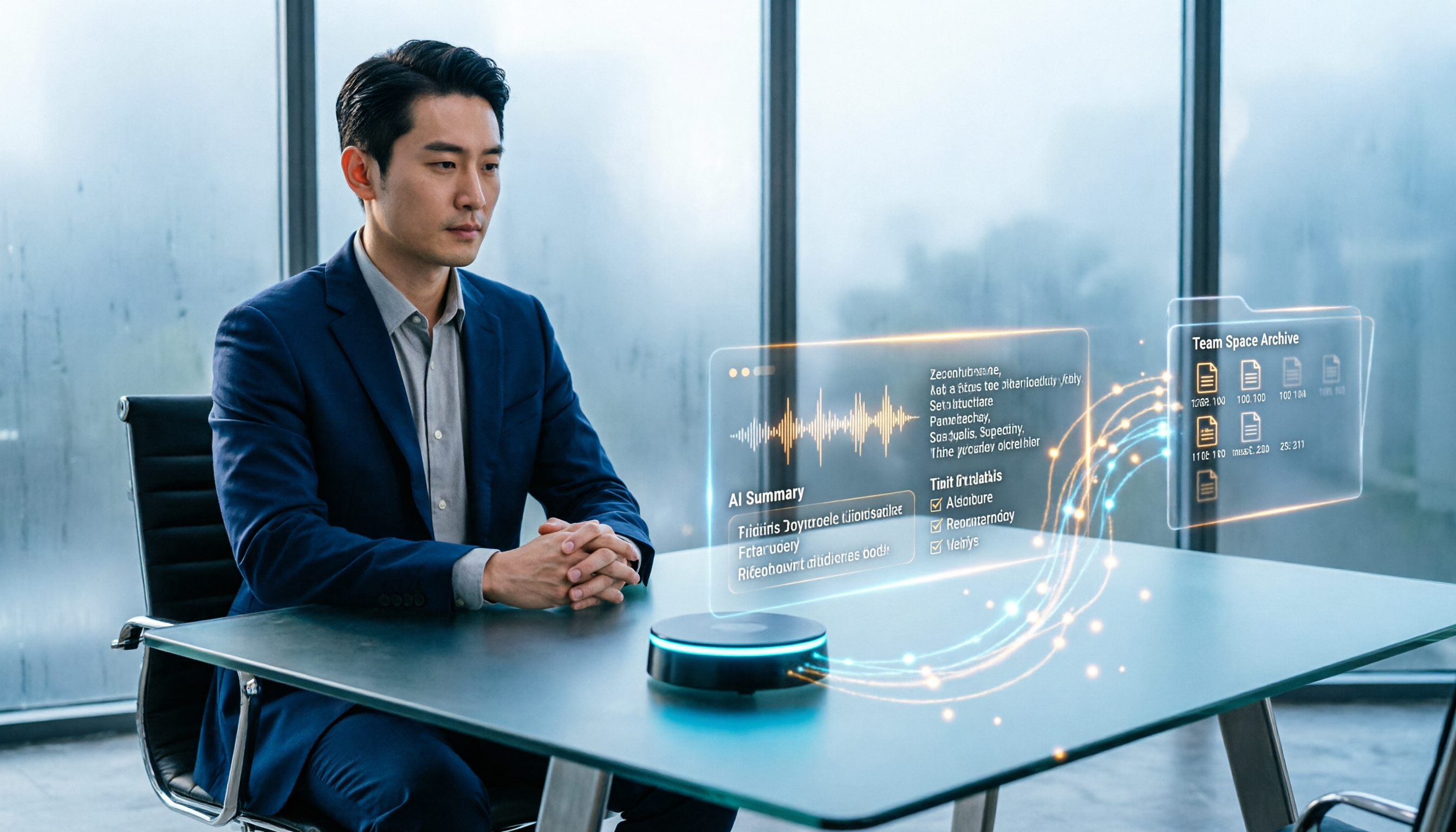
Still writing customer visit records after you get back in the car and forgetting all the details? This guide walks through the complete workflow using Tinrec: record during the visit, transcribe in real time, generate AI summaries and action items, and export to your team space—5 steps to turn every visit into a trackable record.

How to Organize Client Visit Notes in 2026: 5 Steps from Recording to Team Database
Client visit notes aren't done just because you recorded them. This article breaks down the 5-step process from recording, transcription, and summary to-dos to a team database, and compares Tinrec, Granola, Notta, and PLAUD in client visit scenarios to help you choose the right tool and method.

2026 Complete Guide to Client Visit Recording Software: Costs, Features, and 3 Tools Tested
How to calculate the cost of client visit recording software without wasting money? This guide starts with the three most common pitfalls, breaks down the differences between free quotas, per-seat pricing, and annual discounts, tests Tinrec's performance in mobile recording, bot-free online meeting recording, and post-meeting AI Q&A, and compares the pricing and use cases of Notta, Granola, and PLAUD.

Tinrec vs Traditional Online Forms in 2026: 5-Dimension Comparison for Client Visit Records
Should client visit records be captured with online form fields or with a recording tool that preserves exact quotes? This article compares Tinrec and traditional electronic forms across 5 dimensions—searchability, post-meeting action, team knowledge retention, cost, and more—plus a pitfalls guide and selection advice to help you make a purchasing decision.

Yating Transcript vs Tinrec: 5-Dimension Comparison for 2026
Yating Transcript or Tinrec? This comparison covers Chinese and Taiwanese accent recognition, how to record online meetings, what you get after transcription, free quotas and pricing, and team collaboration across five dimensions to help you decide whether to stick with Yating or switch to Tinrec, which turns meetings into minutes and action items.