

Turn recordings into transcripts and summaries in minutes
Upload audio or video for multilingual transcription, AI notes, and action items
2026 Comparison of 4 Client Visit Record Software: How to Choose Between Excel, CRM, and AI Meeting Notes
Poor visit records are usually not about whether you wrote them
Many people create visit records like this: leave the client's office, get back in the car or to the office, and jot down a few lines from memory. The notes seem complete that day, but three days later only "client is interested, follow up" remains. After a quarter, even you can't understand what that line meant.
The first misconception is treating records as "homework to be done after the visit." Since it's makeup work, it will inevitably be compressed, simplified, and forgotten.
The second misconception is writing records for your manager to see, not for your future self. The fields are neatly filled, but there's no record of what the client actually said, the bottom line on pricing, who opposed, who supported.
The third misconception is the most common: data is scattered across individuals. Paper notes, phone voice memos, Excel, messaging app conversations, emails—each has a piece, and piecing together a complete client history takes half a day.
If these scenes feel familiar, the problem isn't whether you wrote a record; it's that your method only captures conclusions, not the process.
Before Choosing Client Visit Record Software, Understand These 4 Key Points
1. Is the record written after the fact or automatically generated during the process?
This is the most critical difference. Paper forms and Excel share a common trait: they rely entirely on human recall, so record quality depends on how tired you are that day. Methods that capture content while you talk usually have much higher completeness.
2. Can you go back and verify the original content?
Memory embellishes, summaries distort. When a client says "I remember you promised delivery within three months," you need a transcript and recording, not a one-line summary you wrote. When choosing a tool, I first check whether it preserves audio and transcript.
3. Does it turn "next steps" into to-dos?
The real value of a visit record is the action list before the next visit: who sends samples, who revises the quote, when to call back. A record that only says "client is considering" is as good as no record.
4. Does the data belong to the individual or the team?
Sales rotations, resignations, and cross-department support are normal. If client history exists only in personal accounts, handovers rely on verbal explanations. This becomes especially obvious once a team exceeds three to five people.
Tinrec (Miao Ting Lu Yin) — The Approach Closest to the Client Visit Workflow
Tinrec (Miao Ting Lu Yin) is an AI meeting notes and collaboration tool for individuals and teams, available on web, desktop, and mobile. It doesn't just convert voice to text; it organizes a visit into searchable, queryable, and transferable data.
During the visit: transcribe while talking, no need to recall afterward
Open your phone or laptop in the client's meeting room, and Tinrec transcribes while recording. By the end of the visit, you have a complete conversation record, not just a few keywords. For scenarios where you need to capture the client's exact words (budget range, competitor comparisons, decision process), this difference is direct.
Online visits: no need to invite a meeting bot
Many client communications now happen via Zoom, Google Meet, Microsoft Teams, or Webex. Tinrec's desktop version directly captures computer system audio for recording, without inviting an extra bot to join the meeting, and no unfamiliar account appears on the participant list. For external visits, this matters.
After the meeting: summaries, chapters, to-dos, and AI Q&A
After recording, Tinrec generates summaries and chapters, and extracts to-dos from the conversation. Even better is AI Q&A: you can directly ask "What is the budget cap the client mentioned?" or "Who is responsible for approval?" and it finds answers from the content instead of dumping keywords. To write a visit report or form, you can also generate it via Agent post-processing.
Export and team knowledge retention
Organized content can be exported to Notion, Google Docs, OneNote, Dropbox, etc., to continue your existing workflow. The team version centralizes recordings, transcripts, summaries, and to-dos in a shared team space, where members can view and reuse historical data; admins can manage roles, seats, shared quotas, usage analytics, and audit logs, and transfer resources to others when members change.
Stop organizing recordings by hand
Upload audio or video and automatically get a transcript, summary, and action items
Pricing: The personal version has a free version to try, plus weekly card, Pro monthly, and Pro annual plans, depending on usage frequency. The team version is USD 29.80 per paid seat per month, or USD 199 per paid seat per year (about USD 16.58 per month); eligible teams can try 7 days with 1 free seat and 300 minutes of shared import quota, and paid seats provide 2,000 minutes of team shared import quota per month. Actual prices and benefits are subject to the official purchase page.
Things to note
Tinrec is not a CRM; it does not automatically sync with your customer database or run sales processes. Organized content still needs to be archived in your original system. Also, it does not promise a fixed accuracy rate; audio quality, accents, multiple simultaneous speakers, and technical terms all affect results. For important numbers, verify against the transcript and recording.
Who it's for
If you have two or three client visits or online meetings per week, want records completed during the process, want to use AI to query details after the meeting, or need to retain client history as team data, Tinrec can save considerable time compared to filling out forms afterward.
Besides Tinrec, What Other Options Are There?
Spreadsheets and online forms (Excel, Google Forms)
The most cost-effective starting point: design your own fields, fully control your data. Drawbacks: manual entry required, no transcript to verify, no to-do reminders, and difficult to search as data grows. Suitable for those with very few visits who only need basic fields. What Tinrec does—"transcribe while talking + AI query afterward"—forms cannot.
Built-in visit records in CRM
Most CRMs have activity or visit record fields. The advantage is they attach directly to the client file, viewed alongside opportunities and contracts. The drawback is fixed fields that usually only store conclusions, not entire conversations. If you need to preserve the client's exact words and complete history, you'll need to record, transcribe, and manually paste separately.
Notta
A multi-platform transcription tool that also offers meeting notes, file import, translation, and team plans, with good Chinese support. The official free version offers 120 minutes per month, with a 3-minute limit per item; Pro annual billing is about USD 8.17 per month for 1,800 minutes per month. Its focus is "transcription and translation"; producing reports, to-dos, and querying details after a visit still requires additional work. Tinrec puts summaries, to-dos, AI Q&A, and team retention in one workflow.
Otter.ai
A mature choice for English meetings. The free Basic plan offers 300 minutes per month, plenty for English content. If your clients are mostly English-speaking and visits are entirely in English, Otter is a reasonable option. However, Chinese meetings are not its strong suit, and it centers on meeting automation and meeting bots; if you value Chinese transcripts, bilingual viewing, and bot-free recording, Tinrec is closer to your needs.
Pitfall Guide: The 4 Most Common Mistakes in Client Visit Records
Pitfall 1: Assuming filled fields equal a complete record
"Client needs" and "next follow-up" on a form look professional, but they are your conclusions, not the client's words. Three months later, when you want to recall the client's concerns, conclusions won't help. At minimum, keep the original conversation; use fields as an index.
Pitfall 2: Recording without prior notice, then afraid to use it
For visits you record, it's best to explain the purpose at the start and obtain consent according to local regulations and company policies. An audio file you recorded but can't use is as good as not recorded.
Pitfall 3: Only recording seriously for big clients
A common practice is to mobilize data organization only for annual visits to A-level clients. But the ones you truly lose are often B-level clients, because no one remembers what was promised three months ago. Only by lowering the cost of recording can you cover everyone.
Pitfall 4: Treating the tool as "recording for recording's sake"
If you only use an AI transcription tool as a voice-to-text converter, you're using only part of its capability. After a visit, directly asking it "What are the three concerns the client raised?" is much faster than manually flipping through a 40-minute transcript.
Conclusion: Which One Should You Choose?
In one sentence: the value of a visit record isn't in how beautiful the table is, but in whether you can still look it up three months later, hand it over, and turn it into action before the next visit.
- Few visits, only need basic fields → Start with a spreadsheet or online form, lowest cost.
- Data must be tied to opportunities and contracts → Use built-in CRM records, but keep the original conversation files separately.
- Visits are mainly in Chinese or mixed Chinese-English, and you want records completed on the spot → Tinrec: transcript, summary, to-dos, AI query all in one.
- Visits are entirely in English, only need transcripts → Otter.ai's free quota is enough.
- Need multiple people to share client history, with staff rotations → Tinrec team version, using team space, seats, and usage management to handle handover issues.
If you're currently using paper or Excel to supplement records, start with the free version, record one real client visit, and see if you can directly produce the record you need afterward. Upgrade only if it's sufficient; no need to pay from the start.
References
- No matter who the client is, you must prepare materials well before visiting! - Walker Cloud
- No development required! Easily build a "client visit record" data structure
- Baidu
- [Sample Form - General Affairs] Visitor Registration Form | 101EIP.net
- Free Visitor Information Form Template Download - Form Templates - PlatoForms
Turn every recording into actionable outcomes
Get 60 free transcription minutes when you sign in. No credit card required.
Related Reading
You might also like

2026 Comparison of 3 Transcription Tools: Is Yating Transcription Good? Which Saves More Time on Post-Meeting Cleanup?
Is Yating Transcription good? Based on the real needs of a mid-level manager with 15 meetings per week, I tested Yating Transcription, Good Tape, and Tinrec, comparing them on how they join online meetings, Taiwanese accent recognition, post-meeting output, data ownership, and pricing. I also summarize the 4 most common selection pitfalls and offer recommendations.

4 Client Visit Recording Tools Tested for 2026: Forms, Recordings, and AI Notes—Which Actually Captures Client Needs?
Do client visit forms end up in a drawer? This article compares 4 visit recording methods—from paper forms and audio recordings to AI meeting notes—and tests the real differences between Tinrec, Fireflies, Granola, and Notta. It outlines 4 key selection criteria and 4 common pitfalls to help sales reps turn a single visit into data they can revisit and follow up on.

2026 Comparison of 3 Free Transcription Options: Quotas, Chinese Recognition, and Post-Meeting Organization
Free transcription isn't just about finding a free tool. This article breaks down three common misconceptions and explains that "free" can mean free quota, time-based credit packs, or team-shared quota. Using Tinrec as an example, it shows how to handle summaries, action items, AI Q&A, and team knowledge retention after transcription, helping you determine which option truly meets your needs.
2026 Comparison of 3 Transcription Tools: Yating Transcription Referral Code and Free Quota Explained
If you're looking for a Yating Transcription referral code, you likely want to save money and avoid buying the wrong tool. This article compares Yating Transcription, Tinrec, and Notta from four angles: pricing, free quota, post-meeting organization, and team collaboration. It also clarifies whether a referral code exists for Yating Transcription, what truly saves money, and provides selection advice based on use cases.
How to Create Client Visit Records in 2026: 5 Steps from Recording to Trackable Minutes
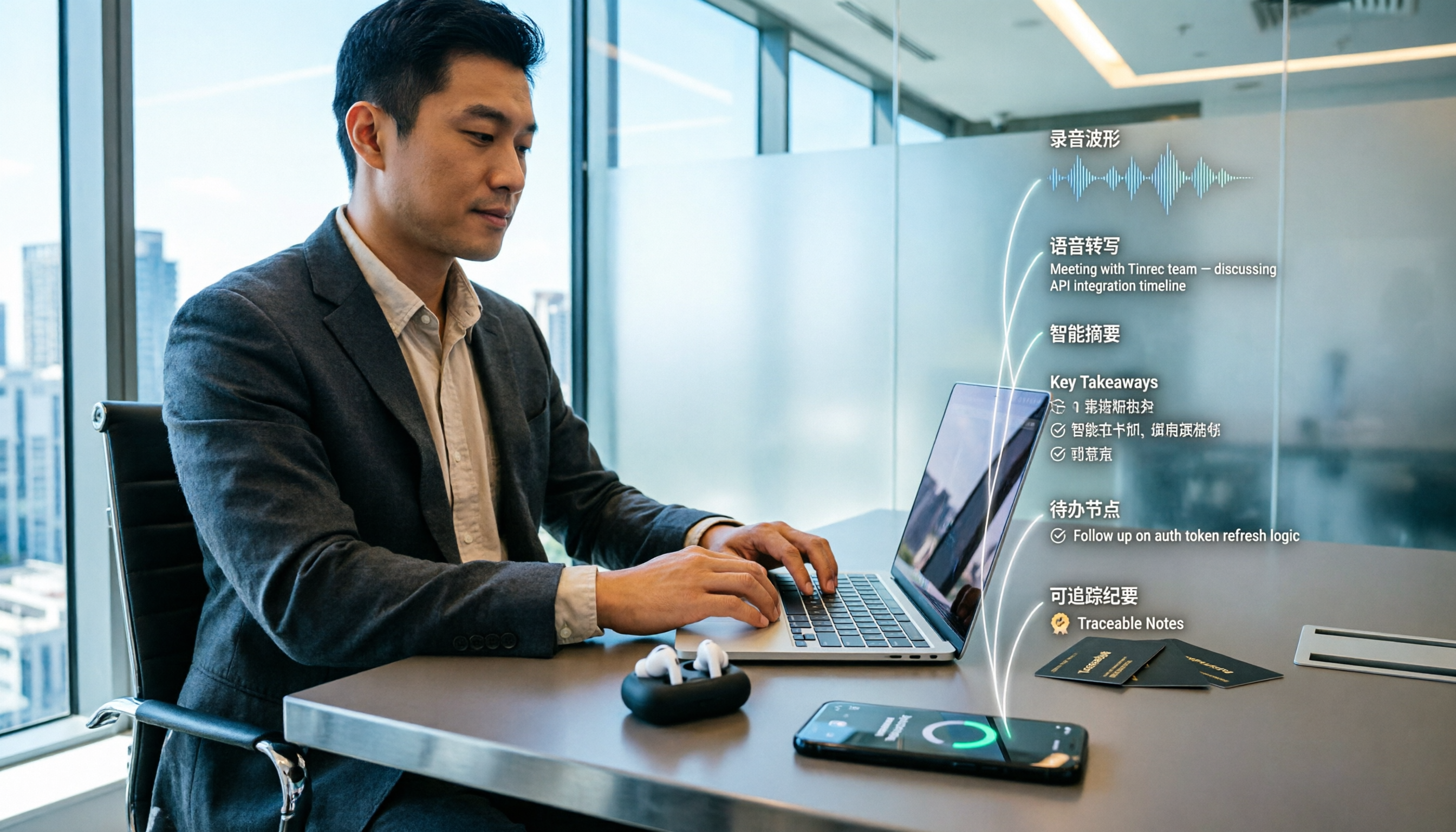
After a client visit, are your notes scattered across business cards, WhatsApp, and your memory? This article breaks down how to create client visit records in 5 steps, includes a copy-ready visit record template with example fields, and compares Tinrec and Notta dimension by dimension to help you choose the right client visit recording software.

2026 Free Transcription Plans Compared: Yating vs. Tinrec
How far can Yating's free transcription plan really take you? This article tackles common misconceptions, compares the free tiers, post-transcription processing, and team collaboration features of Yating and Tinrec, and outlines 5 key factors to consider before choosing a tool, plus FAQs, to help you find a transcription solution that truly saves time.

2026 Online Transcription Showdown: Yating vs. Tinrec vs. Otter.ai vs. Granola
Yating's online transcription works right in your browser, but what about post-meeting organization, follow-up questions, and team collaboration? We tested Yating, Tinrec, Otter.ai, and Granola on four key points: accent recognition, online meeting audio capture, post-meeting processing, and team permissions. We also highlight three common pitfalls to help you choose the right tool.

Yating Transcript vs Tinrec: Which Online Transcription Tool Is Right for You in 2026?
People searching for "Yating Transcript online" are usually looking for a transcription service they can use right in their browser. This article compares Yating Transcript and Tinrec across five dimensions—online access, free quota, post-meeting organization, language recognition, and team collaboration—to help you decide which one better fits your needs.

Yating Transcription: Which Country Is It From? Taiwan Background & Tinrec Alternative Comparison (2026)
Yating Transcription is an AI speech-to-text service developed by a Taiwan team. This article answers the 'which country' question, then compares Tinrec and Yating Transcription across four dimensions: meeting recording methods, post-meeting organization, multilingual experience, and team collaboration, helping you decide which fits your workflow better.