
Turn recordings into transcripts and summaries in minutes
Upload audio or video for multilingual transcription, AI notes, and action items
2026 Comparison of 3 Transcription Tools: Yating Transcription Referral Code and Free Quota Explained
You're Probably Looking for a Referral Code Because of These Reasons
It's Friday afternoon after a one-hour project meeting. The recording is sitting on your phone, and you still have to spend another hour typing it out.
Another scenario: an interview. You talked with the interviewee for 90 minutes, and now you need to organize the transcript. Listening and typing, typing and rewinding—an entire afternoon is gone.
Another common situation: you're already using a transcription tool, your quota is almost used up, so you're looking for a referral code or promo code to make it last longer.
If that's why you clicked in, this article is for you. We'll first clarify the "referral code" matter, then compare the tools most commonly considered by users in Taiwan from four practical angles that affect user experience.
Before Choosing a Transcription Tool, Understand These 4 Key Points
First, the pricing model determines whether you overpay. Some tools charge by audio hours; you can buy and let it sit without expiring too quickly, suitable for occasional data organization. Others use monthly subscriptions, suitable for those with weekly meetings. Neither is absolutely better, but if your usage is irregular, the hour-based model is often more cost-effective; conversely, if you regularly handle several meetings each week, the subscription model's per-unit price is much lower.
Second, free quota isn't just about the number—look at "how it's given." Some tools only offer free quota for uploading audio files, with real-time recording counted separately; others give a fixed number of minutes per month but have a length limit per session. The same "free" label can mean very different practical scenarios, so be sure to check this clearly.
Third, transcription is just the starting point; post-meeting organization is the real time sink. Just getting a transcript means you still have to extract key points, write minutes, and list action items yourself. So the real question is: besides converting speech to text, can this tool help me generate summaries, chapters, action items, or even let me find key points through Q&A?
Fourth, where data is stored and how teams collaborate. For company meetings, data storage location, whether members can share, and who owns the data after an employee leaves—these become real issues six months later. For personal use, you can just look at price; for team use, you need to consider permissions and management capabilities.
Tinrec – Our Pick as the Most Suitable for Chinese Meetings
Tinrec is an AI meeting notes and collaboration tool for individuals and teams, supporting web, desktop, and mobile. Its positioning is not just "audio-to-text," but turning meetings into searchable, queryable, and further processable data.
No more inviting bots to online meetings. This is its most practical point. The desktop version directly captures the computer's system audio, so when handling meetings on Zoom, Google Meet, Microsoft Teams, Webex, etc., you don't need to pull an extra meeting bot into the room. For client meetings or external communications, one less "participant" means one less awkwardness. Note that this doesn't mean it automatically joins all meetings on your calendar—you still need to actively open Tinrec to start recording.
Transcribe while recording; cross-language meetings are also covered. The transcript grows in sync during the meeting, so no need to wait after recording. For mixed Chinese-English or cross-language meetings, you can switch between original text, translation, or bilingual view, which is quite helpful for the common "Chinglish" scenarios in Taiwanese workplaces. Actual recognition performance is affected by recording quality, accent, background noise, and multiple people speaking over each other; it's recommended to test with a short recording of your own first.
Post-meeting organization is where it truly saves time. After recording, the system generates summaries, chapters, and key points, and organizes action items from discussions into to-dos. Even better is the AI Q&A—you can directly ask "Who mentioned the budget in the last meeting?" or "What were the client's concerns about the delivery date?" and it will answer based on the meeting content.
Output can connect back to your existing workflow. Transcripts and organized results can be exported in common formats and brought to Notion, Google Docs, OneNote, Dropbox for further editing; when you need to deliver results, you can also use Agent post-processing to generate reports, tables, and meeting minutes.
For team use, it provides "spaces" rather than shared accounts. The team version offers independent team spaces, and meeting data belongs to the team. Management distinguishes three things: roles determine who can manage members and settings, seats determine who can record, upload, and edit, and member relationships determine who belongs to the team. Members without seats can still view, play, and read data, but cannot upload or edit. There are also usage analytics, audit logs, team hotwords, and audio recycle bin.
Stop organizing recordings by hand
Upload audio or video and automatically get a transcript, summary, and action items
Pricing: Team version is USD 29.80 per paid seat per month, or USD 199 per paid seat per year (about USD 16.58/month), with each paid seat providing 2,000 minutes of team shared import quota per month; under an active team plan and active seats, real-time recording is currently not deducted by minutes. First-time eligible teams can try 7 days, 1 free seat, and 300 minutes of shared import quota. Actual prices and promotions are subject to the official purchase page.
Limitations to be honest about: The free version is a "basic quota experience," suitable for trying out the effect, not for long-term main use; if you need to process a large number of historical audio files at once, file import consumes shared quota, and this type of need may not be its strongest scenario; also, it currently focuses on team-level sharing and does not have file-level granular permission settings; and don't expect it to completely replace manual work—important content should still be verified against recordings and timestamps.
Who it's for: People who frequently hold Chinese meetings, need to handle mixed Chinese-English content, want to use AI to find key points directly after recording, or need to turn meetings into a team knowledge base.
Besides Tinrec, What Other Options Are There?
Yating Transcription: A Taiwanese veteran, hour-based pricing is great for occasional use. Developed by a Taiwanese team, it is specially optimized for Taiwanese accents and Taiwanese Hokkien, with automatic punctuation, speaker recognition, timeline comparison, and export to WORD/TXT/PDF/SRT. It can also record Google video meetings via a Chrome extension. Pricing is by audio hours: real-time recording is free, uploaded audio gets 20 free minutes, then you purchase hours (about 100 TWD per hour, 10% off for 3 hours at about 270 TWD, larger hours have further discounts, usable within 3 years after purchase). Note that one account cannot be used on multiple devices simultaneously. Its strength is "accurately transcribing audio files into text," but it lacks AI Q&A around meeting content and has no team seats or usage governance; if you want to continue asking questions after recording and automatically generate to-dos and reports, it currently cannot do that.
Notta: Strong in multilingual and file transcription. Free version: 120 minutes per month, 3 minutes per session limit; Pro annual billing is about USD 8.17/month, 1,800 minutes per month; Business annual billing is about USD 16.67/seat/month, including unlimited transcription, role permissions, and usage reports. It suits those who mainly do file transcription and multilingual subtitles. But if you want bot-free recording of Chinese online meetings, post-meeting AI Q&A, and team data accumulation, Tinrec is a more complete match.
Otter.ai: A high-value option for English meetings. Basic free: 300 minutes per month; Pro annual billing is about USD 8.49/user/month, including 1,200 minutes per month and 10 file imports. It has high maturity for English meetings and English business scenarios. If 90% of your meetings are in English, it is indeed more budget-friendly. But Chinese and mixed Chinese-English are not its strong suit, and it lacks Tinrec's real-time bilingual translation view and team hotword management.
Pitfall Guide: 4 Common Mistakes When Looking for Referral Codes and Choosing Tools
Pitfall 1: Treating referral codes as the only way to save money. For Yating Transcription, public information shows its discounts mainly come from "hour bundle discounts" (e.g., 10% off for 3 hours), not a referral code mechanism. Unverified referral code posts online are mostly unverifiable, and you might get nothing after entering them. What you should really calculate is your actual usage: how many hours you record per week, whether you need long-term storage—this is more practical than hunting for codes.
Pitfall 2: Only looking at the free quota number, not the usage conditions. No matter how attractive the free minutes are, if the per-session limit is only a few minutes, you'll need to split a 60-minute meeting into a dozen segments. Some tools also have "free real-time recording, uploaded audio counted separately." Before registering, confirm which side your main usage falls on.
Pitfall 3: Only comparing transcription, not what happens after. If a tool only gives you a transcript, you still have to manually flip through 30 minutes of text to find conclusions. Tools that can automatically generate summaries, chapters, and to-dos, and let you directly ask questions to find answers, often save not the one hour of transcription but the two hours of subsequent organization.
Pitfall 4: Treating "multiple people sharing one account" as a team version. Sharing a personal account leads to two problems: records get mixed up, and data ownership is unclear when someone leaves. The real questions are: who owns the data, do members have seats, and how to hand over when leaving. This is also where many teams end up having to catch up later.
Conclusion: Which One Should You Choose?
To sum up in one sentence: if you only occasionally need to transcribe an audio file into text, Yating Transcription with hour-based purchase and accurate local accents is a reasonable choice; but if you want a complete workflow where "you don't have to manually organize after the meeting," Tinrec is a better fit.
By scenario:
- Need Taiwanese accents, Taiwanese Hokkien, small amount of audio, prefer buying hours over subscription → Yating Transcription
- Frequently hold Chinese or mixed Chinese-English meetings, need bot-free recording of online meetings → Tinrec
- After recording, want to directly use AI to ask "What's the conclusion, who's responsible for what" → Tinrec (has AI Q&A and action item extraction)
- Need to use on phone, computer, tablet, and organize across platforms → Tinrec (web + desktop + mobile)
- Need team spaces, seat management, usage and audit → Tinrec Team version
- 90% of meetings are in English, budget priority → Otter.ai
- Mainly batch file transcription, subtitles, and translation → Notta
Suggested order: first run a free version on your real meeting recording to see if the transcript quality and summary are suitable, then decide whether to pay. Rather than spending time looking for an unverified referral code, spend 20 minutes confirming whether the tool matches your workflow—that's where you truly save money.
References
- Yating Transcription
- Yating Transcription Complete Guide: Free Version, Pricing, and Alternatives
- Yating Transcription: Online Speech-to-Text Service, Pricing Introduction! | Comprehensive AI Tools – Future Commerce
- Looking for recommendations for amazing audio-to-transcript tools (mainly free; I'm currently using Yating Transcription, which is already quite good, but want to consider others)
- Yating Transcription
Turn every recording into actionable outcomes
Get 60 free transcription minutes when you sign in. No credit card required.
Related Reading
You might also like

2026 Comparison of 3 Transcription Tools: Is Yating Transcription Good? Which Saves More Time on Post-Meeting Cleanup?
Is Yating Transcription good? Based on the real needs of a mid-level manager with 15 meetings per week, I tested Yating Transcription, Good Tape, and Tinrec, comparing them on how they join online meetings, Taiwanese accent recognition, post-meeting output, data ownership, and pricing. I also summarize the 4 most common selection pitfalls and offer recommendations.

4 Client Visit Recording Tools Tested for 2026: Forms, Recordings, and AI Notes—Which Actually Captures Client Needs?
Do client visit forms end up in a drawer? This article compares 4 visit recording methods—from paper forms and audio recordings to AI meeting notes—and tests the real differences between Tinrec, Fireflies, Granola, and Notta. It outlines 4 key selection criteria and 4 common pitfalls to help sales reps turn a single visit into data they can revisit and follow up on.

2026 Comparison of 3 Free Transcription Options: Quotas, Chinese Recognition, and Post-Meeting Organization
Free transcription isn't just about finding a free tool. This article breaks down three common misconceptions and explains that "free" can mean free quota, time-based credit packs, or team-shared quota. Using Tinrec as an example, it shows how to handle summaries, action items, AI Q&A, and team knowledge retention after transcription, helping you determine which option truly meets your needs.
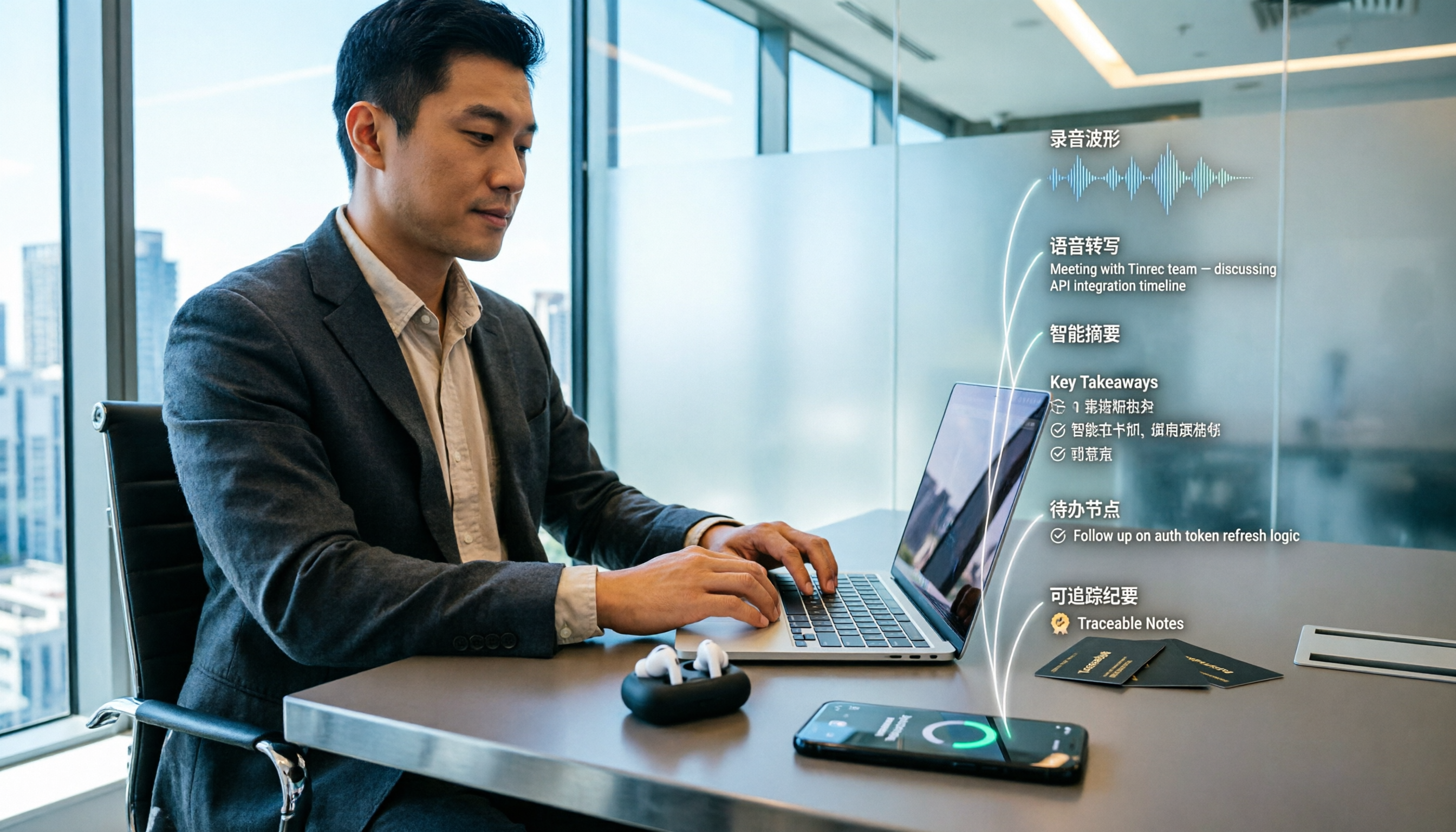
How to Create Client Visit Records in 2026: 5 Steps from Recording to Trackable Minutes
After a client visit, are your notes scattered across business cards, WhatsApp, and your memory? This article breaks down how to create client visit records in 5 steps, includes a copy-ready visit record template with example fields, and compares Tinrec and Notta dimension by dimension to help you choose the right client visit recording software.

2026 Free Transcription Plans Compared: Yating vs. Tinrec
How far can Yating's free transcription plan really take you? This article tackles common misconceptions, compares the free tiers, post-transcription processing, and team collaboration features of Yating and Tinrec, and outlines 5 key factors to consider before choosing a tool, plus FAQs, to help you find a transcription solution that truly saves time.

2026 Online Transcription Showdown: Yating vs. Tinrec vs. Otter.ai vs. Granola
Yating's online transcription works right in your browser, but what about post-meeting organization, follow-up questions, and team collaboration? We tested Yating, Tinrec, Otter.ai, and Granola on four key points: accent recognition, online meeting audio capture, post-meeting processing, and team permissions. We also highlight three common pitfalls to help you choose the right tool.
Yating Transcript vs Tinrec: Which Online Transcription Tool Is Right for You in 2026?
People searching for "Yating Transcript online" are usually looking for a transcription service they can use right in their browser. This article compares Yating Transcript and Tinrec across five dimensions—online access, free quota, post-meeting organization, language recognition, and team collaboration—to help you decide which one better fits your needs.

Yating Transcription: Which Country Is It From? Taiwan Background & Tinrec Alternative Comparison (2026)
Yating Transcription is an AI speech-to-text service developed by a Taiwan team. This article answers the 'which country' question, then compares Tinrec and Yating Transcription across four dimensions: meeting recording methods, post-meeting organization, multilingual experience, and team collaboration, helping you decide which fits your workflow better.

How to Choose a Transcription Tool in 2026: 5 Steps to Compare Yating Transcript vs Tinrec
Yating Transcript or Tinrec? This guide compares them across 5 checkpoints: how audio gets in, post-meeting organization, transcript readability, team sharing, and pricing, to help you decide which fits your meetings and interviews.