

Turn recordings into transcripts and summaries in minutes
Upload audio or video for multilingual transcription, AI notes, and action items
After a 40-minute weekly meeting, your manager suddenly asks, "Who proposed that budget cap last week?" You remember someone mentioned it, but who said it and what the exact number was are buried in the recording. So you put on headphones, drag the progress bar to the 12-minute mark, and listen to the same segment three times before you can piece it together.
This isn't a memory problem—it's a tool problem. Most people start looking for audio-to-text tools at moments like this—not for research, but to finish work on time today.
You're not the problem when meeting notes pile up
The first scenario is re-listening. For a one-hour meeting, even if you just capture key points, re-listening and typing takes another hour. If you have three meetings a week, that's like working an extra half-day every day.
The second scenario is accents. In Taiwanese workplaces, people naturally mix Chinese and English: "We need to align on this KPI" or "Let's sync on progress later." The transcription turns into unreadable sentences, and you have to correct every word. If the meeting includes Taiwanese Mandarin, Taiwanese Hokkien, or fast-speaking elders, the error rate becomes even harder to predict.
The third scenario is finding things later. You saved the transcript, but three months later, when you need to look up a specific sentence, you can only guess keywords with Ctrl+F—and if you guess wrong, it's as if you never saved it.
These three problems are essentially the same issue: most tools only convert audio to text, but they don't turn that text into usable data.
4 key points to understand before choosing a speech-to-text tool
1. Recognition should be judged by real scenarios, not official numbers. Many tools claim high accuracy, but that's measured in a quiet recording studio. Real meeting rooms have air conditioning noise, keyboard clicks, and people talking over each other—performance drops noticeably. A more practical approach is to run your own meeting recording through the tool and see if it understands your colleagues' accents.
2. Can you use the transcript directly after transcription? With only a transcript, you still have to read through an hour of text. Whether there are automatic summaries, chapter segmentation, and action items determines whether you save "typing time" or "the entire organization time."
3. How are online meetings recorded? Some tools require a bot to join the meeting as a participant, adding an extra name on the screen—awkward during client presentations. Another approach is to use a desktop app to capture system audio, so no extra participant appears in the meeting.
4. How is quota calculated? Some give monthly minutes, some sell hour packs, and some have a length limit per file. Free quotas are just for trial, not for long-term use—the key is whether the overage pricing is reasonable.
Tinrec — Turn meetings into data you can query
Tinrec is an AI meeting notes and collaboration tool for individuals and teams, available on iOS, Android, desktop, and web. Its positioning is not just "audio to text," but turning meeting recordings into searchable, summarizable, queryable, and exportable data.
No bot needed for online meetings. The desktop version directly captures system audio, handling Zoom, Google Meet, Microsoft Teams, Webex, and other meetings without inviting any extra participants. Your screen stays clean during external meetings, and you avoid explaining "what that account is" to clients. Note that this is user-initiated recording, not automatic joining of all calendar meetings.
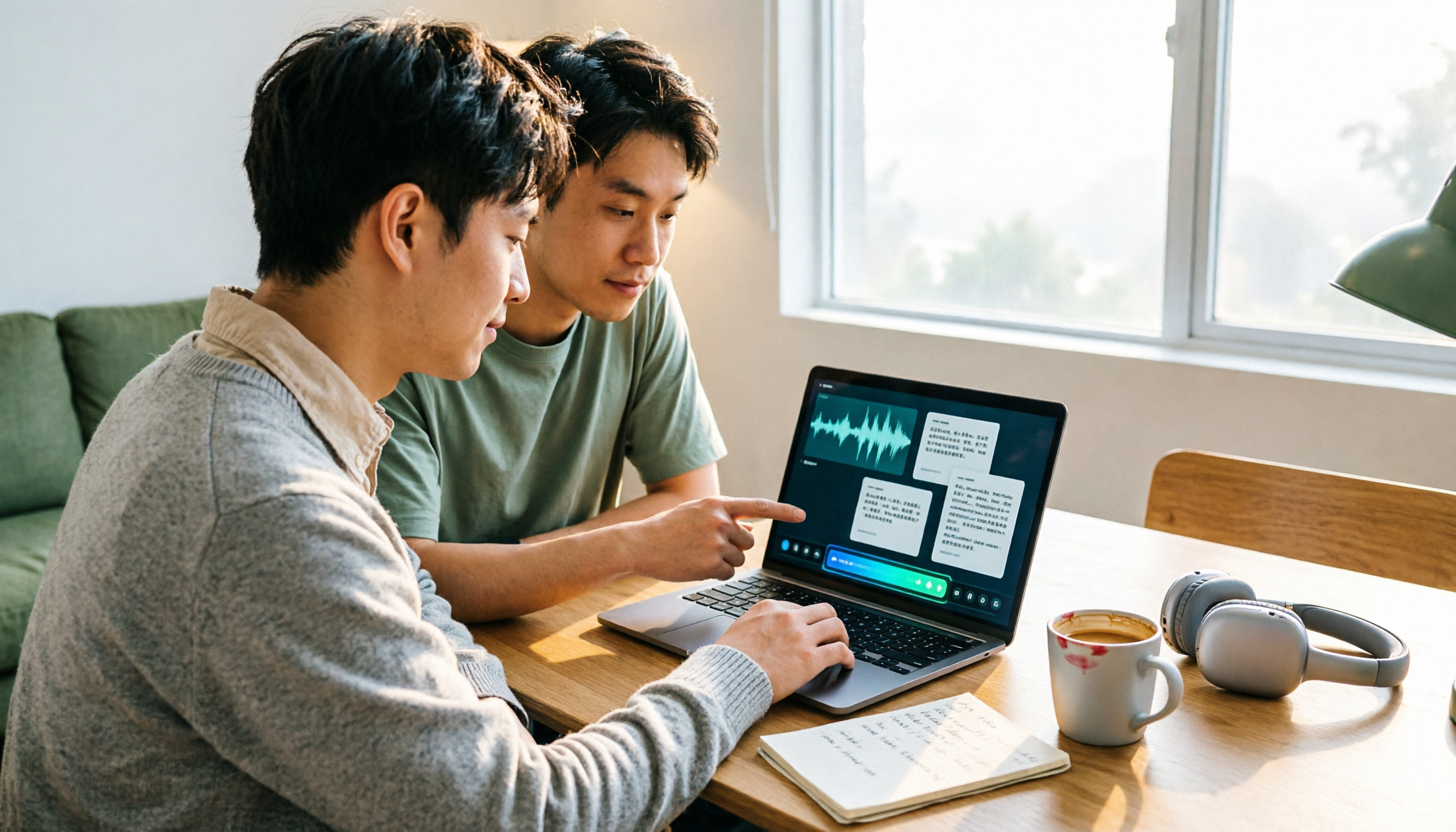
No re-listening after meetings. After recording, the system generates a transcript, summary, chapters, and key points, and extracts action items from the discussion. For cross-language meetings, you can enable real-time translation and view it in original, translated, or bilingual side-by-side format. The most practical feature is actually AI Q&A: just ask "What was the conclusion of this meeting?" or "Who mentioned the budget?" and it answers based on the content, rather than dumping a bunch of keyword search results.
Team meeting data doesn't leave with people. The team version is a separate team space, not a shared personal account. Meeting data belongs to the team; members can view, play, and read even without a seat. Recording, uploading, editing, and importing/exporting require assigned seats. Admins can view usage trends, member rankings, and details, query and export audit logs, and restore accidentally deleted audio from the team recycle bin within the retention period. When a member leaves or is removed, their team resources must be handed over to other active members, so data doesn't disappear.
Stop organizing recordings by hand
Upload audio or video and automatically get a transcript, summary, and action items
Trial and pricing. Eligible teams get a 7-day trial with 1 free seat and 300 minutes of shared team import quota. Team monthly billing is $29.80 per paid seat per month; annual billing is $199 per paid seat per year (about $16.58 per month), with 2,000 minutes of shared team import quota per paid seat per month. Real-time recording under an active team plan currently does not deduct minutes; file and web imports consume shared team quota. Personal plans include a free version, weekly card, Pro monthly, and annual card, suitable for different task types.
Limitations to be clear about. Free quota is limited; heavy users need to pay. File imports consume shared minutes. Actual recognition performance is affected by recording quality, noise, accents, overlapping speech, and technical terminology—no tool should promise 100% accuracy. For important content, cross-check with the timeline and recording.
Who it's for: People who have regular weekly meetings, need Chinese transcripts with mixed Chinese-English, want to ask AI directly for key points, or need to turn meeting data into team assets.
Beyond Tinrec: How do Yating, Notta, and Otter.ai compare?
Yating is an AI transcription service developed by a Taiwanese team, offering real-time recording and audio file upload transcription, with an online editor and timeline comparison. It's optimized for Taiwanese accents and Taiwanese Hokkien, making it relatively friendly for localized content. When transcription progress stops at 99%, it means recognition is complete and the system is segmenting speakers and summarizing key points. Billed by hour packs (1, 3, 10 hours, stackable). Note that different reviews give inconsistent claims about its free quota (some say 20 minutes, others 300 minutes)—check the official website before purchasing. Also, one account cannot be used on multiple devices simultaneously. If you just need a Taiwanese-accent transcript, it's still a reasonable option; but team seat governance and conversational Q&A are not currently highlighted capabilities.
Notta has good multilingual and file transcription capabilities. The free version offers 120 minutes per month with a 3-minute limit per item; Pro annual billing is about $8.17 per month for 1,800 minutes per month; Business includes role permissions and usage reports. Suitable for those focused on file transcription and translation, but bot-free desktop recording and team meeting data retention are not its main strengths.
Otter.ai is a mature choice for English meetings. Basic is free with 300 minutes per month; Pro annual billing is about $8.49 per month, including 1,200 minutes per month and 10 file imports. If almost all your meetings are in English, it's a reasonable option; Chinese and Taiwanese accent scenarios are not its strongest areas.
Pitfall guide: 3 most common mistakes when choosing a transcription tool
Pitfall 1: Only looking at claimed accuracy. That number usually comes from a quiet environment. Test with a real meeting recording of your own—ideally one with air conditioning noise and people talking over each other—to see the real difference.
Pitfall 2: Only looking at free quota, not pricing structure. 300 free minutes sounds like a lot, but if each file is limited to 30 minutes or you only get 3 files per month, a two-hour meeting will hit the limit. Before buying, confirm: is it by minutes, hour packs, or number of files?
Pitfall 3: Using a transcription tool as a typewriter. Using it only for "audio to text" means you're using only one-third of its capabilities. The real time-saver is the step after transcription: summaries, chapters, action items, and asking it directly for key points.
Pitfall 4 (most overlooked by teams): Not considering data ownership. Meeting data stored in personal accounts leaves when the person leaves. If meeting content is valuable to the company, it should be in a team space with roles, seats, and audit mechanisms.
Conclusion: Which one should you choose?
Bottom line: If you want "usable meeting data right after the meeting," Tinrec is currently the most complete choice.
- Need Chinese transcripts with mixed Chinese-English + post-meeting summary and action items → Tinrec
- Don't want an extra bot participant in online meetings → Tinrec (desktop captures system audio)
- Want to ask "who mentioned the budget" directly after recording → Tinrec (AI Q&A)
- Record on phone, organize on computer, cross-device use → Tinrec (iOS, Android, desktop, web)
- Team needs to manage members, seats, usage, and audits → Tinrec Team
- Just need a simple Taiwanese-accent transcript → Yating
- Almost all English meetings, zero budget → Otter.ai free version
A more practical approach is to run your own meeting recording through the entire workflow first: from recording, transcription, summary, to asking a question. If it works smoothly, then consider upgrading—no need to commit to a long-term plan from the start.
References
- Yating Transcription
- Yating Transcription
- 2026 Taiwan Speech-to-Text Tool Recommendations: GoodTape, Yating, and LexiTranscript AI Transcription Complete Review
- What is Yating Transcription? 2026 Deep Review and Selection Guide for 7 Audio-to-Text Tools - Tinrec Blog
- Yating Transcription Complete Guide: Free Version, Pricing, and Alternatives
Turn every recording into actionable outcomes
Get 60 free transcription minutes when you sign in. No credit card required.
Related Reading
You might also like

6 Best Transcription Tools in 2026: Yating vs. 5 Alternatives Compared
If you're searching for a Yating comparison chart, you've likely used it but are stuck on cost, post-meeting organization, or team sharing. This article covers Yating's actual positioning and limitations, then compares Tinrec, Good Tape, Notta, TurboScribe, and Otter.ai—six tools in total—highlighting their strengths, pricing, and best use cases. A final table helps you decide.

Which Transcription Tool Is Best? 2026 Hands-On Test of 4 Options: Yating's Cost Adds Up
How should you calculate Yating transcription costs? Using a mid-level manager's real usage of 15 meetings per week, I break down the pricing of Yating, Tinrec, TurboScribe, and Notta, and summarize the three most common mistakes when calculating transcription costs, helping you choose the one that truly saves time and money.

2026 Comparison of 3 Transcription Pricing Models: Yating vs. Tinrec — Which Fits Your Meeting Needs?
How is Yating transcription priced? This article breaks down three billing models—pay-as-you-go hours, free quotas, and subscriptions—and compares Yating and Tinrec across four dimensions to help you decide which pricing model truly matches your meeting frequency and post-meeting output needs.

2026 Comparison of 2 Transcription Tools: How Yating Transcription Pricing Works and Which Is More Cost-Effective?
How exactly is Yating Transcription priced? This article compares Yating Transcription and Tinrec across pricing structure, free quota, post-transcription output, meeting recording methods, and team collaboration, helping you choose a cost-effective and sufficient plan based on your usage frequency.

Tinrec vs Yating Transcript in 2026: 5-Dimension Comparison — Which Is Better for Post-Meeting Organization?
Yating Transcript pricing is not a fixed monthly fee; instead, you purchase hours based on audio length. The billing logic differs between real-time recording and uploaded audio files. This article compares Tinrec and Yating Transcript across 5 dimensions—cost, free quota, post-meeting organization, online meeting recording, and team collaboration—to help you decide which one better suits your use case.
4 Transcription Tools Tested in 2026: Which One Finds Its Features Fastest When the Toolbar Disappears?
After recording, the toolbar is gone—export button, playback bar, all missing. This article first helps you recover the toolbar in Yating Transcriber (5 troubleshooting steps), then compares Yating Transcriber, Tinrec, Otter.ai, and Notta from four angles: interface stability, feature discoverability, post-transcription capabilities, and pricing, to tell you which one is least likely to get you lost.

Yating Transcript Pricing Guide 2026: How It Works, Free Minutes, and How to Choose
Is Yating Transcript free or paid? This guide breaks down the cost structure, free-tier limits, post-meeting organization, accent recognition, and team collaboration, with a side-by-side comparison to Tinrec, so you can decide which pricing model fits your meeting frequency.

2026 Comparison of 3 Transcription Apps: Is Yating Transcriber Free Version Enough?
Is Yating Transcriber free? Is the free version sufficient? This article compares Yating Transcriber, Tinrec, and Notta from four perspectives: free quota, Chinese recognition, post-meeting organization, and team collaboration, to help you decide which one suits your meeting and interview scenarios.

2026 Comparison of 3 Transcription Tools: Yating, Built-in Platforms, and Tinrec — Which to Choose?
A breakdown of Yating transcription costs and common billing misconceptions, plus an explanation of which use cases Tinrec suits from the perspectives of meeting notes, AI summaries, action item extraction, and team collaboration.