
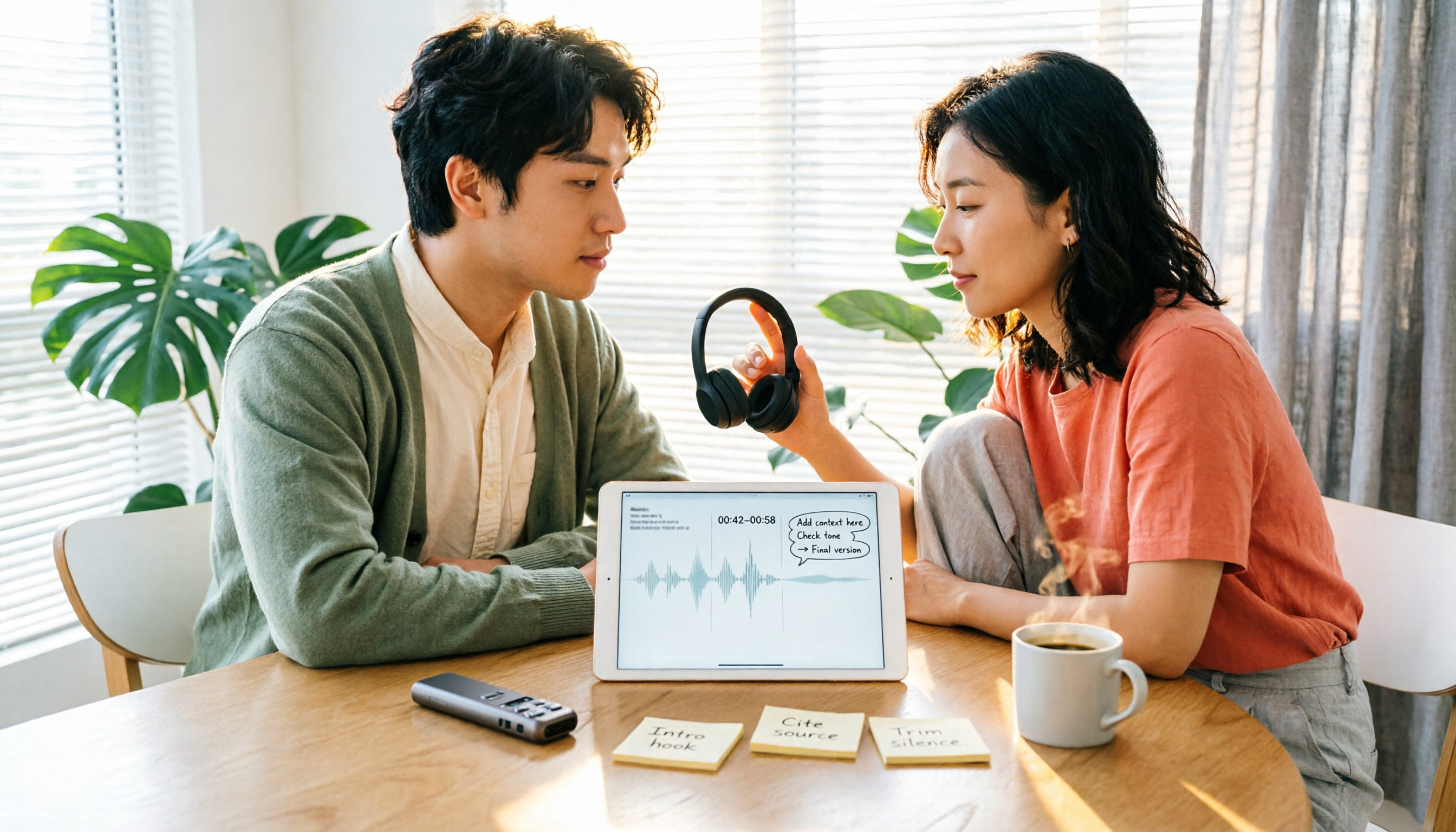
Turn recordings into transcripts and summaries in minutes
Upload audio or video for multilingual transcription, AI notes, and action items
Why do you need a speech-to-text tool?
Most people, when choosing a transcription tool for the first time, first look at "whose recognition rate is higher." This is the easiest pitfall to fall into.
First, accuracy fluctuates with recording quality, accent, and background noise. The numbers on the official website are usually not the same as what you record in a basement meeting room. Second, what really determines whether you will use it long-term is often what happens after recognition is complete: can you edit while listening, can you export, can you find last week's meeting, can other team members see it.
This is also why people keep searching for "Yating Transcribe latest news." Everyone is checking whether this tool made by a Taiwan team has recently filled in the gap they were missing.
The following is a summary of 5 common speech-to-text tools currently available. We start with the most feature-complete one, then explain each one's positioning, and finally give selection advice.
Tinrec — Turn meetings into searchable, collaborative team data
Tinrec is an AI meeting notes and collaboration tool for individuals and teams. It not only converts sound into text, but also organizes transcripts, summaries, chapters, and to-dos into a document you can continue working with.
Several practical scenarios:
- No bot needed for online meetings: The desktop version directly captures computer system audio and can handle Zoom, Google Meet, Microsoft Teams, and Webex without inviting an extra bot into the meeting room.
- Get conclusions right after the meeting: Automatically generates summaries, chapters, and to-dos, and can also do AI Q&A around meeting content, asking follow-up questions like "What was the budget cap the client mentioned last time?"
- Results are portable: Supports export to Notion, Google Docs, OneNote, Dropbox, and other tools, and can further generate reports, tables, and meeting minutes.
The personal version has a free version, weekly card, Pro monthly card, and annual card; choose according to usage frequency. The team version is an independent team space, billed monthly at USD 29.80 per paid seat per month, or annually at USD 199 per paid seat per year (about USD 16.58 per month). Each paid seat provides 2,000 minutes of team shared import quota per month; eligible new teams get a 7-day trial, 1 free seat, and 300 minutes of shared quota.
Note that the team version distinguishes between "roles" and "seats." Members without seats can view, play, and read team data, but must obtain a seat to record, upload, edit, and export. In addition, currently sharing is at the team level, not fine-grained file-level permissions.
Who it's for: People who need Chinese meeting notes, don't want a bot joining the meeting, and want meeting data to stay in the team for continuous reuse.
Yating Transcribe — Developed by a Taiwan team, understands Taiwanese accents best
Yating Transcribe is an AI speech-to-text service developed by a Taiwan team. The official description emphasizes that funding, data collection, and developers are 100% from Taiwan, and it is one of the earliest similar services open to the public specifically for Taiwanese accents. It supports Taiwanese Mandarin, Taiwanese Hokkien, Cantonese, Japanese, and mixed Chinese-English "Chinglish."
Recent updates (iOS App 3.12.0) include several adjustments that make daily use feel much better: the transcript list is cleaner, the editing interface is friendlier, the player is moved up so you can edit while listening; complete Share-in and Universal Link support have also been added, allowing audio files from other apps (such as iOS native Voice Memos) to be sent directly to Yating for transcription, and transcribed text can be shared with colleagues. Starting from version 3.12.0, users can delete their account and data within the account.
The actual workflow is: open the app, tap the recording icon at the bottom to record and automatically transcribe in real time; after completion, tap "Export" in the upper right corner of the transcript screen to save. As for the web version Studio, some users have reported that the progress bar gets stuck at 99%. The official explanation is that text recognition has been completed and the system is performing subsequent processing such as speaker segmentation and key point summarization; once complete, you can download it from the "All Transcripts" list.
Yating Transcribe offers a free trial; actual plans, quotas, and prices are subject to the official website announcement. In addition, the Generative AI Guide of National Kaohsiung University of Science and Technology also lists it as a selected AI tool, with a tutorial on using it for interview transcripts.
Who it's for: Users who mainly record interviews and classes in Taiwanese Mandarin and Taiwanese Hokkien, and are used to completing work on their phones.
Otter.ai — A mature choice for English business meetings
Otter is a mature AI meeting assistant covering Zoom, Microsoft Teams, and Google Meet, with real-time transcription, speaker identification, AI Chat, workflows, and team management.
Current official pricing: Basic is free, 300 minutes per month; Pro is billed annually at USD 8.49 per user per month, including 1,200 minutes of in-app recording per month and 10 file imports; Business provides unlimited meetings and in-app recording, etc.; actual prices are subject to the official page.
Stop organizing recordings by hand
Upload audio or video and automatically get a transcript, summary, and action items
Who it's for: Companies that mainly hold English meetings and need mature team management and integration workflows.
Notta — An overlapping option for multilingual and file transcription
Notta and Tinrec overlap considerably, both covering multi-platform transcription, meeting notes, file import, translation, and team plans.
Current official wording: Free is 120 minutes per month, with a maximum of 3 minutes per item; Pro is billed annually at USD 8.17 per month, 1,800 minutes per month; Business is billed annually at USD 16.67 per seat per month, providing unlimited transcription, role permissions, and usage reports.
Who it's for: People who need multilingual file transcription and translation, and prefer "one toolkit for all transcription."
TurboScribe — A cost-effective option for long files and batch transcription
TurboScribe is positioned more as a cost-effective file transcription tool, focusing on long files, batch uploads, subtitles, and translation.
The free version can process 3 files per day, with a maximum of 30 minutes per file; Unlimited is billed annually at USD 120 (about USD 10 per month), and the paid version supports files up to 10 hours or 5 GB each, and can upload 50 files at a time.
Who it's for: People who have a bunch of recording files to process at once and don't need real-time meetings or team collaboration.
With so many options, how should you choose?
- Want to get summaries, chapters, and to-dos directly after transcription, and also ask follow-up questions about meeting content → Tinrec, which puts transcription, AI Q&A, export, and team space in the same workflow
- Mainly Chinese and Taiwanese Hokkien interviews, completed mainly on mobile → Yating Transcribe, with smooth Share-in import and edit-while-listening
- Many English business meetings, need mature team management and integration → Otter.ai
- Need multilingual transcription and translation, and often handle uploaded files → Notta
- Only have a large number of long audio files to batch convert to text → TurboScribe
- Want to record on the go without opening a computer → consider recording hardware like PLAUD, e.g., NotePin official price USD 159, membership plan separate
4 things to know before using a transcription tool
1. Recognition rate is not a fixed value. Recording quality, accent, background noise, and overlapping speech from multiple people all affect results. A more reasonable expectation is "significantly reduce manual typing time"; important content should still be verified against the transcript timestamps and recording.
2. Confirm export formats first. Many people buy only to find that the export format is not what they wanted. For example, Tinrec supports multiple formats and third-party tool exports (Notion, Google Docs, OneNote, Dropbox), while Yating Transcribe saves files by tapping "Export" in the upper right corner of the transcript screen. Confirm the workflow before deciding whether to pay.
3. Understand quota calculations clearly. Some are calculated by "upload minutes," some by "recording minutes," and some calculate real-time recording and file import separately. For example, under an active plan and seat, Tinrec's team version currently does not deduct minutes for real-time recording, but file and web imports consume the team shared quota and do not roll back to the member's personal quota.
4. Handle consent and regulations before recording. Recording meetings and interviews involves participants' rights; depending on local regulations, prior notice or consent may be required, especially for client interviews and internal meetings.
Frequently Asked Questions
Q1: What are the recent updates to Yating Transcribe?
iOS App 3.12.0 adjusted the transcript list and editing interface, moved the player up for edit-while-listening, and added complete Share-in and Universal Link support, making it easy to send audio files from other apps for transcription and share transcripts; also, starting from version 3.12.0, account and data deletion within the account is supported.
Q2: The progress bar in Yating Transcribe is stuck at 99%. Is it broken?
No. The official explanation is that 99% means text recognition is complete and the system is performing subsequent processing such as speaker segmentation and key point summarization; once complete, you can download it from the "All Transcripts" list.
Q3: What languages does Yating Transcribe support?
Taiwanese Mandarin, Taiwanese Hokkien, Cantonese, Japanese, and mixed Chinese-English Chinglish. Actual recognition results are still affected by recording quality and accent.
Q4: Is the free quota enough?
It depends on frequency. If you occasionally organize a recording, the free version is fine; if you have meetings or interviews every week, a paid plan is more practical. Free limits vary by provider; for example, Notta's free version is 120 minutes per month with a maximum of 3 minutes per item, and TurboScribe's free version is 3 files per day with a maximum of 30 minutes per file.
Q5: Can transcription tools completely replace manual note-taking?
It is not recommended to expect that. It can greatly reduce the cost of manual note-taking and organization, but AI may still miss or misunderstand details; key decisions and numbers should be confirmed by checking the original text and replaying the recording.
Q6: How should we choose if the team needs to share meeting data?
In addition to transcription quality, consider member management and data ownership. Tinrec's team version provides an independent team space where meeting data belongs to the team, and roles, seats, usage, and audits can be managed. When a member leaves or loses a seat, the resources they are responsible for need to be handed over to other active members to avoid data leaving with the person.
Conclusion
The real difference between transcription tools is not the one or two percentage points of recognition rate, but whether you can use it immediately after recognition.
Yating Transcribe's advantages are Taiwanese accents and smooth mobile experience, and recent app updates have also improved import and editing experience; if your meetings span online platforms and you need summaries, to-dos, and team retention, Tinrec's workflow from recording to output will be more complete.
If budget is limited, run a round of your own real recordings with the free version first, then decide whether to pay; this will be much more accurate than looking at spec sheets.
References
Turn every recording into actionable outcomes
Get 60 free transcription minutes when you sign in. No credit card required.
Related Reading
You might also like

2026 Comparison of 4 Transcription Tools: Is Yating Enough? Which One Saves Post-Meeting Time?
Yating is easy to use for Traditional Chinese and Taiwanese accents, but a transcript is not a meeting summary. This article uses the same meeting recording with mixed Chinese and English to compare Tinrec, Yating, Otter.ai, and Notta on transcription, post-meeting organization, AI follow-up questions, and team collaboration. It also includes buying tips, pitfalls to avoid, and selection advice based on budget and scenario.

How to Record with Plaud in 2026: 3 Methods Tested and Compared — Button, App Trigger, and Computer Recording
Bought a Plaud but stuck on how to start recording? This guide breaks down the three recording methods for Plaud Note and NotePin — standalone device button recording, in-app triggering, and phone/in-person dual modes — into practical steps. It also compares hardware recording with Tinrec's bot-free computer recording, covering transcription quotas, costs, and team collaboration capabilities to help you choose the right recording workflow for your meeting scenarios.
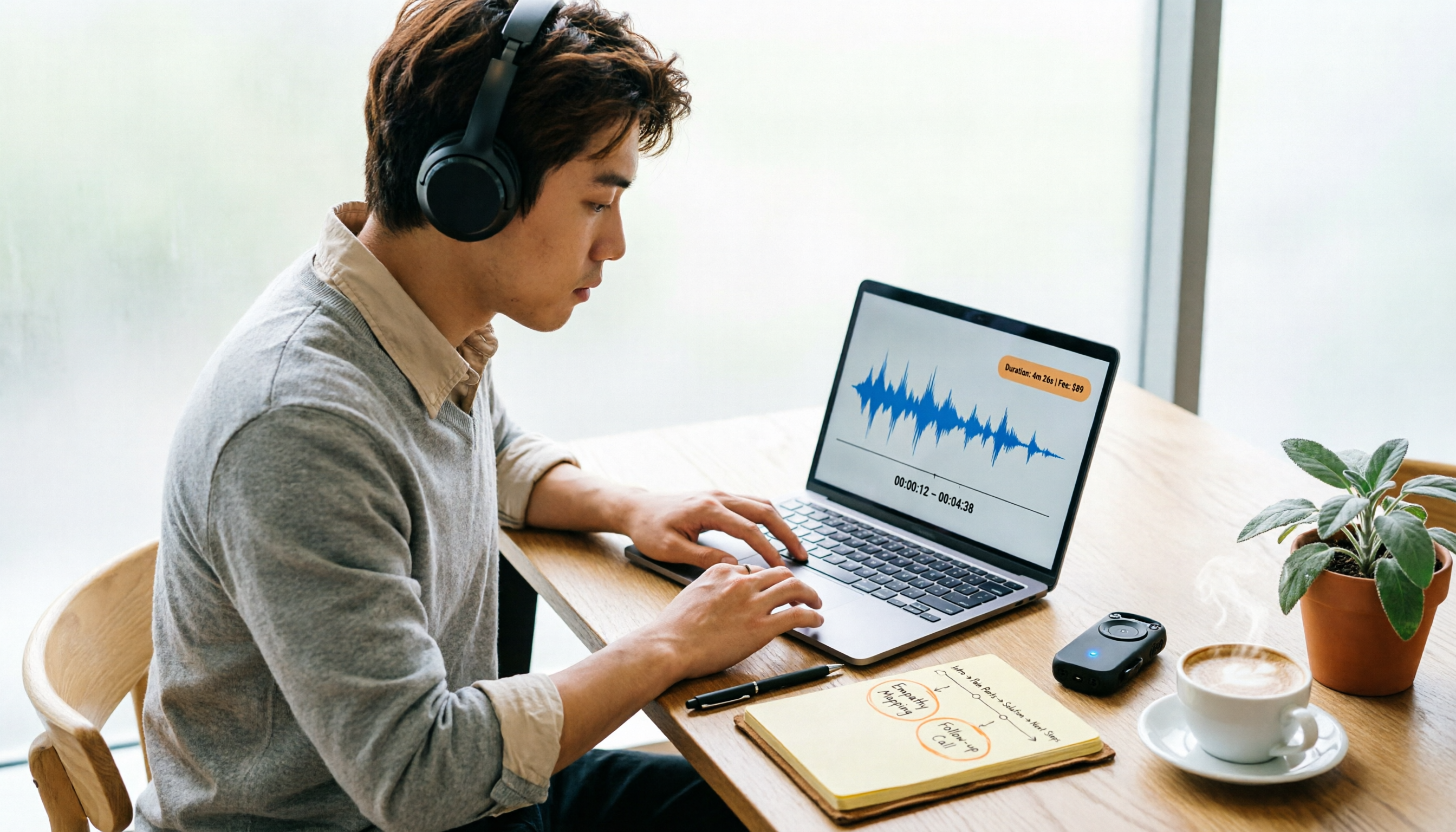
Yating Transcript Pricing in 2026: Per-Hour Rates and Real Cost Breakdown
People on PTT often ask how Yating transcript pricing works and whether buying hours is worth it. This guide breaks down the per-hour rate, free quota, hour discounts, and usage period, and also factors in transcription fees and post-meeting cleanup time. It compares Tinrec, Otter.ai, and TurboScribe for different scenarios.
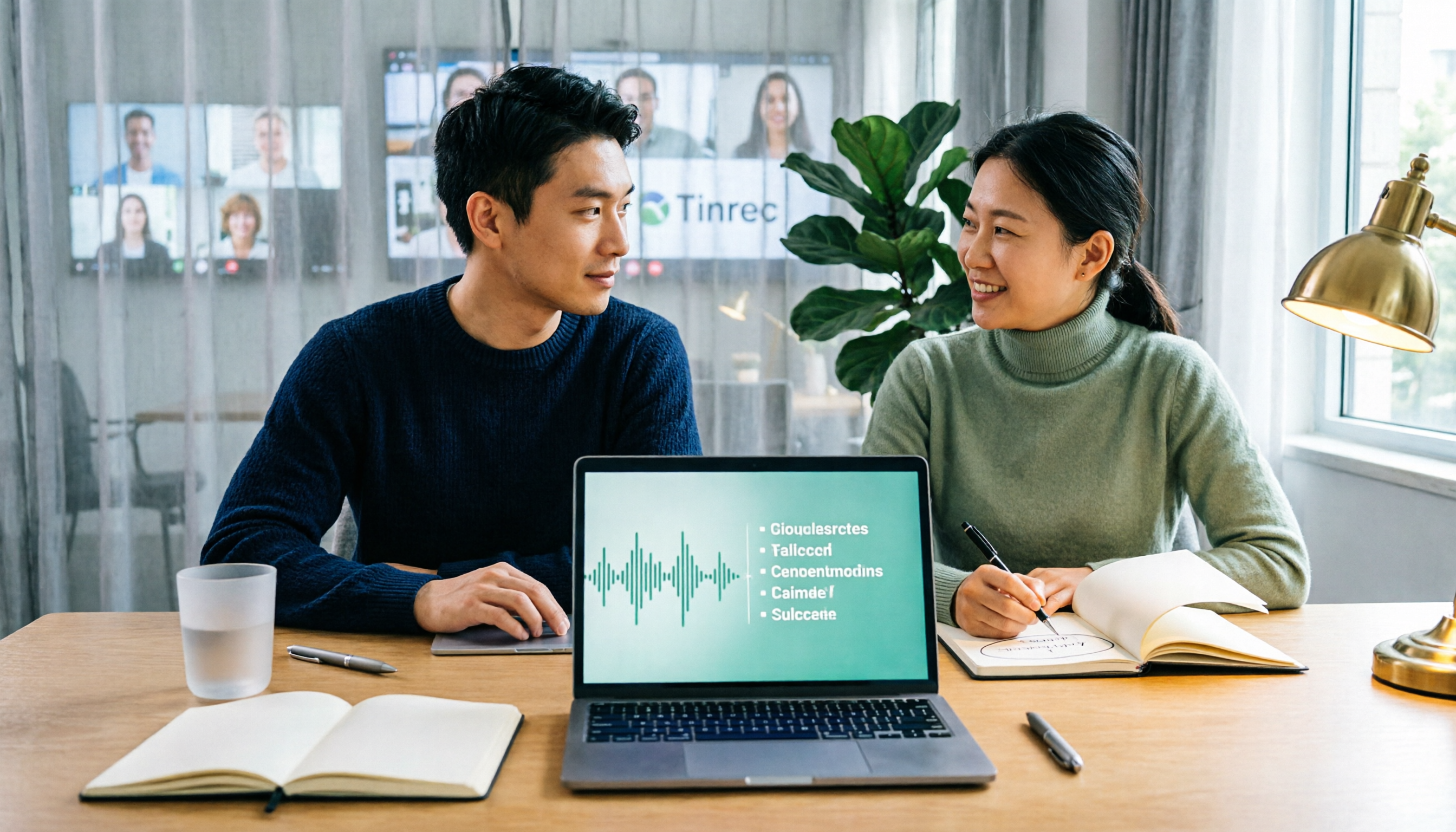
2026 AI Voice Recorder Comparison: How to Use Plaud and When Tinrec Takes Over
Many people ask how to use Plaud recording, but the real question is what to do after recording. This article starts with the most common misconception, then fully explains Plaud's three recording activation methods and setup. It compares Plaud Note series and Tinrec across six dimensions—online meetings, post-meeting organization, Chinese content, team collaboration, and cost structure—and ends with a step-by-step checklist you can follow today.

6 Transcription Tools Tested for 2026: How to Use Yating and Which Saves the Most Time?
Starting with the actual workflow of Yating transcription, this guide compares the positioning, free quotas, and use cases of 6 transcription tools—Tinrec, Otter.ai, Notta, TurboScribe, Granola, and PLAUD Note—to help you decide which one truly saves time on post-meeting organization.
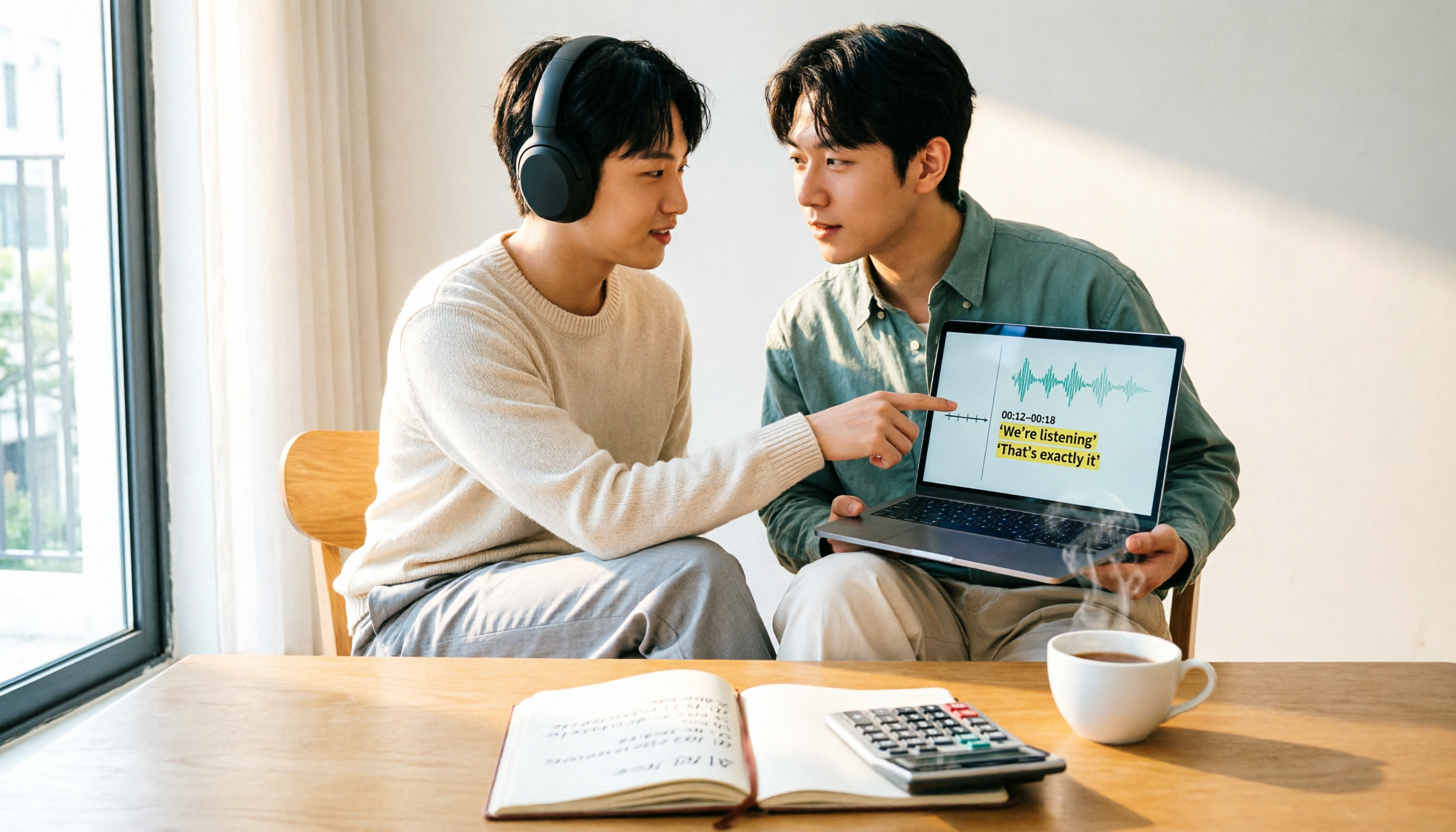
How Much Does Yating Transcription Cost in 2026? 5-Step Test and Pricing Breakdown
Does Yating transcription cost money? This article starts with the actual pricing model and walks you through 5 steps to calculate the real cost of free quotas, queue times, and hour top-ups. It also compares tools like Tinrec, Otter.ai, and TurboScribe to help you decide which plan fits your usage.

Yating Transcript Pricing Explained: 2026 Test of 4 Transcription Tools, How to Get the Best Value at $100 per Hour
Yating Transcript charges by audio length: $100 per hour, 10% off for 3 hours at $270, and hours can be used within 3 years from purchase. This article breaks down Yating Transcript's latest pricing structure, free quota, and billing pitfalls, and compares Tinrec, Otter.ai, and Notta in post-meeting organization and team collaboration, so you can justify your purchase in a procurement meeting.

2025 Comparison of 4 Transcription Tools: Is Yating's Free Quota Enough?
Is Yating Transcription's free quota enough? This article tests Yating, Tinrec, Otter.ai, and Notta using the same 10-minute Mandarin meeting recording and a 25-minute English interview audio file. It compares free rules, pricing, post-meeting summaries, and AI Q&A differences, with buying decision points and pitfalls to help you decide whether to pay.

6 Best Transcription Tools in 2026: Yating Pricing, Free Tiers & Alternatives Compared
Many people on Dcard ask how Yating transcription pricing works. This guide covers Yating's pricing, free quota, and limitations, and compares 6 transcription tools including Tinrec, Otter.ai, Notta, TurboScribe, and Granola to help you choose based on meeting type and budget.