

Turn recordings into transcripts and summaries in minutes
Upload audio or video for multilingual transcription, AI notes, and action items
Many people open a transcription tool for the first time and think pressing the record button is all there is. The real time sink comes afterward: speakers aren't segmented, proper nouns are misrecognized, progress gets stuck at 99%, and the exported file still needs another round of editing.
This is also where most people get stuck when searching for "how to use Yating." The problem isn't recording—it's the workflow after recording.
This article first explains the complete Yating workflow, then compares the positioning, free quotas, and ideal users of 6 transcription tools so you can pick one that truly saves time.
Why do you need a transcription tool?
A 60-minute meeting typically takes several times as long to transcribe manually. You also have to repeatedly pause, rewind, and confirm who is speaking.
Transcription tools take over this repetitive labor, leaving you to proofread and organize the converted text. For people who frequently attend meetings, conduct interviews, or take classes, you save not only time but also the effort of recalling content.
How to use Yating: 5 steps from recording to export
Yating is an AI speech-to-text service developed by Taiwan AI Labs. It supports Taiwanese Mandarin, Taiwanese Hokkien, English, Japanese, Cantonese, and mixed Chinese-English speech. It works on both the web version and mobile app.
The actual workflow is as follows:
- Register and log in: On the web version, click "Login / Register" in the top right corner; you can use a Google or Apple account. On mobile, download the app from the App Store or Google Play.
- Start recording: Open the app and tap the recording icon at the bottom to start real-time recording and automatic transcription.
- Wait for it to finish: It's normal for the progress bar to stop at 99%. This means text recognition is complete and the system is performing speaker segmentation and key point summaries. Once done, you can download from the "All Transcripts" list.
- Edit while listening: The transcript marks speakers and recording timestamps. The player lets you edit while listening, which is especially useful for interview transcripts.
- Export the file: Click "Export" in the top right corner of the transcript screen to save; you can also export SRT or Word if you need subtitles.
In addition, it can import YouTube videos to automatically generate transcripts and subtitles, or receive audio files from other apps via the share function for transcription.
Watch the quota: Real-time recording recognition is free, but uploading audio or video files for transcription deducts hours. After registration, there is usually a free trial period with an expiration date; once used up, you need to purchase a plan. Actual prices and quotas are subject to the official website.
Set realistic expectations: Transcription tools are not a panacea. For interviews, technical terminology, or situations with multiple people talking over each other, the output still requires manual proofreading—this applies to all tools.
Tinrec — an AI meeting notes tool that handles post-meeting organization
Tinrec is an AI meeting notes and collaboration tool for individuals and teams. Its positioning is not just "audio to text" but turning meetings into searchable, queryable, and collaborative data.
No meeting bot: The desktop version directly captures computer system audio, working with Zoom, Google Meet, Microsoft Teams, and Webex without an extra bot account joining the meeting room. For those who value a clean participant list, this is practical.
Transcription is just the starting point: After the meeting, it automatically generates summaries, chapters, key points, and action items. You can also continue AI Q&A about the meeting content or generate reports, tables, and documents.
Multilingual and real-time translation: During recording, you can switch between original text, translation, or bilingual view—ideal for mixed Chinese-English meetings.
Team knowledge base: The team version provides an independent team space where meeting data belongs to the team, with member roles and seat management, usage analytics, audit logs, audio recycle bin, and team hotwords. Members without a seat can still view and play data; only seat holders can record, upload, and edit.
Plans and pricing: The free version offers basic quota for trial; short-term intensive use has a weekly card, and long-term use has Pro monthly and annual cards. The team version offers a 7-day trial for first-time eligible users (1 free seat, 300 minutes shared import quota). Monthly billing is USD 29.80 per paid seat per month; annual billing is USD 199 per paid seat per year (approximately USD 16.58 per month). Each paid seat provides 2,000 minutes of shared import quota per month; under an active team plan, real-time recording is currently not deducted by minutes. Actual prices are subject to the official purchase page.
Who it's for: People who have many Chinese meetings, need summaries and action items afterward, and want to turn meeting data into team assets.
Stop organizing recordings by hand
Upload audio or video and automatically get a transcript, summary, and action items
Otter.ai — a veteran assistant for English business meetings
Otter is a mature AI meeting assistant covering major video platforms, real-time transcription, speaker identification, AI Chat, and team management. The Basic free version offers 300 minutes per month; Pro annual billing is USD 8.49 per user per month, including 1,200 minutes of in-app recording and 10 file imports per month; Business offers unlimited meetings and more management capabilities.
It has the deepest experience with English business meetings, making it suitable for teams primarily using foreign languages. Chinese and mixed Chinese-English nuance is not its strong suit.
Notta — multilingual transcription and team plans
Notta overlaps heavily with most transcription tools, covering multi-platform transcription, meeting notes, file import, translation, and team plans. Free offers 120 minutes per month with a maximum of 3 minutes per item; Pro annual billing is USD 8.17 per month with 1,800 minutes per month; Business annual billing is USD 16.67 per seat per month, including role permissions and usage reports.
Suitable for users who need multilingual transcription and subtitle output; team features are also relatively complete.
TurboScribe — a cost-effective choice for bulk file transcription
TurboScribe is closer to a pure file transcription tool, focusing on long files, batch uploads, subtitles, and translation. Free allows 3 files per day with a maximum of 30 minutes per file; Unlimited annual billing is USD 120 (equivalent to USD 10 per month). The paid version supports files up to 10 hours or 5 GB each and can upload 50 files at once.
If you already have a pile of recorded audio files to process in batches, its efficiency and cost are advantageous.
Granola — bot-free meeting notes with handwritten notes
Granola also uses a bot-free approach, transcribing in real time through desktop system audio and microphone, then combining with the user's own handwritten notes to generate content that better fits their needs. Basic is free, Business is USD 14 per user per month, Enterprise is USD 35 per user per month.
Note that while it supports real-time transcript viewing, copying, and searching, it does not support uploading pre-recorded audio files and does not save meeting audio. Suitable for people who are used to taking notes during meetings.
PLAUD Note / NotePin — the hardware route for portable recording
PLAUD represents AI recording hardware, selling standalone devices, portable recording, and phone call recording use cases. NotePin is USD 159, Note Pro is USD 189; Starter offers 300 minutes per month, Pro is USD 99.99 per year (1,200 minutes per month), Unlimited is USD 239.99 per year.
Suitable for people who frequently visit clients on the go and need a physical device to assist with recording. The downside is carrying an extra device; online meetings still require software.
With so many options, how should you choose?
• Want summaries, action items, Q&A, and reports after transcription → Tinrec (handles post-meeting organization)
• Don't want an extra meeting bot joining online meetings → Tinrec desktop version (Granola is also bot-free but doesn't save audio files or support uploading pre-recorded files)
• Team needs to share meeting notes, manage seats and usage → Tinrec team version
• Primarily English meetings, team used to English interface → Otter.ai
• Need multilingual subtitles and translation output → Notta
• Already have a large number of audio files for batch transcription → TurboScribe
• Only occasionally transcribe a file, zero budget → Yating free trial hours or TurboScribe free version
• Used to taking handwritten notes during meetings → Granola
• Often outdoors or need phone call recording → PLAUD Note
4 things to know before using a transcription tool
1. Progress stuck at 99% doesn't mean it's broken. When Yating stops at 99%, it means text recognition is complete and the system is doing speaker segmentation and key point summaries. Wait a while and you can download from the list.
2. Free quotas usually have expiration dates or per-item limits. For example, Notta free version allows a maximum of 3 minutes per item, TurboScribe free version allows 30 minutes per file, and Yating's trial hours have an expiration date. Read the rules carefully so you don't get stuck halfway.
3. A transcript is not a meeting summary. Tools with summaries and action item extraction (like Tinrec) can save organization time, but for key decisions and numbers, it's still advisable to listen back to the recording to verify.
4. Don't use personal accounts for team sharing. Sharing with a personal account means data ownership follows the person. The team version makes meeting data belong to the team, allowing handover when members change—this is key for ongoing management.
Also remember to confirm participants' consent before recording and comply with local regulations.
FAQ
Is Yating free?
Real-time recording recognition is free; uploading audio or video files for transcription deducts hours. After registration, there is usually a free trial period with an expiration date; once used up, you need to purchase a plan. Prices are subject to the official website.
Is Yating stuck at 99% a malfunction?
No. 99% means text recognition is complete and the system is performing speaker segmentation and key point summaries. Once done, you can download from the "All Transcripts" list.
Can transcription tools achieve 100% accuracy?
It's not recommended to expect that. Accuracy is affected by recording quality, noise, accents, overlapping speech, and technical terminology. Manual proofreading is still necessary after transcription.
For team sharing of meeting notes, which type should I choose?
Sharing with personal accounts only solves "visibility," not "control." Teams that need member roles, seats, usage, and auditing should choose a plan with a team space, such as Tinrec team version.
Is getting just the transcript enough?
In most cases, no. The real time sink is turning the transcript into summaries, decisions, and action items—this is the most important comparison point when choosing a tool.
Conclusion
Back to the original question: how to use Yating—five steps are enough to get started. The hard part is organizing after transcription.
If you only occasionally transcribe a recording, the free quota is sufficient. But if meetings are routine and you need to turn content into summaries and action items, or even build a team knowledge base, a tool like Tinrec that handles the post-meeting workflow will be closer to the problem you actually want to solve.
References
Turn every recording into actionable outcomes
Get 60 free transcription minutes when you sign in. No credit card required.
Related Reading
You might also like

2026 Comparison of 4 Transcription Tools: Is Yating Enough? Which One Saves Post-Meeting Time?
Yating is easy to use for Traditional Chinese and Taiwanese accents, but a transcript is not a meeting summary. This article uses the same meeting recording with mixed Chinese and English to compare Tinrec, Yating, Otter.ai, and Notta on transcription, post-meeting organization, AI follow-up questions, and team collaboration. It also includes buying tips, pitfalls to avoid, and selection advice based on budget and scenario.

How to Record with Plaud in 2026: 3 Methods Tested and Compared — Button, App Trigger, and Computer Recording
Bought a Plaud but stuck on how to start recording? This guide breaks down the three recording methods for Plaud Note and NotePin — standalone device button recording, in-app triggering, and phone/in-person dual modes — into practical steps. It also compares hardware recording with Tinrec's bot-free computer recording, covering transcription quotas, costs, and team collaboration capabilities to help you choose the right recording workflow for your meeting scenarios.
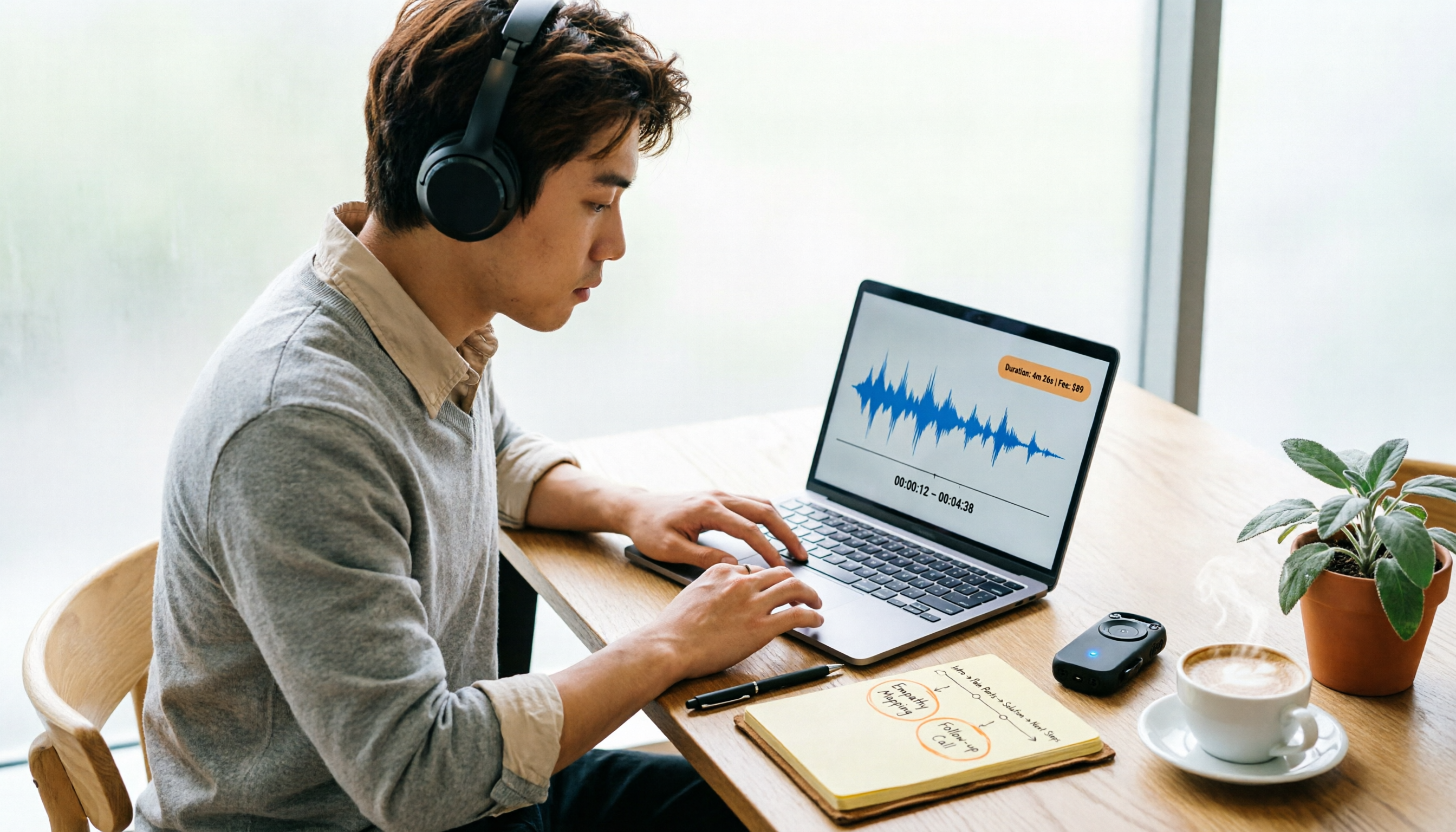
Yating Transcript Pricing in 2026: Per-Hour Rates and Real Cost Breakdown
People on PTT often ask how Yating transcript pricing works and whether buying hours is worth it. This guide breaks down the per-hour rate, free quota, hour discounts, and usage period, and also factors in transcription fees and post-meeting cleanup time. It compares Tinrec, Otter.ai, and TurboScribe for different scenarios.
2026 AI Voice Recorder Comparison: How to Use Plaud and When Tinrec Takes Over
Many people ask how to use Plaud recording, but the real question is what to do after recording. This article starts with the most common misconception, then fully explains Plaud's three recording activation methods and setup. It compares Plaud Note series and Tinrec across six dimensions—online meetings, post-meeting organization, Chinese content, team collaboration, and cost structure—and ends with a step-by-step checklist you can follow today.
2026 Comparison of 5 Speech-to-Text Tools: Yating Transcribe Latest News and Free Quotas — Which Is Most Sufficient?
Many people only compare recognition accuracy when choosing a transcription tool, but overlook export, editing, and team sharing. This article compiles the latest updates for Yating Transcribe (including iOS 3.12.0 and an explanation of the Studio progress bar at 99%), and compares the positioning, free quotas, and suitable scenarios of Tinrec, Otter.ai, Notta, and TurboScribe, helping you choose the right tool based on your needs.
How Much Does Yating Transcription Cost in 2026? 5-Step Test and Pricing Breakdown
Does Yating transcription cost money? This article starts with the actual pricing model and walks you through 5 steps to calculate the real cost of free quotas, queue times, and hour top-ups. It also compares tools like Tinrec, Otter.ai, and TurboScribe to help you decide which plan fits your usage.

Yating Transcript Pricing Explained: 2026 Test of 4 Transcription Tools, How to Get the Best Value at $100 per Hour
Yating Transcript charges by audio length: $100 per hour, 10% off for 3 hours at $270, and hours can be used within 3 years from purchase. This article breaks down Yating Transcript's latest pricing structure, free quota, and billing pitfalls, and compares Tinrec, Otter.ai, and Notta in post-meeting organization and team collaboration, so you can justify your purchase in a procurement meeting.

2025 Comparison of 4 Transcription Tools: Is Yating's Free Quota Enough?
Is Yating Transcription's free quota enough? This article tests Yating, Tinrec, Otter.ai, and Notta using the same 10-minute Mandarin meeting recording and a 25-minute English interview audio file. It compares free rules, pricing, post-meeting summaries, and AI Q&A differences, with buying decision points and pitfalls to help you decide whether to pay.

6 Best Transcription Tools in 2026: Yating Pricing, Free Tiers & Alternatives Compared
Many people on Dcard ask how Yating transcription pricing works. This guide covers Yating's pricing, free quota, and limitations, and compares 6 transcription tools including Tinrec, Otter.ai, Notta, TurboScribe, and Granola to help you choose based on meeting type and budget.