
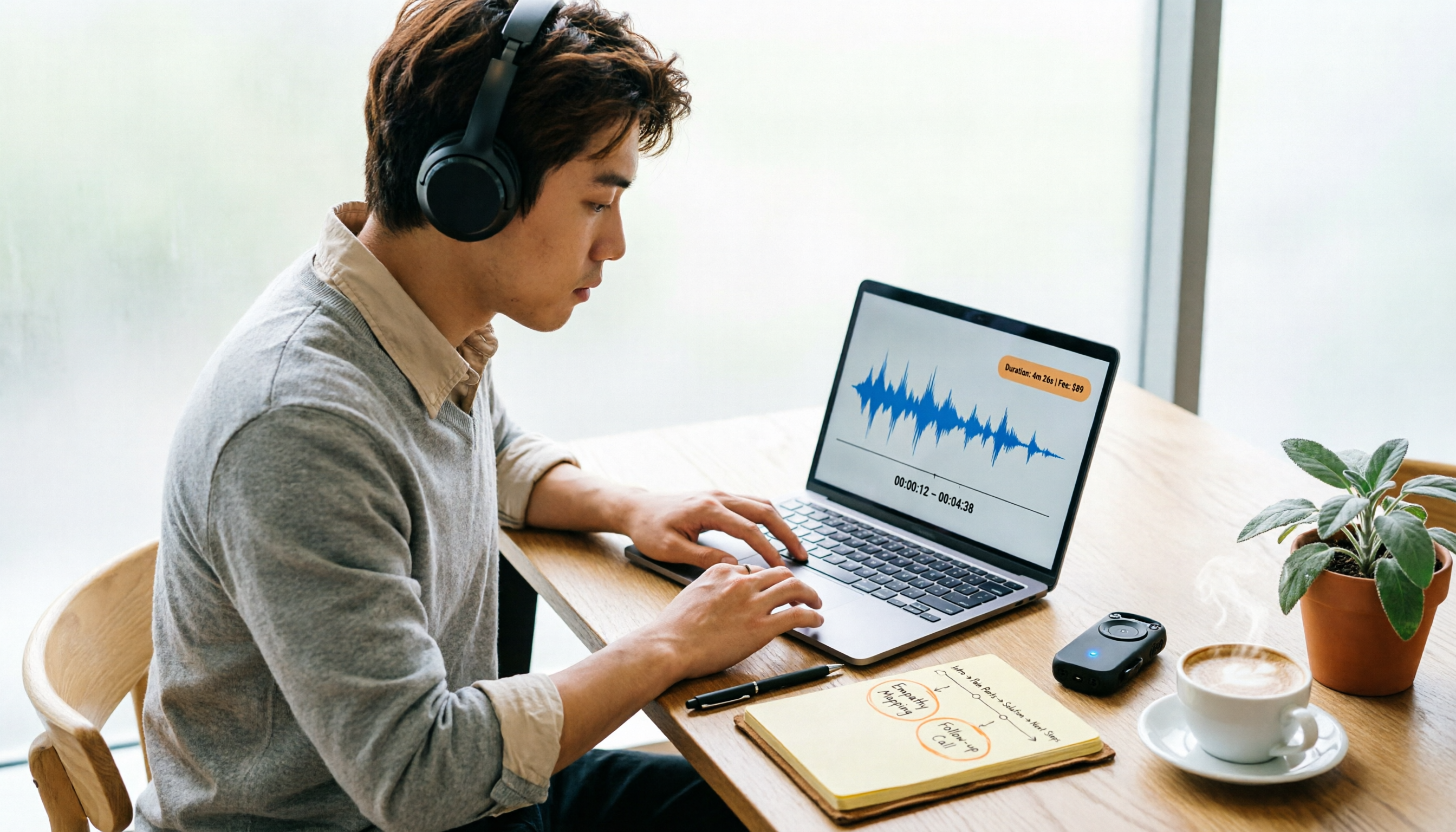
Turn recordings into transcripts and summaries in minutes
Upload audio or video for multilingual transcription, AI notes, and action items
First, ask yourself: Are you calculating the "transcription fee" or the "cleanup time"?
Every so often, someone on PTT asks: "How exactly is Yating transcript pricing calculated?" "Is buying hours worth it?"
Let me make the decision focus clear: most people only compare the "per-hour rate" when comparing prices, but overlook the part that comes after—how much time it takes to turn the transcript into a usable meeting record once you have it.
A 60-minute meeting might only cost a hundred dollars to transcribe; but extracting conclusions, action items, and who is responsible for what from a transcript of tens of thousands of words often takes another 40 minutes.
A low unit price does not mean a low total cost. This article not only answers the cost of Yating transcripts but also helps you put "transcription + cleanup" into the equation together.
Before calculating costs, understand these 4 key points
1. Billing is based on audio length, not how long you speak
Yating transcripts are billed by audio length. A 60-minute meeting recording where half is silence is still counted as 60 minutes.
Cutting out breaks and gaps before uploading is the most direct way to save money.
2. The free quota is hidden in "real-time recording"
Yating's real-time recording feature is free; only uploading existing audio files deducts hours.
In other words, to save money you need to record during the meeting; if you only think about converting the recording to text afterward, you have to pay. This difference directly affects your actual spending.
3. A transcript is not a meeting record
This is the point I remind readers of most often: being able to export to WORD, TXT, PDF, or SRT does not mean you have meeting minutes.
Smart paragraphing, automatic punctuation, and speaker identification do make cleanup easier, but summaries, action items, and follow-up questions still require your own effort. That is why I later started looking specifically at whether tools have post-processing capabilities like "summary + action items," rather than just accuracy.
4. Think through multi-person and cross-device use first
A single Yating account cannot be logged in on multiple devices at the same time; if a team wants to share, each person has to handle it separately.
If a meeting is being organized by three or five people together, this cost needs to be factored in. What you need is a design like a "team space," not buying several individual accounts.
Tinrec (Miaoting Recording)—Look at the workflow first, then compare prices
Tinrec (Miaoting Recording) is an AI meeting notes and collaboration tool for individuals and teams, available on web, desktop, and mobile. It does more than convert speech to text; it turns a meeting into material that can be searched, queried, and further processed.
The actual workflow looks roughly like this:
During the meeting: The desktop version directly captures computer system audio, handling Zoom, Google Meet, Microsoft Teams, and Webex without needing to invite an extra meeting bot into the room. It produces transcripts while recording, and for cross-language meetings it can enable real-time translation, with original text, translation, or bilingual side-by-side view.
After the meeting: AI automatically generates summaries, chapters, and action items. Who committed to what and when—no need to search through everything yourself.
Looking back two weeks later: This is where it differs most from most transcription tools—you can directly ask questions about the meeting content, such as "Last time we discussed the budget, who mentioned cutting it by 30%?" It gives you an answer, not a string of keywords for you to Ctrl+F.
When it's time to deliver: Results can be exported in common formats and taken to Notion, Google Docs, OneNote, or Dropbox for continued use, and can also be processed through an Agent to generate reports, tables, and meeting minutes.
There are three advantages I think are worth mentioning:
- No meeting bot needed: When meeting with external parties, you don't have to explain to clients "what is that bot joining the meeting"—this matters more than you might think.
- There's more to do after transcription: Summaries, chapters, action items, AI Q&A, translation, and export—the entire chain is completed in one place.
- The team version is an independent space, not a shared account: Meeting data belongs to the team, and can be handed over when members leave or lose their seats; administrators can see roles, seats, usage, and audit logs.
Stop organizing recordings by hand
Upload audio or video and automatically get a transcript, summary, and action items
Limitations should also be clearly stated. The free version provides a basic quota, and frequent users still need to upgrade; the team version is priced per paid seat, currently USD 29.80 per paid seat per month for monthly billing, and USD 199 per paid seat per year for annual billing (approximately USD 16.58 per month), with each seat providing 2,000 minutes of team shared import quota per month. Eligible teams get a 7-day trial with 1 free seat and 300 minutes of shared import quota for the first time. Actual prices and benefits are subject to the official purchase page.
One more thing I must be honest about: transcription accuracy is affected by recording quality, background noise, accents, and multiple people talking over each other—the same goes for any tool. For important content, it is recommended to cross-check with playback of the recording.
If you have several meetings every week, need to organize them into something everyone can understand afterward, and your team is more than just you—this end-to-end design of "record → understand → act → collaborate" will be less hassle than simply buying transcription hours.
Besides Tinrec, what other options are there? First look at Yating transcript's cost structure
Yating Transcript is a long-established local Taiwanese brand, and its strength is recognizing Taiwanese accents and Taiwanese Hokkien. It supports both real-time recording and audio file upload, can automatically add punctuation, identify speakers, export to WORD/TXT/PDF/SRT, and also has a Chrome extension for recording Google video meetings. Regarding cost, here are a few key points that can be cross-verified:
- Billed by audio length, basically NT$100 per hour.
- There are small discounts for buying more, e.g., 3 hours for about NT$270 (about 10% off); hours can be stacked, and for long-term or large-volume needs you can inquire about custom plans.
- After purchase, there is a relatively long usage period from the date of purchase (most sources say 3 years), so you don't need to rush to use it all.
- Real-time recording is free; uploading audio files deducts hours, and a free trial minutes are given upon registration.
Note that the free quota figures compiled on PTT and various articles are inconsistent (some say 20 minutes, others 120 minutes), and unit prices and discounts may also change. Before ordering, it is recommended to check the amount displayed on the official website checkout page.
Its paid plan is "buying hours" rather than a subscription—pay as you go, which is an advantage for occasional users; but one account cannot be logged in on multiple devices at the same time, so multi-person sharing requires other solutions. Public information also does not show designs like AI chat queries or team spaces.
Its positioning is clear: if you need Taiwanese accent and Taiwanese Hokkien recognition, and you are willing to spend your own time on post-meeting cleanup, it is a reasonable starting point.
Otter.ai: A mature choice for English meetings, with a free plan offering 300 minutes per month, which is plenty for pure English scenarios. Chinese experience is not its focus; if your content is mainly in Chinese, try before deciding.
TurboScribe: Leans toward cost-effective file transcription, with strengths in long documents, batch uploads, subtitles, and translation. But it does not handle the "meeting in progress" part—no real-time meeting recording, no action item extraction, and no team data retention.
Pitfall guide: The 4 most easily confused things when checking Yating transcript pricing
Pitfall 1: Mistaking API pricing for transcript plans
Yating also has a developer platform (Dev Console), which is usage-based, billed monthly, rounds up to the minimum unit, and gives new members test credits. That is for people integrating APIs, and is separate from buying transcript hours—don't mix the numbers from both sides.
Pitfall 2: Thinking "free" means free forever
Once the trial minutes given at registration are used up, you have to pay. Although real-time recording is free, reprocessing audio files afterward still deducts hours. First figure out whether you are "getting text on the spot" or "organizing afterward."
Pitfall 3: Only looking at unit price, not cleanup time
This is the most common misjudgment. NT$100 per hour sounds cheap, but if you still have to spend 40 minutes organizing after the meeting, converted to hourly wage it might be more expensive than upgrading the tool. When comparing prices, put "your time" into the equation.
Pitfall 4: Ignoring team sharing
When an individual account buys hours, the data is locked in the individual account. If colleagues want to see it, take over, or continue from last time's conclusions, they have to find a way to transfer files. If meeting data will become a team asset, you should choose a tool with team spaces and seat management from the start.
Conclusion: How should you choose?
In one sentence: If you just want cheap transcripts, buying hours with Yating Transcript is enough; if you want "data that is directly usable after the meeting," Tinrec will save you more time.
Routing suggestions:
- Need Taiwanese accent and Taiwanese Hokkien recognition, and will organize afterward yourself → Yating Transcript, buy hours as needed.
- Many online meetings, don't want a bot in the meeting room → Tinrec desktop version directly captures system audio.
- Want to directly ask "What was the conclusion last time?" after recording → Tinrec's AI Q&A.
- Meeting data needs to be shared with the team, and members may change → Tinrec team version (team space + seats + usage and audit).
- Pure English meetings, zero budget → Otter.ai free version with 300 minutes per month is a reasonable exception.
My practical suggestion: first run a real meeting with the free quota, not a test audio file. You'll know right away whether the output can be used directly.
References
- Yating Transcript: Online Speech-to-Text Service, Cost Introduction at a Glance! | All-Around AI Tools Introduction—Future Commerce
- Complete Guide to Yating Transcript: Free Version, Cost, and Alternatives at a Glance
- Pricing - Dev Console | Yating - Yating Intelligence
- Is Yating Transcript Free? How Yating Transcript Pricing Works and Whether Buying Hours Is Worth It
- Is Yating Transcript Free? Complete Comparison of 2026 Audio-to-Text Tool Costs and Performance - Miaoting Recording Blog
Turn every recording into actionable outcomes
Get 60 free transcription minutes when you sign in. No credit card required.
Related Reading
You might also like

2026 Comparison of 4 Transcription Tools: Is Yating Enough? Which One Saves Post-Meeting Time?
Yating is easy to use for Traditional Chinese and Taiwanese accents, but a transcript is not a meeting summary. This article uses the same meeting recording with mixed Chinese and English to compare Tinrec, Yating, Otter.ai, and Notta on transcription, post-meeting organization, AI follow-up questions, and team collaboration. It also includes buying tips, pitfalls to avoid, and selection advice based on budget and scenario.

How to Record with Plaud in 2026: 3 Methods Tested and Compared — Button, App Trigger, and Computer Recording
Bought a Plaud but stuck on how to start recording? This guide breaks down the three recording methods for Plaud Note and NotePin — standalone device button recording, in-app triggering, and phone/in-person dual modes — into practical steps. It also compares hardware recording with Tinrec's bot-free computer recording, covering transcription quotas, costs, and team collaboration capabilities to help you choose the right recording workflow for your meeting scenarios.
2026 AI Voice Recorder Comparison: How to Use Plaud and When Tinrec Takes Over
Many people ask how to use Plaud recording, but the real question is what to do after recording. This article starts with the most common misconception, then fully explains Plaud's three recording activation methods and setup. It compares Plaud Note series and Tinrec across six dimensions—online meetings, post-meeting organization, Chinese content, team collaboration, and cost structure—and ends with a step-by-step checklist you can follow today.

6 Transcription Tools Tested for 2026: How to Use Yating and Which Saves the Most Time?
Starting with the actual workflow of Yating transcription, this guide compares the positioning, free quotas, and use cases of 6 transcription tools—Tinrec, Otter.ai, Notta, TurboScribe, Granola, and PLAUD Note—to help you decide which one truly saves time on post-meeting organization.
2026 Comparison of 5 Speech-to-Text Tools: Yating Transcribe Latest News and Free Quotas — Which Is Most Sufficient?
Many people only compare recognition accuracy when choosing a transcription tool, but overlook export, editing, and team sharing. This article compiles the latest updates for Yating Transcribe (including iOS 3.12.0 and an explanation of the Studio progress bar at 99%), and compares the positioning, free quotas, and suitable scenarios of Tinrec, Otter.ai, Notta, and TurboScribe, helping you choose the right tool based on your needs.
How Much Does Yating Transcription Cost in 2026? 5-Step Test and Pricing Breakdown
Does Yating transcription cost money? This article starts with the actual pricing model and walks you through 5 steps to calculate the real cost of free quotas, queue times, and hour top-ups. It also compares tools like Tinrec, Otter.ai, and TurboScribe to help you decide which plan fits your usage.

Yating Transcript Pricing Explained: 2026 Test of 4 Transcription Tools, How to Get the Best Value at $100 per Hour
Yating Transcript charges by audio length: $100 per hour, 10% off for 3 hours at $270, and hours can be used within 3 years from purchase. This article breaks down Yating Transcript's latest pricing structure, free quota, and billing pitfalls, and compares Tinrec, Otter.ai, and Notta in post-meeting organization and team collaboration, so you can justify your purchase in a procurement meeting.

2025 Comparison of 4 Transcription Tools: Is Yating's Free Quota Enough?
Is Yating Transcription's free quota enough? This article tests Yating, Tinrec, Otter.ai, and Notta using the same 10-minute Mandarin meeting recording and a 25-minute English interview audio file. It compares free rules, pricing, post-meeting summaries, and AI Q&A differences, with buying decision points and pitfalls to help you decide whether to pay.

6 Best Transcription Tools in 2026: Yating Pricing, Free Tiers & Alternatives Compared
Many people on Dcard ask how Yating transcription pricing works. This guide covers Yating's pricing, free quota, and limitations, and compares 6 transcription tools including Tinrec, Otter.ai, Notta, TurboScribe, and Granola to help you choose based on meeting type and budget.