
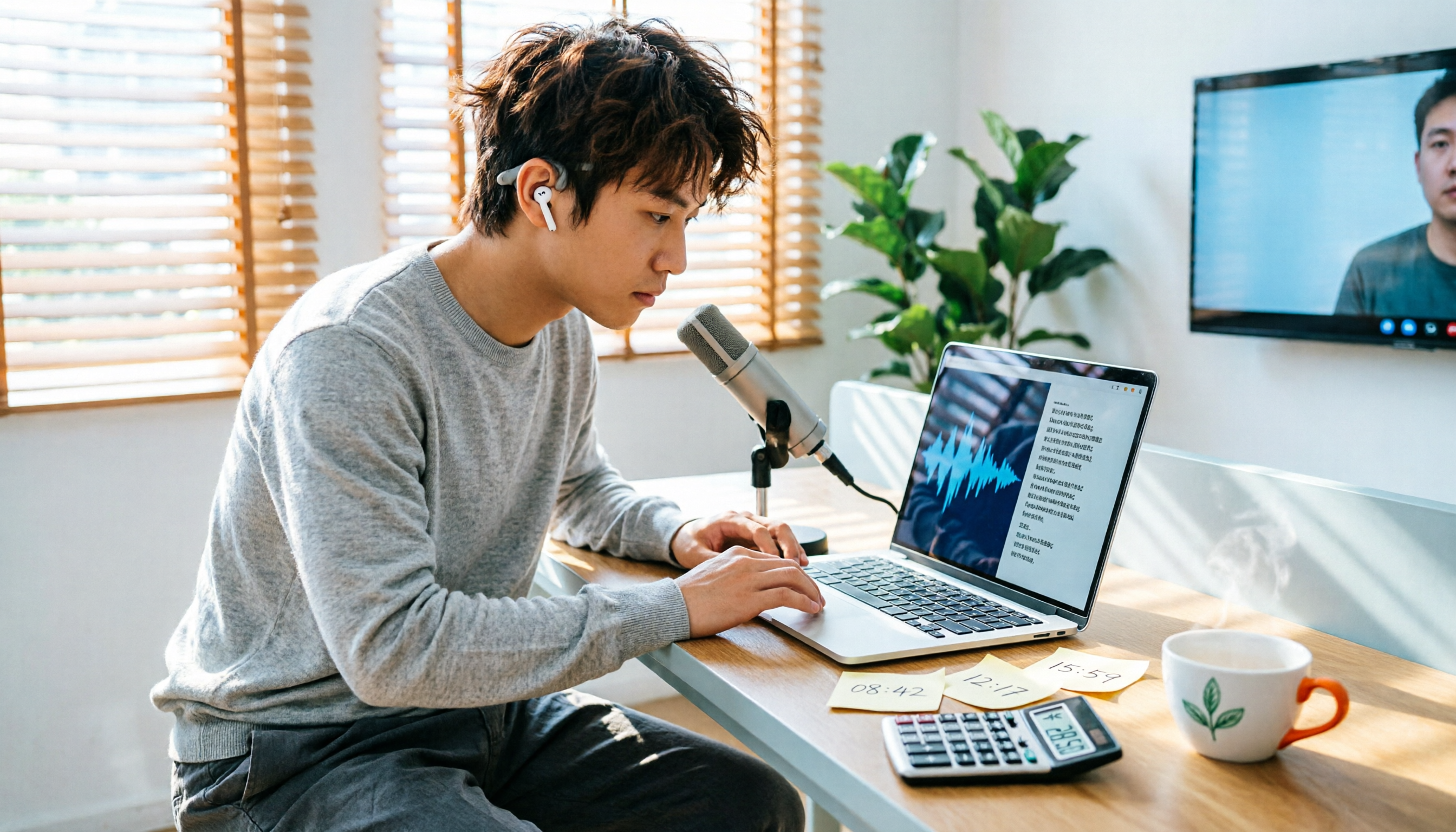
Turn recordings into transcripts and summaries in minutes
Upload audio or video for multilingual transcription, AI notes, and action items
Eight out of ten people searching for "Yating transcription pricing" misunderstand the same thing
Most people think it's a free Taiwan-made speech-to-text tool.
I almost misunderstood it the first time I saw the official website. The page says "free real-time recording," which looks very generous.
But the line between free and paid actually depends on "where the audio file comes from."
Recording in real time with your own microphone is currently listed as a free feature.
If you have an already-recorded meeting or interview file to upload, the official service gives you 20 free minutes; beyond that, you start paying based on audio length.
So it's not a "free tool"—it's a "paid service with a free entry point." That's a big difference.
Understand these 4 things before buying, or you'll definitely miscalculate
1. The billing unit is "audio length," not your usage time
Yating transcription charges by audio hours, currently NT$100 per hour.
That means if you upload a 3-hour marathon meeting, even if you only spend 10 minutes organizing it, the bill still counts 3 hours.
This is completely different from an unlimited mobile data mindset—you'll need to get used to it.
2. Buying more gets a discount, but only if you'll use it all
The 3-hour plan is 10% off at NT$270, which works out to NT$90 per hour.
The 100-hour plan is 20% off, which works out to NT$80 per hour.
The discount depends on "how much you buy at once," not "how often you use it." If you buy but don't use it all, even a lower unit price is a waste.
The official terms state it can be used within 3 years after purchase, which is friendly for people who only transcribe a few times a year.
3. A transcript is not the same as meeting notes
This is the biggest pitfall.
What you get is a word-for-word raw transcript, not organized conclusions, decisions, and action items.
Yating's strength is accurately recognizing Taiwanese accents, Taiwanese Hokkien, and mixed Chinese-English speech, but it doesn't provide a one-stop solution for summaries and action items after the meeting.
You still have to spend time reviewing it yourself.
4. Think carefully about data ownership before team sharing
If a group of people share one personal account, offboarding, handovers, and who can edit will all become a mess.
In this case, what you need to look at is not the unit price, but whether there is team space and permission management.
Complete breakdown of Yating transcription pricing: plans, unit prices, and use cases
Let's lay out the numbers first.
| Plan | Price | Per hour |
|---|---|---|
| Real-time recording | Listed as free feature | — |
| Upload audio trial | 20 minutes free | — |
| Pay-as-you-go hours | NT$100 per hour | NT$100 |
| 3-hour plan | NT$270 (10% off) | NT$90 |
| 100-hour plan | 20% off | NT$80 |
Also, if you need to purchase more than 50 hours at once, the official site asks you to contact a representative directly.
For developers using the API, the website has a separate "pay-as-you-go, billed next month" calculation. New members get points equivalent to TWD 1,000, and any amount less than the minimum billing unit is rounded up. Note this carefully: 4.7 hours will be charged as 5 hours.
My assessment:
At NT$100 per hour, the pricing is honestly not expensive, and it's intuitive for people who "occasionally need to transcribe an interview."
But if you have meetings every day and need to organize two or three meeting records each week, this pay-per-use model will add up noticeably.
One more thing to know: the official site clearly states that speech recognition cannot be 100% accurate. With unclear speech, background noise, or multiple people talking over each other, there will still be typos and filler words that require manual proofreading. This is a common issue with all transcription tools, and Yating is no exception—it's not their fault, but you should factor proofreading time into your budget.
Prices and plan details may change; please refer to the official website for the latest information.
Tinrec—why I later switched my main tool to it
First, positioning. Tinrec is an AI meeting notes and collaboration tool for individuals and teams, available on iOS, Android, web, and desktop.
The biggest difference from pure transcription tools is that it doesn't sell "text"—it sells "organized meeting data."
During meetings: no need to invite a bot
Its desktop version directly captures computer system audio.
Zoom, Google Meet, Microsoft Teams, and Webex all work without inviting an extra meeting bot.
This is especially noticeable when talking to clients—you won't let the other party see an unfamiliar AI account in the meeting participant list.
After meetings: summaries, chapters, and action items generate themselves
After recording, it generates AI summaries, chapters, key points, and action items.
Stop organizing recordings by hand
Upload audio or video and automatically get a transcript, summary, and action items
You don't have to scroll through an 8,000-word transcript to find "who said they'd deliver what and when"—it lists it for you.
It can also generate mind maps, so you can grasp the structure of long meetings at a glance.
The most critical difference: you can ask it questions after the meeting
This is a relatively rare feature in this price range.
You can directly ask: "Who mentioned the budget in the last meeting?"
It doesn't give you keyword search results; it answers based on semantics.
For people who need to look back at historical meetings, the time saved by this feature is very practical.
Other features I often use
- Real-time translation: During recording, you can switch between original text, translation, or bilingual view—no need to find a separate interpreter for cross-language meetings.
- Multi-format export: Can be directly exported to Notion, Google Docs, OneNote, Dropbox for further processing.
- Agent post-processing: Generates reports, tables, and documents based on meeting content—very convenient for those who need to submit weekly reports.
- Team version: Independent team space; data belongs to the team, not individuals. Includes roles, seats, usage analytics, audit logs, and an audio recycle bin (30-day retention). When a member leaves, resources can be transferred to other members and won't leave with the person.
The team version currently offers a 7-day trial (1 free seat, 300 minutes of shared team import quota), then USD 29.80 per paid seat per month, or USD 199 per paid seat per year (about USD 16.58 per month). Each paid seat provides 2,000 minutes of shared team import quota per month, and real-time recording under an active plan is currently not deducted by minutes.
Honest downsides
First, it doesn't take an "unlimited transcription" approach; file imports have quotas, so those who purely want to batch-process many files may find it restrictive.
Second, I can't give you a nice accuracy number. The official site doesn't promise a fixed accuracy rate; actual performance depends on recording quality, accent, noise, and overlapping speech. For important content, it's still recommended to cross-check with the recording.
Third, if your need is as simple as "I just want a transcript and nothing else," you'll use less than half of the features it offers.
Who it's for
People who have meetings every day, don't want to spend time organizing notes, need to look back at historical content after meetings, or teams that need a shared database.
Besides Yating and Tinrec, what other options are there?
Notta: Good multilingual transcription capability. Free version offers 120 minutes per month with a 3-minute limit per file; Pro annual billing is about USD 8.17 per month for 1,800 minutes; Business annual billing is about USD 16.67 per seat per month. Suitable for people who already work in multilingual environments and mainly do file transcription. But if what you want is "summaries and action items right after the meeting," Tinrec's workflow is more complete, and its desktop version can record without a bot.
TurboScribe: A cost-effective pure file transcription tool. Free version allows 3 files per day, 30 minutes per file; Unlimited annual billing is USD 120 (about USD 10 per month), with a maximum of 10 hours or 5 GB per file, and up to 50 files uploaded at once. If you need to transcribe a whole batch of course recordings or video materials into subtitles, it's more suitable than Tinrec. But real-time meetings, post-meeting Q&A, and team databases are not its strong suit.
Pitfall guide: the 4 most common mistakes when calculating transcription costs
Pitfall 1: Seeing "free" and signing up without clarifying which part is free.
What's free is real-time recording; uploaded audio only gets 20 minutes. Understand the process before deciding whether to buy hours.
Pitfall 2: Comparing hourly unit prices without calculating how many hours you'll use in a year.
The 100-hour plan at NT$80 per hour looks attractive, but if you only transcribe 5 hours a year, buying it means it sits there until it expires. Test with the free quota first, and only buy a small package if it's really not enough.
Pitfall 3: Only counting transcription fees, not proofreading time.
For a one-hour recording, manual proofreading often takes nearly another hour. The real cost is "transcription fee + your time." Many people only count the former and end up feeling it's not worth it.
Pitfall 4: Teams sharing a personal account.
This is the most common mistake small teams make. Data ownership is unclear, permissions are undefined, and when someone leaves, files are lost. If you need to share, choose a tool with team space, roles, and seat design—Tinrec's team version handles this more carefully than most people imagine.
Conclusion: Which one should you choose?
To sum up the topic in one sentence: Yating transcription is not free; it's a paid service starting at NT$100 per hour with a free entry point.
Then choose based on your situation:
- Only transcribe a few recordings a year, need accurate Taiwanese accents → Yating transcription. Try free real-time recording first; if you use it often, buy the 3-hour plan for NT$270.
- Meetings every day, need summaries, action items, and post-meeting AI Q&A → Tinrec.
- Team sharing with permission and usage management → Tinrec team version.
- Mass transcription of long audio files into subtitles, need high per-file limits → TurboScribe.
- Multilingual meetings, need real-time bilingual translation → Tinrec.
Final practical advice: don't buy a big package right away.
First, use the free quota to throw in a real recording of your own, and see if the error rate is acceptable and if the workflow is smooth.
With tools, no matter how accurate others' tests are, nothing beats the results from testing with your own recording.
Recording and transcription involve personal data; please comply with local regulations and obtain consent from participants when necessary.
References
- Yating Transcription: Online Speech-to-Text Service, Pricing Overview! | AI Tool Introduction – Future Commerce
- Complete Guide to Yating Transcription: Free Version, Pricing, and Alternatives
- Is Yating Transcription Free? 2026 Complete Comparison of Audio-to-Text Tool Pricing and Performance - Tinrec Blog
- Pricing - Dev Console | Yating - Yating Intelligence
- Yating Transcription Introduction, Features, Pricing, Pros and Cons Review | TheAI Academy
Turn every recording into actionable outcomes
Get 60 free transcription minutes when you sign in. No credit card required.
Related Reading
You might also like

2026 Review of 3 Recording Tools: How to Use PLAUD and How Tinrec Differs
Starting with how to use the PLAUD recording tool, this comparison covers three approaches—hardware recording cards, cloud-based AI meeting tools, and English meeting tools—explaining their suitable scenarios, free quotas, and pitfalls to watch for, helping you choose the one you'll actually keep using.

How to Organize PLAUD Recorder Audio in 2026: 5 Steps from Audio File to AI Meeting Minutes
Buying a voice recorder doesn't solve meeting notes. This article starts with three common inefficient practices, breaks down 4 key purchasing factors, and demonstrates a 5-step process to turn audio recorded on PLAUD and similar devices into searchable, queryable, and shareable meeting minutes, while comparing Tinrec, PLAUD, Notta, and Otter in practice.

Tinrec vs Yating Transcribe 2026: 5-Dimension Comparison for Chinese Meeting Notes
Yating Transcribe offers iOS, Android apps, and a web version. This article compares Yating Transcribe and Tinrec across 5 dimensions—download methods, Chinese recognition, post-meeting organization, and team collaboration—to help you decide which fits your meeting notes workflow.

Yating Transcriber Tutorial 2026: Mandarin & Taiwanese Speech Recognition, YouTube Subtitle Export
This Yating Transcriber tutorial walks you through the entire process, from signing up and live recording to uploading audio files and exporting SRT subtitles. It also covers free quotas, paid durations, and common pitfalls, and compares when tools like Tinrec are better suited for post-meeting AI Q&A and team collaboration.

2026 Review of 2 Speech-to-Text Tools: Is Yating Transcription Free? Which Is Better for Post-Meeting Organization?
Is Yating Transcription free? This article summarizes Yating Transcription's free quota, pricing, and limitations, and compares it with Tinrec across 5 dimensions: free plan, multilingual real-time translation, post-meeting AI organization, online meeting recording, and team collaboration, to help you decide if the free version is sufficient.

2026 Comparison of 2 Transcription Apps: Tinrec vs Yating Transcription – Which Is Better for Chinese Meeting Notes?
From online meeting recording and AI post-meeting organization to multilingual recognition and team collaboration, we break down the differences between Tinrec and Yating Transcription to help you decide which one better fits your meeting and transcription workflow.

2026 Comparison of 4 Transcription Tools: How to Calculate Free Hours Without Getting Burned
The pain isn't that free hours are scarce—it's that you can't tell whether they count audio length, number of uploads, or per-file limits. This article breaks down the free rules for Yating Transcription, Otter.ai, Notta, and Tinrec, with buying tips, hands-on insights, and three common pitfalls to help you judge which free tier actually works for you.

2026 Comparison of 4 Audio Transcription Tools: How to Use Yating Transcript and Who Can Save Time on Organization?
Many people search for 'how to use Yating Transcript' thinking that pressing record will produce meeting minutes. This article starts with the most common misconception, breaks down the operation process and four key limitations of Yating Transcript, and compares Tinrec, Otter.ai, and Notta in Chinese meetings, bot-free recording, post-meeting organization, and team collaboration. It ends with a pitfall guide and selection advice.

How Long Can Yating Transcription Record in 2026? 4 Steps to Check If Your Hours Are Enough
How long can Yating Transcription record? This article first breaks down the difference between recording and transcription quotas, compiles free and paid information, then uses 4 steps to estimate meeting hours, and compares Tinrec, Otter, and TurboScribe in terms of long meetings, AI summaries, to-dos, and team collaboration.