

Turn recordings into transcripts and summaries in minutes
Upload audio or video for multilingual transcription, AI notes, and action items
4 AI Recording Tools Compared in 2026: Is Plaud Note or Tinrec Better for Students?
Don't Buy Yet: Do You Want "One More Device" or "A Post-Recording Workflow"?
Last semester I took a three-credit course. The professor talked fast and flipped through slides even faster. I took handwritten notes for two weeks, and when I opened them before midterms—I couldn't even understand what I had written.
Then I started recording. The problem didn't go away; it just changed: a two-hour class, sixteen weeks a semester, and just one course alone adds up to thirty-plus hours of recordings. You can't possibly listen to all of it again. That's when I realized the real question isn't "which one records the clearest," but—
After you finish recording, how do you plan to use it?
This is also where people got stuck most often in 2024 when comparing "PLAUD recording." There are actually two completely different paths on the market: one is buying a hardware recording card (like PLAUD Note) to solve "record anytime, record calls"; the other is using a pure-software AI meeting assistant (like Tinrec) to solve "post-recording organization, follow-up questions, and collaboration."
Before reading further, answer three questions for yourself:
- Do you most often record "face-to-face" or "online meetings"? The higher the share of online classes and online group discussions, the more obvious the advantage of the software path.
- After you record, will you really listen to it from the beginning? If not, then "summaries + the ability to ask questions" is worth your money more than "how good the audio quality is."
- Are you willing to carry one more device and charge one more battery? That's the cost of the hardware camp.
Once you've answered these three questions, you'll probably know which half of the comparison you should be looking at.
Before Buying, Understand These 4 Key Points
1. Hardware vs. Software: Are You Buying a Device or a Workflow? The advantage of a recording card is "pick it up and record," which is especially useful in situations where you don't have a computer and need to record calls. But hardware is only the entry point; what really takes time is the organization afterward. If 90% of your recordings ultimately need to become notes, transcripts, and to-dos, then "post-processing capability" should weigh more than "how thin and light it is."
2. Recognition of Chinese and Mixed Chinese-English Classes in Taiwan rarely use pure Chinese. The professor speaks Chinese, the slides are in English, and classmates' presentations mix in technical terms—this mixed Chinese-English scenario is the most realistic test. When reading reviews, don't just look at official marketing copy; see whether it handles bilingual content and whether it has team hotwords to correct technical terms.
3. Can You "Ask" It After Recording? This is where tools have diverged in recent years. Tools that only give you a transcript still leave you doing Ctrl+F yourself; tools that let you directly ask "What were the grading criteria the professor mentioned?" are the ones that truly save you time.
4. Free Tier and Long-Term Cost What students actually care about isn't the monthly fee, but whether it's worth it. Pay attention to three things: how many minutes the free version gives per month, whether there's a per-recording cap, and whether it cuts off or allows add-on purchases after you exceed the quota. Many tools look generous on the free tier, but only give you 3 minutes per recording, which means one class has to be split into several segments.
Tinrec—The One I Ended Up Keeping
Positioning: Tinrec is an AI meeting notes and collaboration tool for individuals and teams, available on mobile (iOS/Android), desktop, and web.
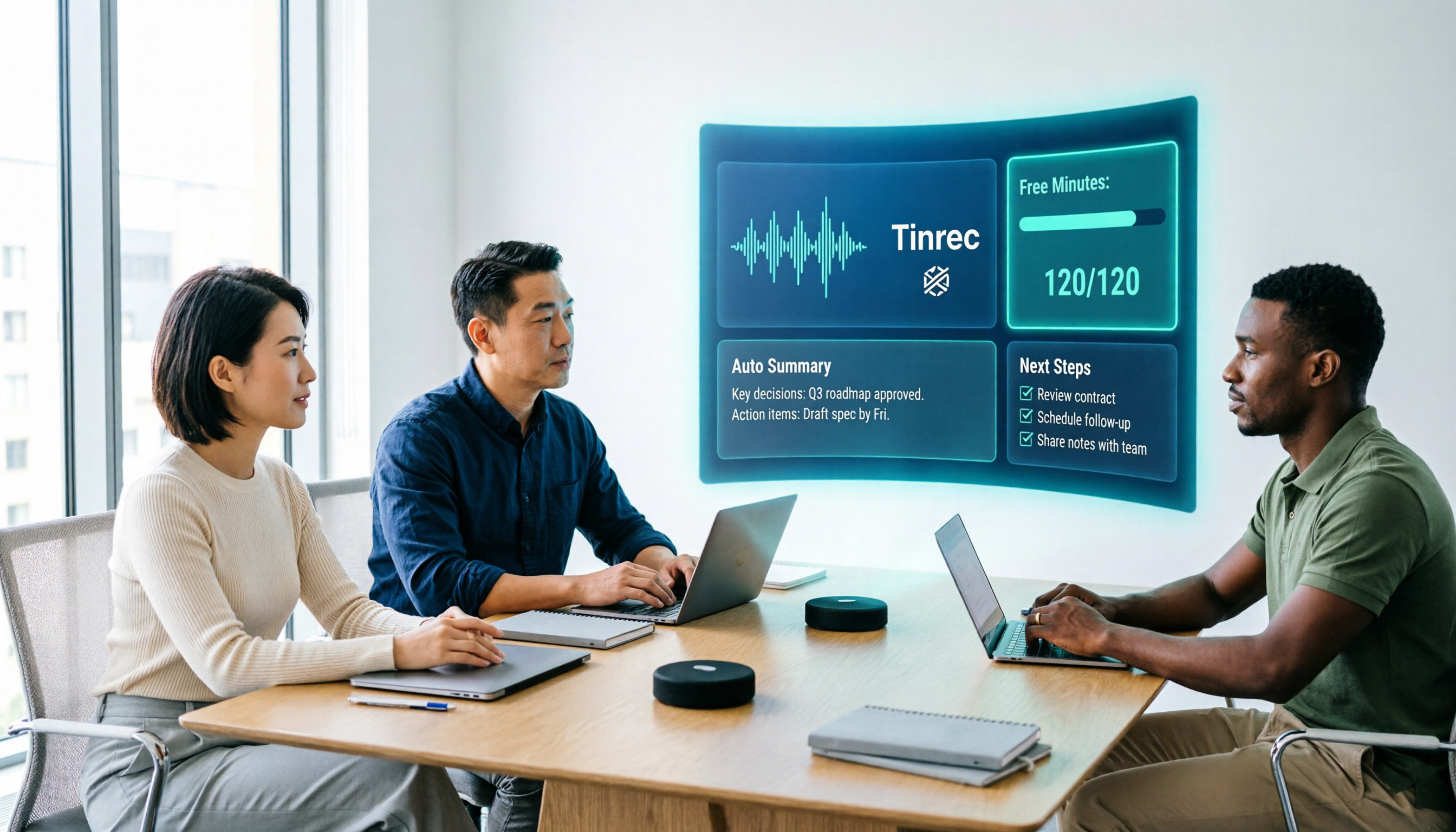
No Need to Send a Bot into Online Classes Most of my online classes are on Google Meet and Teams. Tinrec's desktop version directly captures the computer's system audio, so you don't need to add a "meeting bot" to the meeting room, and you don't need to wait for the host to grant permissions. Open the desktop app, press record, and the transcript grows as you go. This matters a lot to me—when a bot suddenly appears during group discussions, the atmosphere gets weird.
After the Meeting, It Gives You Conclusions, Not Just a Pile of Text After recording, it automatically generates summaries, chapters, key points, and to-dos. The most common tragedy in group discussions is "no one remembers the conclusions afterward." Now our group's consensus is: after the discussion, screenshot the to-do section and drop it in the group chat, so who does what is clear at a glance. It can also generate mind maps, which is especially useful for things like graduation projects where "the structure needs to be explained clearly first."
You Can Ask Questions Directly About the Meeting Content This is my most-used feature. For final exam review, I no longer listen to recordings from the beginning; I just ask directly: "What report format did the professor mention in this class?" "Which topic did we decide on in the last discussion?" It answers based on semantic understanding of the content, not by throwing you a row of keywords. With tools that only provide transcripts, you have to slowly dig through it yourself.
Other Features I Use Supports uploading audio and video files for transcription (interview assignments, public videos—anything works); during recording, it can translate in real time and let you view the original, translation, or bilingual text; results can be exported to Notion, Google Docs, OneNote, and Dropbox to keep writing.
Pros Summary
Stop organizing recordings by hand
Upload audio or video and automatically get a transcript, summary, and action items
- No need to buy extra hardware; phone, computer, and web can be used continuously, which is friendly to students on a budget.
- Complete post-meeting workflow: transcript → summary → chapters → to-dos → questions → export, all done in one place.
- When group collaboration is needed, the team version is a separate team space: you can invite members, set roles, assign seats, data belongs to the team, and you can view usage, check audit logs, recover accidentally deleted audio files from the recycle bin (kept for 30 days), and maintain team hotwords to correct technical terms.
Limitations Should Also Be Stated Clearly The free version only provides a basic quota. If you plan to record every class, you'll need to pay (weekly card, Pro monthly, Pro annual—choose based on usage frequency; actual prices are subject to the official website). Also, it does not "automatically join all your calendar meetings"; you need to open the desktop app yourself to start recording. Transcription accuracy is also affected by recording quality, accents, and multiple people talking over each other. For important content, it's recommended to cross-check against the recording timestamps; don't treat it as a 100% correct answer.
How Team Version Is Priced If you're a project group or research team: first-time eligible users can try 7 days, 1 free seat, and 300 minutes of team shared import quota; afterward, monthly payment is USD 29.80 per paid seat per month, annual payment is USD 199 per paid seat per year (about USD 16.58 per month per seat), and each paid seat has 2,000 minutes of team shared import quota per month; real-time recording under active seats is currently not deducted by minutes. For a four-person project group, this is much more cost-effective than everyone buying an individual plan or hardware.
Who It's For Students who often take online classes, often have group discussions, and need to turn recordings into notes and to-dos; and project teams that need to share meeting materials.
Besides Tinrec, What Other Options Are There?
PLAUD Note/NotePin The representative of the hardware camp: a thin card that sticks to the back of your phone, using bone conduction microphones to handle call recording—something pure software can't do. Officially, NotePin is USD 159 and Note Pro is USD 189; the AI membership Starter gives 300 minutes per month, and Pro annual payment is USD 99.99 including 1,200 minutes per month. Its strength is recording anytime and the hardware experience; the cost is carrying one more device and charging one more battery, and team spaces, seat management, usage, and auditing—this kind of collaboration governance—are not its strong suit. That's what Tinrec's team version does. If your pain point is call recording and you don't want to open a computer, it's worth considering; if 90% of your use is online classes, look at software first.
Otter.ai A veteran choice for English meetings. Basic is free with 300 minutes per month; Pro annual payment works out to about USD 8.49 per user per month, including 1,200 minutes per month. If your classes are all in English and you only need transcripts, it's more than enough. The difference is after the meeting: Tinrec strings together questions, to-dos, report and table generation, and multi-format export into one line, and can also save to team spaces, which is more practical for us when we have to submit projects.
Notta The competitor with the highest overlap with Tinrec: multi-platform transcription, file import, translation, and team plans are all available. The free version gives 120 minutes per month with a 3-minute cap per recording; Pro annual payment works out to about USD 8.17 per month including 1,800 minutes. It's very suitable for pure file transcription needs. But if what you want is "record online classes without a meeting bot," plus post-meeting AI Q&A, Tinrec's workflow is still more complete.
Pitfall Guide: The 4 Most Common Mistakes When Choosing a Recording Tool
Pitfall 1: Only Looking at "How Clearly It Records," Not "How Useful It Is After Recording" Many reviews focus on audio quality and appearance, but for students, what really eats time is organization. No matter how clearly it records, you still have to spend two hours turning the transcript into notes you can understand. When choosing a tool, first ask yourself: does it save me time on "recording" or on "organizing"?
Pitfall 2: Assuming That Buying Hardware Automatically Gives You AI Organization The recording card itself won't organize for you; transcription minutes and AI summaries are usually tied to membership plans. Before buying, calculate clearly: how much the device costs + how much a year of membership costs, and then see whether you'll actually use up those minutes.
Pitfall 3: Not Noticing the Free Version's "Per-Recording Cap" Some tools give 120 minutes per month on the free version, but each recording can only be 3 minutes—a two-hour class would have to be split into forty segments, which is unusable. When choosing a tool, be sure to check the "maximum length per recording" spec.
Pitfall 4: Buying It but Only Using It to Record If you only use an AI recording tool as a voice recorder, you're using only one-third of its value. After recording, directly asking it "What was the conclusion of this discussion?" is much faster than flipping through a thirty-minute transcript yourself.
Conclusion: Which One Should You Actually Choose?
In one sentence: If 90% of your recordings ultimately need to become notes, reports, and to-dos, choose Tinrec; if your pain point is call recording and portable hardware, then look at PLAUD.
- Mostly online classes and online group discussions → Tinrec (desktop version records without a bot, so you don't disturb the meeting)
- Want to ask about key points directly after recording and don't want to re-listen → Tinrec (AI Q&A is where it pulls ahead)
- Need to use phone + computer continuously → Tinrec (iOS/Android/desktop/web)
- Graduation project needs multiple people to share materials → Tinrec team version (team space, role seats, usage and auditing)
- Main need is call recording and you don't want to open a computer → PLAUD Note (a reasonable choice in the hardware camp)
- All-English content, only need transcripts, zero budget → Otter.ai free version (the only exception recommended in this article)
Finally, for classmates with limited budgets like me: start with the free version. Use the free quota to record the class you find hardest, and after a week or two look back and see whether that summary is useful to you—if it is, then consider a weekly card or Pro; if not, don't force yourself to buy. Tools are meant to save time, not add to-dos.
References
- 【Unboxing】Ultra-thin AI ChatGPT Voice Recorder Plaud Note Unboxing and Hands-on Test: A Smooth Experience for Meeting Notes/Call Recording Transcription and Summaries
- PLAUD NOTE AI Smart Recording Card Trial Report | One-Button Recording Plus AI Summarization Meets Daily and Business Use - Mobile01
- Teardown Report: Plaud Note AI Smart Recording Card - Kamera
- The call recording feature is impressive! Hands-on review of the GPT-4o-equipped AI voice recorder "PLAUD NOTE"! A great partner for business activities | Saiga NAK (esports and gaming news media)
- PLAUD Smart Recording | Recording/Audio Accessories - PChome 24h Shopping
Turn every recording into actionable outcomes
Get 60 free transcription minutes when you sign in. No credit card required.
Related Reading
You might also like

2026 Free Chinese Speech-to-Text Options: Otter vs. Tinrec Compared
Can Otter.ai actually transcribe Chinese? The official supported language list only includes Simplified Chinese, not Traditional Chinese. This article compares Otter.ai and Tinrec across language support, meeting capture methods, post-meeting workflows, free quotas, and team governance to help Chinese meeting users decide which one to choose.

Otter.ai vs Tinrec in 2026: 5-Dimension Comparison — Which Is Better for Chinese Support?
Does Otter.ai support Chinese? Its official language list includes Simplified Chinese, but Traditional Chinese is not listed. This article breaks down the three most common misunderstandings about Chinese support, compares Otter.ai and Tinrec across five dimensions for Chinese meetings, transcription, post-meeting organization, and team collaboration, and includes a pitfalls guide and selection advice to help Hong Kong office workers save proofreading time.

3 Meeting Transcription Apps Tested for 2026: Otter's Chinese Support vs. Tinrec — Which Is Enough?
People searching for 'otter app Chinese' really want to know: can Otter handle Chinese meetings? This article starts with 5 key buying criteria, tests Tinrec's bot-free recording and post-meeting AI Q&A, compares Otter.ai, Notta, and Granola side by side, and ends with clear recommendations and pitfalls to avoid.

Otter vs Beaver in Chinese: 5 Key Differences to Tell Them Apart (2026)
Otter is 水獺 in Chinese, but beaver is translated as 河狸, 海狸, or 水狸—so memorizing names only makes things more confusing. This guide tackles common misconceptions and provides five practical identification points: classification, tail, teeth, webbed feet, and behavior. You'll learn a method you can use the next time you see a photo or a live animal, plus a note on the often-overlooked sea otter and coypu.

4 Chinese Transcription Tools Tested in 2026: Can Otter Really Transcribe Chinese?
Otter.ai's official language page lists Simplified Chinese only, with Traditional Chinese not included—how should users in Taiwan decide? Starting from real Chinese meeting scenarios, this article breaks down 4 key purchasing factors and compares Otter.ai, Notta, TurboScribe, and Tinrec on Chinese transcripts, post-meeting organization, and team collaboration, plus the 4 most common purchasing mistakes.

Tinrec vs Notta 2026: 5-Factor Comparison — Which Free AI Speech-to-Text Tool Is More Cost-Effective?
When searching for 'vocal ai free,' most people only look at how many free minutes are offered, but overlook the maximum length per recording, how meetings are recorded, and whether the transcript can be used directly afterward. This article compares Tinrec and Notta across 5 dimensions, from free quota, bot-free recording, post-meeting organization, to team data ownership, and tells you which tool suits which type of user.
How to Use Vocol.ai Free Version in 2026? 5 Steps to Choose the Right AI Meeting Notes Tool
People searching for 'Vocol.ai free' usually want to know if the free quota is enough. This article uses 5 checkpoints to compare Vocol.ai's free version with Tinrec item by item—from how free minutes are calculated, how to record online meetings, post-meeting outputs, to team governance—helping you make a clear decision before purchasing.

Vocal Folds vs Vocal Cords: 5 Key Differences Explained (2026)
The most common Chinese translation of vocal folds is "聲帶" (vocal cords), also known anatomically as "聲襞" (vocal folds). This article compares vocal folds and vocal cords, including pronunciation, example sentences, and related terms, to help you quickly understand this English term.

2026 AI Recorder Comparison: Should You Buy PLAUD or Use Meeting Software?
PLAUD recorders (Note, NotePin) focus on in-person and phone recording, but most people's pain points actually occur in online meetings and post-meeting organization. This article starts with the decision of whether you need hardware or software, then compares PLAUD, Tinrec, Otter.ai, and Notta in terms of positioning, cost, and limitations, helping you think clearly before spending money.