

Turn recordings into transcripts and summaries in minutes
Upload audio or video for multilingual transcription, AI notes, and action items
Tinrec vs Notta 2026: 5-Factor Comparison — Which Free AI Speech-to-Text Tool Is More Cost-Effective?
Most people searching for 'vocal ai free' get their first step wrong
People who search for 'vocal ai free' have something specific in mind: an AI tool that doesn't cost money and can turn speech into usable text data. But most people's first move is to open each vendor's pricing page and compare who gives away more free minutes—that's already the wrong approach.
First common misconception: looking only at total minutes, not the 'shape' of the quota. Some tools give you 120 free minutes, but the maximum length per upload is only 3 minutes. A 50-minute meeting would need to be split into a dozen segments and stitched together yourself. That kind of quota looks impressive on paper but is painful to use.
Second misconception: treating 'transcript output' as the end goal. A transcript is just a very long document; it won't tell you who needs to deliver what after the meeting or what was decided. The real time sink is never the transcription itself—it's the hour of organizing afterward.
Third misconception: not thinking about how the recording gets into the tool. If an online meeting uses a 'meeting bot' to join, the host sees an unfamiliar account on the participant list, which can be awkward; some external meetings even prohibit external accounts from joining.
If you're stuck on these points, the problem isn't that you don't know how to choose—it's that most comparison articles only compare prices. Below, we'll clarify how to choose a free AI speech-to-text tool using 5 dimensions that truly affect the experience.
Before choosing a free AI speech-to-text tool, understand these 5 key points
1. Look at the 'shape' of the free quota, not just the number Besides total minutes, you must ask three things: Is there a length limit per file? Can you import existing audio files (not just live recording)? When the quota runs out, is the entire segment unusable, or just cannot be exported? These three questions determine whether your free version is 'usable for trials' or 'just for playing around.'
2. How the meeting is recorded is more critical than transcription itself One way is via a meeting bot joining; the other is a desktop app that directly captures the computer's system audio without adding any participants. The latter is much more reassuring for external meetings and client interviews because there's no extra account on the list.
3. Can the output be used directly after transcription? A tool that only provides a transcript is essentially handing the organizing work right back to you. Tools with summaries, chapters, and action item extraction truly save you that hour after the meeting. One level up is AI Q&A that lets you ask questions directly about the meeting content.
4. Performance in Chinese and mixed Chinese-English is the dividing line Most tools perform well in English; the difference lies in Chinese meetings, mixed Chinese-English, and proper nouns. Actual results are affected by recording quality, background noise, accents, and overlapping speakers, so don't just look at the pretty numbers in ads—testing with your own recordings is most accurate.
5. Where recordings and data ultimately reside Data in personal accounts follows the individual. If meeting records are team assets, you need to check whether the tool has team spaces, role and seat distinctions, usage tracking, and how data is handed over when a member leaves. This is the most easily overlooked item at the free stage, yet it hurts the most six months later.
Tinrec: Our primary choice after hands-on testing
Tinrec is an AI meeting notes and collaboration tool for individuals and teams, available on web, desktop, and mobile. It doesn't just convert speech to text; it turns meetings into searchable, summarizable, queryable, and exportable data.
No bot needed for online meetings. The desktop version directly captures the computer's system audio, handling meetings on Zoom, Google Meet, Microsoft Teams, Webex, etc., without an extra meeting bot appearing on the participant list. For those who frequently hold client meetings and cross-department meetings, this is a real difference—you don't have to explain to the host 'what that account is.'
Stop organizing recordings by hand
Upload audio or video and automatically get a transcript, summary, and action items
Transcribe while recording, and data is ready when the meeting ends. Live recording generates a transcript in sync, automatically creates summaries and chapters after the meeting, and organizes follow-up actions from discussions into action items. Finish a morning meeting and have a meeting summary ready to send before noon—no need to listen to the recording again.
Ask it directly after recording. This is the biggest difference from most similar tools: you can ask questions directly about this meeting or even across multiple meetings, such as 'Who mentioned the budget in the last meeting?' or 'What was the final decision on this requirement?' It provides answers based on semantic understanding, not a bunch of keyword search results.
Chinese, multilingual, and post-meeting processing. Supports Chinese and multilingual meetings, allowing real-time viewing of original text, translation, or bilingual content—ideal for mixed Chinese-English scenarios. After the meeting, you can export to common formats and continue in tools like Notion, Google Docs, OneNote; for work products like reports, tables, and documents, there's Agent post-processing to continue.
Some practical considerations: The free version offers a basic quota to experience recording, import, summaries, and transcription; when the quota runs out, you can choose a weekly card or Pro based on usage. Actual transcription quality is affected by the recording environment; important numbers and commitments should be verified against the transcript timestamps and recording—no tool should be treated as a 100% accurate substitute.
Who it's for: People who frequently hold online meetings, need Chinese meeting notes, don't want bots joining meetings, and want to get summaries and action items directly after the meeting. For teams with multiple users, the team version offers independent team spaces, role and seat management, usage analytics, audit logs, and an audio recycle bin (30-day retention). Paid seats include 2,000 minutes of shared team import quota per month, at USD 29.80 per paid seat per month, or USD 199 per paid seat per year (subject to the official purchase page).
Besides Tinrec, what other options are there?
Notta: Strong in multilingual transcription and translation. The free version offers 120 minutes per month, but with a 3-minute limit per item—suitable for short audio and sentence-by-sentence organization. Pro annual billing is about USD 8.17 per month with 1,800 minutes per month; Business annual billing is about USD 16.67 per seat per month, offering unlimited transcription, role permissions, and usage reports. Its Chinese capability is not weak among peers, but if what you want is 'record online meetings without a bot' plus 'ask questions directly about meeting content,' these two things are not its main focus currently.
Otter.ai: A mature choice for English business meetings. The free version offers a generous 300 minutes per month, and AI summaries and team features are complete. But its core mindset is English meetings; Chinese and mixed Chinese-English meetings are not its strength. If your meetings are entirely in English, it's worth considering; if primarily Chinese, Tinrec's experience will be much closer to your needs.
Pitfall Guide: The 3 most common mistakes when choosing a free AI speech tool
Pitfall 1: Being led by 'free minutes.' A large total minute count with a small per-item limit is essentially telling you to chop up your meeting recordings. When trialing, test directly with your longest meeting—don't just test a 3-minute short audio.
Pitfall 2: Thinking a transcript is meeting notes. A 30-minute meeting transcript can be tens of thousands of words; no one wants to read it twice. When choosing a tool, look directly at whether it can provide summaries, chapters, and action items—these three are what you'll actually use after the meeting.
Pitfall 3: Ignoring recording and data ownership. Meetings recorded under a personal account disappear when the member leaves. For team use, first confirm whether there's a team space, seats, and data handover mechanisms—rather than several people sharing one set of credentials.
Conclusion: Which one should you choose?
In one sentence: The free quota is just an entry ticket; whether you can save an hour after the meeting is the key.
- Primarily Chinese meetings, don't want bots joining online meetings → Tinrec (desktop captures system audio; transcript, summary, and action items all in one)
- Want to ask questions directly about meeting content to find key points after recording → Tinrec (AI Q&A is its most obvious difference from most similar tools)
- Need to use on phone, computer, and web → Tinrec (multi-platform coverage, centralized data)
- Team sharing of meeting notes, need seat and usage management → Tinrec team version (roles and seats managed separately; data remains with the team when members leave)
- Meetings entirely in English, just want the largest free quota → Otter.ai (300 minutes per month, cost-effective for English scenarios)
The approach is simple: First run your own real meeting with the free version and see if the summary and action items capture what you actually need to handle after the meeting. If it works for you, then discuss upgrading—no need to pay from the start.
References
- Home | Vocol.ai Voice Collaboration Platform
- VoAI | Ultra-realistic Taiwanese accent AI voice service | AI dubbing | AI voice cloning | AI virtual human | AI Podcast | API
- #1 Vidnoz Free AI Voice Changer: AI Celebrity/Voice Imitation
- 5 Best Free AI Singing Voice Generators | Advanced Text-to-Song
- No more typing transcripts! A powerful speech-to-text AI tool that frees up your time - Vocol.ai – Mingchun Says
Turn every recording into actionable outcomes
Get 60 free transcription minutes when you sign in. No credit card required.
Related Reading
You might also like

2026 Free Chinese Speech-to-Text Options: Otter vs. Tinrec Compared
Can Otter.ai actually transcribe Chinese? The official supported language list only includes Simplified Chinese, not Traditional Chinese. This article compares Otter.ai and Tinrec across language support, meeting capture methods, post-meeting workflows, free quotas, and team governance to help Chinese meeting users decide which one to choose.

Otter.ai vs Tinrec in 2026: 5-Dimension Comparison — Which Is Better for Chinese Support?
Does Otter.ai support Chinese? Its official language list includes Simplified Chinese, but Traditional Chinese is not listed. This article breaks down the three most common misunderstandings about Chinese support, compares Otter.ai and Tinrec across five dimensions for Chinese meetings, transcription, post-meeting organization, and team collaboration, and includes a pitfalls guide and selection advice to help Hong Kong office workers save proofreading time.

3 Meeting Transcription Apps Tested for 2026: Otter's Chinese Support vs. Tinrec — Which Is Enough?
People searching for 'otter app Chinese' really want to know: can Otter handle Chinese meetings? This article starts with 5 key buying criteria, tests Tinrec's bot-free recording and post-meeting AI Q&A, compares Otter.ai, Notta, and Granola side by side, and ends with clear recommendations and pitfalls to avoid.

Otter vs Beaver in Chinese: 5 Key Differences to Tell Them Apart (2026)
Otter is 水獺 in Chinese, but beaver is translated as 河狸, 海狸, or 水狸—so memorizing names only makes things more confusing. This guide tackles common misconceptions and provides five practical identification points: classification, tail, teeth, webbed feet, and behavior. You'll learn a method you can use the next time you see a photo or a live animal, plus a note on the often-overlooked sea otter and coypu.

4 Chinese Transcription Tools Tested in 2026: Can Otter Really Transcribe Chinese?
Otter.ai's official language page lists Simplified Chinese only, with Traditional Chinese not included—how should users in Taiwan decide? Starting from real Chinese meeting scenarios, this article breaks down 4 key purchasing factors and compares Otter.ai, Notta, TurboScribe, and Tinrec on Chinese transcripts, post-meeting organization, and team collaboration, plus the 4 most common purchasing mistakes.
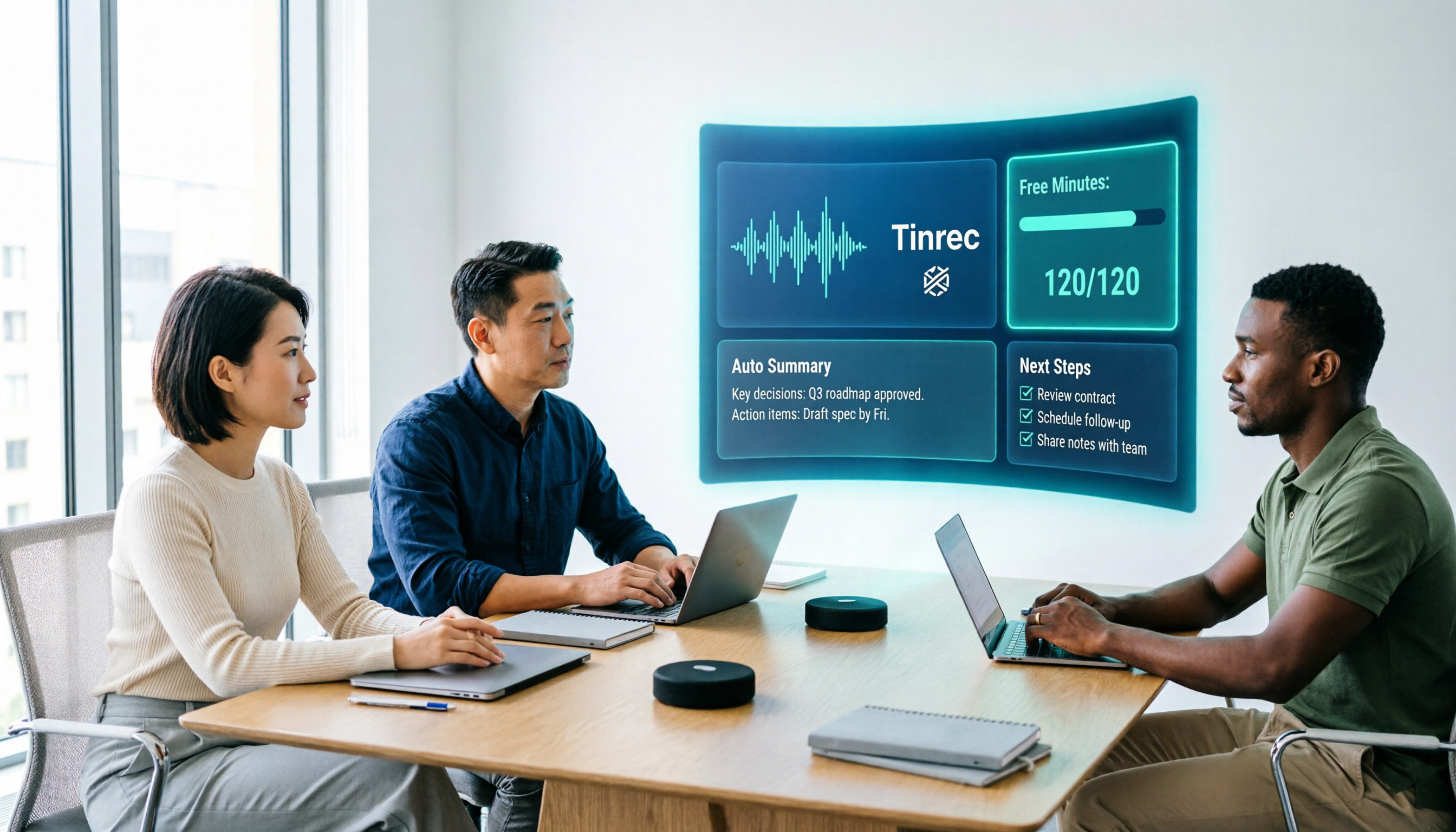
How to Use Vocol.ai Free Version in 2026? 5 Steps to Choose the Right AI Meeting Notes Tool
People searching for 'Vocol.ai free' usually want to know if the free quota is enough. This article uses 5 checkpoints to compare Vocol.ai's free version with Tinrec item by item—from how free minutes are calculated, how to record online meetings, post-meeting outputs, to team governance—helping you make a clear decision before purchasing.
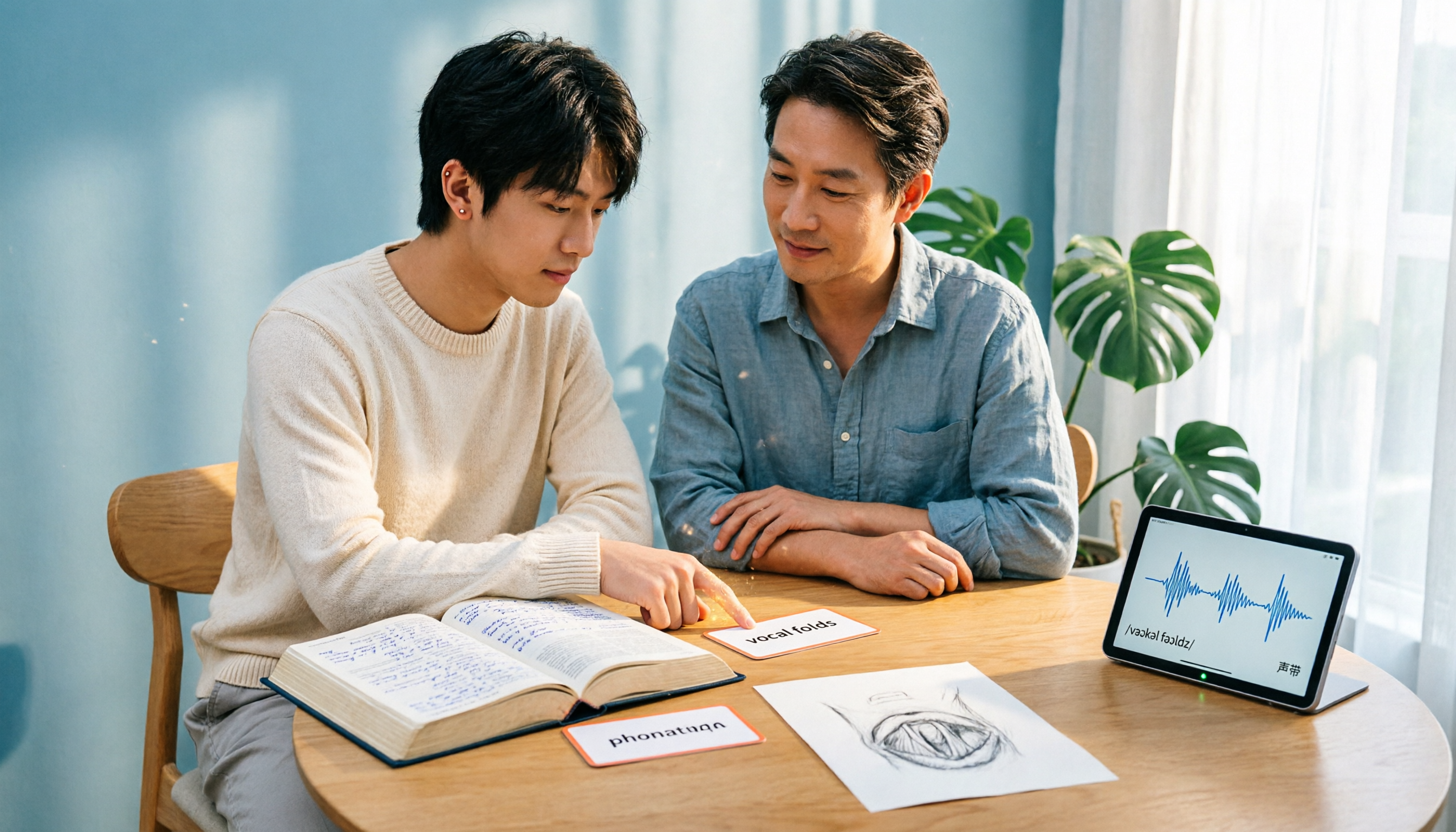
Vocal Folds vs Vocal Cords: 5 Key Differences Explained (2026)
The most common Chinese translation of vocal folds is "聲帶" (vocal cords), also known anatomically as "聲襞" (vocal folds). This article compares vocal folds and vocal cords, including pronunciation, example sentences, and related terms, to help you quickly understand this English term.

4 AI Recording Tools Compared in 2026: Is Plaud Note or Tinrec Better for Students?
In 2026, the most-searched "PLAUD recording review" really comes down to a more basic question: are you buying an extra piece of hardware, or a post-recording workflow? Starting from real student use cases, this article first explains the 4 key factors to consider when choosing, then hands-on compares Tinrec, PLAUD Note, Otter.ai, and Notta on their differences, free tiers, and long-term costs, and finally gives selection advice segmented by scenario.

2026 AI Recorder Comparison: Should You Buy PLAUD or Use Meeting Software?
PLAUD recorders (Note, NotePin) focus on in-person and phone recording, but most people's pain points actually occur in online meetings and post-meeting organization. This article starts with the decision of whether you need hardware or software, then compares PLAUD, Tinrec, Otter.ai, and Notta in terms of positioning, cost, and limitations, helping you think clearly before spending money.