

Turn recordings into transcripts and summaries in minutes
Upload audio or video for multilingual transcription, AI notes, and action items
After a one-hour meeting, do you spend another hour organizing?
"Last week after our meeting, my boss asked me for the launch date we agreed on, and I actually had to scrub back and forth through a 40-minute recording—only found it on the third pass."
Most office workers have been there. In-person meetings are manageable—at least everyone is in the same room. Online meetings are trickier: Zoom, Google Meet, and Microsoft Teams each record differently, and after recording you still have to figure out how to turn audio into text.
The key question is language. Many people searching for "otter app Chinese" are really wondering: can this AI meeting assistant—which has tons of English reviews—actually handle Chinese meetings well? If not, are there better options for Chinese?
This article first clarifies the selection logic, then breaks down the one tool that worked best for us in practice, and finally compares Otter with two other common choices.
Before Choosing a Meeting Transcription App, Understand These 5 Key Points
1. Chinese and mixed Chinese-English recognition Meetings in Taiwan and Hong Kong are rarely pure Chinese—"let's review this campaign's KPI next week" is the norm. If a tool doesn't support Chinese, the transcript will be misaligned, and proofreading takes more time. This is the foundation of all features—confirm it first.
2. How meeting audio gets into the tool There are two main approaches: one is sending a "meeting bot" to join as a participant; the other is capturing system audio directly from your computer. The former requires an invitation and explaining to attendees who this "participant" is; the latter is just a click before the meeting, which is especially useful for external client meetings.
3. Is there post-processing after transcription? A transcript alone just turns "typing" into "reading." Summaries, chapters, action items, and AI Q&A that lets you ask follow-up questions—that's where real time savings come from.
4. Is audio retained, and can old files be imported? Meeting audio is the original evidence. Some tools keep only text and not audio, or don't support uploading existing recordings, making it hard to verify a specific sentence later. The ability to import and organize last quarter's recordings in one go is also a differentiator for long-term users.
5. For team use, governance matters more than features Once you go from individual to department-wide use, you need to ask: who owns the data? Will data disappear when a member leaves? Who can upload? How is usage tracked? This involves roles, seats, and audit logs—not just "creating a few more accounts."
Tinrec — Our Main Tool After Testing
Tinrec is an AI meeting transcription and collaboration tool for individuals and teams, available on web, desktop, and mobile app. It's positioned not as a "voice recorder" but as a way to turn meetings into searchable, queryable, collaborative data.
No bot invitation—just click before the meeting The desktop version captures your computer's system audio directly, handling meeting audio from Zoom, Google Meet, Microsoft Teams, and Webex, generating transcripts in real time. For those who often meet with external clients, this is practical—no need to explain "this is an AI bot joining" in the meeting room, and no worry about clients seeing an extra participant.
No re-listening after the meeting—just view summaries, chapters, and action items After the meeting, Tinrec generates a summary and chapters, breaking long meetings into browsable sections and extracting action items—who's responsible and what to deliver—at a glance. We tested with a mixed Chinese-English project meeting recording; the transcript preserved the sentence structure across language switches, and segmentation and punctuation were quite clean, reducing manual cleanup.
The most useful feature: AI Q&A—ask about meeting content directly This is where it stands out from most similar tools. After recording, you can ask questions directly, such as "What was the launch date decided at the end of last week's meeting?" It answers based on content semantics, not just a list of keyword search results for you to sift through. Asking two or three questions about the same meeting usually captures decisions, owners, and timelines.
Cross-language and export—completing the last mile During recording, you can switch between original, translated, or bilingual views, so cross-language meetings don't require post-meeting translation. After the meeting, you can export results to Notion, Google Docs, OneNote, Dropbox, or use Agent post-processing to generate reports, tables, and meeting minutes directly, saving time on copy-pasting.
Team Edition: Turning a personal tool into a department database If meeting data needs to be shared within a department, Tinrec Team Edition is a separate team space, not "multiple people sharing one personal account": you can create multiple teams, invite members via join links, set owners/admins/regular members, and assign, revoke, or transfer seats. It's important to distinguish "roles" from "seats"—roles govern administration (members, audit, team settings), seats govern usage (recording, uploading, editing, import/export). Members who are active but have no seat can still view, play, and read team data.
Stop organizing recordings by hand
Upload audio or video and automatically get a transcript, summary, and action items
Team data belongs to the team; when a member leaves or loses a seat, they must hand over team resources to other active members—it won't be taken away personally. There are also team hotwords (to improve technical term recognition), usage trends and member rankings, audit logs, and a 30-day audio recycle bin. Currently, team monthly billing is USD 29.80 per paid seat per month, annual billing is USD 199 per paid seat per year (about USD 16.58/month), each paid seat provides 2,000 minutes of shared team import quota per month; first-time eligible teams can try 7 days with 1 free seat and 300 minutes of shared import quota. Under an active team plan, real-time recording is currently not deducted by minutes; file and web imports use the shared team quota. Actual prices and benefits are subject to the official purchase page.
Honest limitations The free version has only basic quota; heavy meeting users need to pay. Transcription accuracy is affected by recording quality, air conditioning noise, accents, people talking over each other, and technical terms. For important clauses and numbers, it's recommended to replay the original audio at the timestamp to verify. Also, the team edition currently focuses on team-level sharing, not fine-grained file-level permission control.
Who it's for For those who frequently handle Chinese or mixed Chinese-English meetings, don't want to invite bots into meetings, want to use AI to find key points directly after meetings, or need to switch between phone and computer—Tinrec is currently the closest fit.
Besides Tinrec, What Are the Alternatives?
Otter.ai: A veteran choice for English meetings, but be careful with Chinese Otter is a mature AI meeting assistant supporting Zoom, Google Meet, and Microsoft Teams, with real-time transcription, speaker identification, AI chat, and team management. The free version offers a generous 300 minutes per month. But note the language: the official store page lists support for only English, Spanish, and French—Chinese meetings are not its strong suit. If 90% of your meetings are in English, it's still a cost-effective choice; but if you need Chinese transcripts and mixed Chinese-English content organization, Tinrec is clearly more capable here.
Notta: Strong in multilingual and file transcription Notta covers multi-platform transcription, file import, translation, and team plans. The free version offers 120 minutes per month, but single-session content is capped at about 3 minutes—watch out for long meetings; Pro annual billing is about USD 8.17/month with 1,800 minutes per month. Its strengths are file transcription and multilingual processing. In contrast, Tinrec focuses on bot-free online meeting recording, post-meeting AI Q&A, and team data retention—different priorities.
Granola: Bot-free note-taking, but no audio retention Granola also captures meeting audio from the device without a bot and combines it with user handwritten notes to generate content. Basic is free, Business is about USD 14/user/month. Note that it does not support uploading pre-recorded audio and does not save meeting audio files. If you need to keep recordings for later verification or organize existing recordings, Tinrec is more complete in this regard.
Pitfall Guide: The 4 Most Common Mistakes When Choosing a Meeting Transcription App
Pitfall 1: Assuming there's an official "Chinese version" Many third-party download sites package Otter as a "Chinese translation tool," but the official store page clearly states support for English, Spanish, and French. Check the official page's language list before downloading—don't just look at download site titles.
Pitfall 2: Only looking at monthly free minutes, not single-session limits Some plans look generous monthly but allow only a few minutes per file. If your meetings are often an hour long, such a plan is unusable. When evaluating plans, look at both monthly quota and single-session limits.
Pitfall 3: Ignoring the social cost of "bot joining the meeting" Sending a bot into internal meetings is fine, but for external clients, interviews, or legal discussions, an extra recording participant often requires prior explanation and consent. Be sure to comply with local regulations and company policies, and obtain attendee consent when needed.
Pitfall 4: Using the tool only as a transcript If you only use a transcription tool as "audio to text," you're using only a fraction of its capabilities. Tools with AI Q&A let you ask "What was the conclusion of this meeting?" right after recording—much faster than manually scrolling through a 30-minute transcript.
Conclusion: Which One Should You Choose?
In one sentence: for those whose meetings are mainly in Chinese, the default answer is Tinrec; for pure English meetings with zero budget, Otter.ai is still worth considering.
- Meetings mainly in Chinese or mixed Chinese-English → Tinrec (Chinese and multilingual meeting scenarios are its focus)
- Don't want to invite bots but need to record Zoom/Meet/Teams → Tinrec (desktop captures system audio)
- Want to ask AI directly after recording to find decisions and action items → Tinrec (AI Q&A is the main differentiator)
- Need to continue using across phone, computer, and web → Tinrec (multi-platform coverage)
- Department sharing, need to manage seats and usage → Tinrec Team Edition (roles, seats, usage, audit, recycle bin)
- Meetings 90% English, only want free quota → Otter.ai (300 minutes per month, mature for English scenarios)
You don't have to pay upfront. Start by testing with the most realistic meeting recording you have—the kind with air conditioning noise, people talking over each other, and mixed Chinese-English. If the output is understandable and you can find key points, then consider upgrading. That way you won't spend money on a tool that "looks powerful but you never use."
References
- Otter for Android - Download APK from Uptodown
- otter Chinese version download - otter Chinese free version download - Download Home
- OtterAI Transcribe Voice Notes - Google Play App
- Otter translation app official download - Otter Chinese version download v3.63.2-1420 - GOAPK
- otter Chinese version download - otter Chinese Android download - Latest Download Site
Turn every recording into actionable outcomes
Get 60 free transcription minutes when you sign in. No credit card required.
Related Reading
You might also like

2026 AI Voice Recorder Buying Guide: Plaud Recorders vs. 3 Meeting Note Tools Tested
Thinking about buying a Plaud recorder but unsure how it differs from AI meeting note software? Based on the real pain points of a mid-level manager with 15 meetings a week, this guide compares Plaud Note, NotePin, Tinrec, Otter.ai, and Notta on capture methods, post-meeting organization, Chinese language experience, team collaboration, and cost to help you choose the right meeting notes solution.

2026 Comparison of 4 Chinese Speech-to-Text Tools: How Well Does Otter Support Chinese?
Otter's official language list includes Chinese (Simplified), but Traditional Chinese is not listed. The ability to translate in Chat does not guarantee accurate transcripts. This article addresses the decision of whether to continue using Otter, explains the five capabilities needed for Chinese meeting notes, four practical scenarios, and purchasing considerations. It also demonstrates Tinrec's complete workflow with bot-free recording, summary to-dos, AI Q&A, and team spaces.
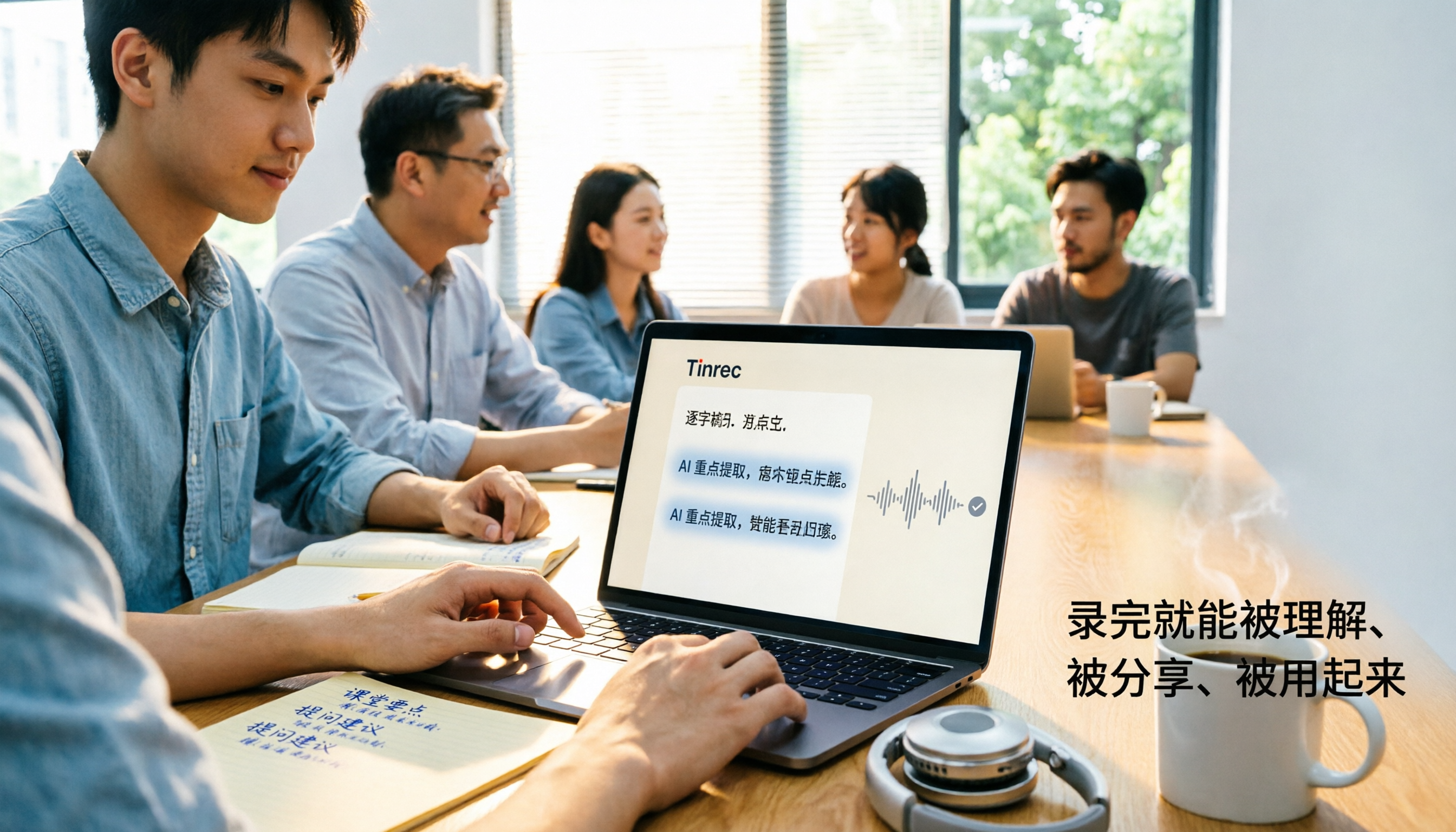
4 Classroom Recording Tools Tested for 2026: Chinese Transcripts + AI Highlights—Which One Actually Saves You Time?
How to choose a classroom recording tool? This guide covers in-person classes, online courses, and teacher-provided audio files, outlines 5 key buying factors, and compares Tinrec, Notta, TurboScribe, and PLAUD Note in terms of positioning, quotas, and pricing—so you can find the one that's truly ready to use after recording.

2026 Complete Guide to Vocal Fry: What It Is, 3 Key Testing Points for Transcription, and Tinrec Applications
What is vocal fry? This article starts with the vocal mechanism of the lowest register, explains its practical impact on meeting recordings and speech transcription, and demonstrates how Tinrec uses real-time transcripts, AI summaries, action item extraction, and team spaces to turn low-pitched meeting content into searchable, queryable, and exportable data. The article includes 5 purchasing considerations and 6 frequently asked questions.

4 Chinese Speech-to-Text Tools Tested for 2026: Does Otter.ai Support Chinese? Which Handles Traditional Chinese?
Does Otter.ai support Chinese? Its official language list includes Simplified Chinese, but Traditional Chinese is not officially supported. Starting from the Chinese meeting needs of Taiwan offices, this article outlines 5 key purchasing considerations, tests and compares four tools—Tinrec, Otter.ai, Notta, and TurboScribe—and includes a pitfalls guide and scenario-based selection advice.

2026 Free Chinese Speech-to-Text Options: Otter vs. Tinrec Compared
Can Otter.ai actually transcribe Chinese? The official supported language list only includes Simplified Chinese, not Traditional Chinese. This article compares Otter.ai and Tinrec across language support, meeting capture methods, post-meeting workflows, free quotas, and team governance to help Chinese meeting users decide which one to choose.

Otter.ai vs Tinrec in 2026: 5-Dimension Comparison — Which Is Better for Chinese Support?
Does Otter.ai support Chinese? Its official language list includes Simplified Chinese, but Traditional Chinese is not listed. This article breaks down the three most common misunderstandings about Chinese support, compares Otter.ai and Tinrec across five dimensions for Chinese meetings, transcription, post-meeting organization, and team collaboration, and includes a pitfalls guide and selection advice to help Hong Kong office workers save proofreading time.

Otter vs Beaver in Chinese: 5 Key Differences to Tell Them Apart (2026)
Otter is 水獺 in Chinese, but beaver is translated as 河狸, 海狸, or 水狸—so memorizing names only makes things more confusing. This guide tackles common misconceptions and provides five practical identification points: classification, tail, teeth, webbed feet, and behavior. You'll learn a method you can use the next time you see a photo or a live animal, plus a note on the often-overlooked sea otter and coypu.

4 Chinese Transcription Tools Tested in 2026: Can Otter Really Transcribe Chinese?
Otter.ai's official language page lists Simplified Chinese only, with Traditional Chinese not included—how should users in Taiwan decide? Starting from real Chinese meeting scenarios, this article breaks down 4 key purchasing factors and compares Otter.ai, Notta, TurboScribe, and Tinrec on Chinese transcripts, post-meeting organization, and team collaboration, plus the 4 most common purchasing mistakes.