

Turn recordings into transcripts and summaries in minutes
Upload audio or video for multilingual transcription, AI notes, and action items
4 Classroom Recording Tools Tested for 2026: Chinese Transcripts + AI Highlights—Which One Actually Saves You Time?
The hassle of classroom recording is never the recording itself—it's what comes after
It's 2 p.m. statistics class. The professor is on the third formula, you look down to finish your notes, and by the time you look up, you're lost. Your phone was recording, but you don't even have time to listen to that 90-minute audio once.
Online classes are trickier. The professor is speaking fast on Teams, you think "it's recorded anyway," but when you need to find that 5-minute example before the exam, you're stuck dragging the progress bar and guessing.
There's another scenario: a recording from three weeks ago is still sitting on your phone, named "Recording_0312." You can't even remember which class it was, let alone what was said.
So the problem usually isn't a missing recording tool—it's missing a place where recordings are findable, queryable, and portable after class. Below is a rundown based on my own experience and that of my classmates.
5 Key Points to Understand Before Choosing a Classroom Recording Tool
1. Can it record an entire class in one go? A college class starts at 50 minutes; large lecture courses can run two hours. Pay attention not to the "total quota" but to the "single-session limit." Some free versions can only process a few minutes per session—useless for classroom recording.
2. Is the Chinese transcript easy to read? Don't just look at the accuracy numbers in ads—those are usually measured in a quiet studio. Real classrooms have air conditioning noise, people flipping through handouts, the professor walking around, and board work terminology. Good sentence segmentation and paragraphing determine whether you'll want to read it a second time.
3. Is there anything usable after recording? An audio file alone is a burden. A transcript is the baseline. Being able to directly produce summaries, chapters, and key points is what truly saves time.
4. Does it work smoothly across devices? Recording on your phone in class and organizing on your laptop back in the dorm is many people's daily routine. If a tool is stuck on a single platform, it'll be painful.
5. Is the free quota enough to try for a month? I'm not asking you to pay upfront—use the free version on one of your own classes first, see if the transcript is usable, then decide whether to upgrade.
Tinrec: My Top Choice After Testing
Tinrec is an AI recording and meeting notes tool for individuals and teams, available on iOS, Android, web, and desktop. It was originally designed for meetings, but for classroom recording, the entire workflow happens to match students' needs.
In-person classes: live transcription while recording. Start recording on your phone or web before class, and the content is converted to text in real time. By the end of class, you already have a transcript—not a file you need to re-listen to.
Online classes: no bot to invite into the meeting. This is very practical for remote classes. The desktop version directly captures your computer's system audio, so it can handle courses played on Zoom, Google Meet, Microsoft Teams, and Webex without needing an extra "bot" account to join the room.
Post-class Q&A: this is the biggest difference from pure transcription tools. After recording, you can ask it questions directly, such as "How was the third formula derived?" or "What homework was assigned in this class?" It doesn't dump a bunch of keyword search results on you—it answers based on the recording content. For exam review, this is much faster than manually flipping through a 30-minute transcript.
Organize and take it with you. The system automatically generates summaries and chapters, breaking long lectures into easy-to-browse sections; homework and report deadlines mentioned in class can also be organized into to-dos. For foreign language classes or English-taught courses, you can enable real-time translation and view in original, translated, or bilingual mode. Organized content can be exported to Notion, Google Docs, OneNote, or Dropbox for further processing, and can also generate reports or tables.
Stop organizing recordings by hand
Upload audio or video and automatically get a transcript, summary, and action items
Things to note. The free version provides a basic quota, suitable for trying out the recording, import, summary, and transcription workflow; for long-term or high-frequency use, check the weekly card, Pro monthly, or annual plans—refer to the official purchase page for actual quotas and pricing. Also, AI summaries and Q&A are assistive; for numbers, formulas, and technical terms, it's best to cross-check with the transcript timestamps and recording playback. Transcription performance is also affected by recording quality, accents, ambient noise, and multiple people speaking at once—no tool can guarantee a fixed accuracy rate.
Who it's for. If you have both in-person and online classes, need Chinese transcripts, want to find key points via Q&A after recording, and switch between phone and computer, Tinrec is currently the smoothest choice.
For group projects or lab reading groups where multiple people share content, there's also a team version: meeting data belongs to the team, with member, role, and seat management, plus usage and activity logs. Currently, paid seats include 2,000 minutes of shared team import quota per month; live recording under an active plan is not deducted by the minute. Monthly billing is USD 29.80 per paid seat; annual billing is USD 199 per paid seat (about USD 16.58/month). Eligible teams get a 7-day trial, 1 free seat, and 300 minutes of shared quota on first signup—actual pricing is subject to the purchase page.
Besides Tinrec, What Are the Alternatives?
Notta. A veteran in multilingual transcription. Free version: 120 minutes per month, but single-session content is capped at 3 minutes; Pro annual billing is about USD 8.17/month for 1,800 minutes per month; Business annual billing is about USD 16.67/seat/month. Suitable for those who only need to process short clips or occasionally transcribe foreign-language content. Its strength is transcription; for desktop bot-free recording of online classes, generating reports and tables from transcripts, and team space and seat management, Tinrec is more complete.
TurboScribe. Positioned as cost-effective file transcription: free version allows 3 files per day, 30 minutes per file; Unlimited annual plan is USD 120 (about USD 10/month), paid version supports files up to 10 hours or 5 GB, and up to 50 files per upload. For teacher-provided audio files or batch processing of a whole semester's lectures, it's a great deal. But it works by "upload a file to start," with no live recording-to-transcription flow, and no AI Q&A or to-do extraction.
PLAUD Note / NotePin. This is the hardware route: NotePin is USD 159 on the US official site, Note Pro is USD 189; membership: Starter 300 minutes per month, Pro USD 99.99/year (1,200 minutes per month), Unlimited USD 239.99/year. Suitable for those who don't want to open their phone, need a wearable device, or need to record phone calls. The trade-off is carrying an extra device and an extra hardware expense; if you mainly record online classes and organize materials, a pure software solution like Tinrec requires no device purchase and offers a more complete post-class workflow.
Pitfall Guide: 4 Most Common Mistakes When Choosing a Classroom Recording Tool
Pitfall 1: Only looking at advertised accuracy. Numbers measured in a quiet studio will be discounted in a classroom with air conditioning noise and coughing. Try the free version with one of your own classes and judge in a real environment.
Pitfall 2: Not noticing the single-session recording limit. Some tools look generous in total quota but can only process a few minutes per session—a 50-minute class gets split into several parts, which is more troublesome. Before buying, look carefully at the word "single."
Pitfall 3: Assuming recording means you get a transcript. Recording, transcription, and organization are three separate things. Many tools only do the first step, leaving the rest to you.
Pitfall 4: Treating AI features as decoration. If your only use is "recording to text," you're using only one-third of what these tools can do. Asking it directly after recording "What were the key points of this class?" or "What homework was assigned?" is the real time-saver.
Conclusion: Which One Should You Choose?
Simply ask yourself "What do I need to do after recording?" and the answer will be clear.
- Need to record both in-person and online classes, want Chinese transcripts, and want post-class Q&A to find key points → Tinrec
- Record on phone, organize on computer—cross-device is the norm → Tinrec (works on iOS, Android, web, and desktop)
- Group projects need shared course materials, member and usage management → Tinrec Team
- Only have a bunch of pre-recorded audio files to batch transcribe → TurboScribe
- Need a wearable device, often record phone calls or interviews → PLAUD Note
- Zero budget, only need short clips or small foreign-language files → Notta free version
A safer approach: start with Tinrec's free version and record your next hardest class. If the transcript reads smoothly and the post-class "question" really gets an answer, then consider upgrading; if it doesn't work for you, you've only lost the recording time of one class.
One last reminder: before recording, check course rules and local regulations, and obtain consent from the instructor and classmates when necessary.
References
- Classroom Recording - Best Deals - June 2026
- Top 5 Voice Recorder Recommendations for 2026: Perfect for Meetings, Classes, Lectures, and More! - Sound3C
- [2025 Picks] 5 Voice Recorder Recommendations! Long Battery, Large Capacity—Great for Meetings, Study, and Evidence Collection!
- 2023 Voice Recorder Recommendations - Top 5 Practical Recorders for Meetings and Classes
- [2025 Latest] 8 Popular Voice Recorder Recommendations, Your Study Helper! - Hedgehog Picks
Turn every recording into actionable outcomes
Get 60 free transcription minutes when you sign in. No credit card required.
Related Reading
You might also like

How to Choose a Plaud Voice Recorder in 2026: 5-Step Hands-On Test and a Hardware-Free Alternative
After hands-on testing of AI recording hardware like the Plaud voice recorder, most people realize the real challenge is organizing what was recorded. This article starts from actual usage scenarios to break down what AI recording tools can do for you, what core capabilities to look for, and 5 things to consider when purchasing. Using Tinrec as an example, it explains how to complete transcription, summaries, action items, and team sharing without additional hardware.

2026 PLAUD Recorder Free Plan Guide: 5 AI Transcription Tools Compared
The PTT discussion about PLAUD recorders really comes down to one question: should you buy an extra piece of hardware? This guide compares five recording-to-text options in 2026, covering free quotas, Chinese recognition, post-meeting organization, and team data ownership, and explains why Tinrec is better suited for most office workers when it comes to bot-free online meeting recording and post-meeting AI Q&A.

Beaver vs Otter: 3 Key Differences + 1 Note-Taking Workflow (2026 Guide)
The Chinese names for beaver and otter are often confused: 河狸 (beaver), 水獺 (otter), 海獺 (sea otter), and 海狸鼠 (coypu) sound like they belong to the same family. This guide uses four criteria—tail, teeth, feet, and behavior—plus three field-tested steps to help you tell a beaver from an otter in 30 seconds at a zoo or in a video. It also includes a workflow for turning English ecology videos and lectures into organized Chinese notes.
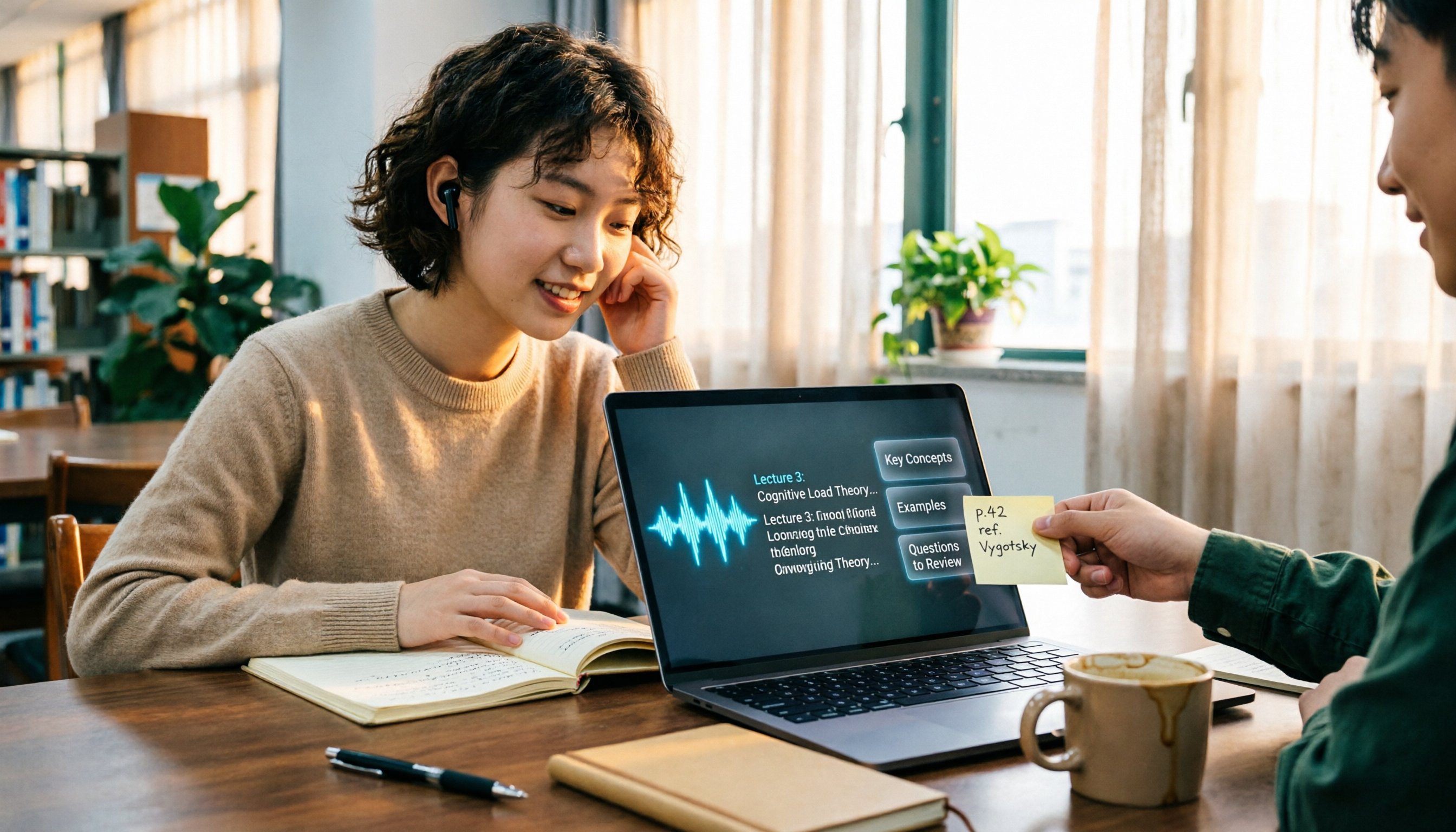
The Complete Guide to Class Recording Apps in 2026: Moving from NotebookLM to Tinrec for Your Classroom Note Workflow
Starting from the pain point of students opening recordings before finals and finding no key points, this guide covers common misconceptions about class recording apps, the shortcomings of NotebookLM and ordinary recording tools, and explains how Tinrec uses real-time transcription, AI summaries, Q&A, and team spaces to turn class recordings into searchable, reviewable notes.

Otter.ai vs Tinrec in 2026: 5-Dimension Comparison — Which Is Better for Chinese Meeting Notes?
Can Otter.ai handle Chinese? The answer has two layers: you can ask questions in Chinese via AI Chat, but the official languages page lists only Simplified Chinese, with no formal guarantee for Traditional Chinese transcription. This article compares Otter.ai and Tinrec across 5 dimensions and uses Tinrec to demonstrate a complete Chinese meeting workflow — from recording, transcript, and proofreading to meeting minutes and team knowledge retention.

2026 AI Voice Recorder Buying Guide: Plaud Recorders vs. 3 Meeting Note Tools Tested
Thinking about buying a Plaud recorder but unsure how it differs from AI meeting note software? Based on the real pain points of a mid-level manager with 15 meetings a week, this guide compares Plaud Note, NotePin, Tinrec, Otter.ai, and Notta on capture methods, post-meeting organization, Chinese language experience, team collaboration, and cost to help you choose the right meeting notes solution.

2026 Comparison of 4 Chinese Speech-to-Text Tools: How Well Does Otter Support Chinese?
Otter's official language list includes Chinese (Simplified), but Traditional Chinese is not listed. The ability to translate in Chat does not guarantee accurate transcripts. This article addresses the decision of whether to continue using Otter, explains the five capabilities needed for Chinese meeting notes, four practical scenarios, and purchasing considerations. It also demonstrates Tinrec's complete workflow with bot-free recording, summary to-dos, AI Q&A, and team spaces.

2026 Complete Guide to Vocal Fry: What It Is, 3 Key Testing Points for Transcription, and Tinrec Applications
What is vocal fry? This article starts with the vocal mechanism of the lowest register, explains its practical impact on meeting recordings and speech transcription, and demonstrates how Tinrec uses real-time transcripts, AI summaries, action item extraction, and team spaces to turn low-pitched meeting content into searchable, queryable, and exportable data. The article includes 5 purchasing considerations and 6 frequently asked questions.

4 Chinese Speech-to-Text Tools Tested for 2026: Does Otter.ai Support Chinese? Which Handles Traditional Chinese?
Does Otter.ai support Chinese? Its official language list includes Simplified Chinese, but Traditional Chinese is not officially supported. Starting from the Chinese meeting needs of Taiwan offices, this article outlines 5 key purchasing considerations, tests and compares four tools—Tinrec, Otter.ai, Notta, and TurboScribe—and includes a pitfalls guide and scenario-based selection advice.