

Turn recordings into transcripts and summaries in minutes
Upload audio or video for multilingual transcription, AI notes, and action items
2026 Comparison of 4 Chinese Speech-to-Text Tools: How Well Does Otter Support Chinese?
If you're searching for "Does Otter support Chinese?", you already have a decision to make: should you keep using your current tool, or switch to one that's truly Chinese-focused?
Here's the bottom line: Otter can be tested with Chinese meetings, but until you've done your own testing, it's not suitable as the primary tool for Chinese meeting notes.
My own approach is simple. For English-only meetings, Otter is still handy. But as soon as a meeting involves Chinese, mixed Chinese-English, Taiwanese accents, or internal company jargon, I switch to a Chinese-optimized workflow like Tinrec. It's not about which is more powerful; it's about the difference in proofreading costs when errors occur.
Does Otter Support Chinese? Check the Official Language List First
To determine if a tool supports a language, I look directly at the official language list, not marketing copy. Otter's official language page lists English, Spanish, French, German, Japanese, and Chinese (Simplified)—Traditional Chinese is not on the list.
Two common misunderstandings need clarification. First, interface language: setting your device or browser region to Taiwan may show Chinese in the interface, but that's localization, not speech recognition support for Traditional Chinese. Second, Otter Chat: it can translate meeting content into other languages and answer questions in Chinese, but "Chat can translate" does not mean "the original speech has been accurately transcribed into Traditional Chinese." What ultimately matters is whether the transcript itself is correct.
So there's only one criterion: test with your own real recordings for Chinese recognition, speaker separation, mixed Chinese-English, and export formats. If any of these fails, the time you thought you saved on note-taking will turn into more proofreading time.
By the way, Otter's official pricing page currently shows Basic free with 300 minutes per month, and Pro annual billing at about USD 8.49/user/month. Its maturity in English meetings is its real strength.
What Can Chinese Meeting Notes Do for You?
Scenario 1: After the meeting, the minutes are already there
In the past, after a two-hour meeting, you'd spend another hour organizing. Now, with Tinrec for example, by the time the meeting ends, the transcript, summary, chapters, and to-dos are already organized—who's responsible for what and when it's due is immediately visible.
Scenario 2: Mixed Chinese-English international meetings
Taiwanese teams rarely meet in pure Chinese. Sentences like "We need to confirm the Q3 pipeline again" require the tool to handle both Chinese and English words. Tinrec covers Chinese, Traditional Chinese, and multilingual meeting scenarios, and also supports mixed Chinese-English content organization.
But I won't guarantee a fixed accuracy rate. Recording quality, background noise, accents, multiple people speaking at once, and technical jargon all affect results. That's why I always recommend testing with your own recordings first.
Scenario 3: Interview transcripts need to be delivered
When you take on interviews or research projects, transcripts usually need back-and-forth editing. Tinrec can upload existing audio files for transcription, then generate summaries and key points from the transcript, which you can export and bring into your existing workflow.
Scenario 4: Find meetings from three months ago
The real value of meeting notes isn't on the day of the meeting, but whether you can find them three months later. Tinrec centralizes recordings, transcripts, and summaries in one place, so you can ask questions directly about the content without digging through folders for filenames.
What Are the Core Capabilities of Chinese Transcription Tools?
1. Recognition of Chinese and mixed Chinese-English
This is the most basic and easily obscured by marketing talk. Tinrec focuses on Chinese meetings, supports Traditional Chinese and multilingual transcription, and allows teams to maintain company-specific terminology through team hotwords, making proper noun recognition closer to how you actually speak.
2. Record online meetings without a bot
Tinrec's desktop version directly captures computer system audio, handling meetings on Zoom, Google Meet, Microsoft Teams, Webex, etc., without needing an extra bot in the meeting list.
Note that this is not "automatically join all calendar meetings"—you need to start recording yourself.
3. Summaries, chapters, and to-dos
Transcripts are just raw material. Tinrec automatically generates summaries, chapters, and key points, and extracts to-dos from discussions. The most time-consuming part of long meetings is usually not listening, but "condensing into three paragraphs others can understand"—handing this step to a tool is where you feel the most impact.
4. AI Q&A and real-time translation
Tinrec's real-time translation lets you switch between original, translated, or bilingual views while recording; after the meeting, you can ask questions directly about the content: "What were the client's concerns about pricing?" "Who mentioned the timeline would be delayed?" It answers based on semantics, not by throwing a string of keywords for you to search yourself.
5. Team spaces and member governance
If meeting data is to be shared by the team, the focus isn't just transcription. Tinrec's team version is an independent team space where you can create multiple teams, invite members via join links, set owners/admins/regular members, and assign or revoke seats.
Stop organizing recordings by hand
Upload audio or video and automatically get a transcript, summary, and action items
Get the concepts right: roles determine who can manage the team, seats determine who can record, upload, edit, and export. Active members without seats can still view, play, and read team data. When members leave, team resources are not taken away; they need to be handed over to other active members.
Practical Application Scenarios
Weekly stand-ups and project meetings
Regular meetings are best suited for tools. Use Tinrec's desktop version to record, then review summaries and to-dos right after; last week's decisions remain in the same team space, so you can catch up with a quick glance before next week's meeting.
Customer interviews and sales conversations
Customer needs, concerns, and commitments are often scattered throughout the conversation. Tinrec can organize what the customer said and what we promised, then generate deliverable records after the meeting, which you can export to your team's existing document tools for further processing.
Courses, lectures, and professional development
For English-taught courses, any tool works about the same, but Chinese-taught courses and lectures have greater differences in terminology and accents. Tinrec's mobile app lets you record on the go, then review with transcripts and summaries back at your seat.
Content creation and material organization
When turning interview material into articles or scripts, transcripts plus AI Q&A are very convenient. Note that I usually treat capabilities like importing web links as supplementary; they're suitable for some public content but won't be the main reason for meeting collaboration.
5 Things to Consider When Choosing a Chinese Transcription Tool
1. Check official language lists, not marketing phrases
"Understands Chinese accents" and "supports Chinese language" are two different things. The former means recognizing English with a Chinese accent; the latter means actually being able to hold a meeting in Chinese. Before purchasing, open the official language list. Tinrec is a directly comparable option for Chinese, Traditional Chinese, and multilingual meetings.
2. Test with your own recordings
Others' reviews are only for reference. Prepare a real meeting recording of your own—one with accents, jargon, and overlapping speech—and run it through. Tinrec's free version provides a basic quota, enough to run one or two meetings before deciding.
3. Transcription is just the first step; post-processing is where time is saved
If you only get a transcript, you still have to organize it yourself. Tinrec's value is in what comes after transcription: summaries, chapters, to-dos, Q&A, translation, export, and generating reports or tables—this whole chain is what truly gives time back to you.
4. Confirm the meeting capture method first
Tools that require an extra participant to join the meeting can be awkward in external meetings. Tinrec's desktop version uses system audio capture, so no extra member appears in the meeting; it also supports real-time recording, audio file upload, and mobile use, so you can use the same workflow for online and offline.
5. Ownership and governance of team data
Personal tools are convenient, but data scattered across personal accounts breaks when people leave. Tinrec's team version makes meeting data owned by the team and provides members, roles, seats, usage analytics, audit logs, audio recycle bin, and team hotwords—suitable for departments or project teams that need to accumulate meeting assets.
Frequently Asked Questions
Q1: Does Otter support Chinese?
The official language list includes Chinese (Simplified); Traditional Chinese is not listed. Chat can translate and answer questions in Chinese, but that doesn't mean the original speech has been accurately transcribed into Traditional Chinese. If Chinese meetings are your main scenario, test it first or use Tinrec, which focuses on Chinese scenarios.
Q2: Is Otter's free version enough?
300 minutes per month is enough for occasional English meeting notes. But the criterion for Chinese meetings is never minutes—it's accuracy. An inaccurate solution gives you more minutes, but you still pay the proofreading time yourself.
Q3: Does Tinrec support Traditional Chinese? What's the accuracy rate?
Tinrec covers Chinese, Traditional Chinese, and multilingual meetings, and also supports mixed Chinese-English organization and real-time translation. I don't recommend asking for a fixed accuracy number because it varies with recording quality, noise, accents, overlapping speech, and technical jargon; for important content, verify against transcript timestamps and recording playback.
Q4: Do I need a meeting bot to join?
No. Tinrec's desktop version directly captures computer system audio, handling Zoom, Google Meet, Teams, Webex, and other meetings without adding an extra member to the participant list. But this is "you actively start recording," not automatically joining all calendar meetings.
Q5: How is the team version priced? Can people without seats see the data?
Tinrec's team version is USD 29.80 per paid seat per month, or USD 199 per paid seat per year (about USD 16.58/month). Paid seats include 2,000 minutes of team shared import quota per month; eligible teams can try 7 days, 1 free seat, and 300 minutes of team shared import quota for the first time. Under an active plan and seats, real-time recording currently does not deduct minutes; file and web imports use the team shared quota. Prices and promotions are subject to the official purchase page.
Active members without seats can still view, play, and read team data, but cannot upload, edit, or export.
Q6: What should I pay attention to before recording?
First confirm local regulations and company policies, and obtain participant consent when needed. Tools handle recording efficiency; consent and compliance are still your responsibility.
Conclusion
Back to the original question: Does Otter support Chinese? The official list only goes up to Simplified Chinese; Traditional Chinese is not included, and actual performance depends on your own recording conditions.
If you have Chinese meetings every week, what you should really compare is not "who has more features" but "who can save you time after the meeting." List the five things—Chinese recognition, bot-free recording, summary to-dos, AI Q&A, and team data governance—and the answer is usually clear.
Here's what I would do: first run one or two of your toughest Chinese meetings through Tinrec's free version and see what the transcript looks like. If it's acceptable, then discuss plans; if not, at least you're making a decision based on real data, not someone else's review.
References
- Does Otter.ai support Chinese? Simplified Chinese limitations, free 300 minutes, and tutorial | Mason AI Lab
- What is Otter Chinese? 2026 AI speech-to-text tool review and alternative recommendations - Tinrec Blog
- Can Otter.ai be used in Chinese? 2026 Chinese speech-to-text tool review and recommendations - Tinrec Blog
- Otter.ai doesn't support Chinese? 2026 best Chinese speech-to-text and AI meeting notes alternatives - Tinrec Blog
- Is Otter.ai good in 2026? Complete Chinese tutorial, features, pricing, and user experience | Meeting notes, automatic transcript helper - RosyArts
Turn every recording into actionable outcomes
Get 60 free transcription minutes when you sign in. No credit card required.
Related Reading
You might also like

How to Choose a Plaud Voice Recorder in 2026: 5-Step Hands-On Test and a Hardware-Free Alternative
After hands-on testing of AI recording hardware like the Plaud voice recorder, most people realize the real challenge is organizing what was recorded. This article starts from actual usage scenarios to break down what AI recording tools can do for you, what core capabilities to look for, and 5 things to consider when purchasing. Using Tinrec as an example, it explains how to complete transcription, summaries, action items, and team sharing without additional hardware.

2026 PLAUD Recorder Free Plan Guide: 5 AI Transcription Tools Compared
The PTT discussion about PLAUD recorders really comes down to one question: should you buy an extra piece of hardware? This guide compares five recording-to-text options in 2026, covering free quotas, Chinese recognition, post-meeting organization, and team data ownership, and explains why Tinrec is better suited for most office workers when it comes to bot-free online meeting recording and post-meeting AI Q&A.

Beaver vs Otter: 3 Key Differences + 1 Note-Taking Workflow (2026 Guide)
The Chinese names for beaver and otter are often confused: 河狸 (beaver), 水獺 (otter), 海獺 (sea otter), and 海狸鼠 (coypu) sound like they belong to the same family. This guide uses four criteria—tail, teeth, feet, and behavior—plus three field-tested steps to help you tell a beaver from an otter in 30 seconds at a zoo or in a video. It also includes a workflow for turning English ecology videos and lectures into organized Chinese notes.
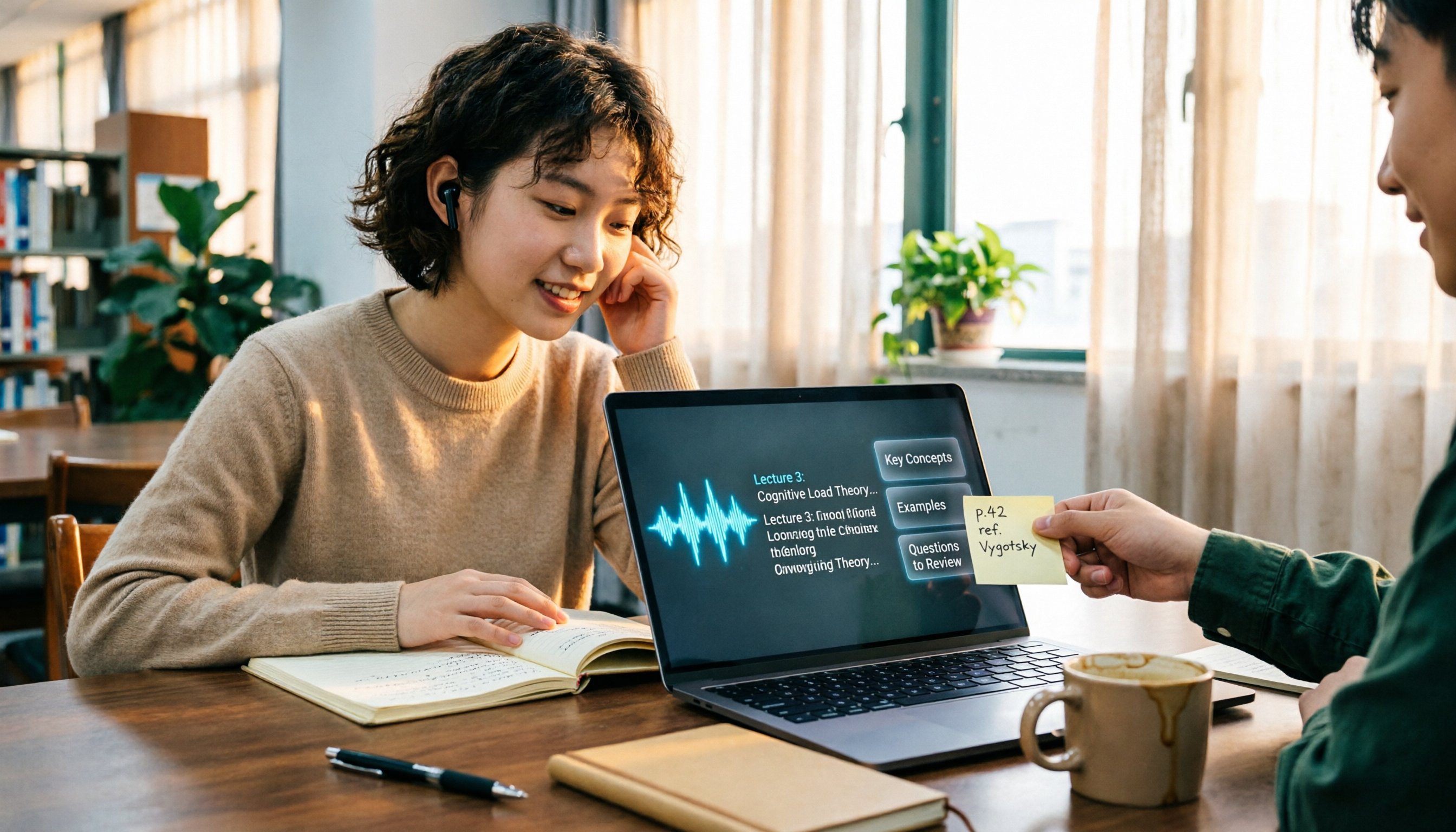
The Complete Guide to Class Recording Apps in 2026: Moving from NotebookLM to Tinrec for Your Classroom Note Workflow
Starting from the pain point of students opening recordings before finals and finding no key points, this guide covers common misconceptions about class recording apps, the shortcomings of NotebookLM and ordinary recording tools, and explains how Tinrec uses real-time transcription, AI summaries, Q&A, and team spaces to turn class recordings into searchable, reviewable notes.

Otter.ai vs Tinrec in 2026: 5-Dimension Comparison — Which Is Better for Chinese Meeting Notes?
Can Otter.ai handle Chinese? The answer has two layers: you can ask questions in Chinese via AI Chat, but the official languages page lists only Simplified Chinese, with no formal guarantee for Traditional Chinese transcription. This article compares Otter.ai and Tinrec across 5 dimensions and uses Tinrec to demonstrate a complete Chinese meeting workflow — from recording, transcript, and proofreading to meeting minutes and team knowledge retention.

2026 AI Voice Recorder Buying Guide: Plaud Recorders vs. 3 Meeting Note Tools Tested
Thinking about buying a Plaud recorder but unsure how it differs from AI meeting note software? Based on the real pain points of a mid-level manager with 15 meetings a week, this guide compares Plaud Note, NotePin, Tinrec, Otter.ai, and Notta on capture methods, post-meeting organization, Chinese language experience, team collaboration, and cost to help you choose the right meeting notes solution.

4 Classroom Recording Tools Tested for 2026: Chinese Transcripts + AI Highlights—Which One Actually Saves You Time?
How to choose a classroom recording tool? This guide covers in-person classes, online courses, and teacher-provided audio files, outlines 5 key buying factors, and compares Tinrec, Notta, TurboScribe, and PLAUD Note in terms of positioning, quotas, and pricing—so you can find the one that's truly ready to use after recording.

2026 Complete Guide to Vocal Fry: What It Is, 3 Key Testing Points for Transcription, and Tinrec Applications
What is vocal fry? This article starts with the vocal mechanism of the lowest register, explains its practical impact on meeting recordings and speech transcription, and demonstrates how Tinrec uses real-time transcripts, AI summaries, action item extraction, and team spaces to turn low-pitched meeting content into searchable, queryable, and exportable data. The article includes 5 purchasing considerations and 6 frequently asked questions.

4 Chinese Speech-to-Text Tools Tested for 2026: Does Otter.ai Support Chinese? Which Handles Traditional Chinese?
Does Otter.ai support Chinese? Its official language list includes Simplified Chinese, but Traditional Chinese is not officially supported. Starting from the Chinese meeting needs of Taiwan offices, this article outlines 5 key purchasing considerations, tests and compares four tools—Tinrec, Otter.ai, Notta, and TurboScribe—and includes a pitfalls guide and scenario-based selection advice.