

Turn recordings into transcripts and summaries in minutes
Upload audio or video for multilingual transcription, AI notes, and action items
You Only Realize the Transcript Is All Wrong After the Meeting—What You Need Isn't Translation, It's a Chinese Meeting Workflow
The online meeting ends, your manager says "please send me the transcript," and you open your notes to find that a two-hour discussion has been reduced to a few keywords.
Chinese makes it even trickier. Most of the most talked-about AI meeting tools on the market are designed for English meetings; when you test them on Chinese meetings, names, company names, and technical terms often come out completely wrong, and proofreading takes longer than taking notes yourself.
If you're searching "does Otter.ai support Chinese," this is usually where you get stuck: the tool has great reviews, but you're not sure whether it can understand the Chinese spoken in a Taiwan office.
This article answers that question first, then compares four tools based on the real needs of Chinese meetings.
Before Choosing a Chinese Meeting Notes Tool, Understand These 5 Key Points
1. Chinese support depends on the official language list, not user reviews "Does Otter.ai support Chinese?" needs a two-part answer. Otter's official languages page currently lists English, Spanish, French, German, Japanese, and Chinese (Simplified)—meaning it supports Simplified Chinese, but Traditional Chinese is not listed as an officially supported language. Device or browser language settings affect the interface and spelling display, but that doesn't mean "the original speech has been accurately transcribed into Traditional Chinese." This is exactly where Taiwanese users most often misjudge.
2. What else you get beyond the transcript The era of text-only output is over. What matters now is whether, after a meeting ends, the tool can conveniently give you a summary, chapters, key points, and action items—or even let you ask follow-up questions about the content. If you still have to pick out the key points from a 30-minute transcript yourself, the time saved is actually quite limited.
3. How the meeting is recorded Some tools send a meeting bot to join as a participant; others capture system audio directly from the desktop. For the former, note that the bot will appear on the participant list, which may not be suitable for client meetings or sensitive occasions; for the latter, you need to actively start recording. There's no absolute right or wrong here, but you must confirm before buying, and inform participants and get consent in advance.
4. How free quotas are calculated and where paid usage is deducted Many tools seem generous with hundreds of minutes, but "live recording" and "file import" may share the same quota or have separate limits. Before testing, check clearly which action the minutes are deducted from, so you don't run out mid-meeting.
5. For team use, who owns the data Personal accounts and team spaces are two different things. Teams need to ask: where is the data stored, who can view it, who can edit it, and will files disappear when a member leaves? This may not matter for small teams of fewer than three people, but as the team grows, it becomes a real pain point.
Tinrec—The Top Choice After Testing Chinese Meetings
Tinrec is an AI meeting notes and collaboration tool for individuals and teams, available on web, desktop, and mobile. It doesn't just convert audio to text; it organizes meetings into searchable, queryable, and exportable data.
During the meeting: no need to invite a bot The desktop version captures system audio directly, so when handling online meetings like Zoom, Google Meet, Microsoft Teams, or Webex, no extra bot needs to join the meeting room. For client meetings, this is very practical—no unfamiliar account suddenly appears on the participant list. Note that you still need to actively start recording; it doesn't automatically join all calendar meetings.
After the meeting: the transcript is just the starting point As soon as the meeting ends, the transcript is ready, along with a summary, chapters, key points, and action items—who's responsible for what and what to follow up on next time can be seen directly. When you need to dig into details, you can ask it "who mentioned the budget in the last meeting" or "what was that spec the client cared about," and it will answer based on the content instead of giving you a list of keyword search results. This is especially useful for Chinese meetings because you don't have to remember whether it was said at minute 37 or minute 52.
Post-meeting processing and export When you need to submit a report, you can ask it to organize the meeting content into a document, report, or table, and export to Notion, Google Docs, OneNote, Dropbox, and other tools for further editing. For meetings with mixed Chinese and English, it also supports real-time translation, viewable in original, translated, or bilingual format.
How we test Chinese Our testing method is consistent: we don't rely on official accuracy claims but run three real recordings directly: one pure Chinese discussion, one mixed Chinese-English product meeting, and one recording with multiple speakers interrupting and background noise. We check company names, person names, numbers, dates, technical terms, and speaker labels item by item. Our experience: one wrong key number is far more serious than a few missing filler words, so always listen back to the original audio to verify before final delivery.
Stop organizing recordings by hand
Upload audio or video and automatically get a transcript, summary, and action items
Pricing and limitations, stated honestly The personal plan includes a free version, weekly card, Pro monthly, and Pro annual. The free version provides a basic quota, suitable for trying out recording, import, summarization, and transcription; actual minutes are subject to the official website. The team plan is priced separately: USD 29.80 per paid seat per month, or USD 199 per paid seat per year (about USD 16.58 per month), with each paid seat providing 2,000 minutes of team shared import quota per month; under an active team plan and active seats, live recording is currently not deducted by minutes. Eligible teams can try 7 days, 1 free seat, and 300 minutes of shared import quota for the first time.
Limitations should also be clear: the team plan is primarily team-level sharing, where all active members can read team data, but there is no file-level granular permission; members without seats can view, play, and read but cannot upload, edit, or export. Also, if your need is batch transcription of a large number of long recordings at once, this is not its strong suit.
Who it's for If your meetings are mainly in Chinese, need to handle mixed Chinese-English, require quick summaries and action items after meetings, and you want data to stay in the team space rather than someone's personal account, Tinrec is currently the smoothest choice.
Besides Tinrec, What Other Options Are There?
Otter.ai: A Mature Choice for English Meetings Otter is a veteran player in AI meeting assistants, supporting Zoom, Teams, Google Meet, and also offering desktop, AI Chat, and team management. The free Basic plan offers 300 minutes per month; Pro annual is about USD 8.49 per user per month, including 1,200 minutes of in-app recording and 10 file imports per month. Its strength is English business meetings. Note that the official language list only includes Simplified Chinese; Traditional Chinese is not officially supported. Otter Chat can translate, but that doesn't mean the original speech has been accurately transcribed into Traditional Chinese. If you only record English, it's a good deal; if you need Traditional Chinese transcripts and team hotwords, Tinrec is more complete.
Notta: A General Transcription Tool with a Multilingual Focus Notta covers multi-platform transcription, meeting notes, file import, and translation. The free version offers 120 minutes per month with a maximum of 3 minutes per session; Pro annual is about USD 8.17 per month with 1,800 minutes per month. It's suitable for those who need multilingual translation and file processing. However, the free version's 3-minute per-session limit is quite strict for real meetings, and it doesn't focus on bot-free system audio capture and team data governance—Tinrec does these two things more completely.
TurboScribe: A Cost-Effective Route for Long Files and Batch Transcription TurboScribe is more of a cost-effective file transcription tool: free for 3 files per day, up to 30 minutes per file; Unlimited annual is USD 120 (about USD 10 per month), and the paid version supports up to 10 hours or 5 GB per file and up to 50 files at once. It's great for clearing out a large backlog of recordings at once. But if you want real-time transcription during meetings, post-meeting summaries and action items, and a team shared space, Tinrec's meeting workflow is closer to your needs.
Pitfalls Guide: The 3 Most Common Mistakes When Choosing a Chinese Transcription Tool
Pitfall 1: Mistaking "AI can translate" for "speech has been accurately transcribed into Traditional Chinese" Translation is post-processing; transcription is the first step. If the underlying transcription gets the words wrong, the translation will only be more beautifully wrong. A simple way to judge: check whether the official language list includes the language you actually speak; if not, don't assume it understands.
Pitfall 2: Only looking at free minutes, not where they're deducted Some tools share quota between live recording and file import; others calculate separately. Rather than comparing numbers, think about how many meetings you have per week and whether you'll upload existing recordings, then check the plan rules.
Pitfall 3: Forgetting recording consent and company policy When a meeting bot joins, it appears on the participant list with the tool's name, visible to everyone. For cross-company meetings or discussions involving personal data or sensitive content, informing and obtaining consent in advance is basic practice, and you should also confirm compliance with company policies and local regulations.
Pitfall 4: Only taking the transcript and wasting the features behind it If you only use an AI meeting tool as "audio-to-text," you're only using part of its capabilities. What really saves time is the post-meeting part: directly asking what the conclusion was, how many action items there are, and in which sentence the client expressed concern—much faster than manually scrolling through a 30-minute transcript.
Conclusion: Does Otter.ai Support Chinese? Which One Should You Choose?
Back to the original question: Otter.ai supports Chinese, but the officially supported language is Simplified Chinese; Traditional Chinese is not on the language list. Whether it works and how well it works must be tested with your own recordings.
It's faster to decide by need:
- Meetings mainly in Traditional Chinese, with some mixed Chinese-English → Tinrec, with Chinese transcription plus summaries, action items, and Q&A all in one.
- Want to use AI to ask about meeting details directly after recording → Tinrec, this is the biggest difference from pure transcription tools.
- Team needs to share meeting data, manage seats and usage → Tinrec team plan, data belongs to the team, and member changes can be handed over.
- Want to confirm whether Otter works → Run a real Chinese meeting through Otter's free version and check names and numbers first.
- Only record English meetings, zero budget → Otter.ai free version with 300 minutes per month is a reasonable choice.
- Need to clear a large number of long recordings at once, no real-time needed → TurboScribe's batch capability is more suitable.
One final practical tip: no matter which tool you prefer, first use the free quota to test three real materials—a pure Chinese meeting, a mixed Chinese-English discussion, and a recording with multiple speakers interrupting. Check company names, person names, numbers, and action items item by item. Only after these four pass should you consider paying; that's more accurate than any review.
References
- Does Otter.ai support Chinese? Simplified Chinese limitations, free 300 minutes, and tutorial | Mason AI Lab
- Is Otter.ai good in 2026? Complete Chinese tutorial, features, pricing, and user experience | Meeting notes and automatic transcript helper - RosyArts
- Otter.ai doesn't support Chinese? 2026 best Chinese speech-to-text and AI meeting notes alternatives - Tinrec Blog
- Can Otter.ai be used in Chinese? 2026 Chinese speech-to-text tool review and recommendations - Tinrec Blog
- Is Otter.ai good for Chinese? 2026 in-depth review for Taiwan users (including alternatives)
Turn every recording into actionable outcomes
Get 60 free transcription minutes when you sign in. No credit card required.
Related Reading
You might also like

How to Choose a Plaud Voice Recorder in 2026: 5-Step Hands-On Test and a Hardware-Free Alternative
After hands-on testing of AI recording hardware like the Plaud voice recorder, most people realize the real challenge is organizing what was recorded. This article starts from actual usage scenarios to break down what AI recording tools can do for you, what core capabilities to look for, and 5 things to consider when purchasing. Using Tinrec as an example, it explains how to complete transcription, summaries, action items, and team sharing without additional hardware.

2026 PLAUD Recorder Free Plan Guide: 5 AI Transcription Tools Compared
The PTT discussion about PLAUD recorders really comes down to one question: should you buy an extra piece of hardware? This guide compares five recording-to-text options in 2026, covering free quotas, Chinese recognition, post-meeting organization, and team data ownership, and explains why Tinrec is better suited for most office workers when it comes to bot-free online meeting recording and post-meeting AI Q&A.

Beaver vs Otter: 3 Key Differences + 1 Note-Taking Workflow (2026 Guide)
The Chinese names for beaver and otter are often confused: 河狸 (beaver), 水獺 (otter), 海獺 (sea otter), and 海狸鼠 (coypu) sound like they belong to the same family. This guide uses four criteria—tail, teeth, feet, and behavior—plus three field-tested steps to help you tell a beaver from an otter in 30 seconds at a zoo or in a video. It also includes a workflow for turning English ecology videos and lectures into organized Chinese notes.
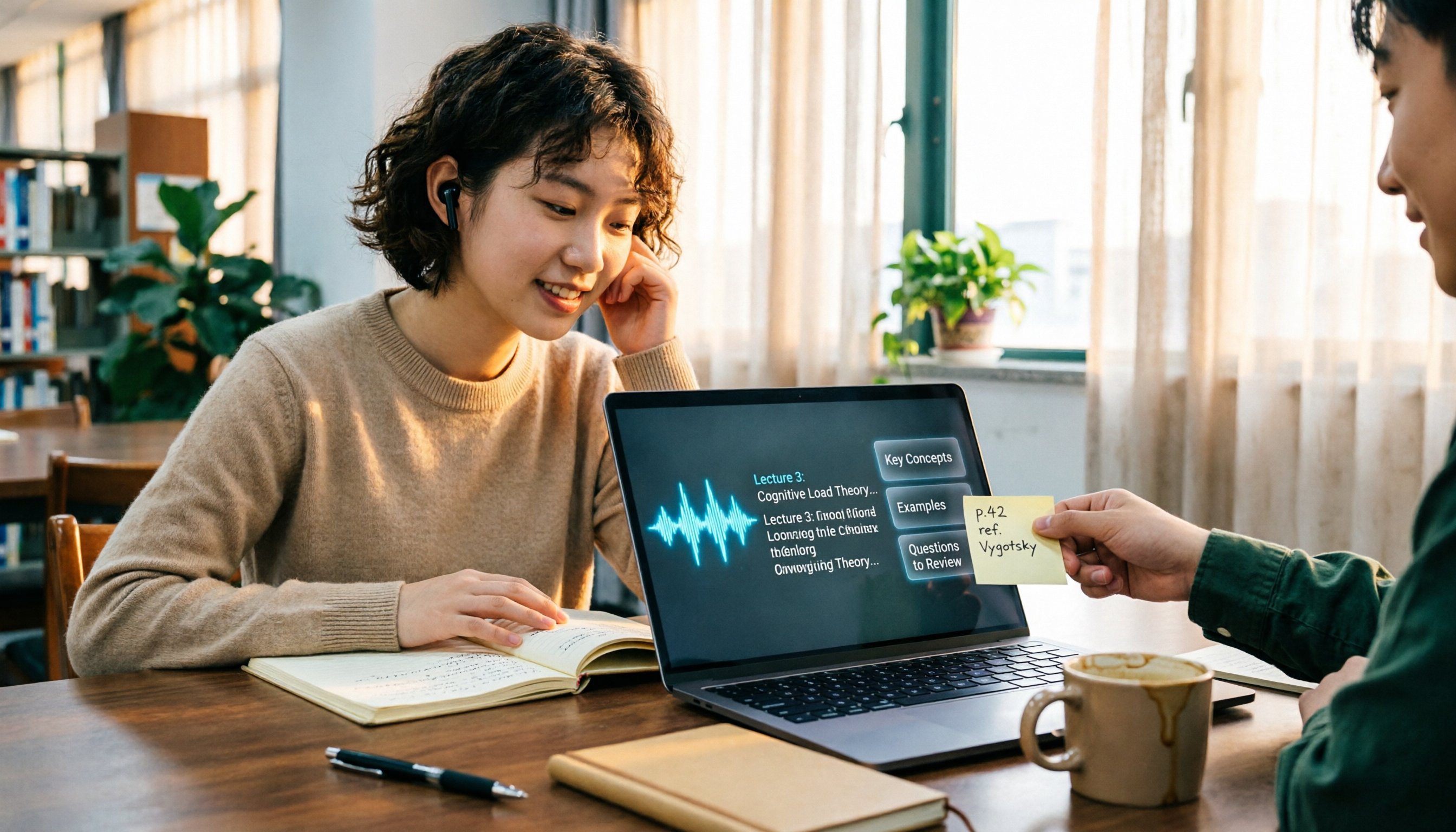
The Complete Guide to Class Recording Apps in 2026: Moving from NotebookLM to Tinrec for Your Classroom Note Workflow
Starting from the pain point of students opening recordings before finals and finding no key points, this guide covers common misconceptions about class recording apps, the shortcomings of NotebookLM and ordinary recording tools, and explains how Tinrec uses real-time transcription, AI summaries, Q&A, and team spaces to turn class recordings into searchable, reviewable notes.
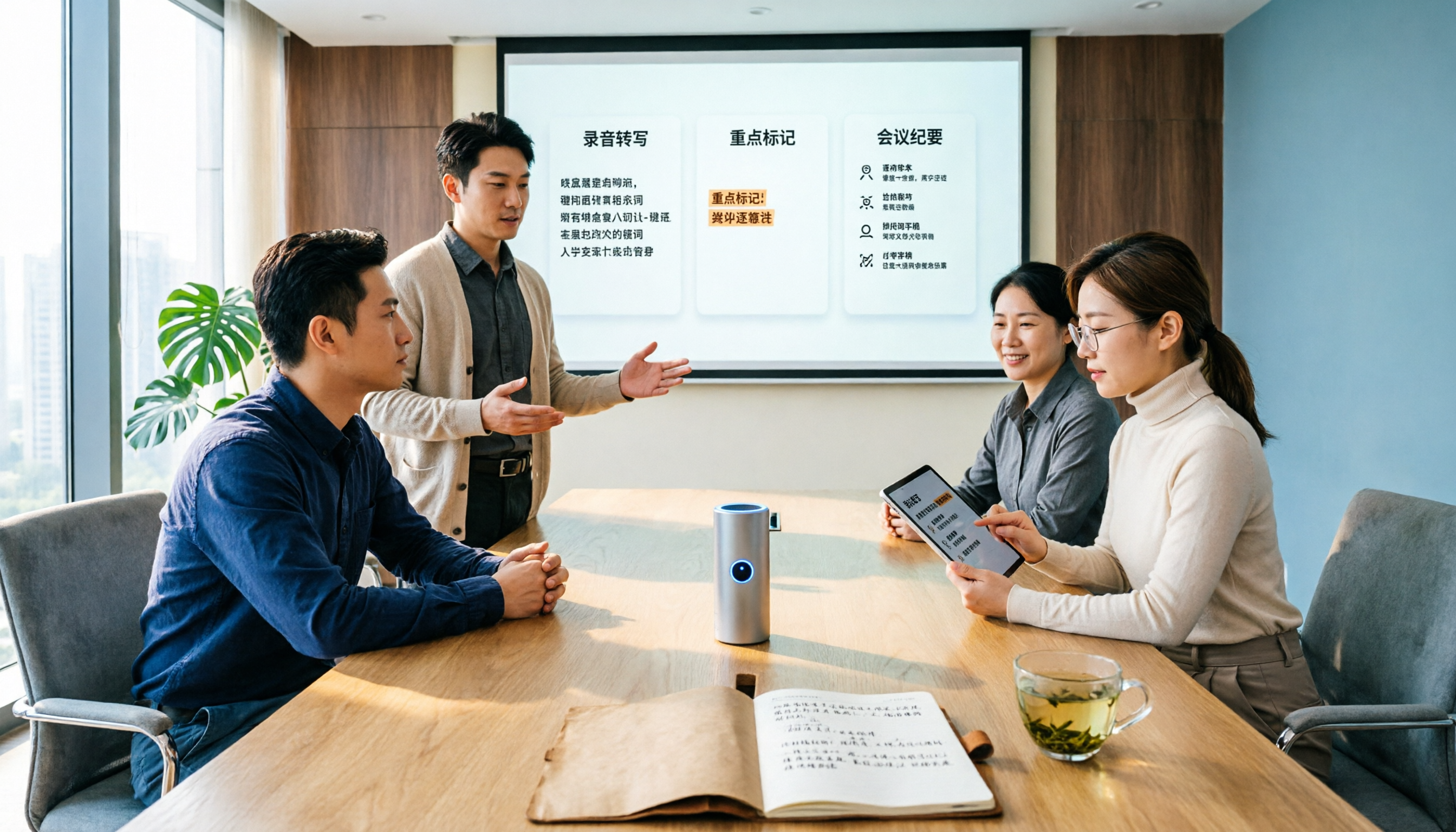
Otter.ai vs Tinrec in 2026: 5-Dimension Comparison — Which Is Better for Chinese Meeting Notes?
Can Otter.ai handle Chinese? The answer has two layers: you can ask questions in Chinese via AI Chat, but the official languages page lists only Simplified Chinese, with no formal guarantee for Traditional Chinese transcription. This article compares Otter.ai and Tinrec across 5 dimensions and uses Tinrec to demonstrate a complete Chinese meeting workflow — from recording, transcript, and proofreading to meeting minutes and team knowledge retention.

2026 AI Voice Recorder Buying Guide: Plaud Recorders vs. 3 Meeting Note Tools Tested
Thinking about buying a Plaud recorder but unsure how it differs from AI meeting note software? Based on the real pain points of a mid-level manager with 15 meetings a week, this guide compares Plaud Note, NotePin, Tinrec, Otter.ai, and Notta on capture methods, post-meeting organization, Chinese language experience, team collaboration, and cost to help you choose the right meeting notes solution.

2026 Comparison of 4 Chinese Speech-to-Text Tools: How Well Does Otter Support Chinese?
Otter's official language list includes Chinese (Simplified), but Traditional Chinese is not listed. The ability to translate in Chat does not guarantee accurate transcripts. This article addresses the decision of whether to continue using Otter, explains the five capabilities needed for Chinese meeting notes, four practical scenarios, and purchasing considerations. It also demonstrates Tinrec's complete workflow with bot-free recording, summary to-dos, AI Q&A, and team spaces.

4 Classroom Recording Tools Tested for 2026: Chinese Transcripts + AI Highlights—Which One Actually Saves You Time?
How to choose a classroom recording tool? This guide covers in-person classes, online courses, and teacher-provided audio files, outlines 5 key buying factors, and compares Tinrec, Notta, TurboScribe, and PLAUD Note in terms of positioning, quotas, and pricing—so you can find the one that's truly ready to use after recording.

2026 Complete Guide to Vocal Fry: What It Is, 3 Key Testing Points for Transcription, and Tinrec Applications
What is vocal fry? This article starts with the vocal mechanism of the lowest register, explains its practical impact on meeting recordings and speech transcription, and demonstrates how Tinrec uses real-time transcripts, AI summaries, action item extraction, and team spaces to turn low-pitched meeting content into searchable, queryable, and exportable data. The article includes 5 purchasing considerations and 6 frequently asked questions.