
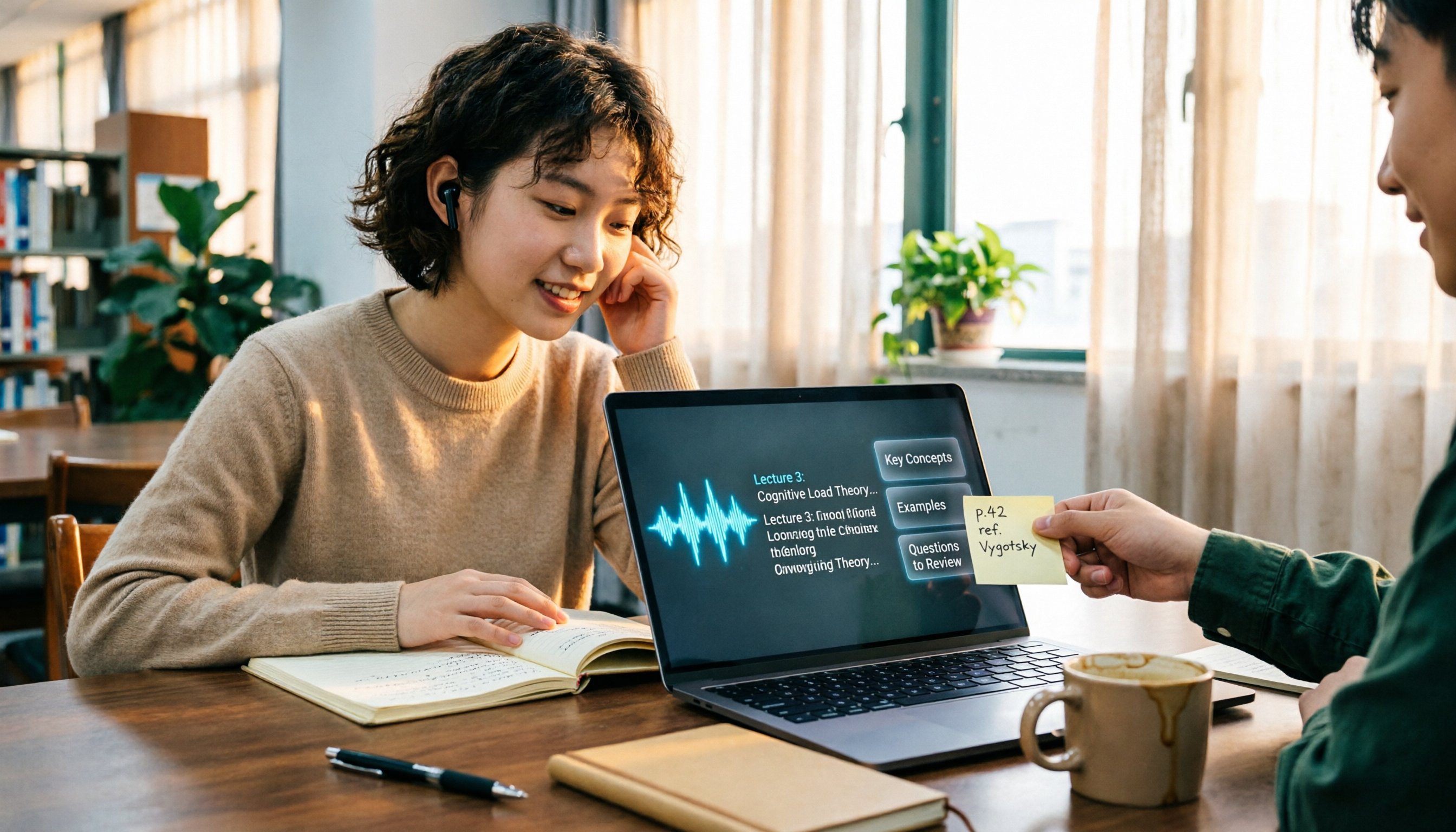
Turn recordings into transcripts and summaries in minutes
Upload audio or video for multilingual transcription, AI notes, and action items
The Complete Guide to Class Recording Apps in 2026: Moving from NotebookLM to Tinrec for Your Classroom Note Workflow
I used to think a class recording app was just "press record, save after class," right? That was until right before finals, when I opened my phone's folder and found over 20 hours of recordings—and I had no idea which part covered the exam material. What was even worse, I thought I had recorded the professor saying "this will be on the exam," but when I went back, all I heard was the sound of slides turning. Not a single key point was captured.
Later I realized the problem wasn't whether I recorded or not—it was whether I could actually use the recording afterward. This article is written from a student's perspective, putting together my experience from the built-in recorder, Easy Voice Recorder, and NotebookLM all the way to Tinrec into a complete guide, so you can avoid some of the detours I took.
Why do so many people record an entire semester but still don't want to open the recordings before finals?
A common misconception is treating "recording" as "note-taking." The built-in voice memo app on your phone is convenient—press it and it starts recording—but it won't tell you which part is important. Easy Voice Recorder offers complete recording quality and format options, suitable for people who just want to save the audio, but you still have to listen from the beginning after class. NotebookLM can import recording files and combine them with photos to create summaries, which is very helpful for organizing materials, but its workflow leans toward "processing after class"—you have to remember to import, remember to organize, and if you cram it all before finals, it's usually too late.
If you also face the situation of "lots of recordings, few key points," instead of looking for another app that only records, try a different approach: find a tool that turns audio into text right when you record, and afterward lets you directly ask it "what exam key points did the teacher mention in this class?" This is the main reason I switched to Tinrec.
Tinrec vs. Common Class Recording Apps: The Difference Is After Recording
1. Transcribes while recording, no need to re-listen after class
Many recording apps end at "producing an audio file," but a student's end goal is actually "finding key points before the exam." Tinrec supports real-time recording transcription, turning content into a transcript as you record, so after class you already have a searchable text version. This is especially useful for classes where the professor speaks quickly and flips through slides rapidly—at least you don't have to start re-listening from minute one.
2. Chinese and mixed Chinese-English classroom scenarios
University classes often involve "lectures in Chinese, slides in English, and mixed terminology." Tinrec provides transcription for Chinese, Traditional Chinese, and multilingual meetings, and also supports real-time translation and bilingual viewing. Actual accuracy will still be affected by recording quality, accents, classroom noise, and multiple people speaking at once, but for most general education courses and departmental required courses, it's already much more reliable than my handwritten notes.
3. Recording isn't the end—it's the start of AI Q&A
This is what I find most impactful. Tinrec automatically generates summaries, chapters, and to-dos, and you can ask questions directly about the class content. For example, "What are the three main points of this class?" "What report formats did the professor mention?" "Which chapters are included in the final exam scope?" It answers based on the transcript, so you don't have to flip through 30 pages of text yourself. Compared to just throwing recordings into NotebookLM and manually organizing afterward, this workflow of "building queryable data while in class" suits someone like me who crams before finals much better.
4. Handles online classes, in-person classes, and group discussions
Tinrec doesn't just record in-person classes. The desktop version can capture computer system audio, handling online meetings on Zoom, Google Meet, Microsoft Teams, Webex, etc., without needing an extra meeting bot to join. For remote classes, online lectures, or online discussions for graduation projects, this difference is significant—you don't have to ask a group member to bring a bot in, and you don't have to worry about forgetting to press record.
5. File import and cross-platform use
If the professor has already provided recording files or videos, Tinrec also supports audio and video file transcription, allowing you to organize past lectures into transcripts. It covers web, desktop, and mobile, which is practical for students: record on your phone in class, organize on your computer back in the dorm, and you don't have to transfer data back and forth.
Overview of Tinrec's Core Features
Real-time recording transcription: Open Tinrec to record, and text appears synchronously, so you have a transcript right after class. You can glance at it during class to confirm whether you missed anything in the previous segment.
Stop organizing recordings by hand
Upload audio or video and automatically get a transcript, summary, and action items
AI summaries and chapters: For a two-hour class, Tinrec automatically divides it into chapters and generates summaries. When reviewing before finals, look at the summary first to grasp the big picture, then click into the transcript for details—much faster than listening to the recording from the start.
To-dos and key point extraction: Report deadlines, group lists, and exam scopes assigned by the professor can be organized into to-dos from the discussion by Tinrec. For students who easily miss administrative information, this feature is a lifesaver.
AI Q&A: You can ask questions about a single class or the entire database. For example, I directly ask "What are the key points of this week's progress?" "What percentage of the grade is the final exam?" No need to search slowly yourself.
Multi-format export and post-processing: Transcripts, summaries, and reports can be exported to Notion, Google Docs, OneNote, Dropbox, and other tools, and can further generate tables or documents. For graduation projects, interviews can directly become citable data, saving a lot of organizing time.
Real Use Cases: From General Education Courses to Graduation Projects
In-person required courses: When the professor speaks fast and writes a lot on the board, I place my phone on the desk to record, and Tinrec transcribes synchronously. After class, I look at the summary first, then mark the paragraphs where the professor said "this will be on the exam." Compared to losing track halfway through handwritten notes, at least I have complete text to refer to.
Online remote classes: When taking classes on Zoom or Google Meet on my desktop, I use the Tinrec desktop version to record system audio, no meeting bot needed. After class, I directly ask the AI "What homework was announced today?"—faster than scrolling through the chat history.
Group discussions and graduation projects: Our group talks over each other every meeting, and afterward no one remembers the conclusions. Later I recorded the discussions and used Tinrec to organize summaries and to-dos, making it clear who is responsible for what. If the entire project team needs to share meeting notes, the team version has independent team spaces, member and seat management, shared import quotas, and usage analytics; currently, the first eligible team trial is 7 days, 1 free seat, and 300 minutes of shared import quota, and paid seats provide 2,000 minutes of shared import quota per month. Actual prices are subject to the official website. If your student group only meets occasionally, the personal version is sufficient.
Interviews and graduation surveys: When doing project interviews, I import the recording files into Tinrec, convert them to transcripts, and then let the AI help capture the interviewee's key statements. Note that you must obtain the other person's consent before recording—this is not just courtesy but also a legal matter.
Things to Consider When Choosing a Class Recording App
Is the free quota enough for you: Students have limited budgets, so the free version is important. Tinrec's free version provides a basic quota, so you can try a round of your own class recordings first to see if the transcription quality and organizing workflow suit you. If you have steady needs every week, then consider a weekly card, Pro monthly card, or annual card, choosing based on usage frequency rather than just price.
Recognition of Chinese and mixed Chinese-English: Many tools are strong in English but fail when faced with Taiwanese professors mixing Chinese and English. When choosing, it's best to test with one of your own classes, paying special attention to terminology, names, and abbreviations.
Can it help you find key points after recording: A transcript alone isn't enough; what you need is data you can search, query, and extract to-dos from. This is also the biggest difference between Tinrec and ordinary recording apps.
Cross-platform and file import: You might record on your phone and organize on your computer, or you might receive an MP3 or video from the professor. Confirming that the tool supports your commonly used devices and file formats will save a lot of conversion time.
Recording consent and privacy: Before recording a class, it's best to confirm the willingness of the professor and classmates; interviews and group discussions also require consent. No matter how convenient the tool is, it should not be used for secret recording.
Conclusion: Is Tinrec Worth a Try?
If you only occasionally want to record a bit of audio, the built-in recording app on your phone is enough; but if, like me, you have several classes each semester that are "fast-paced and test fine details," and you really don't want to re-listen to 20 hours of recordings before finals, then a tool like Tinrec centered on "recording transcription + AI Q&A + post-class organization" will suit you better than a simple recording app.
Its advantage isn't making recordings more impressive, but turning "recordings" into "notes you can look up, ask questions about, and review." My own usage is: record in class, look at the summary after class, use AI Q&A to capture key points before finals, and for group discussions, keep the conclusions and to-dos. The free version has a basic quota, so test it with one of your own classes first, and if it feels smooth, then consider paying—that's more accurate than reading a bunch of reviews.
References
- NotebookLM App uses camera + recording to quickly capture reading, class, and meeting ideas and process notes
- Easy Voice Recorder - Google Play App
- "Voice Recorder Notes - Recording Software and AI Voice Memo Transcription Expert" App - App Store
- Must-have for classes and meetings! Free recording app recommendations with editing and transcription
- [2021 Recording App Recommendations] 5 Free Mobile Recording Software (Android/iOS) - Bear Abbe
Turn every recording into actionable outcomes
Get 60 free transcription minutes when you sign in. No credit card required.
Related Reading
You might also like

2025 AI Voice Recorder Comparison: Tinrec vs. Plaud – Which Turns Meetings into Actionable Data?
In 2025, Plaud recorders are generating buzz, but if most of your meetings happen on a computer, hardware recording is only the first step. This article tests Plaud Note Pro, NotePin, and Tinrec in a real-world scenario of a mid-level manager with 15 meetings per week. We compare five dimensions: meeting capture method, post-meeting output, Chinese language experience, and team collaboration, to help you decide whether to buy a device or a workflow that turns meetings into action items.

2026 AI Voice Recorder Comparison: Is the PLAUD Recorder Worth Buying?
Hands-on review of the PLAUD recorder: hardware call recording works well, but subscription costs and post-meeting workflow are key. This guide covers buying criteria, PLAUD pros and cons, and alternatives to help you decide if you need hardware or if software like Tinrec is more cost-effective.

2026 AI Recording Tools Comparison: Plaud Pricing, Transcription Performance, and Free Tiers Students Care About Most
Based on a real student scenario of accumulating over 30 hours of recordings in a semester, this hands-on comparison tests the transcription performance and cost structures of Plaud Note series, Notta, Otter.ai, and Tinrec. It breaks down Plaud's two-tier hardware-plus-subscription costs, whether free tiers can last a semester, and lists 3 common pitfalls before buying, ending with clear recommendations for students.
2026 Two Recording Tools Tested: PLAUD Note Pro vs Tinrec — Which Transcribes Faster?
We examine third-party test data on PLAUD Note Pro's recording-to-text speed and compare it with Tinrec across five dimensions: input sources, post-meeting organization, Chinese-language experience, team collaboration, and cost. This helps you decide whether to buy a recording device or adopt a meeting-organization workflow.

2026 AI Recording Tools Compared: PLAUD vs. Tinrec for Meeting Notes
How to choose a recording tool in 2026? From PLAUD's hardware tutorial to Tinrec's AI meeting notes workflow, we break down the 5-step recording guide, core capabilities, real-world use cases, and 5 key buying considerations to help you decide whether to buy hardware or switch to software that generates minutes and action items right after the meeting.

How to Choose a Plaud Voice Recorder in 2026: 5-Step Hands-On Test and a Hardware-Free Alternative
After hands-on testing of AI recording hardware like the Plaud voice recorder, most people realize the real challenge is organizing what was recorded. This article starts from actual usage scenarios to break down what AI recording tools can do for you, what core capabilities to look for, and 5 things to consider when purchasing. Using Tinrec as an example, it explains how to complete transcription, summaries, action items, and team sharing without additional hardware.

2026 PLAUD Recorder Free Plan Guide: 5 AI Transcription Tools Compared
The PTT discussion about PLAUD recorders really comes down to one question: should you buy an extra piece of hardware? This guide compares five recording-to-text options in 2026, covering free quotas, Chinese recognition, post-meeting organization, and team data ownership, and explains why Tinrec is better suited for most office workers when it comes to bot-free online meeting recording and post-meeting AI Q&A.

Beaver vs Otter: 3 Key Differences + 1 Note-Taking Workflow (2026 Guide)
The Chinese names for beaver and otter are often confused: 河狸 (beaver), 水獺 (otter), 海獺 (sea otter), and 海狸鼠 (coypu) sound like they belong to the same family. This guide uses four criteria—tail, teeth, feet, and behavior—plus three field-tested steps to help you tell a beaver from an otter in 30 seconds at a zoo or in a video. It also includes a workflow for turning English ecology videos and lectures into organized Chinese notes.

Otter.ai vs Tinrec in 2026: 5-Dimension Comparison — Which Is Better for Chinese Meeting Notes?
Can Otter.ai handle Chinese? The answer has two layers: you can ask questions in Chinese via AI Chat, but the official languages page lists only Simplified Chinese, with no formal guarantee for Traditional Chinese transcription. This article compares Otter.ai and Tinrec across 5 dimensions and uses Tinrec to demonstrate a complete Chinese meeting workflow — from recording, transcript, and proofreading to meeting minutes and team knowledge retention.