

Turn recordings into transcripts and summaries in minutes
Upload audio or video for multilingual transcription, AI notes, and action items
In 2026, "recording" has split into two completely different paths: one is buying a portable recording device to capture audio; the other is opening your computer or phone and letting AI transcribe while recording, then directly giving you a transcript, summary, action items, and a meeting database you can keep querying.
Most people searching for "PLAUD recording tutorial 2026" aren't really asking "where is the record button"—they're asking "should I buy hardware, or switch to software that actually solves the meeting notes problem?"
Here's the decision point: if you're dealing with online meetings on Zoom, Google Meet, or Microsoft Teams and need to deliver notes afterward, you need a software workflow, not another device to charge. Below, we demonstrate the complete workflow with Tinrec and put PLAUD-style AI recording hardware back in its proper place for comparison.
What Can a Recording Tool Do for You?
Scenario 1: No more re-listening after meetings A two-hour meeting used to take another hour to organize. With Tinrec, by the time the meeting ends, the summary, chapters, key points, and action items are already generated—you can see who's responsible for what and by when.
Scenario 2: No frantic note-taking in classes and lectures Listening and writing at the same time means doing both poorly. Tinrec transcribes while recording, so you can focus on listening, then use AI Q&A to pull out the key points the instructor covered.
Scenario 3: Preserve exact words in interviews and client communications The worst thing is misremembering client pain points and commitments. The transcript preserves original statements and is searchable, while the summary captures conclusions—viewing them separately is more reliable than trying to recall afterward.
What Are the Core Capabilities of Audio-to-Text?
Real-time transcript: text appears as you record It's not transcribed after recording ends. Tinrec generates text synchronously during recording, so you can check the text to confirm key numbers aren't missed—no need to wait until after the meeting to discover an unintelligible section.
No bot needed to record online meetings Tinrec's desktop version directly captures computer system audio, handling meeting audio played on your computer from platforms like Zoom, Google Meet, Microsoft Teams, and Webex—without inviting an extra meeting bot to join as a participant. Note: this doesn't mean it automatically joins all meetings on your calendar—you need to actively open Tinrec to start recording.
AI summary and chapters: break long meetings into readable structure The summary isn't just condensing the transcript into a paragraph of fluff—it's structured organization: meeting topic, discussion conclusions, action items, and owners listed separately. Long meetings are also split into chapters for easy jumping back.
Action item extraction and mind maps Who promised what during discussions is easiest to miss. Tinrec organizes action items from the conversation and can also use mind maps to clarify relationships between topics.
AI Q&A and multi-format export After transcription, you can directly ask Tinrec: "Who mentioned the budget in the meeting?" "What were the client's objections?" It answers based on semantics. Organized content can be exported to Notion, Google Docs, OneNote, Dropbox, and other tools, or used to generate reports, tables, and meeting minutes documents.
Recording Tutorial: 5 Steps to Turn a Meeting into Deliverable Minutes
Step 1: Notify and get consent before recording This is the most easily skipped step. Proactively informing others and obtaining clear consent before recording is a basic requirement for privacy and local regulations, and also a sign of professional communication.
Step 2: Choose the right input method For online meetings, use Tinrec desktop to capture system audio; for offline meetings and interviews, use real-time recording; for already-recorded audio or video files, upload directly for transcription. All three sources go through the same organization workflow—no separate management needed.
Step 3: Watch the real-time transcript during recording to confirm key information Information like quotes, dates, and names is easiest to mishear. Confirm synchronously with Tinrec's real-time text, and enable real-time translation when needed—compare original, translated, or bilingual views to keep up with cross-language meetings.
Step 4: Let summaries, chapters, and action items generate automatically after the meeting No manual audio editing or re-listening. Tinrec organizes the transcript into summaries and chapters and extracts action items—this is the step that saves the most time.
Step 5: Use AI Q&A to fill in details, then export as work output Writing a weekly report? Ask AI about the meeting's decisions and risks. Delivering to a client? Export as a document. Tinrec's Agent post-processing can also generate reports, tables, and documents based on meeting content, turning records directly into deliverable output.
How Is PLAUD Recording Hardware Different from Tinrec?
PLAUD Note and NotePin are AI recording hardware—you're buying a standalone device, portable recording, and physical operation experience. Official user guides cover unboxing setup, recording methods, and note organization; on hardware specs, the official page states enhanced mode supports up to 30 hours of continuous recording, long-lasting mode 50 hours, and standby 60 days, with transcription and summaries provided according to app and membership plan minutes (e.g., starting at 300 minutes per month). Its tutorial focus is on pairing the device, switching environments, and call recording modes.
Stop organizing recordings by hand
Upload audio or video and automatically get a transcript, summary, and action items
Tinrec takes a different path: no extra device to buy, usable on web, desktop, and mobile, with focus on online meeting processing and post-meeting summaries, Q&A, action items, and team knowledge retention. The judgment is simple—if you're often alone on the go and need physical buttons for one-handed recording, hardware has its value; if what you want is "hand over the record as soon as the meeting ends," a software workflow is more direct.
Real-World Use Cases
Project weekly meetings and cross-department meetings Many participants and overlapping speech mean manual notes will almost certainly miss things. Use Tinrec desktop for bot-free recording, then keep transcripts, summaries, and action items in one place after the meeting—next discussion can directly reference the last record, so decision basis isn't lost.
Client interviews and sales communications Needs, budgets, and objections are often buried in small talk. Tinrec's transcript is searchable by keyword, and AI Q&A can directly organize "the three concerns the client raised," making follow-up content sent after the meeting closer to the original words.
Courses, lectures, and internal training The worst thing in class is getting distracted taking notes. Transcribing while recording means you don't miss content; review with summaries afterward, and when you need to cite a specific explanation, search the transcript timestamp to listen back.
Content creation and reusing meeting material Interview recordings are themselves a material library. Tinrec can organize long interviews into chapters and key points, then export to existing writing or note tools—no need to re-listen to three hours of audio to find that one sentence.
Team knowledge retention: from personal tool to team database Personal version data belongs to individual accounts; the team version is a separate team space where meeting data belongs to the team. Members can view and reuse historical meetings, and administrators can manage roles, seats, sharing benefits, usage, and audits. Roles determine who can manage the team and view audits; seats determine whether members can record, upload, edit, and export—members without seats can still view, play, and read team data but cannot perform uploads and edits. When a member leaves or is removed, their team resources need to be handed over to other active members; data doesn't follow the person.
5 Things to Watch When Buying an Audio-to-Text Tool
1. Recognition performance for Chinese and mixed Chinese-English Don't just look at official marketing numbers. Test with a real recording of your own. Tinrec covers Chinese, Traditional Chinese, and multilingual meeting scenarios, and provides team hotword management for technical terms; actual results are still affected by recording quality, accents, noise, overlapping speakers, and proper nouns—any fixed accuracy promise should be taken with flexibility.
2. Whether you're forced to add a meeting bot Some tools require joining the meeting as a participant, which leaves a record and may feel intrusive to the other party. Tinrec desktop instead captures system audio, adding no extra participants.
3. What you can do after transcription Transcript only means the organization work is handed right back to you. When choosing a tool, check whether it can generate summaries, chapters, and action items, whether it can answer questions about the content, and whether it can export to your existing workflow—this is exactly the dividing line between Tinrec and simple transcription tools.
4. Whether quotas and pricing are clearly explained Tinrec's free version provides basic quota to experience recording, import, summaries, and transcription; for short-term high frequency, consider a weekly card; for steady users, a Pro monthly card; for long-term data retention, an annual card. The team version offers a 7-day trial for first-time eligible users, 1 free seat, and 300 minutes of team shared import quota; paid seats are USD 29.80/month or USD 199/year (about USD 16.58/month), with each paid seat providing 2,000 minutes of team shared import quota per month. Under an active team plan and active seats, real-time recording currently isn't deducted by minute; file and web link imports use team shared quota. Actual prices and benefits are subject to the official purchase page.
5. Team governance capabilities With multiple users, permissions and usage matter more than features. Tinrec team version provides usage trends, member rankings, details, audit log queries and exports, and an audio recycle bin (currently retained for 30 days, recoverable or permanently cleaned early). Note that currently sharing is mainly at the team level, not fine-grained file-level permission control.
Frequently Asked Questions
Q: Can audio recorded with PLAUD be converted to a transcript? Yes, PLAUD provides transcription and summaries through its app and membership plans, with available minutes depending on the plan. The difference is the workflow: if you want data that's queryable, exportable, and placeable in a team space right after the meeting, software tools like Tinrec eliminate the file transfer and cross-device switching steps.
Q: Does Tinrec need a meeting bot to join meetings? No. The desktop version directly captures computer system audio, suitable for Zoom, Google Meet, Microsoft Teams, and Webex meeting audio played on your computer; but you need to actively start recording—it doesn't automatically join all meetings on your calendar, nor does it imply official partnership with these platforms.
Q: Does Tinrec have a free version? Yes. The free version provides basic quota to experience recording, import, summaries, and transcription—good for first confirming whether Chinese recognition and organization results meet your needs before deciding to upgrade to a weekly, monthly, or annual card.
Q: If a team member leaves, will meeting data disappear? It won't disappear directly. Team resources belong to the team; when a member leaves, is removed, or loses their seat, their responsible resources need to be handed over to other active members; administrators can manage usage eligibility through seat allocation and recovery.
Q: What should I pay attention to before recording? Always inform the other party and obtain clear consent, and comply with local regulations. Even if the tool is convenient, privacy and authorization remain prerequisites.
Conclusion
In 2024, the real dividing line when choosing a recording tool isn't "how clearly it records," but "how much time you still have to spend after recording." Hardware like PLAUD solves the convenience of portable recording; Tinrec solves the most time-consuming part after the meeting—organization and delivery.
If you have more than three meetings a week and still need to write notes and follow up on action items, it's worth trying a software workflow first: run two or three meetings with Tinrec's free version basic quota, and see how much time you actually save once transcripts, summaries, and action items are generated automatically—then decide whether to add hardware.
For important decisions, it's still recommended to cross-check against transcript timestamps and recording playback. AI can greatly reduce organization costs, but it shouldn't be treated as a 100% error-free replacement.
References
- Plaud Taiwan | Official Website | Leading Brand in AI Recording Devices
- Plaud User Guide | Complete Tutorial and Operation Guide
- [Unboxing] Ultra-Thin AI ChatGPT Voice Recorder Plaud Note Review: Smooth Experience for Meeting Notes and Call Transcription Summaries
- PLAUD NOTE | AI Smart Recording Card | Includes 300 Free Transcription Minutes per Month - Sentra
- zeczec | PLAUD NOTE | The Smartest ChatGPT AI Recording Card | Invisible Assistant for Business x Learning x Interviews!
Turn every recording into actionable outcomes
Get 60 free transcription minutes when you sign in. No credit card required.
Related Reading
You might also like

2025 AI Voice Recorder Comparison: Tinrec vs. Plaud – Which Turns Meetings into Actionable Data?
In 2025, Plaud recorders are generating buzz, but if most of your meetings happen on a computer, hardware recording is only the first step. This article tests Plaud Note Pro, NotePin, and Tinrec in a real-world scenario of a mid-level manager with 15 meetings per week. We compare five dimensions: meeting capture method, post-meeting output, Chinese language experience, and team collaboration, to help you decide whether to buy a device or a workflow that turns meetings into action items.

2026 AI Voice Recorder Comparison: Is the PLAUD Recorder Worth Buying?
Hands-on review of the PLAUD recorder: hardware call recording works well, but subscription costs and post-meeting workflow are key. This guide covers buying criteria, PLAUD pros and cons, and alternatives to help you decide if you need hardware or if software like Tinrec is more cost-effective.

2026 AI Recording Tools Comparison: Plaud Pricing, Transcription Performance, and Free Tiers Students Care About Most
Based on a real student scenario of accumulating over 30 hours of recordings in a semester, this hands-on comparison tests the transcription performance and cost structures of Plaud Note series, Notta, Otter.ai, and Tinrec. It breaks down Plaud's two-tier hardware-plus-subscription costs, whether free tiers can last a semester, and lists 3 common pitfalls before buying, ending with clear recommendations for students.
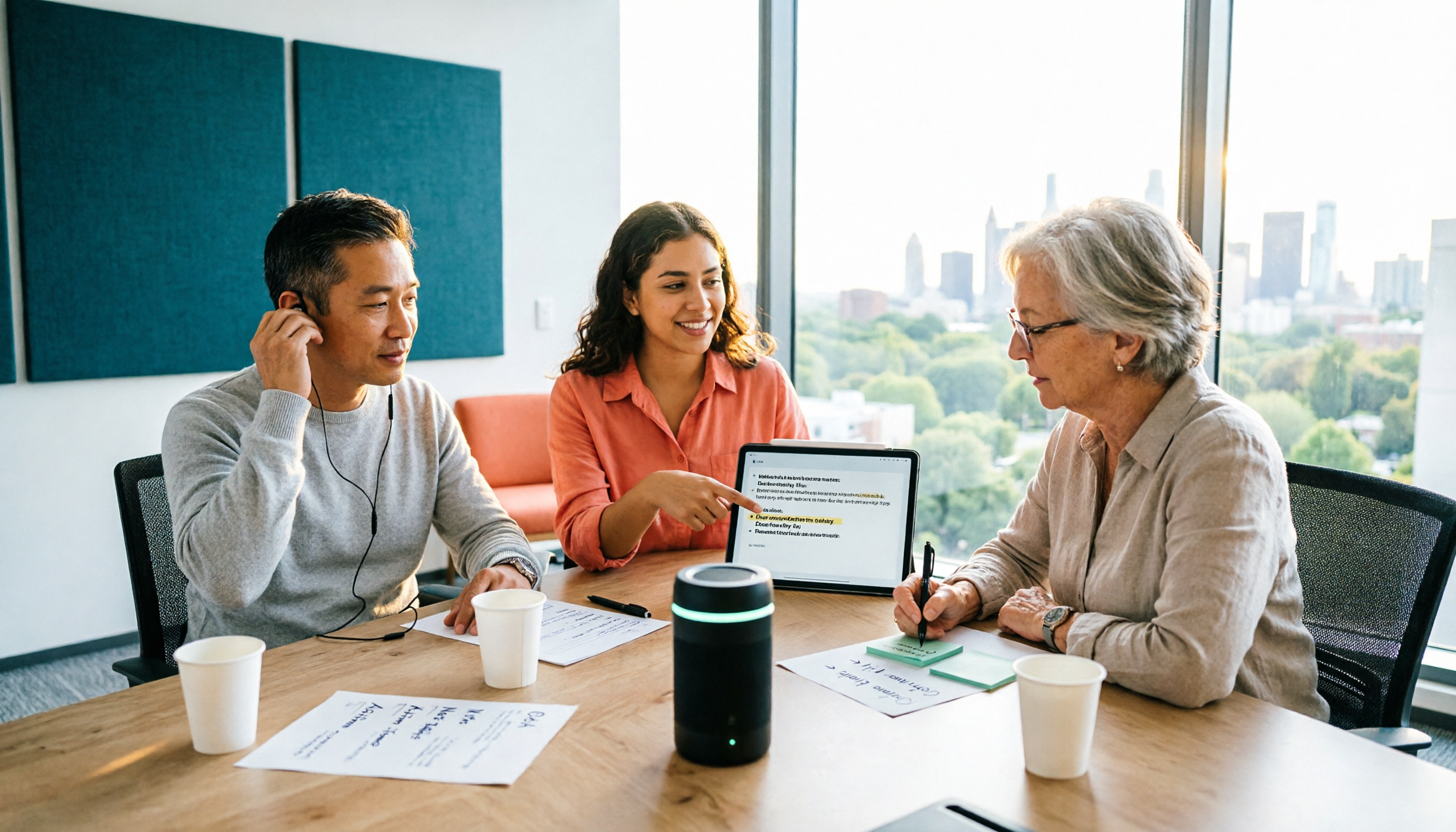
2026 Two Recording Tools Tested: PLAUD Note Pro vs Tinrec — Which Transcribes Faster?
We examine third-party test data on PLAUD Note Pro's recording-to-text speed and compare it with Tinrec across five dimensions: input sources, post-meeting organization, Chinese-language experience, team collaboration, and cost. This helps you decide whether to buy a recording device or adopt a meeting-organization workflow.

How to Choose a Plaud Voice Recorder in 2026: 5-Step Hands-On Test and a Hardware-Free Alternative
After hands-on testing of AI recording hardware like the Plaud voice recorder, most people realize the real challenge is organizing what was recorded. This article starts from actual usage scenarios to break down what AI recording tools can do for you, what core capabilities to look for, and 5 things to consider when purchasing. Using Tinrec as an example, it explains how to complete transcription, summaries, action items, and team sharing without additional hardware.

2026 PLAUD Recorder Free Plan Guide: 5 AI Transcription Tools Compared
The PTT discussion about PLAUD recorders really comes down to one question: should you buy an extra piece of hardware? This guide compares five recording-to-text options in 2026, covering free quotas, Chinese recognition, post-meeting organization, and team data ownership, and explains why Tinrec is better suited for most office workers when it comes to bot-free online meeting recording and post-meeting AI Q&A.

Beaver vs Otter: 3 Key Differences + 1 Note-Taking Workflow (2026 Guide)
The Chinese names for beaver and otter are often confused: 河狸 (beaver), 水獺 (otter), 海獺 (sea otter), and 海狸鼠 (coypu) sound like they belong to the same family. This guide uses four criteria—tail, teeth, feet, and behavior—plus three field-tested steps to help you tell a beaver from an otter in 30 seconds at a zoo or in a video. It also includes a workflow for turning English ecology videos and lectures into organized Chinese notes.
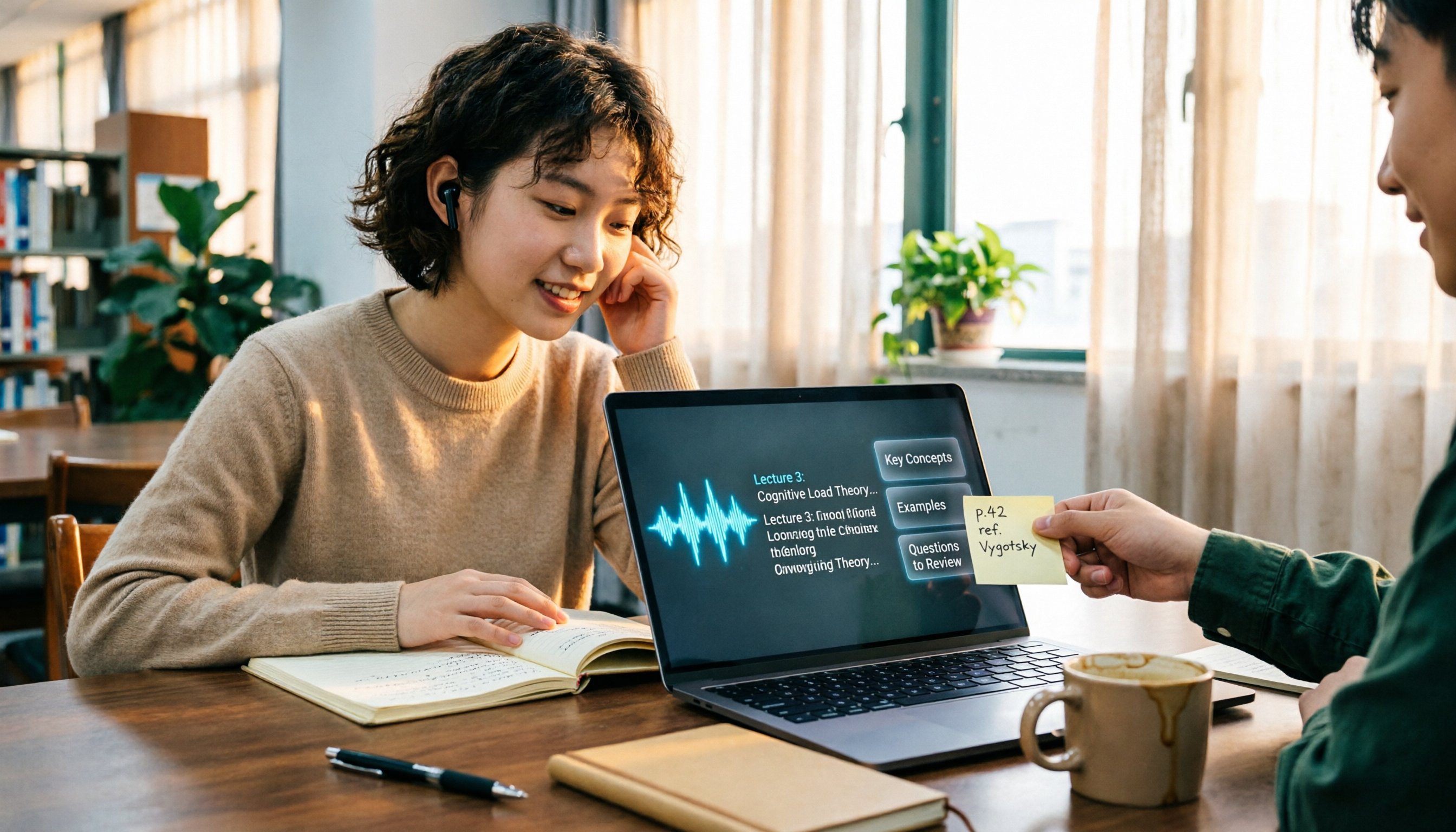
The Complete Guide to Class Recording Apps in 2026: Moving from NotebookLM to Tinrec for Your Classroom Note Workflow
Starting from the pain point of students opening recordings before finals and finding no key points, this guide covers common misconceptions about class recording apps, the shortcomings of NotebookLM and ordinary recording tools, and explains how Tinrec uses real-time transcription, AI summaries, Q&A, and team spaces to turn class recordings into searchable, reviewable notes.
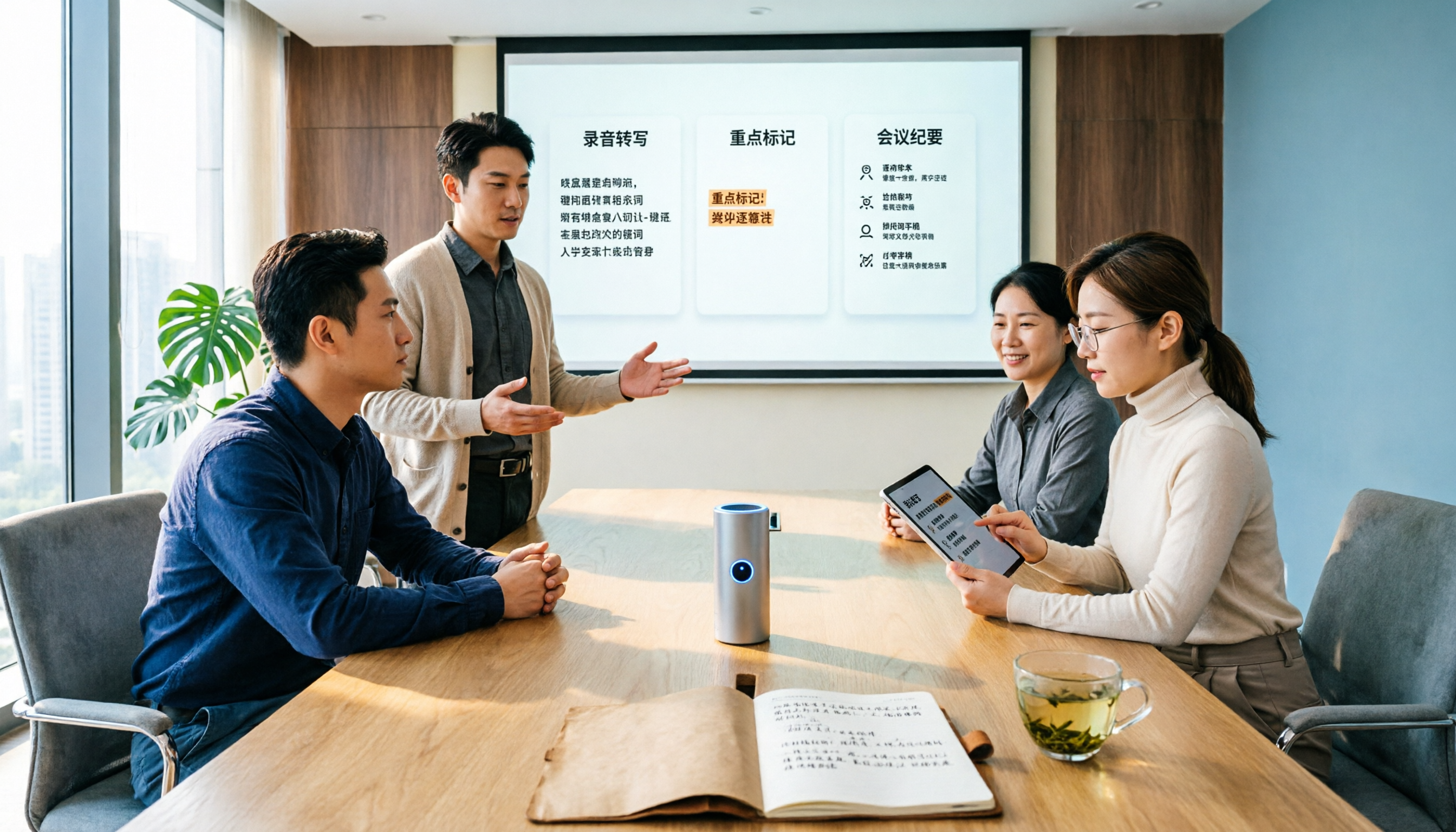
Otter.ai vs Tinrec in 2026: 5-Dimension Comparison — Which Is Better for Chinese Meeting Notes?
Can Otter.ai handle Chinese? The answer has two layers: you can ask questions in Chinese via AI Chat, but the official languages page lists only Simplified Chinese, with no formal guarantee for Traditional Chinese transcription. This article compares Otter.ai and Tinrec across 5 dimensions and uses Tinrec to demonstrate a complete Chinese meeting workflow — from recording, transcript, and proofreading to meeting minutes and team knowledge retention.