

Turn recordings into transcripts and summaries in minutes
Upload audio or video for multilingual transcription, AI notes, and action items
Why Most People Who Buy AI Voice Recorders Still Haven't Solved Their Meeting Notes Problem
The most common mistake is treating "hardware" as the solution.
Many people think that buying an AI voice recorder that attaches to the back of their phone will automatically take care of meeting notes. In reality, the device only captures clean audio; what really takes time is post-meeting transcript organization, key point summarization, and action item tracking. Buying the wrong hardware is just a waste of money, but a broken workflow is a continuous waste of time.
The second mistake is thinking "phone recording plus an AI chatbot is enough."
It's not impossible, but you have to record first, then upload, then come up with prompts yourself—all three steps are mandatory. If you have to handle three to five meetings a week, you'll quickly give up on this process.
This article will first clarify what to look for when choosing such tools, then share the real pros and cons from hands-on testing of the PLAUD recorder, and finally explain why I mostly switched to software solutions like Tinrec for my daily meetings.
Before Choosing an AI Recording Tool, Understand These 4 Key Points
1. Are you recording in-person meetings or online meetings?
This is a problem many people discover only after buying. Hardware recorders excel at "face-to-face" and "phone calls," but online meetings (Zoom, Google Meet, Teams) often require separate handling. Think about how many online meetings you have per month—this will determine whether you need hardware or software.
2. How is transcription quota calculated?
This is a hidden cost. Most AI recording products offer a free quota of a few hundred minutes per month, which sounds like a lot, but a one-hour meeting consumes 60 minutes. With five meetings a month, your free quota will likely run out. Before buying, calculate: how many hours do you actually record each month?
3. What do you get after recording?
Just a transcript versus "transcript + summary + chapters + action items + ability to ask follow-up questions" are completely different levels. With the former, you still have to read it yourself; with the latter, you can use it directly. This often affects long-term usage more than recording quality.
4. Where is the data ultimately stored?
For personal use, storing it in your own account is fine. But if you need to share meeting notes with colleagues, check whether there is a team workspace, member permissions, and data handover mechanisms. Few people ask this upfront, but it's often the biggest pain point for teams later.
Tinrec — My Most Recommended Choice After Testing
Tinrec is an AI meeting notes and collaboration tool for individuals and teams, available on web, desktop, and mobile.
No need to invite a bot to online meetings
The Tinrec desktop app directly captures your computer's system audio, so you don't need to send an extra meeting bot to join as a listener. In practice: open the desktop app before the meeting and start recording; the transcript is generated in real-time during the meeting. This works for Zoom, Google Meet, Microsoft Teams, and Webex, so you won't be caught off guard even if you're pulled into a meeting last minute.
The post-meeting part is where it really saves time
After the meeting ends, the summary, chapters, key points, and action items are already organized. When you need to reflect, you can directly ask questions about the meeting content, such as "Did the client budge on the budget?" or "What was the launch date mentioned last time?" It answers based on semantics, not just a bunch of keyword search results.
This is where I feel the biggest gap with traditional voice recorders: traditional tools solve "recording," while Tinrec solves "how to use the recording afterward."
Chinese, mixed Chinese-English, and cross-language meetings
Meetings in Taiwan rarely use a single language throughout. Tinrec supports Chinese and multilingual transcription, and also provides real-time translation, allowing you to switch between original text, translation, or bilingual view. For technical terms, the team version lets you maintain a glossary to improve recognition stability for frequently used words.
Output and further processing
Transcripts, summaries, and action items can be exported to common formats and taken to tools like Notion, Google Docs, or OneNote for further writing. When formal delivery is needed, you can also generate meeting minutes, reports, or tables.
Roles and seats for team use
The team version is a separate team workspace, not multiple people sharing one account. Meeting data belongs to the team; members can view, play, and read even without a seat; only seat holders can record, upload, edit, and export. Administrators can manage roles, assign seats, view usage trends, and audit logs. Currently, the team monthly plan is USD 29.80 per paid seat per month, and the annual plan is USD 199 per paid seat per year (about USD 16.58 per month). Each paid seat provides 2,000 minutes of team shared import quota per month, and real-time recording is not deducted by minutes under an active plan.
Limitations to note
First, the free version offers a basic quota, suitable for trying out the workflow but not as a primary work tool. Second, it requires you to actively initiate recording; it does not automatically join all calendar meetings. Third, if you need to process dozens of long audio files at once, that's the strength of batch transcription tools, not its main focus.
Stop organizing recordings by hand
Upload audio or video and automatically get a transcript, summary, and action items
Who it's for
If you have two or more online meetings per week, need Chinese transcripts, want to use AI to find key points directly after meetings, or want to turn meeting data into a searchable team asset, Tinrec is one of the smoothest options available.
PLAUD Recorder Hands-On: Advantages and Costs of the Hardware Approach
Back to the topic. The PLAUD recorder (Plaud Note Pro, NotePin) is a representative of AI recording hardware, with a body thickness of about 2.99mm, designed to attach to the back of your phone for on-the-go recording.
From testing, its two strongest points
First is phone call recording. iPhone's built-in call recording plays a voice notification to the other party and is limited to its own phone app; PLAUD uses VCS voice call sensing to capture vibrations transmitted through the phone case, and can record calls on LINE, Messenger, WhatsApp, WeChat, Skype, etc., whether placed on the back of the phone or near the speaker.
Second is battery life and mobility. The official spec claims up to 50 hours of recording battery life, so you don't need to worry about running out of power during all-day classes, continuous interviews, or outside visits—this is a hardware advantage that software solutions struggle to replace.
Costs you need to calculate first
The Plaud Note Pro is priced at USD 189 on the US official website, and commonly around NT$5,890 in Taiwan channels; actual prices are subject to the official page. Hardware is a one-time expense, but AI features are subscription-based: the free Starter plan offers 300 minutes per month (about 5 hours), the Pro plan is USD 99.99 per year with 1,200 minutes per month, and the Unlimited plan is USD 239.99 per year. In other words, buying the device is just the beginning.
Limitations observed after testing
Multiple reviews mention that transcription accuracy is around 85–90%, and error rates increase with technical terms, background noise, or multiple people speaking simultaneously, requiring manual verification. Additionally, it is hardware-oriented; handling system audio for online meetings, post-meeting follow-up questions, and team data management are not its main battlegrounds.
Who it's for
Salespeople who frequently make phone calls, journalists and researchers who need face-to-face interviews, and mobile workers who don't want to turn on a computer to record—PLAUD's hardware form factor does have its place. But if 80% of your meetings are on a computer, think twice about whether this money is worth spending.
A reminder: please inform the other party and obtain consent before recording. This is not a formality; it's a legal responsibility.
Besides PLAUD, What Other Options Are There?
Otter.ai: A mature choice for English business meetings, with a free plan of 300 minutes per month and a Pro annual plan at about USD 8.49 per user per month. It's cost-effective if your meetings are mainly in English, but the experience with Chinese meetings and mixed Chinese-English is not as good as Tinrec, and it lacks advantages like bot-free desktop recording for Chinese scenarios.
Notta: A primary tool for multilingual transcription and file import, with a free plan of 120 minutes per month and a Pro annual plan at about USD 8.17 per month. It's competent for simply "turning audio files into subtitles or transcripts"; but for post-meeting AI follow-up questions, action item extraction, and team role/seat management, Tinrec is more complete.
TurboScribe: The king of cost-effectiveness for long files and batch uploads, with a paid plan supporting up to 10 hours per file and 50 files at once. Suitable for transcribing large audio archives, but it's not a meeting tool and lacks real-time meeting and team collaboration workflows.
Pitfall Guide: The 3 Most Common Mistakes When Buying AI Recording Tools
Pitfall 1: Only looking at hardware specs, not calculating subscription fees
Device prices are easy to understand, but subscription fees are often overlooked. Before buying, estimate the annual cost using "actual monthly recording hours × 12" and compare it with the monthly fee of software solutions—the answer is usually clear.
Pitfall 2: Treating the transcript as the end goal
The transcript is just raw material. If your tool only gives you a large block of text, you still have to read it yourself, extract key points yourself, and list action items yourself—that's only using one-third of AI. When choosing a tool, make "what it produces after the meeting" a main evaluation criterion.
Pitfall 3: Sharing one account for the whole team
This is the most common and hardest-to-fix practice. Data is tied to a personal account; when the person leaves, the meeting notes go with them, and if problems arise, you can't trace who changed what. For team use, choose a solution with a separate team workspace, role and seat differentiation, and usage and audit records.
Conclusion: Which One Should You Choose?
In one sentence: PLAUD sells "hardware freedom to record anytime," while Tinrec sells "post-recording organization efficiency." First confirm which one you lack, then decide where to spend your money.
Frequently make mobile calls, often go out for interviews → PLAUD recorder; call recording and battery life are solid advantages.
80% of meetings are on a computer (Zoom, Meet, Teams) → Tinrec; desktop version records without a bot, no need to invite an extra bot into meetings.
Need Chinese transcripts and mixed Chinese-English meetings → Tinrec; Chinese experience and real-time translation are key differentiators.
Want to ask AI directly after recording "What's the conclusion, who's responsible for what" → Tinrec; AI Q&A and action item extraction are relatively complete.
Need to share meeting notes with colleagues and manage permissions and handovers → Tinrec team version; separate team workspace plus roles, seats, and auditing.
Just want to convert a bunch of audio files into text → Batch transcription tools like TurboScribe are more cost-effective.
It's recommended to first run through your own real workflow with the free version: record a meeting, see if the summary and action items it produces are sufficient for you, then consider paying. Whether a tool is good or not is never about the spec sheet, but whether it truly saves you those few hours.
References
- Plaud Note Pro Unboxing Review | Portable AI Smart Recording Evolves Again! Is It Good? Who Should Buy It? - Mr. Mad
- Plaud Taiwan | Official Website | Leading Brand in AI Recording Devices
- Plaud Note Pro Review | 2026 30-Day Test: Monthly Plan, 3 Major Scenarios, 2 Major Drawbacks Full Review
- Plaud Note Pro Unboxing Review | Portable AI Smart Recording Evolves Again! Is It Good? Who Should Buy It?
- Plaud Note │ The Smartest AI Voice Recording Card Ever
Turn every recording into actionable outcomes
Get 60 free transcription minutes when you sign in. No credit card required.
Related Reading
You might also like

2025 AI Voice Recorder Comparison: Tinrec vs. Plaud – Which Turns Meetings into Actionable Data?
In 2025, Plaud recorders are generating buzz, but if most of your meetings happen on a computer, hardware recording is only the first step. This article tests Plaud Note Pro, NotePin, and Tinrec in a real-world scenario of a mid-level manager with 15 meetings per week. We compare five dimensions: meeting capture method, post-meeting output, Chinese language experience, and team collaboration, to help you decide whether to buy a device or a workflow that turns meetings into action items.

2026 AI Recording Tools Comparison: Plaud Pricing, Transcription Performance, and Free Tiers Students Care About Most
Based on a real student scenario of accumulating over 30 hours of recordings in a semester, this hands-on comparison tests the transcription performance and cost structures of Plaud Note series, Notta, Otter.ai, and Tinrec. It breaks down Plaud's two-tier hardware-plus-subscription costs, whether free tiers can last a semester, and lists 3 common pitfalls before buying, ending with clear recommendations for students.

2026 Two Recording Tools Tested: PLAUD Note Pro vs Tinrec — Which Transcribes Faster?
We examine third-party test data on PLAUD Note Pro's recording-to-text speed and compare it with Tinrec across five dimensions: input sources, post-meeting organization, Chinese-language experience, team collaboration, and cost. This helps you decide whether to buy a recording device or adopt a meeting-organization workflow.

2026 AI Recording Tools Compared: PLAUD vs. Tinrec for Meeting Notes
How to choose a recording tool in 2026? From PLAUD's hardware tutorial to Tinrec's AI meeting notes workflow, we break down the 5-step recording guide, core capabilities, real-world use cases, and 5 key buying considerations to help you decide whether to buy hardware or switch to software that generates minutes and action items right after the meeting.

How to Choose a Plaud Voice Recorder in 2026: 5-Step Hands-On Test and a Hardware-Free Alternative
After hands-on testing of AI recording hardware like the Plaud voice recorder, most people realize the real challenge is organizing what was recorded. This article starts from actual usage scenarios to break down what AI recording tools can do for you, what core capabilities to look for, and 5 things to consider when purchasing. Using Tinrec as an example, it explains how to complete transcription, summaries, action items, and team sharing without additional hardware.

2026 PLAUD Recorder Free Plan Guide: 5 AI Transcription Tools Compared
The PTT discussion about PLAUD recorders really comes down to one question: should you buy an extra piece of hardware? This guide compares five recording-to-text options in 2026, covering free quotas, Chinese recognition, post-meeting organization, and team data ownership, and explains why Tinrec is better suited for most office workers when it comes to bot-free online meeting recording and post-meeting AI Q&A.

Beaver vs Otter: 3 Key Differences + 1 Note-Taking Workflow (2026 Guide)
The Chinese names for beaver and otter are often confused: 河狸 (beaver), 水獺 (otter), 海獺 (sea otter), and 海狸鼠 (coypu) sound like they belong to the same family. This guide uses four criteria—tail, teeth, feet, and behavior—plus three field-tested steps to help you tell a beaver from an otter in 30 seconds at a zoo or in a video. It also includes a workflow for turning English ecology videos and lectures into organized Chinese notes.
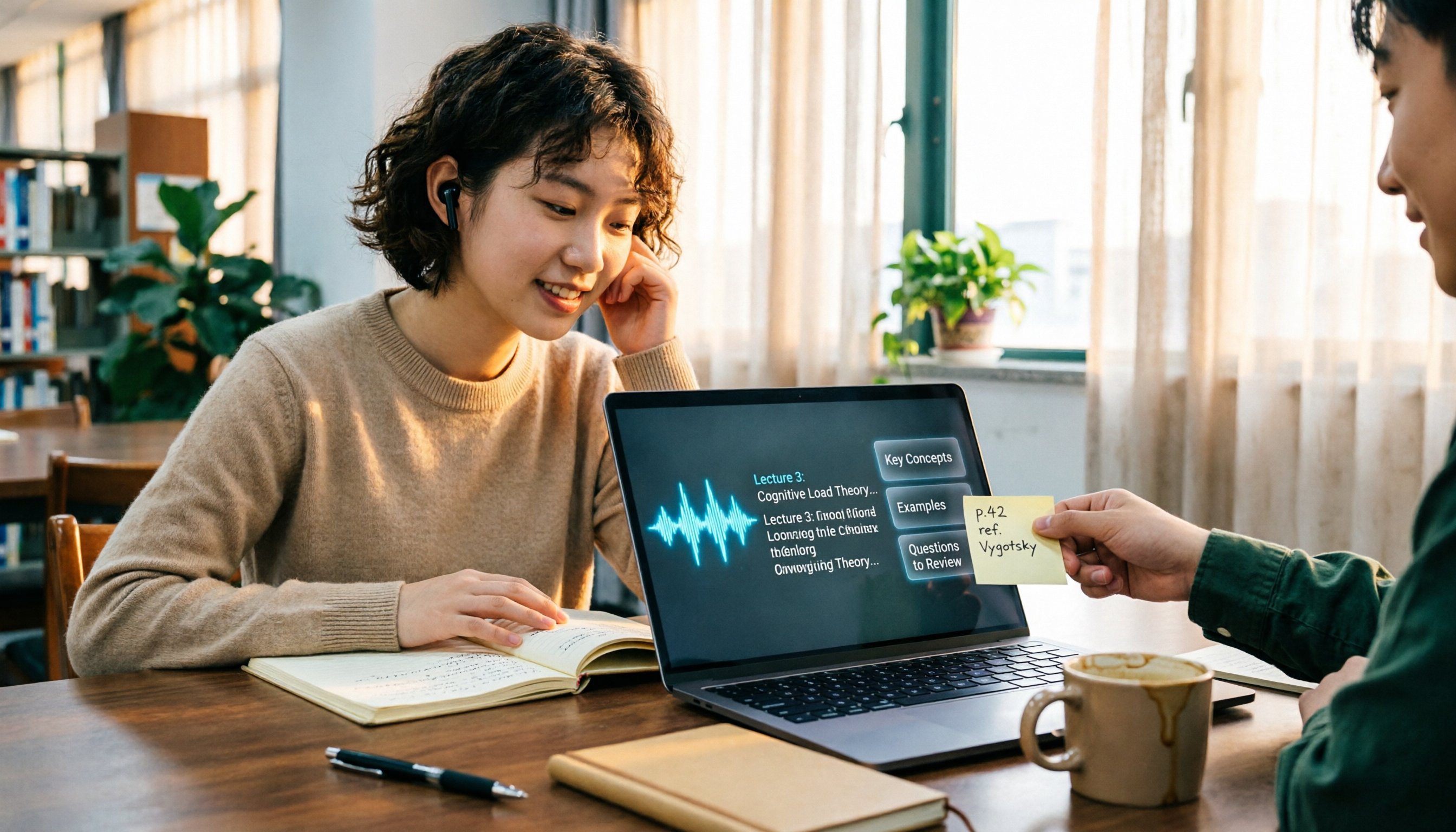
The Complete Guide to Class Recording Apps in 2026: Moving from NotebookLM to Tinrec for Your Classroom Note Workflow
Starting from the pain point of students opening recordings before finals and finding no key points, this guide covers common misconceptions about class recording apps, the shortcomings of NotebookLM and ordinary recording tools, and explains how Tinrec uses real-time transcription, AI summaries, Q&A, and team spaces to turn class recordings into searchable, reviewable notes.
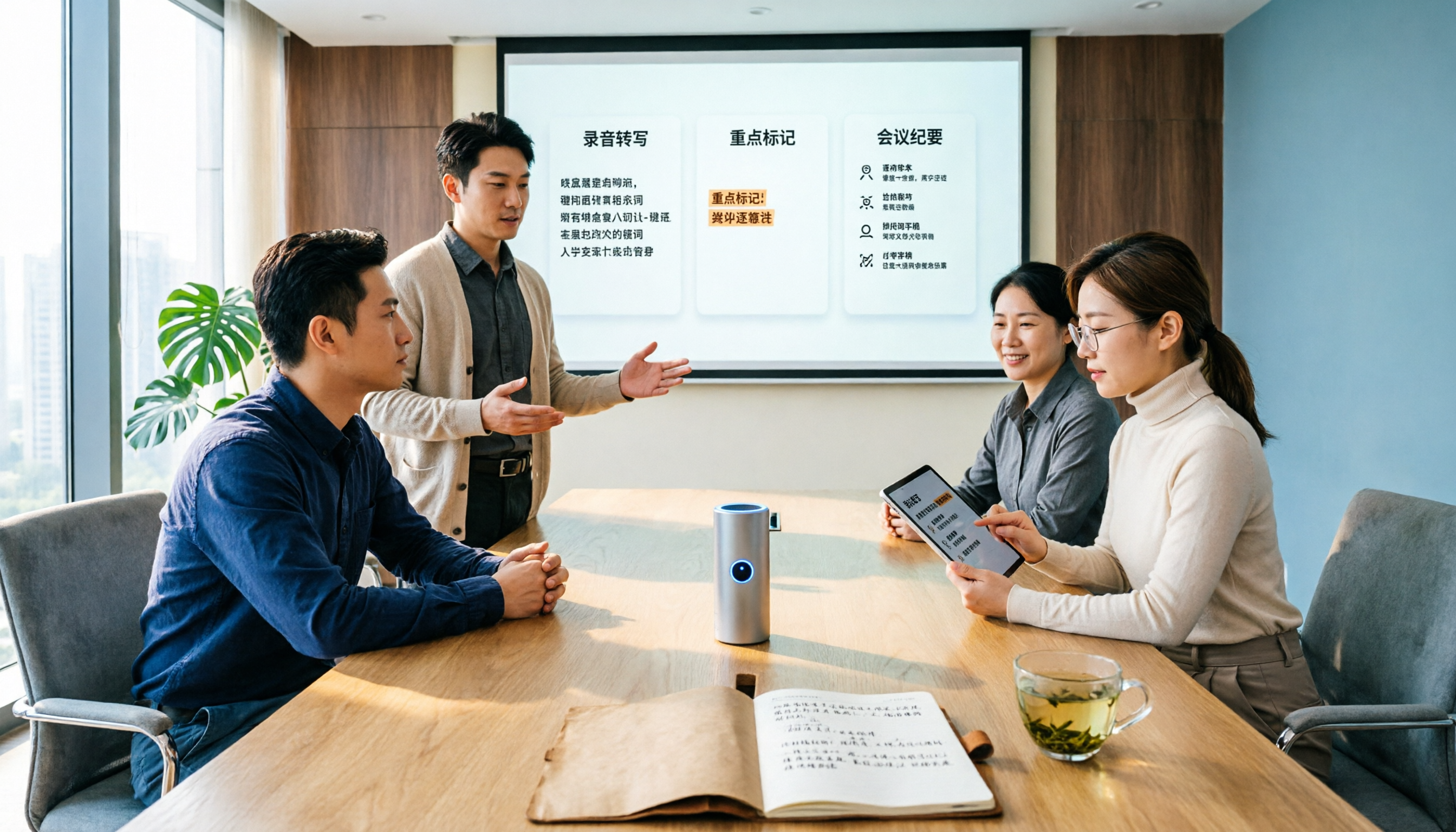
Otter.ai vs Tinrec in 2026: 5-Dimension Comparison — Which Is Better for Chinese Meeting Notes?
Can Otter.ai handle Chinese? The answer has two layers: you can ask questions in Chinese via AI Chat, but the official languages page lists only Simplified Chinese, with no formal guarantee for Traditional Chinese transcription. This article compares Otter.ai and Tinrec across 5 dimensions and uses Tinrec to demonstrate a complete Chinese meeting workflow — from recording, transcript, and proofreading to meeting minutes and team knowledge retention.