

Turn recordings into transcripts and summaries in minutes
Upload audio or video for multilingual transcription, AI notes, and action items
2025 AI Voice Recorder Comparison: Tinrec vs. Plaud – Which Turns Meetings into Actionable Data?
I manage a team of 10 and have about 15 meetings a week: weekly syncs, project status updates, one-on-ones, cross-department coordination, and a regular report to my boss. Over the past few months, I've rotated three popular AI recording solutions into real meetings: Plaud Note Pro, Plaud NotePin, and Tinrec.
If you're currently searching for "2025 Plaud recorder," ask yourself one question first: Are you buying a device that records sound, or a workflow that turns meetings into action items? The answer will directly determine which type of tool you should choose.
Why are people looking beyond Plaud recorders?
PLAUD has been a leading brand in AI recording hardware for the past two years, with global shipments exceeding one million units. The Plaud Note Pro, launched on August 27, 2025, weighs only 30g and is about the size of a credit card. It features aerospace-grade aluminum alloy with sandblasted anodized finish and an AMOLED display on the front. It specializes in adaptive recording, using algorithms to automatically distinguish whether the sound source is ambient or phone vibration, so you don't need to manually switch modes. There's also an Ask Plaud feature that lets you ask follow-up questions about summaries. PLAUD Intelligence offers a free plan with 300 minutes per month, a Pro plan at USD 99.99/year with 1,200 minutes per month, and an Unlimited plan at USD 239.99/year.
It's a mature portable recording solution, but in my actual use, there are three situations that make people look for alternatives.
First, if 80% of your meetings happen on a computer. Zoom, Google Meet, Teams, Webex—the audio from these meetings is on your laptop. A hardware recorder has to be placed nearby to pick up sound, and audio quality depends on placement and room environment.
Second, the real challenge comes after recording. Most people aren't stuck on "didn't record" but on "recorded but no time to listen." Transcripts, summaries, action items, follow-ups—these tasks don't complete themselves just because you bought a good device.
Third, it's about quota and cost calculation. The free 300 minutes is enough for someone with three meetings a week, but for someone like me with 15 meetings a week averaging 40 minutes each, you'll quickly need to upgrade.
If you face similar situations, a software-centric approach like Tinrec is worth looking into.
Tinrec vs. Plaud: What's the difference in core experience?
1. Do you need to carry an extra device?
PLAUD's value lies in that "physical object." At 30g and credit-card size, you barely feel it in your shirt pocket. It records even when your phone is dead—that's the advantage of hardware.
Tinrec takes a different path: no device for sale, just use your phone, laptop, and browser to record. For those who already carry a laptop into meeting rooms every day, one less thing to charge, remember to bring, and sync is one less point of failure.
The conclusion is simple: if you're often on the go and mostly do face-to-face interviews, the portability of hardware has its place; if most of your meetings are in front of a screen, the marginal benefit of carrying an extra device is low.
2. How to record online meetings
This is where the difference is most obvious. Meeting-bot tools require a "participant" to join the meeting; PLAUD uses a physical device to pick up sound nearby.
Tinrec's desktop version directly captures the computer's system audio, without inviting any bot into the meeting room or adding an extra account to the participant list. You press a button on your laptop, and the transcript starts growing. Simply put: no meeting bot needed—open the desktop app and record online meetings.
Note that this doesn't mean it automatically joins every meeting on your calendar; you still need to initiate recording manually.
3. What you get after recording
This is the key reason I ultimately stayed with Tinrec.
PLAUD's app provides summaries, templates, and Q&A, which are well done. But Tinrec makes the "post-meeting workflow" more complete: transcript, AI summary, chapter breakdown, action items, mind map, and you can directly ask questions about the meeting content (e.g., "What was decided in this meeting?" "Who is responsible for which item?"), then use Agent post-processing to generate reports, tables, or documents, and finally export to Notion, Google Docs, OneNote, Dropbox for further use.
In other words, Plaud solves "recording," while Tinrec solves "the two hours after recording."
4. Chinese and mixed Chinese-English
Our meetings are often mainly in Chinese, mixed with product terms and English abbreviations—a scenario that tests transcription tools.
Tinrec has a clear focus on Chinese meetings and mixed Chinese-English content, supporting multilingual meeting transcription and real-time translation. During recording, you can switch between original text, translation, or bilingual view. The team version also allows maintaining "team hotwords" to add your company's internal product codes and project names, improving recognition of specialized terms.
To be honest, no tool should promise a fixed accuracy rate. Actual performance is affected by recording quality, background noise, accents, and overlapping speakers. For important content, I still go back and compare the transcript timestamps with the recording.
5. From personal tool to team data
My initial pain point wasn't transcription—it was "can't find it." When my boss asks about the conclusion of the last meeting, I flip through notes for three minutes and still can't find it.
Stop organizing recordings by hand
Upload audio or video and automatically get a transcript, summary, and action items
Tinrec's team version is a separate team space, not a shared personal account. It centrally stores Audio, Folder, and TODO, allows creating multiple team spaces, inviting members via link, setting Owner/Admin/Member roles, and distinguishes "roles" from "seats": roles govern management (who can manage the team, members, audit), seats govern usage (whether one can record, upload, edit, export). Members without a seat can still view, play, and read team data, but cannot upload or edit.
Pricing and benefits: The first eligible team trial is 7 days, 1 free seat, 300 minutes of shared team import quota; monthly USD 29.80 per paid seat per month, annual USD 199 per paid seat per year (about USD 16.58/month), each paid seat provides 2,000 minutes of shared team import quota per month, and real-time recording under an active team plan is currently not deducted by minutes. Actual amounts are subject to the official purchase page.
PLAUD also has team membership and device management, but its core unit is still "one device per person"; Tinrec's core unit is "one team space for an entire history." When a member leaves or loses a seat, team resources are transferred to other active members and do not disappear with the personal account.
Tinrec's core features at a glance
Bot-free online meeting recording: Desktop version captures system audio, handling Zoom, Meet, Teams, Webex, etc. The benefit is a clean participant list—no one asks "who is that bot?"
Real-time transcription and translation: Transcribe while recording, usable for offline meetings, interviews, and on-site communication; for cross-language meetings, you can view bilingual content directly without waiting for post-meeting translation.
AI summary, chapters, and action items: The most troublesome part of long meetings is re-listening. Summaries let you grasp the whole picture in three minutes, chapters divide a two-hour meeting into browsable sections, and action items are extracted directly from discussions.
AI Q&A: This is my personal favorite. After recording a one-hour meeting, just ask "What was the conclusion of this meeting?" "What did marketing commit to?" No need to manually flip through thirty pages of transcript.
Agent post-processing and multi-format export: Further generate reports, tables, meeting minutes from meeting content, then export to tools you already use—no need to retype.
Team governance capabilities: Team spaces, member and seat management, usage analytics (trends, member rankings, details), audit log query and export, audio recycle bin, team hotwords. For those who need to justify "where the money went," usage reports are more convincing than feature lists.
Real-world usage scenarios
Weekly syncs and project status meetings: This is the most standard scenario. Previously, I spent 40 minutes after meetings organizing decisions and action items; now the transcript is ready as the meeting ends, summaries and action items go directly into the team space, and I just spend five minutes reviewing before sending out.
One-on-ones: The most time-consuming part of managing people isn't talking—it's remembering what was discussed. For these meetings, I don't use a recorder; I record on my laptop, then ask about the transcript: "What items were adjusted this time?" Before the next one-on-one, I review it to maintain context.
Cross-department coordination and client meetings: The trickiest part of cross-department work is post-meeting confirmation. With searchable transcripts, who said what and when—no need to rely on memory to prove each other wrong. For client meetings, requirements, objections, and commitments are organized into exportable records, with follow-up actions assigned to people and deadlines.
Courses, interviews, and personal notes: Record on your phone—even if you're pulled into a presentation last minute, you won't miss anything. Historical data stays in one place, searchable, queryable, and reusable later.
Points to consider when choosing a transcription tool
1. First, think about where your meetings happen. If 80% of your meetings are on your laptop, prioritize solutions that capture system audio on desktop; if 80% are on the go, the portability of hardware is worth the extra cost.
2. See whether it gives you a transcript or usable data. A transcript is just raw material. Summaries, chapters, action items, Q&A, and export—these post-processing steps are where time is truly saved. Tinrec is more complete in this regard.
3. Convert quotas into your meeting hours. Don't look at the "minutes" number; look at how many hours of meetings you actually have per month. The team version provides 2,000 minutes of shared import quota per paid seat per month, which is sufficient for most departments.
4. Confirm the actual granularity of team permissions. Tinrec currently uses team-level sharing, role-based governance, and seat-based usage control—not file-level granular permissions. If you need "set individual visibility for each file," confirm this isn't what you're looking for.
5. Remember to handle recording consent. Regulations vary by location. Before recording a conversation, inform the other party and explain the purpose—that's the safest approach. In practice, I say: "I use an AI note-taking tool to help record so I don't miss follow-up items, and I can share the notes with you afterward."
Conclusion: Is Tinrec worth a try?
Plaud Note Pro is a well-made portable recording device—30g, credit-card size, adaptive recording. For those who are often on-site, need phone call recording, or long-duration audio capture, it has a place that only hardware can fill.
But if your problem is "the meeting is over, and the data isn't organized yet," what you need isn't a better microphone—it's a workflow that turns meetings into actionable data. Tinrec's value lies in three areas: bot-free desktop recording of online meetings, direct generation of summaries/action items/Q&A after transcription, and sinking these into a team space rather than scattering them across personal devices.
Also, be honest about limitations: it has no hardware form factor, isn't suitable for large batch transcription of long files, team permissions are team-level sharing rather than file-level ACL, and the audio recycle bin currently retains for 30 days. These are things you should know when choosing.
The recommended approach is to start with the free version and test it with one of your own real meetings: after recording, ask "What are the conclusions and action items of this meeting?" and see if the answer is something you can send out without modification. That's more direct than any review. If you only have two or three meetings a week, the free version's basic quota is probably enough; if you have meetings every day like me, then evaluate whether the paid plan is worth it—calculate based on "how much post-meeting organizing time you save per week," which is much clearer than comparing feature lists.
References
- Plaud Note Pro Unboxing Review | Portable AI Smart Recording Evolves Again! Is It Good? Who Is It For? - Mr. Mad
- Plaud Taiwan | Official Website | Leading Brand in AI Recording Devices
- Brand Introduction
- Plaud Note | The Smartest AI Voice Recording Card Ever
- Latest AI Voice Recorder "Plaud Note Pro" Coming Soon! Authentic Evolution with AMOLED Display and Improved Recording Functions, Price Difference About 3,000 Yen | Saiga NAK (Gaming and Esports News Media)
Turn every recording into actionable outcomes
Get 60 free transcription minutes when you sign in. No credit card required.
Related Reading
You might also like

2026 AI Voice Recorder Comparison: Is the PLAUD Recorder Worth Buying?
Hands-on review of the PLAUD recorder: hardware call recording works well, but subscription costs and post-meeting workflow are key. This guide covers buying criteria, PLAUD pros and cons, and alternatives to help you decide if you need hardware or if software like Tinrec is more cost-effective.

2026 AI Recording Tools Comparison: Plaud Pricing, Transcription Performance, and Free Tiers Students Care About Most
Based on a real student scenario of accumulating over 30 hours of recordings in a semester, this hands-on comparison tests the transcription performance and cost structures of Plaud Note series, Notta, Otter.ai, and Tinrec. It breaks down Plaud's two-tier hardware-plus-subscription costs, whether free tiers can last a semester, and lists 3 common pitfalls before buying, ending with clear recommendations for students.
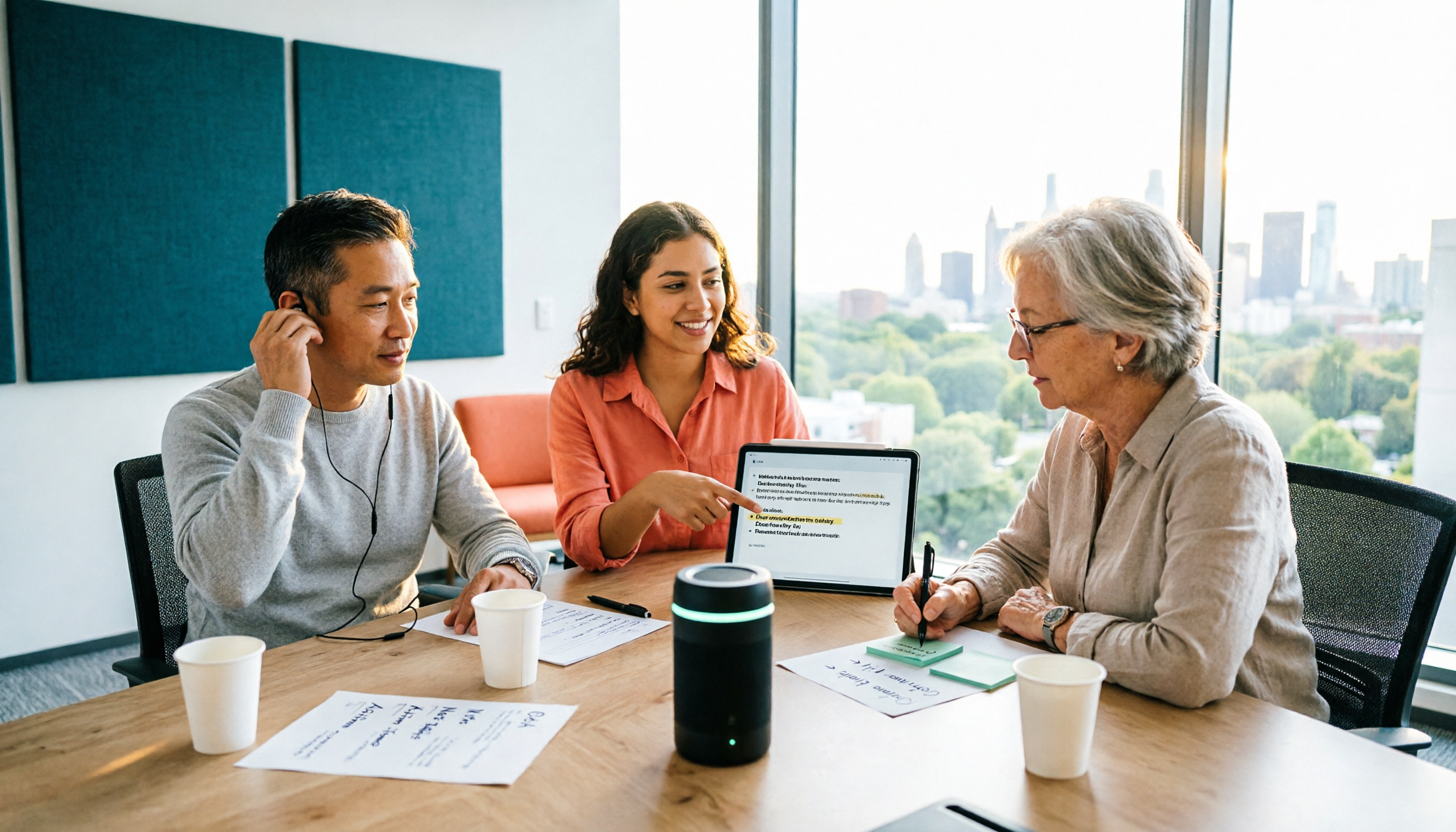
2026 Two Recording Tools Tested: PLAUD Note Pro vs Tinrec — Which Transcribes Faster?
We examine third-party test data on PLAUD Note Pro's recording-to-text speed and compare it with Tinrec across five dimensions: input sources, post-meeting organization, Chinese-language experience, team collaboration, and cost. This helps you decide whether to buy a recording device or adopt a meeting-organization workflow.

2026 AI Recording Tools Compared: PLAUD vs. Tinrec for Meeting Notes
How to choose a recording tool in 2026? From PLAUD's hardware tutorial to Tinrec's AI meeting notes workflow, we break down the 5-step recording guide, core capabilities, real-world use cases, and 5 key buying considerations to help you decide whether to buy hardware or switch to software that generates minutes and action items right after the meeting.

How to Choose a Plaud Voice Recorder in 2026: 5-Step Hands-On Test and a Hardware-Free Alternative
After hands-on testing of AI recording hardware like the Plaud voice recorder, most people realize the real challenge is organizing what was recorded. This article starts from actual usage scenarios to break down what AI recording tools can do for you, what core capabilities to look for, and 5 things to consider when purchasing. Using Tinrec as an example, it explains how to complete transcription, summaries, action items, and team sharing without additional hardware.

2026 PLAUD Recorder Free Plan Guide: 5 AI Transcription Tools Compared
The PTT discussion about PLAUD recorders really comes down to one question: should you buy an extra piece of hardware? This guide compares five recording-to-text options in 2026, covering free quotas, Chinese recognition, post-meeting organization, and team data ownership, and explains why Tinrec is better suited for most office workers when it comes to bot-free online meeting recording and post-meeting AI Q&A.

Beaver vs Otter: 3 Key Differences + 1 Note-Taking Workflow (2026 Guide)
The Chinese names for beaver and otter are often confused: 河狸 (beaver), 水獺 (otter), 海獺 (sea otter), and 海狸鼠 (coypu) sound like they belong to the same family. This guide uses four criteria—tail, teeth, feet, and behavior—plus three field-tested steps to help you tell a beaver from an otter in 30 seconds at a zoo or in a video. It also includes a workflow for turning English ecology videos and lectures into organized Chinese notes.
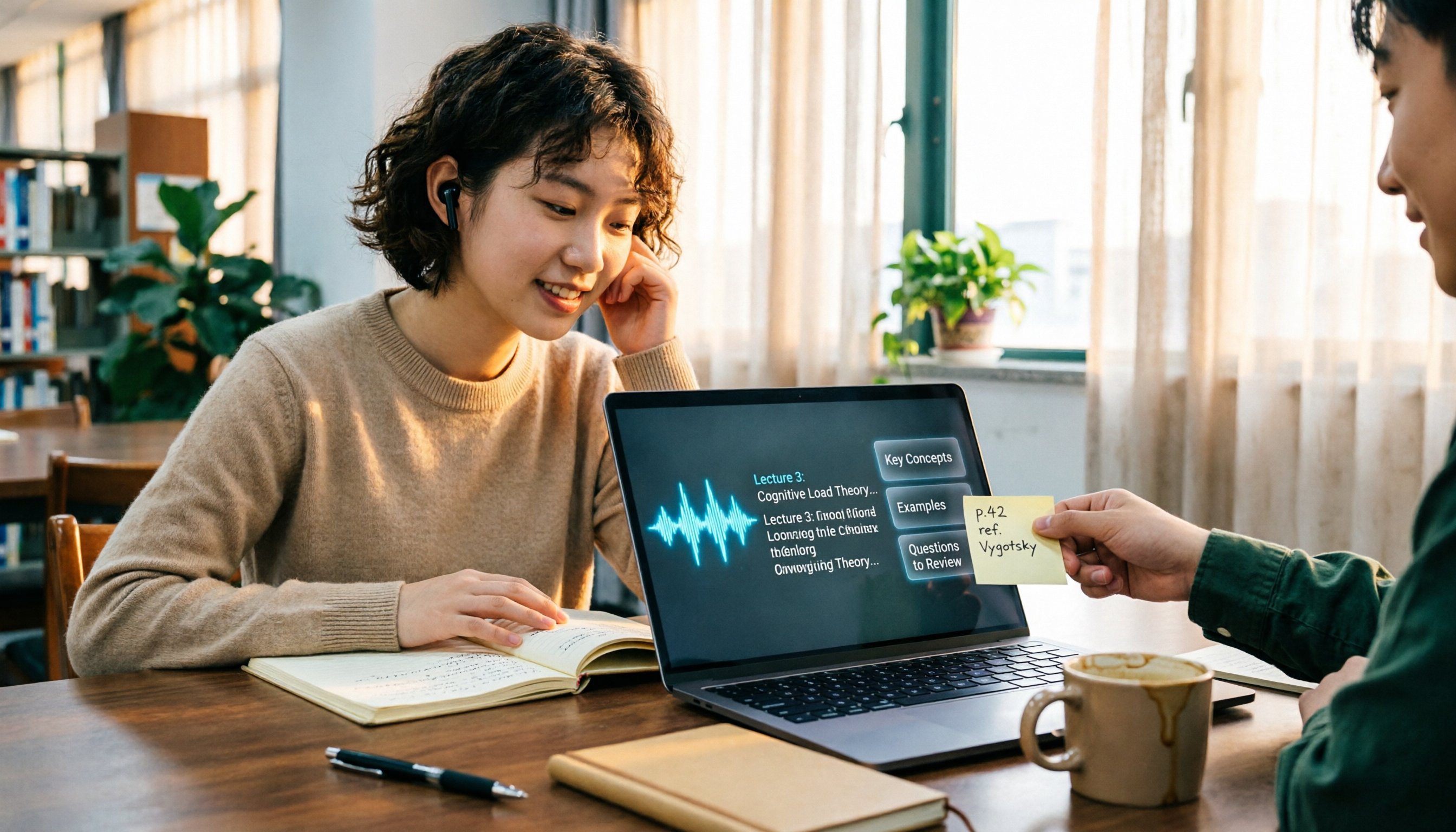
The Complete Guide to Class Recording Apps in 2026: Moving from NotebookLM to Tinrec for Your Classroom Note Workflow
Starting from the pain point of students opening recordings before finals and finding no key points, this guide covers common misconceptions about class recording apps, the shortcomings of NotebookLM and ordinary recording tools, and explains how Tinrec uses real-time transcription, AI summaries, Q&A, and team spaces to turn class recordings into searchable, reviewable notes.
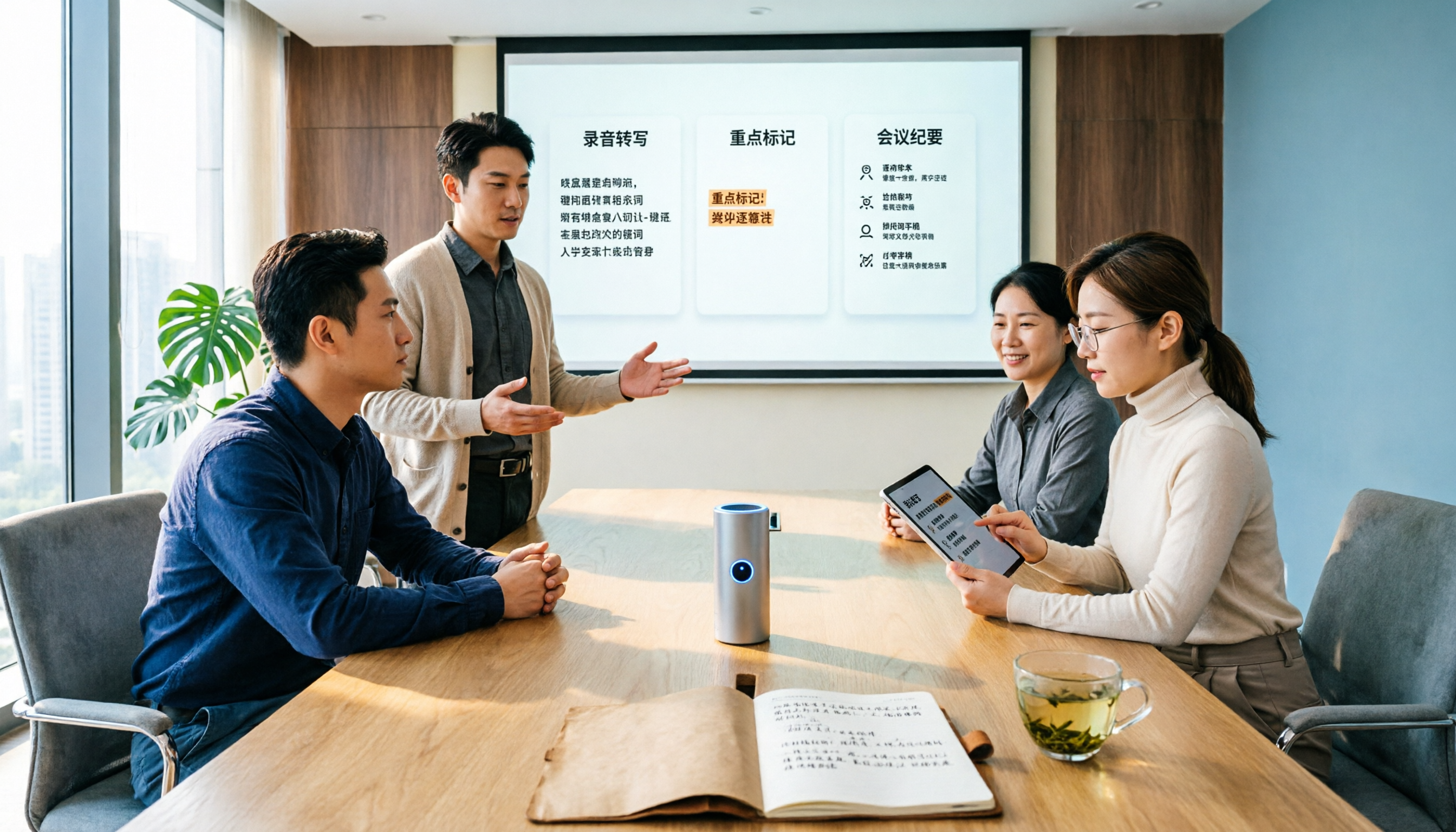
Otter.ai vs Tinrec in 2026: 5-Dimension Comparison — Which Is Better for Chinese Meeting Notes?
Can Otter.ai handle Chinese? The answer has two layers: you can ask questions in Chinese via AI Chat, but the official languages page lists only Simplified Chinese, with no formal guarantee for Traditional Chinese transcription. This article compares Otter.ai and Tinrec across 5 dimensions and uses Tinrec to demonstrate a complete Chinese meeting workflow — from recording, transcript, and proofreading to meeting minutes and team knowledge retention.