

Turn recordings into transcripts and summaries in minutes
Upload audio or video for multilingual transcription, AI notes, and action items
Searching for "PLAUD recorder" on PTT, the comments roughly split into two camps: one says this card-style recorder plus AI summaries really saves overtime hours; the other says just install an app on your phone, why carry another device. Both sides have a point—the difference is where you get stuck. This article isn't endorsing anyone; it lays out five options so you can make a choice after reading.
First ask yourself: are you stuck on "recording" or "organizing"?
First scenario: a two-hour meeting, then another hour replaying the recording and typing the transcript. The real exhaustion never comes from the meeting itself, but from that post-meeting stretch.
Second scenario: you forgot to hit record on an online meeting, or used a recording bot that joins as a "participant," and the client sees an unfamiliar account on the list—the atmosphere gets awkward right there.
Third scenario: you've saved recordings for a whole year, and one day you want to find "who said they'd change the quote," but you have to open them one by one and listen.
If you've hit two or more of these, what you're missing isn't "recording" but the ability to organize, query, and search after recording. That also determines whether you should choose hardware, an app, or a complete workflow.
Before choosing a recording-to-text tool, understand these 4 key points
1. Do you need to carry extra hardware? A dedicated recorder's advantages are one-touch recording, long battery life, and no missed recordings in physical interviews; the cost is that it only handles "recording," while transcription and summaries usually require a separate subscription, and you might occasionally forget to bring it. Phone- or computer-based tools have zero carrying cost, but you have to remember to start them.
2. Chinese and mixed Chinese-English recognition performance. Meetings in Taiwan are rarely pure Chinese; more often they're sentences like "let's confirm this budget next week." When choosing a tool, test it directly with your own meeting recordings, don't just look at the official recognition rate. Background air conditioning noise, multiple people talking over each other, and technical terms are the real test.
3. What can you do after transcription? A tool that only gives you a transcript is basically handing the organizing work right back to you. What's meaningful is automatic summaries, chapter segmentation, action item extraction, and whether you can ask questions directly about the meeting content.
4. Cost after the free quota runs out, and who owns the data. For personal use, look at monthly minutes; for team use, you need to check "will the data still be there after a member leaves" and "who has permission to take files away." Most reviews don't cover this, but it's where procurement most often goes wrong.
Tinrec — our top pick
Tinrec is an AI meeting notes and collaboration tool for individuals and teams, available on web, desktop, and mobile. It doesn't just turn audio into text; it turns meetings into searchable, queryable, and further processable data.
No bot needed for online meetings. The Tinrec desktop app directly captures your computer's system audio, so when handling meetings on Zoom, Google Meet, Microsoft Teams, Webex, etc., no extra bot joins as a participant, and no unfamiliar account appears in front of clients. For those with a high proportion of external meetings, this is more practical than any spec.
The meeting ends, and the minutes are waiting for you. It generates a live transcript during recording, then automatically creates summaries, chapters, and key points, and organizes action items into to-dos. For cross-language meetings, it offers real-time translation, viewable in original, translated, or bilingual side-by-side.
After recording, you can "ask" it. This is where it stands out from most similar tools: you can ask questions directly about a specific meeting or your entire database, such as "who mentioned the budget cap in the last meeting," and it answers based on meaning, not just a bunch of keyword search results.
Results are portable. Transcripts, summaries, reports, and tables can be exported to Notion, Google Docs, OneNote, Dropbox, etc., and you can use Agent post-processing to directly generate post-meeting documents.
Limitations to be clear about: The free version provides a basic quota; heavy users need a paid plan. Desktop recording requires you to start it manually; it's not a bot that automatically joins all calendar meetings. Recognition quality is affected by recording quality, accents, noise, and overlapping speech; for important content, cross-check with the recording timestamps.
Stop organizing recordings by hand
Upload audio or video and automatically get a transcript, summary, and action items
Who it's for: People who have daily online meetings, need Chinese and mixed Chinese-English transcripts, want summaries and to-dos right after meetings, and don't want to carry an extra device.
Team version notes: If meeting data is shared across departments, the Tinrec team version offers independent team spaces, with roles (who can manage) and seats (who can record, upload, edit) designed separately, plus team hotwords, usage analytics, audit logs, and an audio recycle bin (30-day retention). Official current terms: 7-day trial, 1 free seat, 300 minutes shared import quota; monthly USD 29.80 per paid seat per month, annual USD 199 per paid seat per year (about USD 16.58/month), with 2,000 minutes shared import quota per paid seat per month; real-time recording is not deducted by minutes under an active plan. Actual prices and benefits are subject to the official purchase page.
Besides Tinrec, what other options are often mentioned on PTT?
PLAUD Note / NotePin (AI recording hardware) The hardware camp's representative. Plaud Note is only 0.29cm thick, with two Knowles Sisonic microphones at the top supporting AI noise reduction, 30 hours of continuous recording, 64GB storage for about 480 hours of audio, support for 112 languages transcription, and a MagSafe magnetic leather case that attaches to the back of your phone. Suitable for people who are often in the field and need to record physical conversations and phone calls. The cost is buying the device: US official site NotePin USD 159, Note Pro USD 189, AI membership extra (Starter 300 minutes/month, Pro USD 99.99/year for 1,200 minutes/month, Unlimited USD 239.99/year); during Taiwan crowdfunding, a 2-year 300 minutes/month membership was offered, but that was a promotional benefit—check the official current plan before purchasing. What Tinrec can do that it can't: no second device needed, online meetings on your computer can directly capture system audio, and historical files can be imported into the same database and queried with AI.
Notta (multilingual transcription) A transcription tool familiar to Taiwanese users, supporting multiple platforms, file import, translation, and team plans. Official current free version: 120 minutes/month, 3 minutes per item; Pro annual billing about USD 8.17/month, 1,800 minutes/month. Suitable for those already used to its interface and mainly doing file transcription. However, for bot-free online meeting recording, post-meeting AI Q&A, and Agent-generated documents, Tinrec's integration is more complete.
Otter.ai (top choice for English meetings) A mature choice for English meetings. Basic free plan: 300 minutes/month; Pro annual billing about USD 8.49/user/month, including 1,200 minutes/month. If 90% of your meetings are in English, it's a good deal. But Chinese and mixed Chinese-English are not its strong suit, and it lacks Tinrec's real-time bilingual translation meeting experience.
Pitfall guide: the 4 most common mistakes when buying AI recording tools
Pitfall 1: Only looking at advertised recognition rates. Official numbers are mostly measured in quiet environments; real meeting rooms have air conditioning noise, keyboard sounds, and three people talking at once. The right approach is to run a segment of your own meeting recording through the free version—five minutes tells you if it's usable.
Pitfall 2: Thinking buying hardware gives you organizing capability. The recorder handles audio capture; transcription and summaries are often a separate subscription with monthly minute limits. Before purchasing, calculate "device price + one year membership" together, don't just compare the device price.
Pitfall 3: Ignoring data ownership. Meetings recorded under a personal account leave with the member when they go. For team use, confirm whether the tool provides team spaces, role and seat distinctions, and a resource handover mechanism after members leave.
Pitfall 4: Treating it as just a transcript machine. If you record and never look at it, it's about the same as not recording. Using summaries, to-dos, and AI Q&A is where the real value of these tools lies.
One last reminder: before recording, inform the other party and get consent. Laws in Taiwan and most regions have requirements about recording; don't skip this step.
Conclusion: which one should you choose?
- Daily online meetings, need Chinese transcripts and post-meeting minutes → Tinrec (desktop version records without a bot, directly produces summaries and to-dos after meetings)
- Want to ask "who mentioned the budget last time" right after recording → Tinrec (AI Q&A is its main difference from most similar tools)
- Need to use on phone, computer, and web, don't want to be tied to a single device → Tinrec (multi-platform, historical files can be centrally imported)
- Department needs to share meeting data, needs seat and usage management → Tinrec team version
- Often in the field, need to record physical interviews or phone calls, and don't mind carrying an extra device → PLAUD Note / NotePin
- 90% of meetings are in English, zero budget → Otter.ai free version
Rather than agonizing over specs, run your own meeting recording through a free version first. The quota isn't large, but it's enough to judge whether the transcript is usable and whether the summary captures the key points. If it works, then talk about paying; if not, move on to the next one—that saves the most time.
References
- zeczec | PLAUD NOTE|The smartest ChatGPT AI voice recording card ever|Business x Learning x Interview invisible assistant!
- Plaud Note │ The smartest AI voice recording card ever
- Plaud Taiwan|Official Website|Leading AI recording device brand
- [Unboxing] Ultra-thin AI ChatGPT voice recorder Plaud Note unboxing and hands-on test: smooth experience for meeting notes/phone call transcription and summaries
- Plaud Note smart voice recording card unboxing and hands-on: combining ChatGPT
Turn every recording into actionable outcomes
Get 60 free transcription minutes when you sign in. No credit card required.
Related Reading
You might also like

2025 AI Voice Recorder Comparison: Tinrec vs. Plaud – Which Turns Meetings into Actionable Data?
In 2025, Plaud recorders are generating buzz, but if most of your meetings happen on a computer, hardware recording is only the first step. This article tests Plaud Note Pro, NotePin, and Tinrec in a real-world scenario of a mid-level manager with 15 meetings per week. We compare five dimensions: meeting capture method, post-meeting output, Chinese language experience, and team collaboration, to help you decide whether to buy a device or a workflow that turns meetings into action items.

2026 AI Voice Recorder Comparison: Is the PLAUD Recorder Worth Buying?
Hands-on review of the PLAUD recorder: hardware call recording works well, but subscription costs and post-meeting workflow are key. This guide covers buying criteria, PLAUD pros and cons, and alternatives to help you decide if you need hardware or if software like Tinrec is more cost-effective.

2026 AI Recording Tools Comparison: Plaud Pricing, Transcription Performance, and Free Tiers Students Care About Most
Based on a real student scenario of accumulating over 30 hours of recordings in a semester, this hands-on comparison tests the transcription performance and cost structures of Plaud Note series, Notta, Otter.ai, and Tinrec. It breaks down Plaud's two-tier hardware-plus-subscription costs, whether free tiers can last a semester, and lists 3 common pitfalls before buying, ending with clear recommendations for students.
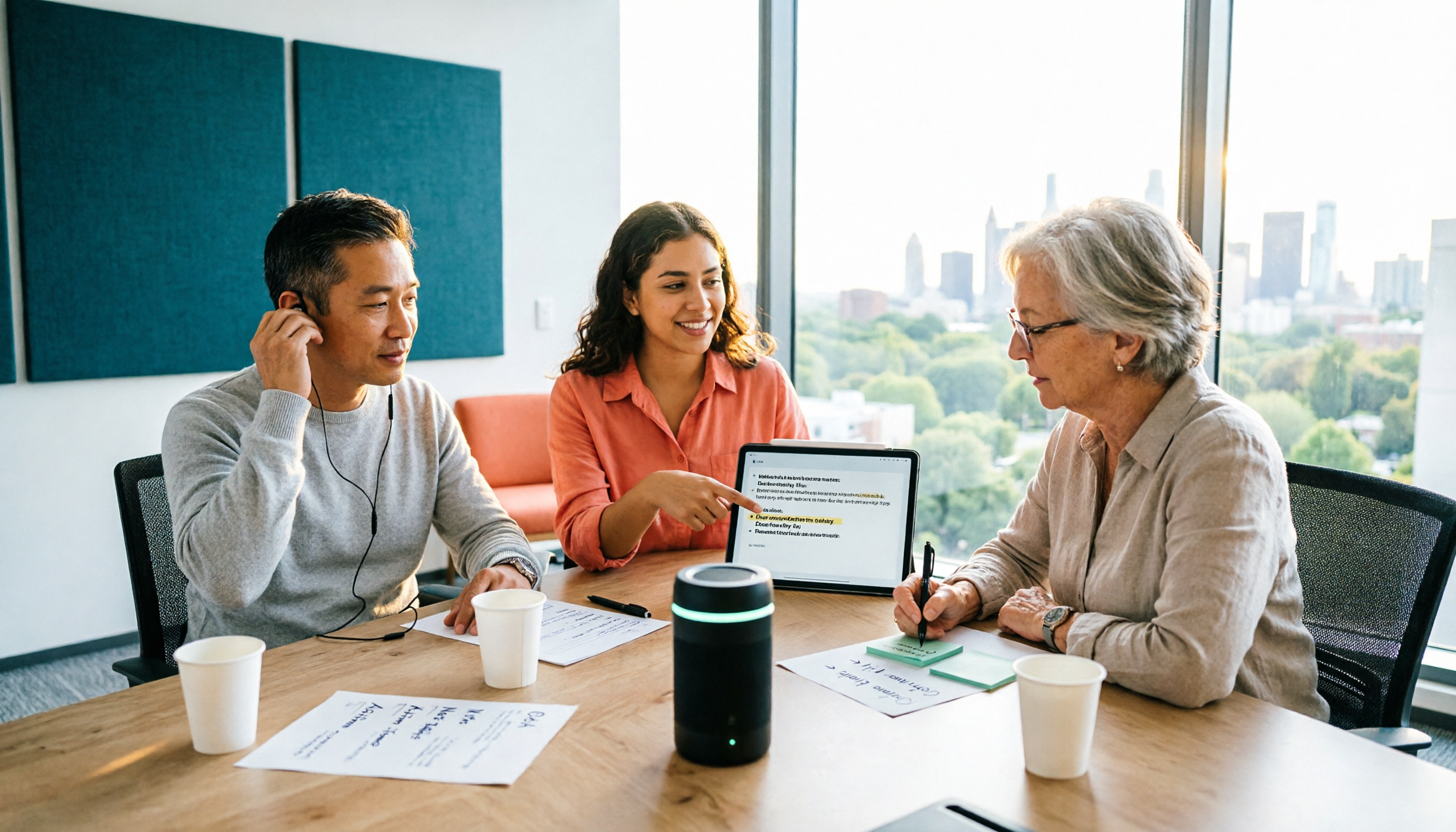
2026 Two Recording Tools Tested: PLAUD Note Pro vs Tinrec — Which Transcribes Faster?
We examine third-party test data on PLAUD Note Pro's recording-to-text speed and compare it with Tinrec across five dimensions: input sources, post-meeting organization, Chinese-language experience, team collaboration, and cost. This helps you decide whether to buy a recording device or adopt a meeting-organization workflow.

2026 AI Recording Tools Compared: PLAUD vs. Tinrec for Meeting Notes
How to choose a recording tool in 2026? From PLAUD's hardware tutorial to Tinrec's AI meeting notes workflow, we break down the 5-step recording guide, core capabilities, real-world use cases, and 5 key buying considerations to help you decide whether to buy hardware or switch to software that generates minutes and action items right after the meeting.

How to Choose a Plaud Voice Recorder in 2026: 5-Step Hands-On Test and a Hardware-Free Alternative
After hands-on testing of AI recording hardware like the Plaud voice recorder, most people realize the real challenge is organizing what was recorded. This article starts from actual usage scenarios to break down what AI recording tools can do for you, what core capabilities to look for, and 5 things to consider when purchasing. Using Tinrec as an example, it explains how to complete transcription, summaries, action items, and team sharing without additional hardware.

Beaver vs Otter: 3 Key Differences + 1 Note-Taking Workflow (2026 Guide)
The Chinese names for beaver and otter are often confused: 河狸 (beaver), 水獺 (otter), 海獺 (sea otter), and 海狸鼠 (coypu) sound like they belong to the same family. This guide uses four criteria—tail, teeth, feet, and behavior—plus three field-tested steps to help you tell a beaver from an otter in 30 seconds at a zoo or in a video. It also includes a workflow for turning English ecology videos and lectures into organized Chinese notes.
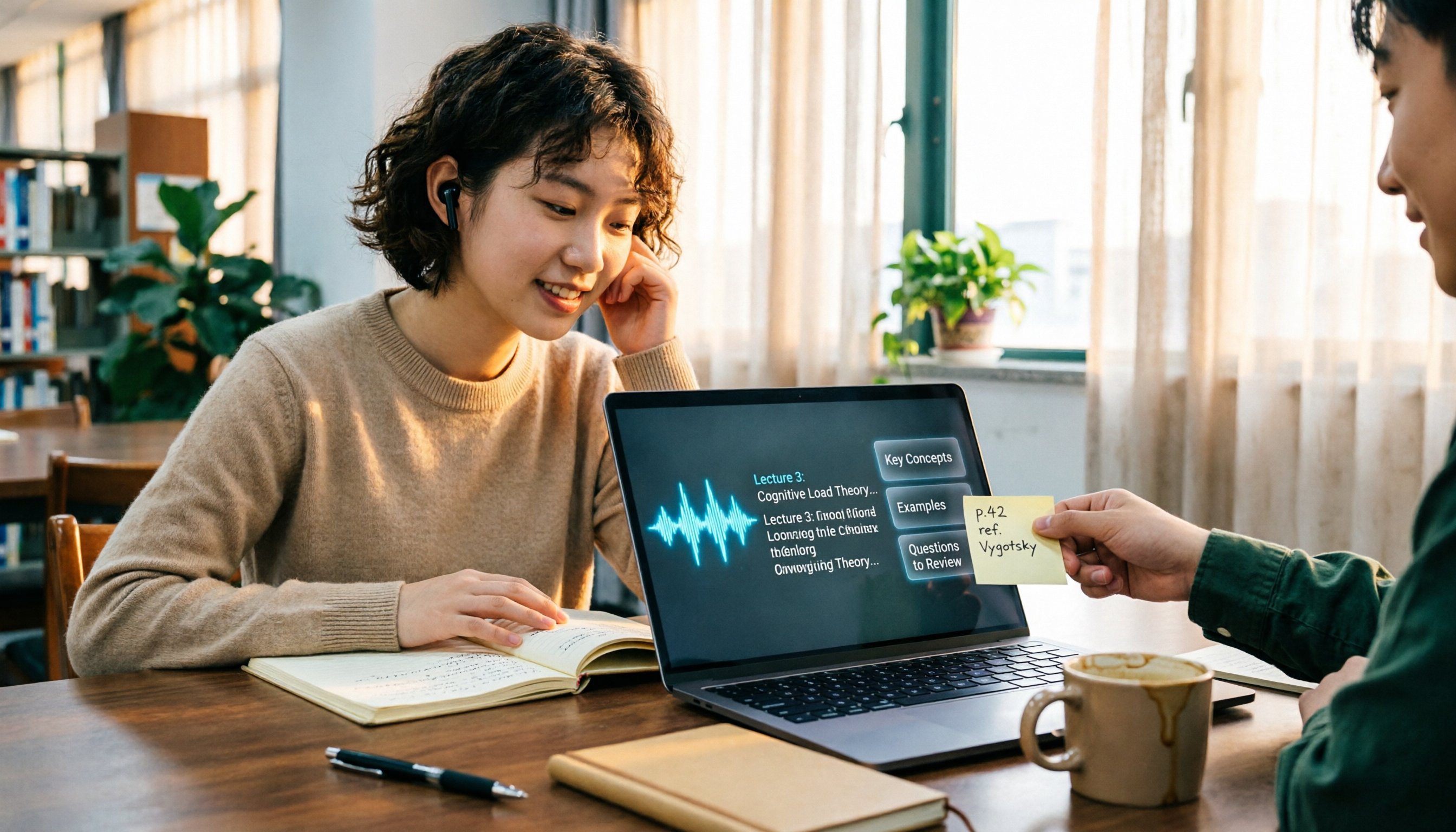
The Complete Guide to Class Recording Apps in 2026: Moving from NotebookLM to Tinrec for Your Classroom Note Workflow
Starting from the pain point of students opening recordings before finals and finding no key points, this guide covers common misconceptions about class recording apps, the shortcomings of NotebookLM and ordinary recording tools, and explains how Tinrec uses real-time transcription, AI summaries, Q&A, and team spaces to turn class recordings into searchable, reviewable notes.
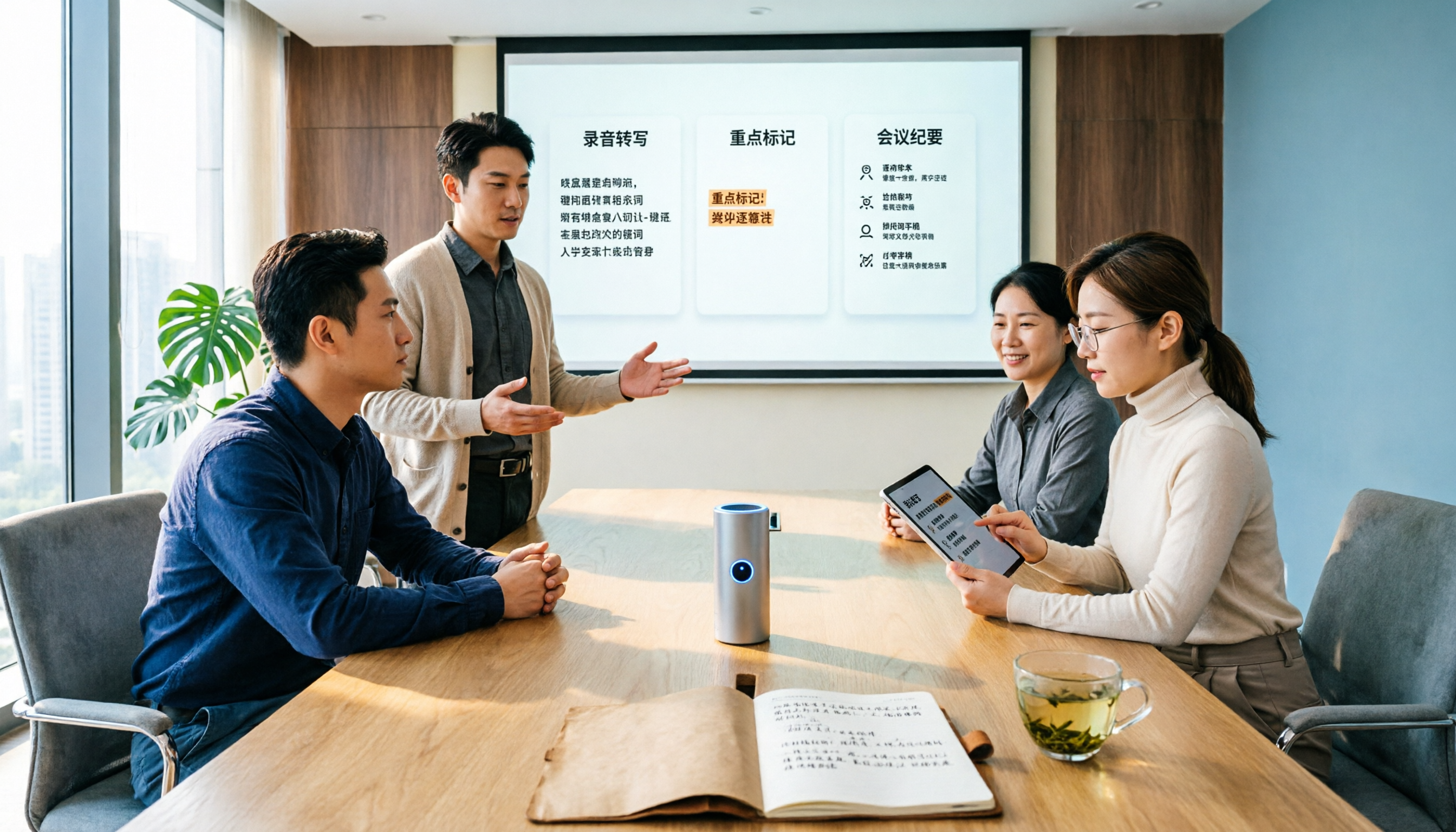
Otter.ai vs Tinrec in 2026: 5-Dimension Comparison — Which Is Better for Chinese Meeting Notes?
Can Otter.ai handle Chinese? The answer has two layers: you can ask questions in Chinese via AI Chat, but the official languages page lists only Simplified Chinese, with no formal guarantee for Traditional Chinese transcription. This article compares Otter.ai and Tinrec across 5 dimensions and uses Tinrec to demonstrate a complete Chinese meeting workflow — from recording, transcript, and proofreading to meeting minutes and team knowledge retention.