

Turn recordings into transcripts and summaries in minutes
Upload audio or video for multilingual transcription, AI notes, and action items
2026 AI Recording Tools Comparison: Plaud Pricing, Transcription Performance, and Free Tiers Students Care About Most
A two-hour class, 18 weeks a semester, minus midterms and finals—you'll accumulate at least 30 hours of recordings. Add group discussions, project interviews, and online info sessions for internships, and 40 hours a semester is easily reached.
You can't possibly re-listen to 40 hours of recordings. Just playing them at 1x speed takes 40 hours, and you only have one week left before finals. This is the problem I seriously faced after nearly failing a course in my junior spring—recordings are never an asset; they're a liability, unless you can find 'exactly which sentence the professor said will be on the exam' in minutes.
This is my record of actually comparing Plaud recording devices, Notta, Otter.ai, and Tinrec this semester. Since 'pricing' is a keyword, I'll break down the costs for each: what's one-time hardware, what's monthly subscription, and whether the free tier is enough for a student for a whole semester.
Pain Point: What You Lack Isn't Recording—It's the Cost of Re-listening
Let me start with three scenarios I actually encountered this semester.
The first is group discussions. Our project team meets twice a week, each over an hour, everyone talking over each other, and afterward no one remembers the conclusions or who's doing what. The first sentence of the next meeting is always 'Where did we leave off?'
The second is finals review. The recording sits on my phone; I only remember 'the professor said this will be on the exam,' but finding that 30 seconds in a one-hour audio means listening from start to finish.
The third is cost. Students don't have company budgets. Once a tool becomes a two-tier 'hardware + subscription' expense, you need to think carefully about whether it's worth it for a whole academic year. That's why I specifically broke down Plaud's cost structure this time.
Before Buying an AI Recording Tool, Understand These 4 Key Points
1. Is the cost 'one-tier' or 'two-tier'?
Few people figure this out upfront. Pure software tools generally have only a subscription tier; AI recording hardware like Plaud has 'buy the device' plus 'subscribe to membership'—two tiers. That means after paying for the device, once the free 300 minutes per month are used up, you still need to pay for a subscription. When calculating total cost, use 'one academic year' as the unit, not just a single month.
2. Free tier must last a semester, not just one session
Many tools' free versions look generous but limit 'single session length' or 'number of files.' You need to calculate: how many classes per week, how long each class. If you record three two-hour classes a week, that's 360 minutes—most free plans run out within a week.
3. Chinese and mixed Chinese-English recognition
Information management courses often mix Chinese and English: 'This API needs to call the backend endpoint.' Pure English tools break down on such sentences. When choosing a tool, test it with a recording of your own class—don't just look at the official language count.
4. What it gives you after recording
If it only gives you a transcript, you've just turned 're-listening to 40 hours' into 're-reading 30,000 words.' What truly saves time is: automatic segmentation, summaries, chapters, to-dos, and whether you can directly ask questions about the recording content.
Tinrec—The One I Kept After Testing
In one sentence: Tinrec is an AI meeting notes and collaboration tool for individuals and teams, supporting live recording, online meetings, and audio import, with a focus on turning recordings into usable data.
I first used it to record online courses. Tinrec's desktop version directly captures system audio from your computer, handling Zoom, Google Meet, Microsoft Teams, Webex, and similar meetings without needing to invite a 'meeting bot' into the room. For someone like me who records online interviews and doesn't want the interviewee to see a strange account pop into the room, this makes a big difference.
The second feature I use daily is live transcription. Press record in class, and the transcript grows as you go—no waiting for conversion after class. It also supports real-time translation, viewable in original, translated, or bilingual mode—I had a course with English materials and Chinese explanations this semester, and the bilingual view saved me a lot of dictionary time.
The third is post-meeting processing. Tinrec organizes long content into summaries, chapters, and key points, and can extract to-dos. After a group discussion, I paste the 'who's responsible for what' section directly into the group chat, and no one asks 'where did we leave off' again. It also has what I find the most useful feature: you can ask questions directly about the meeting content. For example, 'What points did the professor mention about the final report grading criteria?' It gives you an organized answer instead of dumping keywords for you to search. This is a lifesaver for exam review.
Stop organizing recordings by hand
Upload audio or video and automatically get a transcript, summary, and action items
For output, transcripts and organized results can be exported as documents, reports, or tables, and taken to Notion, Google Docs, OneNote, or Dropbox for further editing. My notebook was already in Notion, saving a copy-paste step.
Honest limitations: Tinrec's free version gives a basic quota—fine for trying a few classes or meetings, but if you record every class like me, you'll want to upgrade over a semester. Paid plans include weekly, Pro monthly, and Pro annual cards, suitable for short sprints (like before a graduation project defense) or long-term use. For actual prices and quotas, please refer to the official website; I won't hard-code numbers here because plans change. Also, no matter how strong the AI organization is, recognition suffers with heavy classroom echo or multiple people talking over each other—I habitually cross-check important content against the transcript timestamps.
One more note for project teams: Tinrec has a team version that puts meeting data in a separate team space with members, roles, seats, usage analytics, and audit logs. Our project group didn't buy it because the personal version was enough for students; but if you're a lab or department association sharing a database, it offers a trial with 7 days, 1 free seat, and 300 minutes of shared import quota, with paid seats priced per seat per month. This is much more reasonable than 'everyone sharing one account.'
Besides Tinrec, Who Are Plaud and Similar Options For?
PLAUD Note / Note Pro (AI recording hardware) Plaud's strength is 'record anywhere'—card or capsule design, long battery life, and it can capture phone call audio, which pure software can hardly replace. The cost has two tiers: the US official site currently lists NotePin at about USD 159 and Note Pro at about USD 189; membership Starter is 300 minutes per month, Pro is about USD 99.99/year (1,200 minutes per month), and Unlimited is about USD 239.99/year. There are also reviews in Taiwan mentioning subscription fees starting around NT$275 per month. So the total cost for an academic year is 'device + subscription,' higher than pure software, and note that its AI summary quality heavily depends on the recording environment. Its hardware recording experience is indeed good, but what software like Tinrec can do—'ask questions directly about the entire meeting content, share data in a team space'—Plaud's current app doesn't focus on. For actual prices and plans, please refer to Plaud's official page.
Notta Multilingual transcription and file import are well done; the free version has a fixed number of minutes per month and a separate length limit per session. If your main need is 'turn a foreign language audio file into subtitles,' it's sufficient. But its core is still transcription and translation, while Tinrec strings together summaries, to-dos, Q&A, and team data retention into one workflow—that's the difference in approach.
Otter.ai A veteran choice for English meetings, with a generous free tier for English content and mature team features. But it doesn't support Chinese recognition—our mixed Chinese-English classes are a disaster for it. If you only record fully English online courses, it's worth considering; if you need Chinese meeting notes, Tinrec is a more suitable direction.
Pitfall Guide: The 3 Most Common Mistakes When Buying AI Recording Tools
Pitfall 1: Only looking at device price, not subscription price
AI recording hardware is attractive, but be sure to add 'device + one year subscription.' Many people's reality: they're satisfied with the device, but the monthly free minutes run out in a week, forcing them to pay for a subscription. Test with the free tier for a week, confirm you'll really carry it every day, then decide whether to go the hardware route.
Pitfall 2: Thinking 'having a transcript' equals 'saving time'
A transcript is only half the story. What really determines efficiency is summaries, chapters, to-dos, and whether you can ask questions. During the trial, do one thing: throw in a 40-minute class recording and time how long it takes to 'find three exam key points.' This test is more accurate than any spec sheet.
Pitfall 3: Ignoring online meetings
Many classes, internship interviews, and project interviews are now online. If a tool can only record physical sound, you'll miss half the scenarios. When choosing, confirm it can handle meeting audio played on a computer—like Tinrec's desktop version directly captures system audio, no need to invite a bot into the meeting, which is better for privacy and etiquette.
Conclusion: Which One Should You Choose?
In one sentence: If you want 'turn class and meeting content into searchable, queryable, deliverable notes,' Tinrec is the one I kept after testing this semester.
Recommendations by scenario:
- Record every class, limited budget → Tinrec, start with the free basic quota for two or three classes, then decide whether to upgrade.
- Need to handle online classes and interviews → Tinrec, desktop version directly captures system audio, no bot invitation needed.
- Mixed Chinese-English professional courses → Tinrec, supports Chinese and multiple languages, real-time translation and bilingual view.
- Want to ask 'where are the exam points' right after recording → Tinrec, can ask questions about recording content and get organized answers.
- Often in the field, need portable hardware recording → PLAUD Note series, but calculate the full-year cost of device plus subscription first.
- Only record fully English content → Otter.ai, free tier is quite sufficient for English users.
Two final reminders. First, inform and get consent before recording; regulations vary by location, and this is basic courtesy. Second, don't rush to pay: run your real workflow once with the free tier (one class + one group discussion), confirm it really saves you re-listening time, then talk about cost. For students, the most expensive thing is never the subscription fee—it's the course you failed.
References
- Plaud Taiwan | Official Website | Leading AI Recording Device Brand
- Plaud Note Pro Review | 2026 30-Day Test: Monthly Plans, 3 Major Scenarios, 2 Major Drawbacks Full Review
- PLAUD NOTE | AI Smart Recording Card | Free 300 Minutes Transcription per Month - eSENTRA
- Plaud Note | The Smartest AI Recording Card Ever
- Plaud Note Pro Unboxing Review | Portable AI Smart Recording Evolved! Good or Not? Who Should Buy It - Mr. Mad
Turn every recording into actionable outcomes
Get 60 free transcription minutes when you sign in. No credit card required.
Related Reading
You might also like

2025 AI Voice Recorder Comparison: Tinrec vs. Plaud – Which Turns Meetings into Actionable Data?
In 2025, Plaud recorders are generating buzz, but if most of your meetings happen on a computer, hardware recording is only the first step. This article tests Plaud Note Pro, NotePin, and Tinrec in a real-world scenario of a mid-level manager with 15 meetings per week. We compare five dimensions: meeting capture method, post-meeting output, Chinese language experience, and team collaboration, to help you decide whether to buy a device or a workflow that turns meetings into action items.

2026 AI Voice Recorder Comparison: Is the PLAUD Recorder Worth Buying?
Hands-on review of the PLAUD recorder: hardware call recording works well, but subscription costs and post-meeting workflow are key. This guide covers buying criteria, PLAUD pros and cons, and alternatives to help you decide if you need hardware or if software like Tinrec is more cost-effective.

2026 Two Recording Tools Tested: PLAUD Note Pro vs Tinrec — Which Transcribes Faster?
We examine third-party test data on PLAUD Note Pro's recording-to-text speed and compare it with Tinrec across five dimensions: input sources, post-meeting organization, Chinese-language experience, team collaboration, and cost. This helps you decide whether to buy a recording device or adopt a meeting-organization workflow.

2026 AI Recording Tools Compared: PLAUD vs. Tinrec for Meeting Notes
How to choose a recording tool in 2026? From PLAUD's hardware tutorial to Tinrec's AI meeting notes workflow, we break down the 5-step recording guide, core capabilities, real-world use cases, and 5 key buying considerations to help you decide whether to buy hardware or switch to software that generates minutes and action items right after the meeting.

How to Choose a Plaud Voice Recorder in 2026: 5-Step Hands-On Test and a Hardware-Free Alternative
After hands-on testing of AI recording hardware like the Plaud voice recorder, most people realize the real challenge is organizing what was recorded. This article starts from actual usage scenarios to break down what AI recording tools can do for you, what core capabilities to look for, and 5 things to consider when purchasing. Using Tinrec as an example, it explains how to complete transcription, summaries, action items, and team sharing without additional hardware.

2026 PLAUD Recorder Free Plan Guide: 5 AI Transcription Tools Compared
The PTT discussion about PLAUD recorders really comes down to one question: should you buy an extra piece of hardware? This guide compares five recording-to-text options in 2026, covering free quotas, Chinese recognition, post-meeting organization, and team data ownership, and explains why Tinrec is better suited for most office workers when it comes to bot-free online meeting recording and post-meeting AI Q&A.

Beaver vs Otter: 3 Key Differences + 1 Note-Taking Workflow (2026 Guide)
The Chinese names for beaver and otter are often confused: 河狸 (beaver), 水獺 (otter), 海獺 (sea otter), and 海狸鼠 (coypu) sound like they belong to the same family. This guide uses four criteria—tail, teeth, feet, and behavior—plus three field-tested steps to help you tell a beaver from an otter in 30 seconds at a zoo or in a video. It also includes a workflow for turning English ecology videos and lectures into organized Chinese notes.
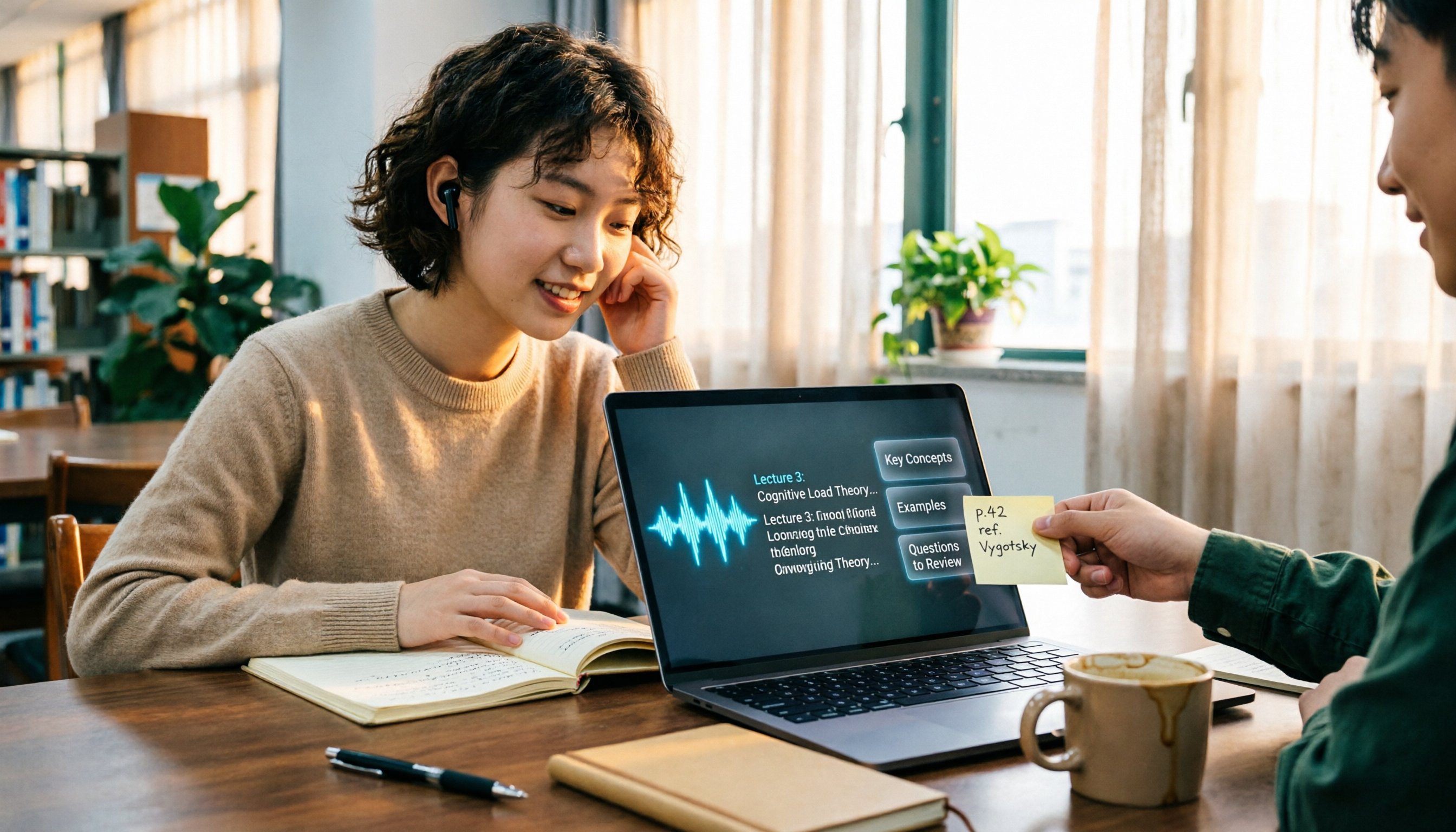
The Complete Guide to Class Recording Apps in 2026: Moving from NotebookLM to Tinrec for Your Classroom Note Workflow
Starting from the pain point of students opening recordings before finals and finding no key points, this guide covers common misconceptions about class recording apps, the shortcomings of NotebookLM and ordinary recording tools, and explains how Tinrec uses real-time transcription, AI summaries, Q&A, and team spaces to turn class recordings into searchable, reviewable notes.
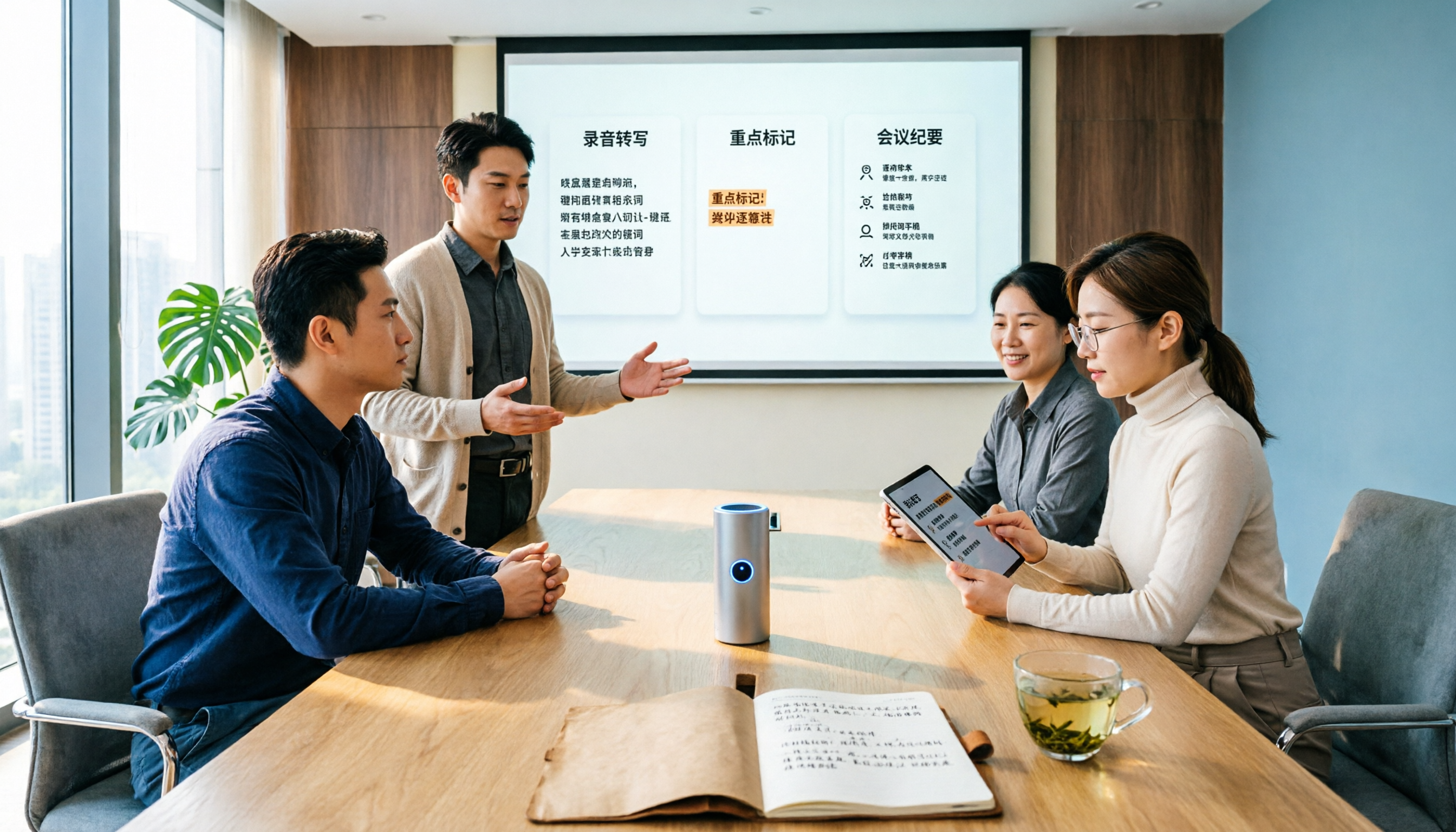
Otter.ai vs Tinrec in 2026: 5-Dimension Comparison — Which Is Better for Chinese Meeting Notes?
Can Otter.ai handle Chinese? The answer has two layers: you can ask questions in Chinese via AI Chat, but the official languages page lists only Simplified Chinese, with no formal guarantee for Traditional Chinese transcription. This article compares Otter.ai and Tinrec across 5 dimensions and uses Tinrec to demonstrate a complete Chinese meeting workflow — from recording, transcript, and proofreading to meeting minutes and team knowledge retention.