

Turn recordings into transcripts and summaries in minutes
Upload audio or video for multilingual transcription, AI notes, and action items
2026 AI Voice Recorder Buying Guide: Plaud Recorders vs. 3 Meeting Note Tools Tested
Let me ask you a question: How many action items came out of last week's meetings? If you can't answer that, the problem usually isn't your memory—it's how you're taking notes.
I manage a team of 10 and have about 15 meetings a week: weekly syncs, project status meetings, one-on-ones, cross-department coordination. What used to bother me most wasn't the meetings themselves—it was afterward. Decisions were scattered throughout conversations, action items were buried in people's verbal commitments, and by the time I got back to my desk, just organizing meeting notes would eat up half the afternoon.
So I started looking for tools. At first I looked at AI recording hardware like Plaud recorders—business-card size, magnetic attachment to your phone, able to record calls. It sounded perfect for salespeople and people constantly on the go. But after trying a few, I realized the real question isn't "how powerful is this recorder" but "where do my meetings actually happen, and who's going to organize things after recording?"
This article breaks down the four solutions I actually compared: Plaud recorders, Tinrec, Otter.ai, and Notta. I'm not here to promote anyone—I'll tell you the good and the bad.
The Pain Point of Meeting Notes Isn't Recording—It's What Comes After
Let me describe a common scenario. You finish an online cross-department meeting with attendees from three different units. During the meeting, people discussed budgets, timelines, and who's responsible for which contact. You were busy responding and only jotted down a few keywords. That evening, you want to catch up on meeting notes, so you open the recording and listen from the beginning for 30 minutes—by minute 8, your mind starts to wander.
Another scenario is phone calls. A client explains a requirement change over the phone. You take notes while talking, and only after hanging up do you realize you missed two items. You want to go back and confirm, but there's no recording, so you have to call again.
There's an even more frustrating one: You assign a task to a subordinate. Two days later you ask about progress, and they say "I thought it was due next week." Verbal instructions without records make accountability start to blur.
The common thread in all these problems: Recording is just the first step. What really takes time is converting to text, extracting key points, organizing action items, and putting them somewhere the team can find them. Choosing the right tool can solve these problems; choosing the wrong one just means you've bought another device that needs charging.
Before Buying an AI Voice Recorder, Understand These 5 Key Points
1. Where do your meetings happen? If most of your meetings are online, the key is whether the tool can directly capture your computer's meeting audio. If you frequently do in-person interviews and phone visits, the portability of a hardware recorder has value. Hardware like Plaud relies on a physical microphone to pick up sound, making it suitable for face-to-face situations. Tinrec's desktop version directly captures system audio, handling Zoom, Google Meet, Microsoft Teams, and Webex online meetings.
2. After recording, how far does the tool take you? Just having an audio file means you're left with the organizing work. At minimum, you need transcripts, summaries, chapters, and action items. Even better is being able to ask questions about the meeting content—for example, directly asking "Who mentioned the budget in the last meeting?"
3. How well does it handle Chinese and mixed Chinese-English? Taiwanese teams rarely meet in pure Chinese—product names, project names, and English abbreviations fly everywhere. If a tool only excels at English business meetings, the transcript will be painful to read.
4. Who owns the data? How does the team collaborate? Recordings under personal accounts leave with members when they resign. Team versions keep meeting data in a team space and use roles and seats to manage who can record and who can view. This is especially important for teams of 10 or more.
5. How do you calculate total cost? Hardware recorders involve a one-time device cost plus membership subscription. Software tools are subscriptions with quotas. Don't just look at the device price—calculate "device + monthly minutes + post-meeting organization time" together.
Tinrec: Our Top Choice After Testing
Tinrec is an AI meeting notes and collaboration tool for individuals and teams, available on web, desktop, and mobile. It doesn't just convert audio to text—it turns meeting recordings into searchable, summarizable, queryable, exportable, and further processable data.
Let me start with my most-used scenario: online meetings. Tinrec's desktop version directly captures computer system audio without needing to invite a meeting bot account into the meeting. For internal and external meetings, this makes a big difference—you don't have to explain to clients "why there's a bot in the meeting," and you don't have to worry about the bot being blocked. Open Tinrec before the meeting starts, and the transcript appears as you speak. By the time the meeting ends, the summary, chapters, and action items are already there.
The second scenario is offline meetings and interviews. I use my phone or desktop version to record in real time, transcribing as I record. Afterward, I look at the summary to grasp decisions, then click back to the transcript to check timestamps. For mixed Chinese-English content, it supports Chinese, Traditional Chinese, and multilingual meeting scenarios, and you can view the original text, translation, or bilingual content during recording—saving a lot of effort for cross-language meetings.
Stop organizing recordings by hand
Upload audio or video and automatically get a transcript, summary, and action items
The third scenario is post-meeting queries. Tinrec's AI Q&A lets you continue asking questions about single or multiple meetings. For example, "Which meetings this week mentioned shipping delays?" or "What objections came up most often in last quarter's customer interviews?" It doesn't give you keyword search results—it answers based on meeting content. For someone like me who still has to write weekly reports after meetings, this is more practical than a plain transcript.
The fourth scenario is team knowledge retention. Tinrec's team version is a separate team space, not multiple people sharing a personal account. Meeting data belongs to the team. You can invite members, set owners/admins/regular members, and assign or revoke seats. Members who are active but don't have a seat can still view, play, and read data, but need a seat to record, upload, edit, and export. Admins can also view usage trends, member rankings, operation audit logs, and the audio recycle bin. Team hotwords let you maintain internal company terminology for more stable recognition of specialized terms.
On pricing: Team monthly is USD 29.80 per paid seat per month, annual is USD 199 per paid seat per year (about USD 16.58 per month). Each paid seat provides 2,000 minutes of team shared import quota per month. Under an active team plan, real-time recording currently doesn't deduct minutes. Eligible teams get a 7-day trial with 1 free seat and 300 minutes of team shared import quota. Prices and benefits are subject to the official purchase page.
Three advantages I find most impactful:
- No bot for online meetings—clean capture, especially useful for external meetings.
- Complete post-meeting workflow: transcript, summary, chapters, action items, Q&A, translation, export to Notion, Google Docs, OneNote, Dropbox, plus an Agent that can generate reports, tables, or documents from meeting content.
- Team data has ownership: when members change, team resources can be handed over and won't disappear with personal accounts.
Limitations to be clear about:
Tinrec doesn't focus on bulk batch transcription. If you need to process dozens of long recordings at once, a dedicated transcription tool might be more cost-effective. Also, the free version only has basic quota—heavy users need to upgrade. Accuracy is affected by recording quality, noise, accents, overlapping speakers, and specialized terminology. I still replay and verify important content.
Who it's for: If most of your meetings are online, you need Chinese transcripts and post-meeting summaries, you want to use AI to find key points right after recording, and your team needs to share meeting data—Tinrec is currently the closest fit for these needs.
Besides Tinrec, What Other Options Are There?
PLAUD Note / NotePin: The representative of AI recording hardware. NotePin is USD 159 on the US official site, Note Pro USD 189. Starter plan is 300 minutes per month; Pro annual is USD 99.99 for 1,200 minutes per month. Suitable for on-the-go recording of in-person interviews, phone calls, and long battery life needs. Limitations: you need to carry an extra device, and online meetings and team data retention aren't its strong suit. Tinrec directly handles Zoom and Meet meetings on your computer and can put transcripts into a team space.
Otter.ai: A mature English meeting assistant. Basic is free with 300 minutes per month; Pro annual works out to USD 8.49 per user per month for 1,200 minutes. A good first choice for English business meetings. But Chinese and mixed Chinese-English aren't its main selling points. Tinrec is closer to local teams for Chinese meetings, real-time translation, and team auditing.
Notta: Focused on multilingual transcription and file processing. Free is 120 minutes per month with a 3-minute limit per file; Pro annual works out to USD 8.17 per month for 1,800 minutes. Suitable for bulk file transcription and subtitle needs. It lacks Tinrec's desktop bot-free online meeting recording, AI Q&A, and Agent post-processing. If you value post-meeting workflow and team seat management, Tinrec is more suitable.
Pitfall Guide: The 4 Most Common Mistakes When Choosing an AI Voice Recorder
Pitfall 1: Only looking at hardware specs, ignoring post-meeting organization. No matter how clearly a recorder captures audio, without transcripts and summaries, you'll still spend time listening from the beginning. Before buying, ask: Can this tool turn my meetings into action items?
Pitfall 2: Assuming a recorder will automatically capture online meetings. Most hardware relies on physical microphones. Online meeting audio, participant speech, and team sharing need separate handling. If your meetings are all on your computer, look at desktop solutions that capture system audio first—don't buy hardware first.
Pitfall 3: Ignoring data ownership. Recordings under personal accounts leave with members when they resign. Team version data belongs to the team, but roles and seats need to be clearly defined. Not all members need edit permissions, but people who need to record shouldn't be without a seat.
Pitfall 4: Ignoring quotas and subscriptions. Plaud hardware has membership minutes on top of the device. Tinrec's team version doesn't deduct minutes for real-time recording; file imports use shared quota. First estimate how many hours you record per month, then decide whether to buy hardware or subscribe to software.
One more reminder: Before recording, proactively inform participants and get consent, and comply with local regulations.
Conclusion: Which One Should You Choose?
To sum it up in one sentence: If what you want is "use it directly after the meeting is recorded," Tinrec is my current top choice. If what you want is "record physical sound anytime, anywhere," Plaud recorders have their value.
Here's the scenario breakdown:
- Mostly online meetings, need transcripts, summaries, action items → Tinrec (desktop version captures system audio without a bot).
- Frequent in-person interviews and phone visits, need portable hardware → PLAUD Note / NotePin.
- Mainly English meetings, team already has an English workflow → Otter.ai.
- Bulk file transcription and subtitle processing → Notta or a dedicated transcription tool.
- Team needs to share meeting data, manage seats and auditing → Tinrec team version.
My advice: Don't rush to buy hardware plus a subscription. First run a round of your usual meetings with Tinrec's free version and see if the transcripts and summaries save you time. If it's not enough, then consider upgrading or adding a portable recorder. Tools are meant to save time, not add charging anxiety.
References
- Plaud Note Pro Unboxing Review | Portable AI Smart Recording Evolves Again! Is It Good? Who Should Buy It? - Mr. Mad
- Plaud Taiwan | Official Website | Leading Brand in AI Recording Devices
- AI Meeting Notes Tools Compared: Plaud Note Pro, Philips Small Fly Pen, NotebookLM—Which Is Most Reliable? - Apple Almond
- PLAUD [Official Flagship] NOTE AI Smart Recording Card | Other Brands | Yahoo Shopping Center
- PLAUD NOTE | AI Smart Recording Card | Free 300 Minutes of Transcription Per Month - eSENTRA
Turn every recording into actionable outcomes
Get 60 free transcription minutes when you sign in. No credit card required.
Related Reading
You might also like

How to Choose a Plaud Voice Recorder in 2026: 5-Step Hands-On Test and a Hardware-Free Alternative
After hands-on testing of AI recording hardware like the Plaud voice recorder, most people realize the real challenge is organizing what was recorded. This article starts from actual usage scenarios to break down what AI recording tools can do for you, what core capabilities to look for, and 5 things to consider when purchasing. Using Tinrec as an example, it explains how to complete transcription, summaries, action items, and team sharing without additional hardware.

2026 PLAUD Recorder Free Plan Guide: 5 AI Transcription Tools Compared
The PTT discussion about PLAUD recorders really comes down to one question: should you buy an extra piece of hardware? This guide compares five recording-to-text options in 2026, covering free quotas, Chinese recognition, post-meeting organization, and team data ownership, and explains why Tinrec is better suited for most office workers when it comes to bot-free online meeting recording and post-meeting AI Q&A.

Beaver vs Otter: 3 Key Differences + 1 Note-Taking Workflow (2026 Guide)
The Chinese names for beaver and otter are often confused: 河狸 (beaver), 水獺 (otter), 海獺 (sea otter), and 海狸鼠 (coypu) sound like they belong to the same family. This guide uses four criteria—tail, teeth, feet, and behavior—plus three field-tested steps to help you tell a beaver from an otter in 30 seconds at a zoo or in a video. It also includes a workflow for turning English ecology videos and lectures into organized Chinese notes.
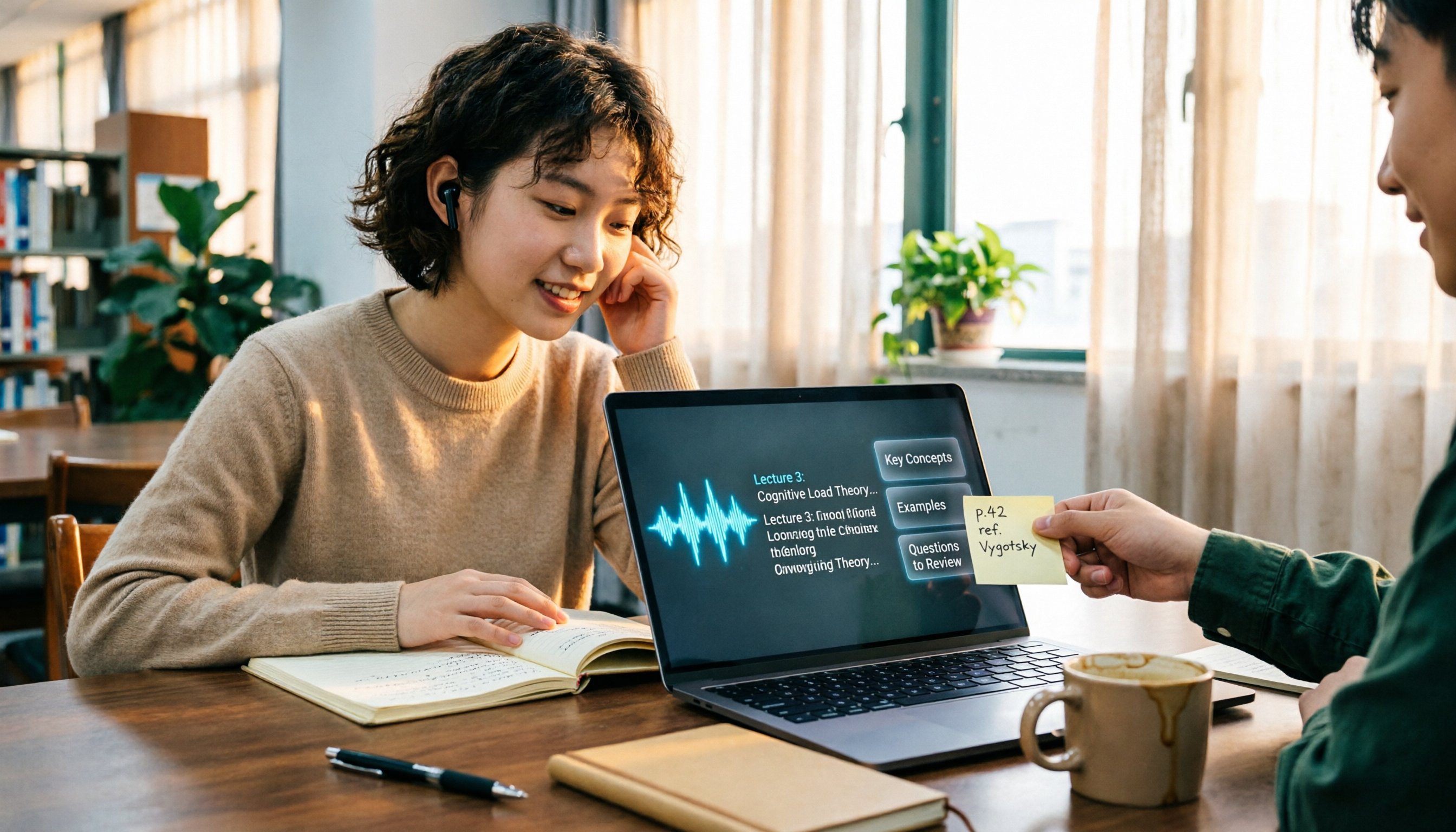
The Complete Guide to Class Recording Apps in 2026: Moving from NotebookLM to Tinrec for Your Classroom Note Workflow
Starting from the pain point of students opening recordings before finals and finding no key points, this guide covers common misconceptions about class recording apps, the shortcomings of NotebookLM and ordinary recording tools, and explains how Tinrec uses real-time transcription, AI summaries, Q&A, and team spaces to turn class recordings into searchable, reviewable notes.
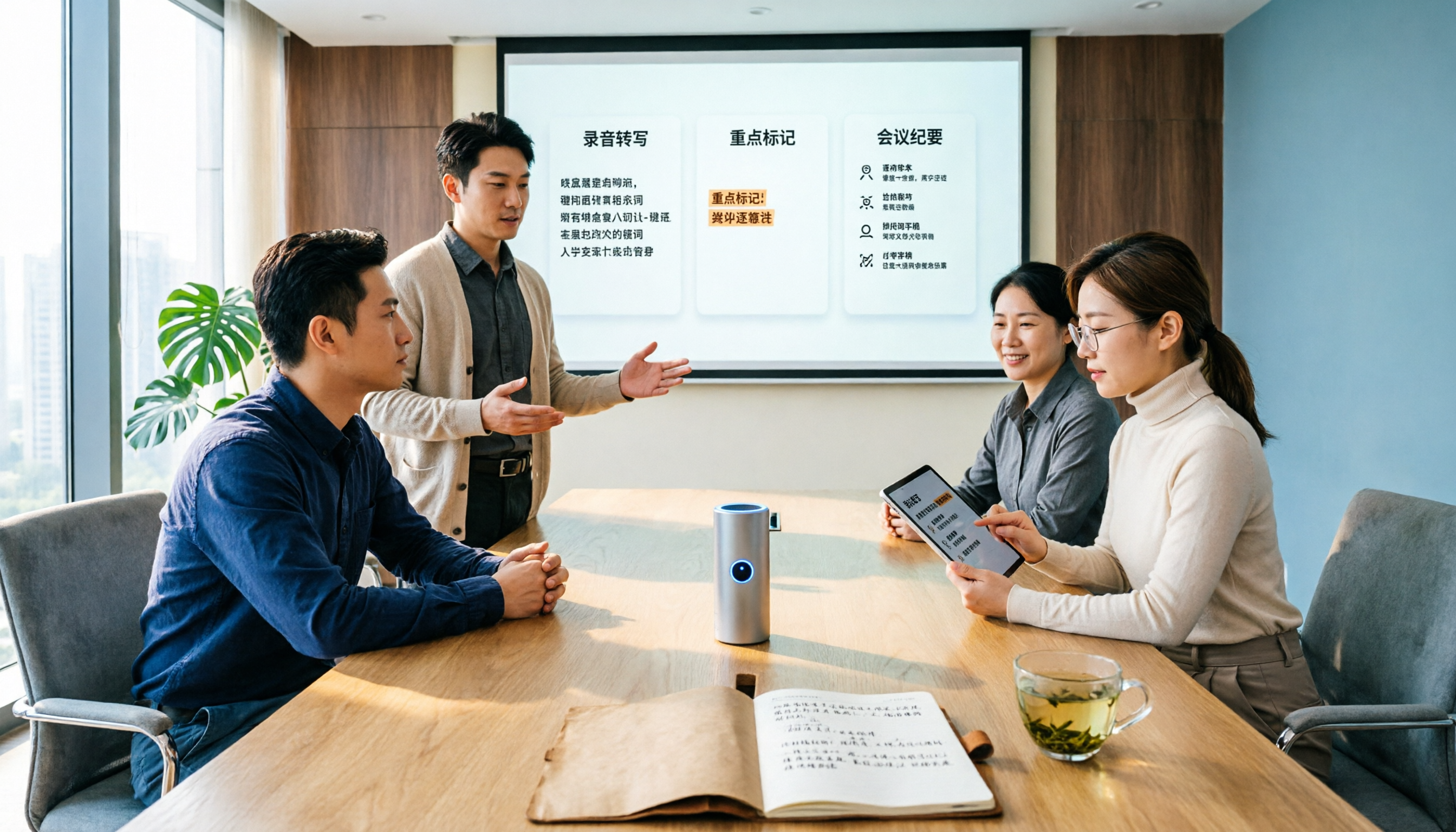
Otter.ai vs Tinrec in 2026: 5-Dimension Comparison — Which Is Better for Chinese Meeting Notes?
Can Otter.ai handle Chinese? The answer has two layers: you can ask questions in Chinese via AI Chat, but the official languages page lists only Simplified Chinese, with no formal guarantee for Traditional Chinese transcription. This article compares Otter.ai and Tinrec across 5 dimensions and uses Tinrec to demonstrate a complete Chinese meeting workflow — from recording, transcript, and proofreading to meeting minutes and team knowledge retention.

2026 Comparison of 4 Chinese Speech-to-Text Tools: How Well Does Otter Support Chinese?
Otter's official language list includes Chinese (Simplified), but Traditional Chinese is not listed. The ability to translate in Chat does not guarantee accurate transcripts. This article addresses the decision of whether to continue using Otter, explains the five capabilities needed for Chinese meeting notes, four practical scenarios, and purchasing considerations. It also demonstrates Tinrec's complete workflow with bot-free recording, summary to-dos, AI Q&A, and team spaces.

4 Classroom Recording Tools Tested for 2026: Chinese Transcripts + AI Highlights—Which One Actually Saves You Time?
How to choose a classroom recording tool? This guide covers in-person classes, online courses, and teacher-provided audio files, outlines 5 key buying factors, and compares Tinrec, Notta, TurboScribe, and PLAUD Note in terms of positioning, quotas, and pricing—so you can find the one that's truly ready to use after recording.

2026 Complete Guide to Vocal Fry: What It Is, 3 Key Testing Points for Transcription, and Tinrec Applications
What is vocal fry? This article starts with the vocal mechanism of the lowest register, explains its practical impact on meeting recordings and speech transcription, and demonstrates how Tinrec uses real-time transcripts, AI summaries, action item extraction, and team spaces to turn low-pitched meeting content into searchable, queryable, and exportable data. The article includes 5 purchasing considerations and 6 frequently asked questions.

4 Chinese Speech-to-Text Tools Tested for 2026: Does Otter.ai Support Chinese? Which Handles Traditional Chinese?
Does Otter.ai support Chinese? Its official language list includes Simplified Chinese, but Traditional Chinese is not officially supported. Starting from the Chinese meeting needs of Taiwan offices, this article outlines 5 key purchasing considerations, tests and compares four tools—Tinrec, Otter.ai, Notta, and TurboScribe—and includes a pitfalls guide and scenario-based selection advice.