

Turn recordings into transcripts and summaries in minutes
Upload audio or video for multilingual transcription, AI notes, and action items
Spending Two Hours After Every Meeting? The Problem Isn't Recording—It's What Comes Next
In a 60-minute client meeting, the real time sink isn't recording—it's everything after: re-listening, pulling out key points, writing up notes, and figuring out who promised what and when it's due.
Online meetings are even messier. A Zoom recording here, a Teams recording there, a pile of phone memos—files scattered everywhere. Next time you need to check "what price did we agree on last time?" you're stuck scrolling through chat history from memory.
If you're searching for the "latest PLAUD recording version," you're probably facing the same issue: you want a solution that actually turns meeting content into usable data. This article breaks down the mainstream approaches in 2026 and answers what's different about PLAUD's latest models and when they're worth buying.
Before Choosing a Speech-to-Text Tool, Understand These 4 Key Points
1. Are you recording in-person or online meetings?
These are two completely different needs. For in-person interviews and lectures, audio quality and battery life matter most. For online meetings, the key is capturing clean audio from your computer. Many tools excel at only one—confirm which scenario covers 80% of your use before buying.
2. What do you get after recording?
A tool that only gives you a transcript just turns "listening" into "reading"—saving only half the time. The real time-saver is what comes next: automatic summaries, chapter segmentation, action item extraction, and whether you can ask questions directly about the meeting content. This gap matters more than transcription accuracy for long-term use.
3. Hardware and software costs work differently.
Hardware solutions require an upfront device cost plus subscription. Software solutions are monthly or annual fees. Don't just look at the first payment—calculate the total annual cost alongside the features you'll actually use.
4. Is the free tier enough to validate?
Most tools offer free minutes, but limits vary widely: some give 300 minutes per month, others only 3 minutes per file. Too low, and you can't even test a full meeting—meaning no real trial.
Tinrec — Our Top Pick After Hands-On Testing
Tinrec is an AI meeting notes and collaboration tool spanning web, desktop, and mobile, built around "recording online meetings without a bot."
Bot-free online meeting recording
The desktop version captures system audio directly, handling Zoom, Google Meet, Microsoft Teams, and Webex without issues. The practical difference is concrete: no need to invite a bot account into the meeting room, clients won't see an unfamiliar participant, and no worries about bots failing to join. Note: you initiate recording manually—it doesn't auto-join all calendar meetings.
Ask questions about the meeting afterward
After the meeting, Tinrec generates a transcript, summary, chapters, and action items. Then you can ask things like "who mentioned the budget last meeting?" or "what concerns did the client raise about delivery?" It doesn't just return keyword search results—it answers based on meeting content. This is where it separates from same-priced competitors—most stop at "summary."
Team spaces and governance
The team edition is a separate team space, not a shared personal account. You can create multiple teams, invite members via link, set Owner/Admin/Member roles, and assign, revoke, or transfer seats. Admins can view team usage trends, member rankings, and export audit logs; audio in the recycle bin has a 30-day recovery period (TODO not covered by recycle bin). Clarify: roles govern "who can manage the team," seats govern "who can record, upload, edit, export"—members without seats can still view, play, and read team data but cannot perform resource-consuming actions.
Hands-on impressions
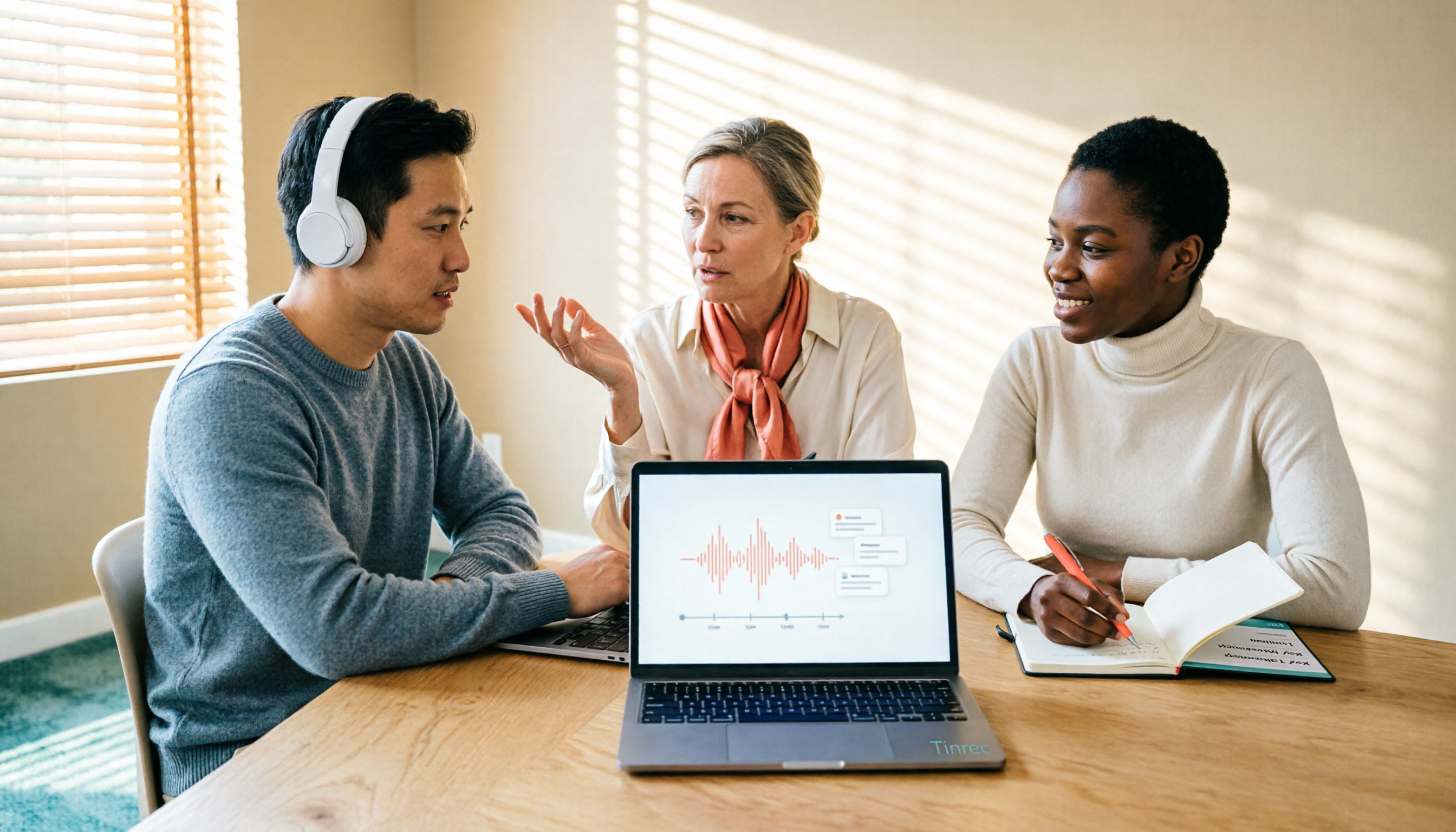
We tested with an indoor meeting recording (3 participants, mixed Chinese-English, headset mic). The transcript was directly readable; names and product terms needed minor corrections—that's where team hotwords help. For cross-language meetings, real-time translation lets you switch between original, translated, or bilingual views. Actual accuracy still depends on recording quality, accents, background noise, and overlapping speech—verify important content against timestamps.
Three main advantages
- No extra device: record from phone or computer; handle online meetings directly from desktop.
- Complete post-meeting output: summaries, chapters, action items, mind maps—export to Notion, Google Docs, OneNote, Dropbox for further work, or use Agent to generate reports, tables, and documents.
- Team governance: members, roles, seats, usage, audit, recycle bin all in one place; when members leave, team data doesn't disappear with their personal account.
Limitations
It's not a calendar-based auto-join meeting bot—you need to initiate recording. Team edition focuses on team-level sharing, not granular file-level permissions. Also, importing files consumes shared team quota—heavy batch processing isn't its strength.
Stop organizing recordings by hand
Upload audio or video and automatically get a transcript, summary, and action items
Who it's for
People who have regular weekly online meetings, need Chinese and mixed Chinese-English transcripts, must deliver meeting minutes and action items afterward, and want data to stay with the team rather than on personal phones.
Besides Tinrec, What Are the Alternatives?
PLAUD Latest Version: How Do Note Pro and NotePin Differ?
PLAUD currently has three main models: PLAUD Note (smart recording card), PLAUD Note Pro (AI smart note recording card), and NotePin (wearable recording capsule). If you're looking for the "latest version," retail channels currently focus on Note Pro and NotePin; Note is an earlier card model still on sale.
PLAUD Note is 2.99mm thick, weighs 30g, supports 30 hours of continuous recording, 60 days standby, 64GB local storage, recognizes 112 languages (not translation), and has call/face-to-face dual modes with a MagSafe carrying case. Note Pro adds multimodal input on top of the previous generation—press a button to mark highlights, take phone photos, or add text context—plus AI voice enhancement and multiple summary templates.
"Latest version" is also often understood as firmware version: in the Plaud App, go to the device page and tap "Firmware Update"—the system checks automatically; if it shows "Already up to date," you're current. Official channels also provide reset methods: for Note, connect power and hold the record button for 15 seconds; for Note Pro, without the charging cable, long-press the record button for 12 seconds until the Plaud logo appears with a short vibration.
Costs should be calculated together: the US official site currently lists NotePin at USD 159 and Note Pro at USD 189; membership Starter gives 300 minutes/month, Pro is USD 99.99/year with 1,200 minutes/month, Unlimited is USD 239.99/year. Actual prices and promotions are subject to the official page.
It suits people who record "anytime, anywhere": visits, calls, sudden inspiration—pull it out, press a button, start recording. But if you mainly hold online meetings on your computer and need cross-device organization of historical data and team collaboration, Tinrec requires no extra device—web, desktop, and mobile all work—and offers more complete post-meeting Q&A and team knowledge retention.
Otter.ai: A Mature Choice for English Meetings
Otter.ai is a mature AI meeting assistant supporting Zoom, Teams, Meet, real-time transcription, speaker identification, and AI Chat. Its official pricing page shows Basic free at 300 minutes/month, Pro annual billing at about USD 8.49/user/month with 1,200 minutes of in-app recording and 10 file imports. It's strongly associated with English business meetings, but Chinese and mixed Chinese-English experience isn't its focus; if you need Chinese meetings, bot-free recording, and team knowledge retention, Tinrec is a better fit.
Notta: Strong in Multilingual and File Transcription
Notta overlaps significantly with Tinrec—both offer multi-platform transcription, meeting notes, file import, and translation. Official figures: Free at 120 minutes/month with 3 minutes max per item, Pro annual billing at about USD 8.17/month with 1,800 minutes/month, Business annual billing at about USD 16.67/seat/month. Its strengths are multilingual support and file processing; but bot-free online meeting recording, team seats and audit governance, and post-meeting Agent-generated reports and documents are where Tinrec better connects to workflows.
Pitfall Guide: 3 Most Common Mistakes When Choosing a Recording Tool
Mistake 1: Looking only at specs, not the post-meeting workflow.
Recording quality, battery life, and storage are specs, but what determines daily use is "how quickly you get something usable after recording." Buying based only on hardware parameters often ends with a recorder sitting in a drawer.
Mistake 2: Assuming a device purchase includes free transcription.
Most hardware solutions offer 300 free minutes per month; beyond that requires a subscription—and when quota runs out, you're left with only audio files. Calculate the total cost of "monthly meeting hours × 12 months" before buying.
Mistake 3: Sharing one account across the team.
This is the most common and most expensive mistake. Shared accounts seem to save money, but permissions can't be differentiated, departing employees take data with them, and usage can't be tracked. For multi-person use, choose a team plan with roles, seats, and usage analytics—not a shared password.
Also note: inform participants and obtain consent before recording, and comply with local regulations. No matter how convenient the tool, privacy boundaries still matter.
Conclusion: Which One Should You Choose?
Bottom line: if you want "meeting content that can be used directly," Tinrec is currently the most complete end-to-end choice; if you want "hardware you can pull out and record anytime," PLAUD's latest models are still worth considering.
- Mainly online meetings, need Chinese and mixed Chinese-English transcripts → Tinrec (desktop bot-free recording)
- Want to ask "what was the conclusion last meeting?" directly afterward → Tinrec (AI Q&A around meeting content)
- Need continuity across phone, computer, and web → Tinrec (consistent multi-platform)
- Department sharing meeting data, need seat and usage management → Tinrec Team Edition (USD 29.80/paid seat/month, annual USD 199, about USD 16.58/month; first-time eligible users get 7-day trial, 1 free seat, 300 shared minutes)
- Often on the go, need to record in-person conversations and calls → PLAUD Note Pro or NotePin (requires device purchase and membership subscription)
- Almost all-English meetings, only need basic summaries → Otter.ai (generous 300 free minutes/month)
Practical advice: use the free tier to run one of your real meetings first. See if the transcript needs heavy editing, whether summaries capture key points, and if action items are missed. After one trial, you'll know whether this tool can stay in your workflow.
(Prices and plans are subject to each official page; actual benefits may change with promotions.)
References
- Plaud Taiwan | Official Website | Leading AI Recording Device Brand
- PLAUD NOTE | AI Smart Recording Card | Includes 300 Free Transcription Minutes Monthly - eSENTRA
- Plaud Note | The Smartest AI Recording Card Ever
- PLAUD Smart Recording | Recording/Audio Accessories - PChome 24h Shopping
- PLAUD Note Pro AI Smart Note Recording Card - eSENTRA
Turn every recording into actionable outcomes
Get 60 free transcription minutes when you sign in. No credit card required.
Related Reading
You might also like

PLAUD Recorder 2026 Latest Version Review: Which of 3 Meeting Notes Solutions Is Right for You?
How to choose the latest PLAUD recorder? This article starts with common misconceptions and outlines the positioning and limitations of three recording devices: PLAUD Note, Note Pro, and NotePin. It also compares AI meeting tools like Tinrec in terms of bot-free recording, post-meeting summaries, AI follow-up questions, and team collaboration. Key buying factors and pitfalls to avoid are included to help you decide whether to buy hardware or switch tools.

2026 AI Speech-to-Text Comparison: How to Use Vocol, Why Tinrec Wins for Team Meetings
Hands-on comparison of Vocol.ai, Notta, and Tinrec across meeting recording methods, transcript quality, post-meeting organization, team collaboration, and seat management. Includes step-by-step Vocol instructions and real-world limitations to help you choose the right tool for your meeting scenarios.

Which Group Owns Vocol in 2026? 5 Steps to Verify Brand Ownership and Choose the Right Tool
Which group owns Vocol.ai? Cross-checking the official website, Google Play developer field, and public records, the currently verifiable developer registration name is AIELLO INTERNATIONAL TAIWAN CO., LTD., but no public information clearly indicates which larger group it belongs to. This article walks you through 5 steps to verify brand ownership and compares Vocol, Tinrec, Otter.ai, and Notta in Chinese meeting notes and team collaboration.
2026 AI Voice Collaboration Tools Comparison: What Does Vocol Mean and How to Choose?
Vocol is not an English word but a portmanteau of Voice and Collaboration, and also the name of the AI voice collaboration platform Vocol.ai. This article first explains the meaning of Vocol and the platform's positioning, then compares Vocol.ai, Otter.ai, and Tinrec across four key purchasing criteria, and lists four common pitfalls for Taiwanese users to help you determine which tool fits your meeting workflow.

2026 AI Recorder Comparison: Plaud Note vs NotePin vs Tinrec for Meeting Notes
PTT threads about the Plaud recorder are everywhere, but the real pain point isn't recording—it's post-meeting organization. This hands-on comparison looks at PLAUD Note and PLAUD NotePin AI recording hardware versus Tinrec's meeting workflow, so you can decide which fits your daily meetings, interviews, and team collaboration.

2026 AI Recording Tools Compared: How to Use PLAUD Recordings and Which Has the Fastest Workflow
Got a PLAUD recording and want to turn it into a transcript, summary, and a shareable meeting recap? This guide first walks through the full PLAUD process—pairing the device, recording, syncing, transcribing, and exporting—then compares Tinrec, Otter.ai, and Notta from a practical standpoint for Chinese meetings, online meetings, and post-meeting organization. It ends with four common pitfalls and selection advice.

Tinrec vs Plaud Recorder 2026: 5-Dimension Comparison — Software Collaboration or Portable Hardware?
Plaud is a popular AI recording hardware in 2026, but before buying a device, think about where your meetings happen. This article compares Plaud and Tinrec across 5 dimensions—device cost, online meeting handling, post-meeting workflow, language translation, and team governance—to help you decide between portable hardware and software collaboration.

4 AI Recorders Compared for 2026: PLAUD, Granola, Otter, and Tinrec — How to Choose
How do you choose an AI recorder in 2026? Starting from three real-world scenarios — online meetings, in-person interviews, and team handoffs — this article lays out 4 key buying criteria and compares the positioning, pricing, and limitations of Tinrec, PLAUD Note Pro/NotePin, Granola, and Otter.ai to help you decide whether to buy hardware or use software.

2026 AI Voice Recorder Comparison: Plaud Note Tutorial & Tinrec Chinese Meeting Review
A hands-on Plaud AI voice recorder tutorial comparing hardware recording vs. software meeting notes, with 4 buying tips, 3 common mistakes, and real-world testing of Tinrec for Chinese meetings, post-meeting organization, and team collaboration.