

Turn recordings into transcripts and summaries in minutes
Upload audio or video for multilingual transcription, AI notes, and action items
PLAUD Recorder 2026 Latest Version Review: Which of 3 Meeting Notes Solutions Is Right for You?
Common Misconception: Believing That Buying a Recording Device Solves Your Meeting Notes Problem
Many people get stuck at the same point: after a one-hour meeting, the recording file sits quietly on the phone, and no one wants to open it again.
So they pin their hopes on hardware, buy a voice recorder or a smart recording card, and convince themselves that "at least it's all recorded."
But recording something and being able to use it are two different things. The more files you have, the more painful it is to go back and search. When you actually need to deliver meeting notes, you still have to listen from the beginning.
This article addresses that gap: recording is just the entry point; the post-meeting step is where the real cost lies.
Before Choosing a Recording Solution, Understand These 4 Key Points
1. Are you recording in-person or online meetings? In-person meetings rely on device microphones; online meetings are completely different. If you mainly use Zoom, Google Meet, or Teams, you need to see how the tool captures computer audio—whether it uses a meeting bot to join or directly captures system audio.
2. After recording, who organizes it? Tools that only provide transcripts leave the most time-consuming work to you. Whether they can automatically generate summaries, chapters, and action items makes the difference between spending 10 minutes or 40 minutes after the meeting.
3. Recognition experience with Chinese and mixed Chinese-English Meetings in Taiwan rarely involve "pure Chinese." Product names, technical terms, and mixed Chinese-English sentences directly test recognition and subsequent organization capabilities.
4. Who ultimately holds the data For personal use, it may not matter, but for teams it hurts: members leave, change phones, and data gets scattered across multiple accounts. It's worth thinking through data ownership and sharing methods for meeting data in advance.
Tinrec — The One I Open Most Often After Actually Using It
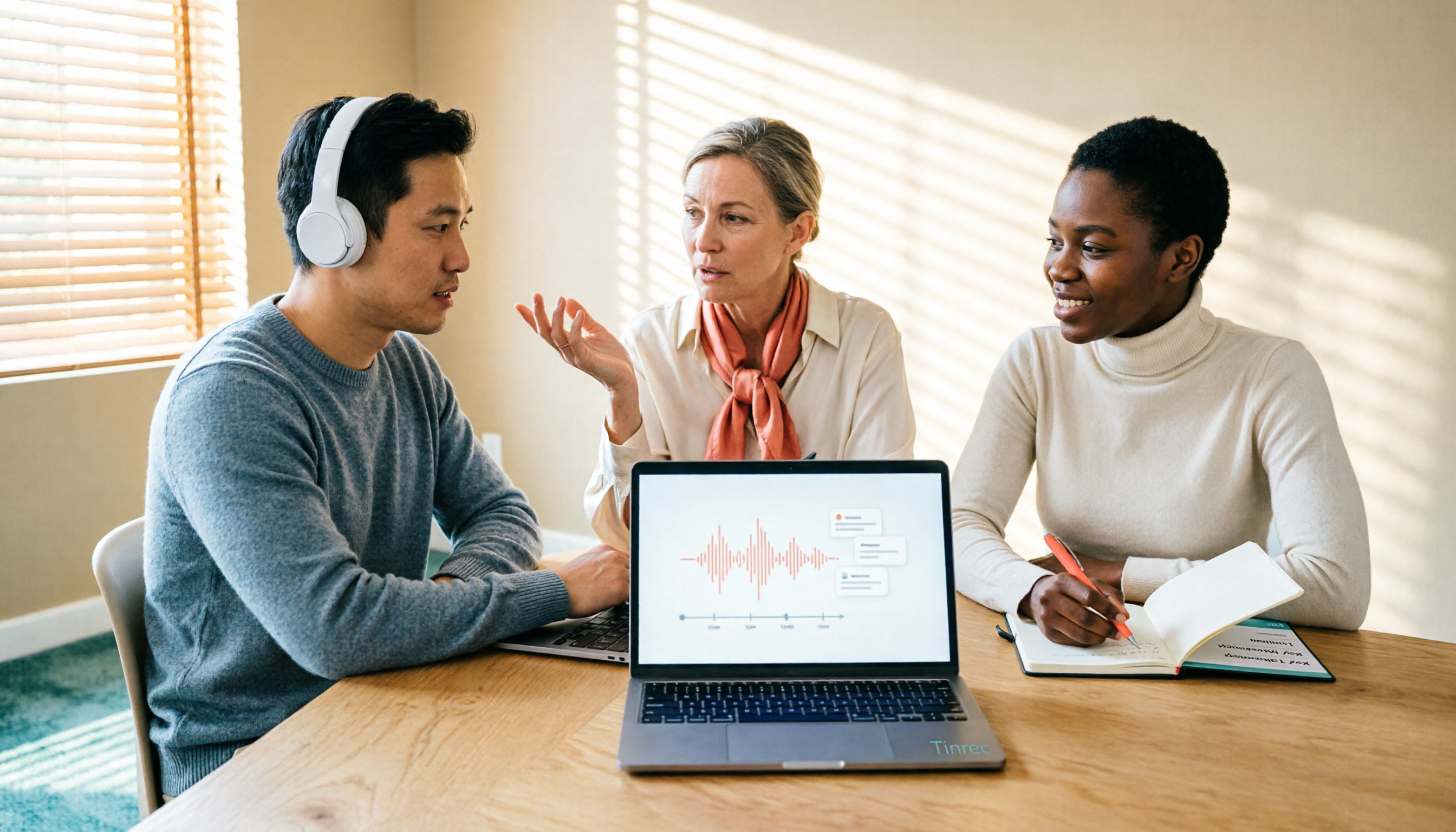
First, positioning: Tinrec is an AI meeting notes and collaboration tool for individuals and teams, available on web, desktop, and mobile. It doesn't just convert audio to text; it organizes meetings into data that can be searched, queried, and further processed.
No need to invite a bot to online meetings The desktop version directly captures system audio from your computer, handling meetings on Zoom, Google Meet, Microsoft Teams, Webex, and similar platforms without requiring an extra bot account to join the meeting room. Click start recording before the meeting, and the transcript grows along with it.
No need to listen from the beginning after the meeting After recording, AI generates summaries, chapters, and action items. Who is responsible for what and when it's due are listed right there. If you need to write reports or tables, you can use Agent post-processing to continue working on it.
You can ask questions about the meeting content This is where it stands out from pure transcription tools. You can directly ask "which paragraph mentioned the budget" or "what was decided in the last meeting," and it will answer based on the content. No need to Ctrl+F through a 30-minute transcript yourself, and past meetings can also be included in searches.
Export and team knowledge retention Results can be exported to Notion, Google Docs, OneNote, Dropbox, and other tools for continued use. The team version offers a completely independent space: members, roles, and seats are managed separately, with usage analytics, audit logs, audio recycle bin, and team hotwords. When a member leaves, resources can be handed over to others.
Limitations to note The free version has a basic quota; heavy users need to consider a weekly card or Pro. Recording requires you to start it manually; it's not a bot that automatically joins all calendar meetings. Also, transcription quality can be affected by recording environment, accents, and multiple people talking over each other. For important content, it's recommended to double-check the transcript and recording.
Stop organizing recordings by hand
Upload audio or video and automatically get a transcript, summary, and action items
Who it's for People who have regular online meetings every week, need Chinese and mixed Chinese-English notes, must deliver meeting minutes or action items afterward, and don't want to carry another piece of hardware.
Besides Tinrec, These Three Latest PLAUD Recorders Are Also Worth Knowing
PLAUD is a leading brand in AI recording hardware, and its official website currently features three devices. The company also reminds users to update device firmware and the app to the latest version before use to ensure the best recording and transcription experience. Prices and membership benefits are subject to change; please refer to the official page before ordering.
PLAUD Note A credit-card-sized smart recording card that emphasizes one-touch recording, automatic transcription, and transcripts. The official specs list support for 112 languages, 30 hours of continuous recording, 64 GB storage with cloud backup, and two recording modes: in-person and phone call. It must be magnetically attached to the back of your phone because the device uses a vibration conduction sensor to pick up sound from the phone speaker. New units come with a free Starter membership offering 300 transcription minutes per month. Suitable for salespeople and individual workers who are often on the go, but it lacks team spaces and seat management.
PLAUD Note Pro An upgraded version of Note, also nearly credit-card-sized, adding an InstantView display screen and aluminum alloy body. It can automatically switch between environment and call recording modes and requires a MagSafe carrying case to attach to the phone. It supports manually marking highlights, taking phone photos, or adding text to explain context. Price on the US official website is USD 189. Suitable for people who want to "see the status" and often record phone calls; however, it remains primarily for personal use, and cross-meeting AI follow-up questions and team governance are not its strengths.
PLAUD NotePin A smart recording capsule with a wearable positioning. Price on the US official website is USD 159. Suitable for interviews, mobile note-taking, and capturing ideas on the go. If your need is online meeting transcription plus post-meeting collaboration, this type of hardware relies on the app to fill the gap, adding extra steps to the workflow.
Note: PLAUD's AI membership is billed separately. Pro is about USD 99.99/year (1,200 minutes per month), and Unlimited is about USD 239.99/year. Please refer to official announcements for actual plans and prices.
Pitfall Guide: The 4 Most Common Mistakes When Choosing a Recording Solution
Pitfall 1: Looking only at hardware specs without thinking about who will organize the notes. 30-hour battery life and 64 GB are attractive, but if your pain point is "delivering meeting notes after the meeting," what you should really compare is summary, action item, and query capabilities—not battery numbers.
Pitfall 2: Treating "unlimited" as truly unlimited. Many plans' unlimited transcription is subject to storage, upload speed, or AI credit limits. Check clearly whether the quota counts "recording minutes" or "import minutes"—the difference is significant.
Pitfall 3: Ignoring how online meetings capture audio. Meeting bots joining the room may be blocked by some companies and add an extra participant. If you often have external client meetings, whether the tool can directly capture system audio is more practical.
Pitfall 4: Not addressing team data ownership. Data left in personal accounts gets taken away when a member changes jobs. When looking at team versions, focus on spaces, roles, seats, and handover mechanisms—not just minutes quota.
Conclusion: Which One Should You Choose?
- Frequent online meetings, need Chinese minutes and action items → Tinrec, record directly on desktop, ask questions right after the meeting
- Need cross-platform (record on phone, organize on computer) → Tinrec, web, desktop, and mobile all in the same workflow
- Reports to deliver to managers or clients after meetings → Tinrec, Agent post-processing can generate documents and tables
- Team needs to share meeting data, manage members and usage → Tinrec team version, with spaces, roles, seats, audit logs, and recycle bin
- Often on the go, need portable recording → PLAUD Note, NotePin and similar hardware are more convenient
- Just want to use built-in platform transcription → Use Zoom or Teams built-in features for now, but you'll have to organize the notes yourself
One final reminder: before recording, proactively inform the other party and obtain consent. No matter how convenient the tool is, privacy and legal compliance come first.
Overall, if what you need to solve is "meeting notes" rather than "recording" itself, a tool like Tinrec that connects transcription, summaries, queries, export, and team collaboration will show results faster than buying another piece of hardware. You can start with the free version and upgrade once you confirm it fits your workflow.
References
- Plaud Taiwan | Official Website | Leading Brand in AI Recording Devices
- Plaud Note │ The Smartest AI Recording Card Ever
- PLAUD Smart Recording | Recording/Audio Accessories - PChome 24h Shopping
- PLAUD Note Pro AI Smart Notebook Recording Card - Sentra International
- Plaud App Download | Mobile and Desktop Versions
Turn every recording into actionable outcomes
Get 60 free transcription minutes when you sign in. No credit card required.
Related Reading
You might also like

2026 AI Speech-to-Text Comparison: How to Use Vocol, Why Tinrec Wins for Team Meetings
Hands-on comparison of Vocol.ai, Notta, and Tinrec across meeting recording methods, transcript quality, post-meeting organization, team collaboration, and seat management. Includes step-by-step Vocol instructions and real-world limitations to help you choose the right tool for your meeting scenarios.

Which Group Owns Vocol in 2026? 5 Steps to Verify Brand Ownership and Choose the Right Tool
Which group owns Vocol.ai? Cross-checking the official website, Google Play developer field, and public records, the currently verifiable developer registration name is AIELLO INTERNATIONAL TAIWAN CO., LTD., but no public information clearly indicates which larger group it belongs to. This article walks you through 5 steps to verify brand ownership and compares Vocol, Tinrec, Otter.ai, and Notta in Chinese meeting notes and team collaboration.
2026 AI Voice Collaboration Tools Comparison: What Does Vocol Mean and How to Choose?
Vocol is not an English word but a portmanteau of Voice and Collaboration, and also the name of the AI voice collaboration platform Vocol.ai. This article first explains the meaning of Vocol and the platform's positioning, then compares Vocol.ai, Otter.ai, and Tinrec across four key purchasing criteria, and lists four common pitfalls for Taiwanese users to help you determine which tool fits your meeting workflow.

2026 AI Recorder Comparison: Plaud Note vs NotePin vs Tinrec for Meeting Notes
PTT threads about the Plaud recorder are everywhere, but the real pain point isn't recording—it's post-meeting organization. This hands-on comparison looks at PLAUD Note and PLAUD NotePin AI recording hardware versus Tinrec's meeting workflow, so you can decide which fits your daily meetings, interviews, and team collaboration.

2026 AI Recording Tools Compared: How to Use PLAUD Recordings and Which Has the Fastest Workflow
Got a PLAUD recording and want to turn it into a transcript, summary, and a shareable meeting recap? This guide first walks through the full PLAUD process—pairing the device, recording, syncing, transcribing, and exporting—then compares Tinrec, Otter.ai, and Notta from a practical standpoint for Chinese meetings, online meetings, and post-meeting organization. It ends with four common pitfalls and selection advice.

Tinrec vs Plaud Recorder 2026: 5-Dimension Comparison — Software Collaboration or Portable Hardware?
Plaud is a popular AI recording hardware in 2026, but before buying a device, think about where your meetings happen. This article compares Plaud and Tinrec across 5 dimensions—device cost, online meeting handling, post-meeting workflow, language translation, and team governance—to help you decide between portable hardware and software collaboration.

4 AI Recorders Compared for 2026: PLAUD, Granola, Otter, and Tinrec — How to Choose
How do you choose an AI recorder in 2026? Starting from three real-world scenarios — online meetings, in-person interviews, and team handoffs — this article lays out 4 key buying criteria and compares the positioning, pricing, and limitations of Tinrec, PLAUD Note Pro/NotePin, Granola, and Otter.ai to help you decide whether to buy hardware or use software.

4 Recording Tools Tested for 2026: PLAUD's Latest vs. Tinrec — Which Saves More Post-Meeting Time?
Looking for the latest PLAUD recording version? This guide covers PLAUD Note Pro and NotePin specs, firmware updates, and subscription costs, plus hands-on comparisons of Tinrec, Otter.ai, and Notta for meeting notes, AI Q&A, and team collaboration—helping you choose the right tool for your budget and use case.

2026 AI Voice Recorder Comparison: Plaud Note Tutorial & Tinrec Chinese Meeting Review
A hands-on Plaud AI voice recorder tutorial comparing hardware recording vs. software meeting notes, with 4 buying tips, 3 common mistakes, and real-world testing of Tinrec for Chinese meetings, post-meeting organization, and team collaboration.