

Turn recordings into transcripts and summaries in minutes
Upload audio or video for multilingual transcription, AI notes, and action items
2026 AI Recorder Comparison: Plaud Note vs NotePin vs Tinrec for Meeting Notes
After reading all the Plaud recorder reviews on PTT, the biggest mistake people make is treating recording hardware as a complete meeting notes solution. They think buying a card-sized recorder means transcripts, summaries, and action items will magically appear after the meeting. In reality, the hardware only handles the recording—the real time sink is replaying, organizing, and following up.
A better approach is to first figure out whether you need a portable recording device or a workflow that turns meeting content into searchable, collaborative data. That's why more people are turning to software-first AI meeting tools like Tinrec.
This article starts from common PTT discussions about Plaud recorders and compares hardware options like PLAUD Note and PLAUD NotePin with Tinrec. I'm not saying hardware has no value—I'm helping you decide which approach better fits your daily meetings, interviews, and team collaboration.
Why Are People Looking for Plaud Recorder Alternatives?
PLAUD has become a popular AI recording hardware brand in recent years. The PLAUD Note is a credit-card-sized magnetic device that sticks to the back of your phone to record; the PLAUD NotePin is an even smaller wearable recorder designed for on-the-go capture and face-to-face conversations. For people who are constantly visiting clients and need to quickly record conversations, the "no app needed, just press a button" experience is genuinely appealing.
But after using it for a while, many people realize the pain point isn't the recording itself. Meeting recordings are long, and replaying them takes just as much time or more. Even with a transcript, finding conclusions and figuring out who's responsible for what still requires manual digging. And if most of your meetings are on Zoom, Google Meet, or Microsoft Teams, hardware recording can run into issues with audio quality, device placement, and post-meeting importing.
If that sounds familiar—you don't need another recorder, you need a process that turns meeting content into usable data—then Tinrec is worth a look.
Tinrec vs Plaud Recorder: What's the Core Difference?
1. How Meetings Are Captured: Hardware Recording vs Bot-Free Desktop Recording
PLAUD's strength is its hardware form factor, ideal for portable, face-to-face, and phone call recording. Tinrec focuses on the meeting workflow: the desktop version captures your computer's system audio to handle online meetings on Zoom, Google Meet, Microsoft Teams, Webex, and more—without inviting an extra meeting bot. For people who sit at a computer for meetings all day, one less device and one less post-meeting import step makes a real difference. Simply put, PLAUD solves "record wherever you go," while Tinrec leans toward "open your laptop and the meeting gets recorded."
2. Post-Meeting Depth: After the Transcript, Who Keeps Working for You?
PLAUD's website highlights multiple AI engines, multilingual transcription, summaries, and templates—helpful for personal recording organization. Tinrec goes deeper after transcription: it automatically generates summaries, chapters, key points, and action items, and lets you ask AI questions about the meeting content. After recording a one-hour meeting, you can directly ask "What were the conclusions?" or "Who's responsible for what?" without manually scrolling through dozens of transcript pages. Rather than calling Tinrec a recorder replacement, it's more accurate to say it turns meetings into material you can keep working with.
3. Chinese and Multilingual Meetings: It's Not About Language Count, It's About How Smooth the Output Is
PLAUD's website mentions support for 112 languages, which appeals to multilingual environments. Tinrec focuses on Chinese, Traditional Chinese, and mixed Chinese-English meetings, offering real-time translation, original/translated/bilingual views, and team glossary management. Actual results depend on recording quality, accents, background noise, overlapping speakers, and technical terminology—no tool can guarantee a fixed accuracy rate. Instead of just looking at language counts, record one of your real meetings and see if the output is directly readable and editable.
4. Team Collaboration and Governance: Personal Recording vs Team Database
PLAUD is more like a personal recording device plus an AI membership plan, suited for individual portable use. Tinrec's team edition is a separate team workspace: meeting data belongs to the team, you can invite members, assign Owner/Admin/Member roles, allocate or revoke seats, and view usage trends, member rankings, and audit logs. When a member leaves or loses a seat, team resources can be handed over rather than following the individual. For departments that need to accumulate meeting assets, this is a layer that hardware solutions struggle to replace.
5. Cost Structure: Hardware Plus Membership vs Software Subscription
PLAUD's entry cost includes hardware and an AI membership. Based on official pages, the PLAUD NotePin is priced at USD 159 and the Note Pro at USD 189; AI plans include Starter at 300 minutes/month, Pro at USD 99.99/year (1,200 minutes/month), and Unlimited at USD 239.99/year. Tinrec is primarily a software subscription: the free version offers basic quota to try, and the team edition is USD 29.80/month per paid seat or USD 199/year per paid seat (about USD 16.58/month), with each paid seat providing 2,000 minutes of team-shared import quota per month. The cost logic is different—first determine whether you're missing a device or a workflow.
Tinrec's Core Features at a Glance
Real-time speech-to-text: Open Tinrec to record and text appears simultaneously—great for in-person meetings, interviews, and on-site notes. You can confirm during the meeting whether you've missed key points, and by the end, the transcript is already taking shape without replaying from the start.
Bot-free online meeting recording: The desktop version captures system audio to record online meetings without pulling an extra bot into the meeting room. For Zoom, Meet, Teams, and Webex participants, no unfamiliar account appears in the attendee list, and the recording process is less intrusive.
Stop organizing recordings by hand
Upload audio or video and automatically get a transcript, summary, and action items
AI summaries, chapters, and action items: The most time-consuming part of long meetings is condensing. Tinrec organizes content into summaries, chapters, and key points, and extracts action items from discussions. After a project meeting, you can paste action items directly into your existing workflow without writing while listening.
AI Q&A and multi-format export: Beyond reading transcripts, you can ask questions about a single meeting or across multiple meetings, letting AI find conclusions and commitments. Organized content can be exported to common formats or brought into Notion, Google Docs, OneNote, Dropbox, and other tools for continued use.
Agent post-processing and team workspace: When you need post-meeting deliverables, Tinrec can generate reports, tables, and documents based on meeting content. The team edition centralizes recordings, transcripts, summaries, and action items, so new members can view past meetings and turn one-off records into a searchable team resource.
Real-World Use Cases
Weekly team meetings: Instead of taking turns on notes, use Tinrec's desktop version to record the meeting and check the summary and action items afterward. Who committed to what and which decisions were overturned can all be verified against the transcript. For managers, past meetings can also be quickly reviewed with AI Q&A.
Customer interviews and requirements meetings: Clients talk fast and information is scattered—you need to listen carefully in the moment and organize requirements afterward. Tinrec can produce a transcript first, then let AI summarize customer pain points, objections, and follow-up actions, reducing the number of times you replay recordings.
Classes, lectures, and professional development: When you can't copy the entire whiteboard during a lecture, speech-to-text preserves the instructor's exact words. Reviewing with summaries and chapters after class saves more time than replaying from the beginning; when you need to quote, you can return to the transcript to find the original sentence.
Personal knowledge management: Ideas, phone call highlights, and impromptu meetings can all be recorded first, then searched and queried later. Tinrec's value isn't turning every recording into a polished note—it's making that content findable and usable in the future.
What to Look For When Choosing a Speech-to-Text Tool
First, determine whether your meetings are mostly online or in-person. If 90% of your meetings happen at a computer, bot-free desktop recording will be smoother than portable hardware; if you're often on the go and need phone call recording, hardware still has its place.
Don't just look at transcription minutes. Minutes only cover "converting to text"—what really affects efficiency is summaries, chapters, action items, Q&A, and export. When choosing a tool, ask yourself: after the meeting ends, how many more steps do I need to deliver results to colleagues?
For team use, distinguish roles and seats. The team edition isn't multiple people sharing one personal account. Tinrec's team edition uses roles to control management permissions and seats to control usage eligibility for recording, uploading, editing, and import/export; active members without seats can still view, play, and read team data. Before purchasing, confirm whether members need to "view" or "use."
Test Chinese and technical term recognition yourself. Instead of looking at advertised language counts, test with a meeting recording that includes mixed Chinese-English and product codes. Tinrec supports team glossaries to maintain common terminology, but actual results still depend on audio quality, accents, and overlapping speech.
Think through data retention and export methods first. Should meeting data stay in the team workspace? How is it handed over when members leave? Can accidentally deleted audio be recovered? Tinrec's team edition provides an audio recycle bin (currently retained for 30 days) and audit logs, but different plans still have quotas and lifecycles—confirm the rules before use.
Conclusion: Is Tinrec Worth a Try?
If you're looking for a Plaud recorder alternative, don't rush to compare hardware specs. For most office workers, the real question isn't "did I record it" but "can I quickly turn the recording into summaries, action items, and searchable data." Tinrec's advantages: bot-free desktop recording for online meetings, AI summaries and Q&A after transcription, and a team edition that turns meetings into a shared database.
AI recording hardware like PLAUD isn't bad—it suits people who value portable recording, phone call recording, and a standalone device experience. But if most of your scenarios are online meetings, customer interviews, and team collaboration, a software workflow like Tinrec will better fit your daily usage.
I recommend starting with Tinrec's free version, recording one of your real meetings, and seeing whether the transcript, summary, and action items meet your expectations. That's more direct than just reading PTT reviews or spec sheets.
FAQ
Q1: What's the difference between the Plaud recorder discussed on PTT and Tinrec? PLAUD is AI recording hardware focused on portable recording, device form factor, and phone call recording; Tinrec is an AI meeting notes and collaboration tool focused on online meeting recording, post-transcription summaries/action items/Q&A, and team data accumulation. One leans toward "recording device," the other toward "meeting workflow."
Q2: Does Tinrec require additional hardware? No. Tinrec is software-based and works on web, desktop, and mobile. The desktop version can capture computer system audio to record online meetings without an extra recorder or meeting bot.
Q3: Is the free version of Tinrec enough? The free version offers basic quota, suitable for light use and testing transcription quality. If you have regular weekly meetings or need team sharing, seat management, usage analytics, and auditing, you'll need to consider a paid plan. Actual quotas and prices are subject to the official purchase page.
Q4: Can Tinrec record Zoom, Google Meet, and Microsoft Teams? Yes, through the desktop version capturing computer system audio to handle meeting audio played on your computer. Note that this isn't "automatically joining all calendar meetings"—the user actively opens Tinrec to start recording; Tinrec also has no official partnership with these platforms.
Q5: What's the difference between the team edition and personal edition? Can people without seats see data? Personal edition data is managed by the individual account. The team edition has a separate team workspace where meeting data belongs to the team, plus members, roles, seats, sharing benefits, usage analytics, audit logs, and recycle bin. Active members without seats can view, play, and read team data but cannot upload, edit, import/export, or perform other resource usage operations.
Q6: Can speech-to-text accuracy reach 100%? It's best not to expect that. Transcription results are affected by recording quality, noise, accents, overlapping speakers, and technical terminology. Tinrec can reduce manual note-taking and organization costs, but important content should be verified against transcript timestamps and recording playback. Before recording, also obtain consent in accordance with local regulations and situational needs.
References
- Plaud Note │ The Smartest AI Voice Recorder Card
- [Review] Ultra-Thin AI ChatGPT Voice Recorder Plaud Note Hands-On Test: Smooth Experience for Meeting Notes and Phone Call Transcription Summaries
- Plaud Taiwan | Official Website | Leading AI Recording Device Brand
- PLAUD NOTE AI Voice Recorder Card Trial Report | One-Button Recording Plus AI Summarization for Daily and Business Use - Mobile01
- [PLAUD NOTE] ChatGPT AI Voice Recorder Card - momo Shopping - Highly Rated - July 2026
Turn every recording into actionable outcomes
Get 60 free transcription minutes when you sign in. No credit card required.
Related Reading
You might also like

PLAUD Recorder 2026 Latest Version Review: Which of 3 Meeting Notes Solutions Is Right for You?
How to choose the latest PLAUD recorder? This article starts with common misconceptions and outlines the positioning and limitations of three recording devices: PLAUD Note, Note Pro, and NotePin. It also compares AI meeting tools like Tinrec in terms of bot-free recording, post-meeting summaries, AI follow-up questions, and team collaboration. Key buying factors and pitfalls to avoid are included to help you decide whether to buy hardware or switch tools.
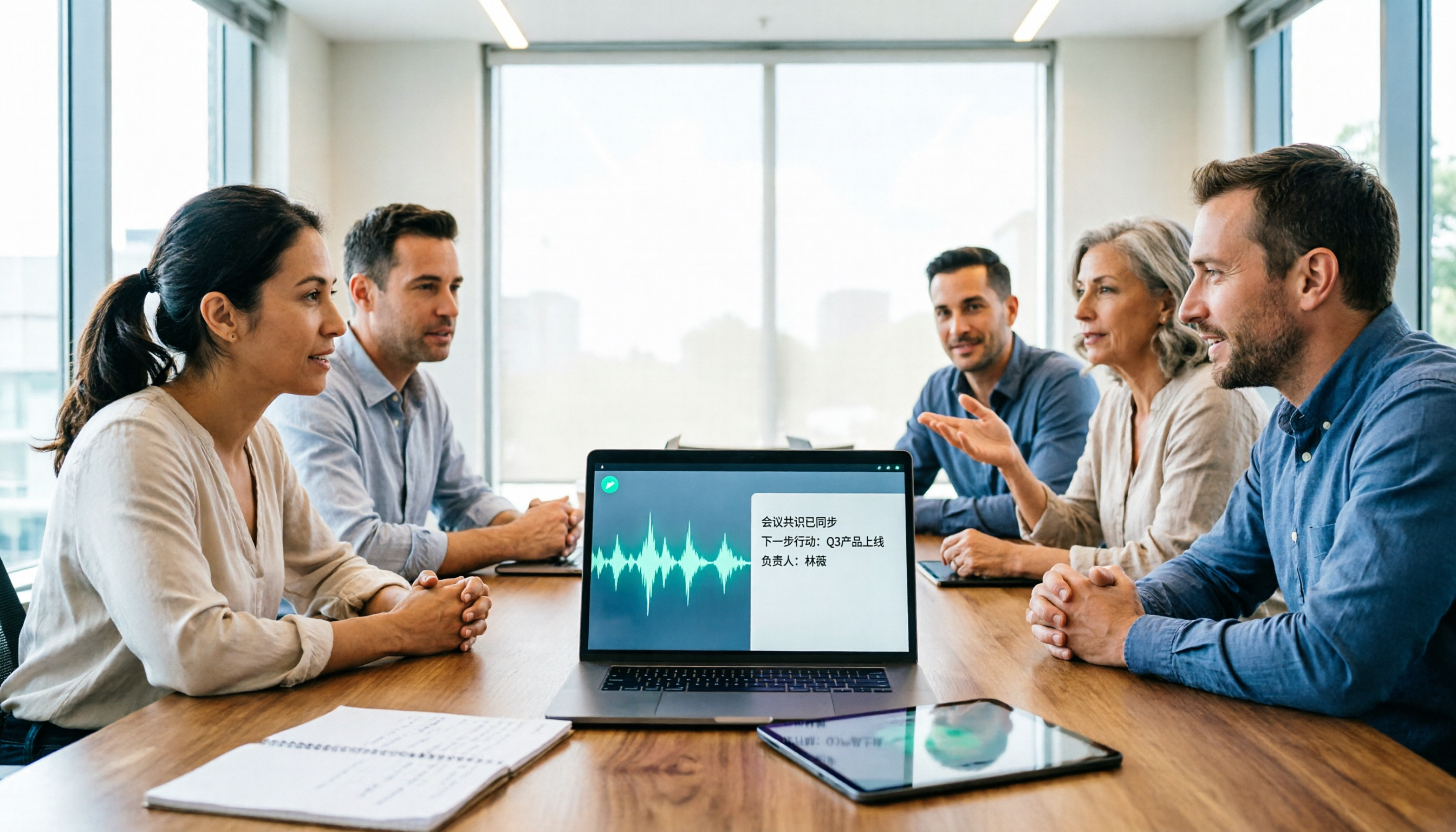
2026 AI Speech-to-Text Comparison: How to Use Vocol, Why Tinrec Wins for Team Meetings
Hands-on comparison of Vocol.ai, Notta, and Tinrec across meeting recording methods, transcript quality, post-meeting organization, team collaboration, and seat management. Includes step-by-step Vocol instructions and real-world limitations to help you choose the right tool for your meeting scenarios.

Which Group Owns Vocol in 2026? 5 Steps to Verify Brand Ownership and Choose the Right Tool
Which group owns Vocol.ai? Cross-checking the official website, Google Play developer field, and public records, the currently verifiable developer registration name is AIELLO INTERNATIONAL TAIWAN CO., LTD., but no public information clearly indicates which larger group it belongs to. This article walks you through 5 steps to verify brand ownership and compares Vocol, Tinrec, Otter.ai, and Notta in Chinese meeting notes and team collaboration.
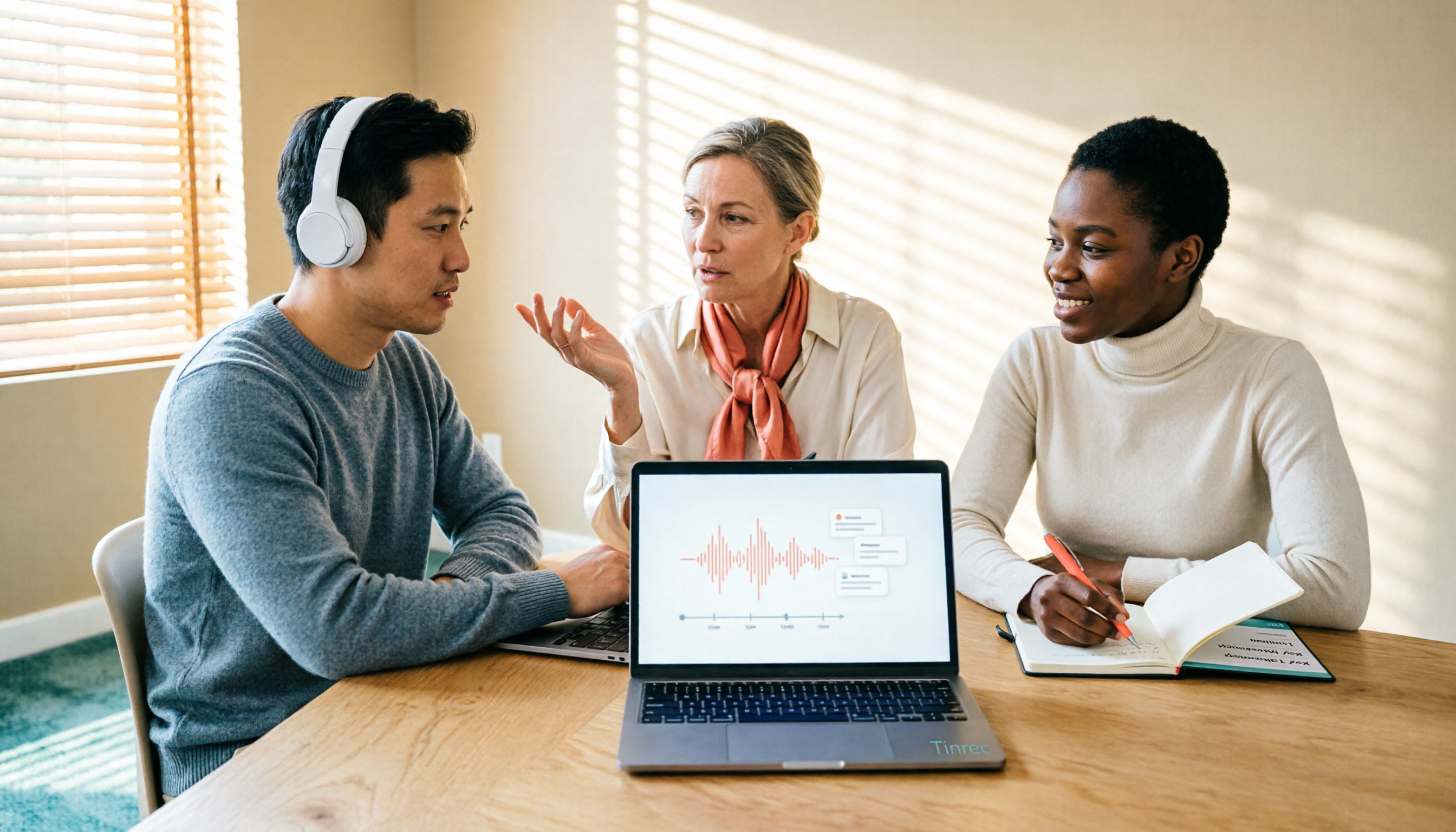
2026 AI Voice Collaboration Tools Comparison: What Does Vocol Mean and How to Choose?
Vocol is not an English word but a portmanteau of Voice and Collaboration, and also the name of the AI voice collaboration platform Vocol.ai. This article first explains the meaning of Vocol and the platform's positioning, then compares Vocol.ai, Otter.ai, and Tinrec across four key purchasing criteria, and lists four common pitfalls for Taiwanese users to help you determine which tool fits your meeting workflow.

2026 AI Recording Tools Compared: How to Use PLAUD Recordings and Which Has the Fastest Workflow
Got a PLAUD recording and want to turn it into a transcript, summary, and a shareable meeting recap? This guide first walks through the full PLAUD process—pairing the device, recording, syncing, transcribing, and exporting—then compares Tinrec, Otter.ai, and Notta from a practical standpoint for Chinese meetings, online meetings, and post-meeting organization. It ends with four common pitfalls and selection advice.

Tinrec vs Plaud Recorder 2026: 5-Dimension Comparison — Software Collaboration or Portable Hardware?
Plaud is a popular AI recording hardware in 2026, but before buying a device, think about where your meetings happen. This article compares Plaud and Tinrec across 5 dimensions—device cost, online meeting handling, post-meeting workflow, language translation, and team governance—to help you decide between portable hardware and software collaboration.

4 AI Recorders Compared for 2026: PLAUD, Granola, Otter, and Tinrec — How to Choose
How do you choose an AI recorder in 2026? Starting from three real-world scenarios — online meetings, in-person interviews, and team handoffs — this article lays out 4 key buying criteria and compares the positioning, pricing, and limitations of Tinrec, PLAUD Note Pro/NotePin, Granola, and Otter.ai to help you decide whether to buy hardware or use software.

4 Recording Tools Tested for 2026: PLAUD's Latest vs. Tinrec — Which Saves More Post-Meeting Time?
Looking for the latest PLAUD recording version? This guide covers PLAUD Note Pro and NotePin specs, firmware updates, and subscription costs, plus hands-on comparisons of Tinrec, Otter.ai, and Notta for meeting notes, AI Q&A, and team collaboration—helping you choose the right tool for your budget and use case.

2026 AI Voice Recorder Comparison: Plaud Note Tutorial & Tinrec Chinese Meeting Review
A hands-on Plaud AI voice recorder tutorial comparing hardware recording vs. software meeting notes, with 4 buying tips, 3 common mistakes, and real-world testing of Tinrec for Chinese meetings, post-meeting organization, and team collaboration.