

Turn recordings into transcripts and summaries in minutes
Upload audio or video for multilingual transcription, AI notes, and action items
Two-hour meeting, another two hours cleaning up the transcript
Five minutes before the meeting ends, your boss suddenly asks: "Who was it that mentioned the budget last time with the client?" You open the phone recording and start from the beginning, dragging a 30-minute file to the 18-minute mark, pausing, rewinding, and typing. If this happens three times a week, anyone would start looking for a tool.
Another scenario is online courses and interviews. The speaker talks fast, mixes Chinese and English, and occasionally someone interrupts—typing can't keep up. By the time you remember to record, the meeting has already been going for ten minutes.
Most people search for "live transcription free online" not just to turn voice into text, but for three things to happen at once: words appear as you speak, the free tier is actually sufficient, and after transcription you don't have to spend double the time organizing. This article breaks down these three aspects.
Before choosing a tool, understand these 4 key points
1. Live transcription and upload transcription are two different needs. Live transcription displays text as you speak, suitable for in-person meetings, interviews, and classes; uploading audio files is for post-event recovery, suitable for already-recorded material. Some tools only do the latter, but if you use them as live tools, they'll naturally feel cumbersome.
2. Free quota units are completely different. Some give credits upon daily login, some give monthly minutes, and some limit file length (e.g., 3 minutes per file, 5 hours per file). Whether you have meetings daily or weekly, the suitable plan is completely different.
3. Chinese and mixed Chinese-English is the real battleground. Official claims of over 90% accuracy are mostly tested in quiet environments. Real offices have air conditioning noise, keyboard sounds, multiple people talking over each other, plus product terminology—the gap shows up here.
4. Can you use it directly after transcription? Just giving you a big block of text is like handing the organization work right back to you. Whether it has automatic paragraphing, punctuation, timestamps, summaries, action items, or even the ability to ask questions about the content—that's the key to saving time.
Tinrec: The most well-rounded after hands-on testing
Tinrec is an AI meeting notes and collaboration tool for individuals and teams, available on iOS, Android, and web. It doesn't just convert voice to text; it organizes meeting content into searchable, summarizable, queryable, and exportable data.
Live recording to text, words appear as you speak. For in-person meetings, client interviews, and classroom lectures, open live recording and content starts accumulating; by the end of the meeting, the transcript is already formed—no need to listen again.
No bot invitations for online meetings. The desktop version directly captures computer system audio, handling Zoom, Google Meet, Microsoft Teams, Webex, and other meetings without pulling an extra bot into the room. Note the accurate description here is "users actively open the desktop version for bot-free recording," not automatically joining all calendar meetings.
Post-meeting organization is its main strength. Beyond the transcript, it automatically generates summaries, chapters, key points, and action items; you can ask questions directly about a single meeting or across meetings, such as "What was the conclusion of the last meeting?" or "Who mentioned the budget?" It answers based on semantics, not just a bunch of keyword search results. It can also generate reports, tables, and documents, and export to Notion, Google Docs, OneNote, Dropbox, and other tools for further processing. For cross-language meetings, real-time translation lets you view in original, translated, or bilingual mode.
Team scenarios have a corresponding team version. The team version is not multiple people sharing a personal account, but an independent team space: you can create multiple teams, invite members via join links, set owner and admin roles, assign or revoke seats; meeting data belongs to the team, and when a member leaves, their responsible resources must be handed over to other active members. Admins can view usage trends, member rankings, and details, query and export audit logs, and team hotwords improve recognition of professional terminology. Distinguish roles and seats: active members without a seat can still view, play, and read team data, but cannot upload, edit, or export.
Stop organizing recordings by hand
Upload audio or video and automatically get a transcript, summary, and action items
Pricing and quota (subject to the official purchase page): The personal version has a free version, weekly card, Pro monthly, and Pro annual, choose based on usage frequency. The team version offers a 7-day trial for first-time eligible users, 1 free seat, and 300 minutes of team shared import quota; monthly USD 29.80 per paid seat per month, annual USD 199 per paid seat per year (about USD 16.58 per month), each paid seat provides 2,000 minutes of team shared import quota per month. Under an active team plan and active seats, live recording currently does not deduct minutes; file and web imports use the team shared quota.
Limitations clearly stated: The free version provides basic quota; heavy users still need to pay; transcription accuracy is affected by recording quality, noise, accents, overlapping speech, and professional terminology—not recommended as a 100% accuracy promise; the desktop version requires users to actively initiate recording, not a fully automatic meeting bot.
Who it's for: People who frequently have Chinese or mixed Chinese-English meetings, want to use AI to find key points directly after meetings, and need to turn meeting data into team assets.
Besides Tinrec, what other free online options are there?
cSubtitle: Upload video or audio files without an account to transcribe, up to 4GB and 5 hours per file, supports MP4, MOV, MP3, WAV, M4A, OGG, WMA, automatically adds punctuation and paragraphing, and generates Word files with timestamps and .srt/.vtt subtitle files, with batch processing. Its positioning is post-processing files; it has no live transcription, no meeting summaries, action item extraction, or AI Q&A. Suitable for those who already have recorded material and mainly want subtitles.
MyEdit: Pure online tool, no installation, daily login gives credits for free transcription, supports 9 languages including Chinese, English, Japanese, Korean, German, French, Spanish, automatically paragraphs, optional timestamps, and exports in multiple formats. It mainly processes recorded audio files, does not focus on bot-free online meeting recording and team data accumulation, and has no Q&A flow around meeting content. Suitable for occasional short audio files and multilingual transcription needs.
Transcribe.com: AI live transcription service, text appears on screen as you speak, first 30 minutes free, export to PDF, DOCX, supports team editing permissions, and integrates with Zoom, Gmail, Google Drive; audio files for regular accounts are retained for only two weeks from upload date. The official page focuses on live transcription and collaboration, does not particularly emphasize Chinese and mixed Chinese-English processing, and lacks team hotwords, seats, and usage governance. Suitable for English-dominant meetings and those who want to try live transcription.
Pitfall guide: 3 most common mistakes when choosing free transcription tools
Pitfall 1: Only looking at the word "free" without checking the quota unit. Daily credits, monthly minutes, and per-file length limits are three completely different rules. Before downloading, think clearly about how many meetings you need to transcribe per week and how long each is.
Pitfall 2: Treating official accuracy as a guarantee. Over 90% is usually tested with clean recordings. Test with your own real meeting recordings, especially mixed Chinese-English and product terminology—the gap will appear immediately.
Pitfall 3: Using the tool only as a typewriter. If you only use it to turn voice into text, you're using only one-third of its capability. Features like Tinrec's summaries, chapters, and action item extraction, as well as asking questions directly about meeting content, are where "recording" becomes "usable data."
Pitfall 4: Ignoring data retention periods and ownership. Some services retain audio files for only two weeks; for team use, data should belong to the team, not personal accounts—otherwise when a colleague leaves, meeting records disappear with them.
Conclusion: Which one should you choose?
Need live transcription during meetings and summaries/action items directly after → Tinrec (most complete live transcription plus post-meeting organization workflow). Don't want bots in online meetings, especially Zoom, Meet, Teams, Webex → Tinrec desktop version (captures system audio, no extra participants). Mixed Chinese-English meetings, need bilingual comparison → Tinrec (real-time translation and bilingual view). Already have recorded files, only need transcripts and subtitle files → cSubtitle (no account, wide format support). Occasional short audio files, need multiple languages → MyEdit (daily free credits). Want to try English live transcription → Transcribe.com (first 30 minutes free).
Two final reminders: start with the free version or trial quota, test with your own work recordings before deciding to pay; also, recording and transcription involve others' conversations, so be sure to comply with local regulations and obtain consent from participants when necessary.
References
- Yating Transcription
- Online AI voice, video, audio file auto transcription - free trial - cSubtitle
- Online speech to text AI, free MP3 or audio file to text transcript - MyEdit
- No time limit! 3 free AI transcription tools, highly recommended! AI voice notes generate meeting records, presentations, mind maps | 104 Workplace
- Live transcription service | Transcribe App & Web Editor
Turn every recording into actionable outcomes
Get 60 free transcription minutes when you sign in. No credit card required.
Related Reading
You might also like

4 Live Transcription Apps Tested: Which Is Best for Chinese Meetings in 2026?
Live transcription is more than converting speech to text. Starting from a real interview pain point, this article shows what a usable transcript looks like, breaks down 4 key buying criteria, and compares Tinrec, Yating Transcription, cSubtitle, and Otter.ai on real-time capability, post-meeting organization, and team collaboration. It also includes a pitfalls guide and a starter checklist.

4 Live Transcription Apps Tested for 2026: Which Handles Chinese Meetings and No-Bot Recording Best?
How to choose a live transcription app? This article examines four key aspects: audio capture method, post-meeting output, Chinese recognition, and data ownership. It compares Tinrec, Notta, Otter.ai, and Granola through hands-on testing, and outlines four common purchasing pitfalls to help you determine which tool truly saves time on meeting organization.

4 Free Real-Time Transcription AI Tools Compared in 2026: Quotas, Chinese Recognition, and Post-Meeting Organization
There are many free real-time transcription AI tools, but their quota calculations, definitions of 'real-time,' and post-meeting organization capabilities vary widely. This article starts with common misconceptions, outlines four key purchasing criteria, and compares the free plans, Chinese language support, and team collaboration features of Tinrec, inFin, cSubtitle, and Otter.ai to help you choose one that meets your needs without pitfalls.

2026 Real-Time Transcription Tools Compared: 5 Top Picks Tested — What Makes Live Text Actually Work?
Real-time transcription isn't just hitting record — it's about where your meeting happens and what you need afterward. We tested Tinrec, Yating, Vocol.ai, Transcribe, and cSubtitle against 5 key buying criteria to help you choose the right tool for personal or team use, plus 4 common pitfalls to avoid.

2026 Real-Time Transcription Translation Guide: Bilingual Transcripts + AI Meeting Summaries
The hardest part of cross-language meetings isn't understanding—it's not having time to take notes. This guide covers three common inefficient approaches, explains how to choose and use real-time transcription translation, and tests Tinrec's real-time bilingual workflow, free and paid plan limits, plus who Google Translate transcription, Yating Transcription, and Transcribe are each best for.

2026 Live Transcription Showdown: Tinrec vs Otter.ai for Chinese Meetings
How to get live transcripts without replaying recordings? This side-by-side comparison of Tinrec and Otter.ai covers Chinese and mixed-language recognition, bot-free recording, post-meeting summaries and action items, audio retention, team seat management, and pricing quotas, plus four practical tips to help you choose the right tool for your meeting scenarios.

2026 Comparison of 4 Live Transcription AI Tools: Which One Actually Saves Time?
Online meetings, interviews, and classes need live transcription, but with so many tools available, is the free version enough? This article tests and compares four popular AI transcription tools—Tinrec, Otter.ai, Notta, and Granola—from real-time accuracy, post-meeting organization, team collaboration, to pricing, to help you find the most time-saving choice.

Tinrec vs Yating Transcription 2026: 5-Dimension Comparison — How to Calculate Real-Time Transcription Costs
The cost of real-time transcription software isn't just the per-minute price. This article compares Tinrec and Yating Transcription across five dimensions—free quota, real-time transcription method, post-meeting organization, team governance, and export integration—to break down the factors that truly affect procurement costs and help you determine which tool fits your actual usage scenario.
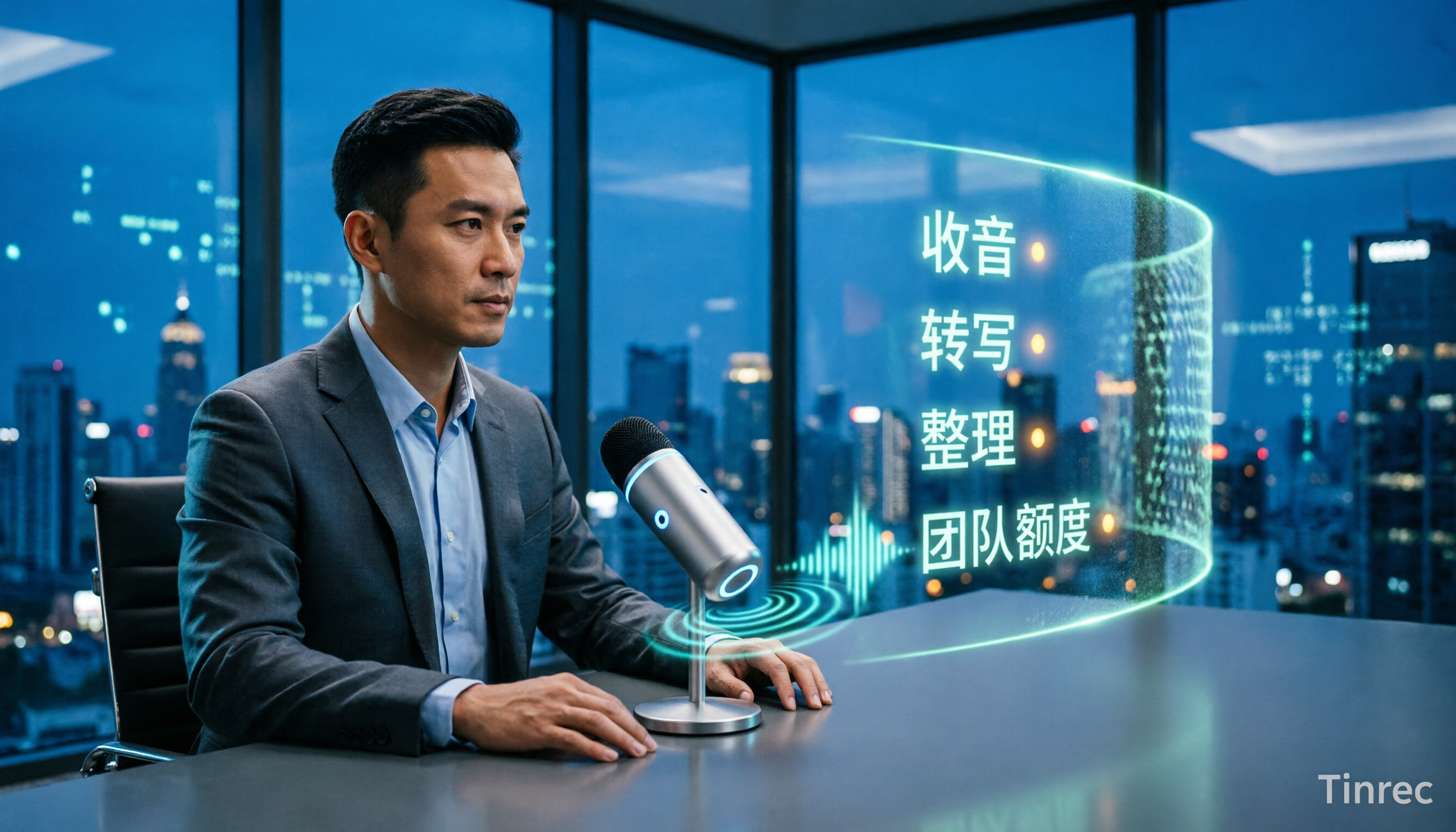
4 Live Transcription Tools Tested and Compared in 2026: How to Use Them Without Wasting Time
Live transcription isn't something you can just open and use. From how to capture audio in meetings to how to organize notes afterward and how team quotas are calculated, there are common pitfalls to watch out for. This article first highlights three common misconceptions, then outlines four key factors for choosing a tool, and compares Tinrec, Yating Transcription, Notta, and Otter.ai in real meeting scenarios to help you decide which one deserves a place in your daily workflow.